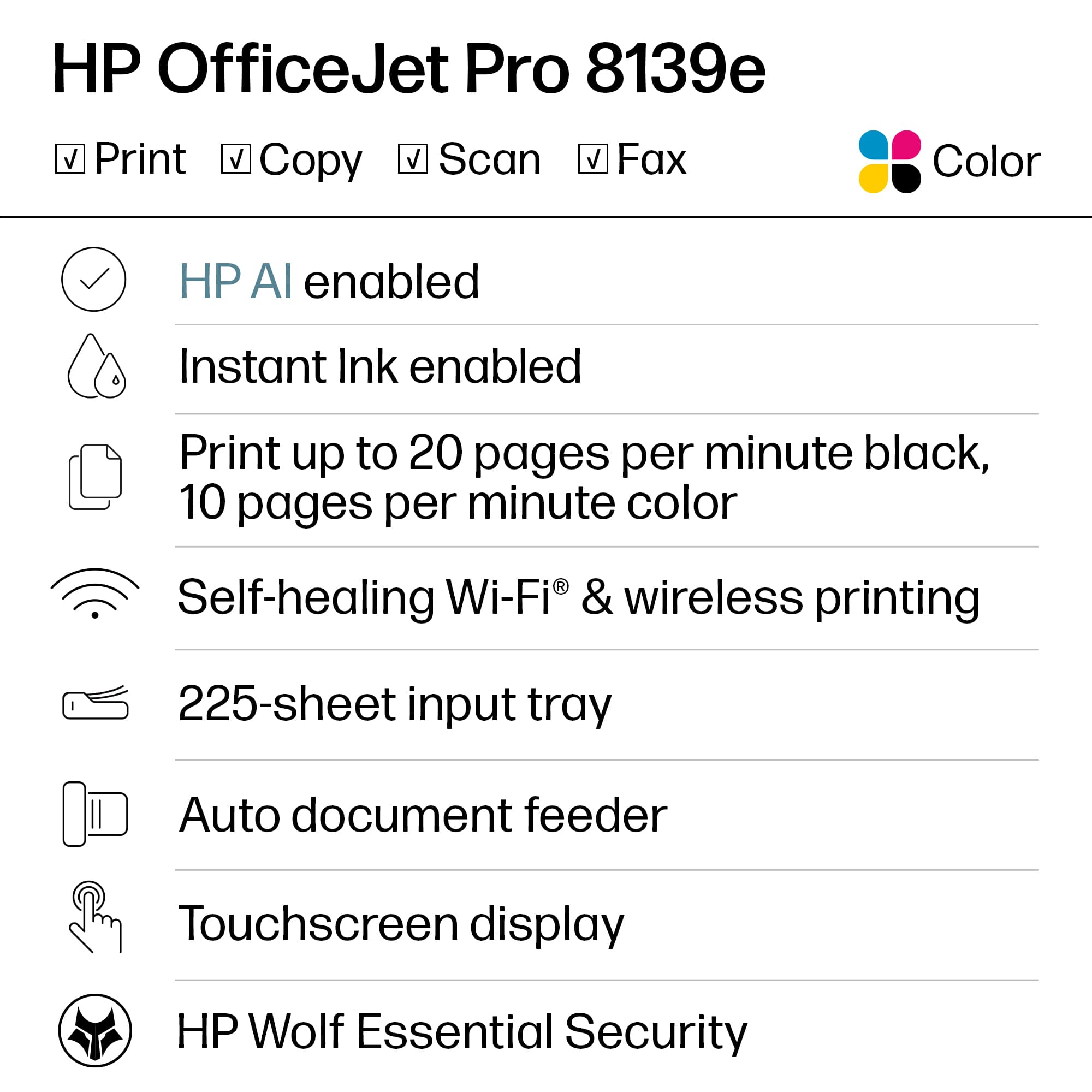
A:AnswerI have mine connected to my 5g network. But my 5g has the option to switch between 5g and 2.5g I have mine set so that it chooses winch one to connect to.
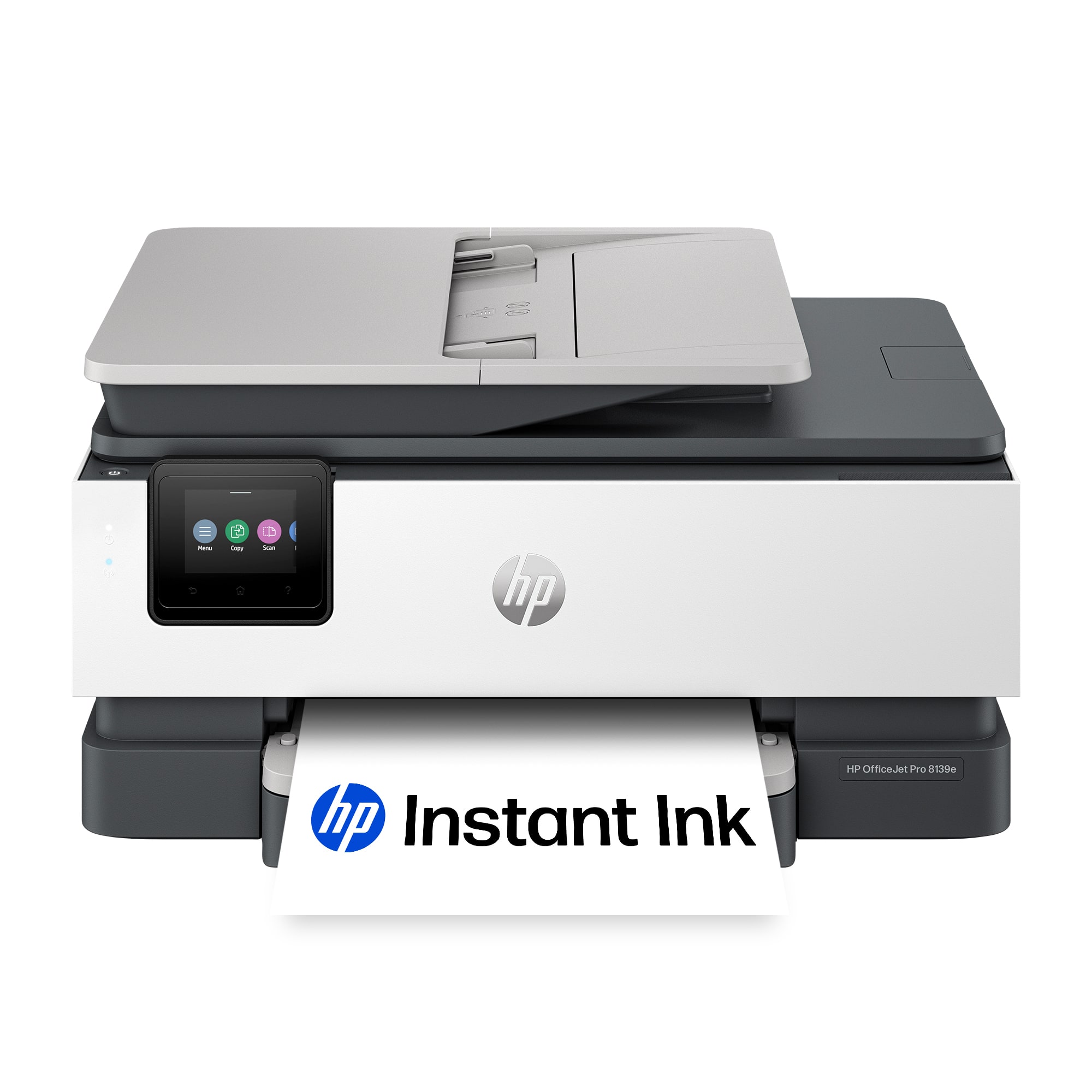
A:AnswerHello and thank you for asking. The HP OfficeJet 8139e printer, along with all current HP printers, are compatible with Macs running macOS 11 and higher, including macOS 14 Sonoma.
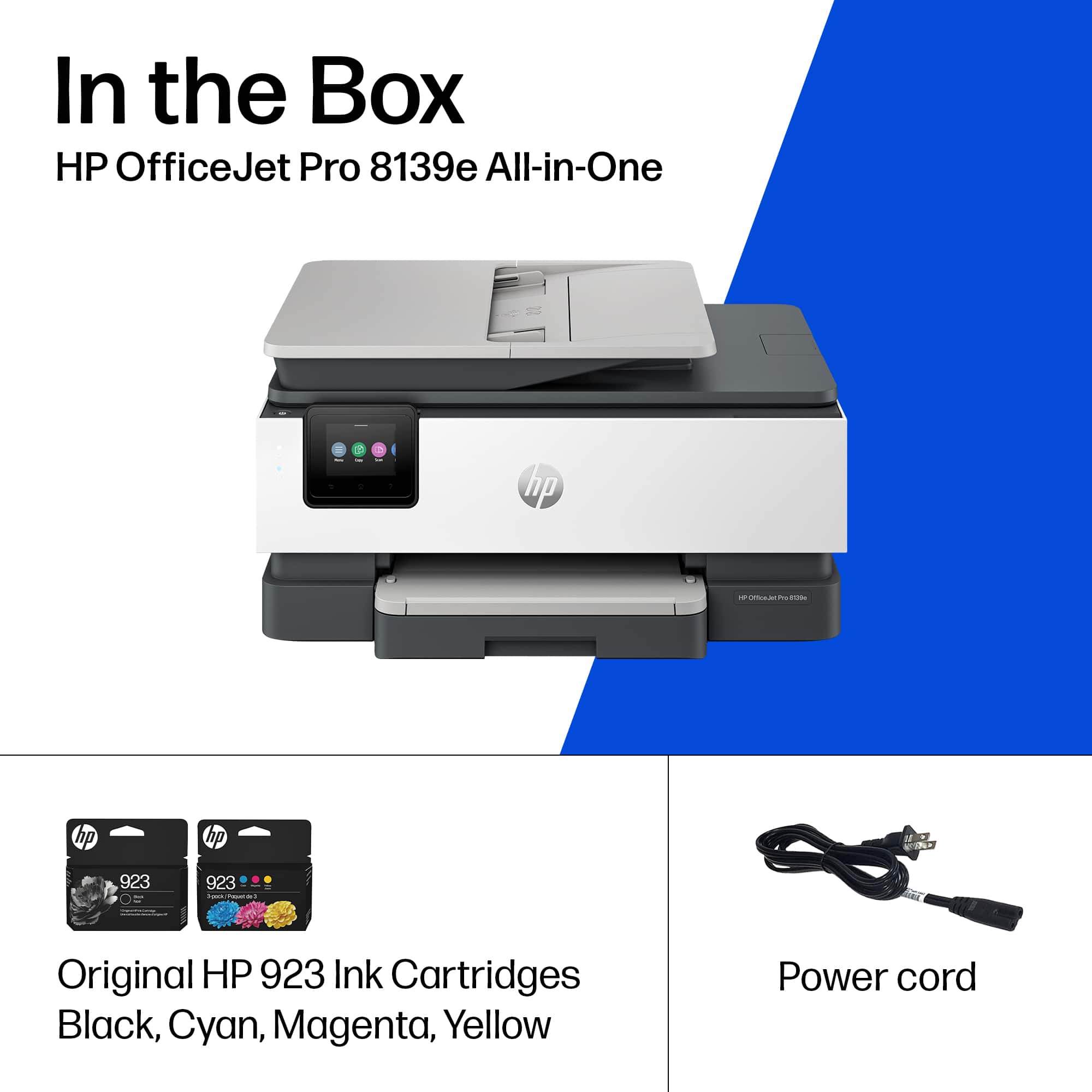
A:AnswerI'm not seeing anything that indicates that it will, but the 8139e comes with its own power cord that I know will work with it. Thanks for asking the question.
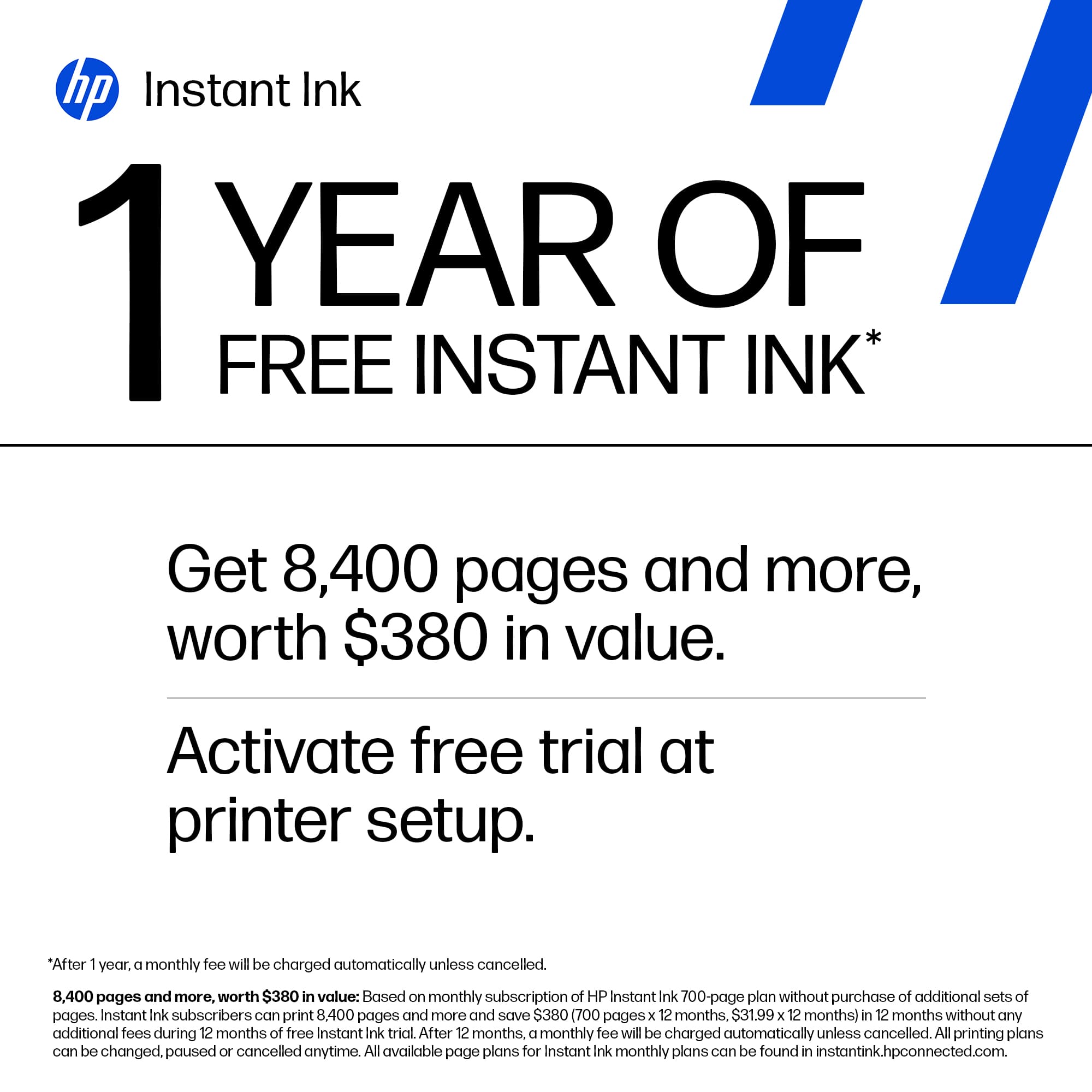
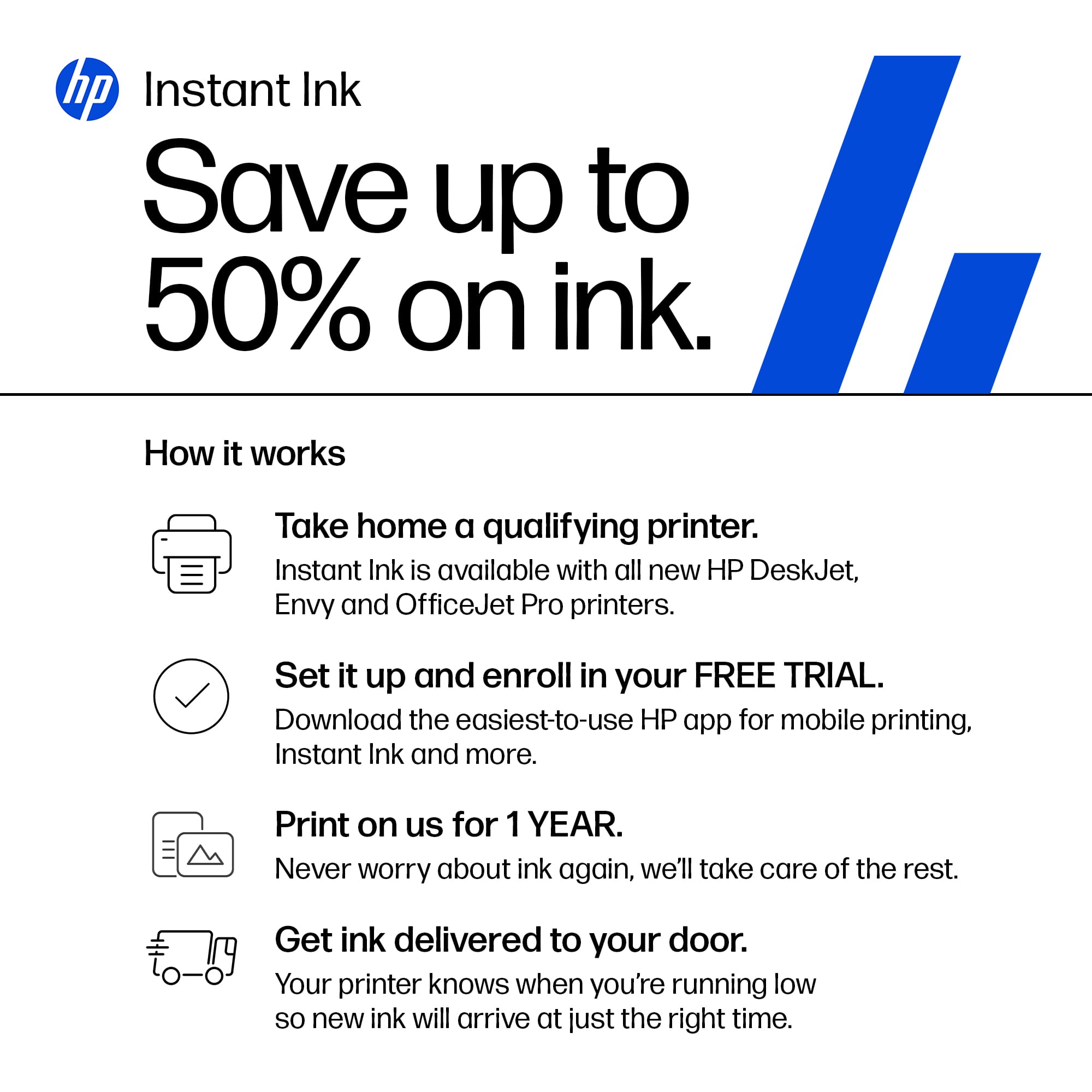
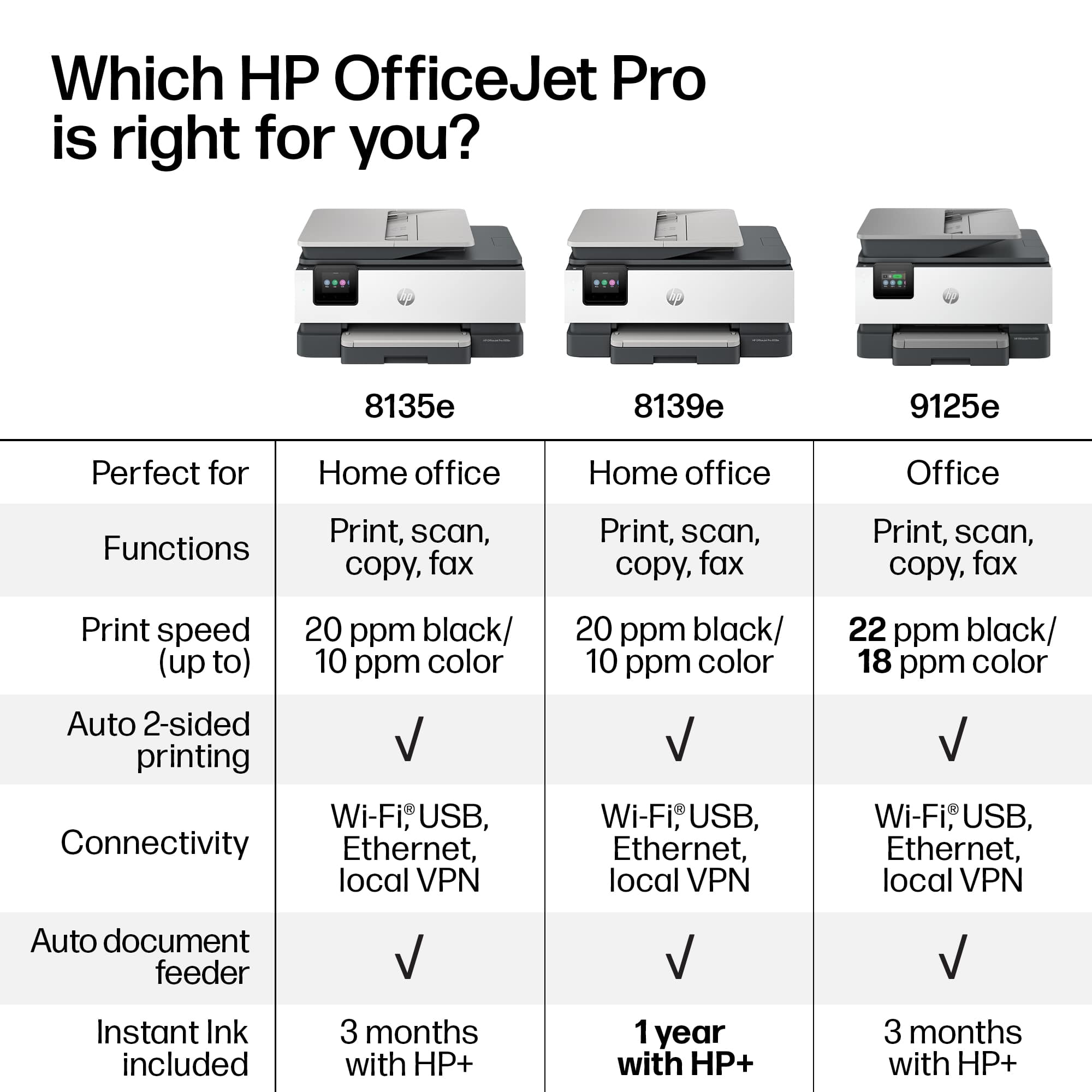
A:AnswerThank you for your question. After the free year of HP Instant Ink, you can subscribe to a plan that suits your needs. HP will notify you via email. You can also check pricing and plans by searching for HP Instant Ink here on Best Buy's website. Additionally, you can purchase the HP 923 or 923e ink cartridges in stores. HP+ is free and offers an additional year of warranty when you use only Genuine HP ink in the printer. You also get advanced scanning features in the HP Smart app.
A:AnswerThank you for your question on this HP OfficeJet Pro printer and your question on its compatability! This is not compatible with Mac OS Catalina. The models remaining that will work with Catalina are the Envy and Envy Inspire series printers.
A:AnswerThank you for your concern about printer security! The OfficeJet Pro 8139e is equipped with a small amount of volatile memory that clears when a print job is finished. This is similar to the memory of a computer, which clears when you close a program, turn it off, or unplug it.
A:AnswerThank you for asking. Occasionally, Best Buy offers trade-in discounts for select HP models, and this promotion has a start and end date. Please reach out to Best Buy directly for more information.
A:AnswerThank you for your question. No, the Officejet Pro 8139e printer is not compatible with Windows 8. This printer requires the Windows 10 or 11 operating system.