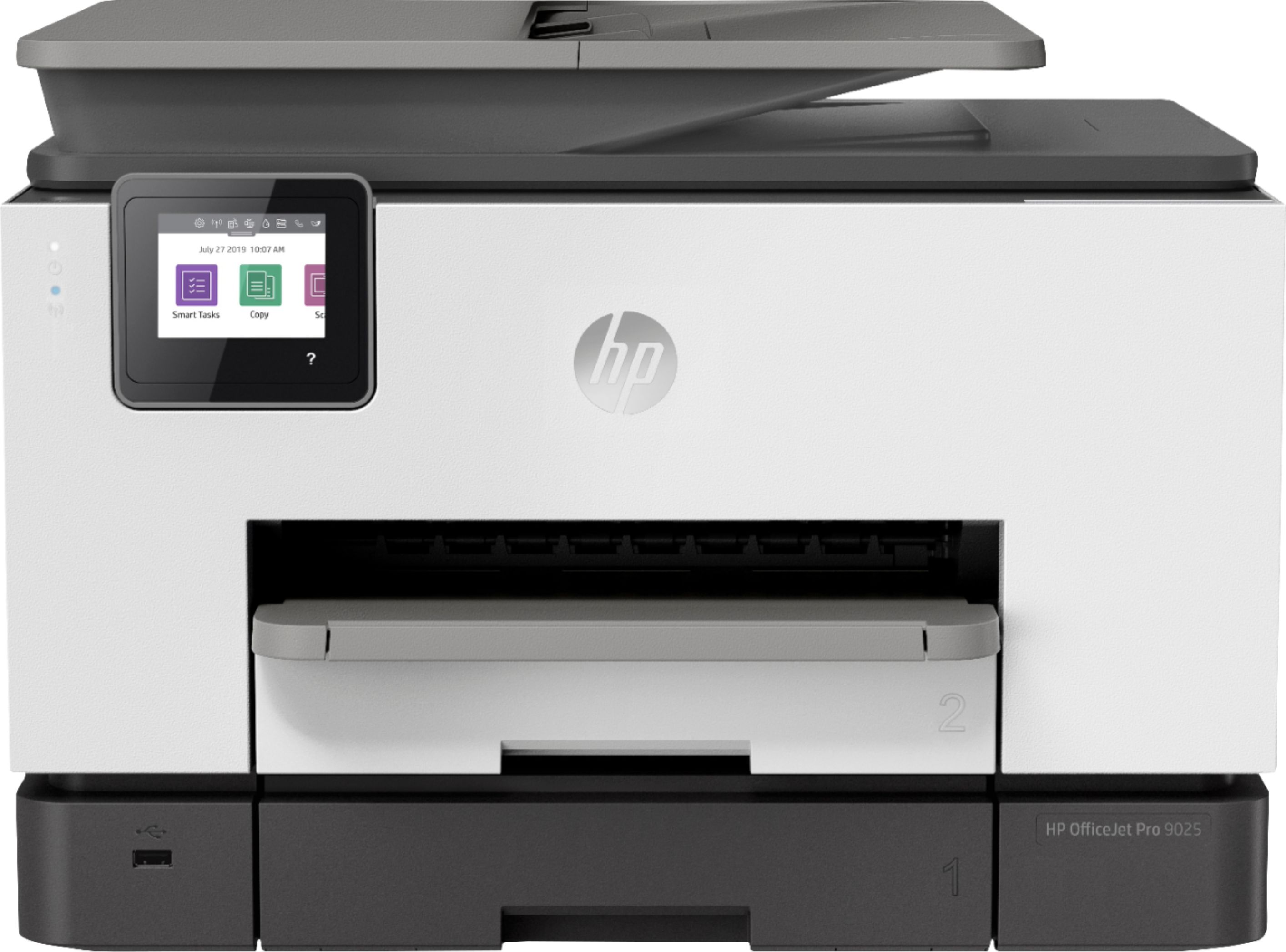
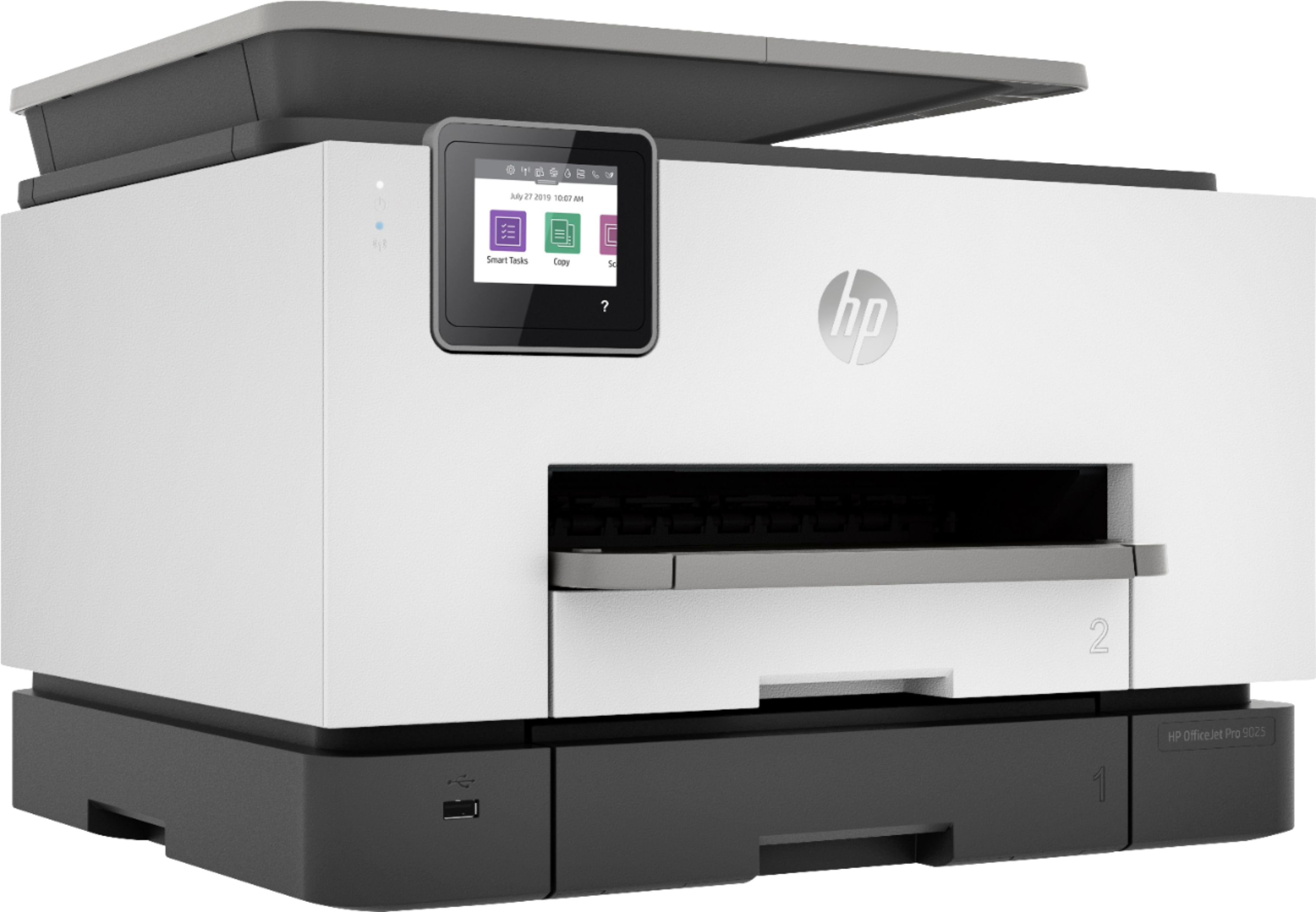
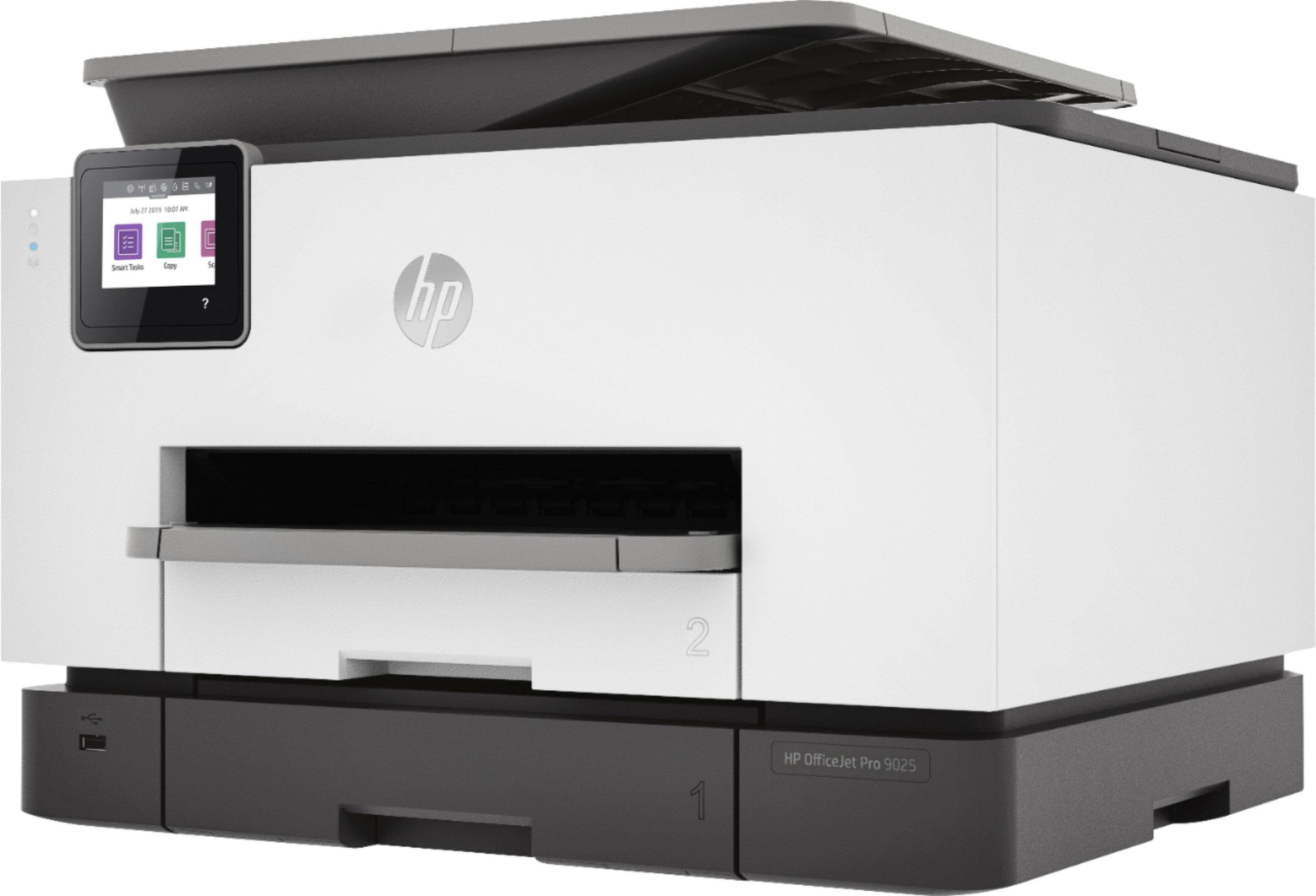
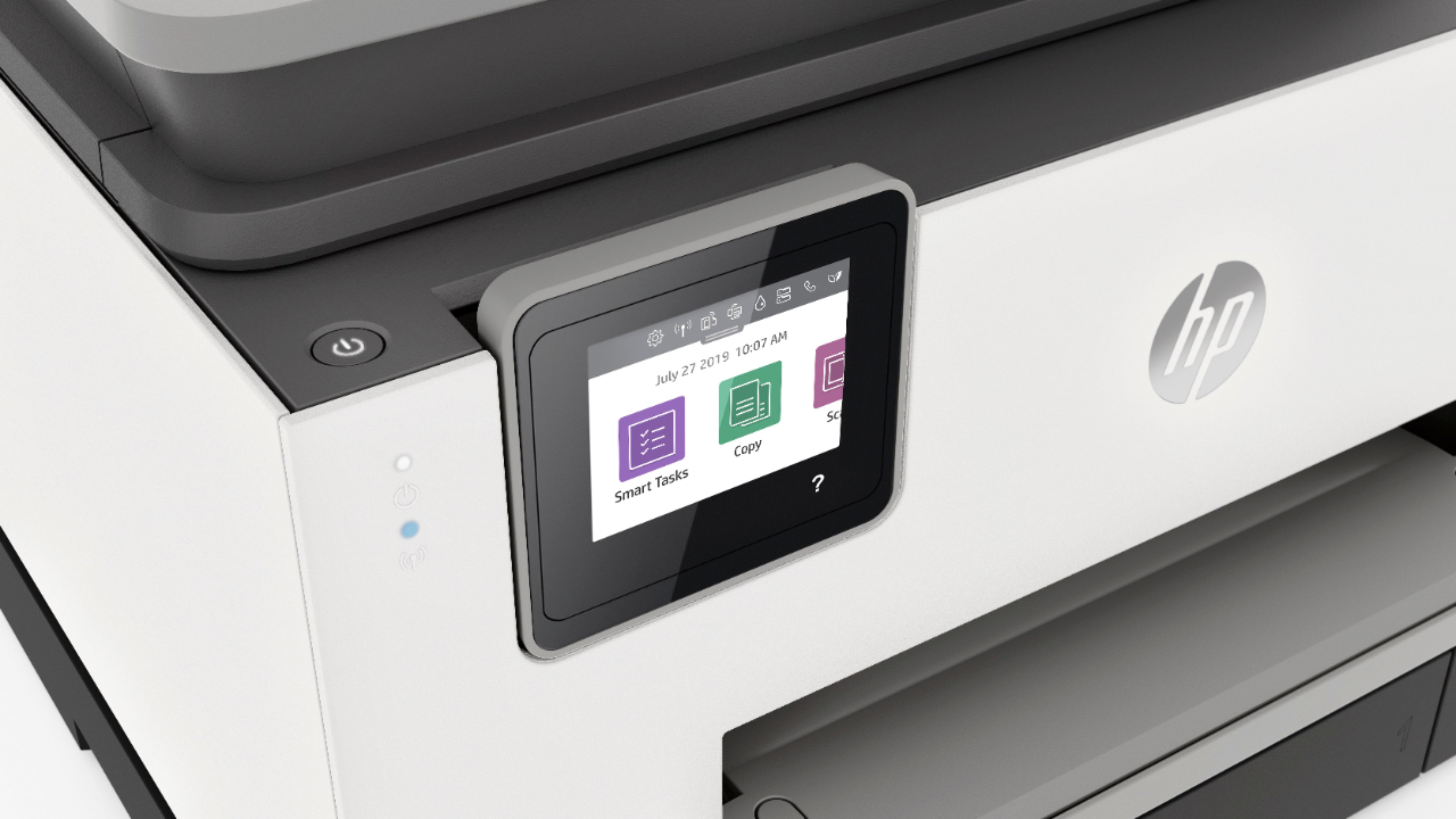
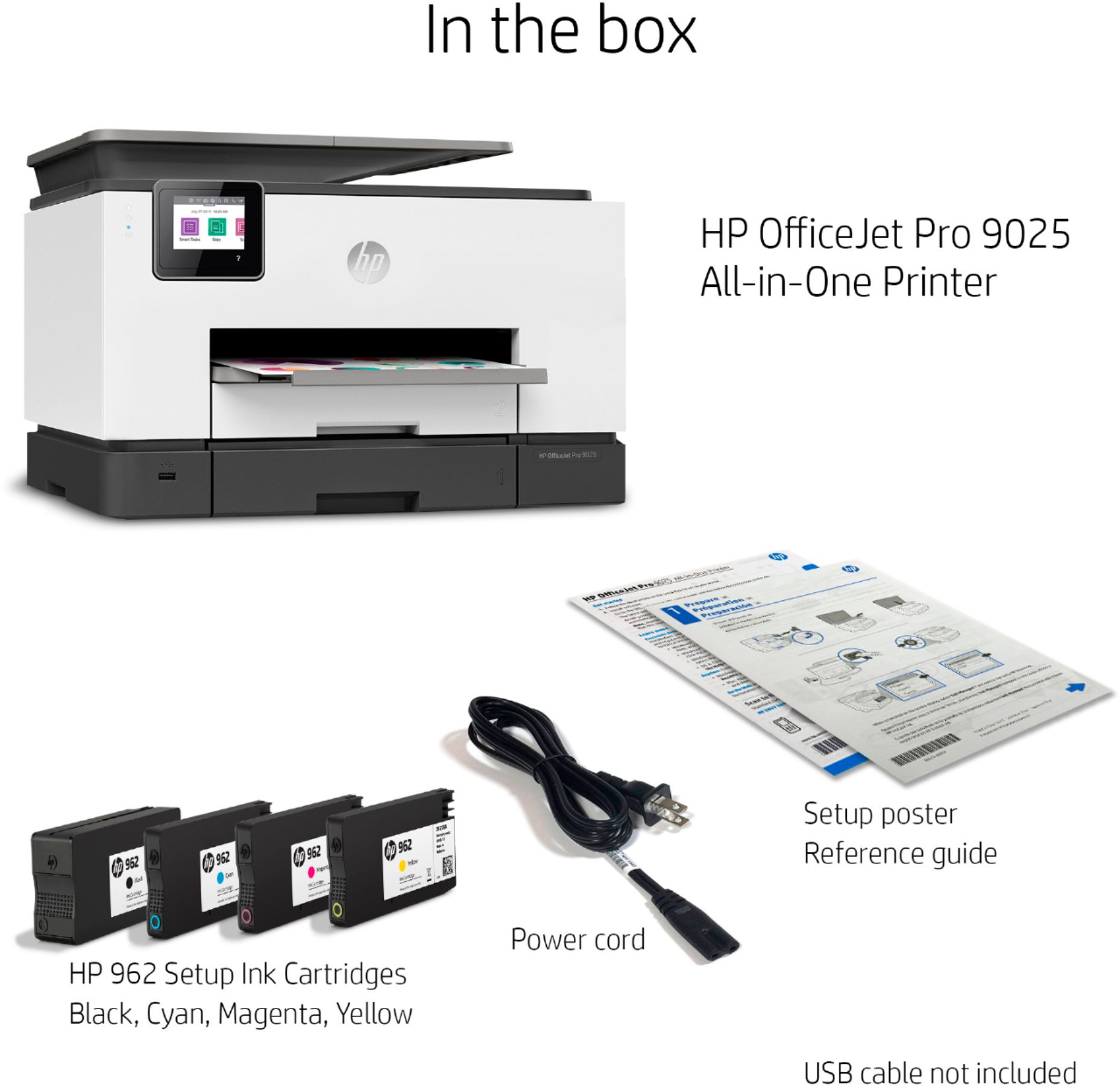
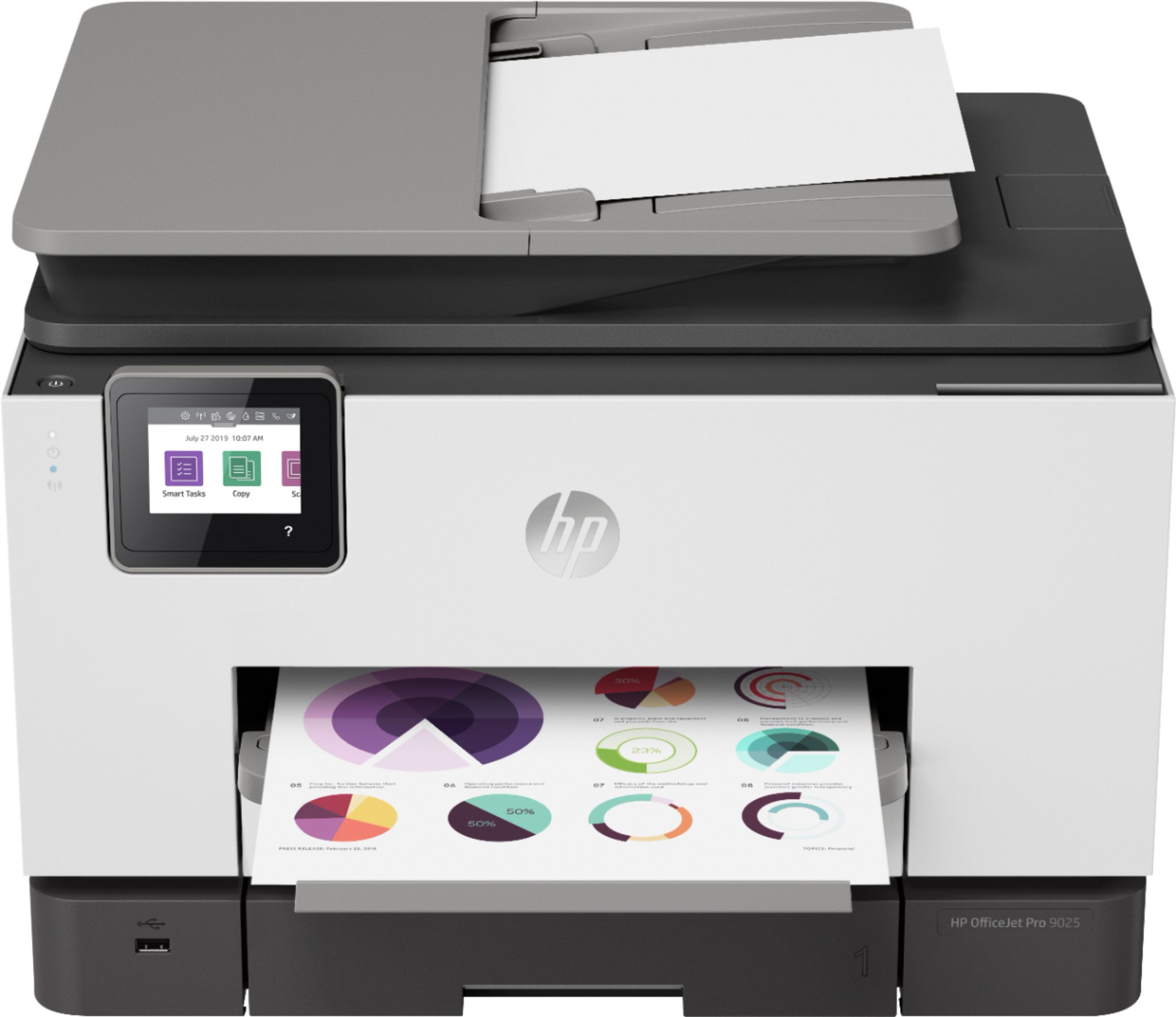
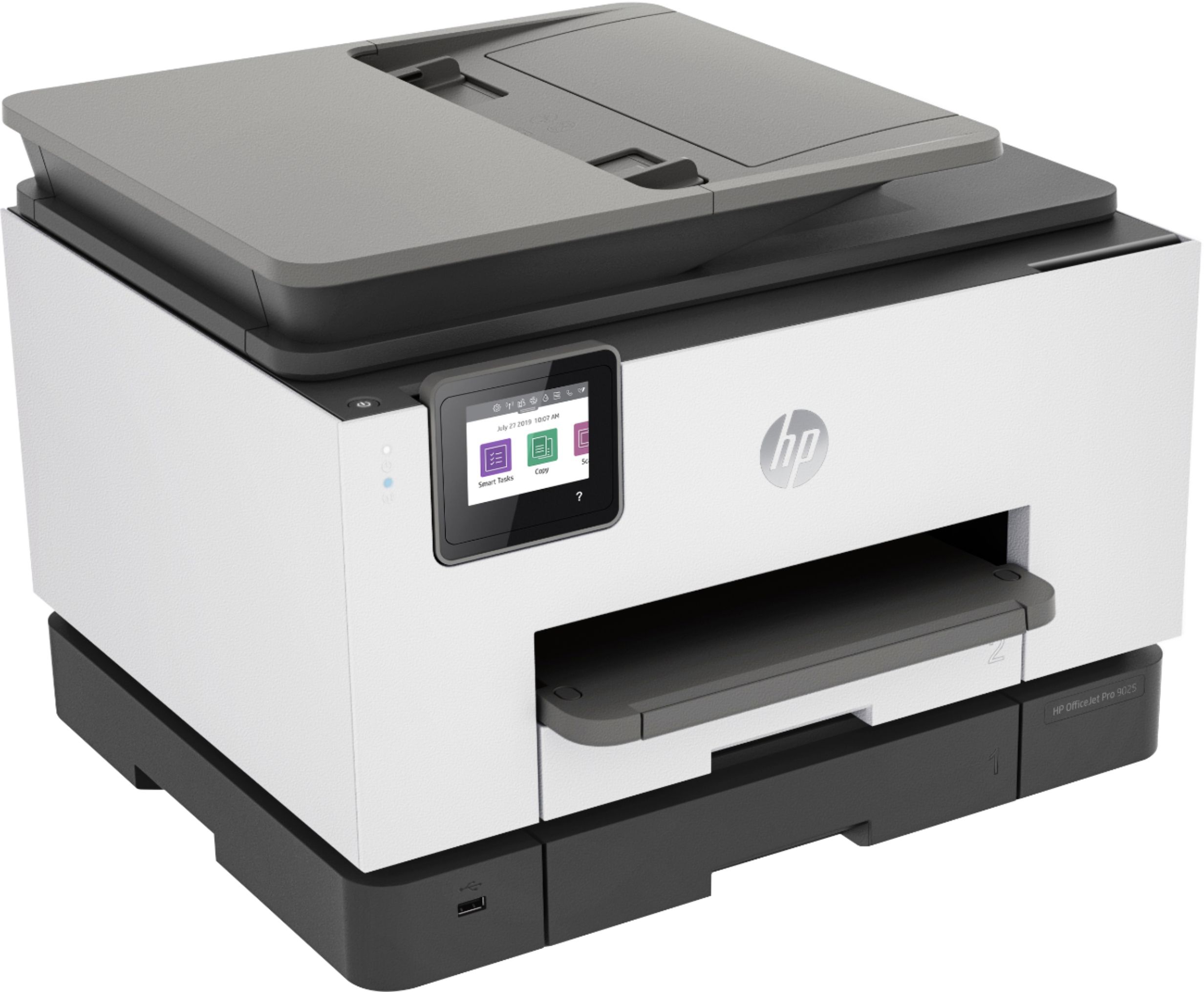
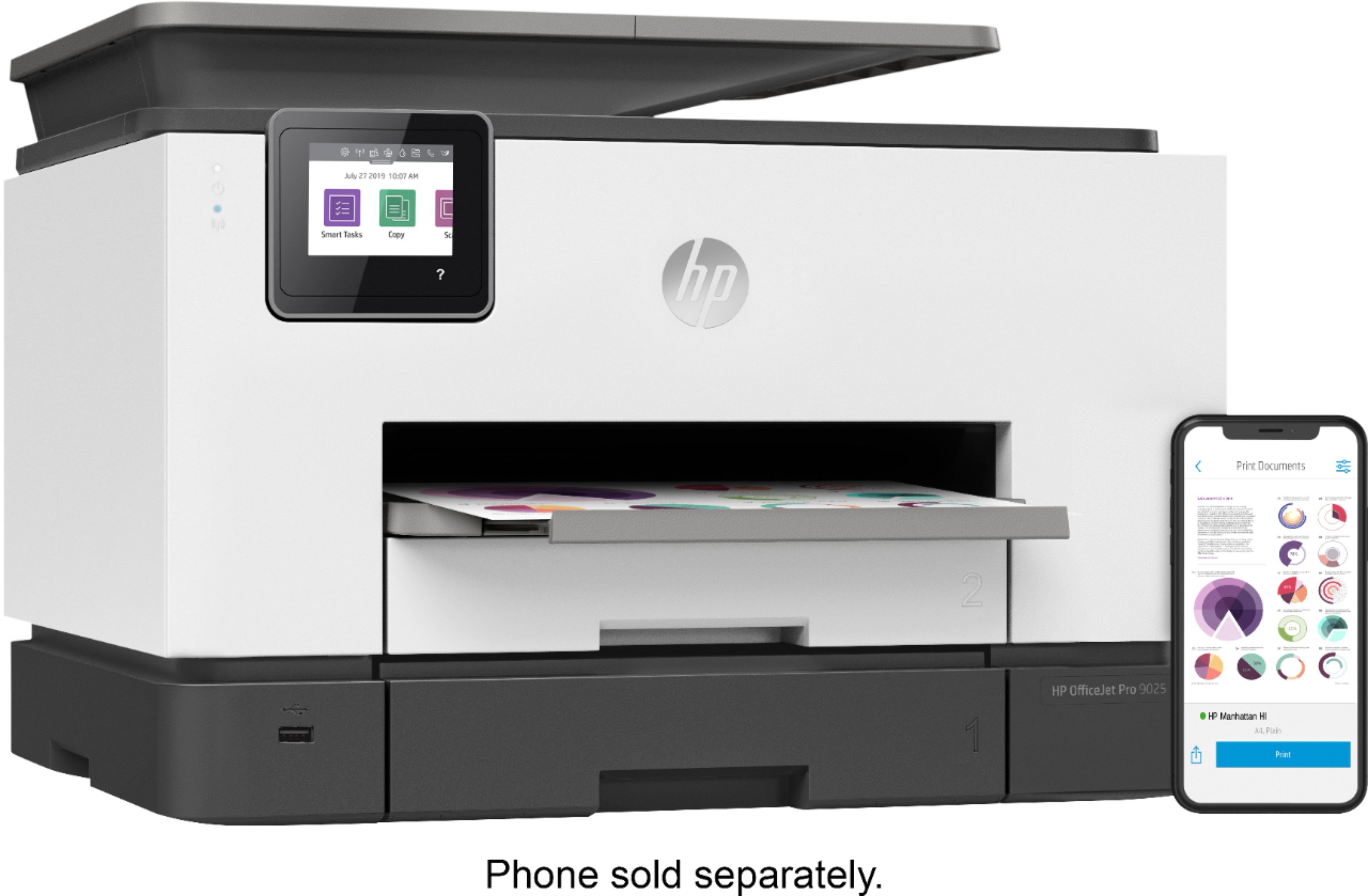
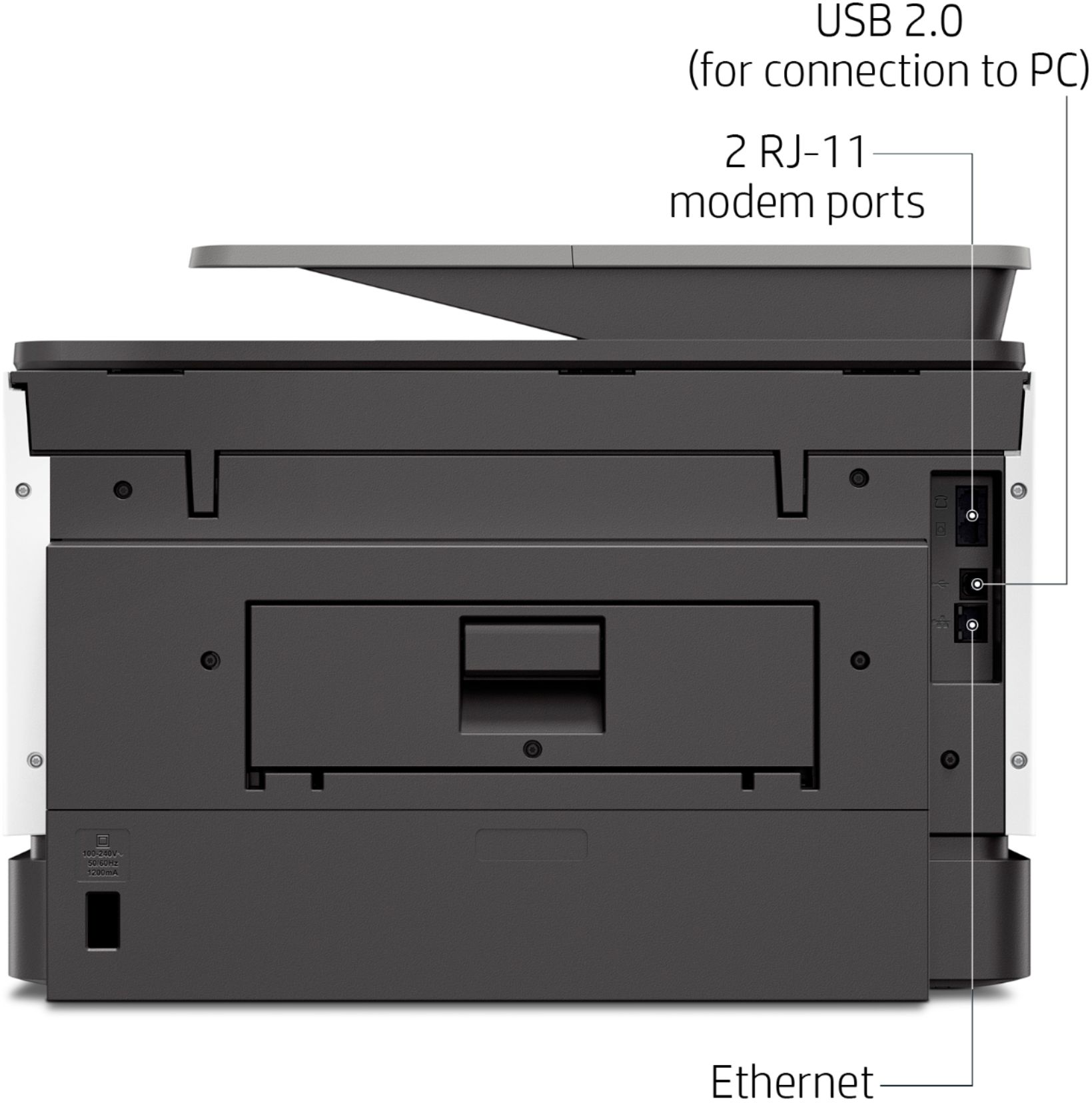
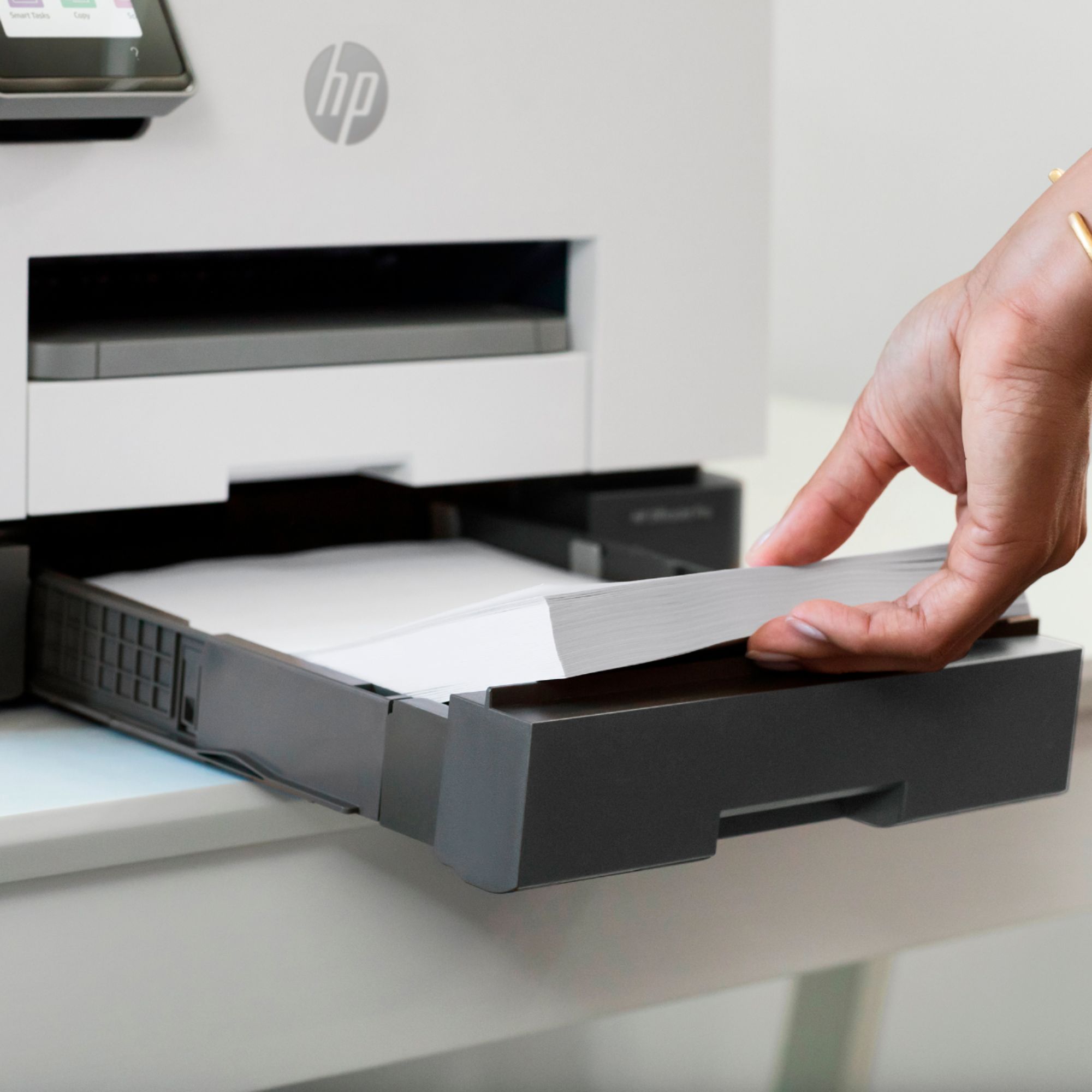
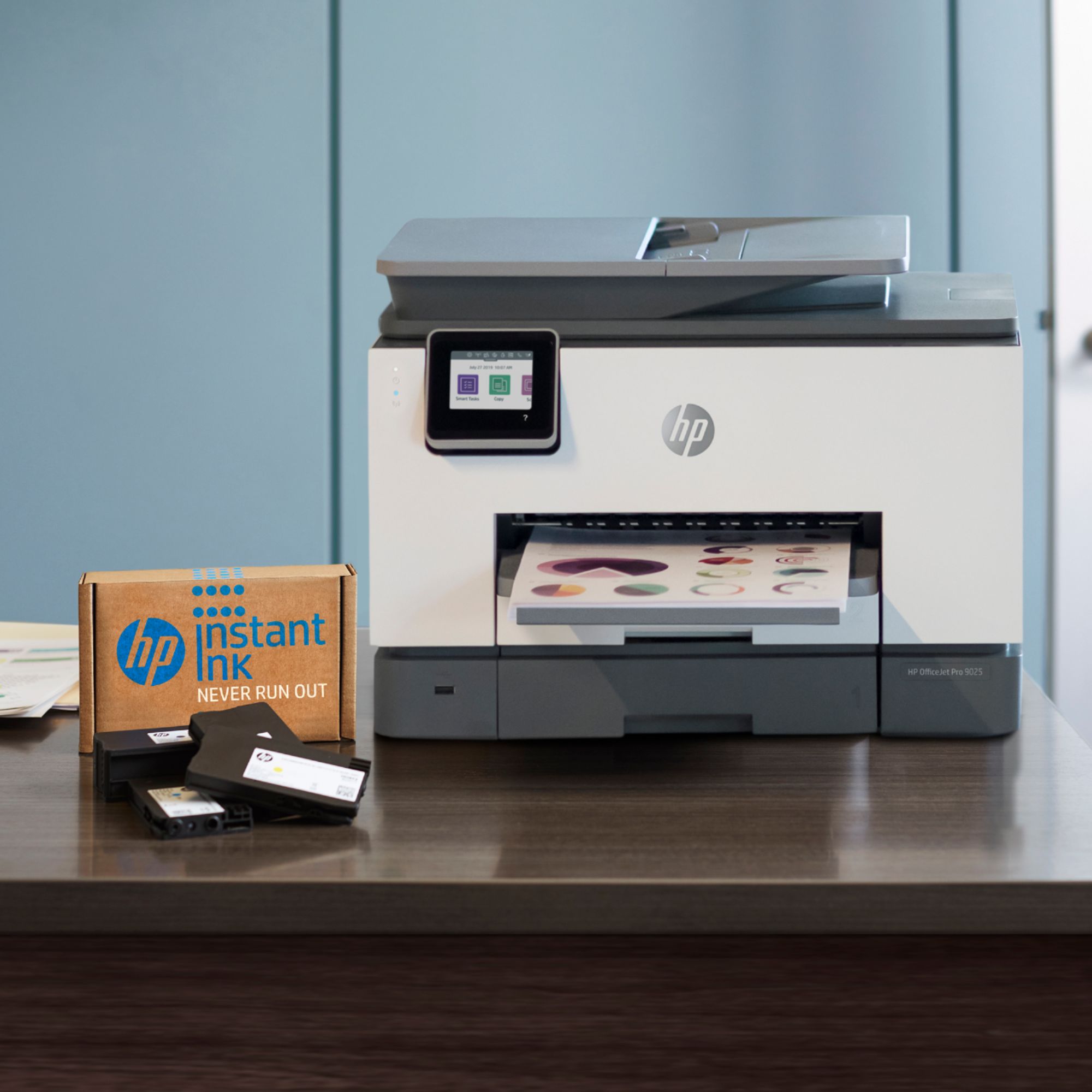
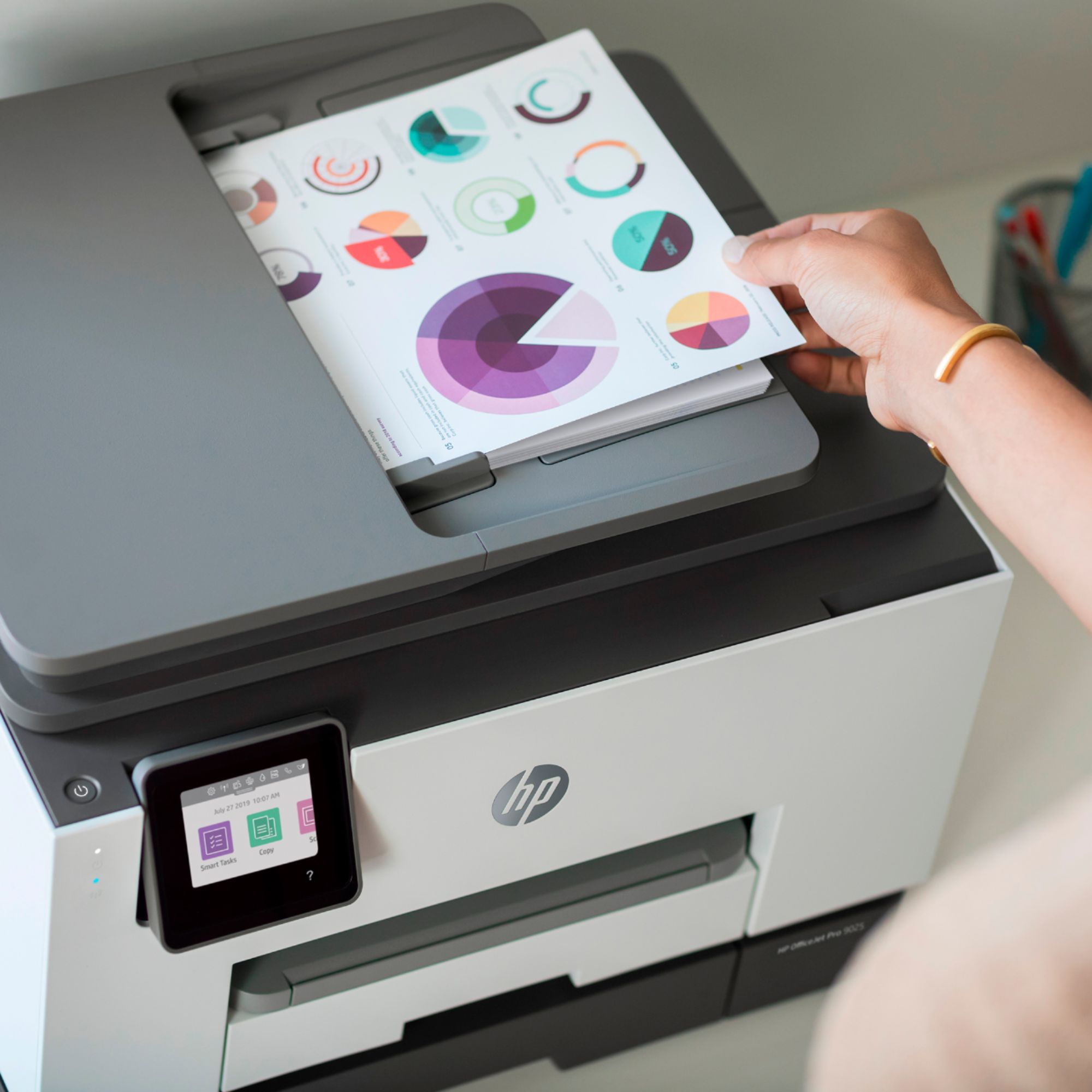
A:AnswerThe HP OfficeJet Pro 9025 All-in-One Printer does allow you scan up to 35 pages a time through the auto document feeder on top. You can also scan a single page on the flatbed scanner. The USB cable and 2 wire phone cord are not included in the box.
A:AnswerThe HP 9025 is supposed to print 8.5x14, but the glass flatbed is less than 13 inches. Read my review, and why I purchased the Brother MFC-J6945, which has no trouble printing up to 11x17.
A:AnswerFor the initial printer setup there is a setup poster included. The setup poster shows how and where to install the ink cartridges and setup the printer. Here is a link to it:
http://h10032.www1.hp.com/ctg/Manual/c06238698
For future reference, here is a link to the printer user guide:
http://h10032.www1.hp.com/ctg/Manual/c06220010
The information about ink cartridge location is on page 7 and page 131 shows replacing cartridges.
A:AnswerI am not familiar with the X476dw. I have a HP5660 printer, and the cartridges in the 9025 are very different than the ones in my other printer. I use HP instant ink.
A:AnswerYes, you can receive a fax on this all-in-one. The quality is very good, but remember that faxes are sent over phone lines, so fax quality is likely going to be lower than printing or scanning quality. It doesn't take long at all for faxes to send or come through, but if speed and quality are primary concerns, scanning to email may be a better option.
A:AnswerYou can certainly print photos on the OfficeJet Pro 9025. Because it's geared toward business use the photo quality won't be quite as high as you'd get from one of the Envy Photo models, but they're perfectly good for everyday use.