A:AnswerI had somehow messed up the lid to my printer and it wasn't square on its hinges. It kept printing without the first four lines. When I reset the lid in the hinges, it worked perfectly.
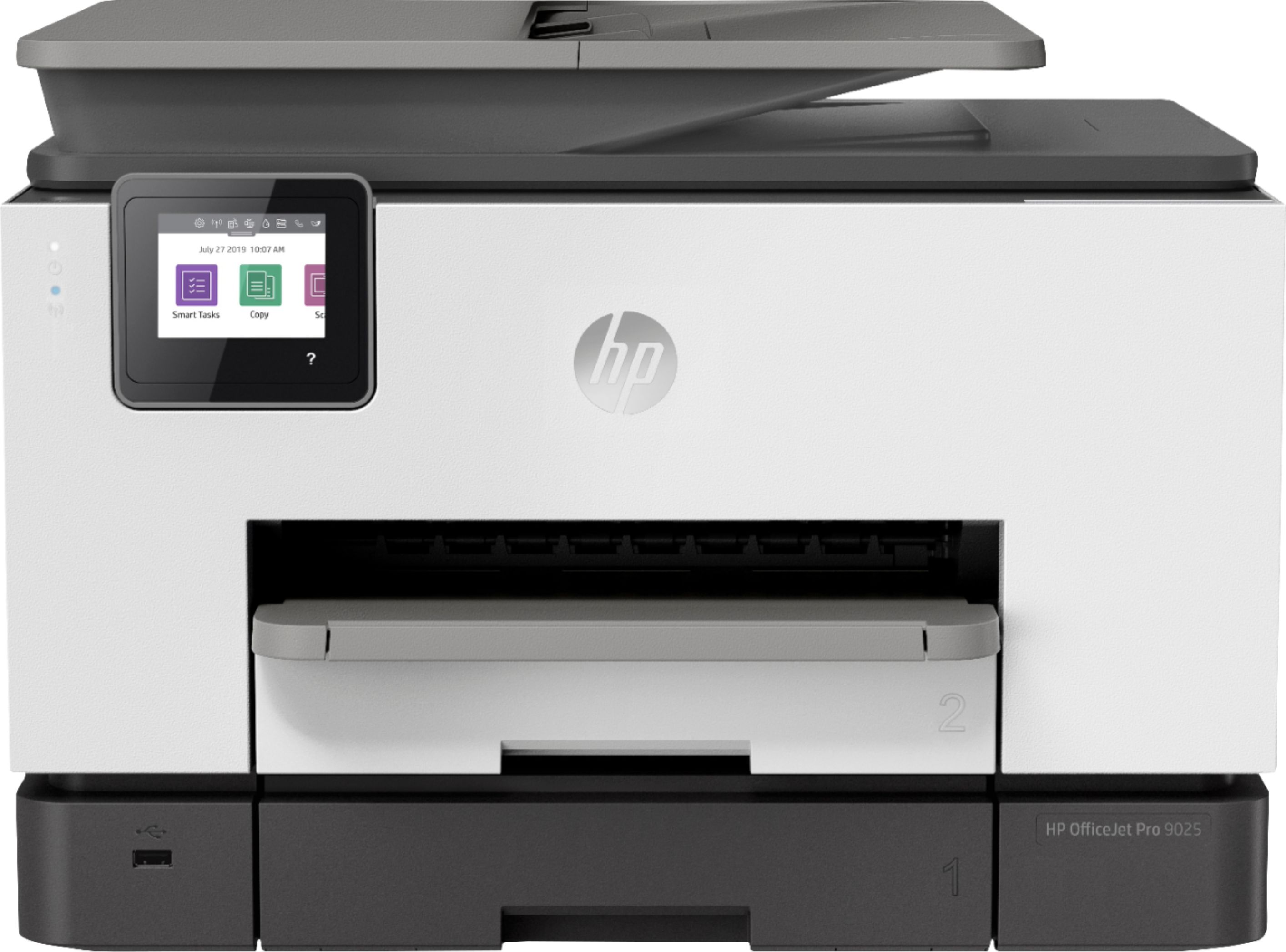
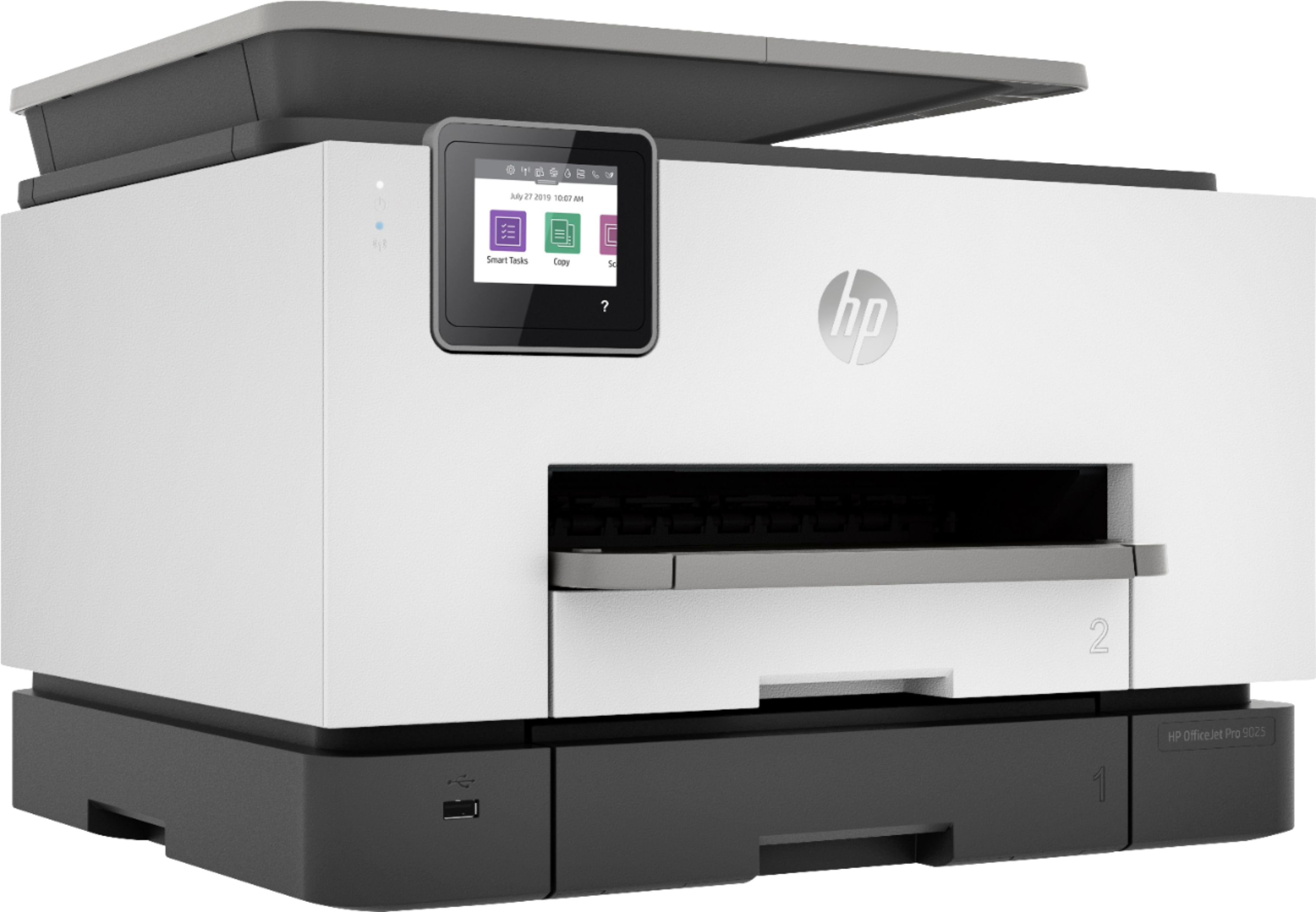
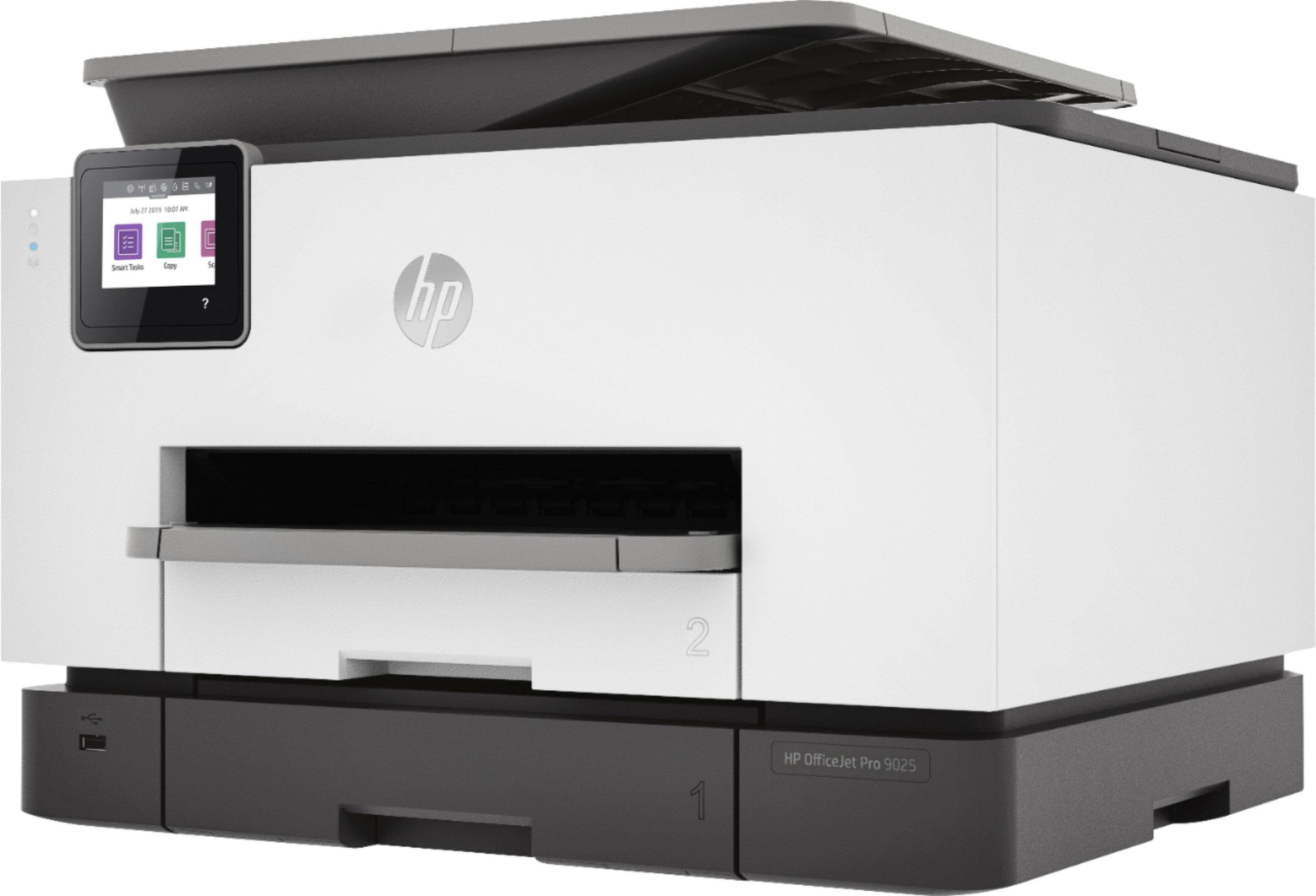
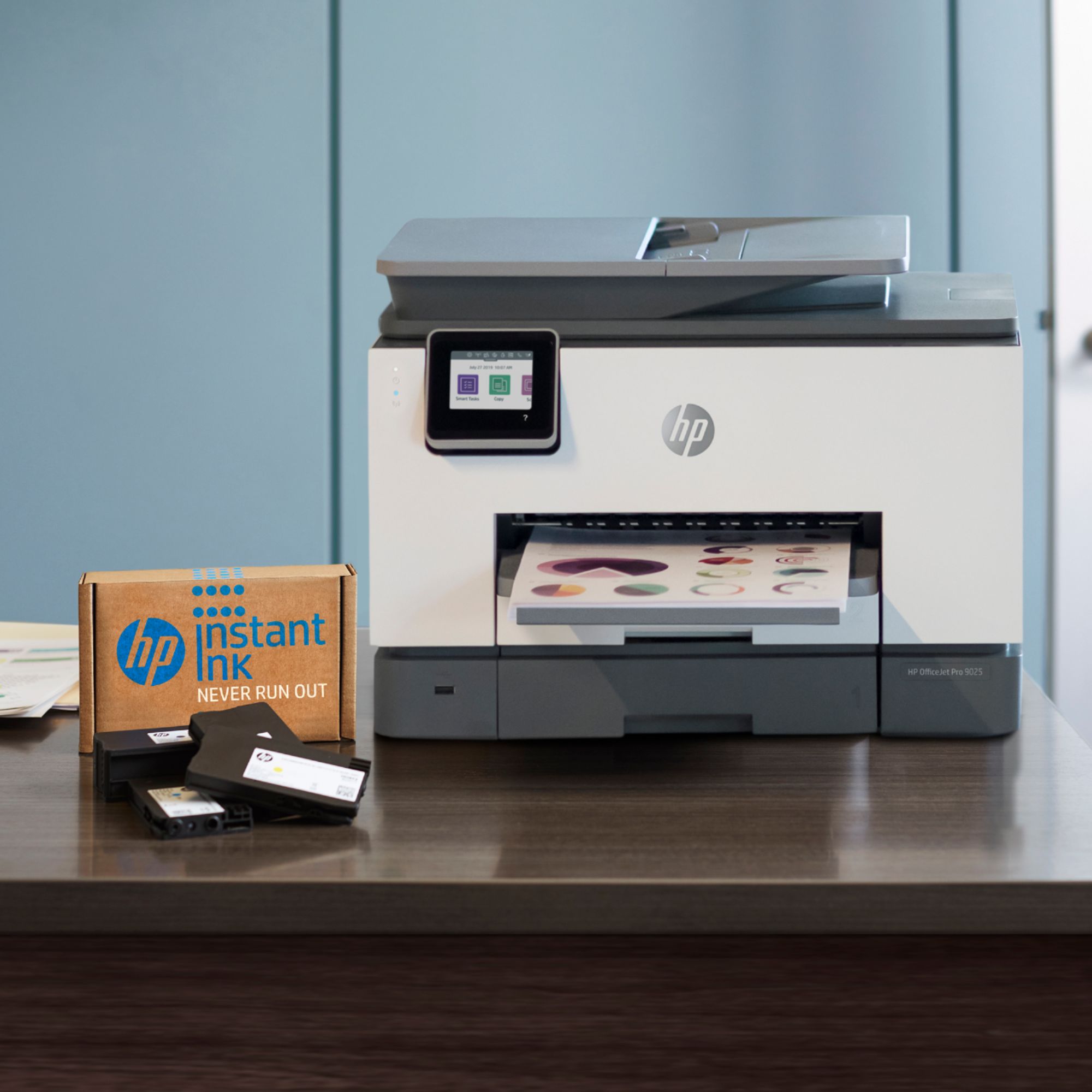
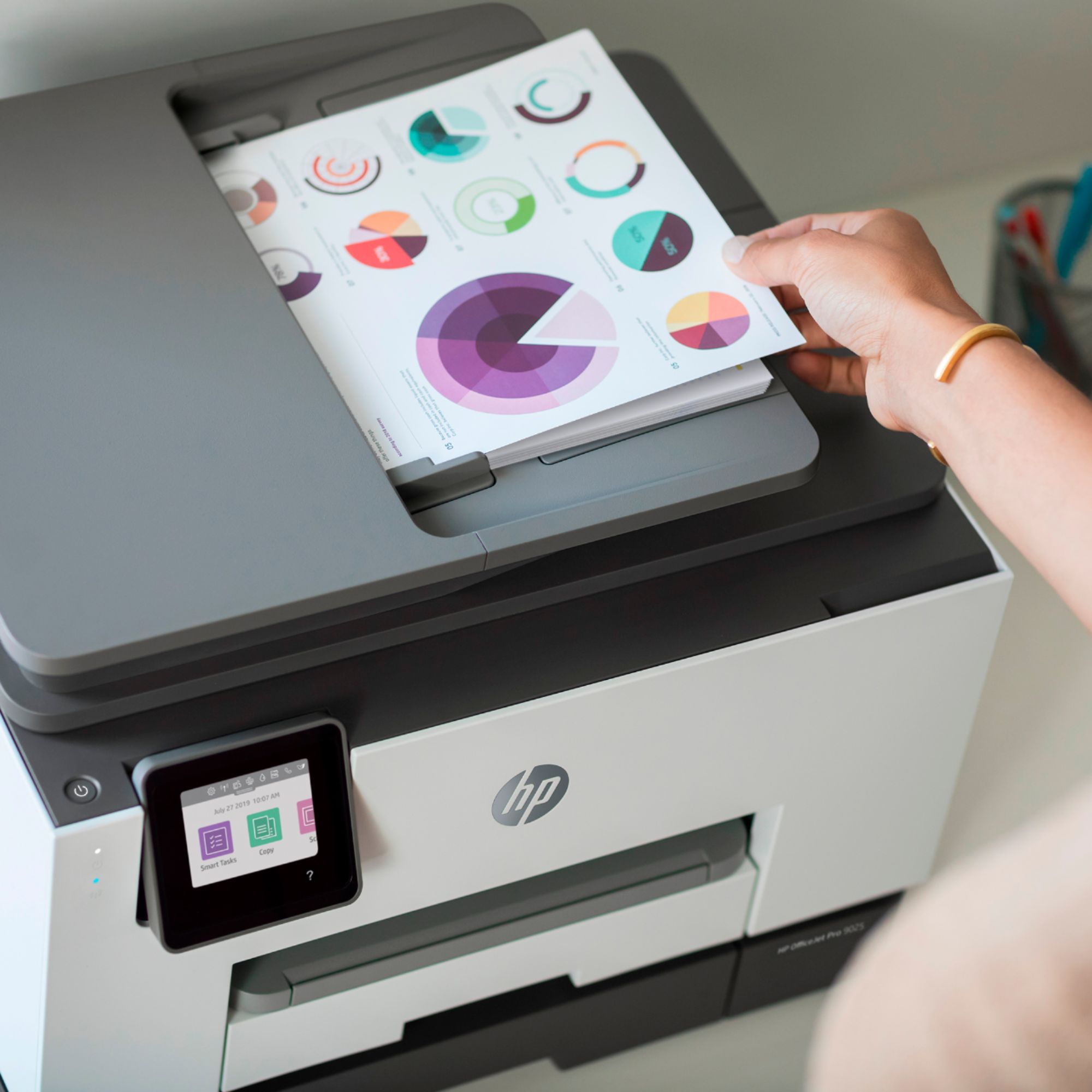
A:AnswerYes, the HP OfficeJet Pro 9025 can use legal size (8.5 x 14) copy paper and can hold up to 35 pages in the ADF to scan, copy, or fax a multipage document.
A:AnswerNo it does not. The HP OfficeJet Pro 7740 is our only 11x17 printer. Here is a link to it:
https://www.bestbuy.com/site/hp-officejet-pro-7740-wireless-all-in-one-inkjet-printer-white/5536900.p?skuId=5536900
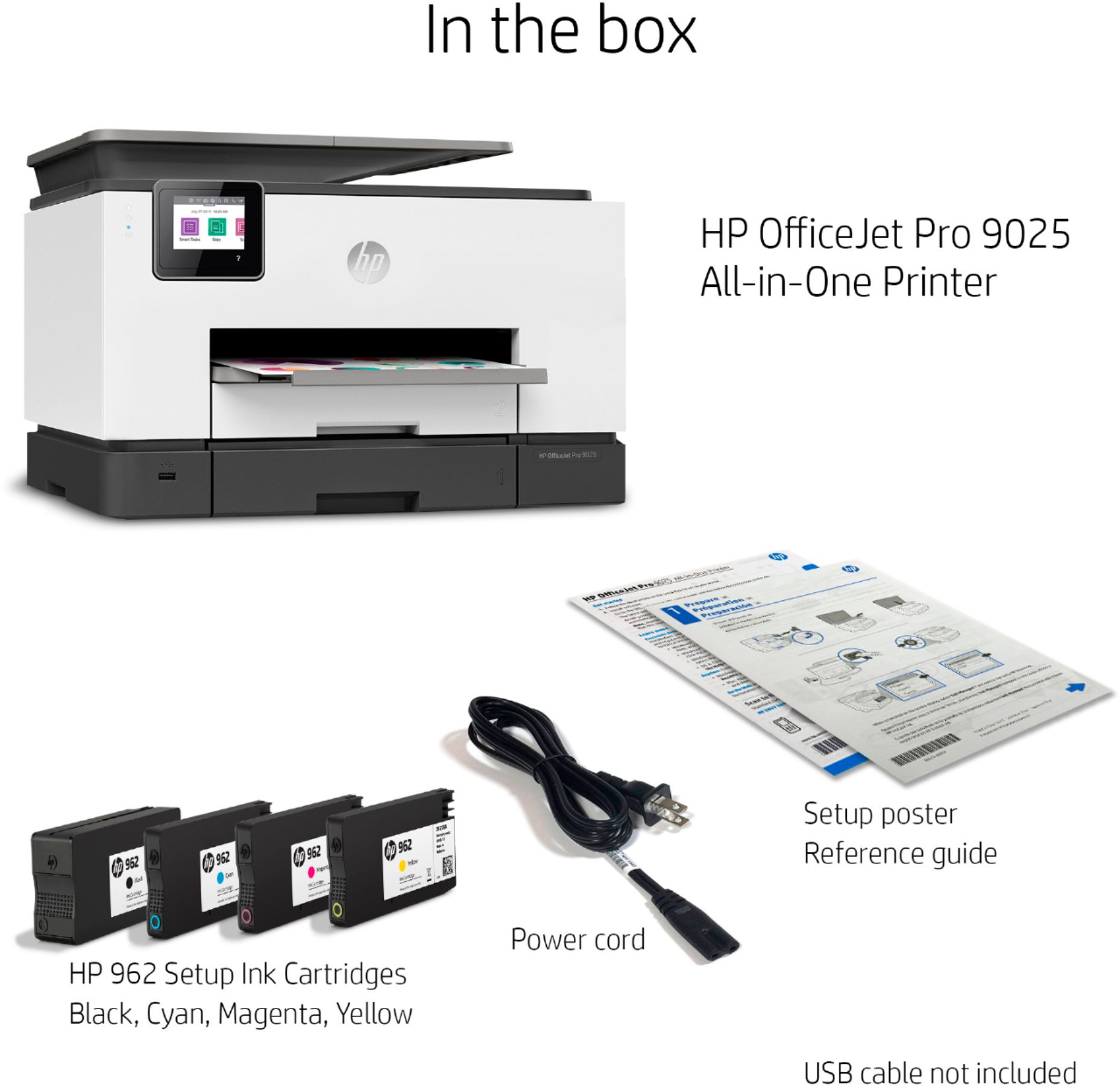
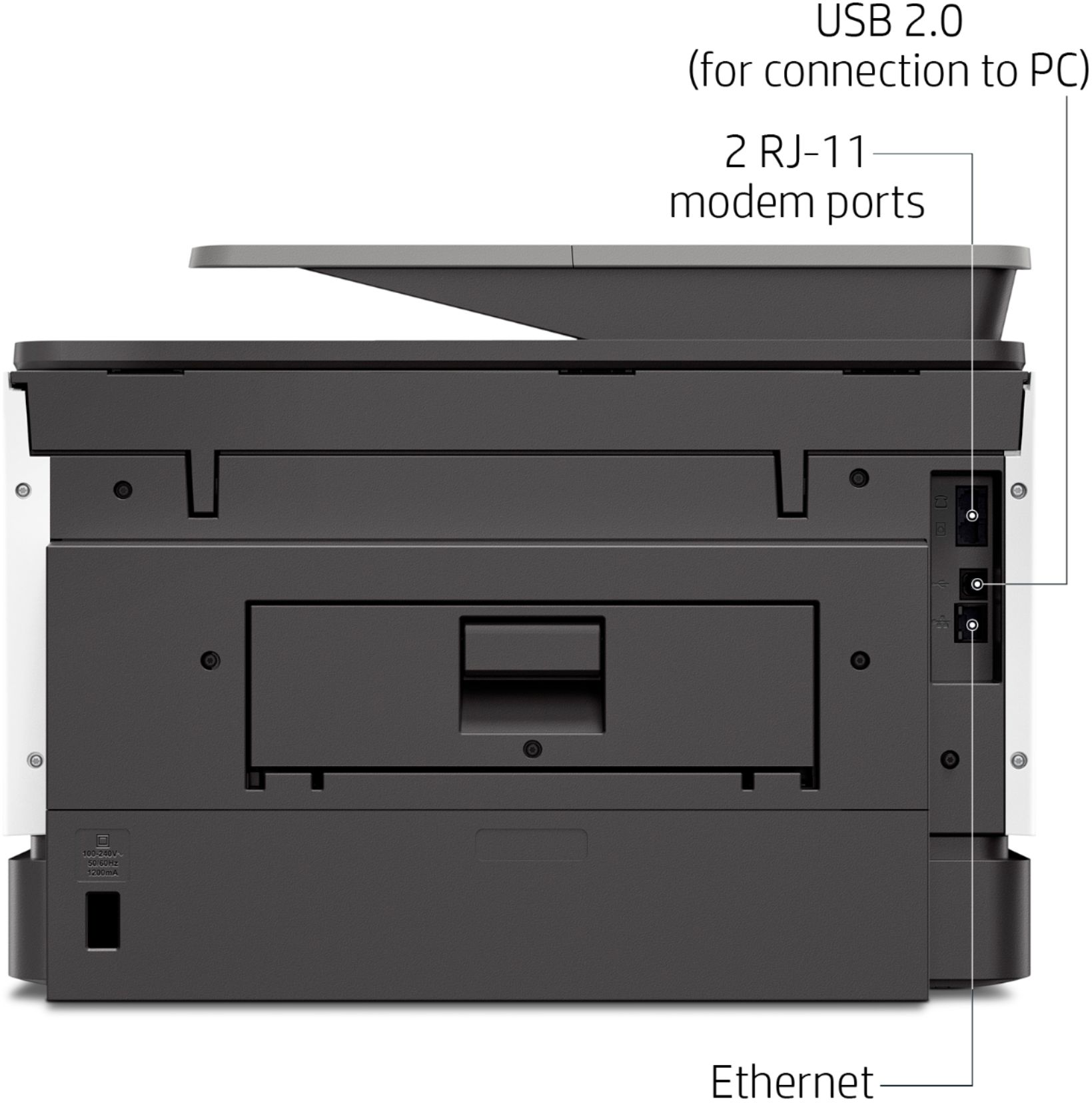
A:AnswerYou don't need a USB cable if you can connect wirelessly to your network. You can connect with a standard USB printer cable (Type A to Type B connectors). Here is an example of one:
https://www.bestbuy.com/site/insignia-6-usb-2-0-a-male-to-b-male-cable-black/5886035.p?skuId=5886035
A:AnswerWhen you move through the setup, you'll go to 123.hp.com to download the proper drivers for your device's operating system (it automatically detects what you need). This results in a better experience for everyone, with maximum operating system compatibility.
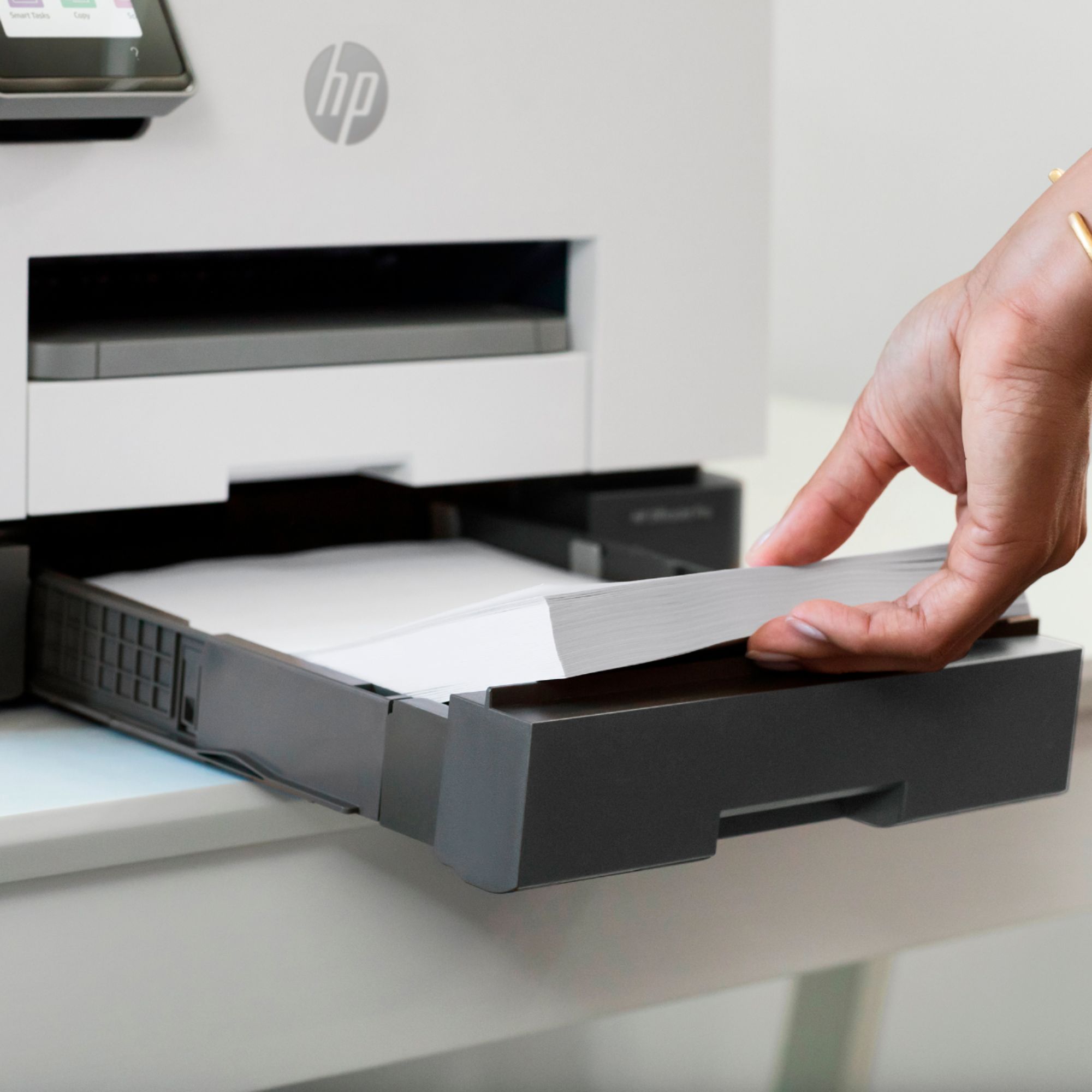
A:AnswerYes, you can, as long as they're designed for use in inkjet printers. You'll load them into the paper tray with the side you want to print on facing down.