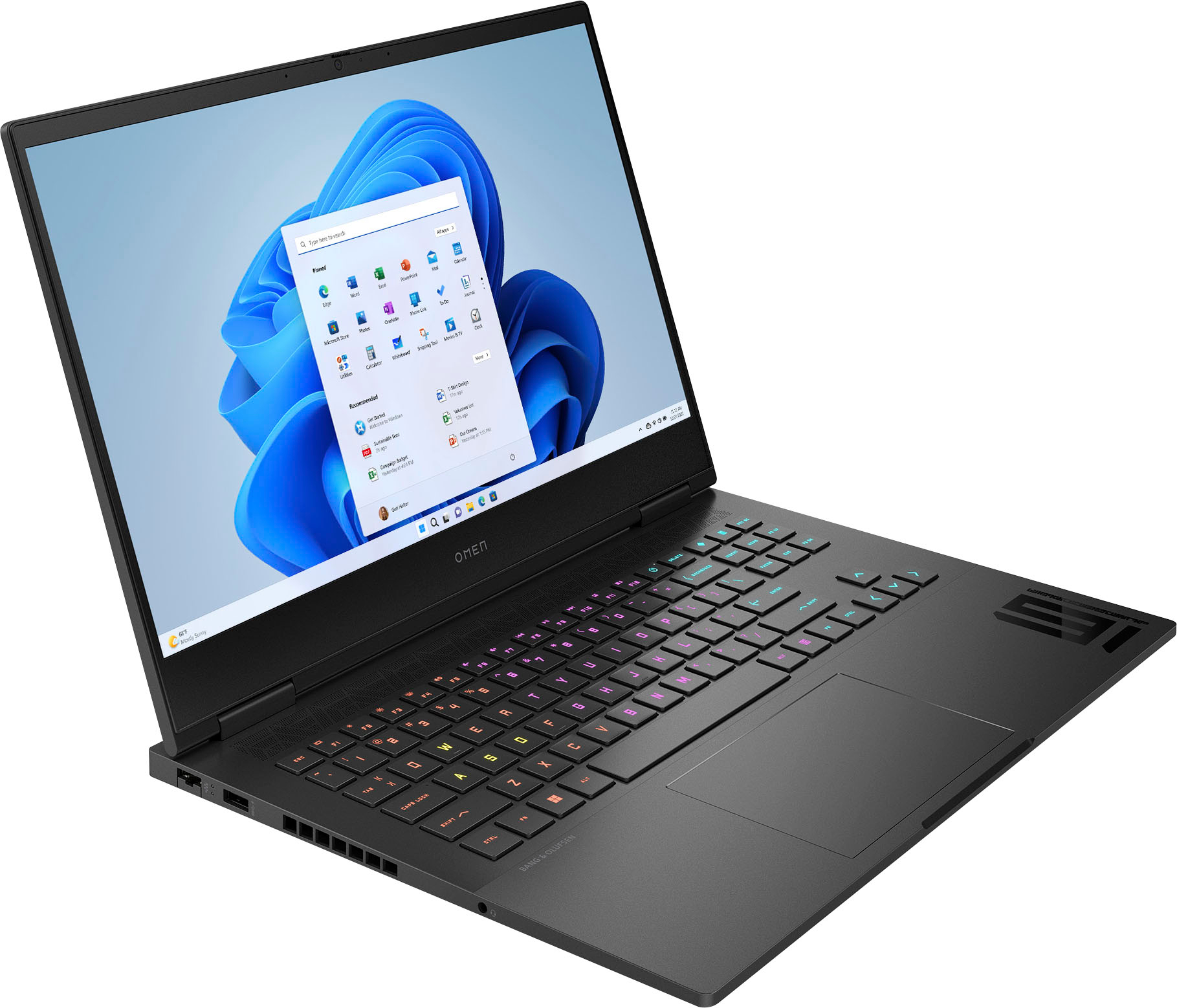
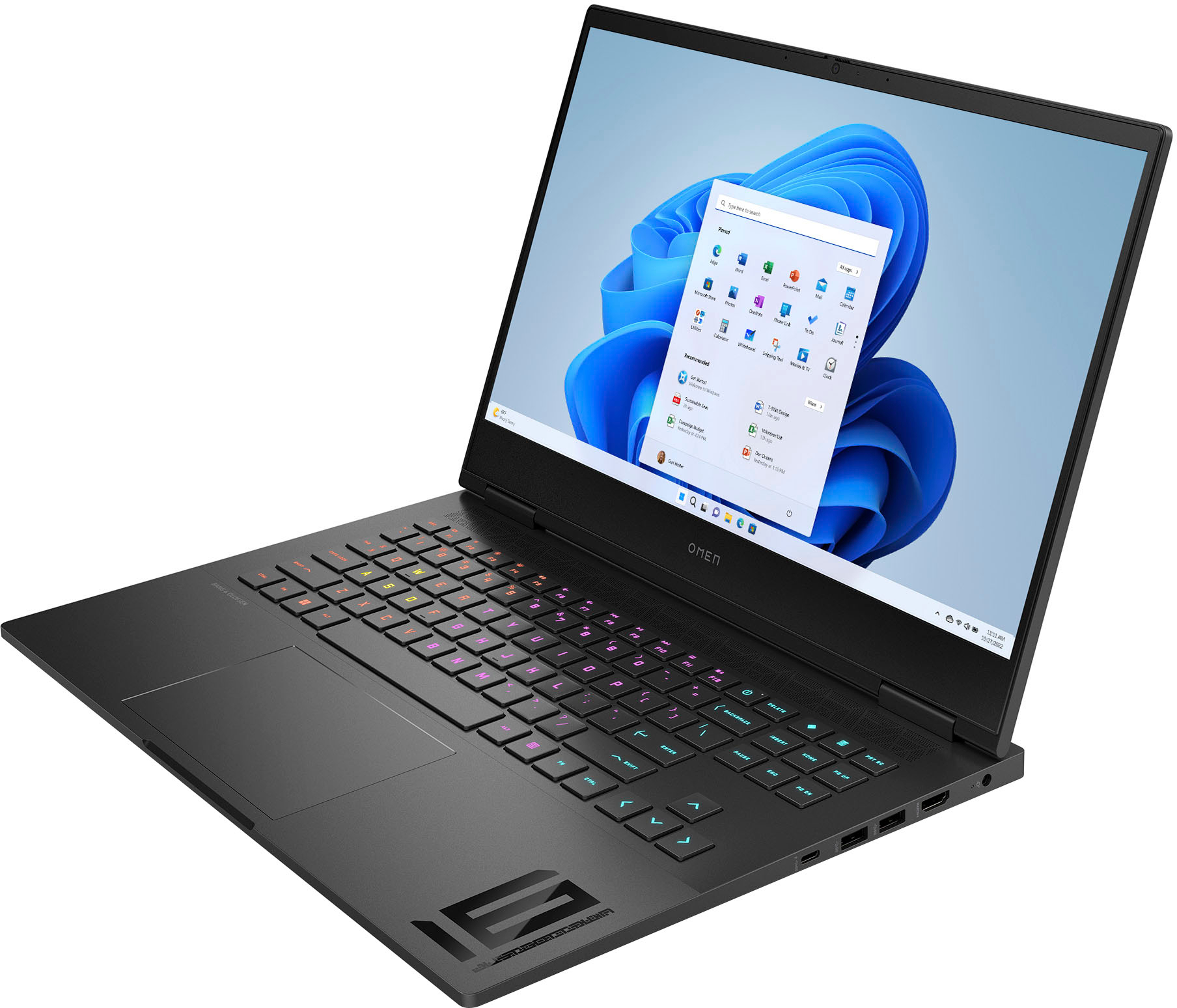
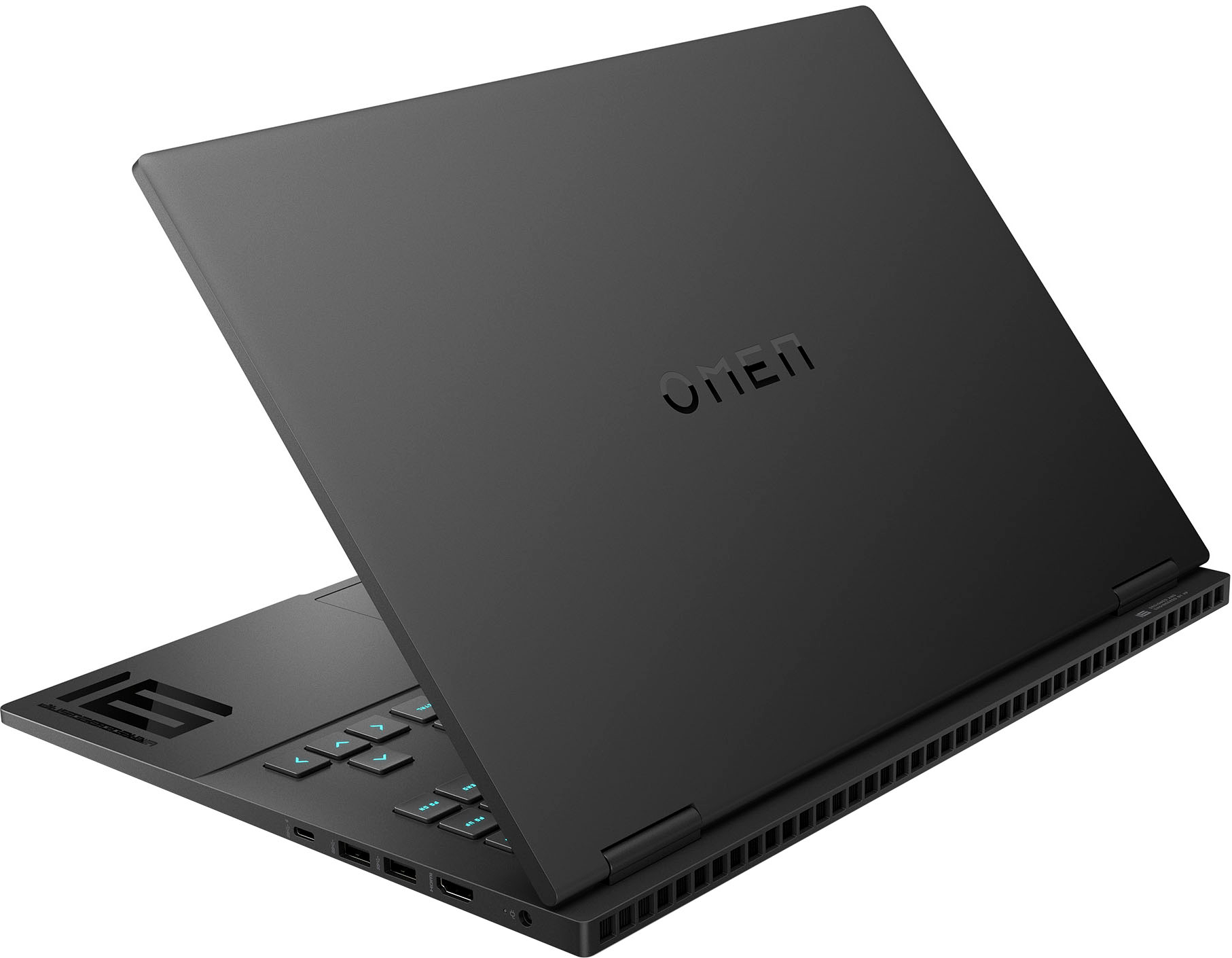
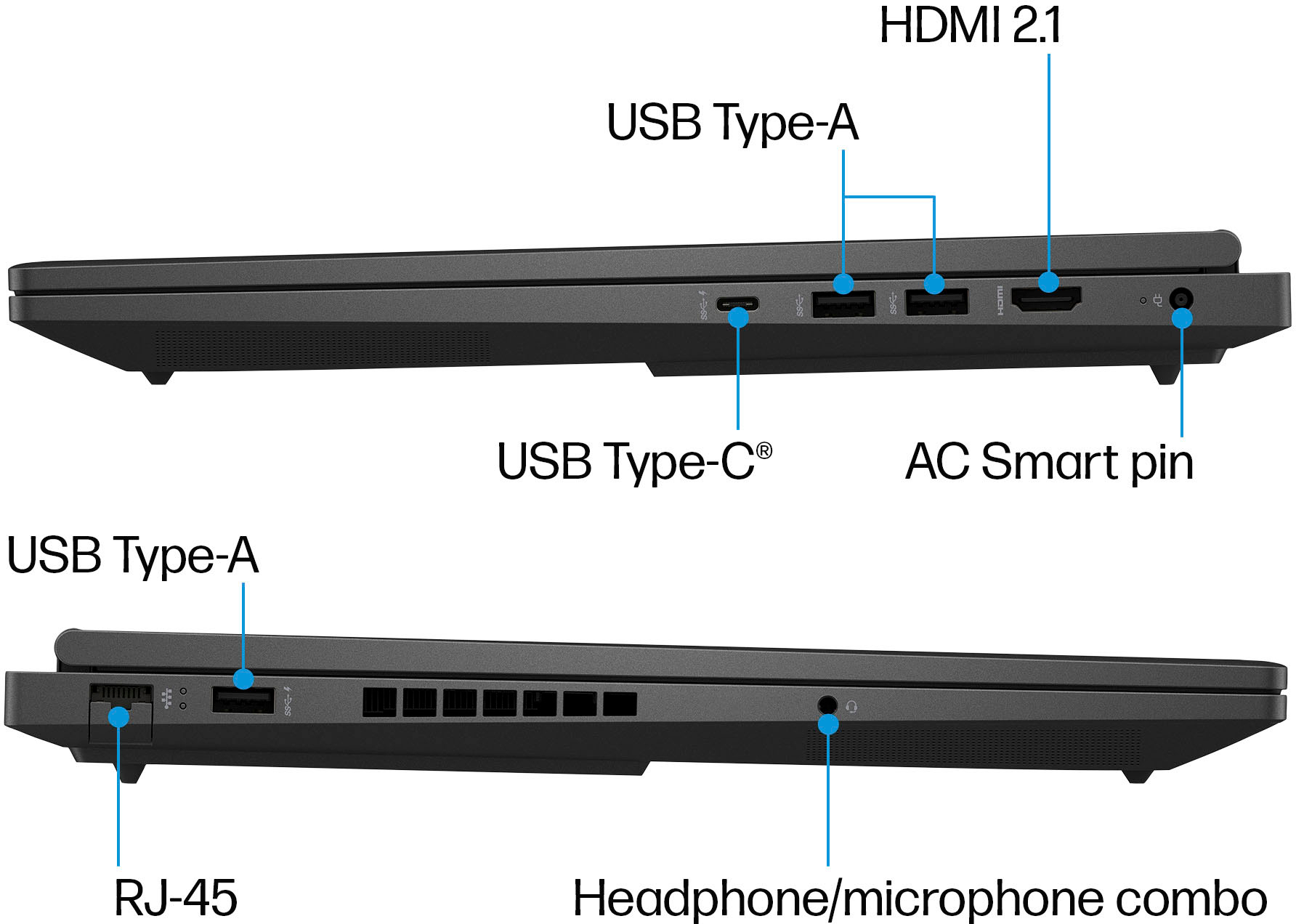
A:AnswerI ended up purchasing the laptop and can confirm that it does work well with three monitors (4 if you count the laptop's display). I use a dell dock that outputs to a display port and USB-C to HDMI, then the third monitor connects directly to the laptop's HDMI. Works like a charm.
I'll also add that this laptop is a beast and is capable of BeamNG Drive on ultra settings pushing ~60+ fps. I was also able to play the Half Life Alyx VR game streaming wirelessly to my original Quest. It hiccups during loading screens, but otherwise works impressively well.
All of that said, I did end up also purchasing an Asus Tuf F15 for the same price with a 4070 and much (much!) longer battery life. Both laptops are great, seriously, I would be happy with either. I honestly prefer the looks of the HP Omen, but the Asus takes the cake overall for me. The 4070 makes a measurable difference. Even with the Asus's DDR4 and last gen i7.
A:AnswerThank you for your question. The OMEN 16 (model 16-wd0063dx) features a Total Graphics Power (TGP) of up to 145W with the NVIDIA GeForce RTX 4080 Laptop GPU.
A:AnswerHello Frank, and thanks for asking. As the HP Omen 16-wd0063dx comes with Windows 11 Home edition, you would first have to upgrade the operating system to Windows 11 Pro before you could use Hyper-V. Please check the system requirements for Hyper-V before proceeding.
A:AnswerI was able to run Half Life Alyx on it steaming to my Quest 1. This is the Omen with the 4050. The game runs pretty darn well, but occasionally disconnects, usually when loading a new area or a save point.
A:AnswerThank you for the question. The Omen 16-wd0063dx has a Realtek Wi-Fi 6E (2 x 2) and Bluetooth®️ 5.3 wireless card (supporting gigabit data rate).
A:AnswerThis model comes with one SSD slot which works with M.2 solid-state drive (PCIe®-4 × 4, 2280, non-volatile memory express (NVMe®), three-layer cell (TLC).
A:AnswerHello. Thanks for your question. Here is a link with information on Global Warranty/international coverage from HP: https://support.hp.com/us-en/document/bpr01266
A:AnswerThank you for the question. The battery life is indicated as 6 hours and 30 minutes from a full charge, and this laptop supports fast charge to approximately 50% in 30 minutes (when shut down). It appears that your settings are optimized for mobile use, with a couple of exceptions. Are you using Wi-Fi? Do you have several tabs or applications open simultaneously? What audio level have you set? These also affect battery life because the laptop works harder. In real-world testing, battery life was tested by HP using continuous FHD video playback, 1080p (1920x1080) resolution, 150 nits brightness, system audio level at 17% as image default, player audio level at 100%, played full-screen from local storage, headphone attached or through speaker (if no audio jack port), wireless on but not connected.