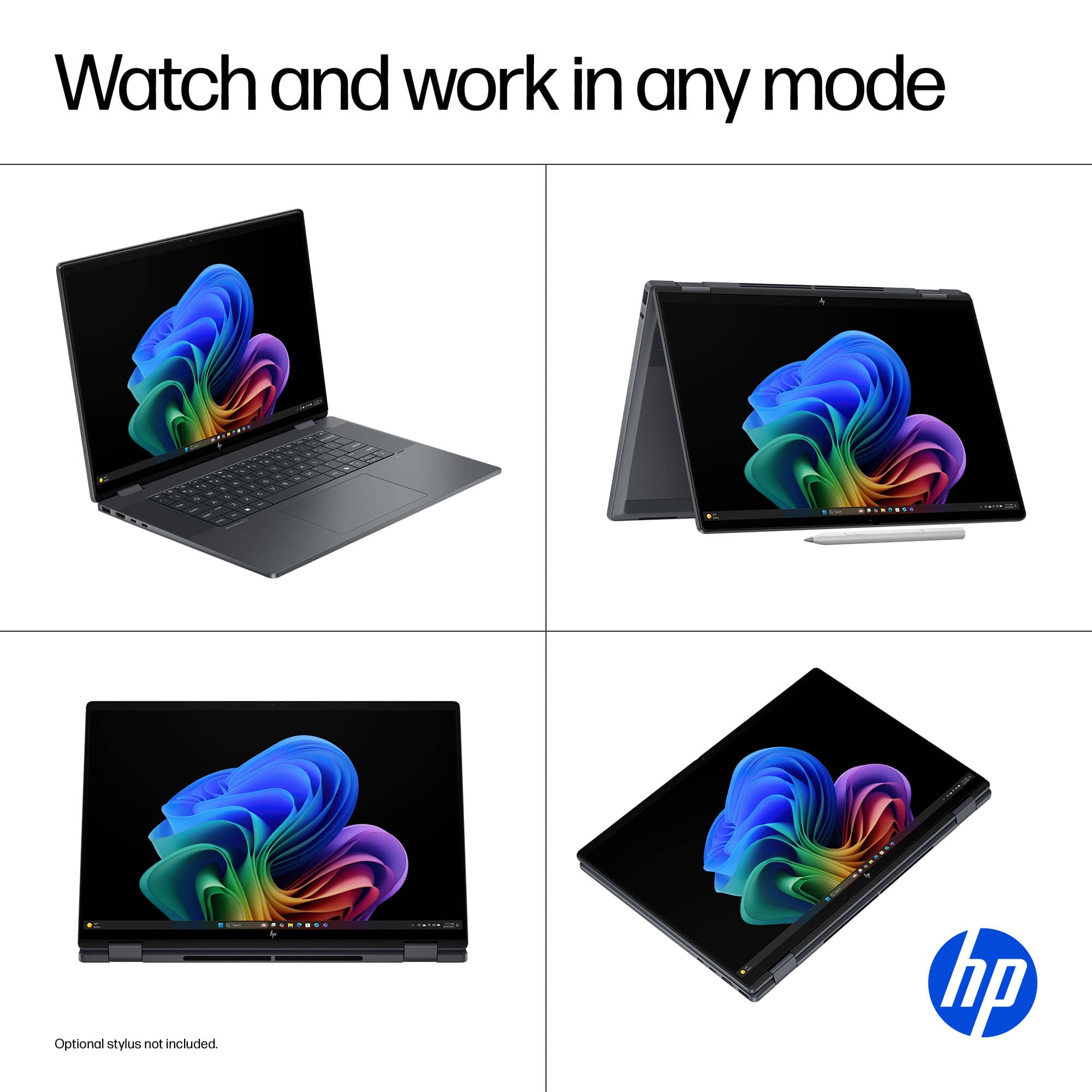
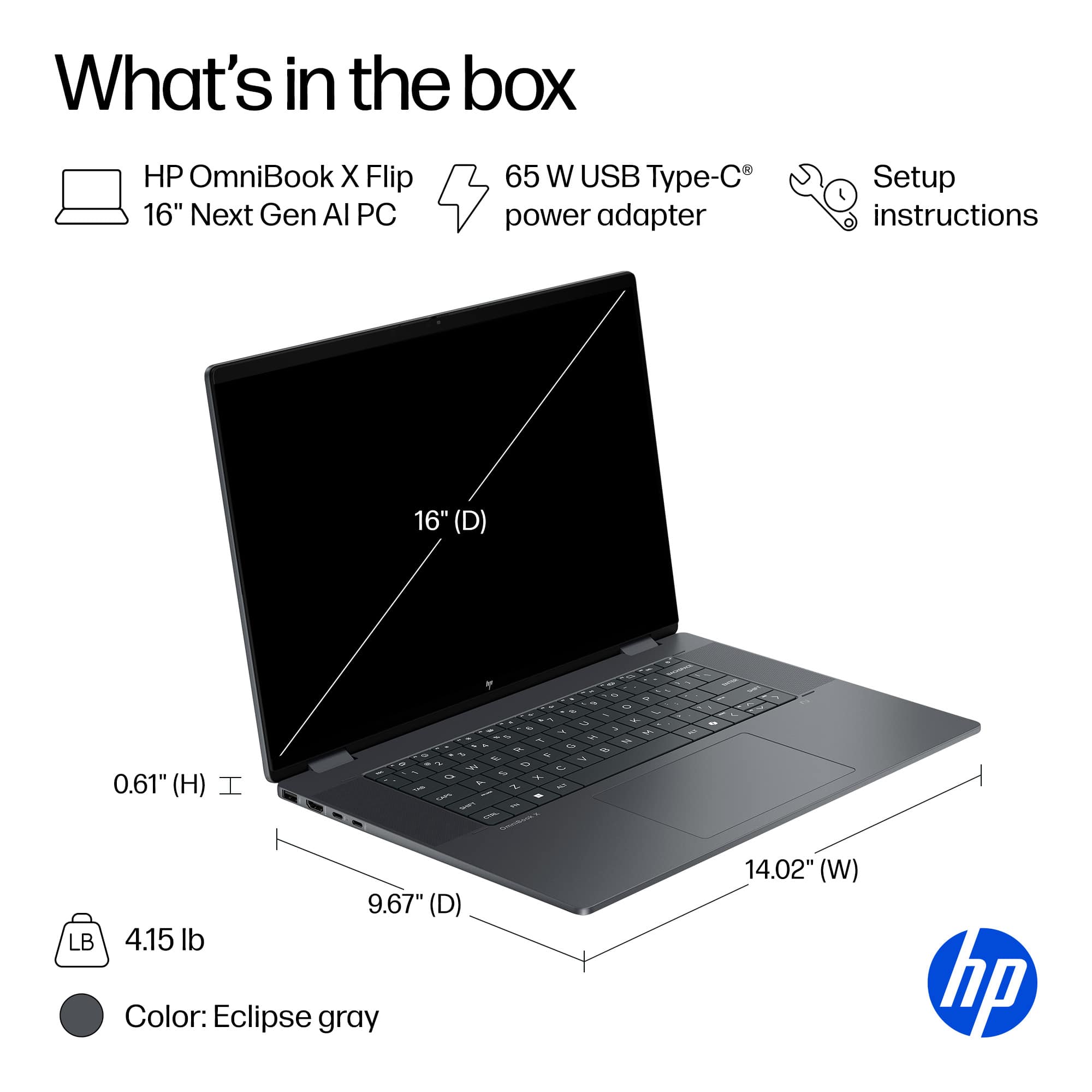
A:AnswerIt should have been since the box has an allotted place for the pen but when i opened the box it was missing so i guess it do not onclude pen and laptop bag.
A:AnswerThere isn’t a place to store it really, however there is a magnetic side on the laptop that while in use you can magnetically place it on the laptop and it will hold it. I would not carry it like that though. It is more for when using at a table and not losing it that way.
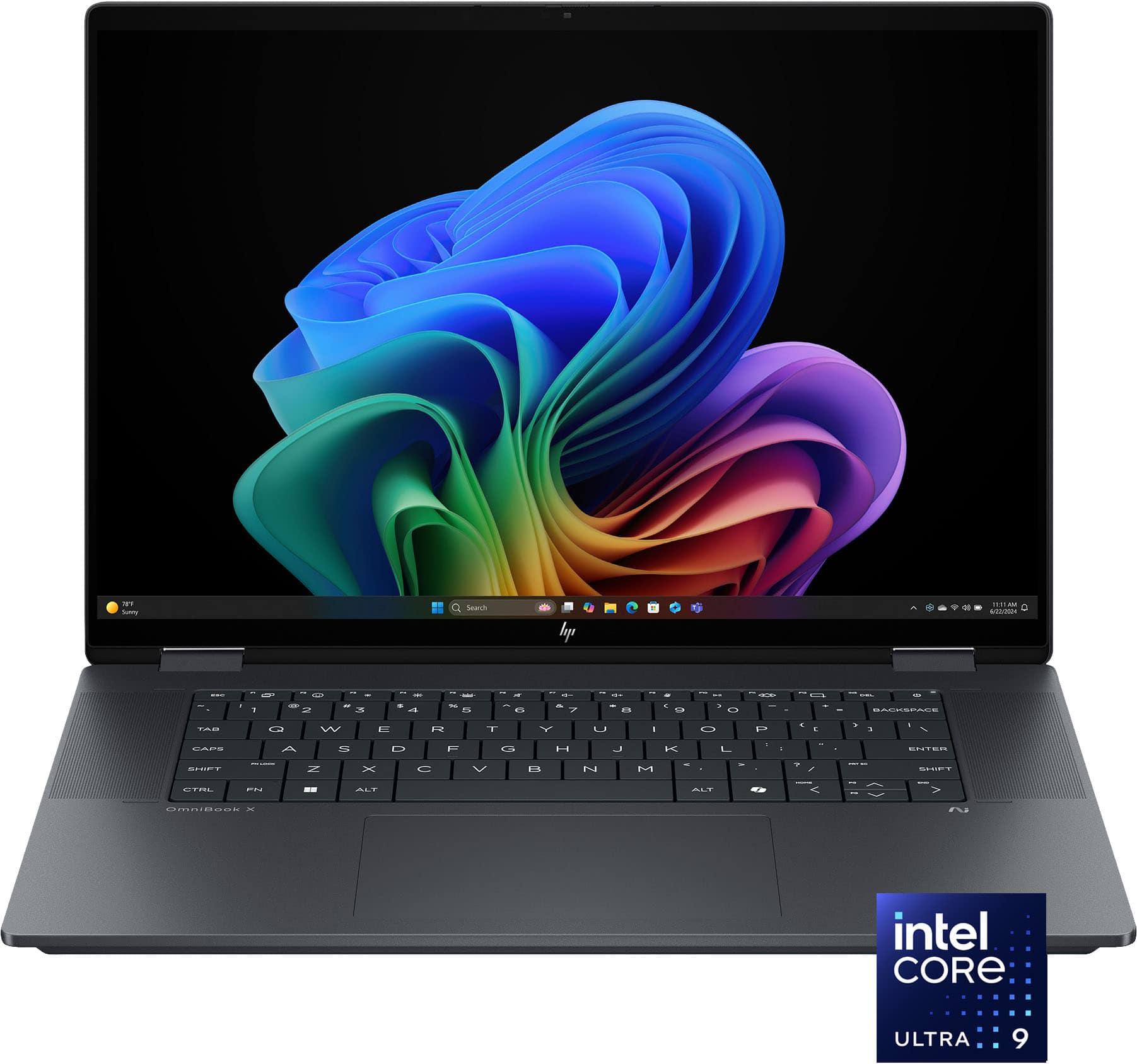
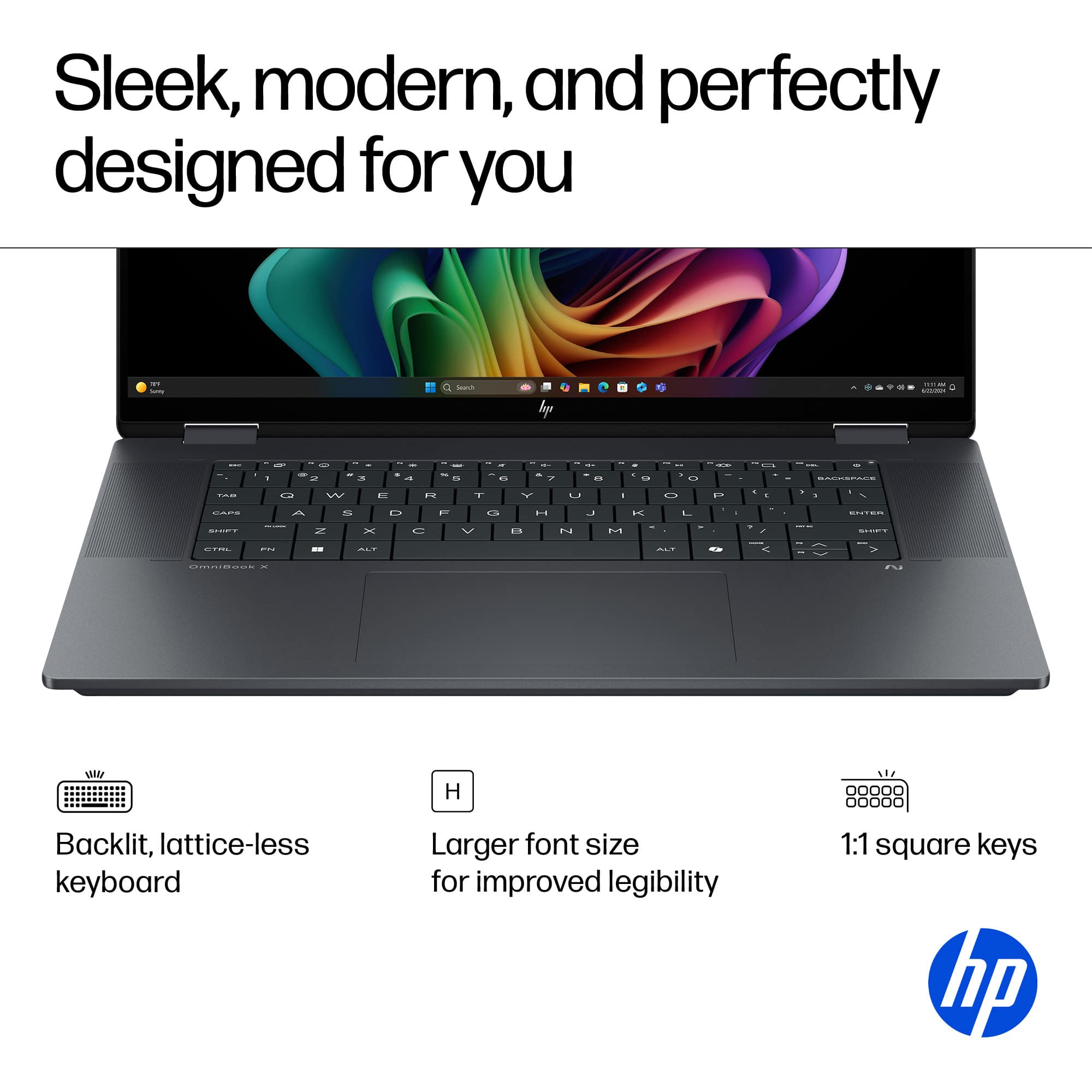
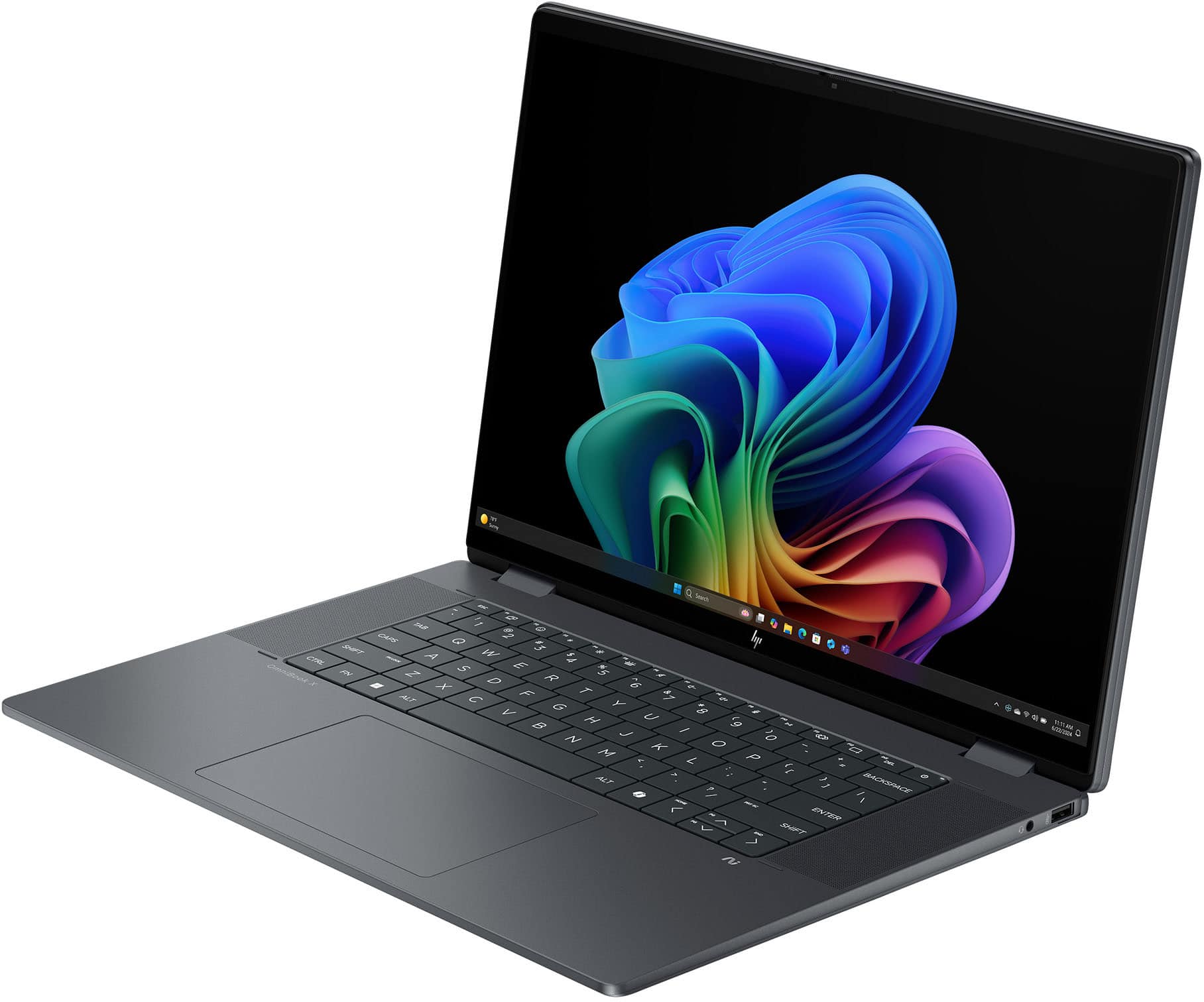
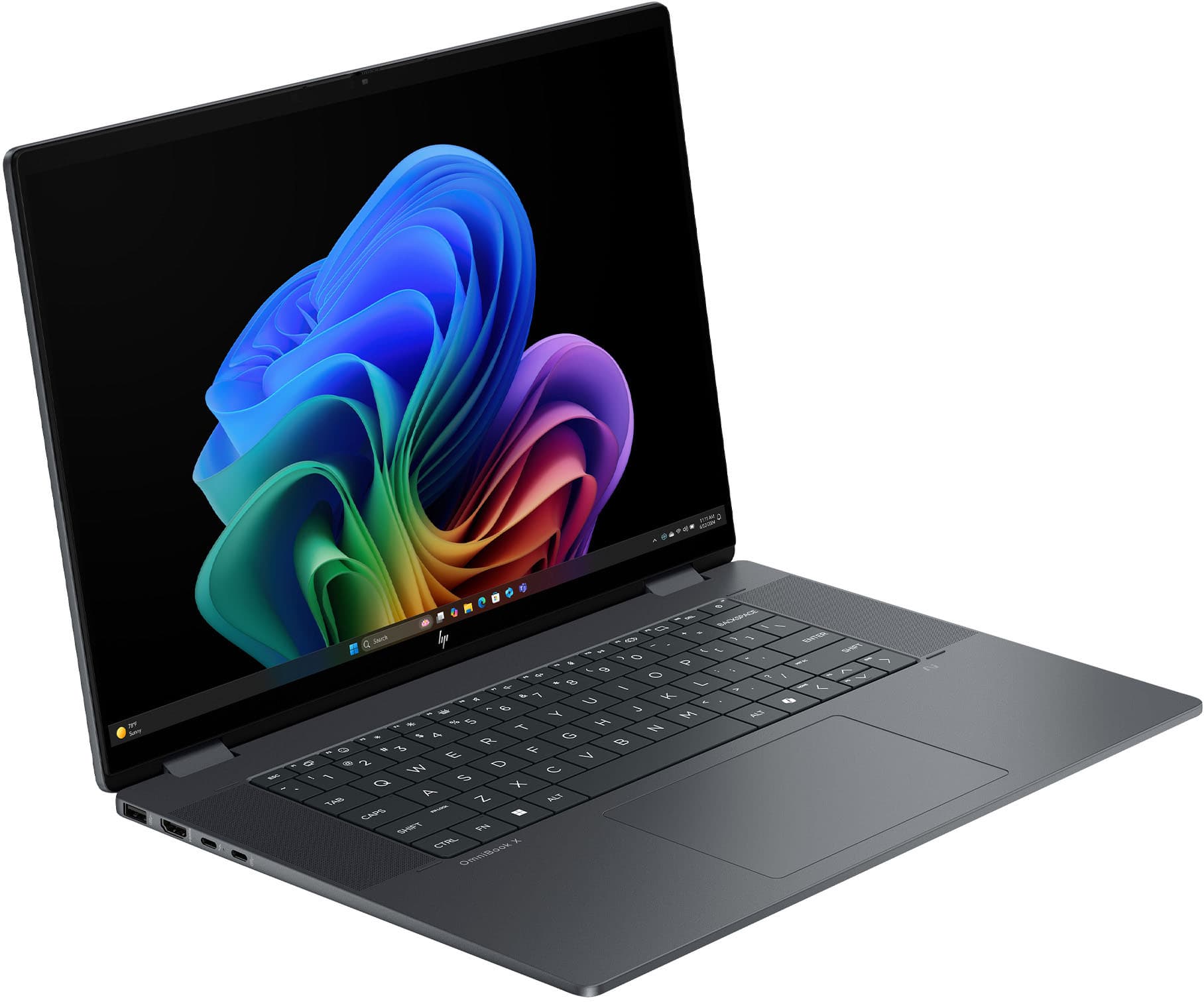
A:AnswerNo. I'm not sure why you couldn't just look at an image of the keyboard to answer the question for yourself. You can optionally use a wireless keyboard that includes a numeric keypad.
A:AnswerBy following instructions from HP (either via searching on YouTube or following the available PDF guide from HP), a user can swap out the M.2 2230 WiFi / Bluetooth card that is installed with a M.2 2230 card that supports WiFi 7. Compatible cards are listed in the maintenance guide.
https://youtu.be/euY6J6MlSj8?si=tV61kXCTlAkUMn0B
https://kaas.hpcloud.hp.com/pdf-public/pdf_13876297_en-US-1.pdf
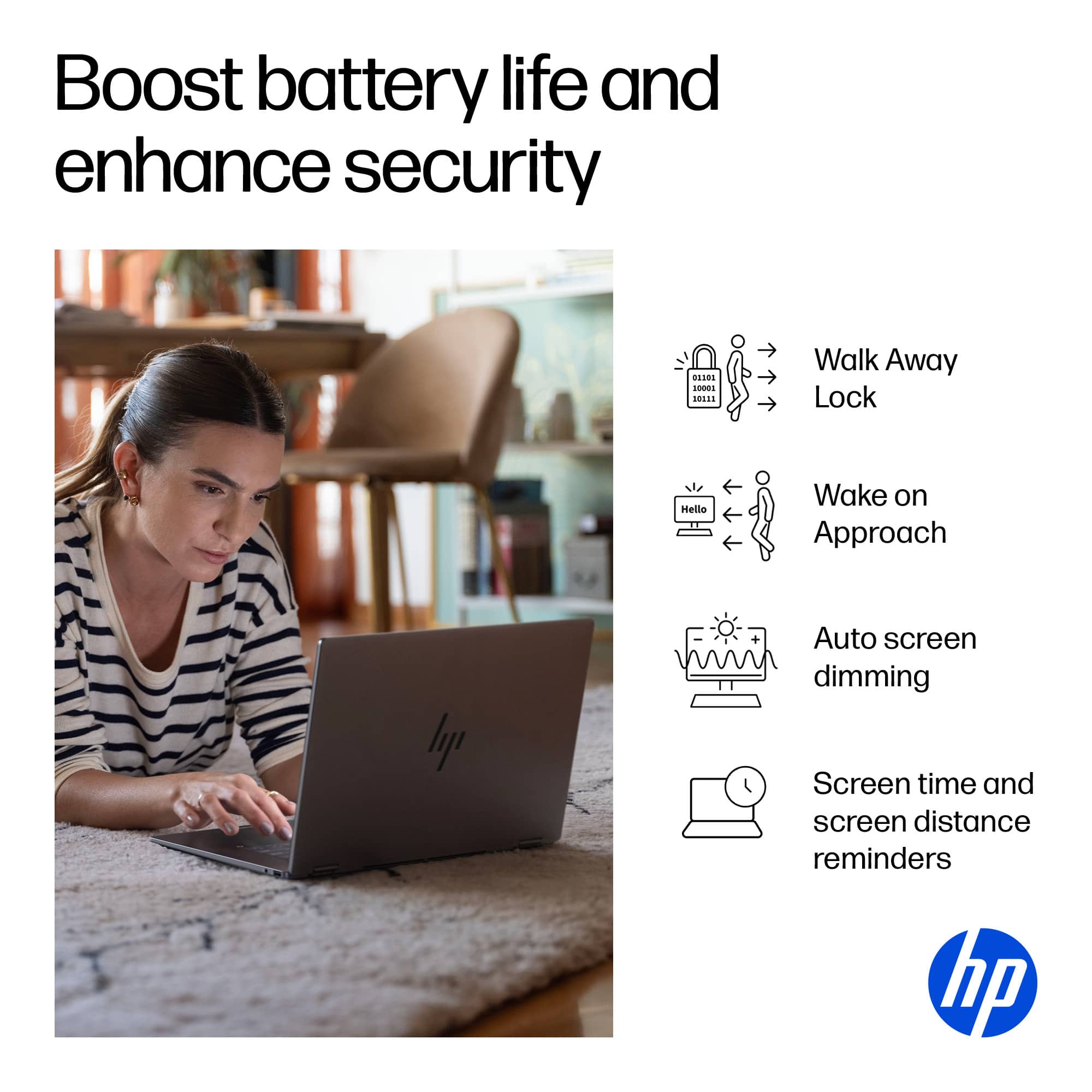
A:AnswerFacial recognition after configuration during set up
Be careful not to accidentally close privacy slide.
I spent 15 minutes troubleshooting issues.