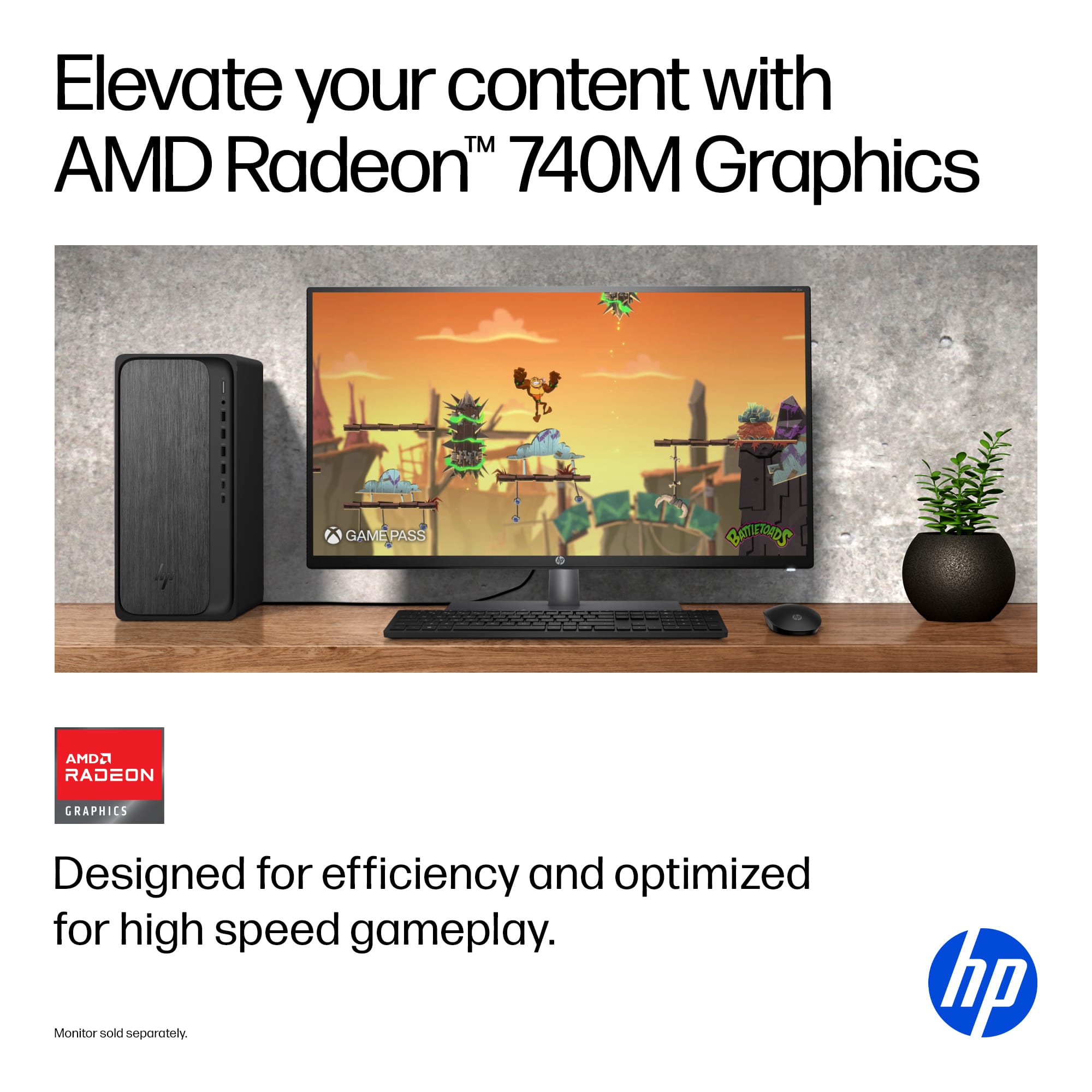
A:AnswerIt is not a gaming computer but will play, shall we say less demanding games without too much of an issue. Just be aware that it does have its limitations.
A:AnswerI wouldn't say automatically. But if you know your WIFI user name and password it is very easy to setup. I suppose you could say semi automatic because it does step you through that process during setup.
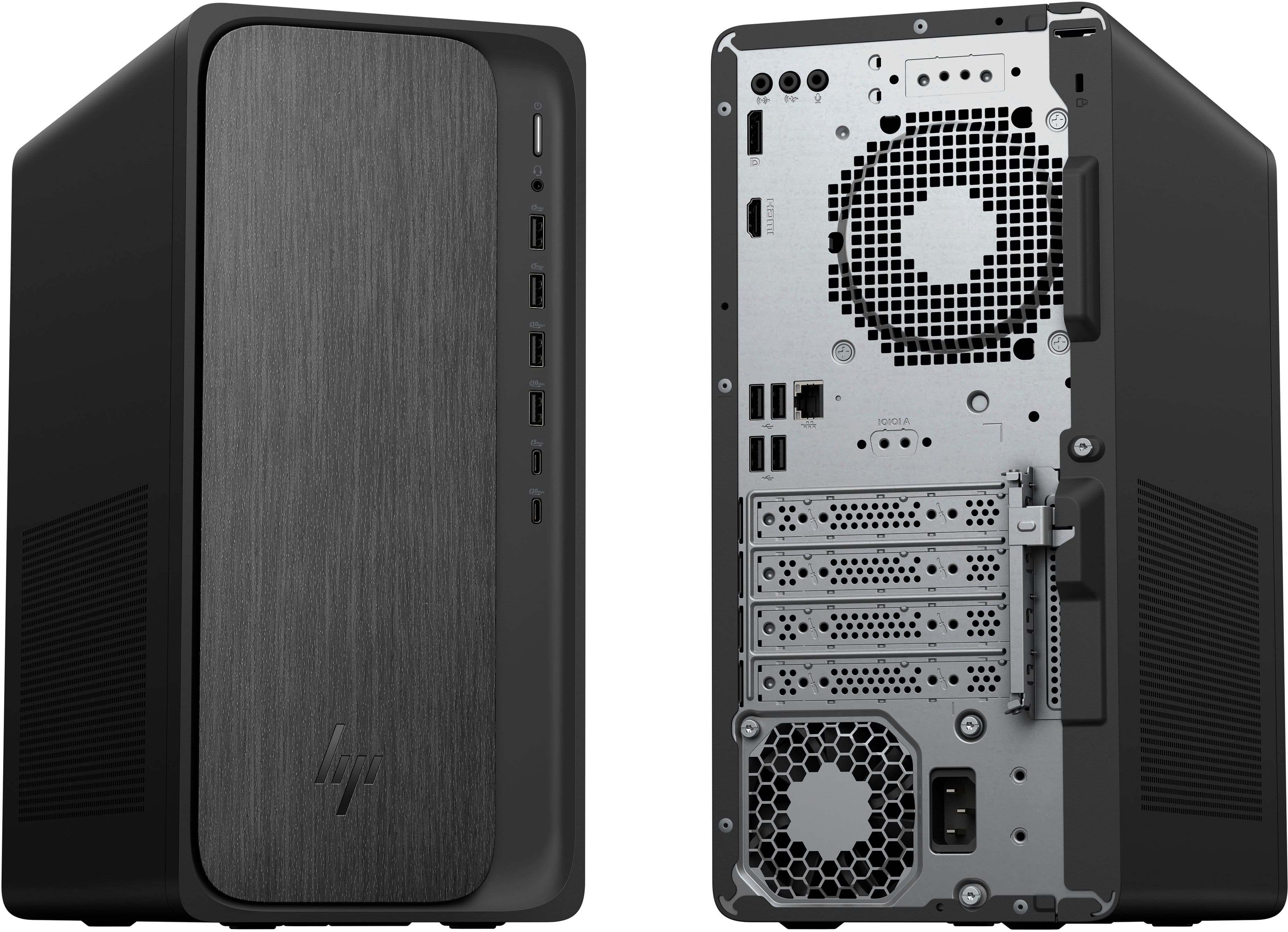
A:AnswerYou should just need two HDMI cables as long as the board has 2 ports. Then in Windows you can change the display settings to "Extend these displays", which let's you use the 2nd monitor for more screen space.
A:AnswerI have used mine with a wired and WiFi connection, I find that the speed is practically the same. Of course it will depend on your router speed.
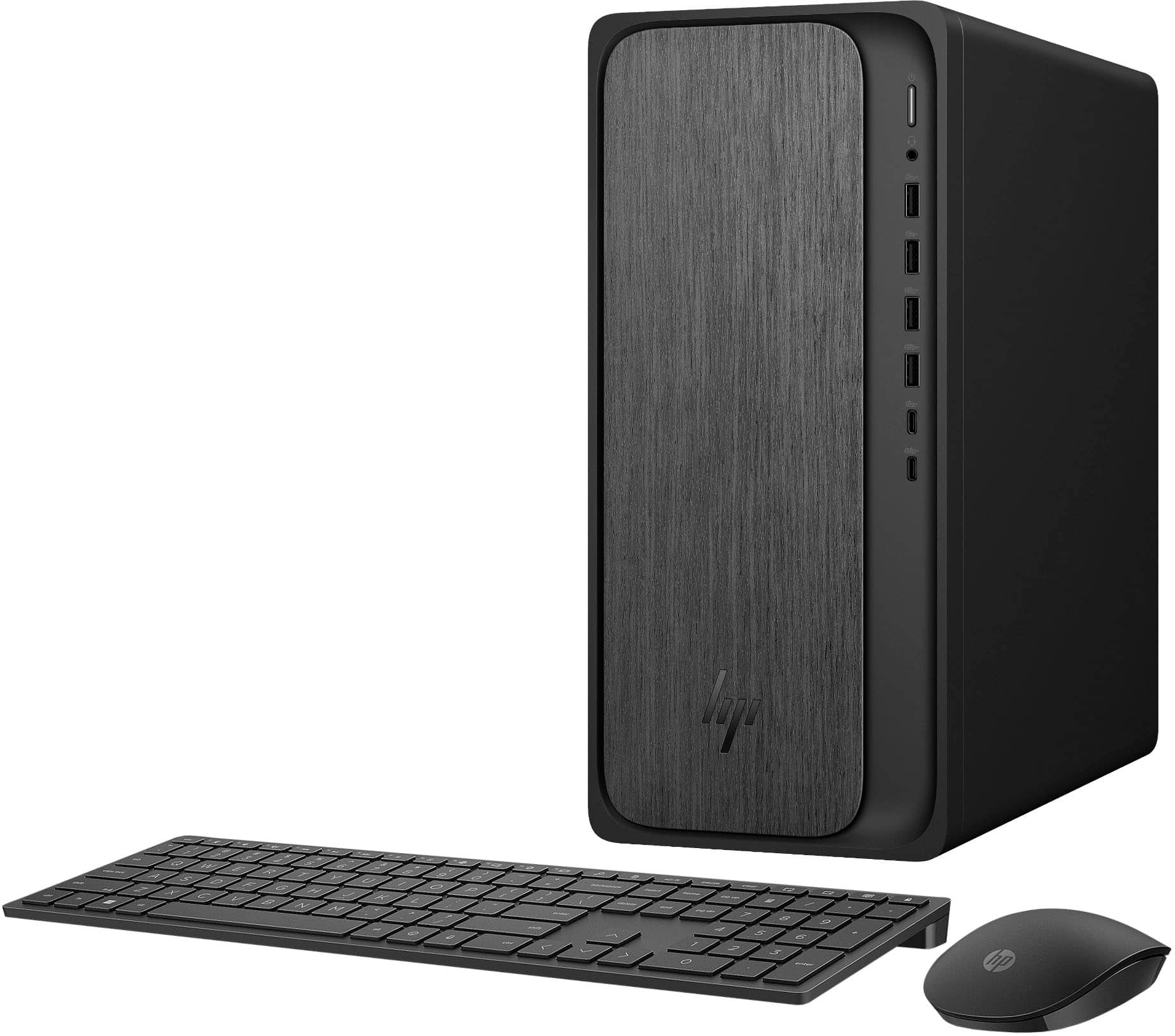
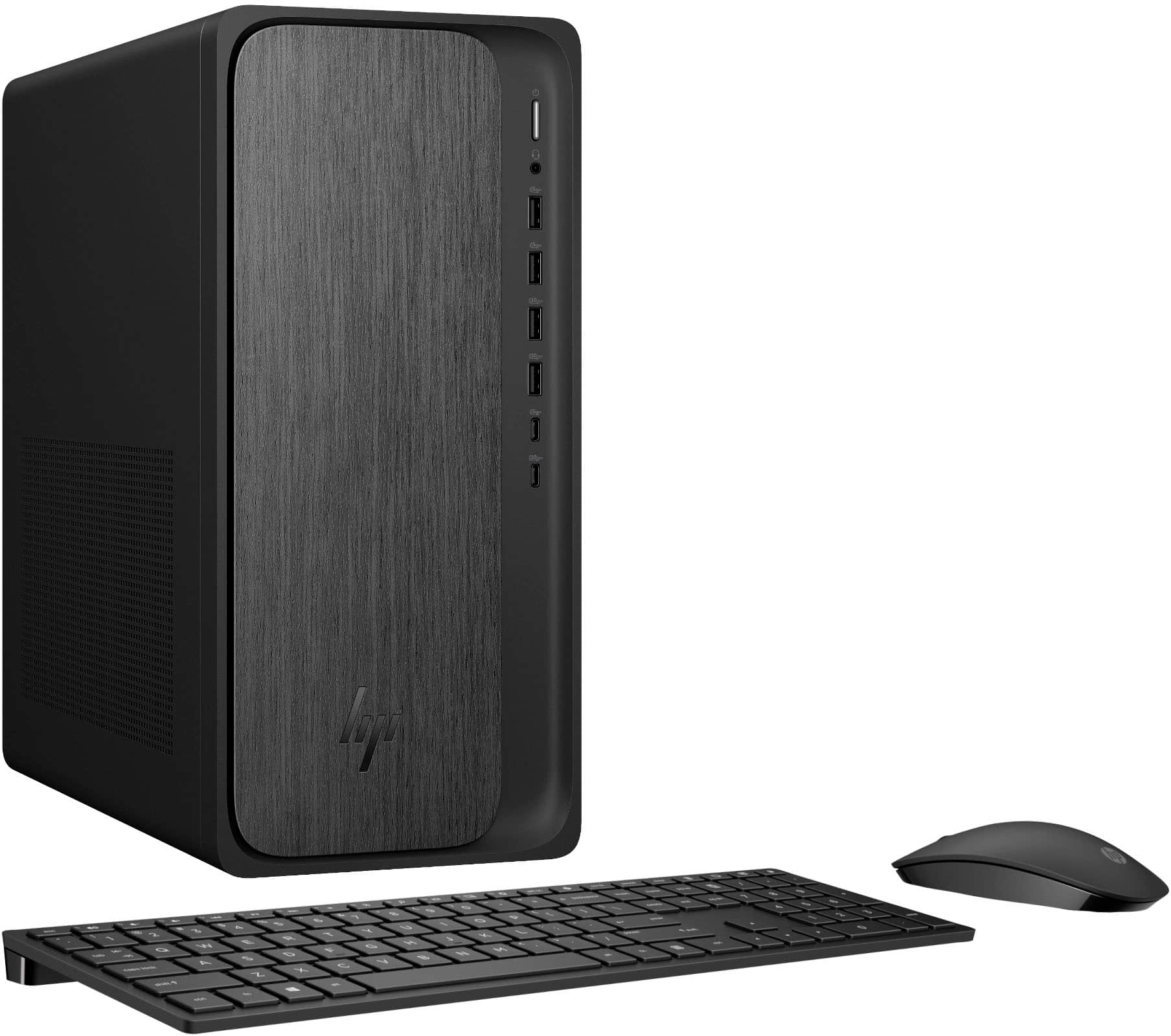
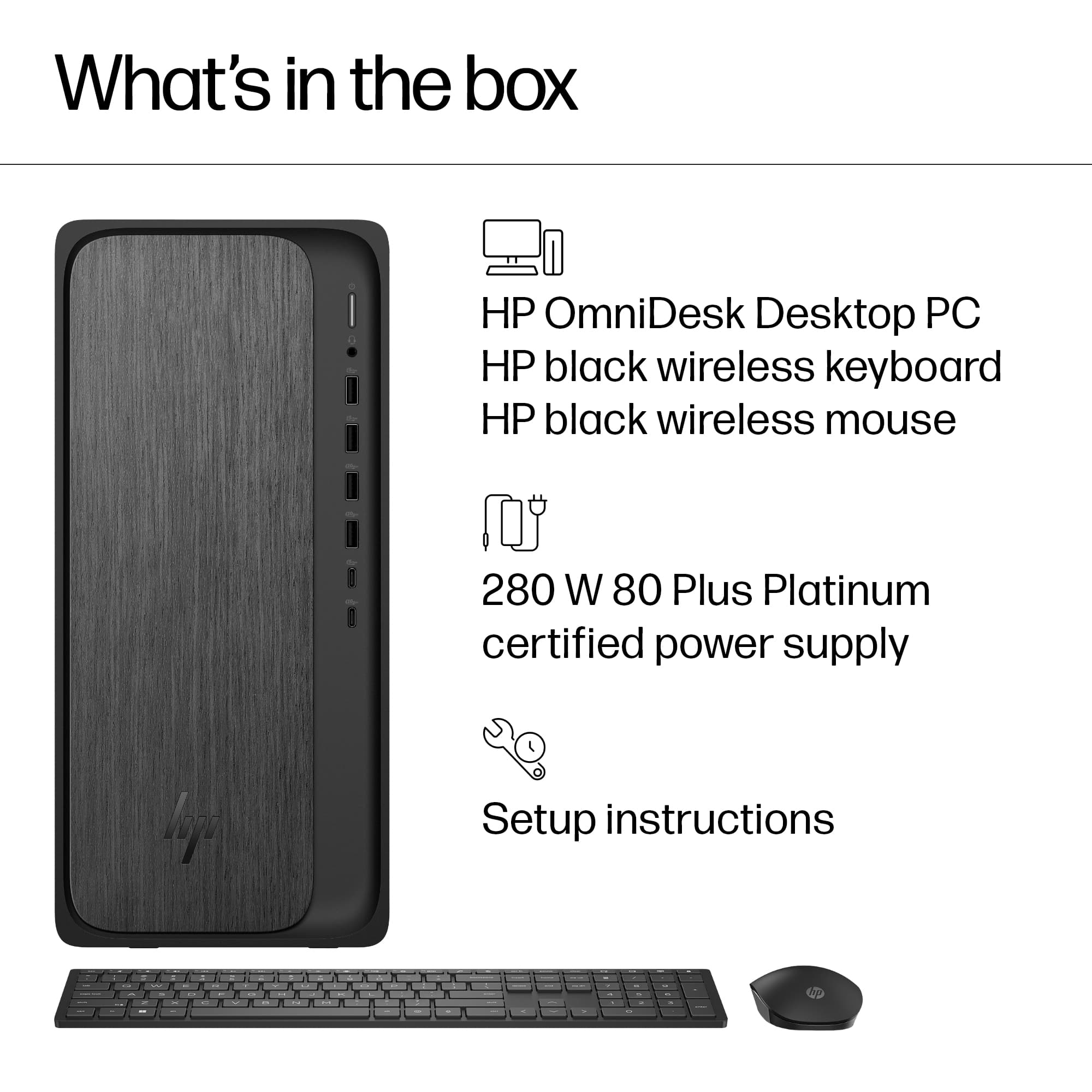
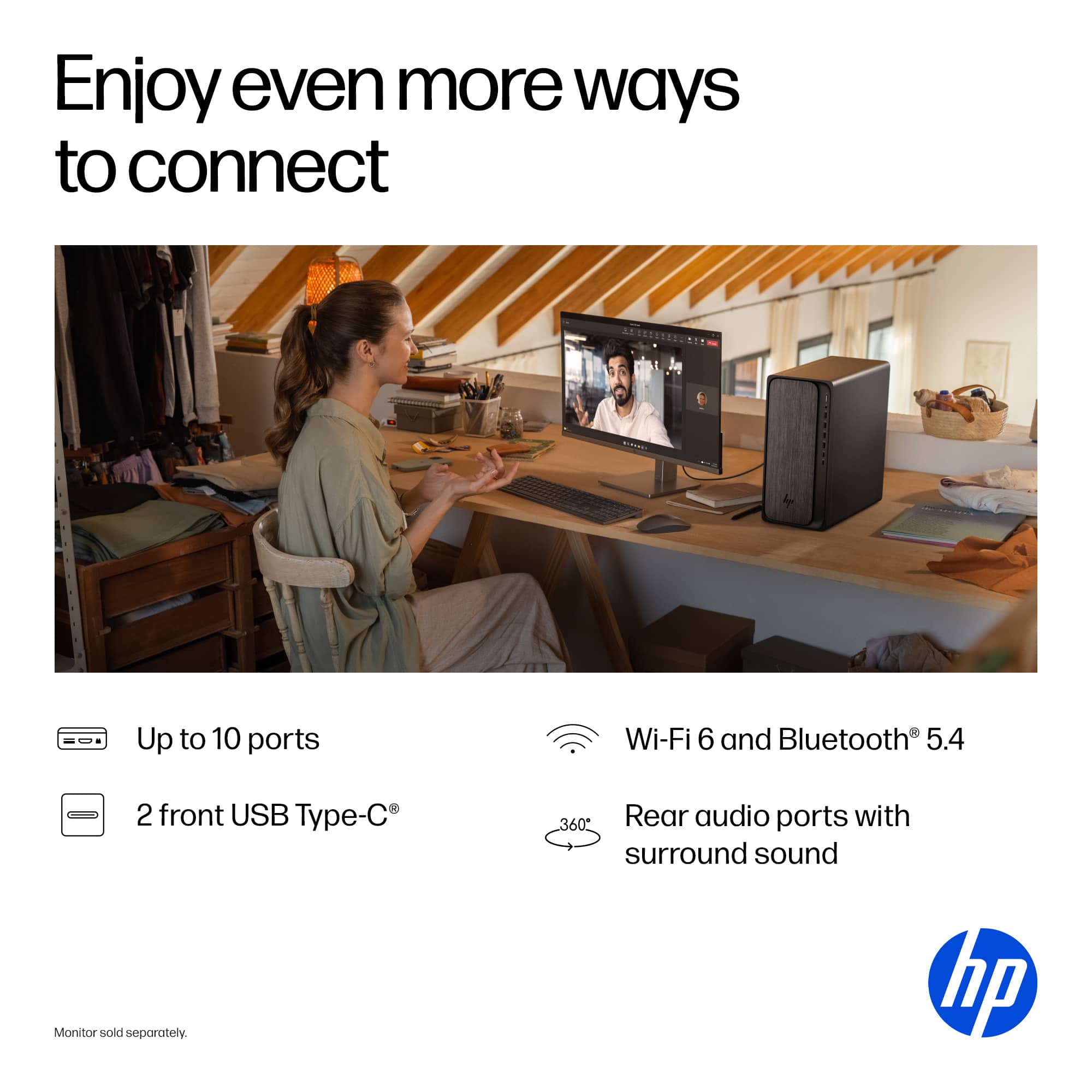
A:AnswerThank you for your question. The OmniDesk Desktop comes with a mouse and keyboard only. You will need a monitor with a webcam to conduct Zoom calls etc.
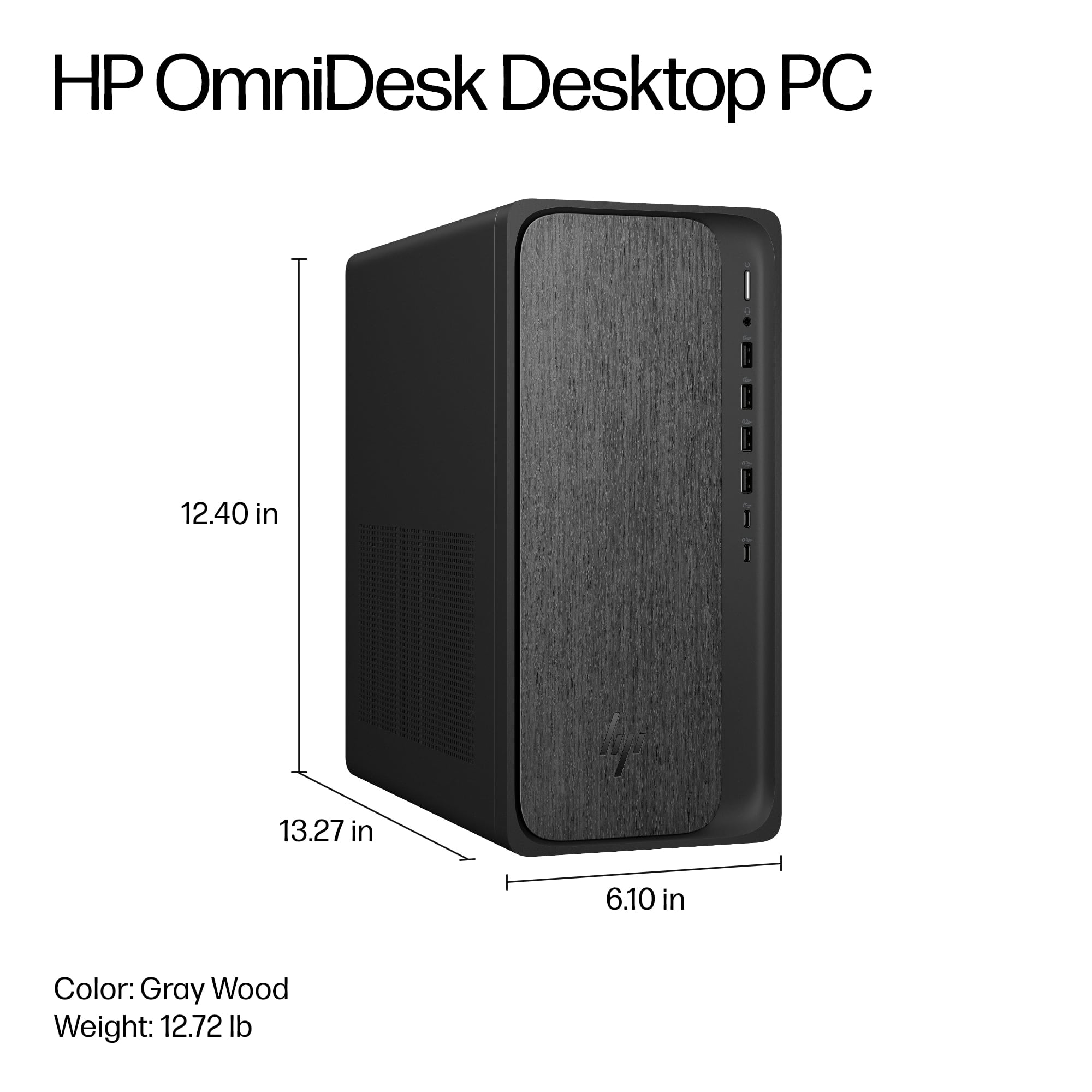
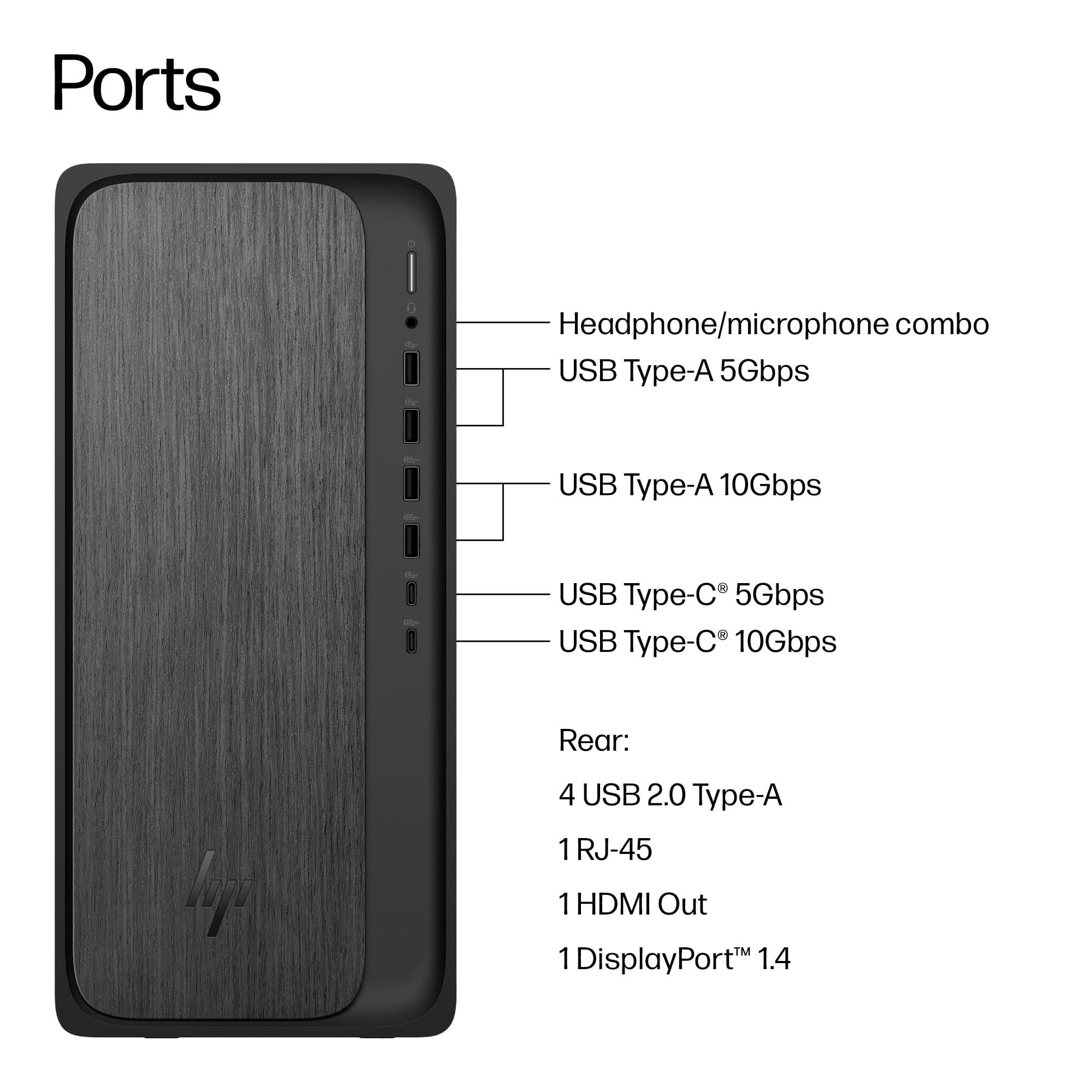
 for more information.
* ENERGY STAR and the ENERGY STAR logo are registered trademarks of the US Environmental Protection Agency.
* HP](https://pisces.bbystatic.com/image2/BestBuy_US/images/products/992baeef-17dc-4428-82f4-0f0c2de9f557.jpg)