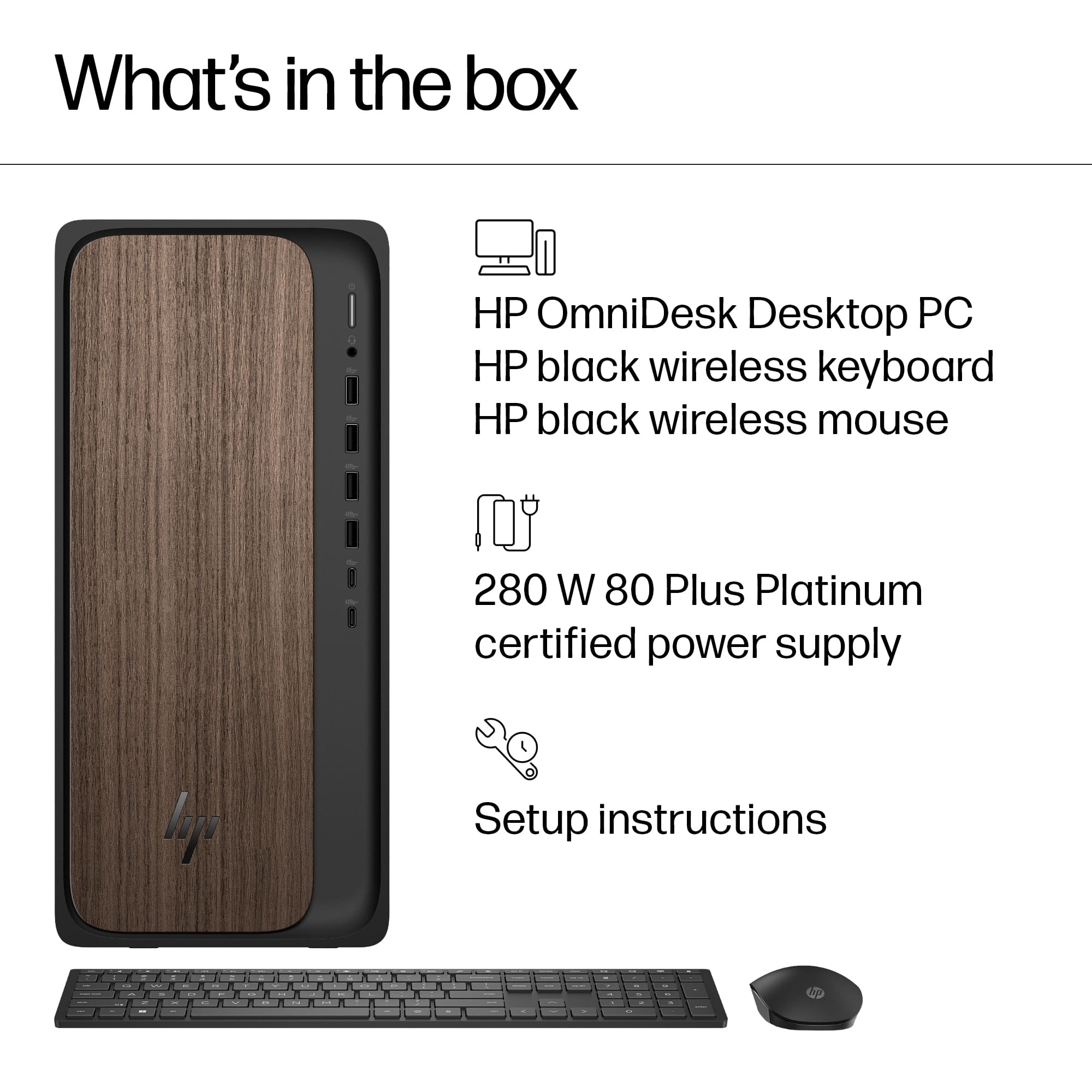
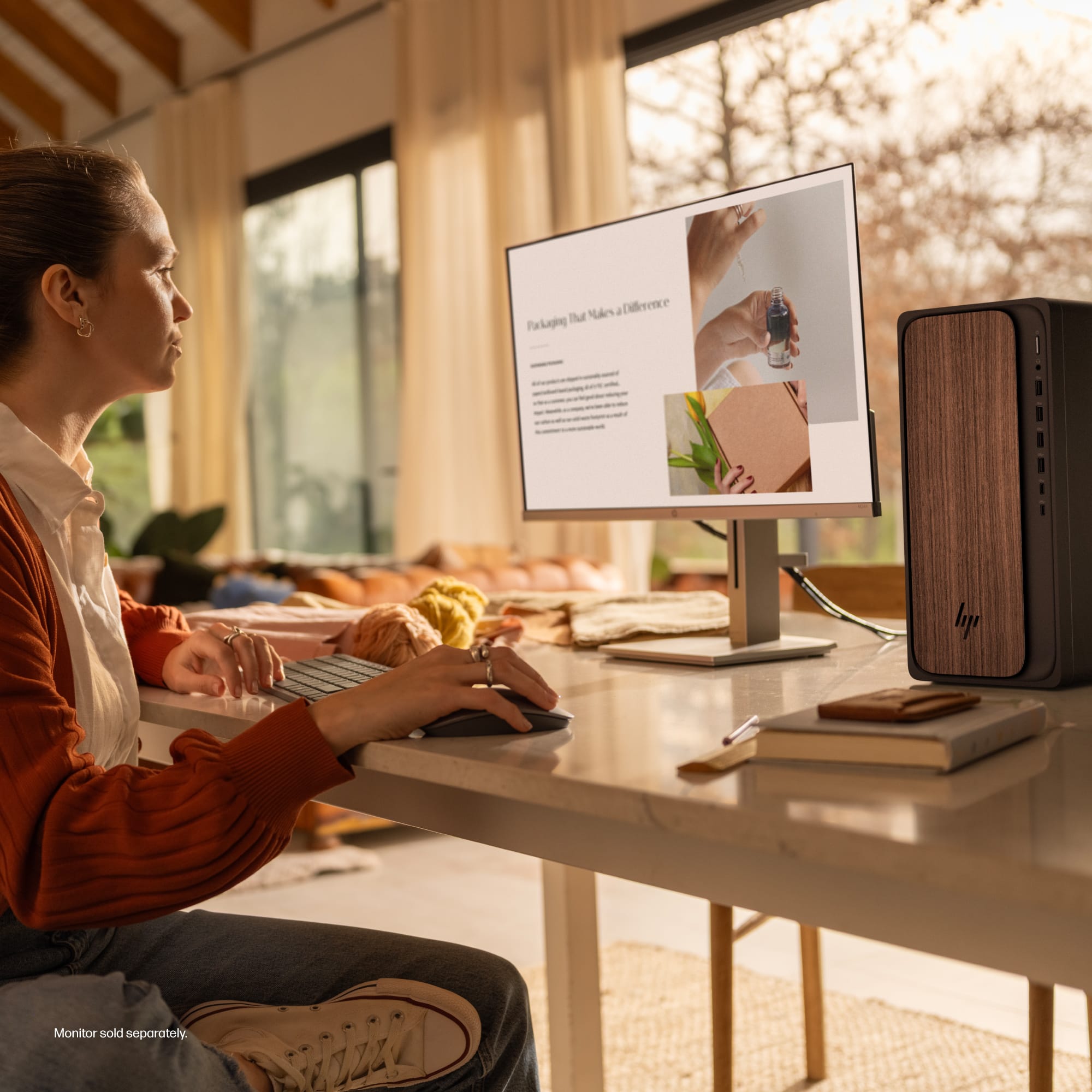
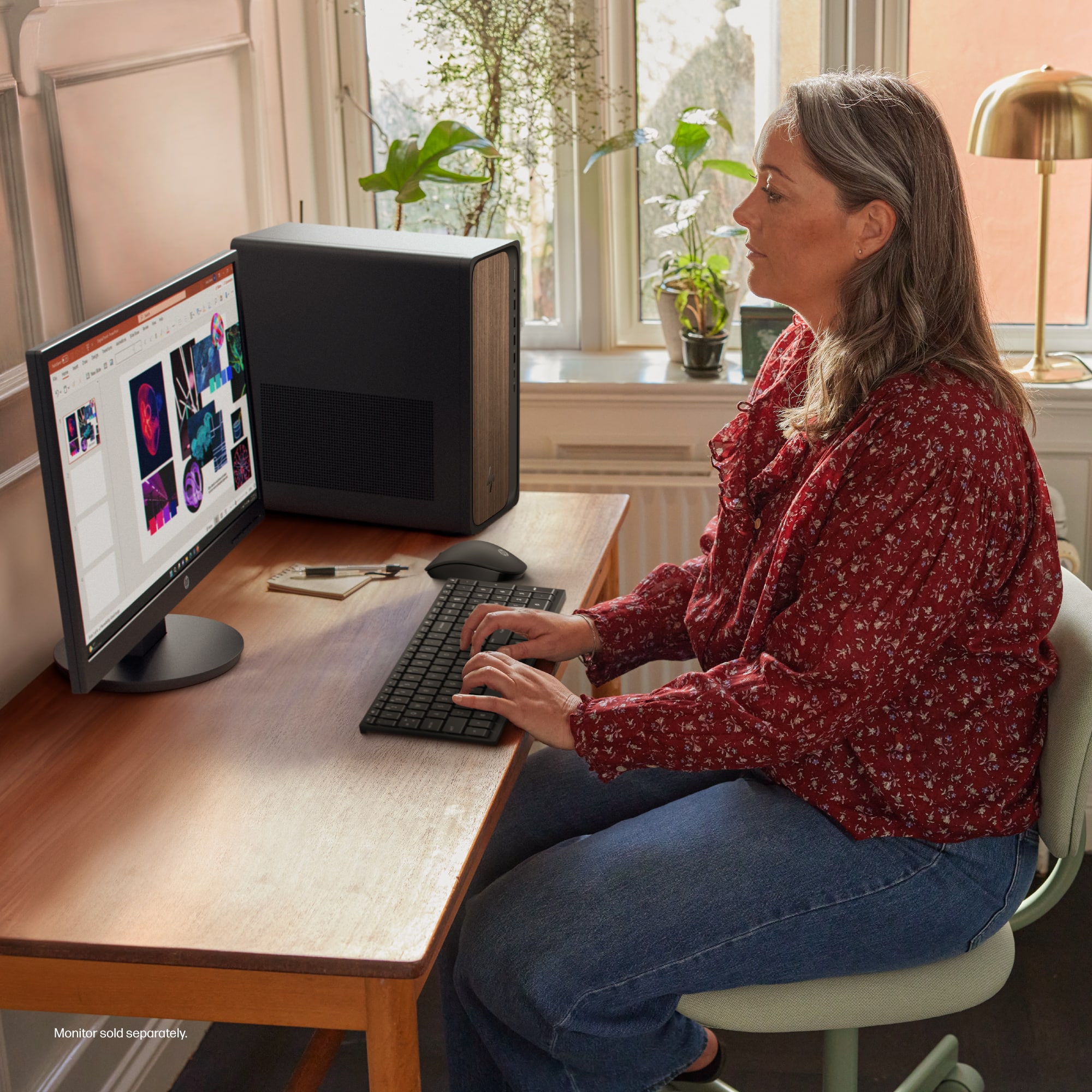
A:AnswerI just replaced my old desktop with this OmniDesk PC. When I went to pick it up at Best Buy after the data had been transferred, I was told the monitor needed to be replaced as well since my old monitor was not compatible. However, I have an older all-in-one printer (HP), and it works with the new PC. My Insignia speakers also work well with the new computer. Hope this helps!
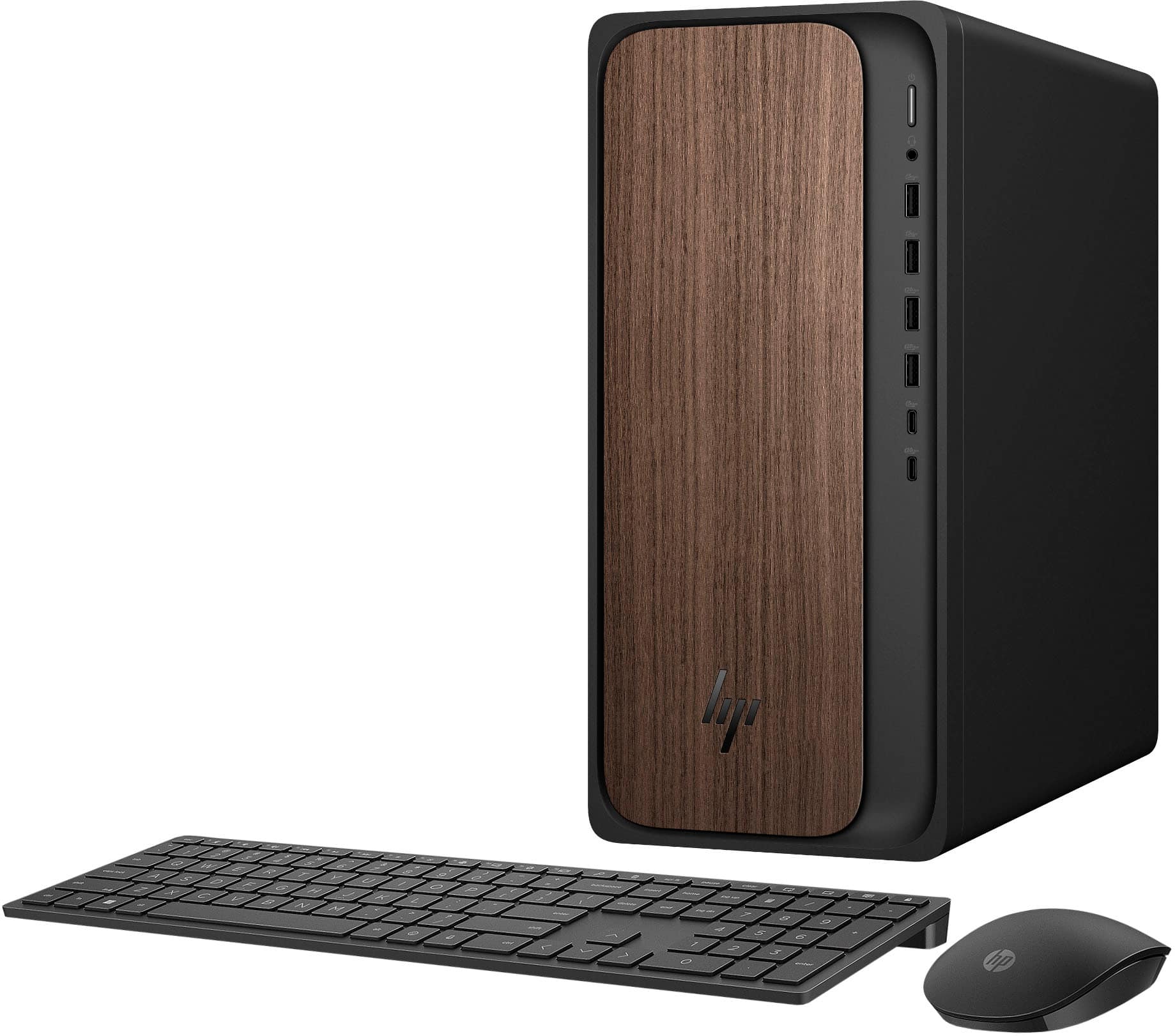
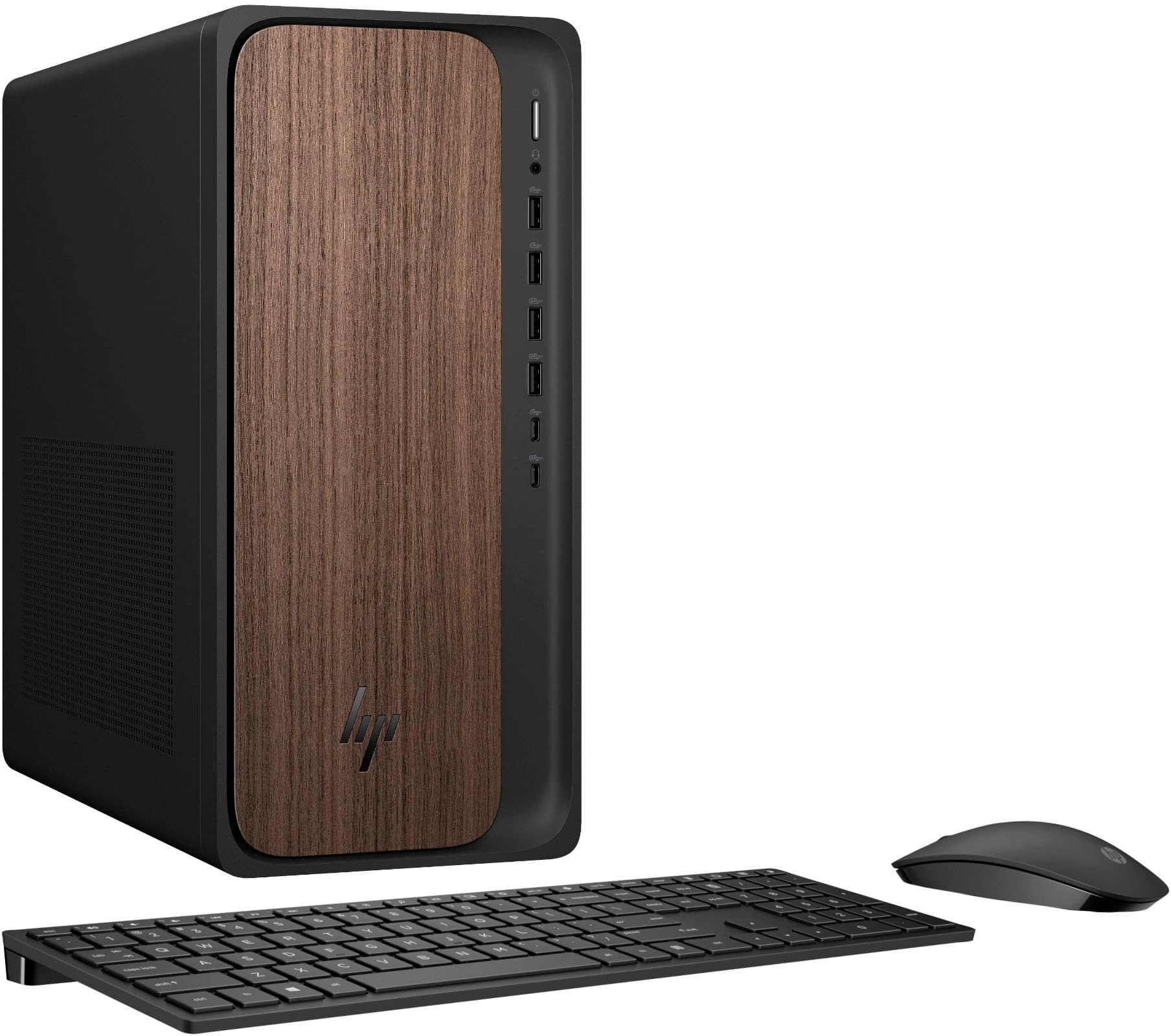
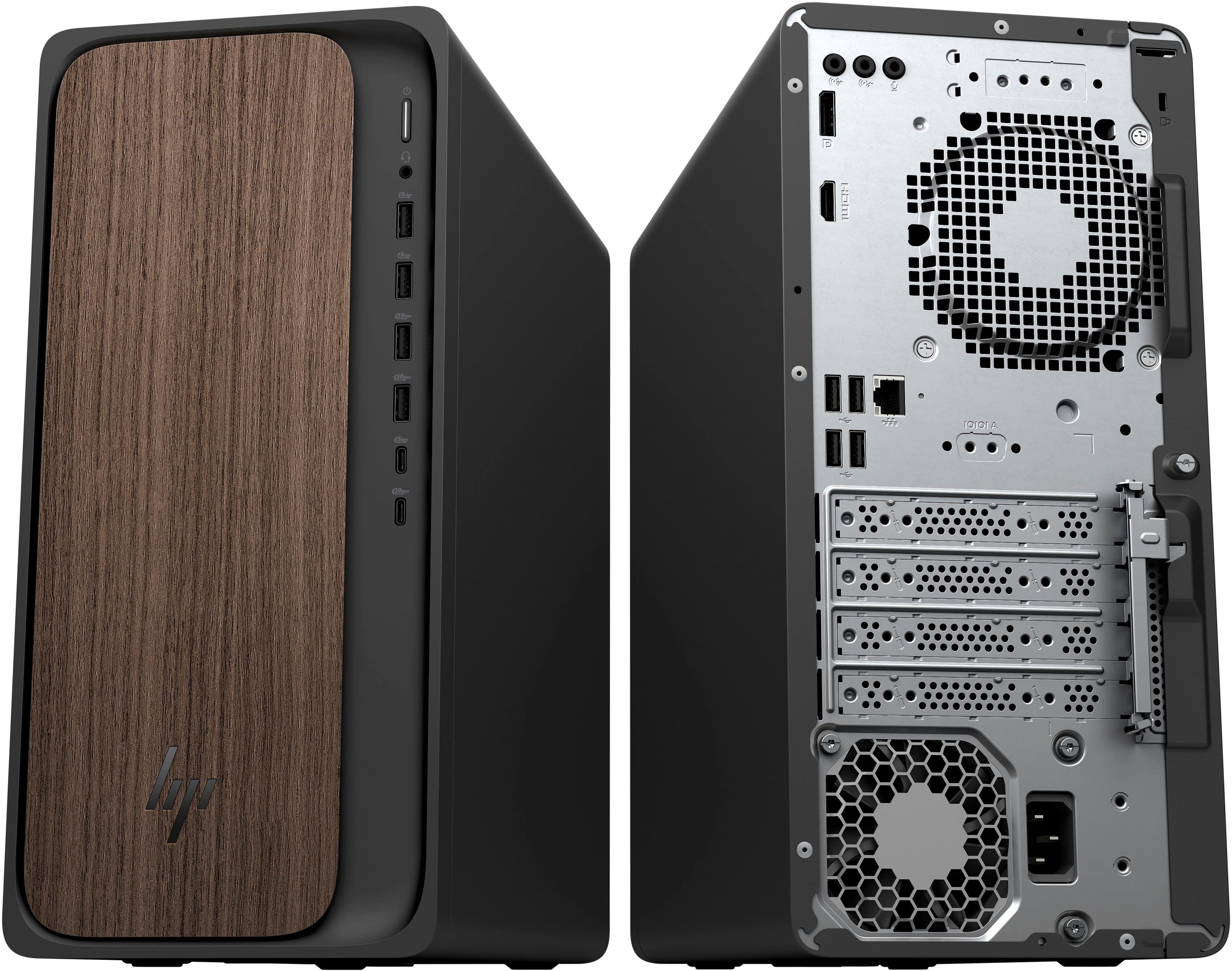
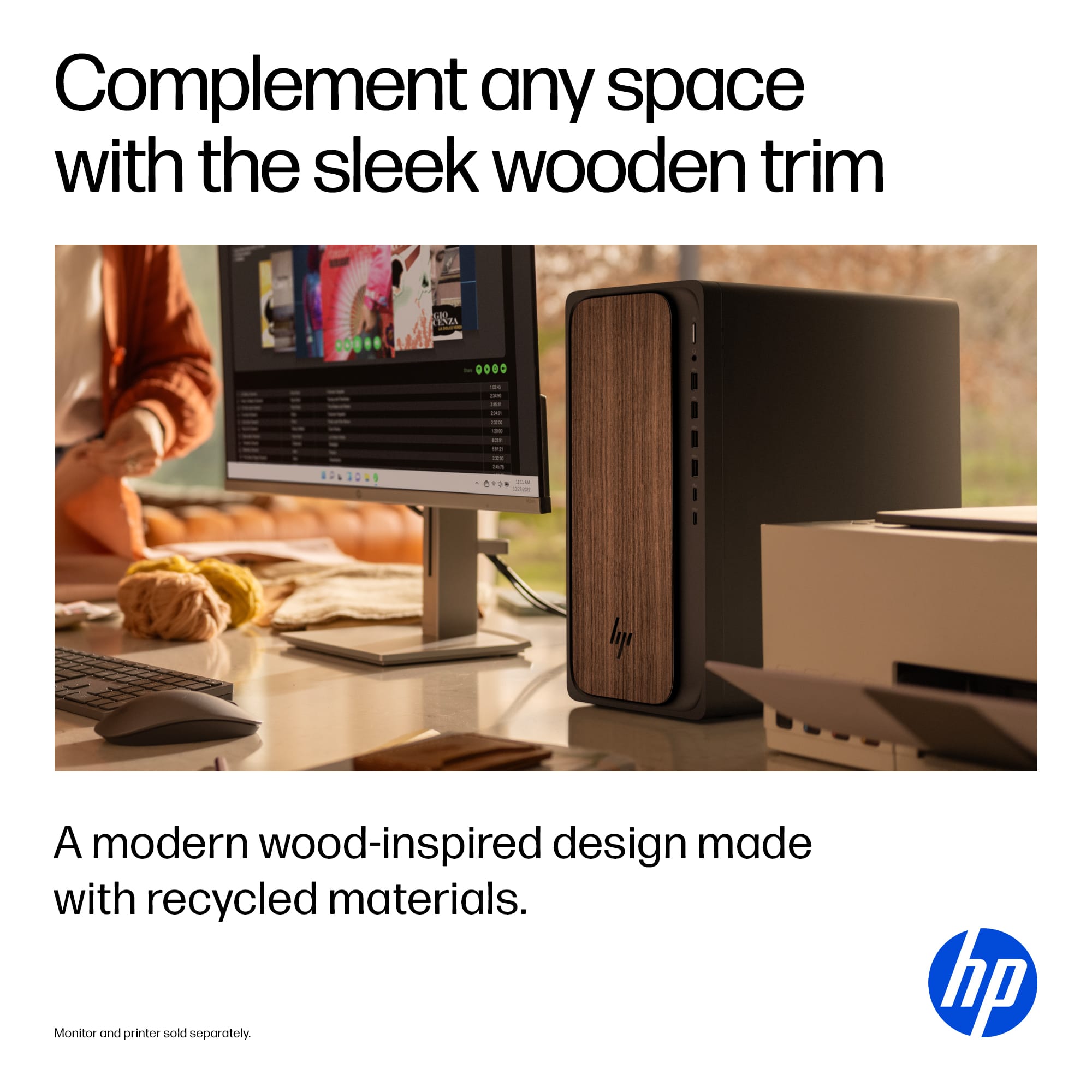
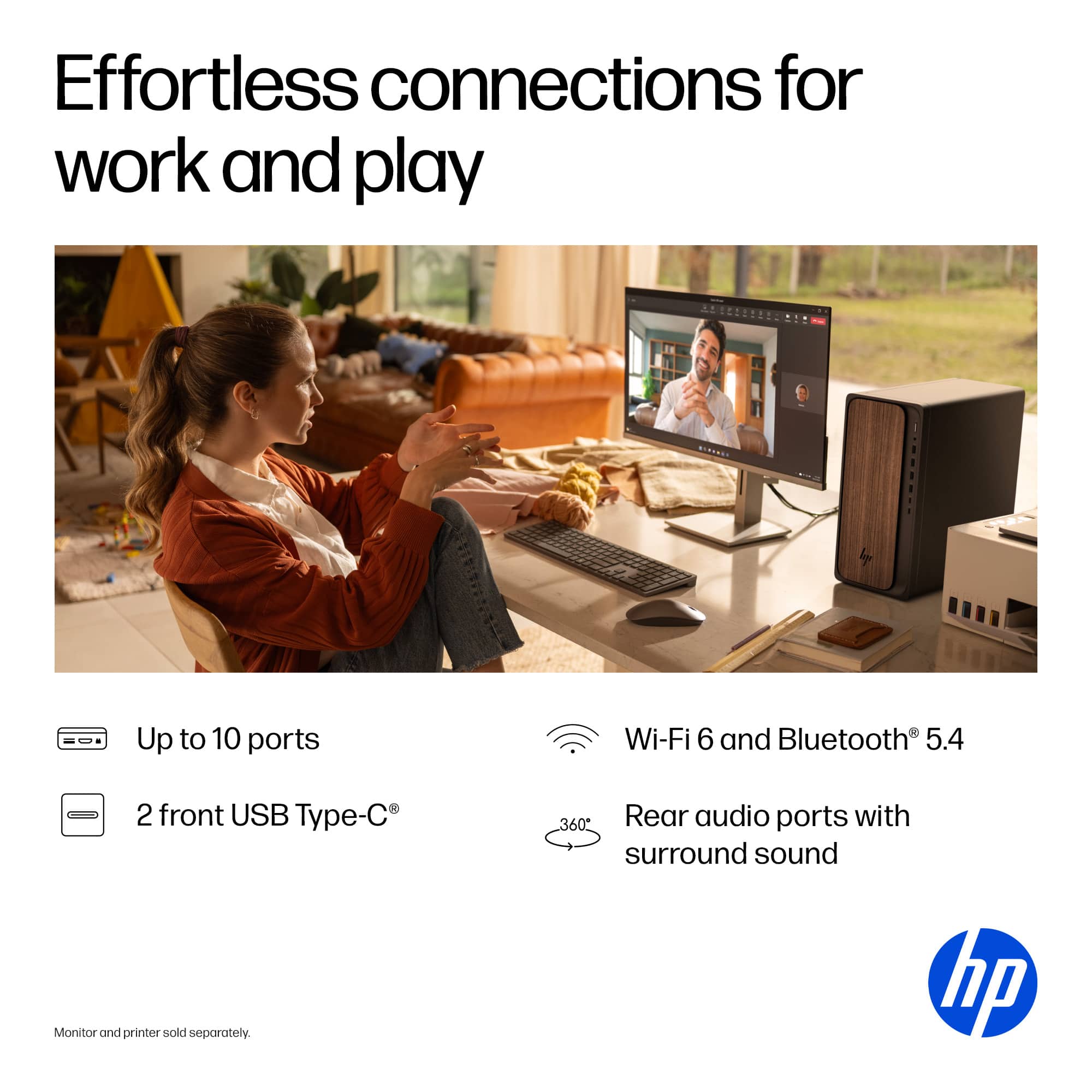
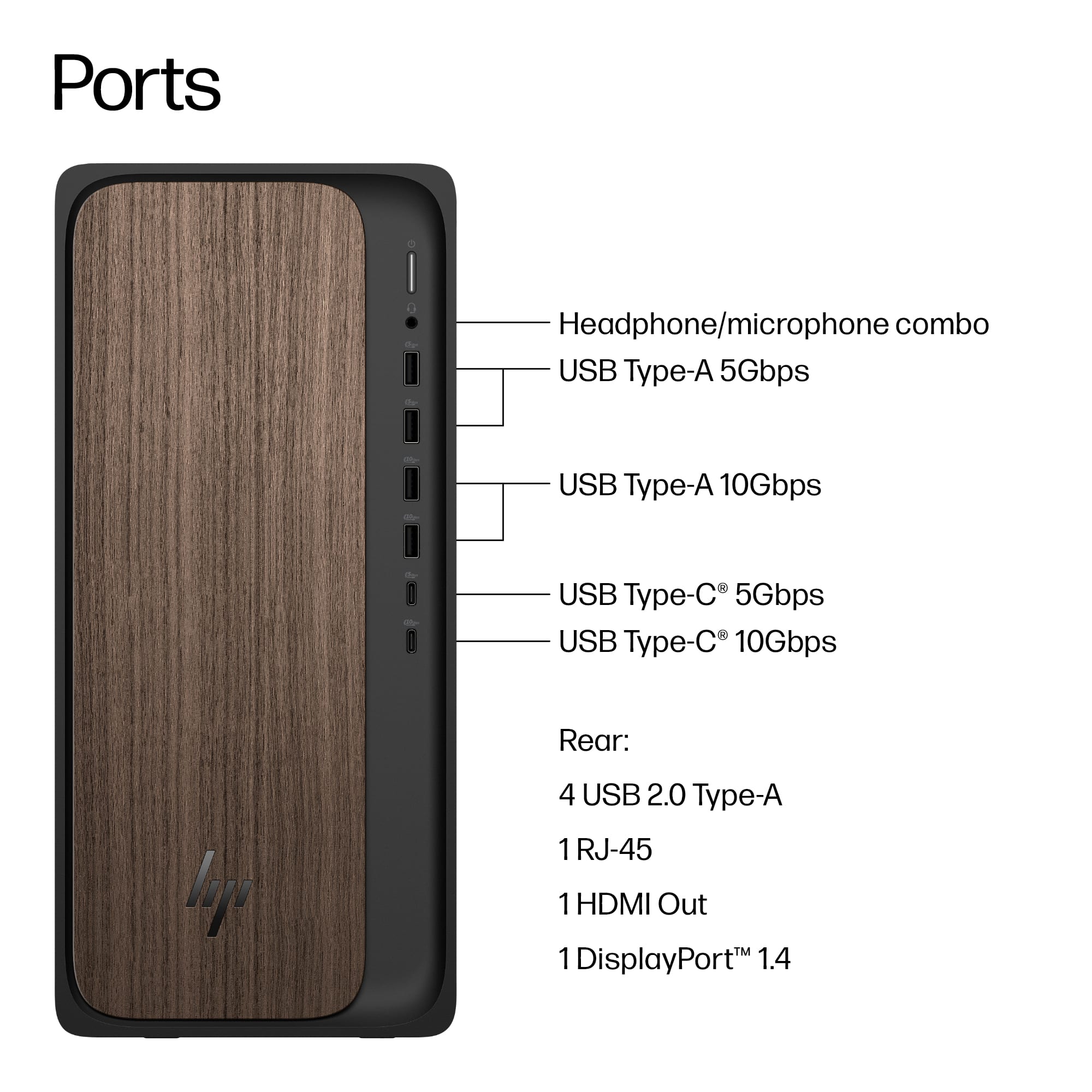
A:AnswerHi Mike, thank you for the question. The OmniDesk M03-0054 does not have speakers, however, it has audio connections (line in, line out to connect speakers, and a microphone/headphone port) . Alternatively, you could connect a monitor with speakers.
A:AnswerTony, thank you for your question about this HP OmniDesk! It is not made to accommodate an internal 3.5" drive. You can purchase an enclosure for it and attach it via a USB port.
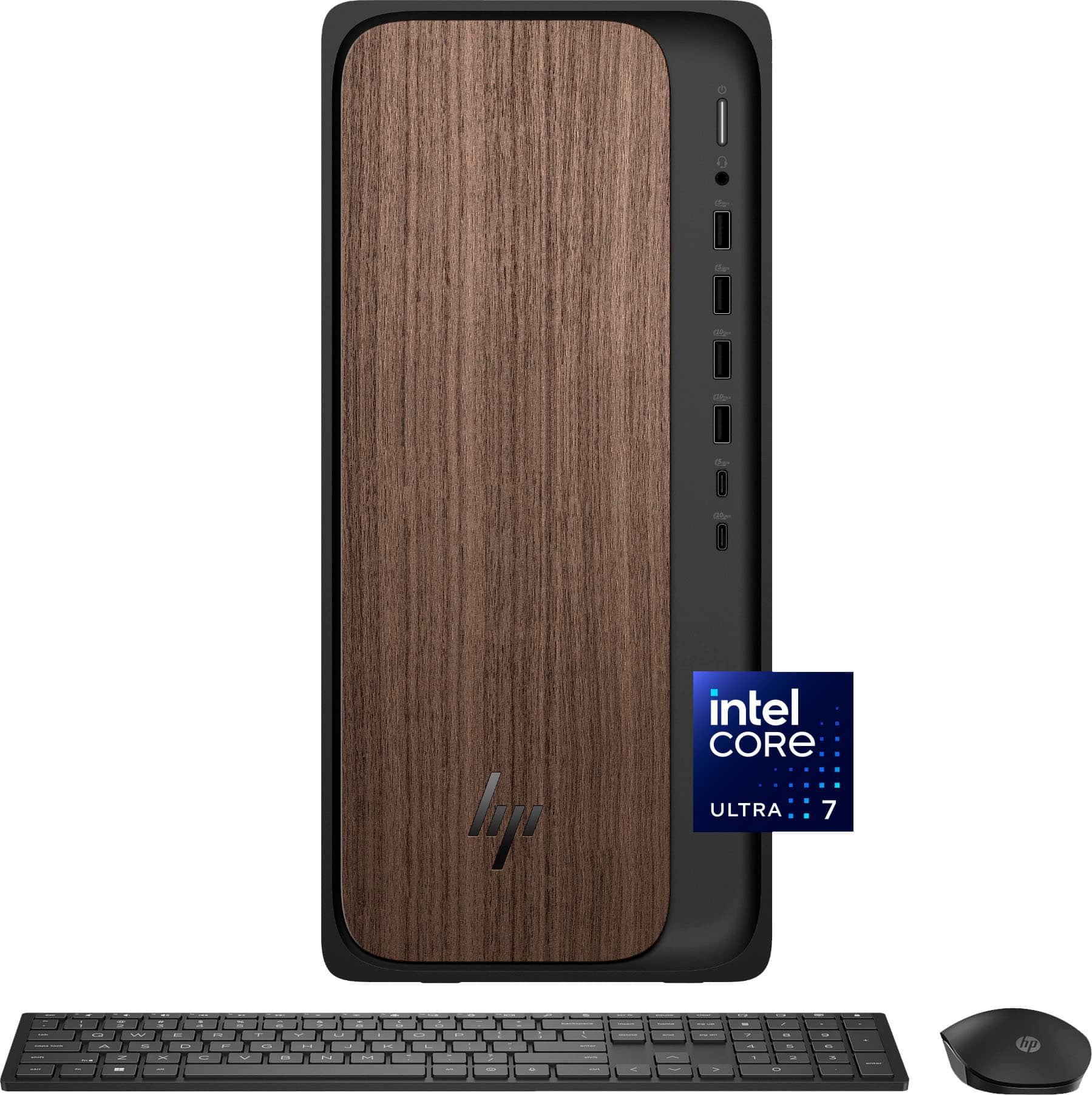
A:AnswerHello and thank you for asking. The HP OmniDesk M03-0054 desktop computer has several ports. The monitor would use either the HDMI port or the Display port. If your monitor can connect to either of those, it should work with no issues. The HP OfficeJet Pro 6978 printer is Windows 11 compatible and can connect wirelessly or with a USB cable. Please contact HP Support if you need additional assistance.
A:AnswerI read on a previous answer, that no, there is not an open slot. I had just bought a 2 TB SDS for my old computer was hoping to add it in to this one. guess not.
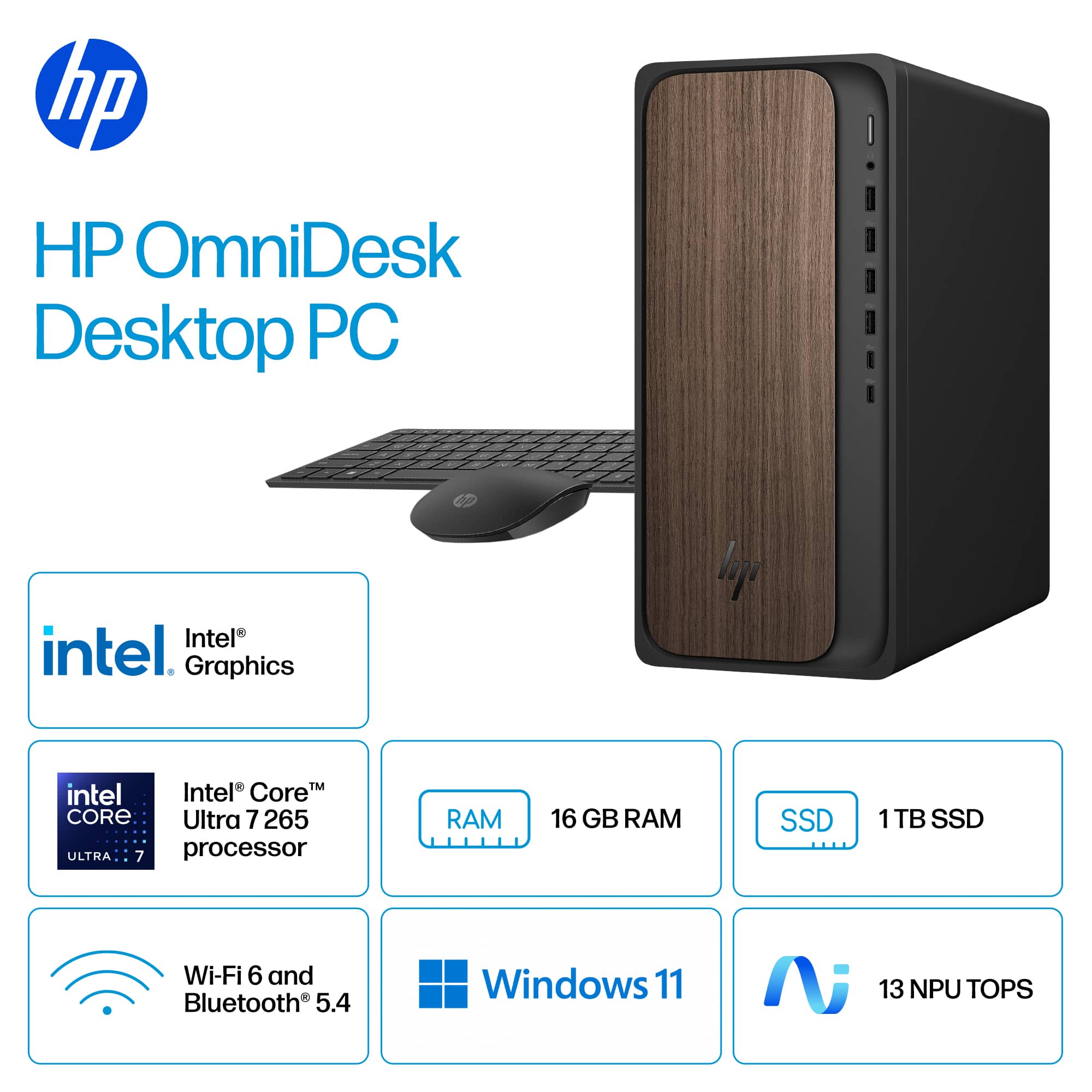
 for more information. ENERGY STAR and the ENERGY STAR logo are registered trademarks of the US Environmental Protection Agency. HP.](https://pisces.bbystatic.com/image2/BestBuy_US/images/products/ce74e2a9-ccfb-4010-8853-77d372c2ad73.jpg)