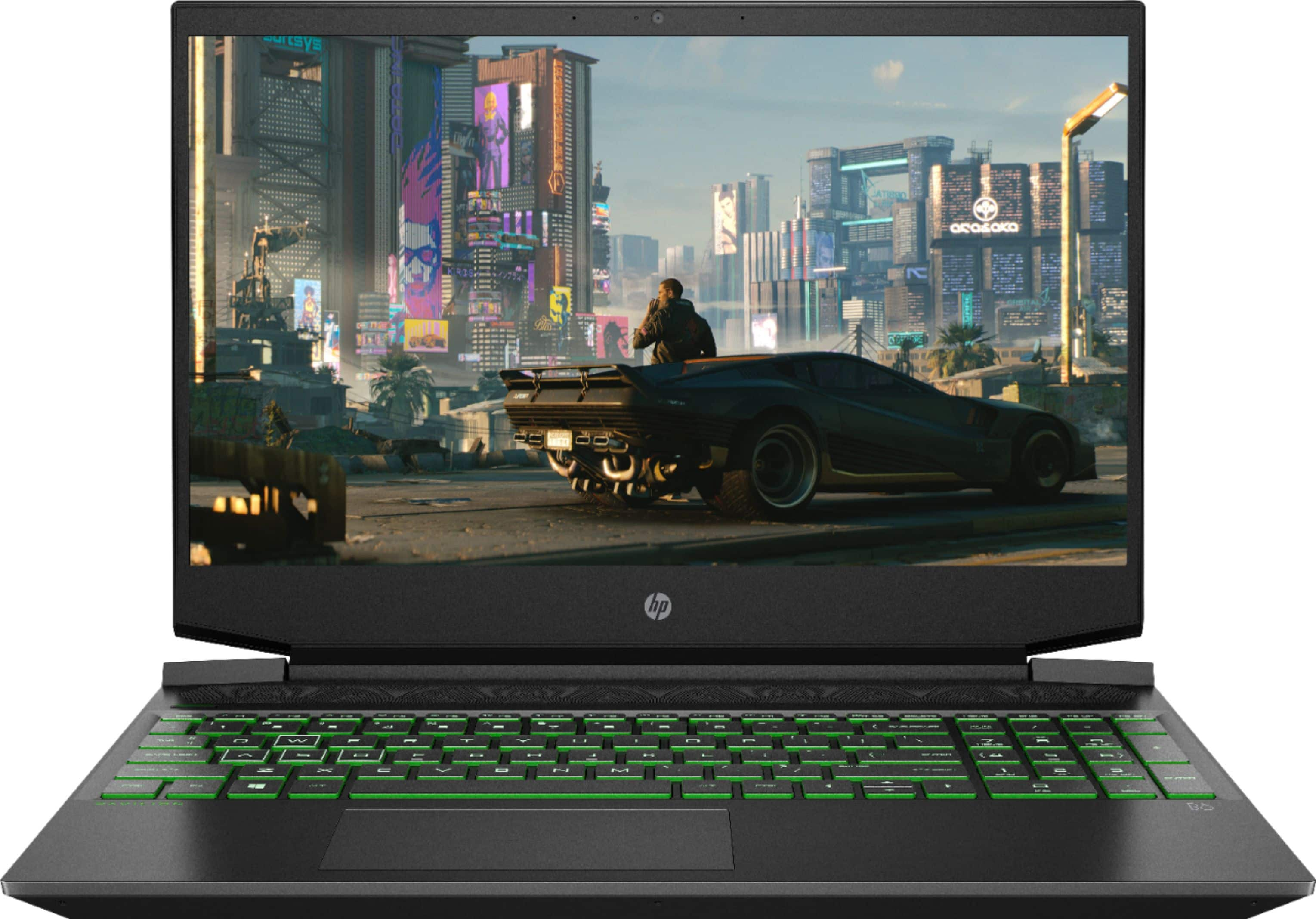
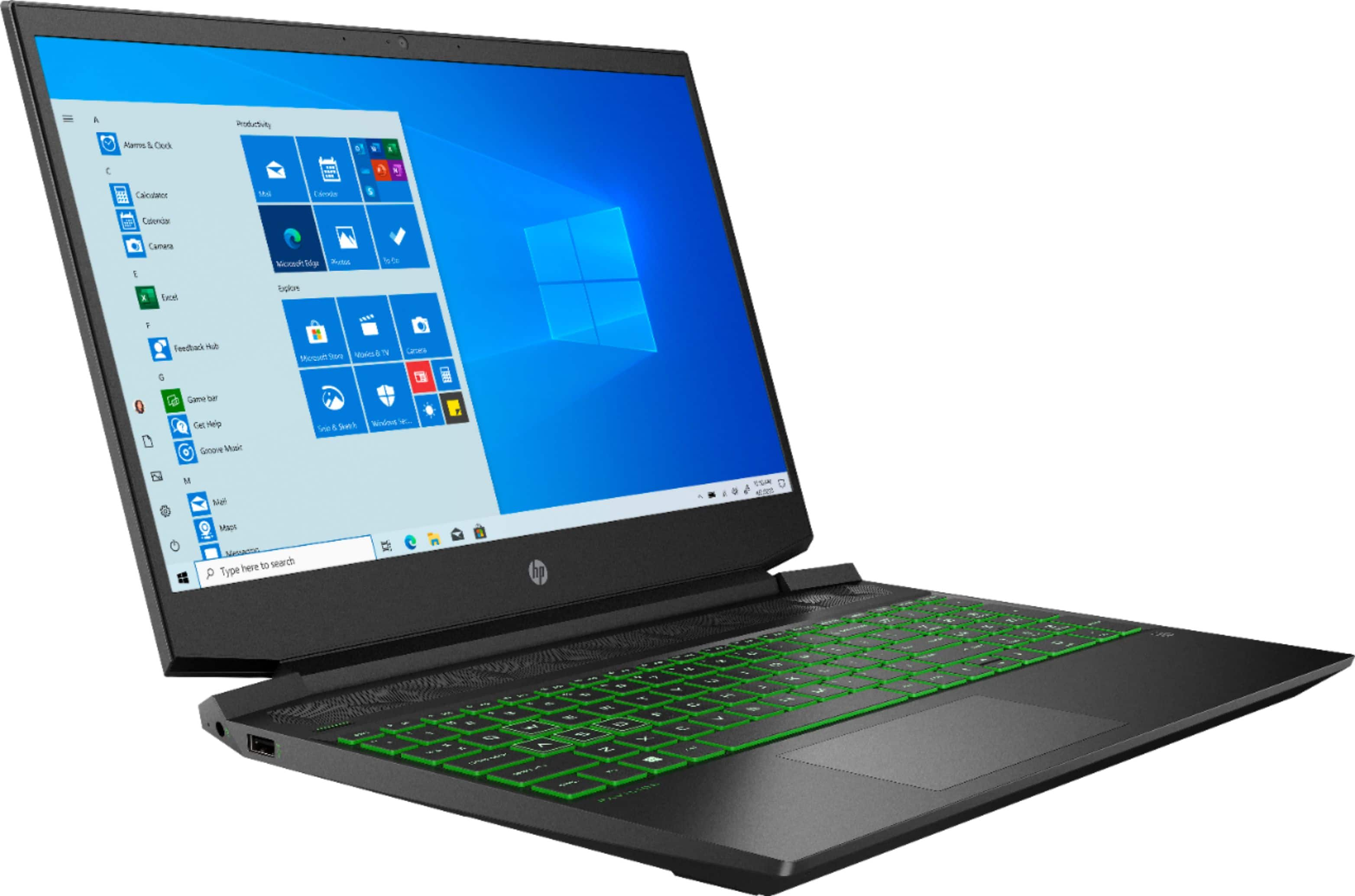
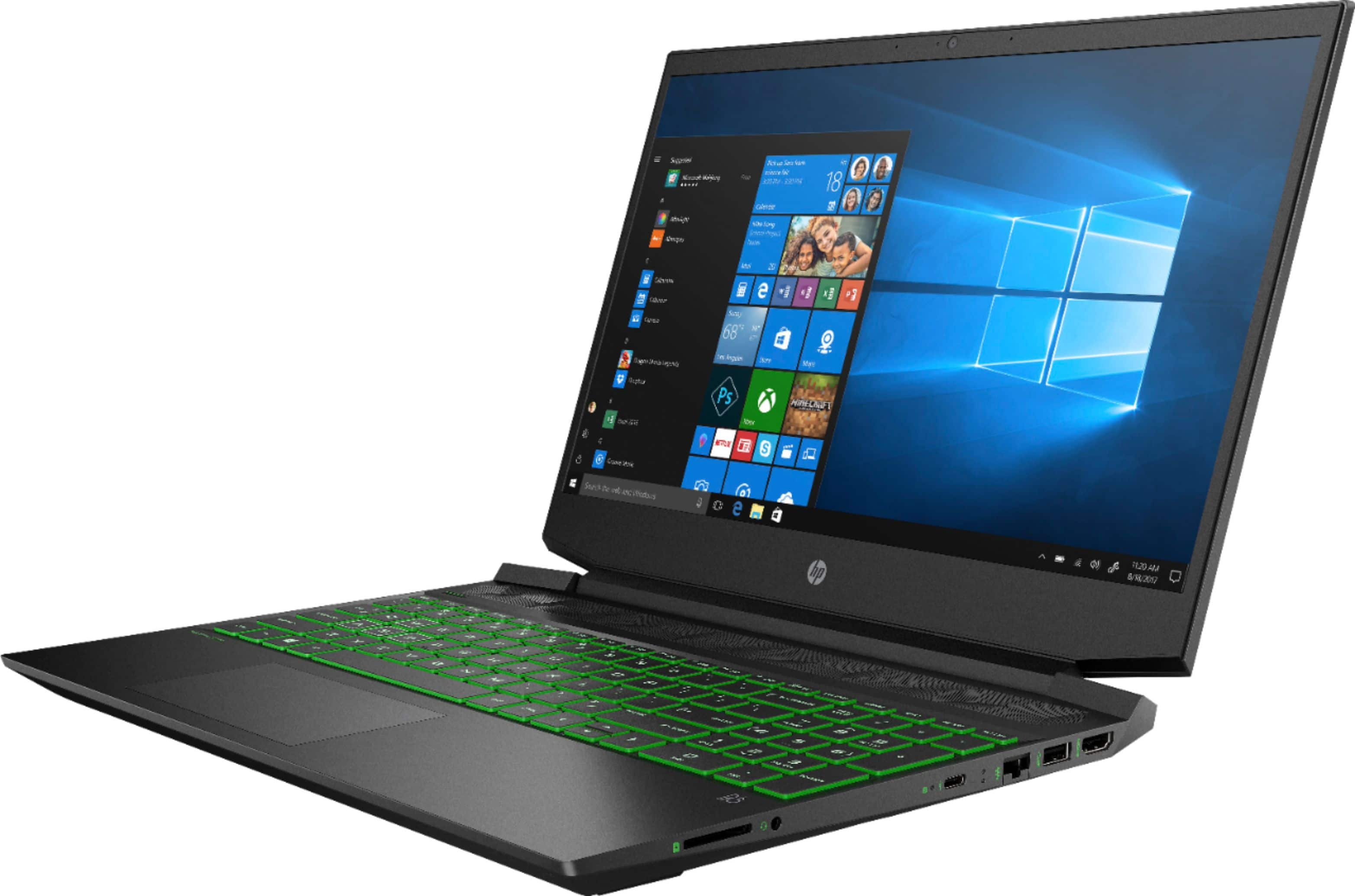
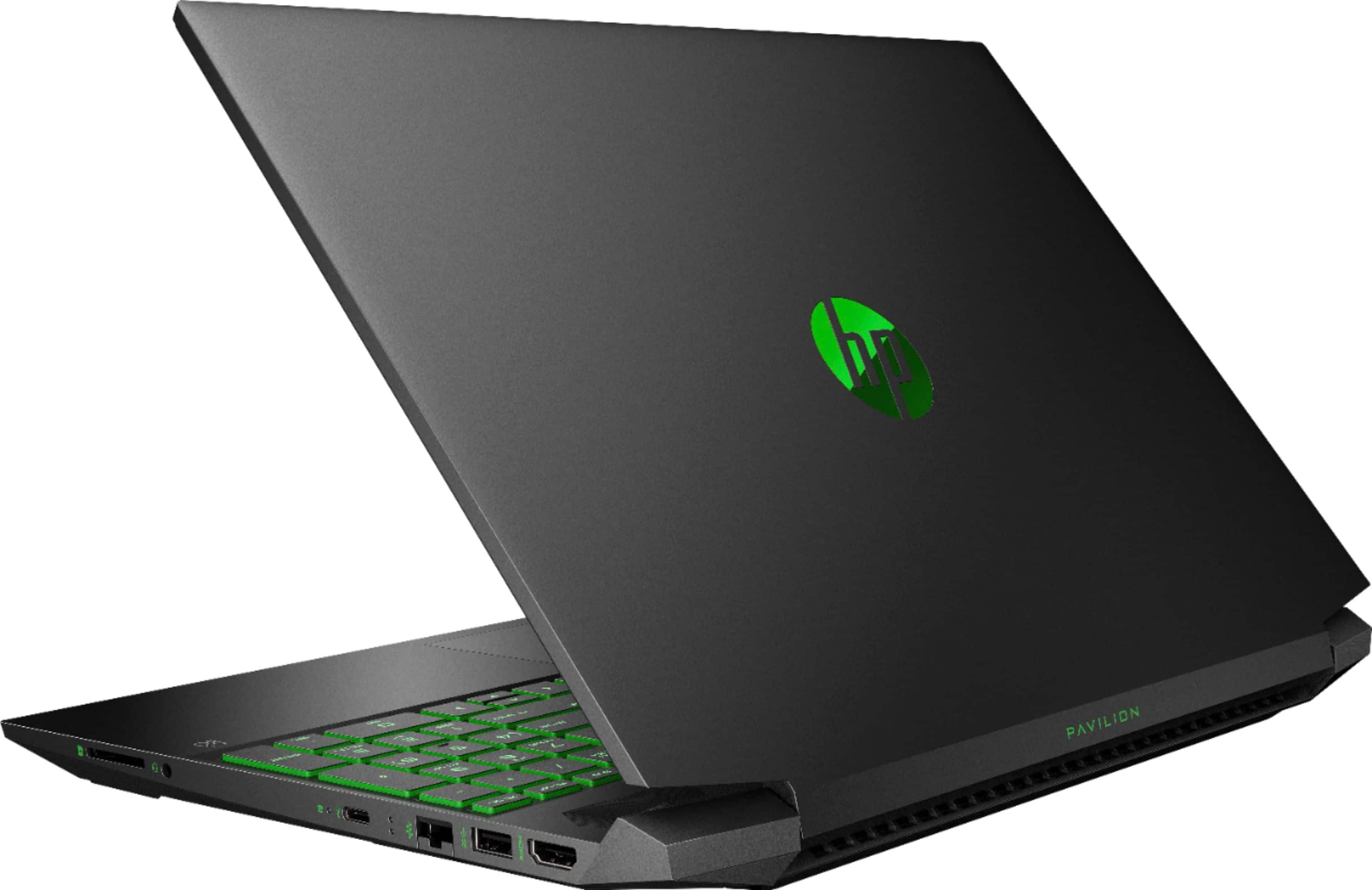
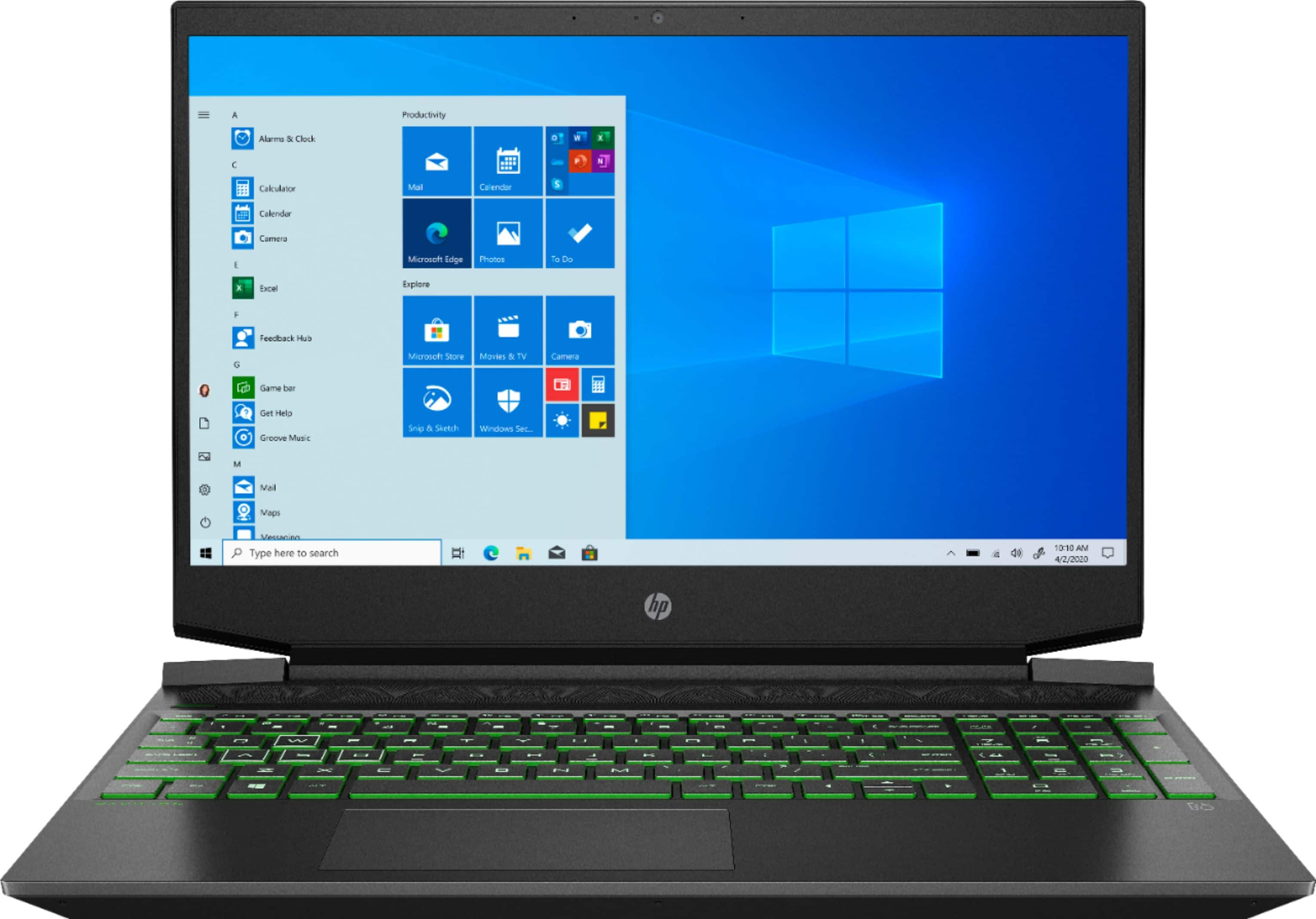
A:AnswerThanks for your question. Here is an HP Omen gaming laptop with 144Hz display:
https://www.bestbuy.com/site/hp-omen-15-6-gaming-laptop-intel-core-i7-16gb-memory-nvidia-geforce-rtx-2070-512gb-ssd-shadow-black/6414536.p?skuId=6414536
A:AnswerThe FPS you would experience varies based on what applications you may have running in the background and other variables like the resolution and refresh rate of your monitor. I would recommend reaching out to the developer of the games you wish to play to get more information on the recommended specifications needed.
A:AnswerThe FPS you would experience varies based on what applications you may have running in the background and other variables like the resolution and refresh rate of your monitor. I would recommend reaching out to the developer of the games you wish to play to get more information on the recommended specifications needed.
A:AnswerThe 860 EVO is a 2.5 inch drive, so you CAN use it, but that will be slower than the included NVMe SSD. I would suggest going with a good NVMe drive rather than a 2.5 inch SATA drive for proper performance.
A:AnswerIt shouldn't, for two reasons. The first reason is current rights for repair laws. The second reason is you don't have to remove any type of warranty seal stickers.
The manufacturer has designed this laptop for consumer upgradeability. They've given you a free ram slot to add additional RAM, and they've even given you an extra 2.5 inch drive Bay that you can add additional storage. Just find you a really small well-made Phillips head screwdriver and have fun.