A:AnswerHi Sara, apologies for what you're experiencing. This could be a "settings" issue. Please reach out to Support.hp.com for assistance or call 800-474-6836.
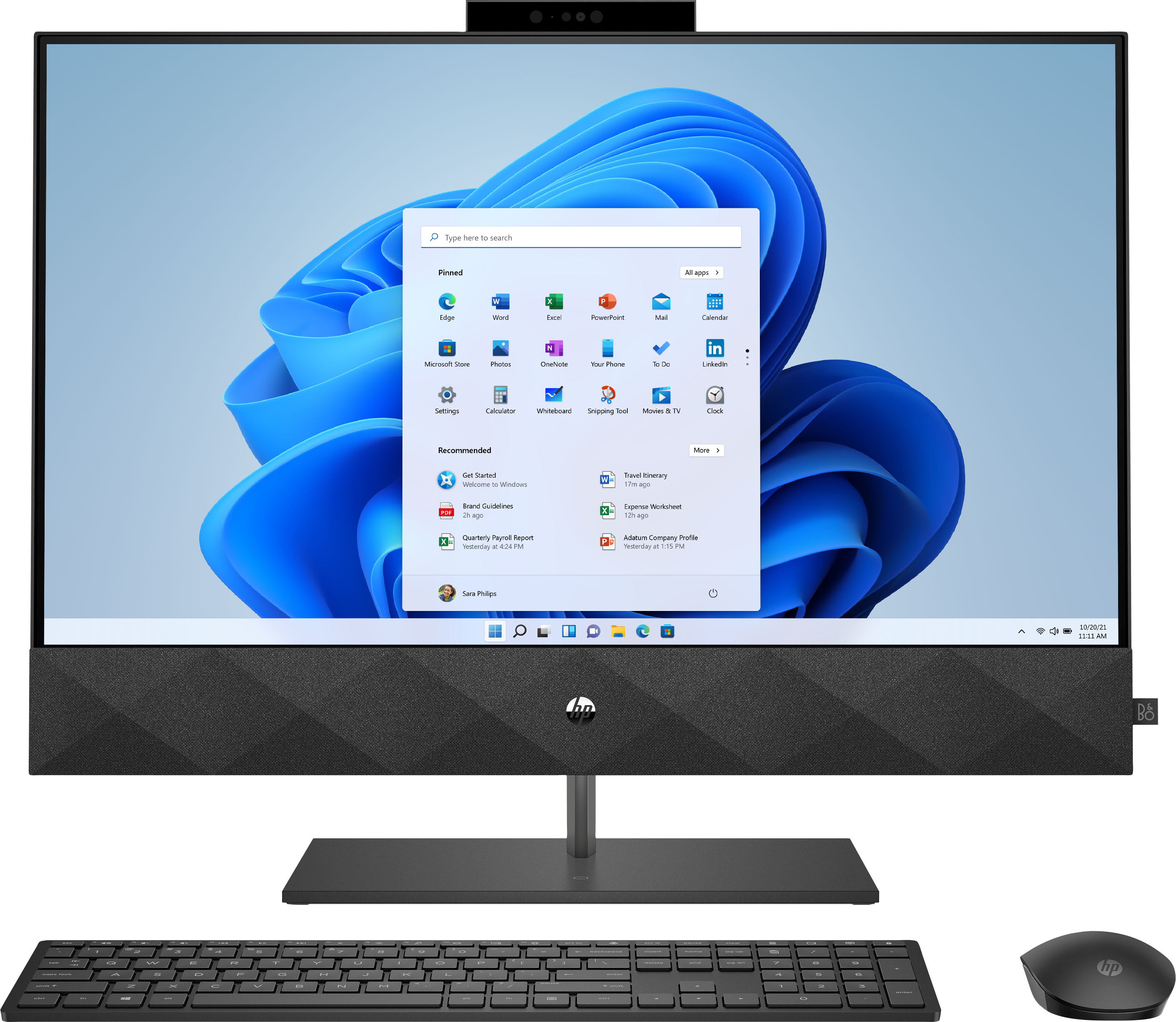
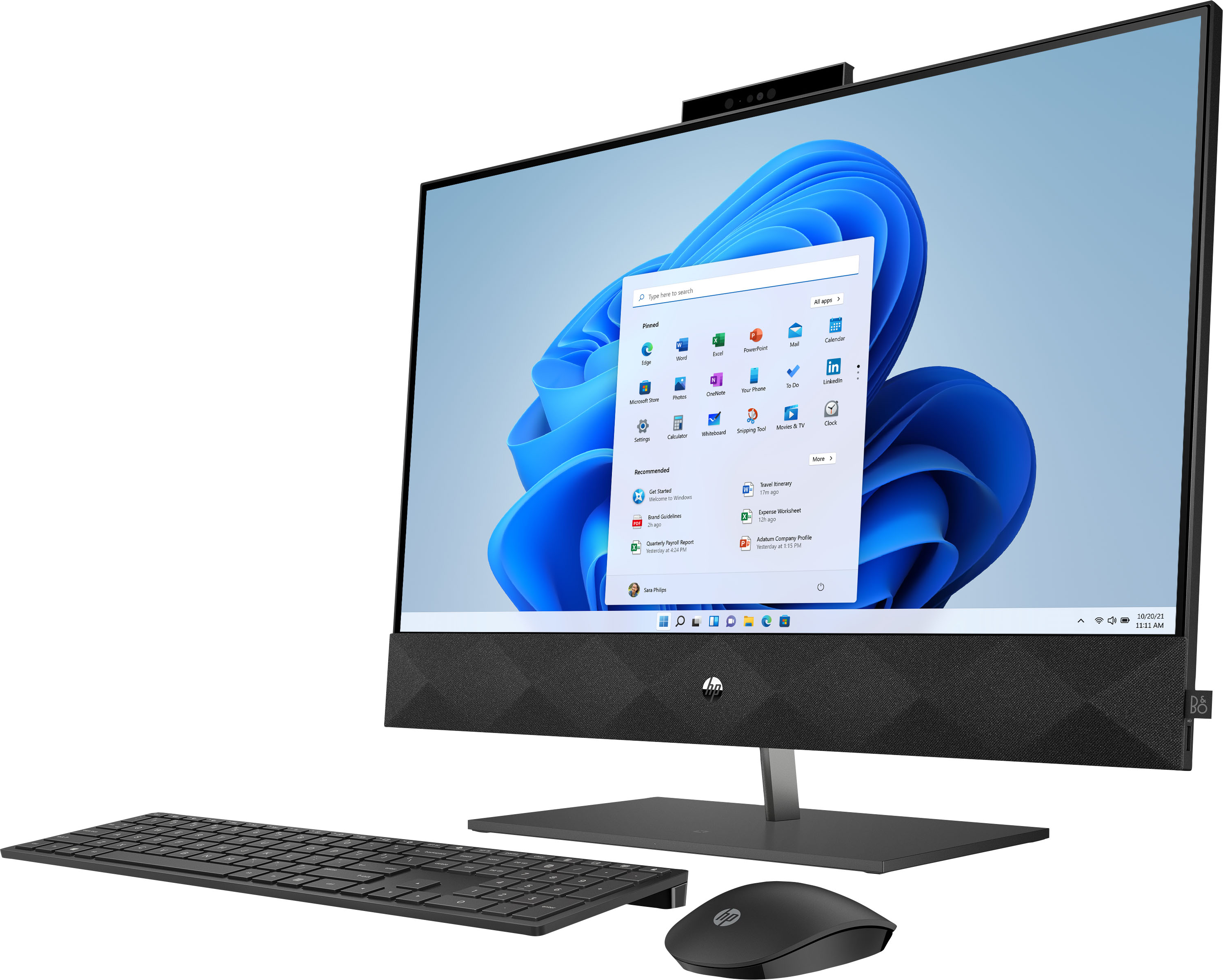
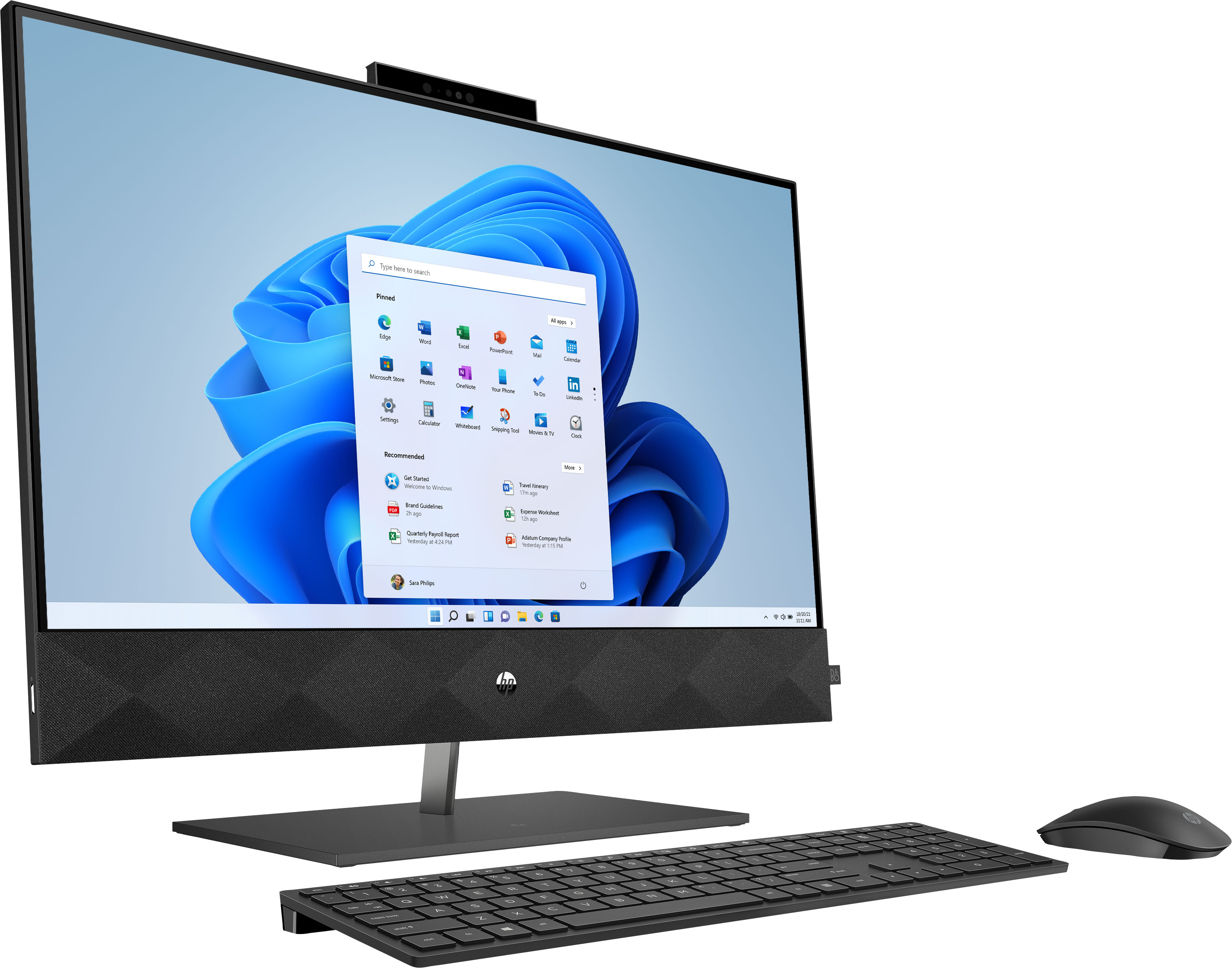
A:AnswerHello. Thanks for your question. No, this HP Pavilion all in one computer has solid state drive that has 1 terabyte of storage. That is 1,000 gigabytes. The solid state drive will work faster than a standard hard drive because it does not have moving parts.
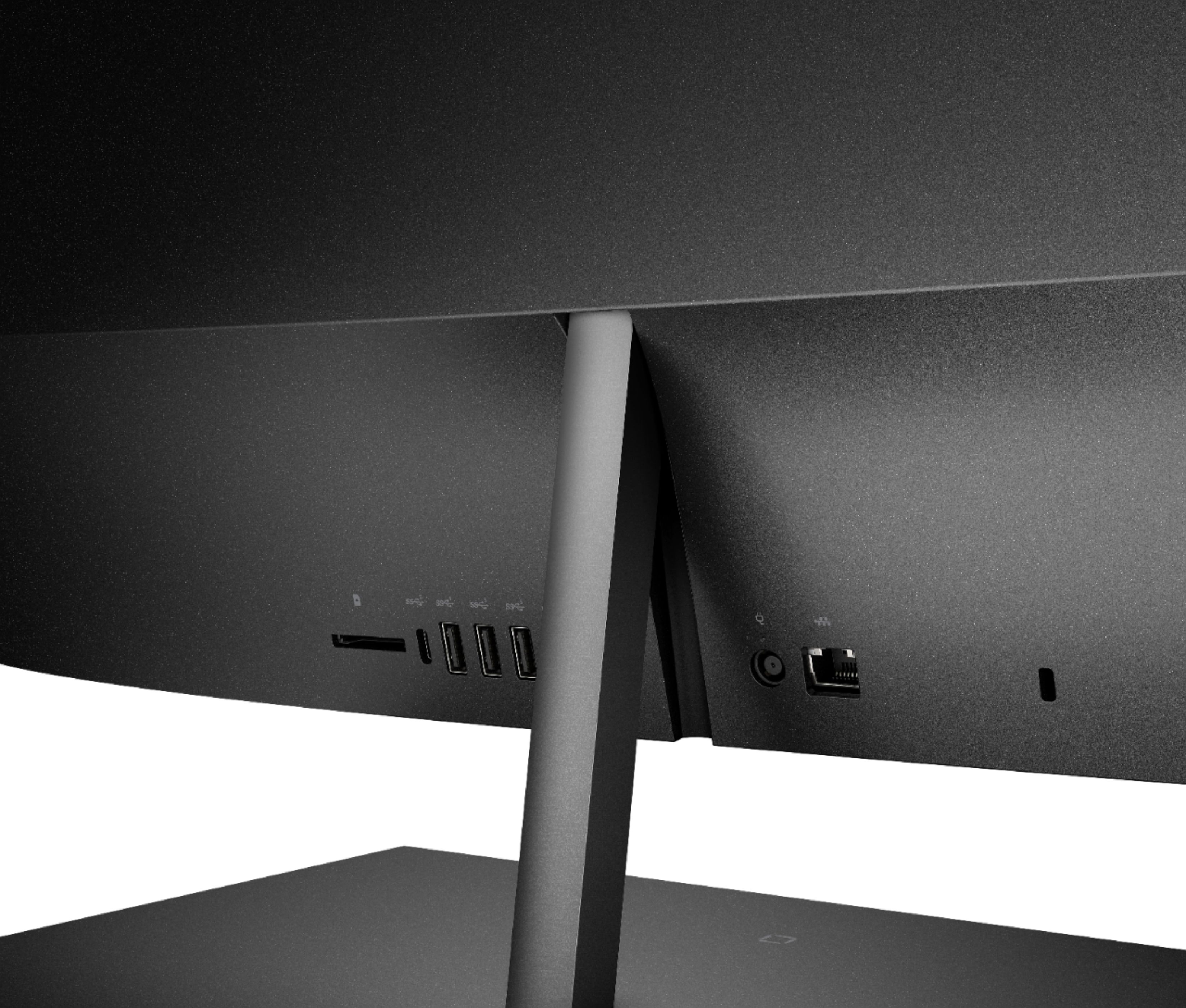
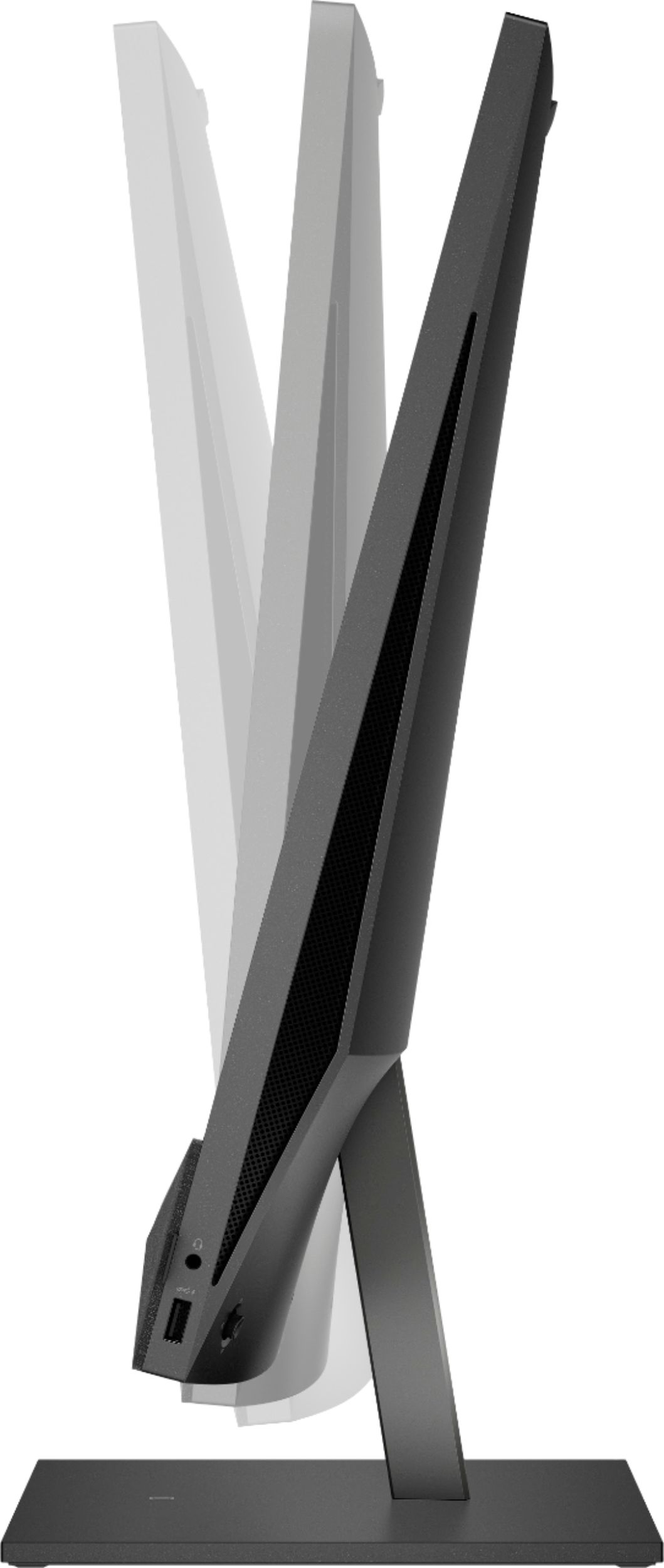
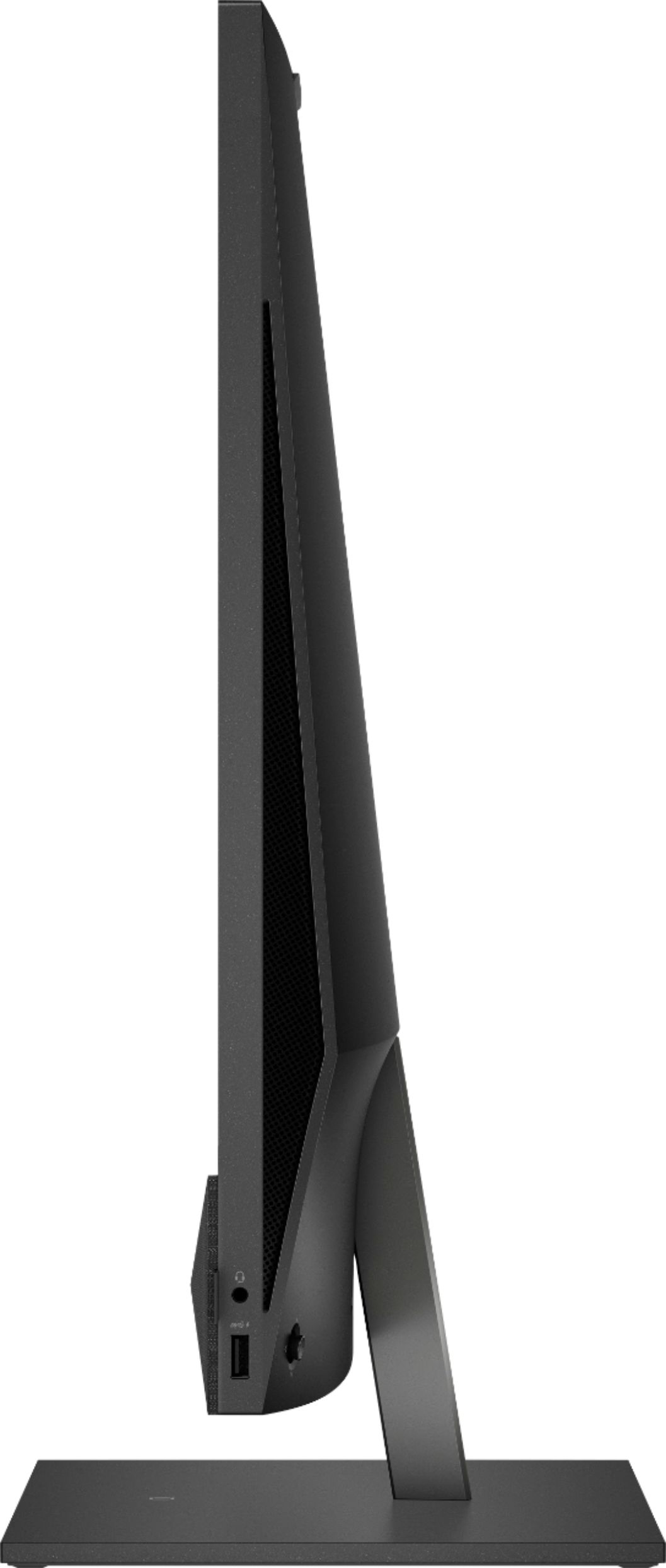
A:AnswerHi Gary, thank you for the question. The Pavilion 27-d0244 does not have an optical (DVD) drive, however, you can connect an external drive via the USB ports. This desktop exceeds the minimum system requirements recommended by Pinnacle Studio 24.
A:AnswerYes, Windows Subsystem for Linux (WSL) allows you to run Linux software on a Windows 11 PC. With WSL enabled, Windows can run a distribution of Linux at the same time.
A:AnswerIt depends somewhat on which model pavilion you have. If it is a tower and you are really on Windows 8 you are in for a real learning curve for the operating system. The hardware change is not too extraordinary except no disk drive and a lot less hardware ports. You will need an external drive if you continue to utilize DVD/CDs. The operating system is the main difference. I am still getting used to moving to Windows 10 and now I am working on the differences in Windows 11. Just take it slow and easy and it can be surmounted. There are no what you call major differences. It is just a different set of hardware and a different operating system. They are similar but very different. I know I haven't helped much but you can do it.
A:AnswerDoes that radio have Bluetooth capability? I'm wondering if when the computer is turned on, it connects with any Bluetooth device nearby, and if the radio has Bluetooth, that could explain it.