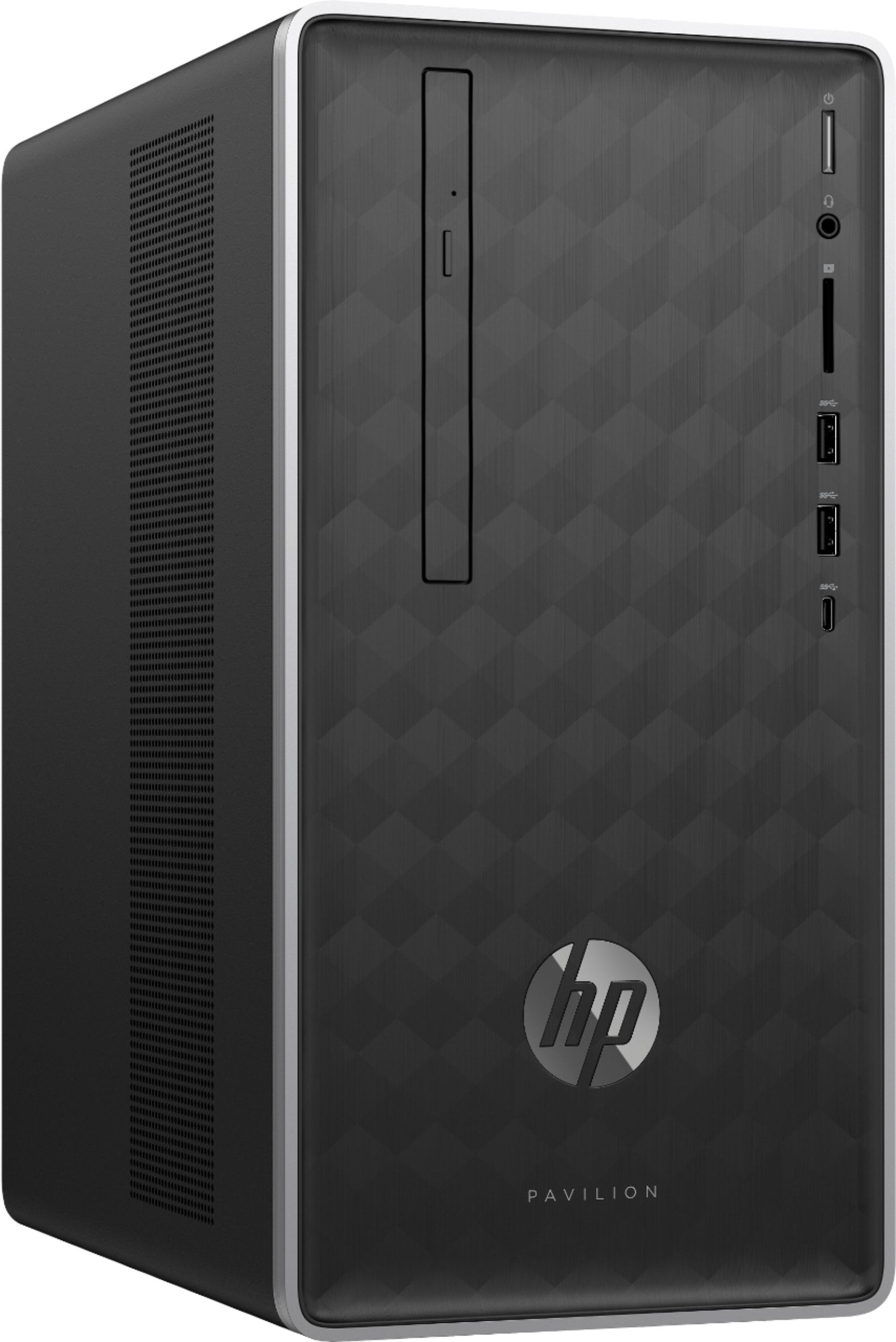
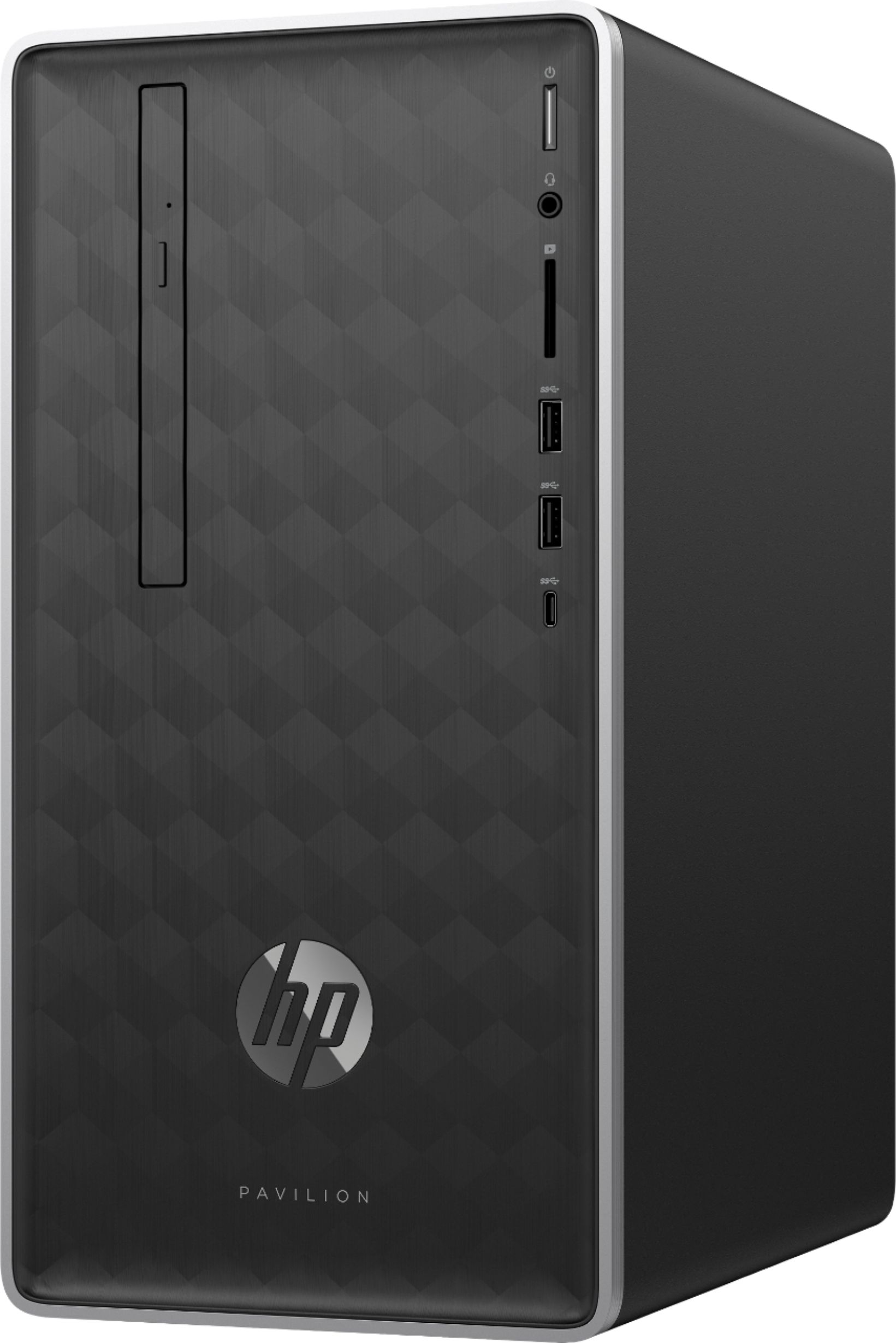
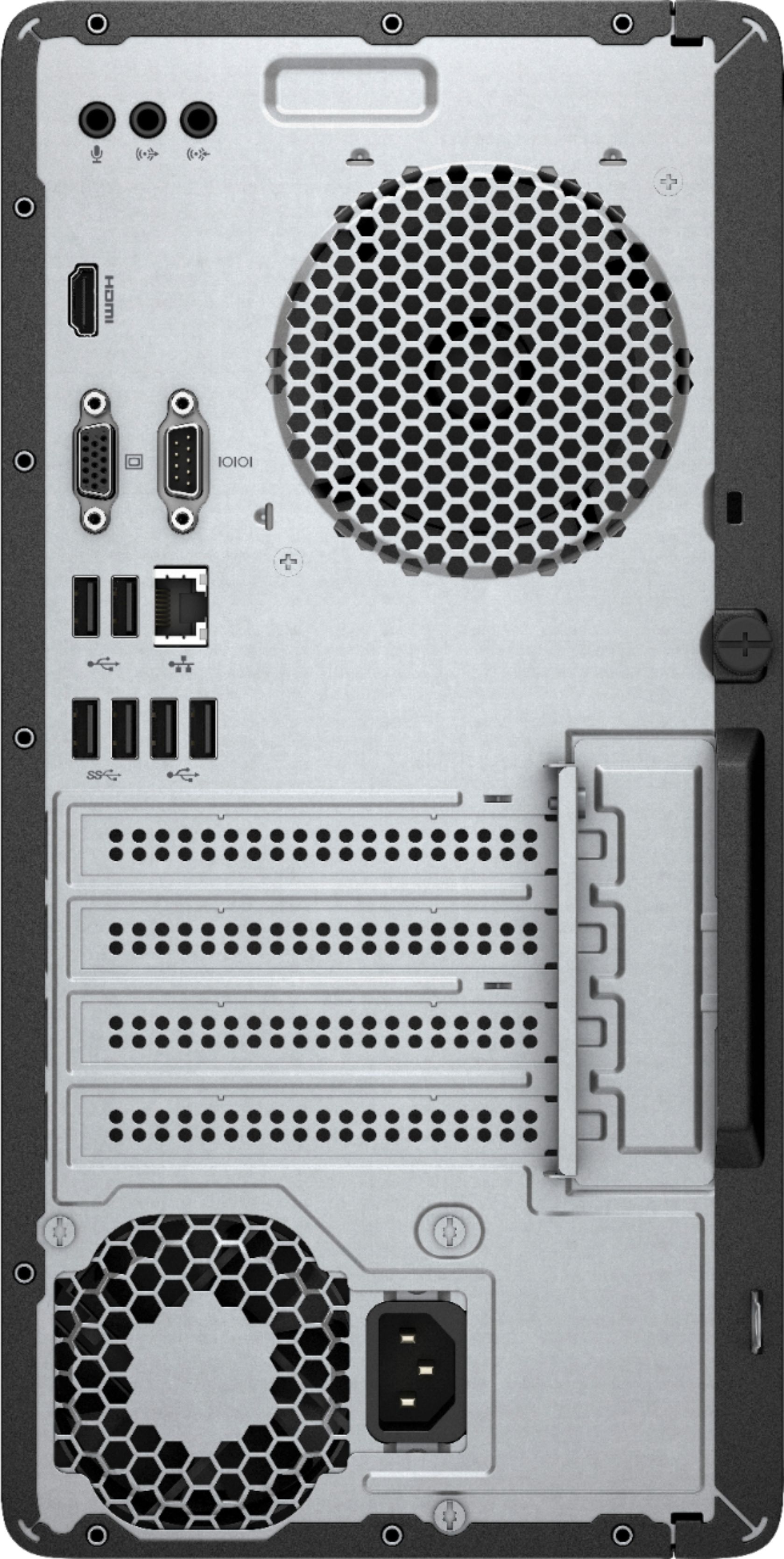
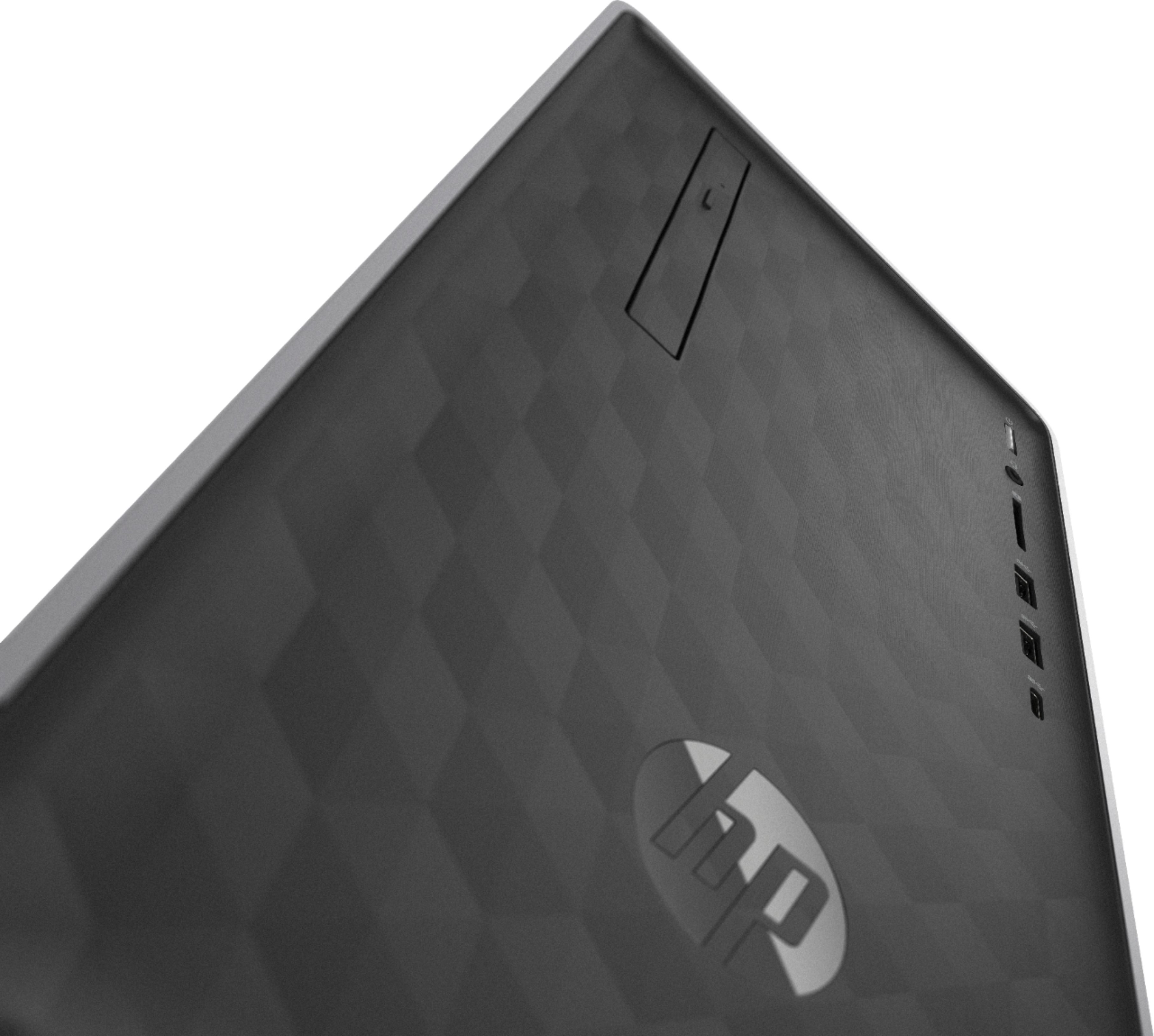
A:AnswerThank you for taking the time to reach out. This computer does not have a Floppy Disk Drive. However you can use an external USB connected one to add that function.
A:AnswerYes, you can with this computer. It has an HDMI port in addition to a VGA port. It also has the option of upgrading the graphics card and the options with that would depend on the graphics cards but that would not be needing unless you want more than two monitors.
A:AnswerYes, you can. However, you would need to go into the bios and disable the intergrated graphics card. So you would install the new card than go into the bios and essentially switch it to the new card.
A:AnswerThere are many PSU standards, I recommend reaching out to a PSU manufacturer of your choice and inquire with them the models they have which are compatible with this machine.
A:AnswerMost graphics cards will require 300+ W of power on their own. The 180W PSU that this desktop has cannot adequately support them on its own; unfortunately a larger PSU will not fit in this desktop case. We recommend looking to other desktops that have the configuration you're hoping for.
A:AnswerUnfortunately you would not be able to add a GPU with the current power supply. For instance, the RX 560 has a base requirement of a 450W PSU, which unfortunately will not fit in this desktop. You would be better off looking into a desktop that has the components you're wanting, or custom-building the PC yourself.