A:Answerwe are running Adobe Creative Suite (mostly Illustrator - which is vector files) and we have had no issues. It's much faster than the unit we replaced.
A:AnswerI've only had mine for a short time and I don't use it for long periods or for video games, intensive processing, etc. When I turn the computer on I only hear a slight hum which isn't really noticeable unless you put your ear close to the box. I can't speak for having it on for a long intensive session because I haven't used it like that.
A:AnswerHi, KillerQueen, and thank you for asking the quesiton. Yes, that shouldn't be a problem, although you will need to upgrade the power supply to at least something in the 500-600 watt range.
A:AnswerThank you for the question. We hope this PC will last for years and be compatible with future Windows systems. However, we have not been made aware of if or when any future systems are coming, and what requirements are needed to comply. If the past is an indication, Windows will not be substantially changed for many years.
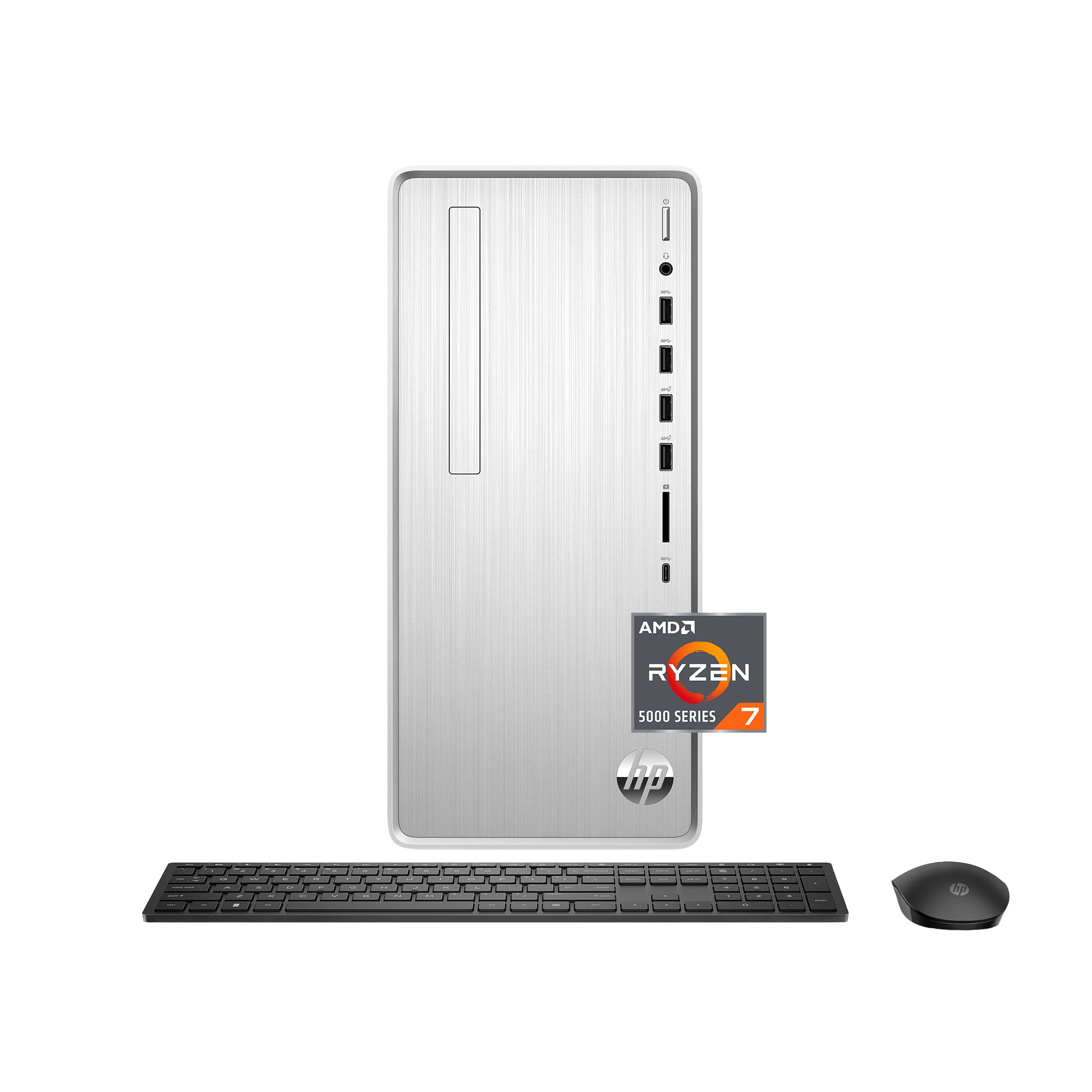
A:AnswerHello, the HP Pavilion Desktop you are looking at is preinstalled with the AMD Ryzen 7 5700G Series processor and Radeon Graphics, Former Codename
"Cezanne". Integrated Graphics Model - Radeon™ Graphics - with a Graphics Core Count 8 - Graphics Frequency is 2000 MHz. You can see all of the information on the AMD website under that processor model name. Thank you for being an HP customer!
A:AnswerHello, you will need to check with the GPU manufacturer of your choosing and see if it is compatible with this device and the power supply. Too many variables to be able to answer on this platform. Thank you for being an HP customer!
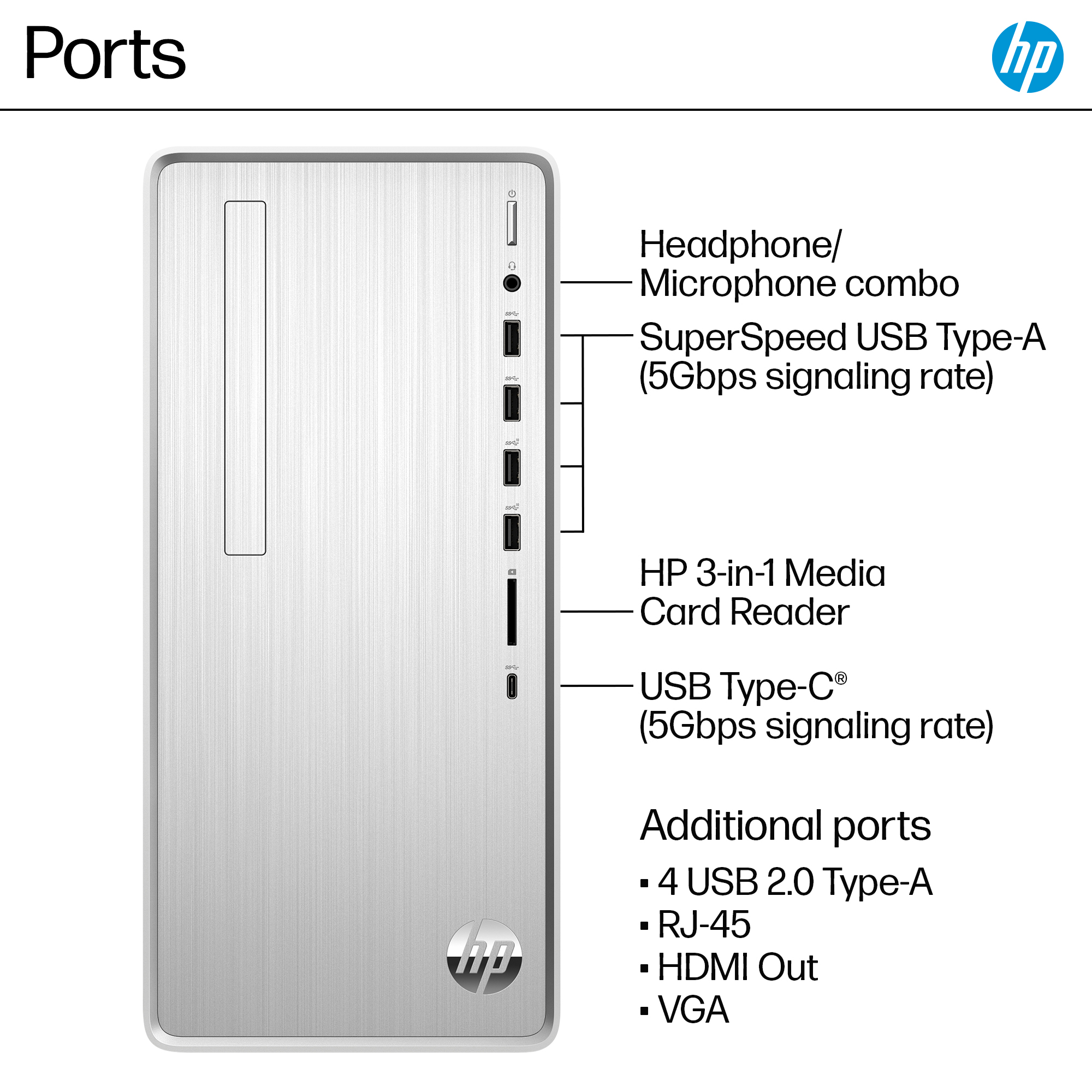
A:AnswerYes, it has built in wifi, and it works great. As to the dual screen question, yes also. I'm using two 27" HP monitors with mine. The PC has one HDMI input and a VGA input for monitor connections. My two monitors came with HDMI cables only, so for one of them to make the connection to the PC, I had to buy a VGA monitor cable ($7) so I could run the system using both monitors.