A:AnswerHi Ruben, thank you for the question. Yes, the Pavilion TP01-2234 supports a dedicated graphics card. It has a PCIe x16 slot. Note that depending on the discrete GPU chosen, you may need to upgrade the power supply.
A:AnswerThank you for your question! As system requirements for software constantly change, we are unable to answer questions about Adobe Premier Elements 2022 and X-Plane 11 compatibility. What is compatible today may not be in a few months. Please check the software manufacturer's website for the most current system recommendations!
A:AnswerNo, the slot isn't taken up by anything. However, be aware that the computer comes with a 180 watt power supply, so you'll need a low power card to use it.
A:AnswerApologies for what you're experiencing. Check the status of your internet connection. If using a VPN, turn it off. Check for updates for the network adapters. You may need to refresh or reset your network. If using a router, restart it. If you continue to have issues, please reach out to Support.HP.com or call 800-474-6836.
A:AnswerIs use this computer effortlessly on wireless with my HP app in one. I'm on Windows 11 and don't have any issues with my printer, but HP has drivers available for download if the printer driver needs to be updated to work with windows 11.
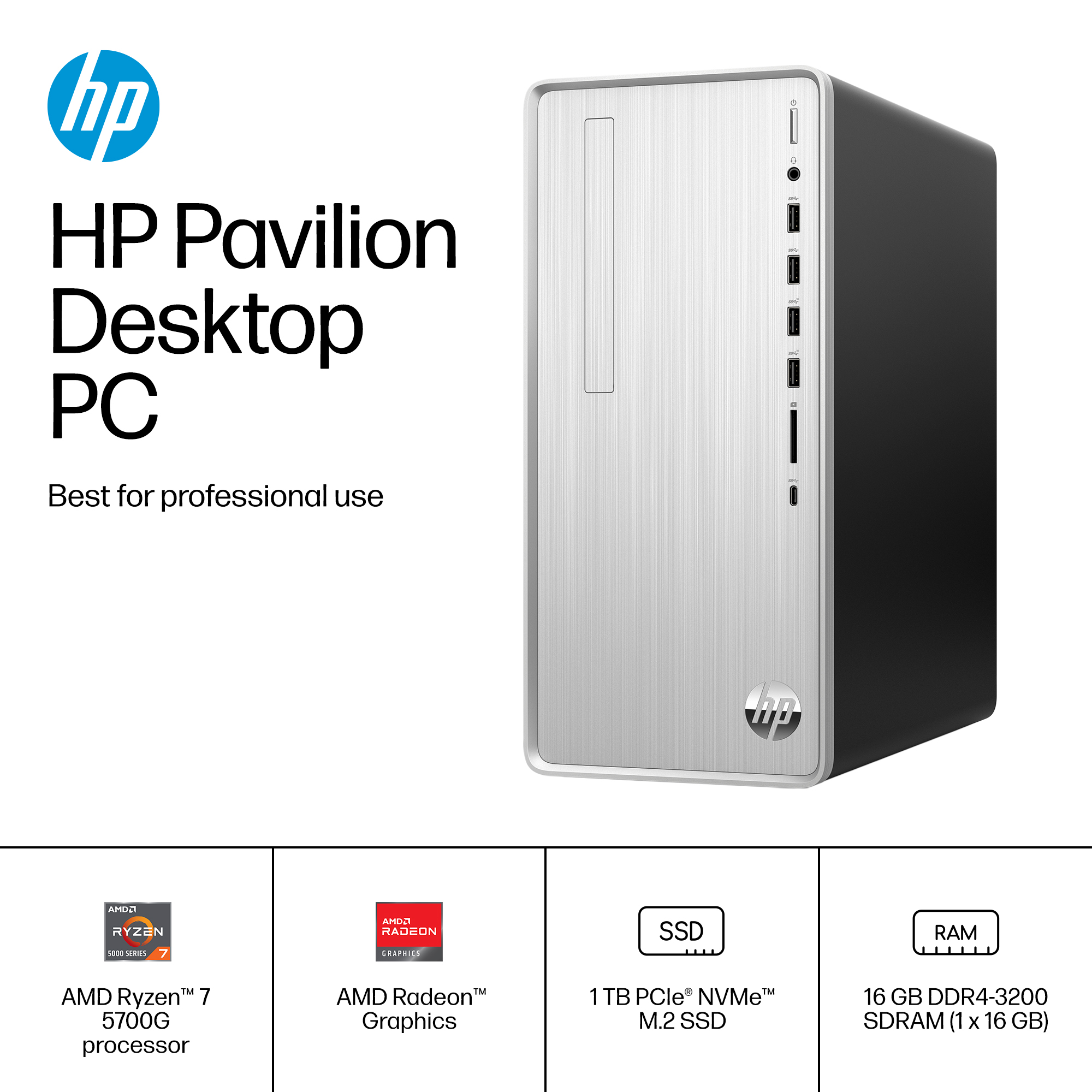
A:AnswerThank you for the question. 16GB RAM and 1TB of storage and an AMD Ryzen processor are plenty for gigabit-speed internet connections. Generally, your internet service dictates the speed at which you can operate. The health of your computer can affect your Internet connection. Spyware and viruses can definitely cause problems, but your Internet connection speed can also be affected by add-on programs, the amount of memory the computer has, hard disk space and condition, and the programs that are running.
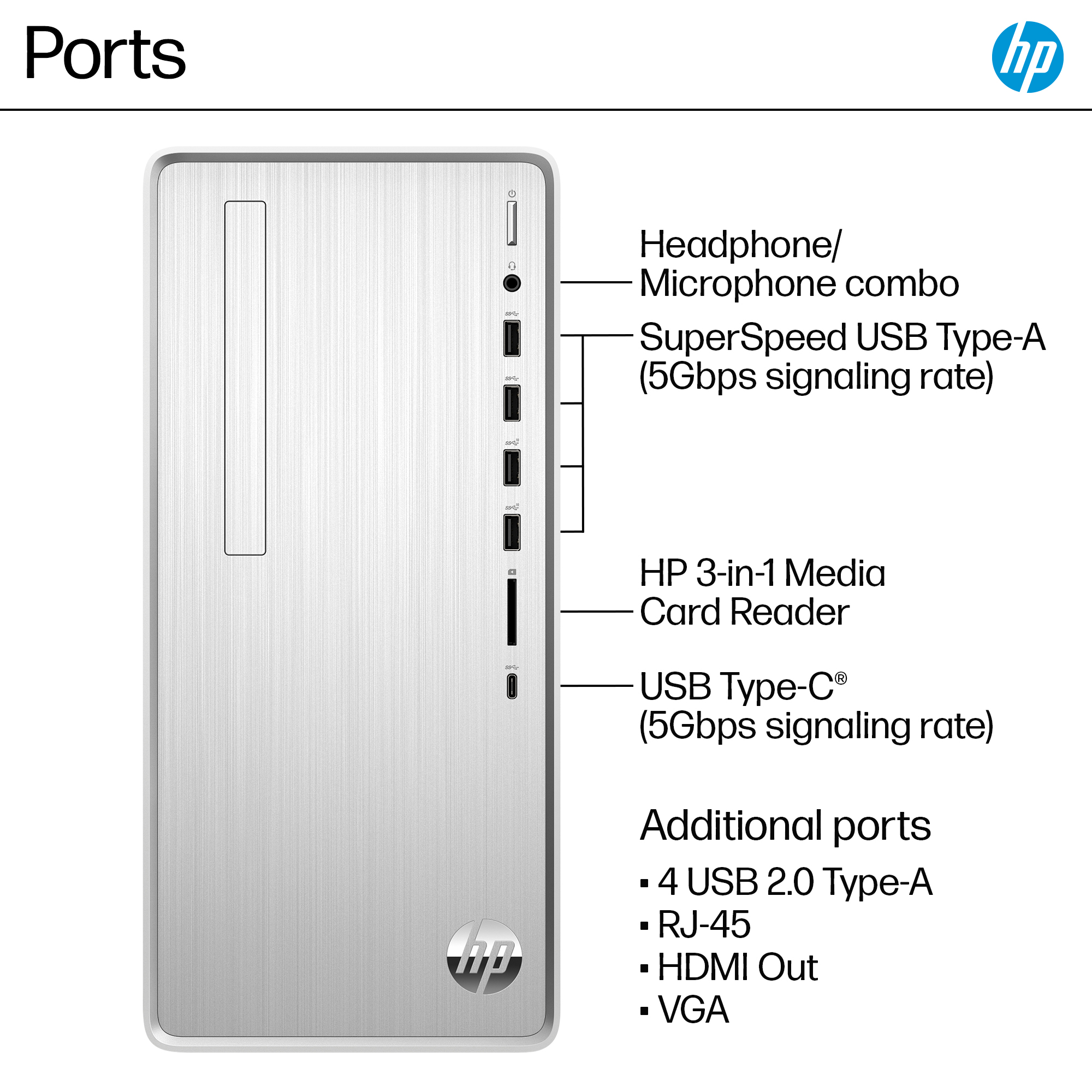
A:AnswerThe computer comes with an HDMI and a VGA port. you should be able to use the HDMI port to drive two VGA monitors with an HDMI splitter and a couple of HDMI to VGA adapters.
A:AnswerIt comes with those Microsoft programs preinstalled, however you do have to pay for the membership to use those programs beyond the free trial period. I just use Google Docs, Sheets, or Slides as a web based free alternative to the Microsoft Office programs.
A:AnswerIt will possibly work, but i doubt it will work well. It only has 512mb of vram. If you want to get the tower i would heavily suggest finding a gpu. If i remember correctly an rtx 3060(~$500) has about 8gb of vram
A:AnswerNot a answer I would like a answer to the person who posted "Yes, I exchanged with two 16gb G.Skill Ripjaws for a total of 32gb of RAM". Can this person or someone post a link to the ram he/her is talking about?