A:AnswerI don’t think that will be a problem. I did that on past units that I had. If the programs are very old, there might be some “protest.” But, try it anyways and see what happens.
A:AnswerIt does have the bay for it if you would prefer to use an internal. You can also use an external option instead based on your preference. Just make sure that it is compatible with Windows 11.
A:AnswerHello, ff the Wi-Fi adapter is using M.2, then it's likely not keyed for SSD use. I would check with HP Support, or Geek Squad, as they will be better able to assist you with that question. Thank you for being an HP customer!
A:AnswerThank you for the question. The Pavilion TP01-2234 is upgradeable to 32GB, and one 16GB stick is already installed. Add another 16GB DIMM, 3200 MHz speed, DDR4. We recommend that upgrades be performed by professional technicians or skilled self-maintainers.
A:AnswerThe power supply in the computer is 180W. That's important because the video system on the motherboard isn't powerful enough to drive two monitors (unless you're willing to settle for 30fps at 1920x1080). Which means you'd need to upgrade the power supply _and_ add a video card. Thank you for asking the question!.
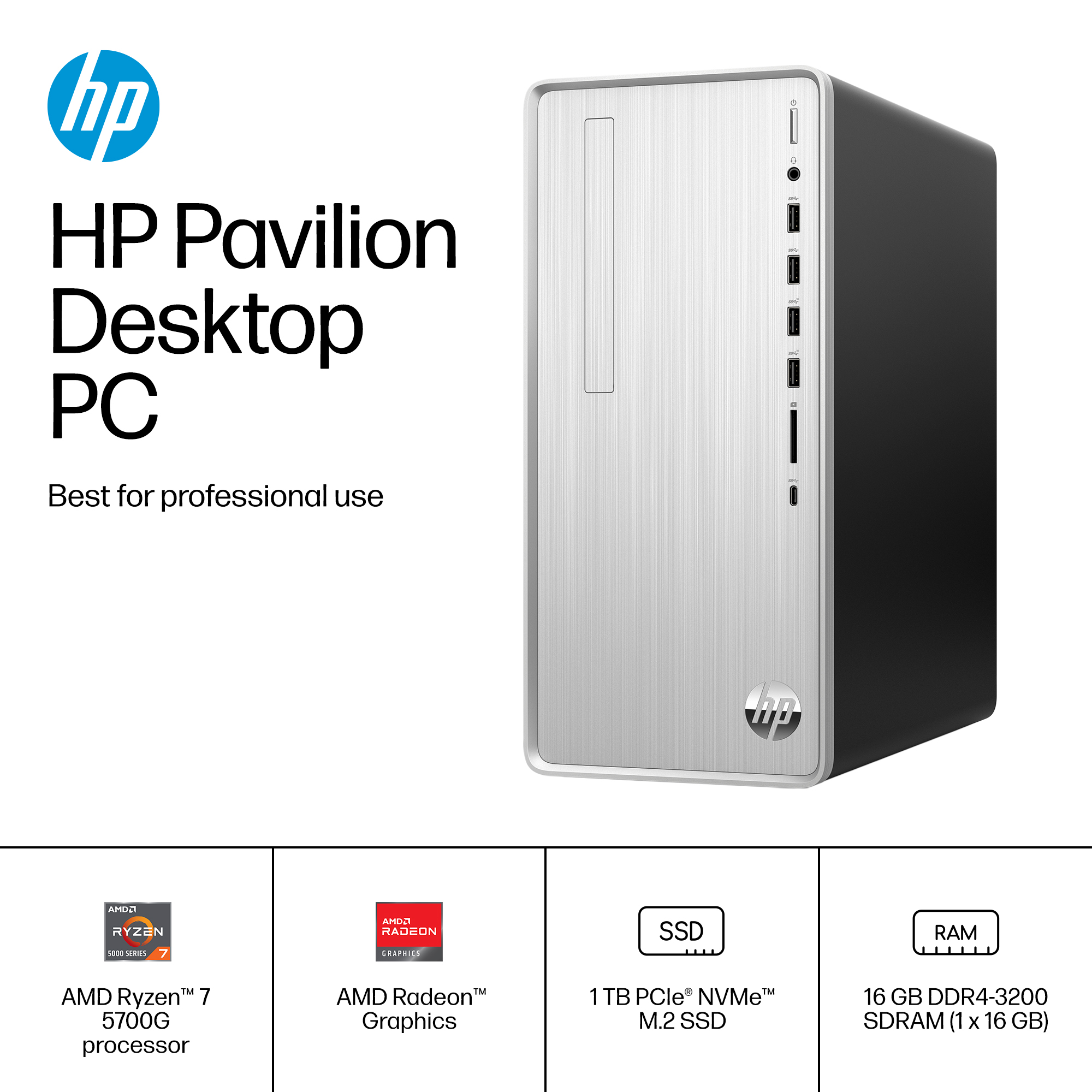
A:AnswerThank you for the question. The specification doesn't indicate the integrated AMD Radeon Graphics model, however, we were able to ascertain the graphics capabilities from the processor model (AMD Ryzen 7-57000G): Graphics Model - Radeon™ Graphics, Graphics Core Count: 8, Graphics Frequency: 2000 MHz.