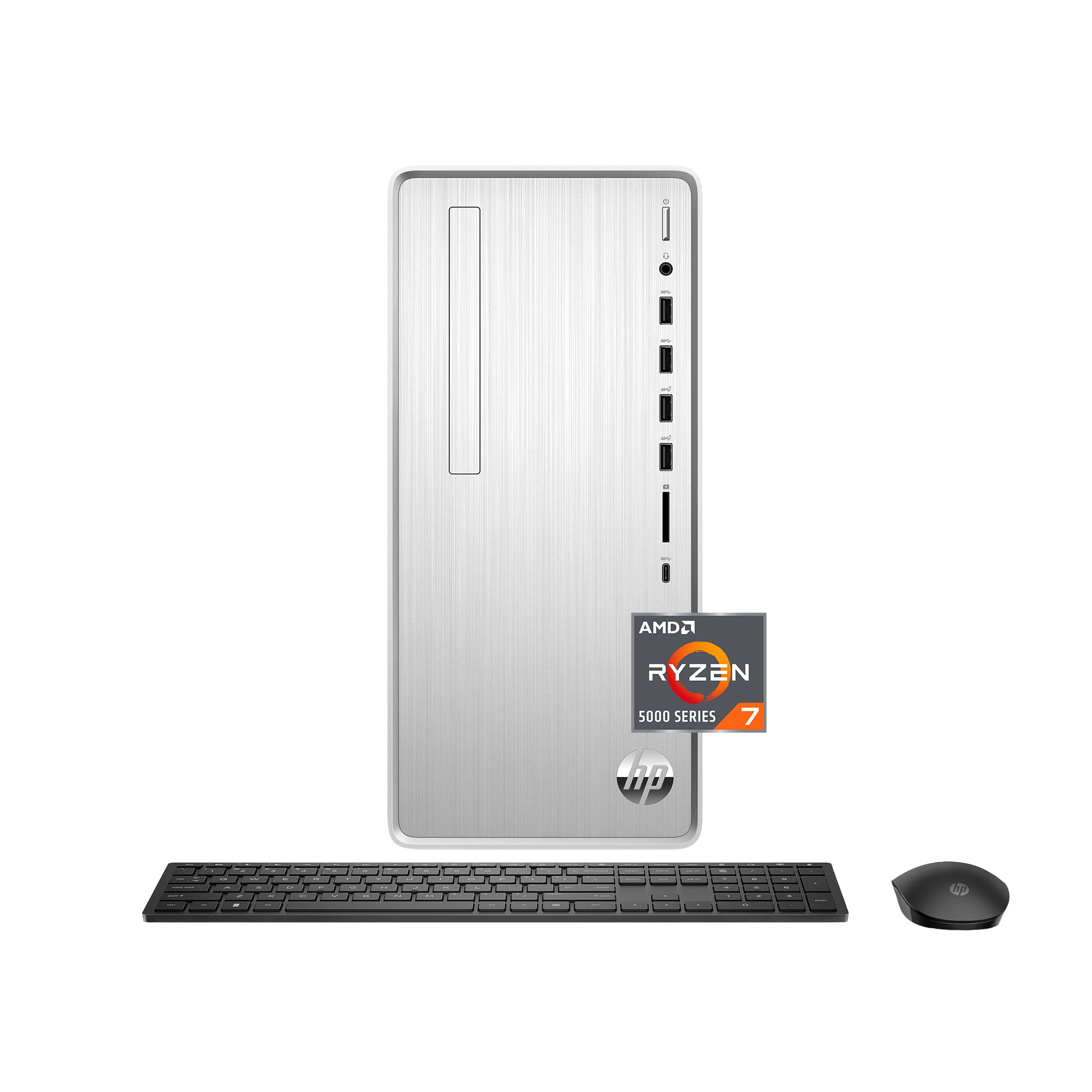
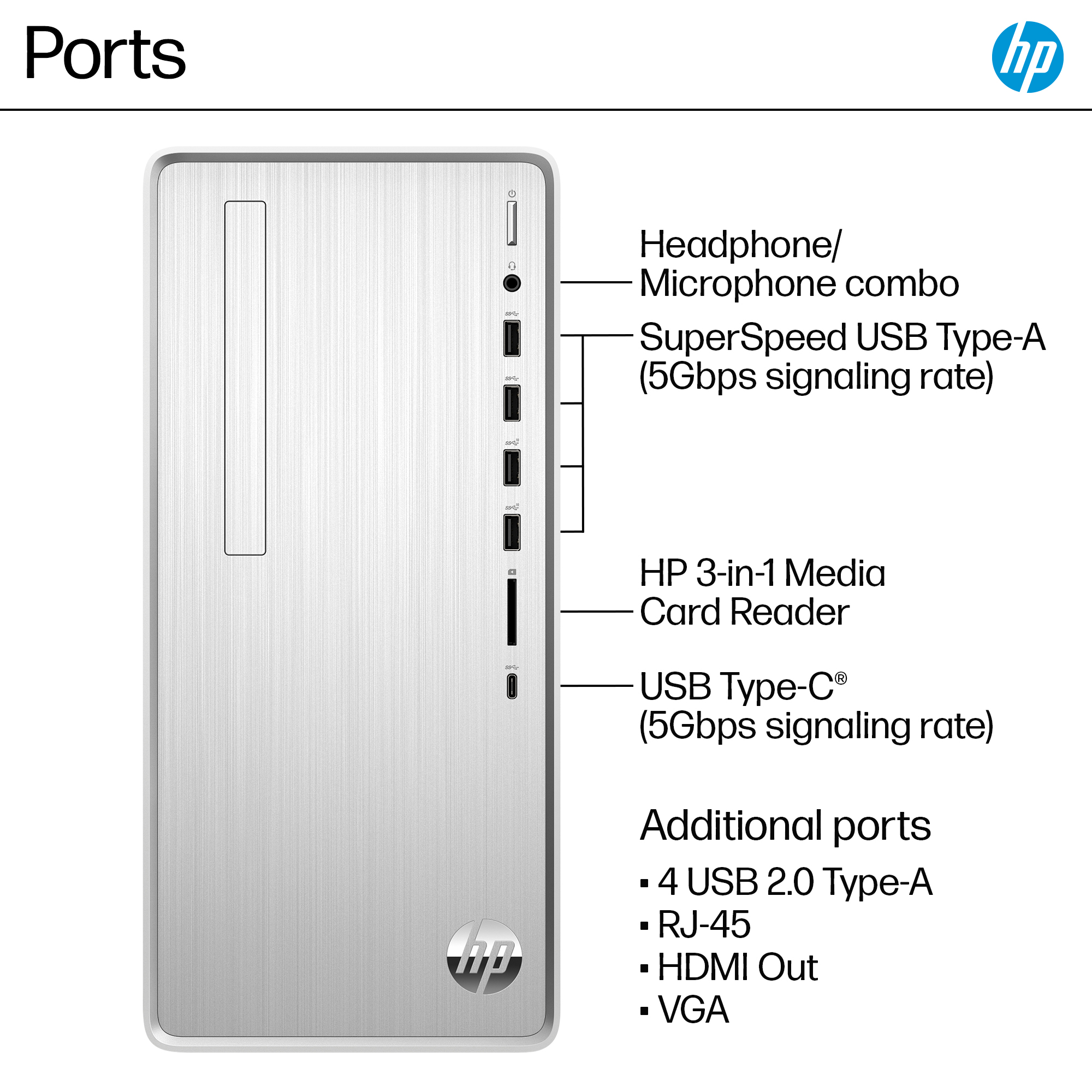
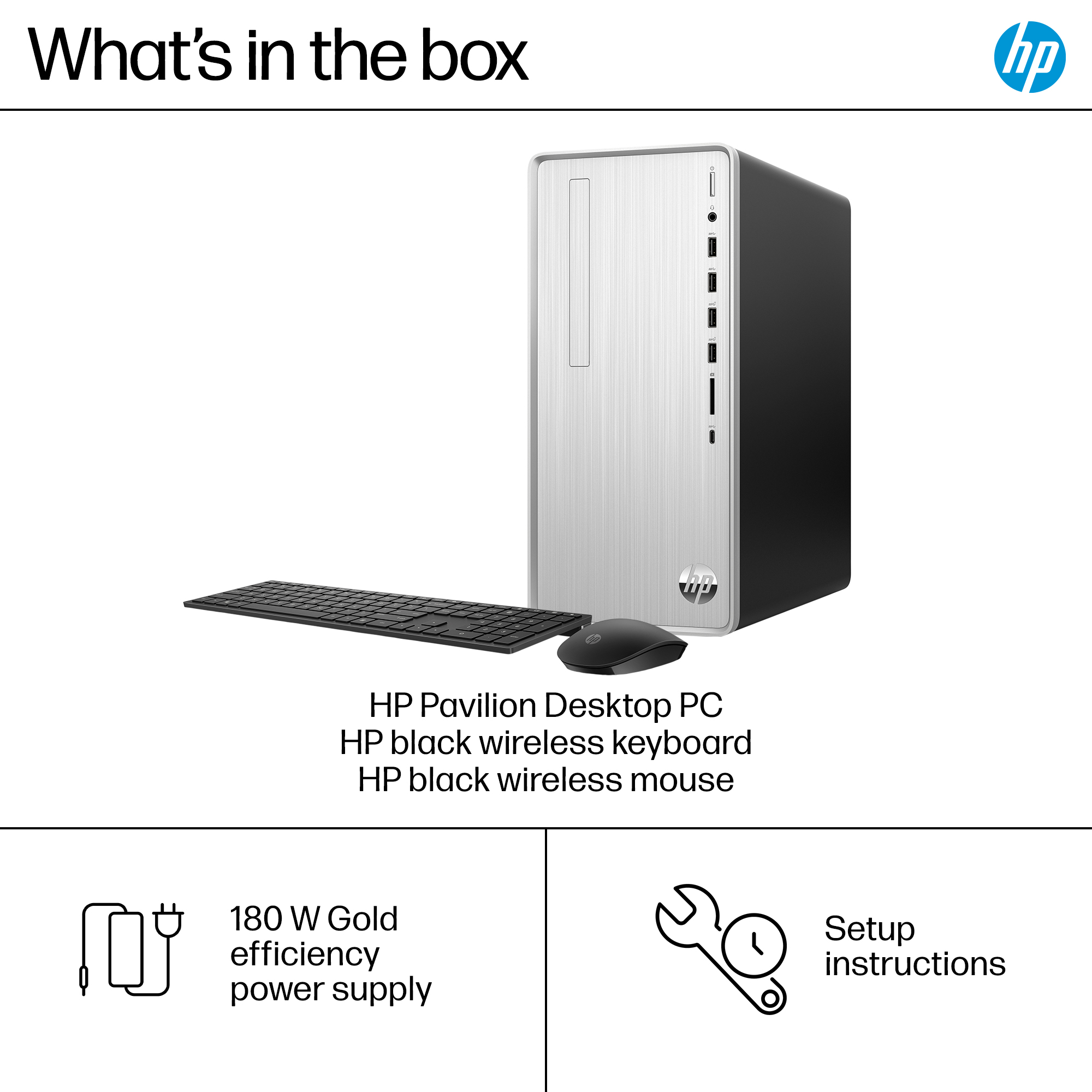
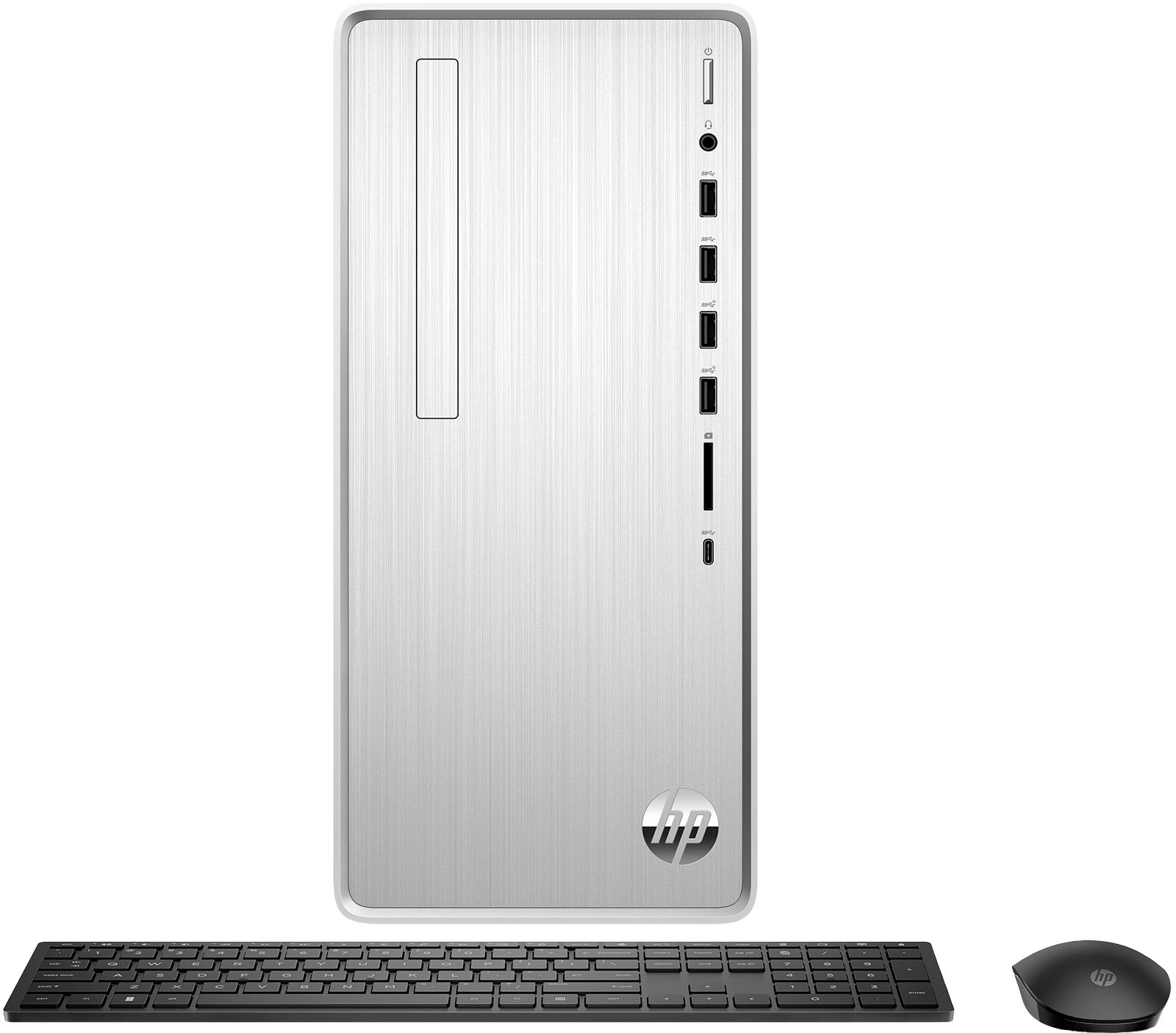
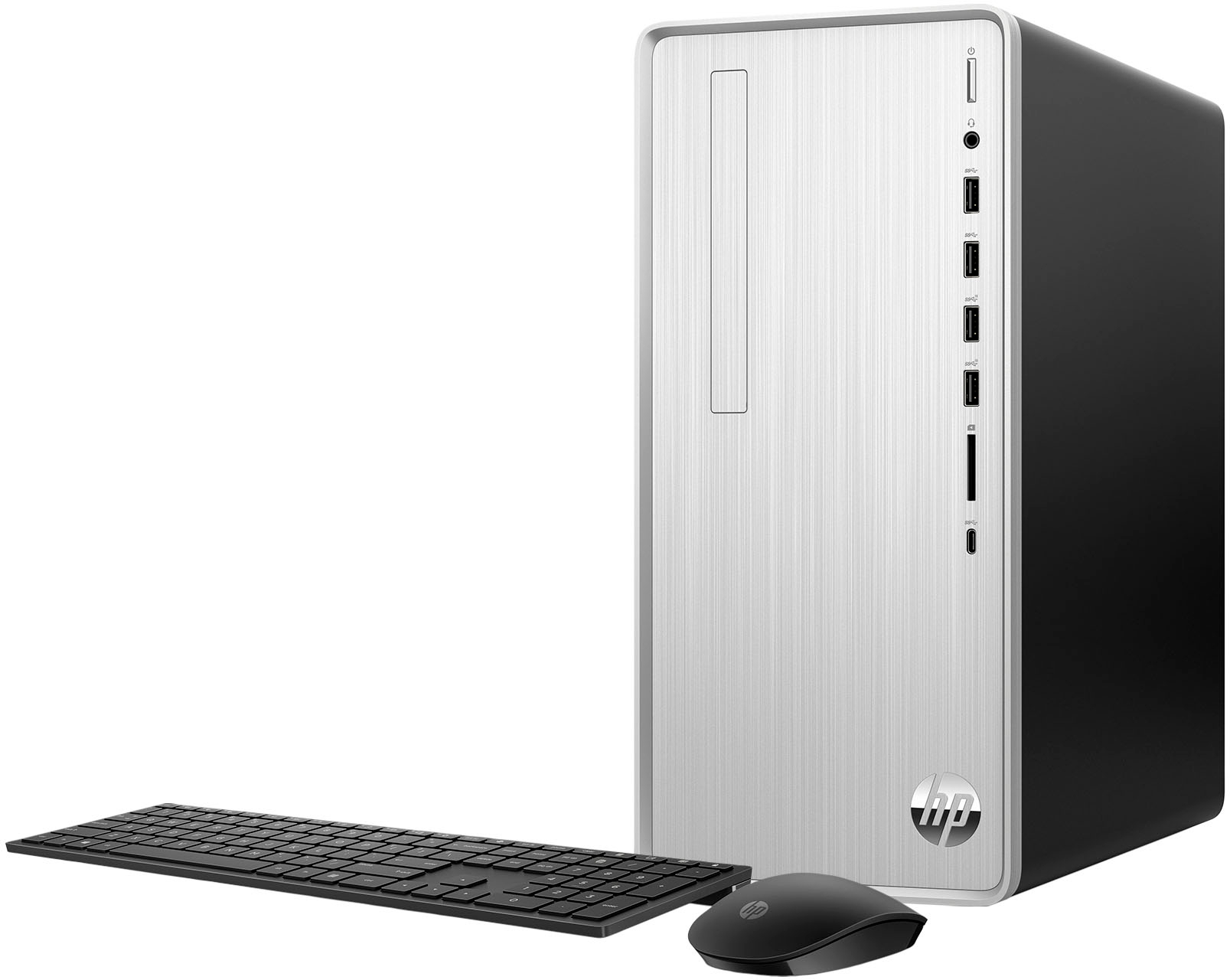
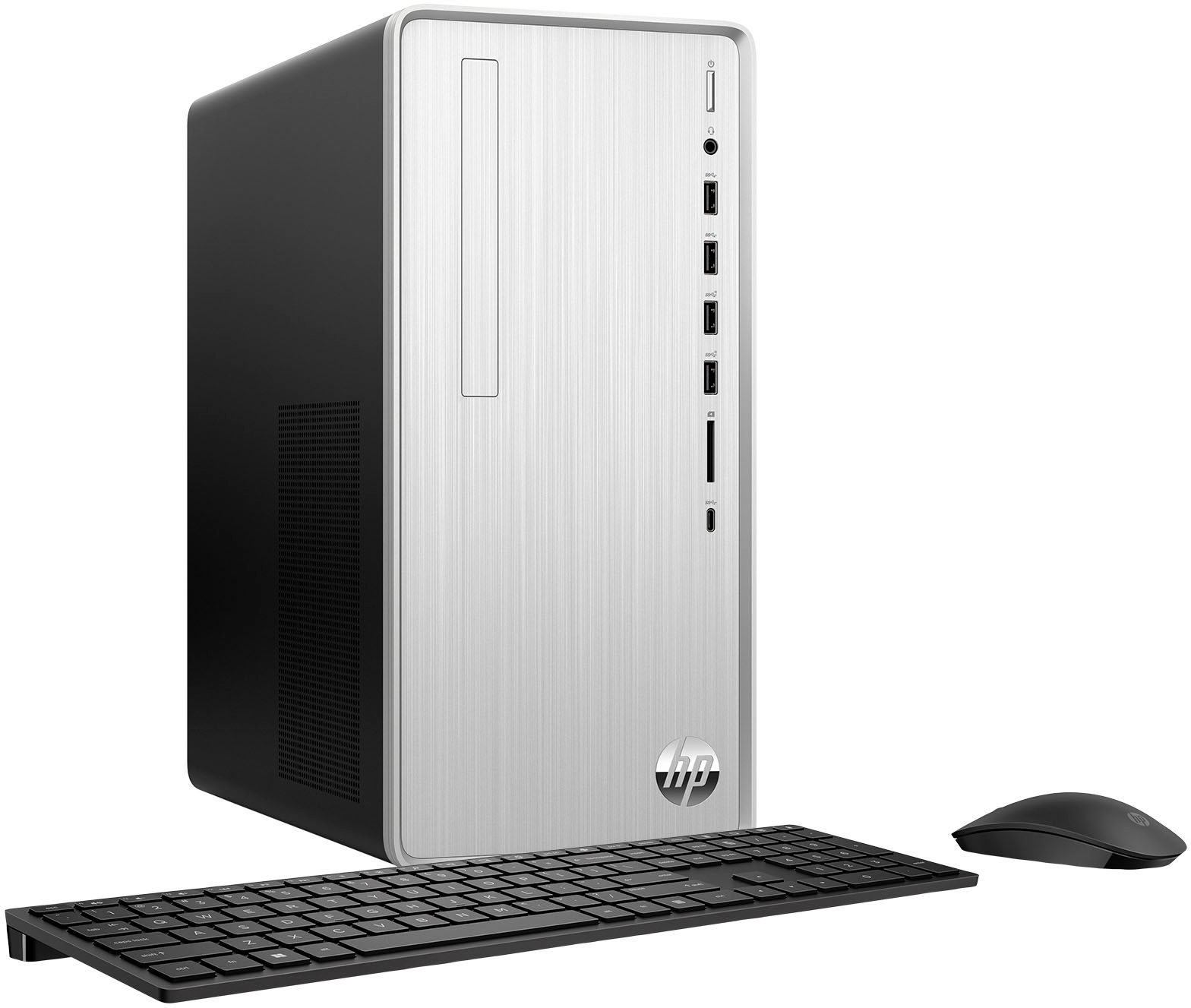
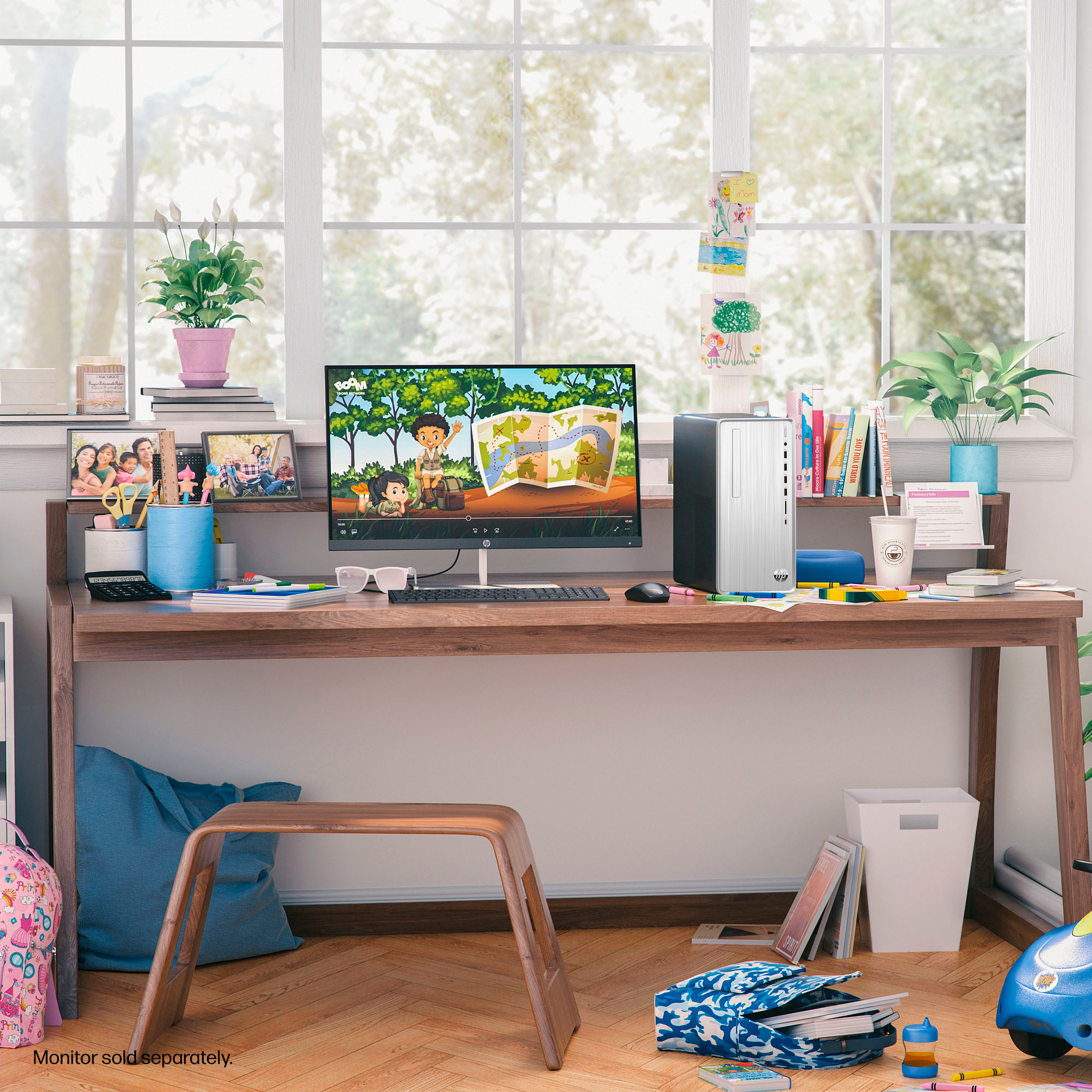
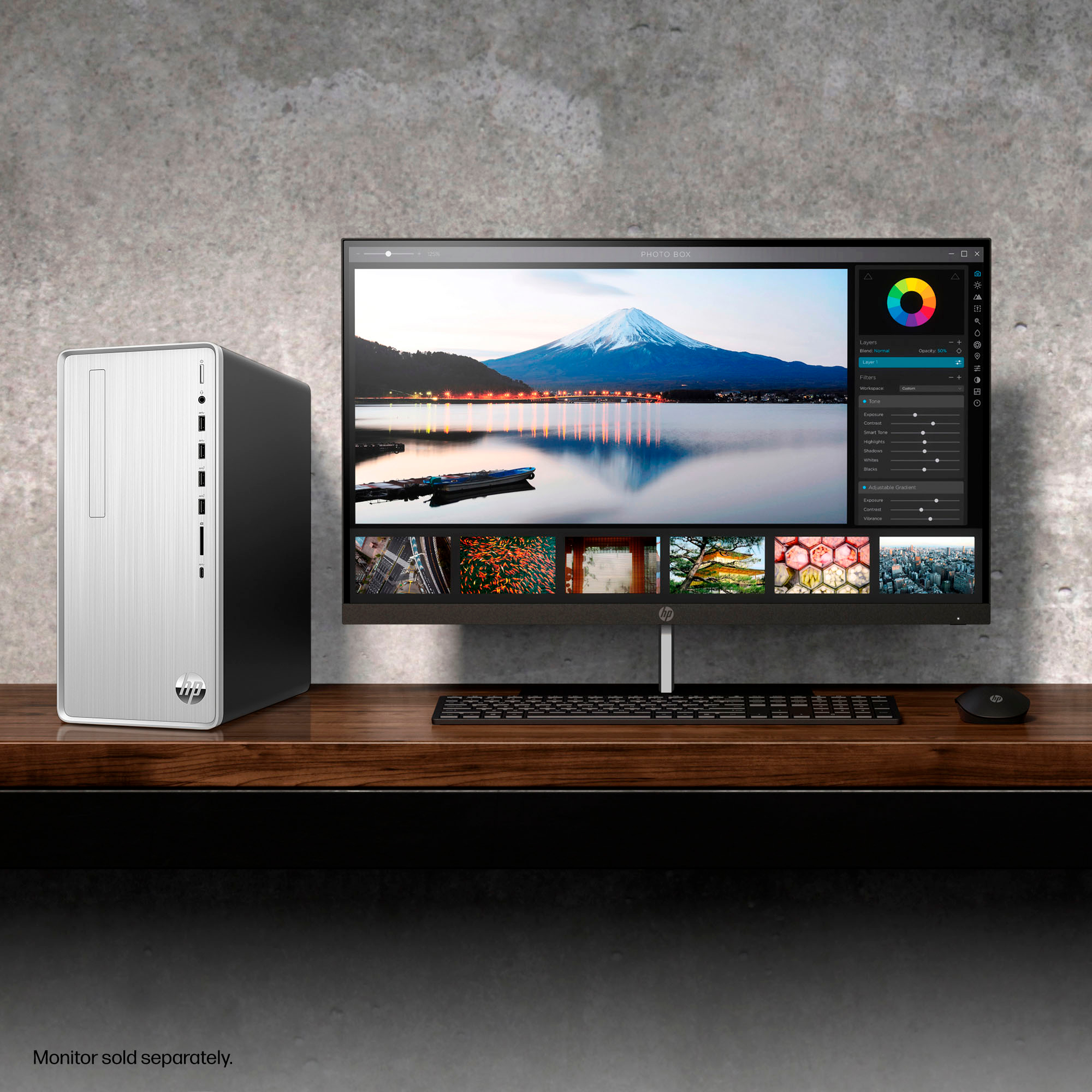
A:AnswerYES there is...but you gotta open the "Interactive Tour and Documents 1 2" (just under pics of pc) for additional pics which show the back (which I wanted to see to determine
if has necessary plugs for my 5.1 stereo system....it does).
A:AnswerThank you for your question about the comparisons between the HP Envy and HP Pavilion series computers. The Pavilion series is HP's mainstream computers while the Envy series systems are targeted at creators and even have some gaming capabilities. The Envy series are more versatile for heavier tasks like content creation or gaming.
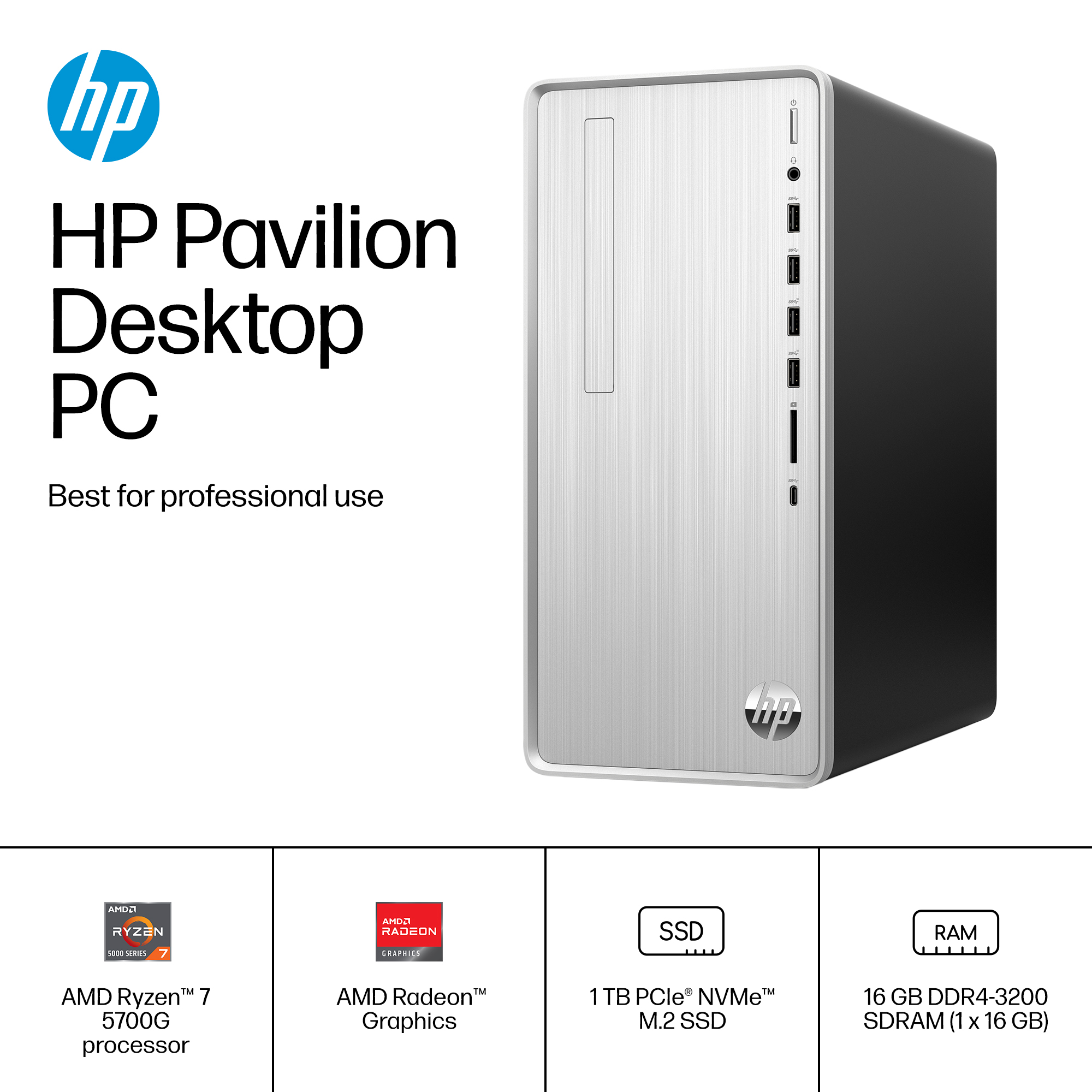
A:AnswerYou will not want to use that RAM. That RAM is slow and is ECC RAM which is not compatible with this computer. You do not need to use HP RAM, any brand will work. The max speed supported will be PC4-25600 (DDR4-3200).
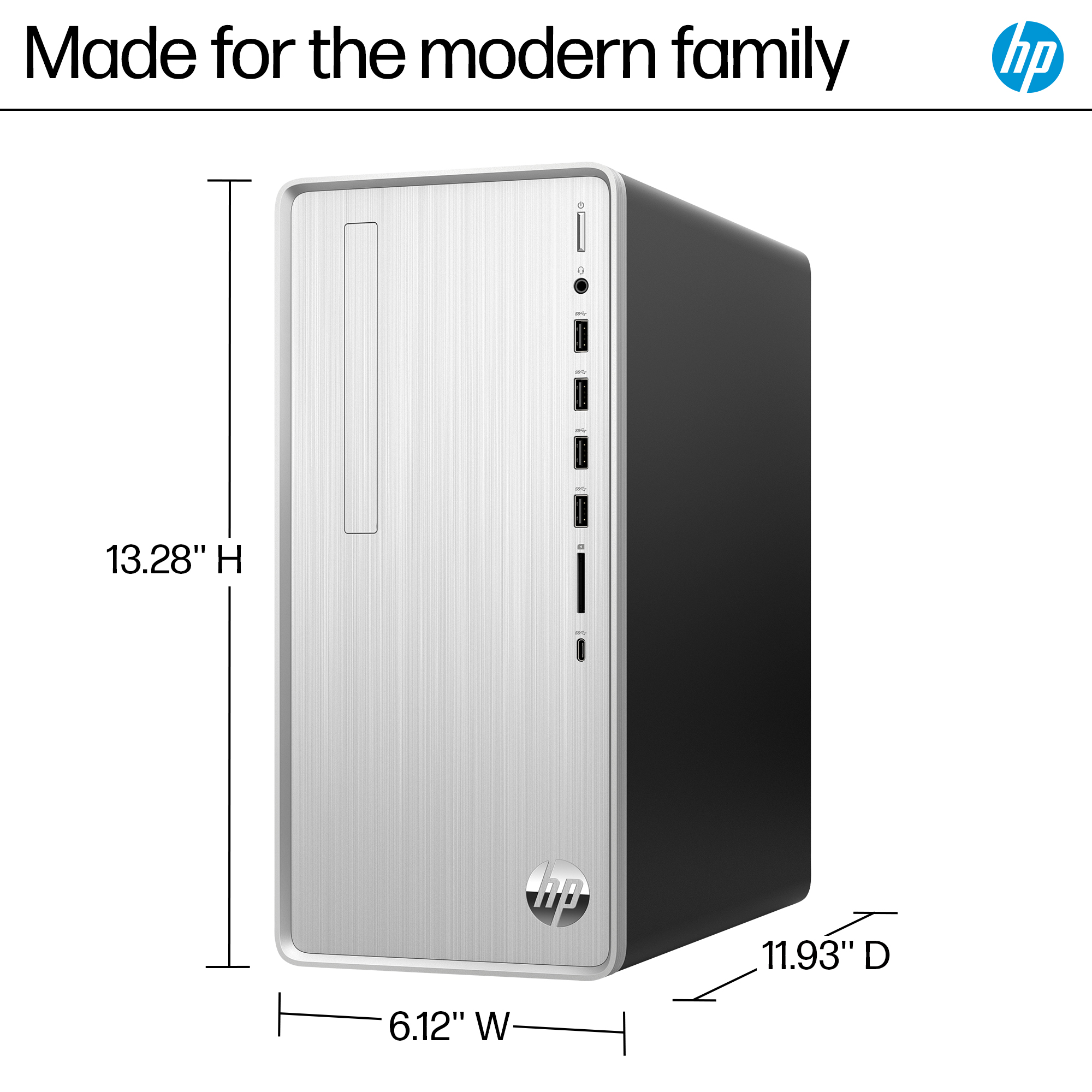
A:AnswerPhysically, yes. I would be concerned about the airflow through and out the back of the computer. Might not be a problem, but the design of the computer implies that warm air from the CPU rises and is exhausted out the top part of the back.
A:AnswerThere really isn't a way to add a DVI port without adding a new video ard, which would also require upgrading the power supply. A better option would be to get an adapter that goes from your DVI cable to the HDMI port on the back of the computer.
A:AnswerThe Perplexity agent at Gab.AI (free) says yes:
Yes, the RAM can be expanded in the HP Pavilion Desktop TP01-2234 (Model: TP01-2234/318G6AA#ABA). Here are the key details about upgrading the RAM:
Maximum memory capacity: This desktop can support up to 64GB of RAM[1][8].
Current configuration: It comes with 16GB of RAM installed as standard[8].
Memory type: The computer uses DDR4 PC4-25600 3200MHz Non-ECC DIMM memory[1].
Number of slots: There are 2 memory slots available[1][8].
Upgrade options:
You can add another 16GB module to reach 32GB total.
You can replace both modules with larger capacity modules to reach the maximum of 64GB.
Recommended upgrade: For best performance, it's recommended to use matched pairs of memory modules for dual-channel operation[2].
Installation: The RAM can be installed relatively easily by opening the side panel of the desktop. There are videos available showing the process for this specific model[4][5].
When upgrading, make sure to purchase compatible DDR4 3200MHz memory modules. It's best to use modules from reputable brands and, if possible, get them in pairs for optimal performance. Always check the exact specifications of your system before purchasing new RAM to ensure compatibility.
https://www.memorystock.com/memory/HewlettPackardPavilionTP012234.html
https://h30434.www3.hp.com/t5/Desktop-Hardware-and-Upgrade-Questions/can-I-upgrade-RAM-on-this-Pavilion-TP01/td-p/8907211
https://www.mrmemory.co.uk/memory-ram-upgrades/hp/pavilion-desktop/tp01-2234
https://www.youtube.com/watch?v=FTsSpcqCAPc
https://www.youtube.com/watch?v=raJcrLDFt-k
https://h30434.www3.hp.com/t5/Desktop-Hardware-and-Upgrade-Questions/HP-Pavilion-Desktop-TP01-0xxx-Memory-upgrade/td-p/9037025
https://h30434.www3.hp.com/t5/Desktop-Hardware-and-Upgrade-Questions/Power-supply-upgrade-for-Pavilion-TP01-2234/td-p/8621501
https://www.crucial.com/compatible-upgrade-for/hp/pavilion-tp01-2234
https://www.crucial.com/upgrades/hp/pavilion-tp01-serie
A:AnswerI had an external DVD/CD drive that connects with a USB. Plugged it in and it was running within minutes. Its an LG brand external drive that now sits on top of the HP computer.
A:AnswerYes it does, this is a great choice! I have really enjoyed everything about using this up to date machine. The only thing it doesn’t have is a CD drive, but most things these days are download anyway.
A:AnswerHello, yes the WiFi card that is installed in this desktop is the Wi-Fi 5 (1x1) & Bluetooth® (802.11a/b/g/n/ac). If you look under the Specifications section, then From the Manufacturer, there is a Media Document DataSheet available for you to see all the features and benefits of this device. Thank you for being an HP customer!