A:AnswerThe base frequency on this processor is 2.10 GHz. The processor that is in this laptop is: Intel. Core 3-10110U. The i5 is actually the better processor over the i3. Even though the frequency may look like more with the i3, the i5 will actually do better with 4 cores. The i5 processor will actually be able to do your multitasking better than the i3. Think of the i5 processor like lanes of a highway. It has 4 cores or lanes to pass information. The i3 processor only has 2 cores or 2 lanes of highway. Then, if you add turbo boost to the processors. The i5 can expand to 8 threads (lanes of highway) and up to 4.20 GHz . The i3 can expand to 4 threads (lanes of highway) and up to 4.10 GHz. And as you continue up the Intel i series processors from the i3, i5, i7, and i9. They can handle even more information and faster.
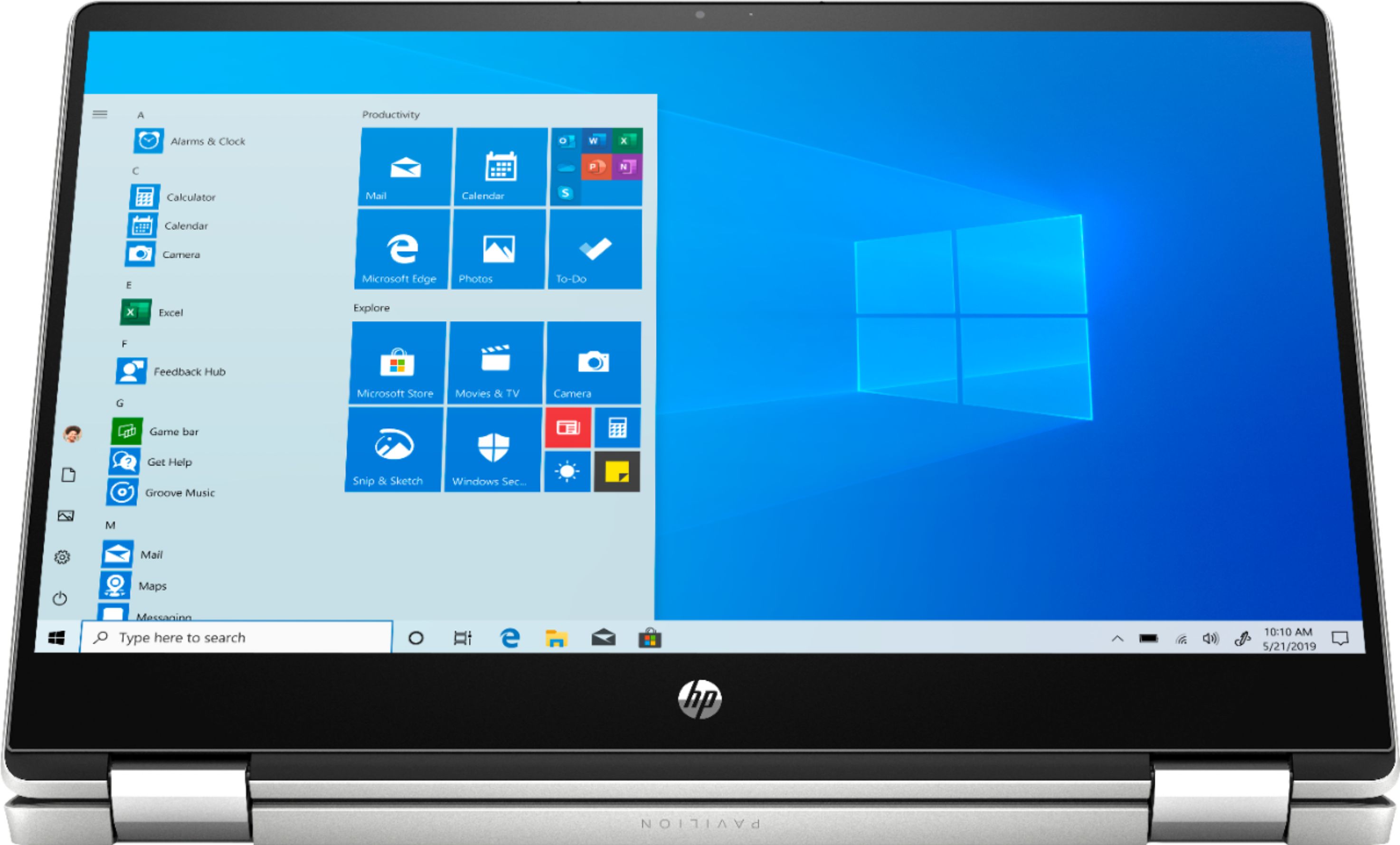
A:AnswerThis laptop does have Windows 10 in S Mode. You can switch to Windows Home, one time only, after setting up the laptop, so that would provide the experience you were looking for.
A:AnswerIt has a 125 gb solid state drive. No it does come with Microsoft office but you can purchase it as an additional option for a discount when you purchase the laptop.
A:AnswerThe RAM cannot be upgraded. There is only 1-8 gigabyte RAM stick in this laptop. There is no room for a second hard drive. Here is more information on this laptop: https://support.hp.com/us-en/document/c06296484
A:Answerpurchased for my daughter who is getting a masters in food science, Not sure what programs she runs. She has had no issues with anything she is doing