A:AnswerHello,
While this computer might be good for light gaming. We recommend checking the recommended specifications required to play the game provided by the developer to ensure you are able to play the games that you would like.
-HP Team
A:AnswerIn order to be able to make payments, you would need to apply for the Best Buy credit card to get zero-interest financing promotions. Right now Best Buy is offering 18 months zero-interest on purchases of $499 and up. The offer is good until 12/25/20. And you can still get the student deal. Here are the details on the 18 months zero interest financing: https://www.bestbuy.com/site/financing-rewards/18-month-financing-storewide-purchases-499-up/pcmcat1586549929567.c?id=pcmcat1586549929567 If you have any more questions about the financing or the student deals, please contact the customer service team at Best Buy.
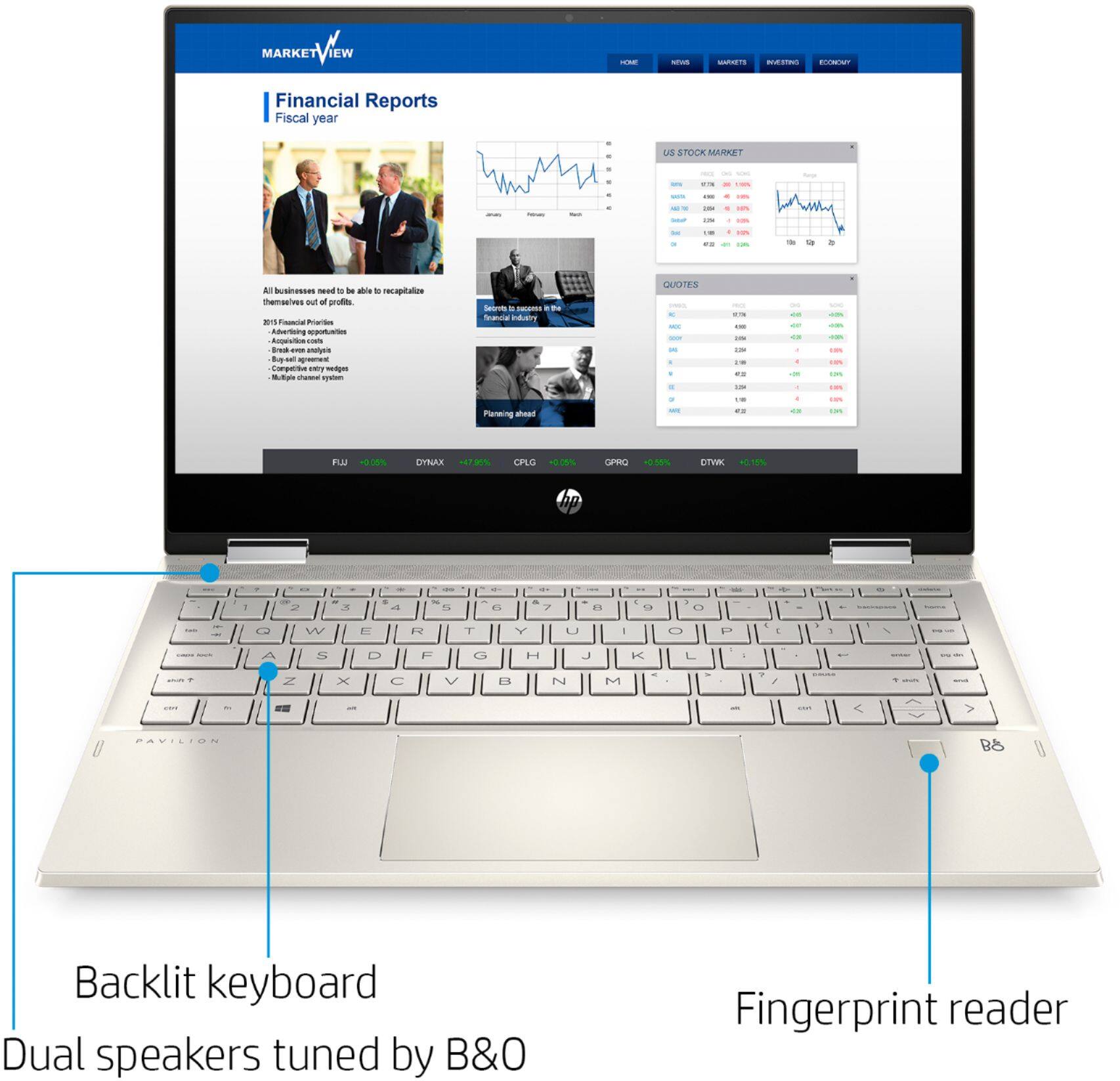
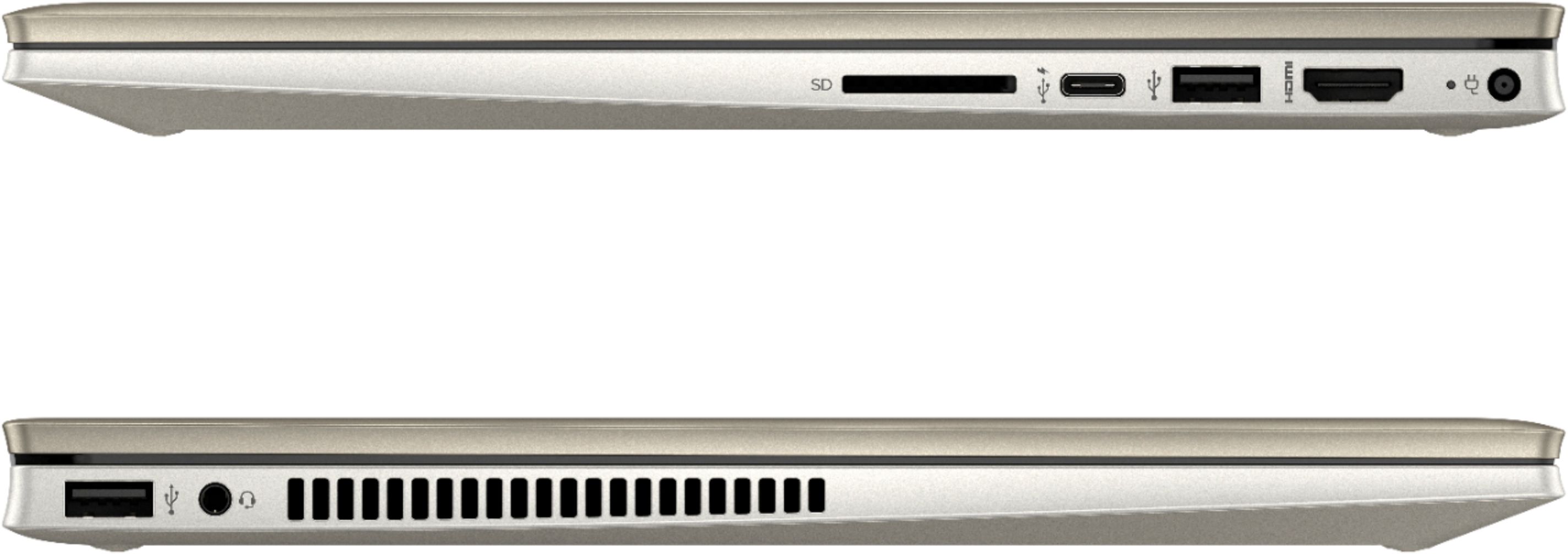
A:AnswerYes, you can plug a separate keyboard into one of the USB ports on the computer and use that. If your ergonomic keyboard is wireless, you can connect it through the computer's built in Bluetooth connectivity.
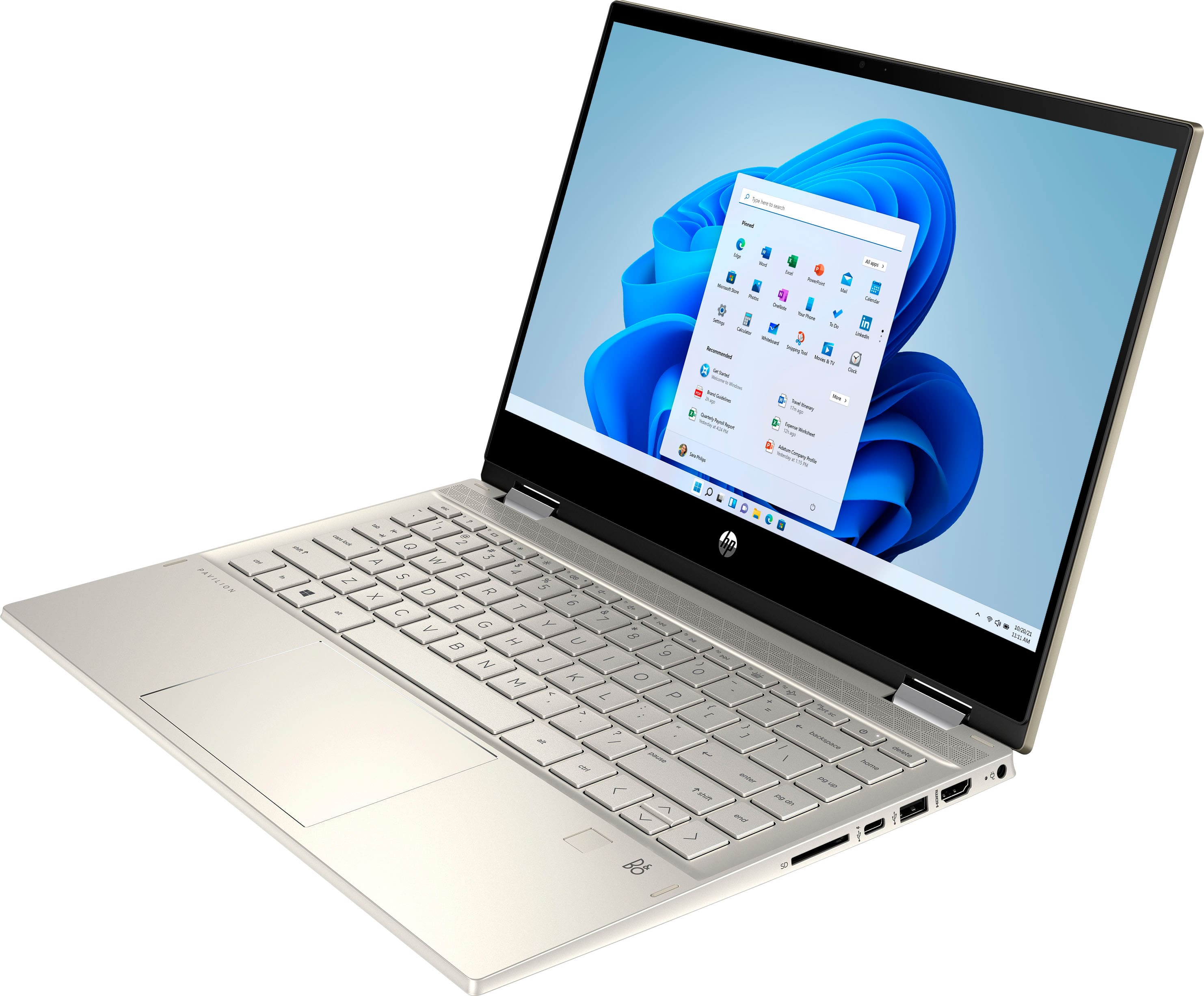
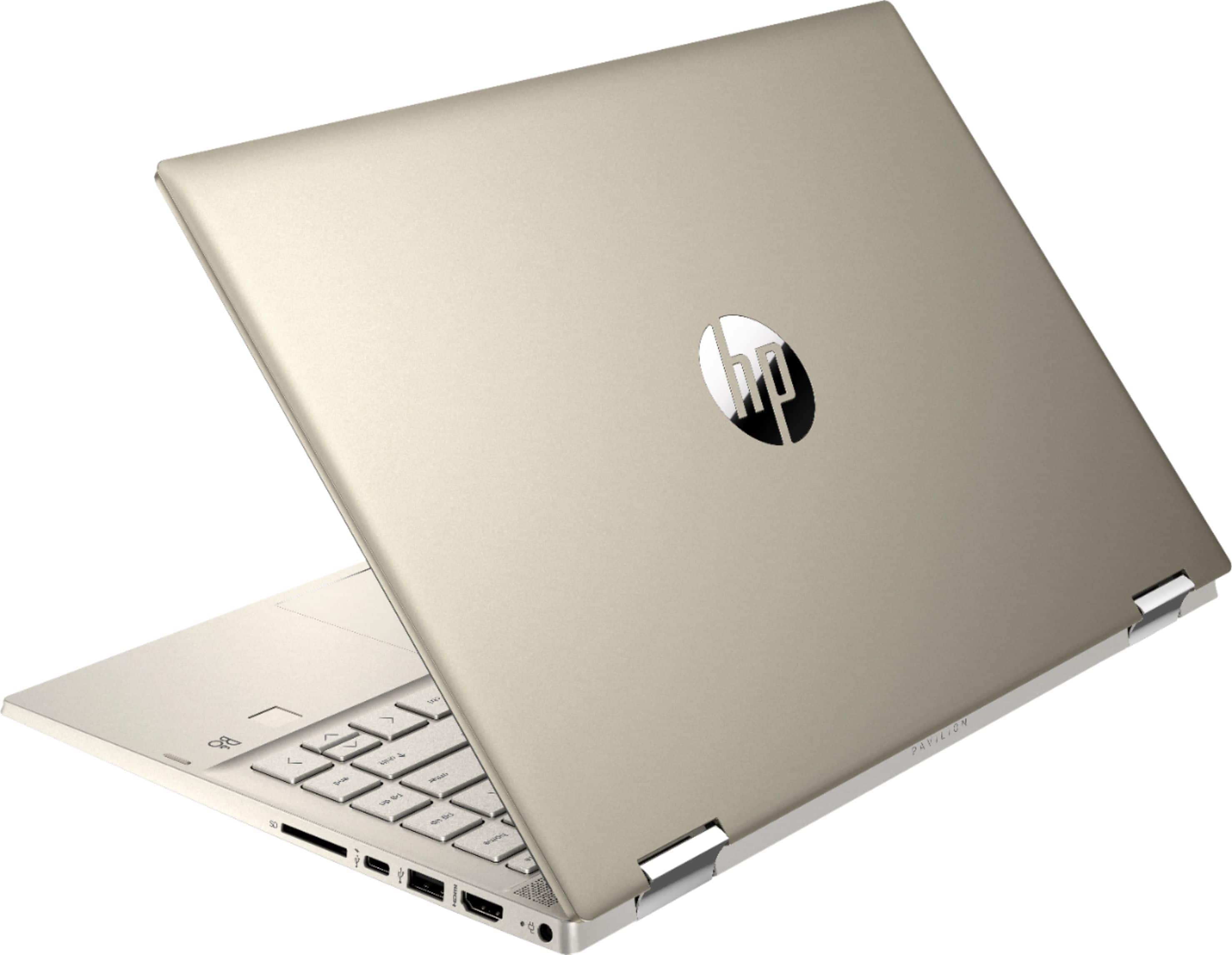
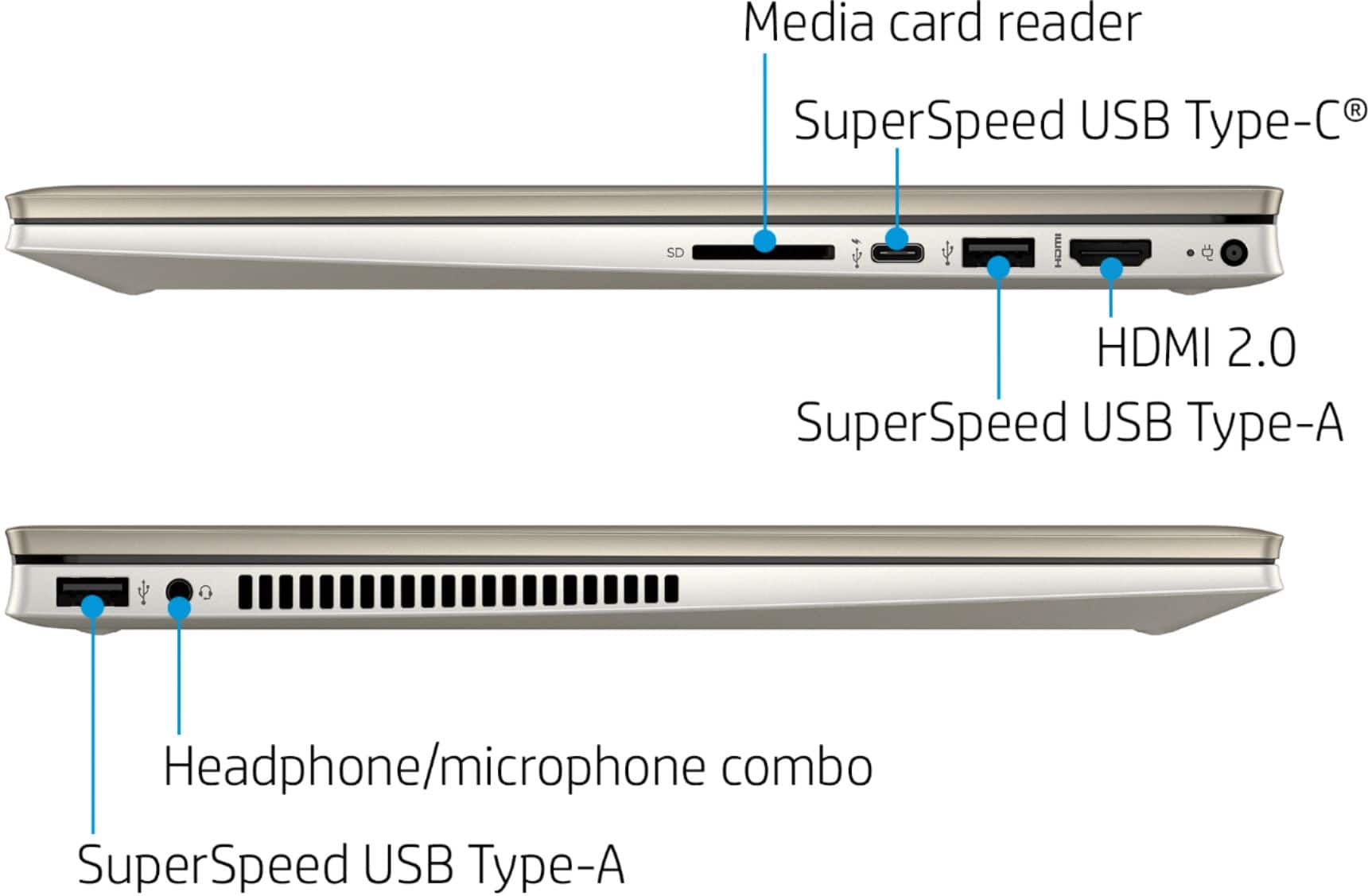
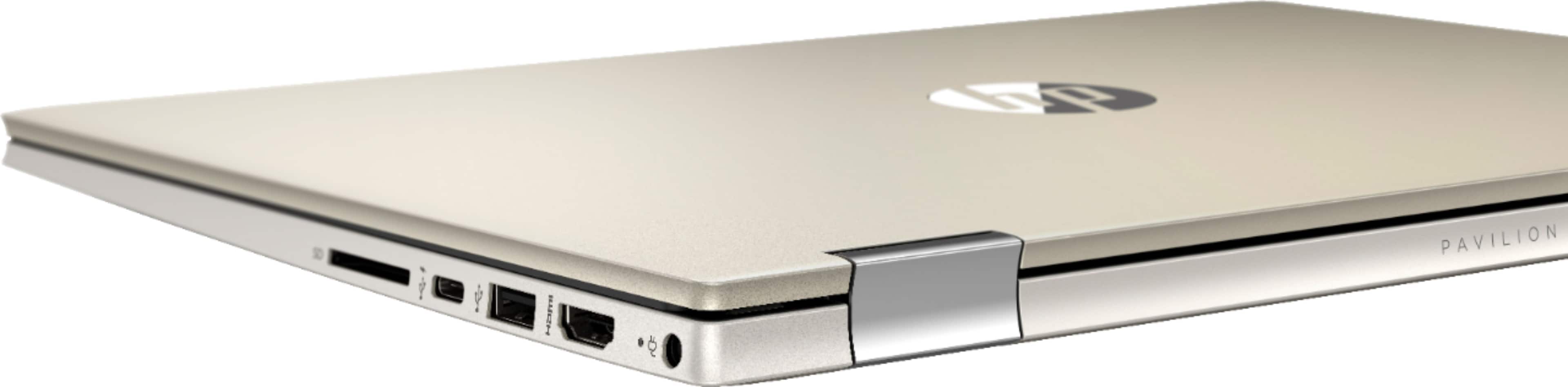
A:AnswerYes it is. 1 SuperSpeed USB Type-C® 10Gbps signaling rate (USB Power
Delivery, DisplayPort™ 1.4, HP Sleep and Charge) The charging watts are not listed in the specs.
A:AnswerWith the i5 processor and 8 gigabytes of RAM, you should not have a problem unless you have all of those programs open at once, including several tabs on your internet browser and large Quicken files.
A:AnswerThis is a Google meets function not a function of your computer system hardware. I cannot speak for them, but I was able to read this on the web:
"Passing audio while screen sharing while in a Meet session is not supported at this time. You are not able to show a video and have someone else who is on the call remotely hear it. This is a highly requested feature and support for it will hopefully be coming very soon. "
I also found this:
https://support.google.com/meet/thread/10586204?hl=en&msgid=10586204