A:AnswerYou would want to make sure it meets the system requirements for the settings you wish to use from the developer's website. Updates can change the requirements, and this can affect what settings you use or if you can still use the software at all. Genshin Impact does have cross-play options as well in which you can use a mobile phone or PlayStation gaming consoles as an alternative. If you find that this unit does not suit your needs and you wish to go with a Laptop or PC configuration, you can always contact HP or Best Buy's computer team and ask them for recommendations with the spec requirements of the setting you would like to play on.
A:AnswerYou might want to check the system requirements of any virtual machine software if you are going that route. If you are just partitioning the drive to run Linux Mint, you would just have to make sure it meets the minimum requirements for Linux Mint OS. For more details you will need to either contact HP Support or Geek Squad directly.
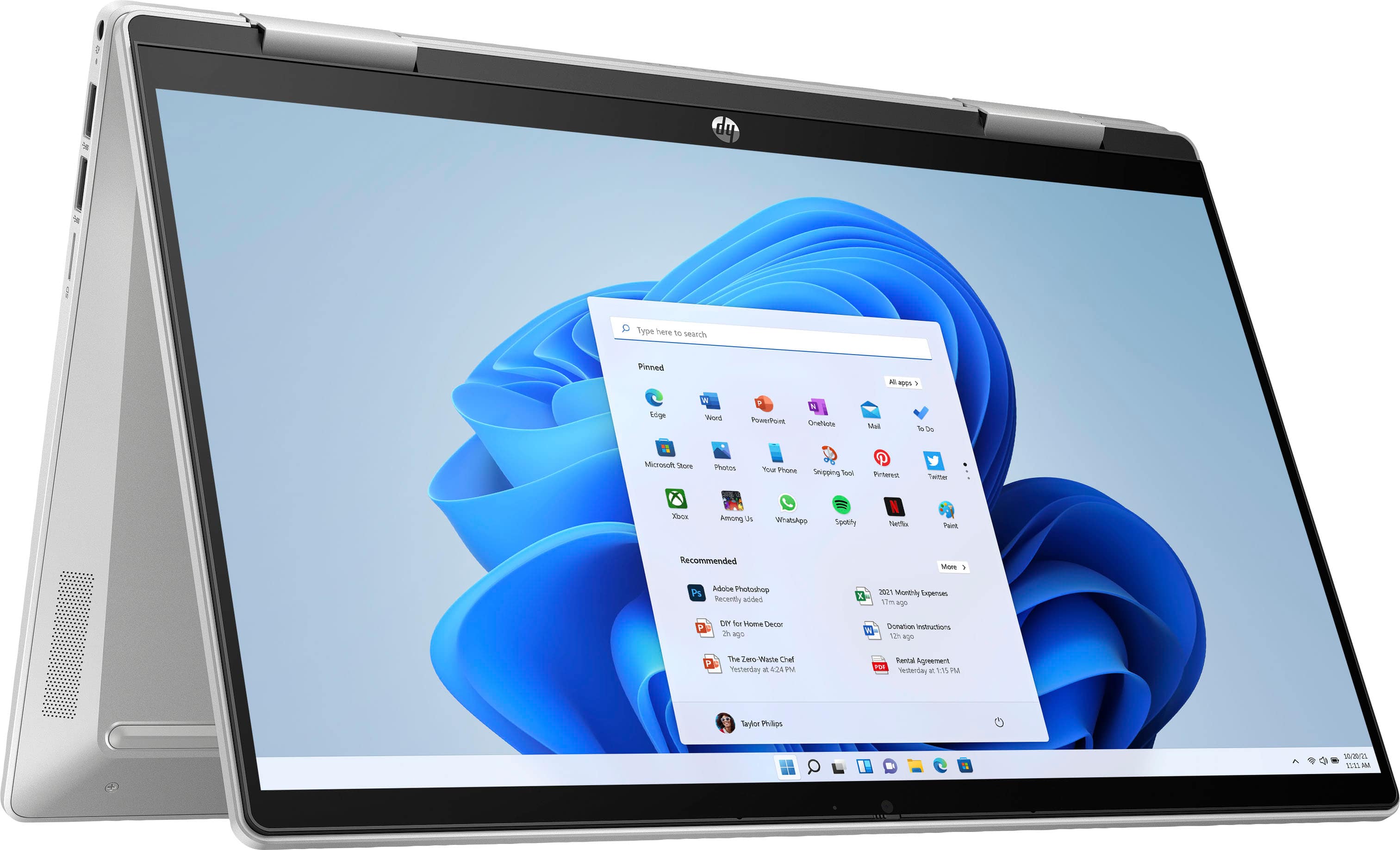
A:AnswerThis Pavilion x360 laptop comes with a 45 W Smart AC power adapter. It does not come with a pen. It also comes with Trend Micro - Internet Security (3-Device) (6-Month Subscription).
A:AnswerI was recommend the Bamboo brand hp pen. I love it but it does disconnect unexpectedly. To connect the pen back you just have to double or triple tap the screen with the pen.
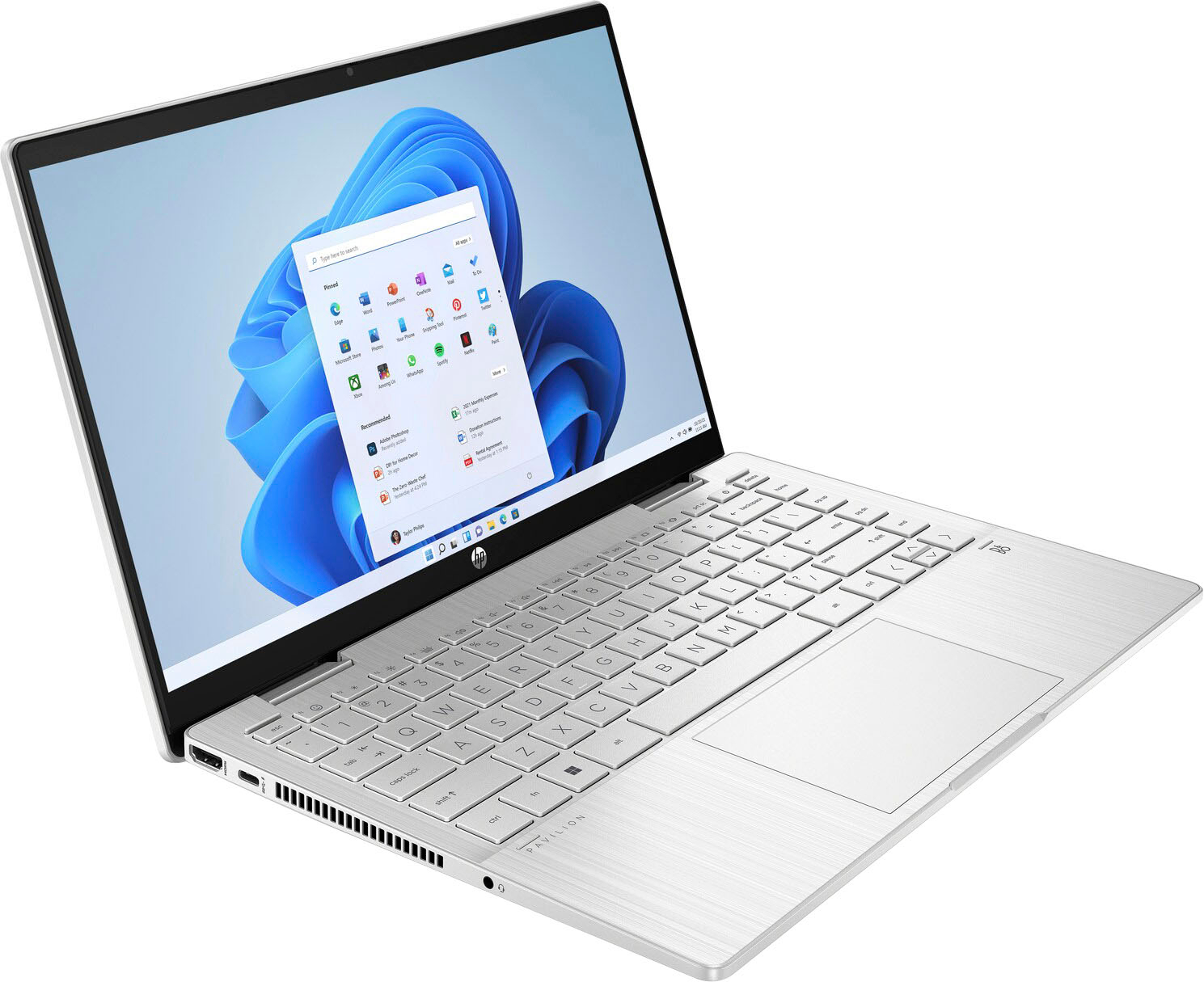
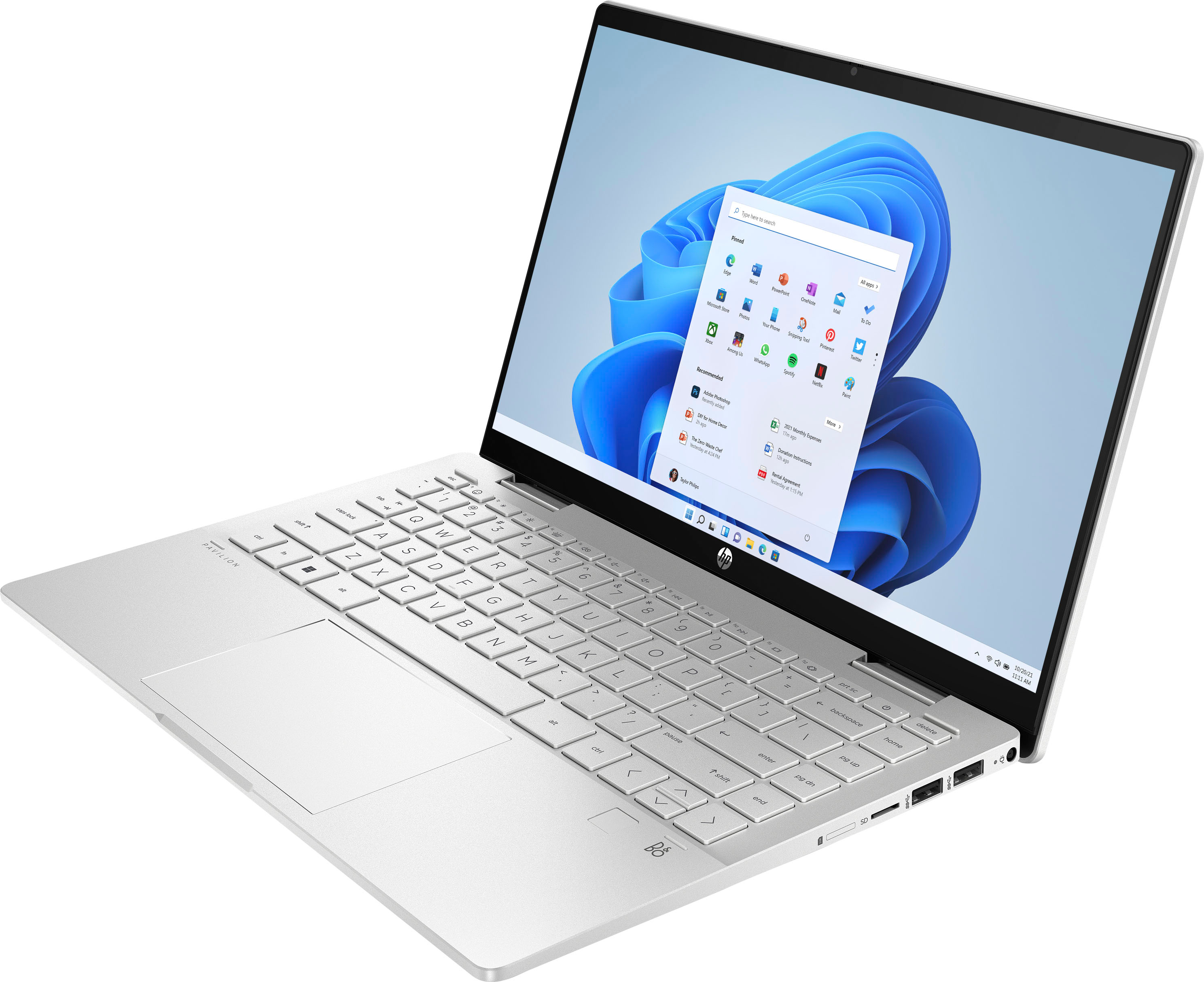
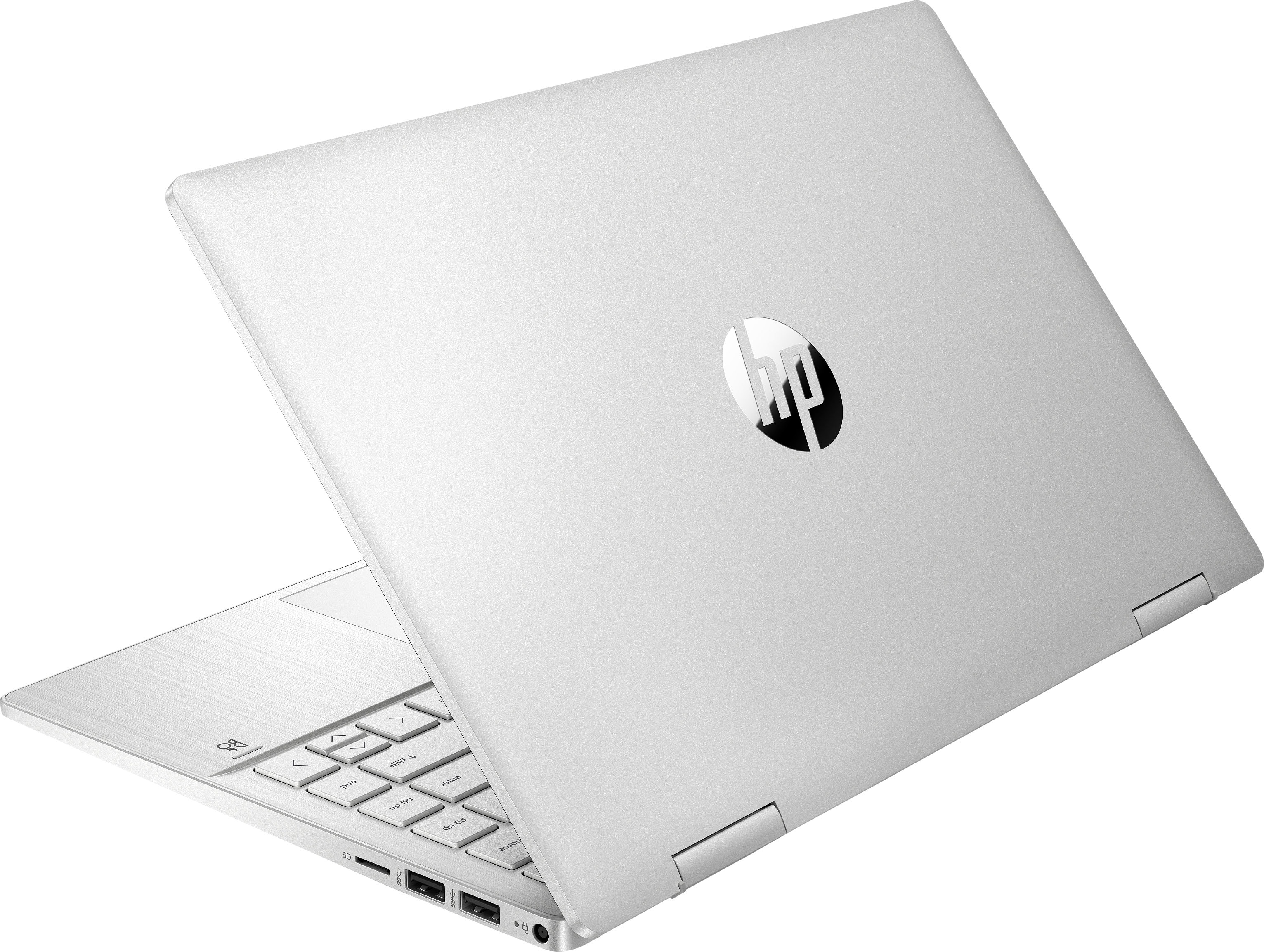
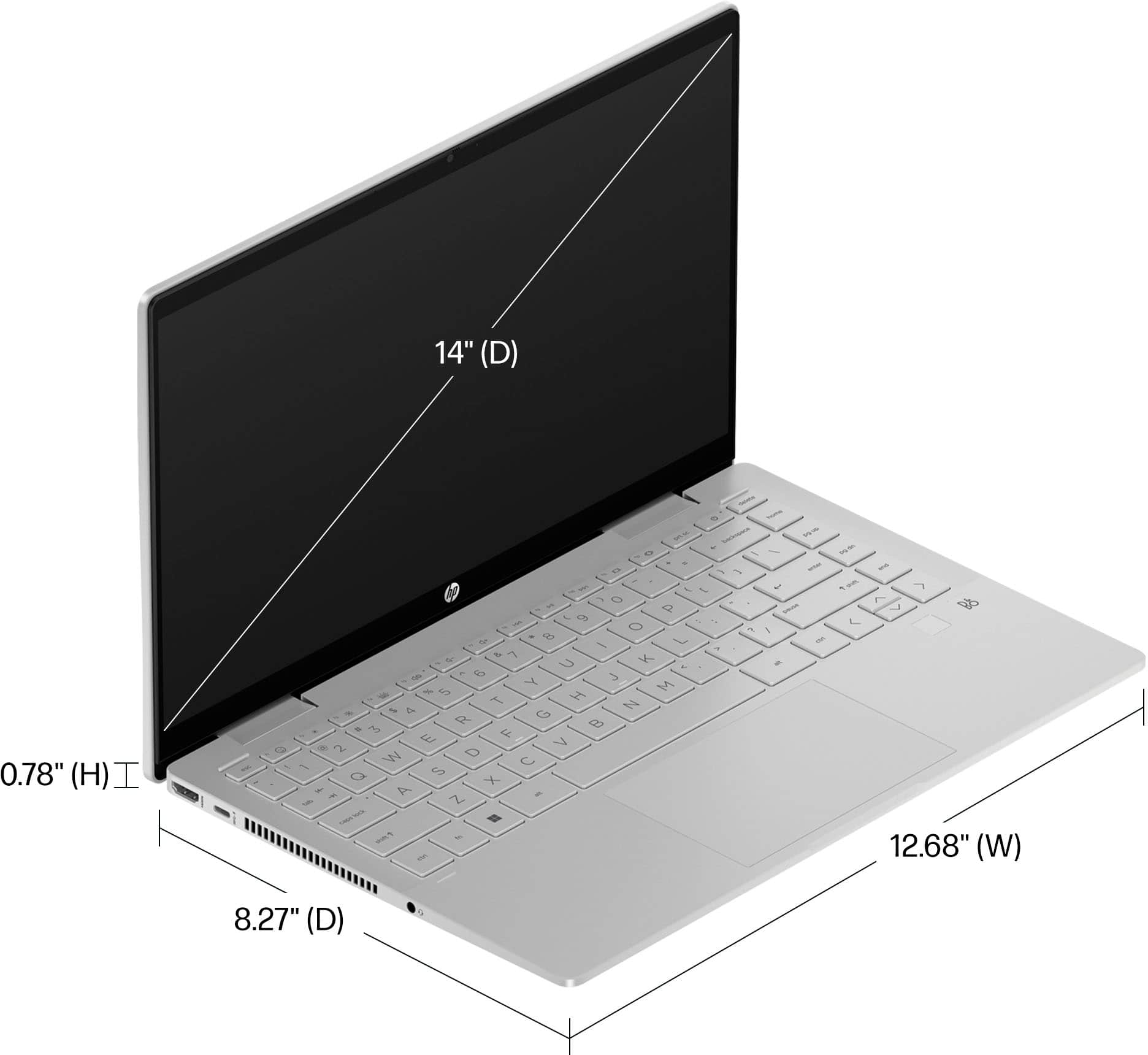
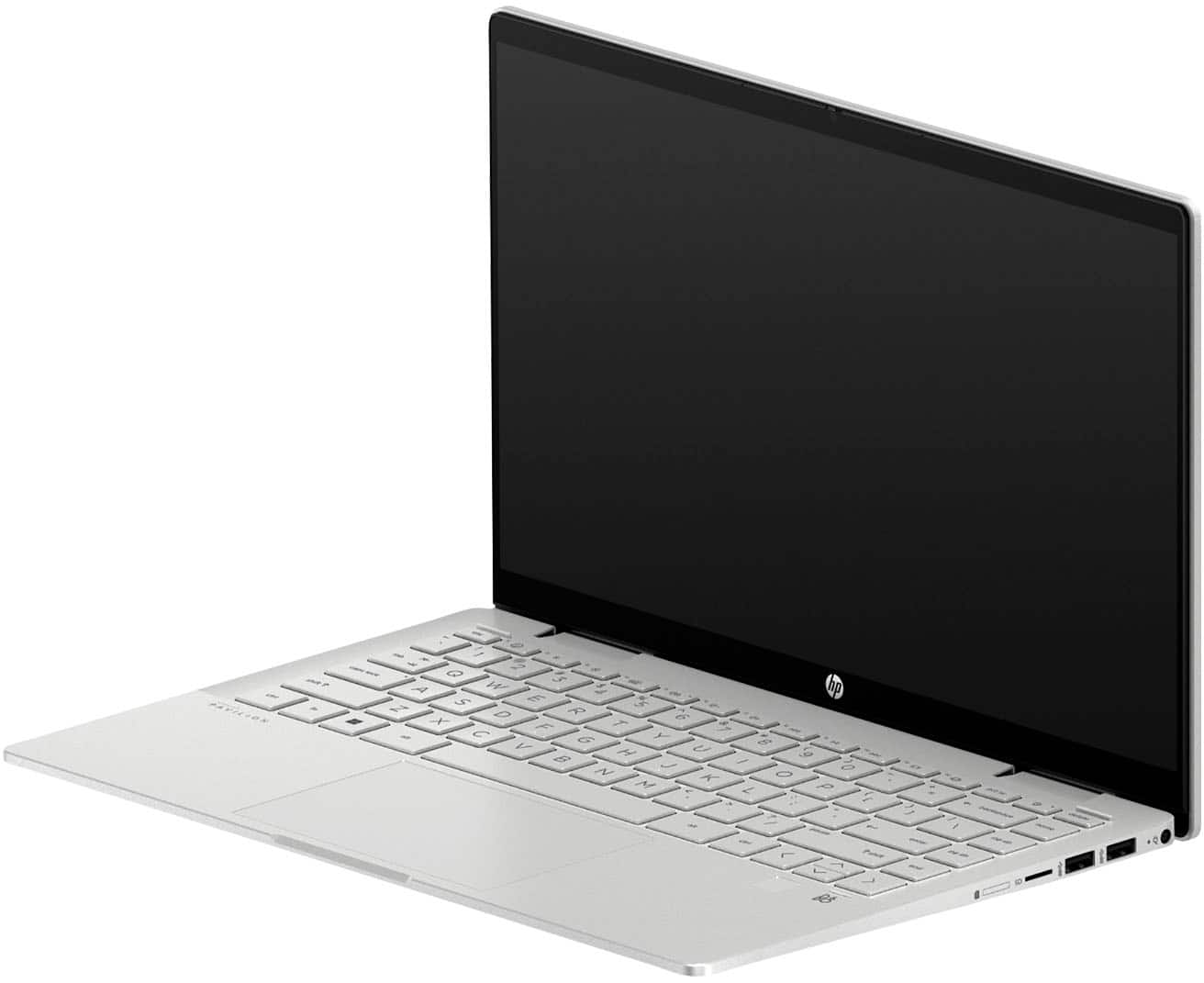
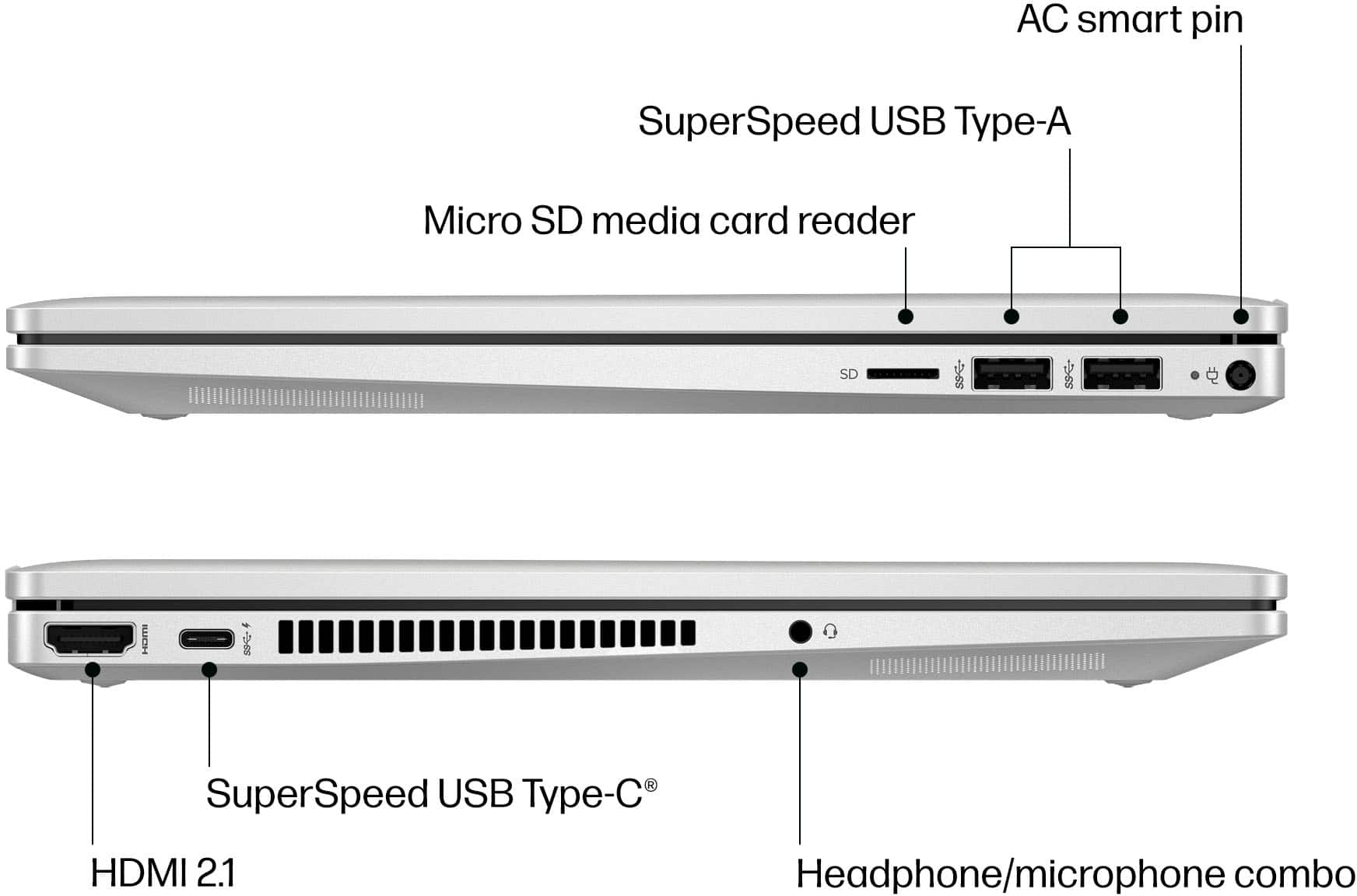
A:AnswerThe HP Pavilion x360 (14-ek0033dx) has 2 USB Type-A ports that can charge both your iPhone and iPad, although the USB Type-C port provides a faster charge and also has HP Sleep and Charge. Thank you for your question and interest in our HP laptops!