A:AnswerThank you for the question. Sublimation printing uses a different type of ink and atomizes differently than the HP ink formula for which our printers are designed. Using sublimation ink will likely damage the printer and the printheads, and is not covered by the HP warranty. Note that using transfer paper will yield similar results and can be used with HP inks.
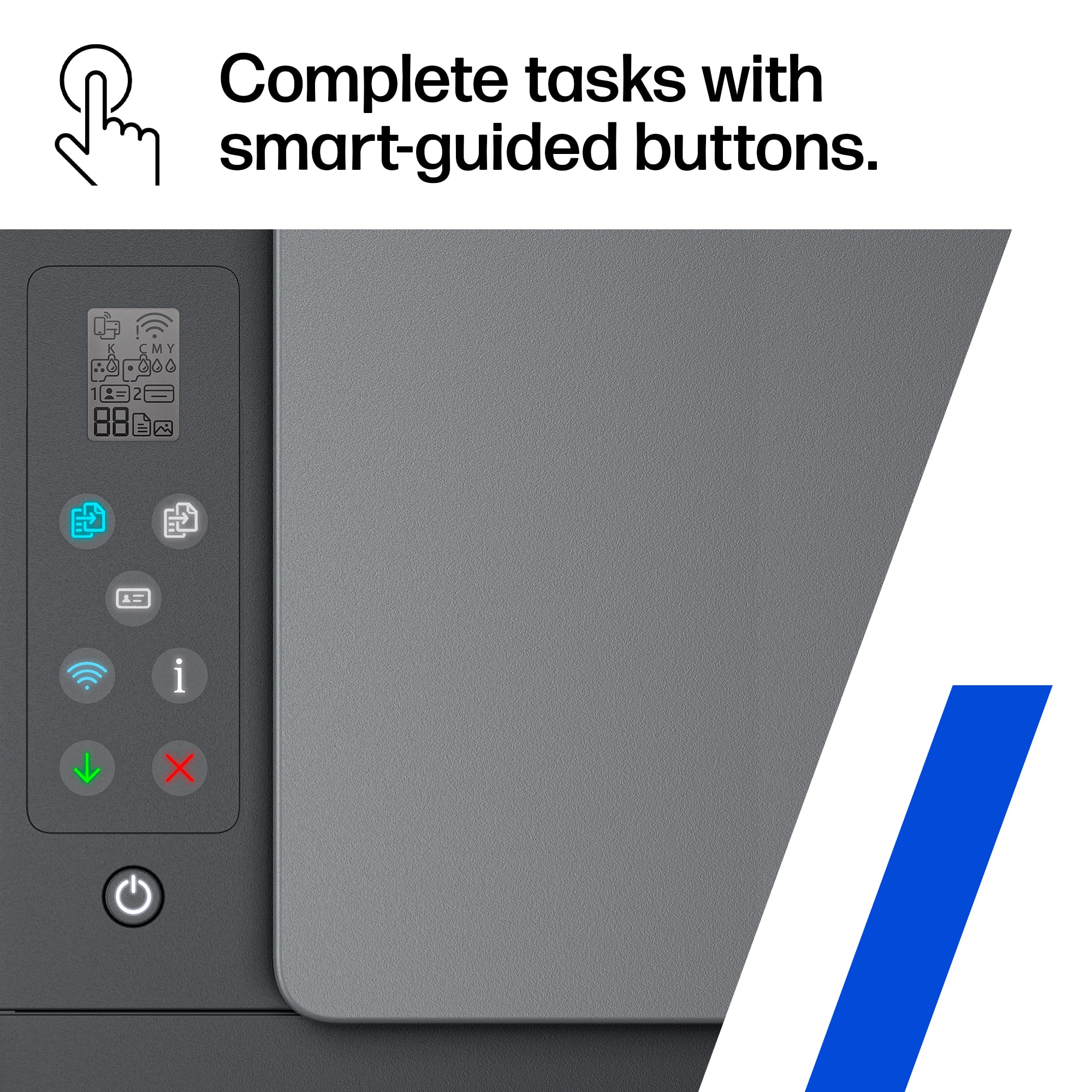
A:AnswerIt has printer drivers and software you can use. The HP Smart app has access to most of the drivers and you can use that to access all of the printer features.
A:AnswerThis model can do borderless printing up to 8.5x11", so sizes below that as well. The media sizes below 8.5x11" this printer can do are: Letter; 4 x 6 in; 5 x 7 in; 8 x 10 in.
A:AnswerThere could be any number of reasons for getting that message. Your best option would be to contact the HP support team directly so they can troubleshoot it with you in real time.
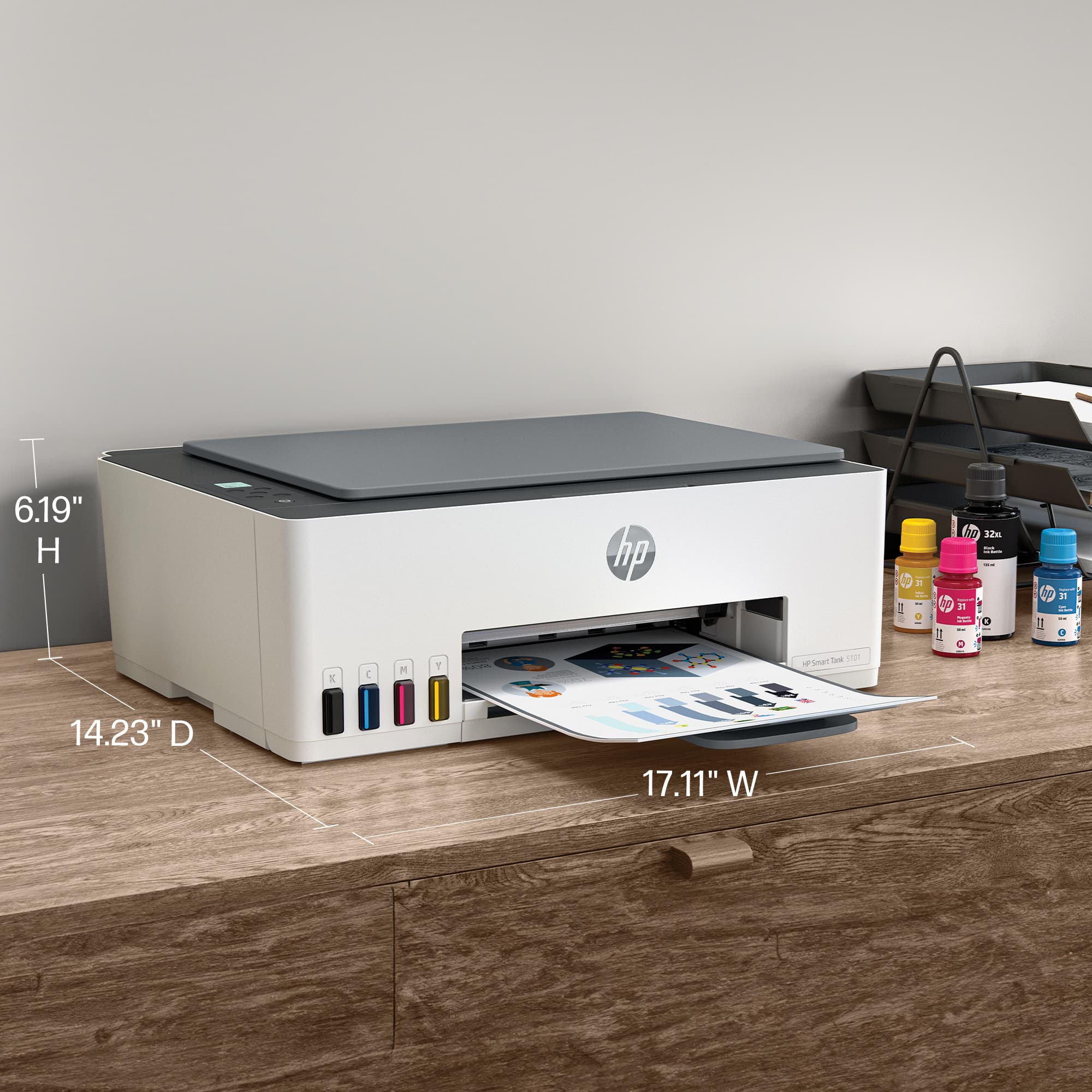
A:AnswerThank you for the question. No, the Smart Tank 5101 will accommodate media up to 8.5 x 14". For 11 x 17" paper handling, you'll need a large format printer, like the OfficeJet Pro 7740. See it here: https://www.bestbuy.com/site/hp-officejet-pro-7740-wireless-all-in-one-inkjet-printer-white/5536900.p?skuId=5536900
A:AnswerHello, you will need to use the appropriate paper for tattoo stenciling such as thermal paper. HP Smart Tank printers are thermal inkjet printers so they will work properly with thermal paper. Thank you for being an HP customer!
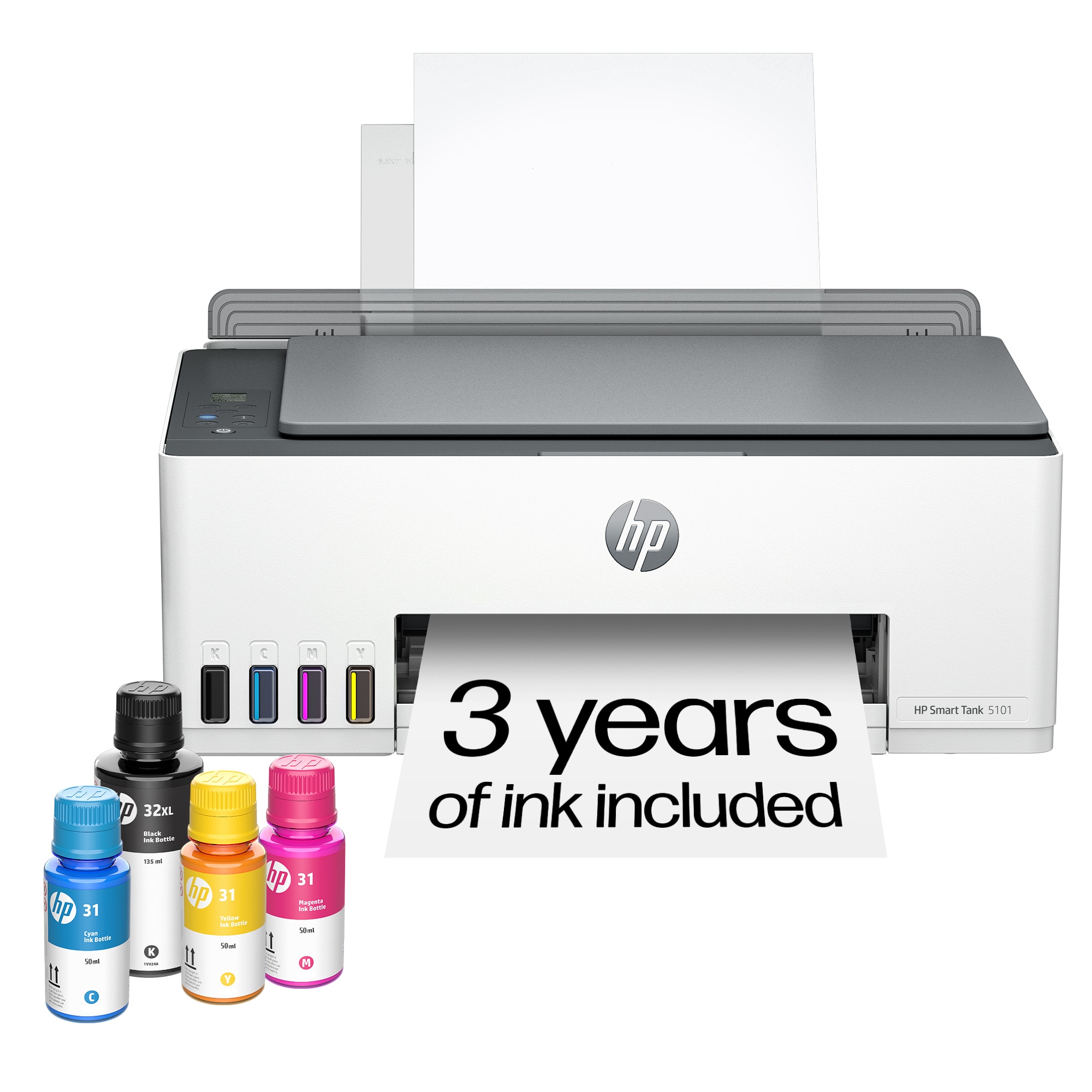
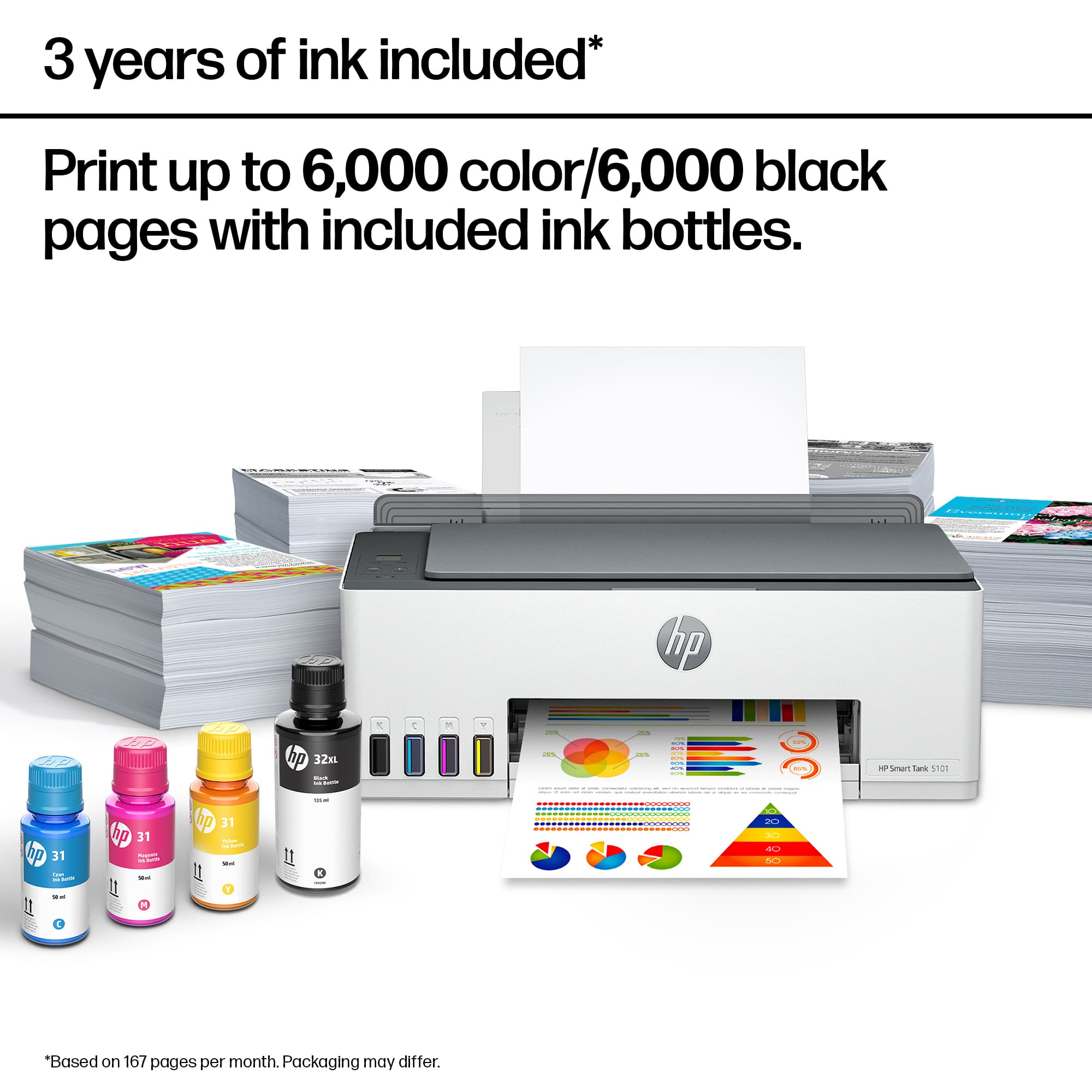
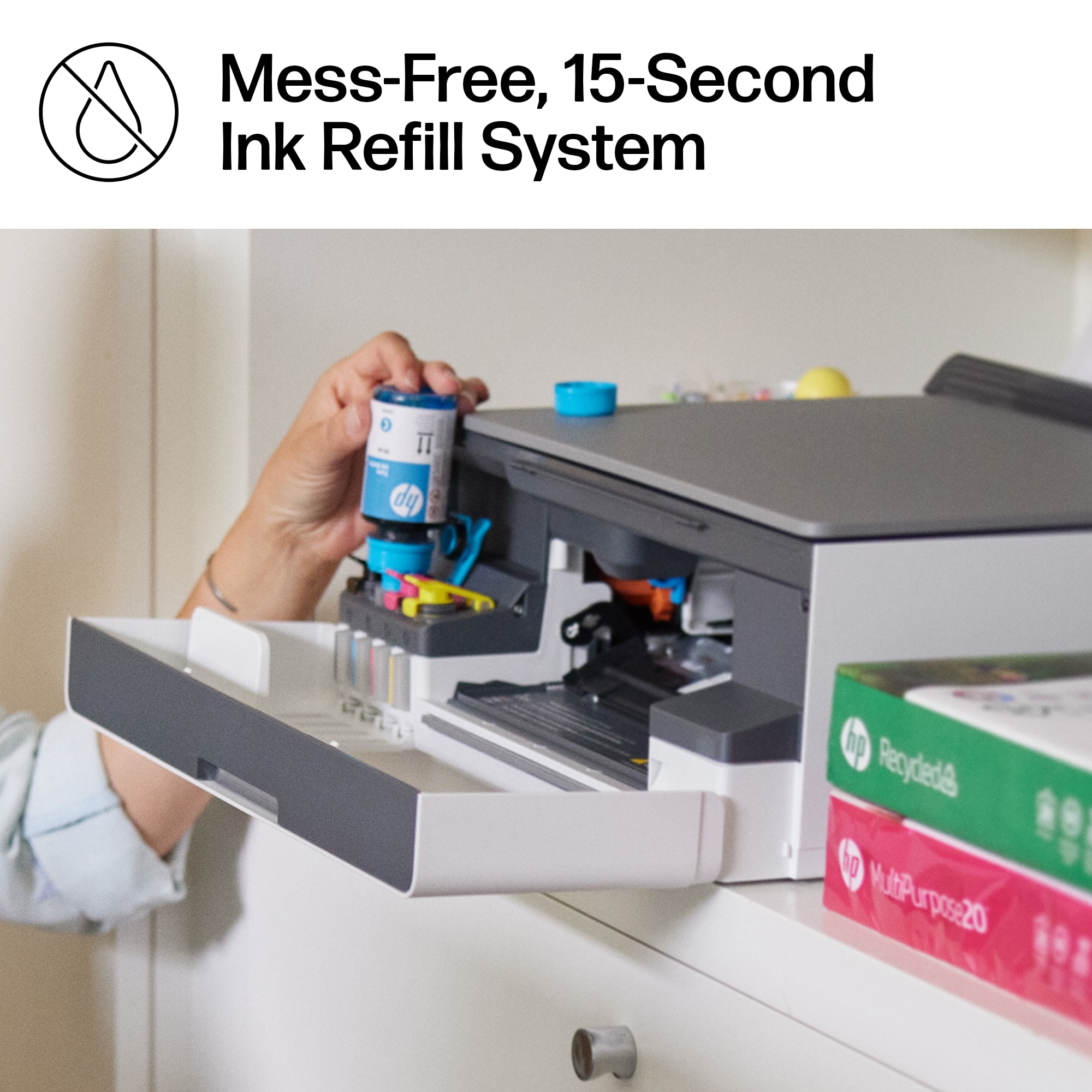
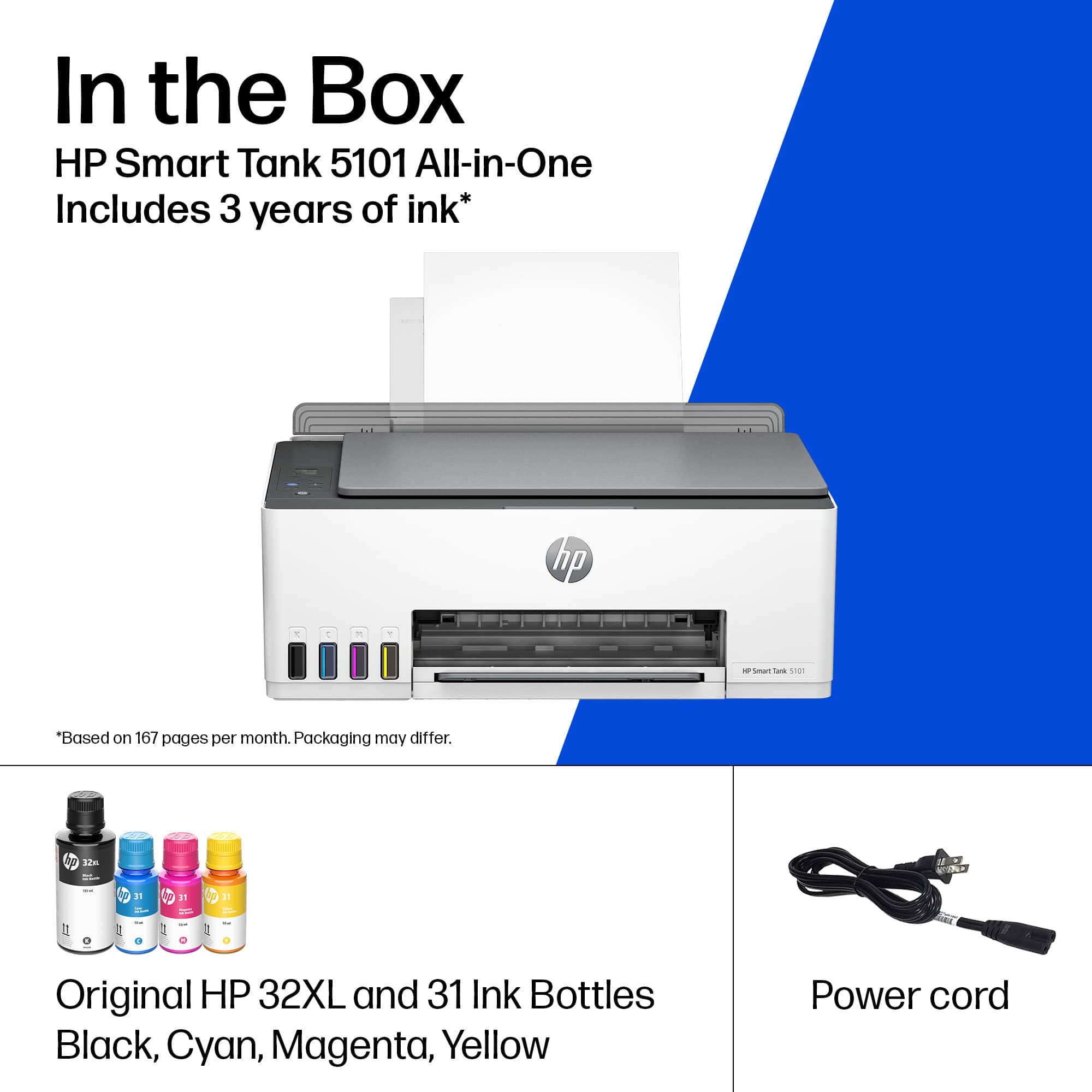
A:AnswerYes, you pour the specific color ink into whichever tank is low. It is a spillproof design and works better than I had expected. New units come with enough ink to fill all 4 tanks with each specific color. The black bottle will fill the tank almost two times completely. The other colors fill their tanks completely one time.
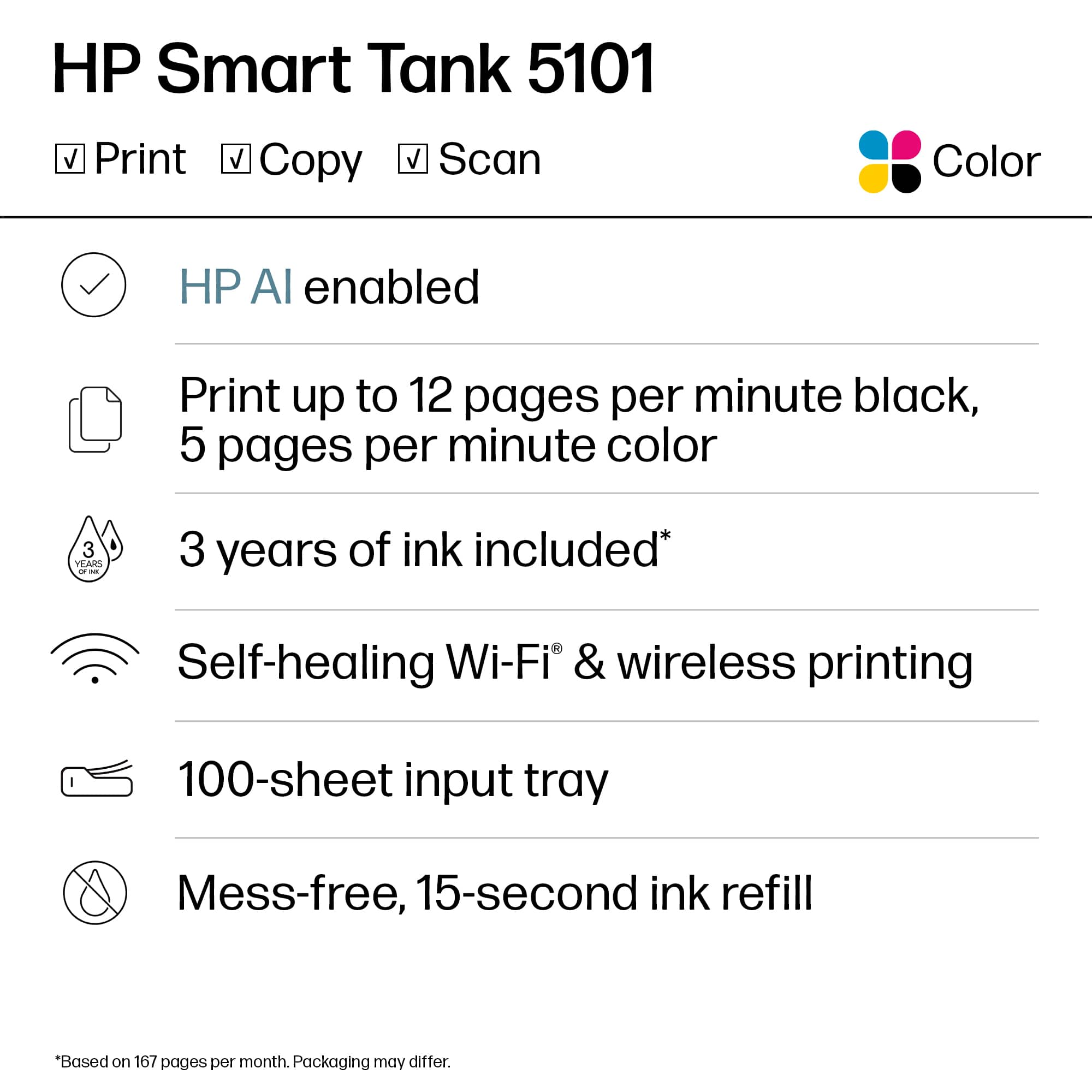
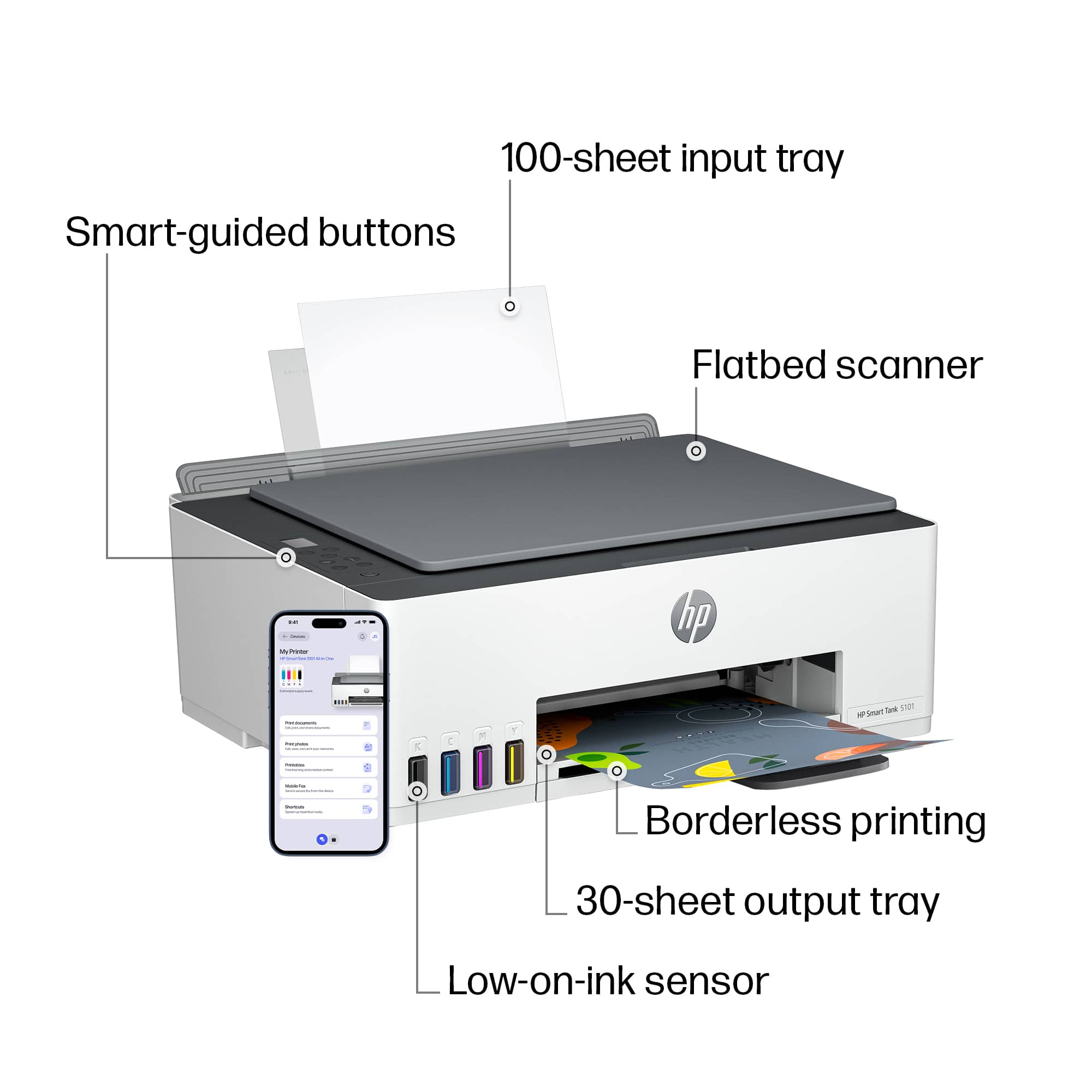
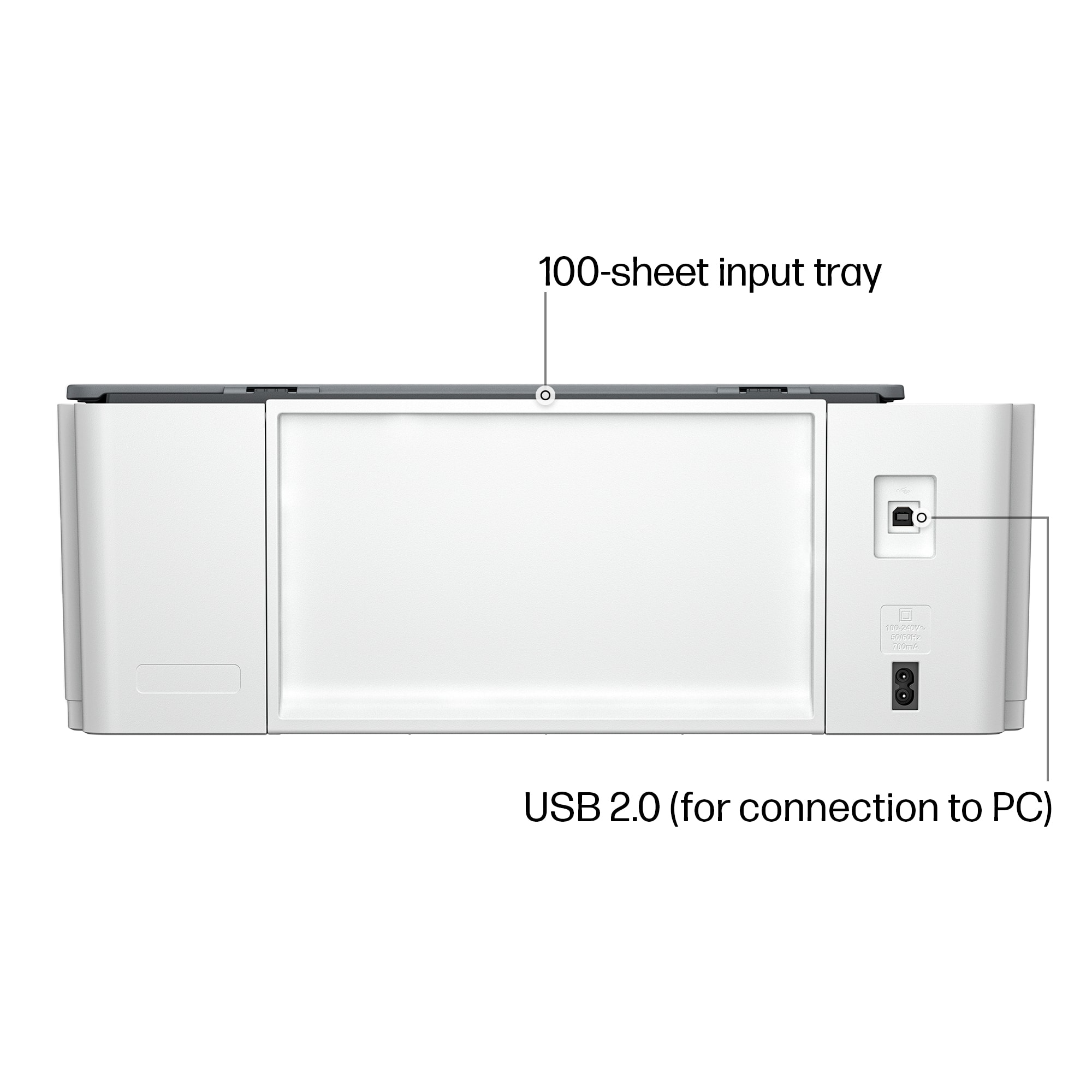
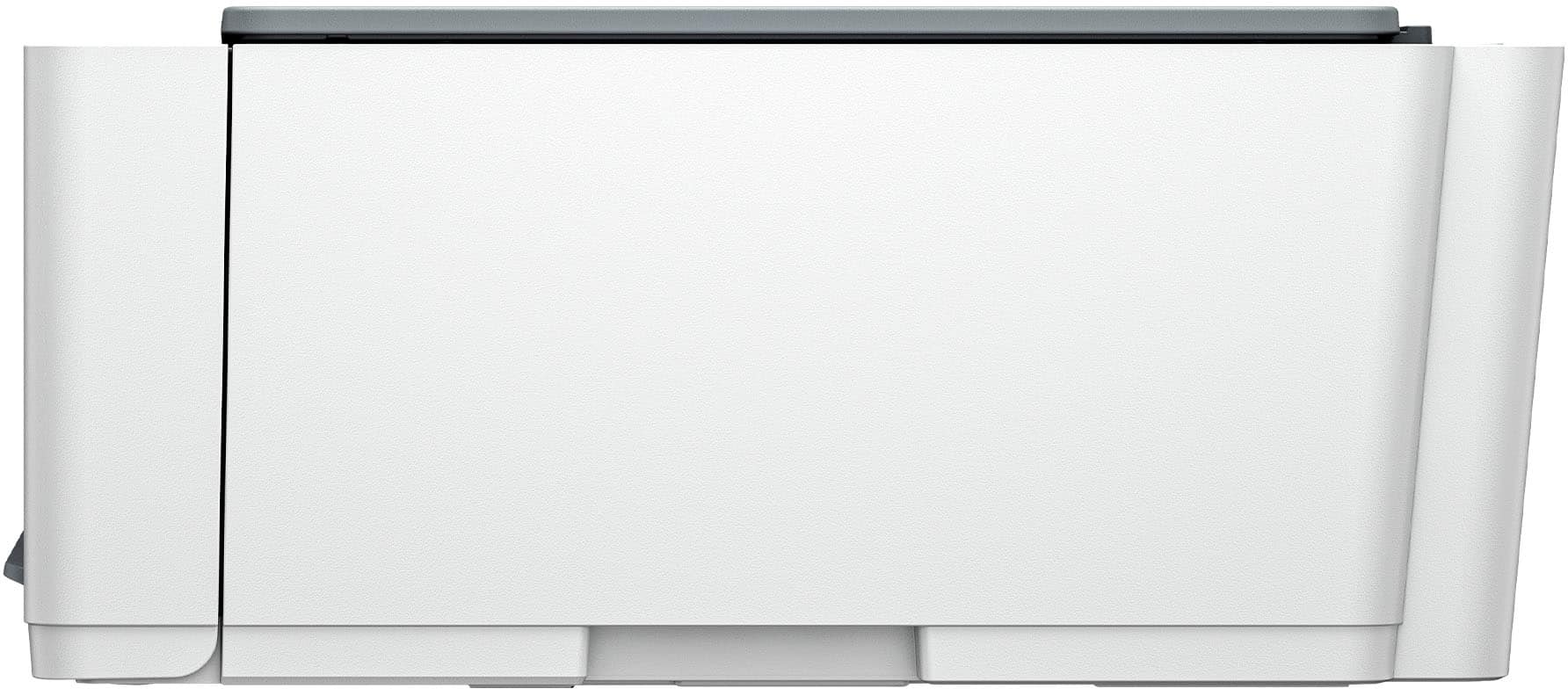
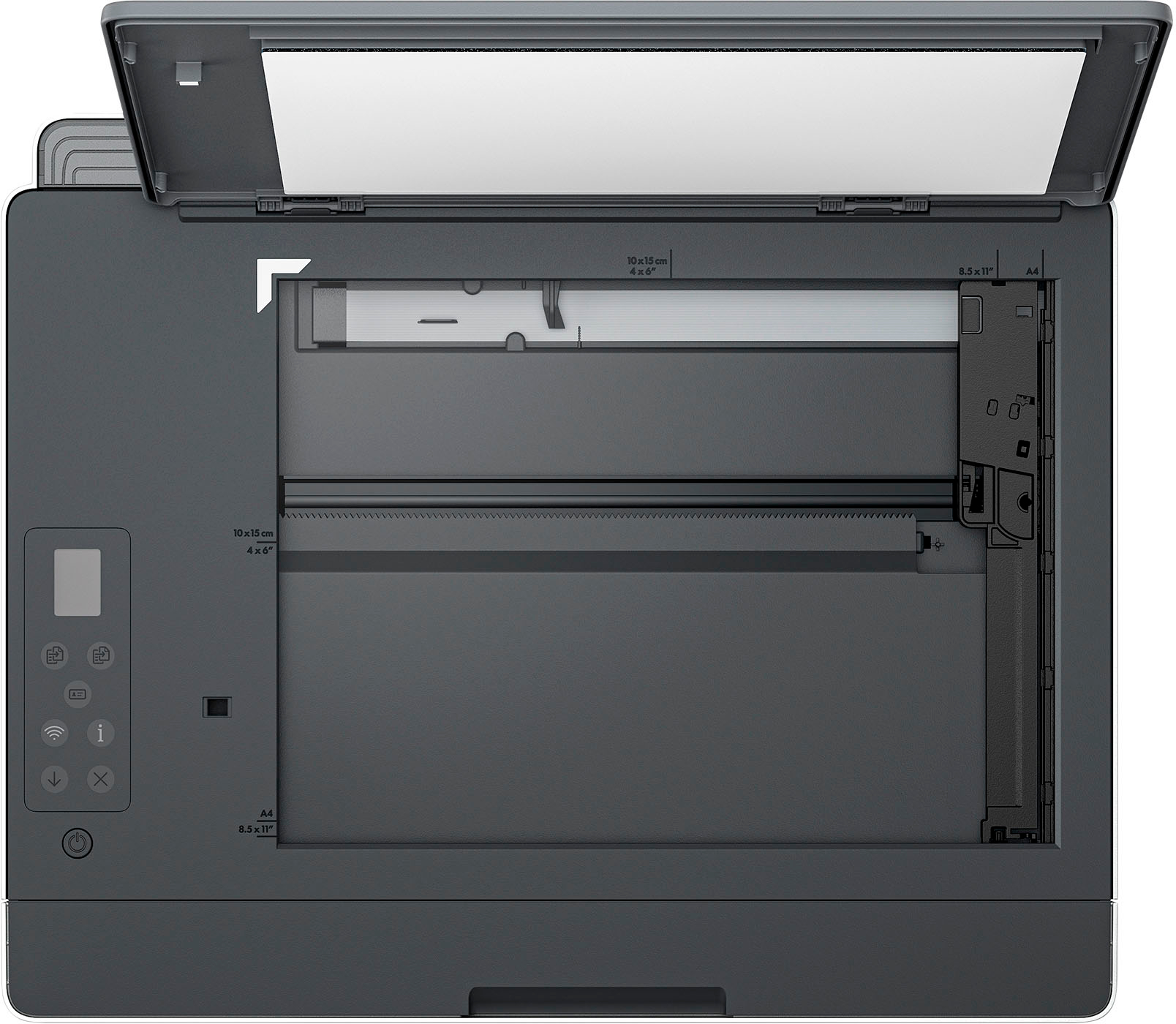
A:AnswerThank you for the question. Yes, the Smart Tanl 5101 has an input tray on the rear that extends vertically (see images). The tray capacity is 100 sheets.