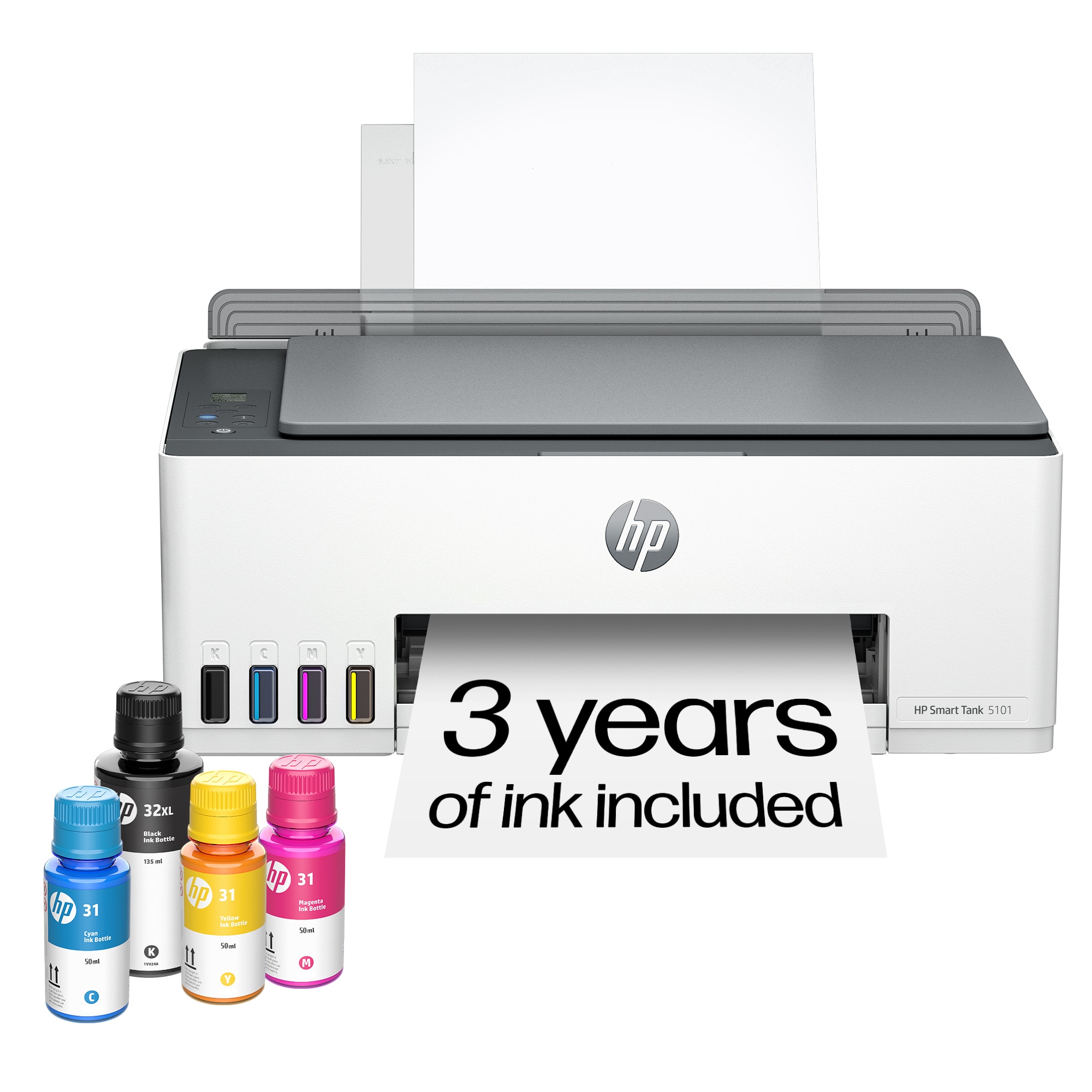
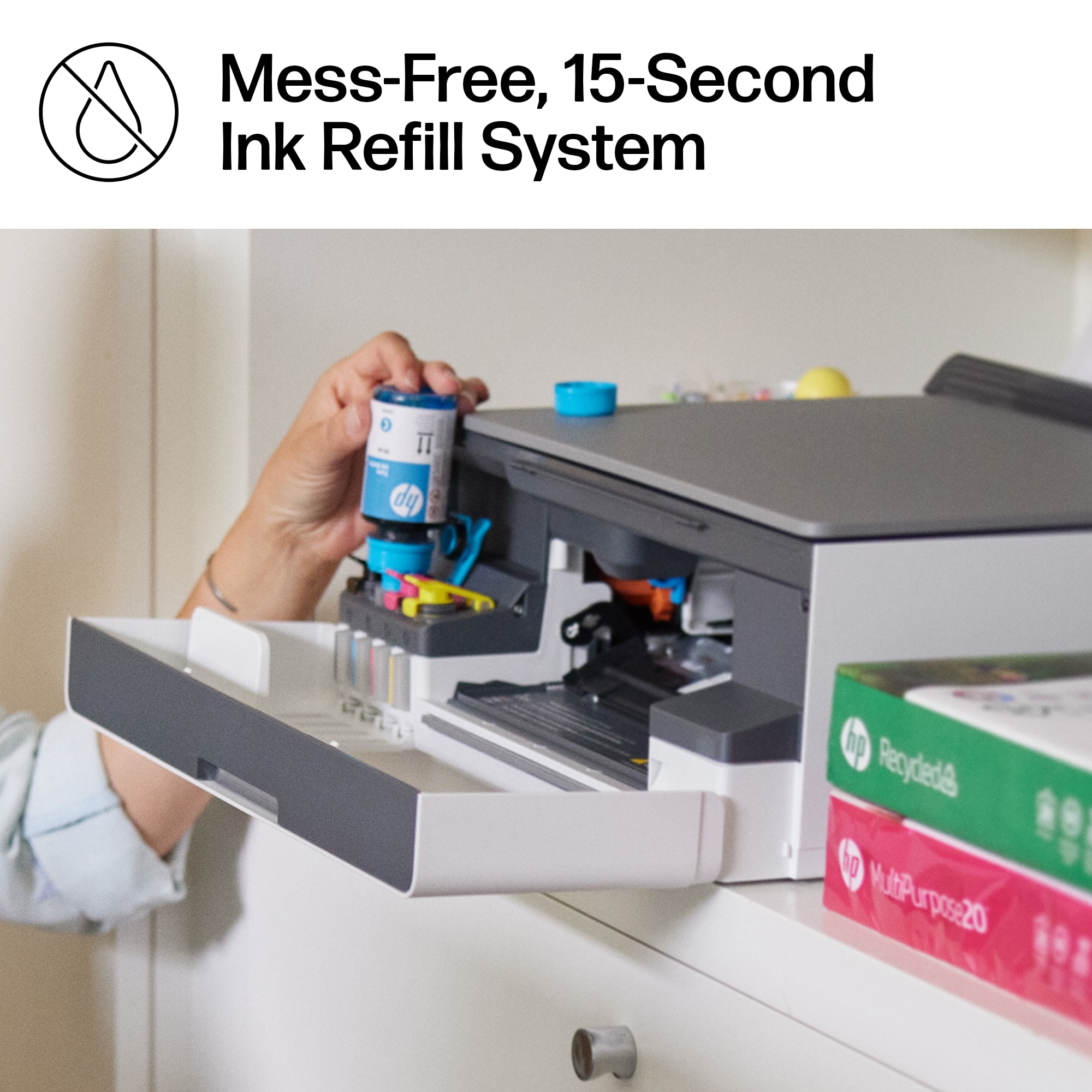
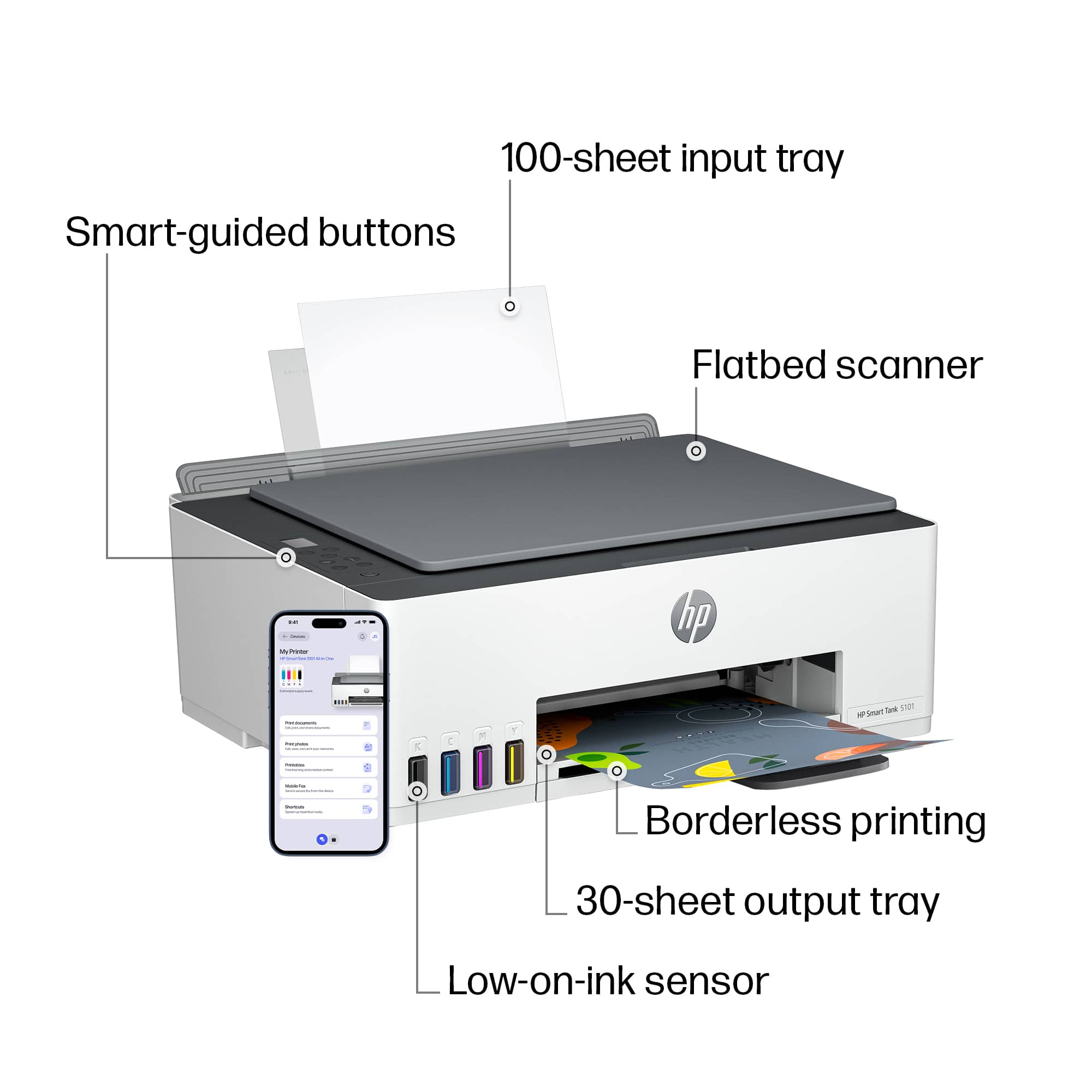
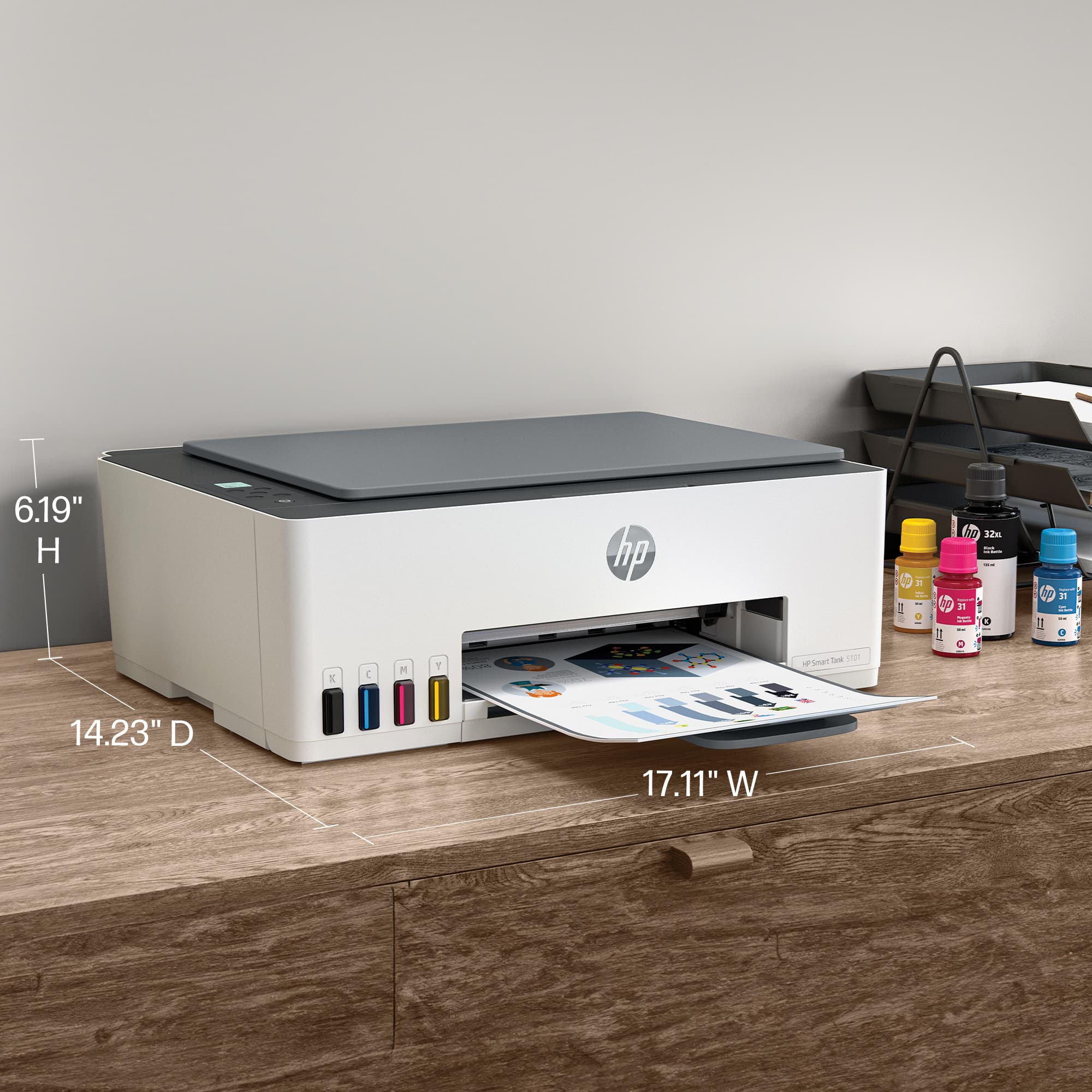
A:AnswerI think the cartridges are supplied by the tanks. The cartridges are spray nozels that do the printing. You just load the ink into the color coded ink ports.....with a special no spill design.
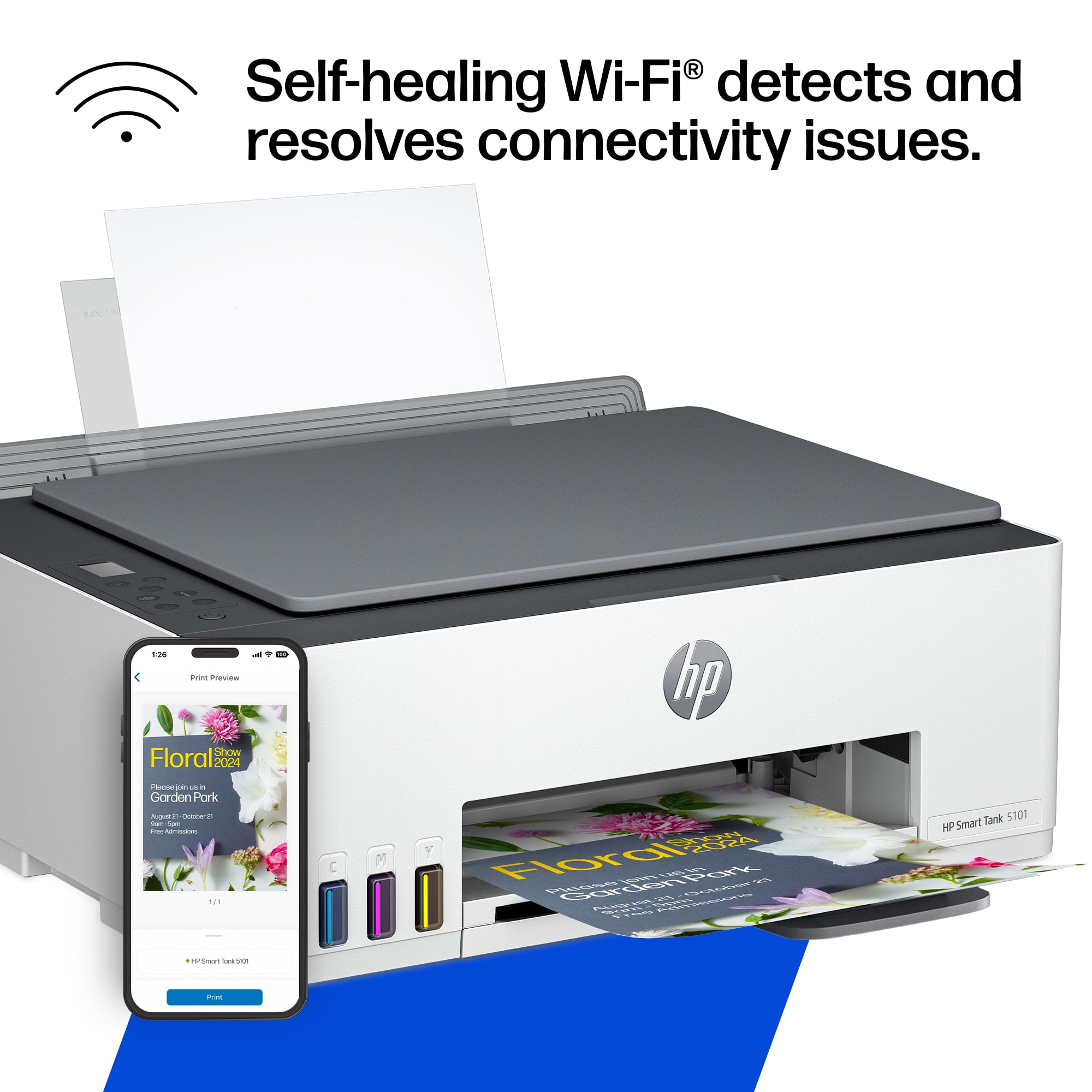
A:AnswerHello. Thanks for your question. Yes, you can print from your iPhone 14 Pro with this HP Smart Tank 5101 printer. We recommend using the HP Smart app to set up the printer on your iPhone.
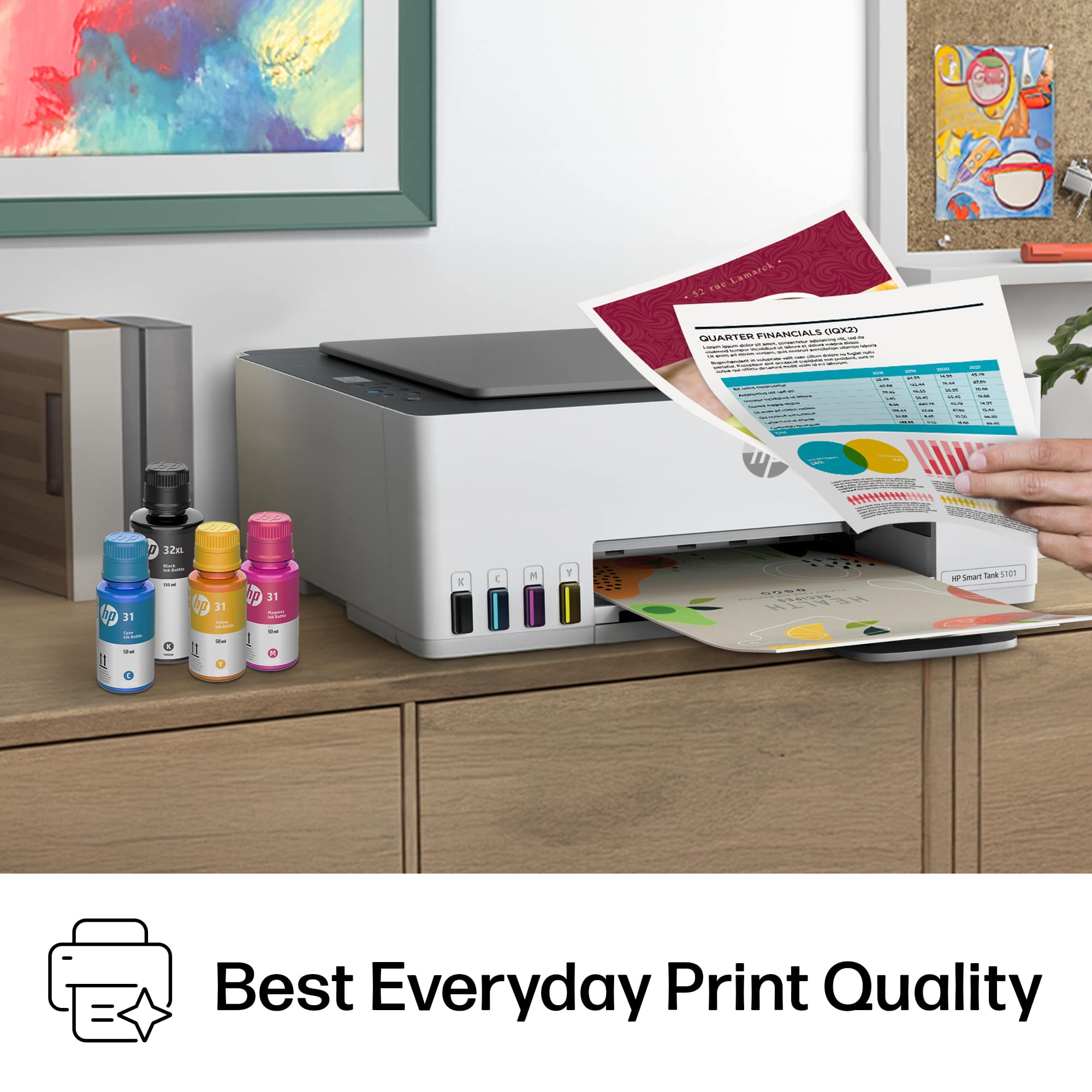
A:AnswerYes, the quality is great. It depends on your paper how great of quality.
Glossy paper, the black ink smudges. No matter the setting. I’ve tried different papers.
But this printer handles very thick paper. My other HP doesn’t.
Photos: Left is regular paper cardstock: right is nicer quality cardstock.
A:AnswerCustomer reviews can be viewed on the product page and may provide helpful insights from users with a variety of printing needs and experiences.
A:AnswerYes, the HP Smart Tank 5101 can print on photo paper when using compatible inkjet photo paper. For best results, HP recommends using HP photo papers designed for inkjet printers.
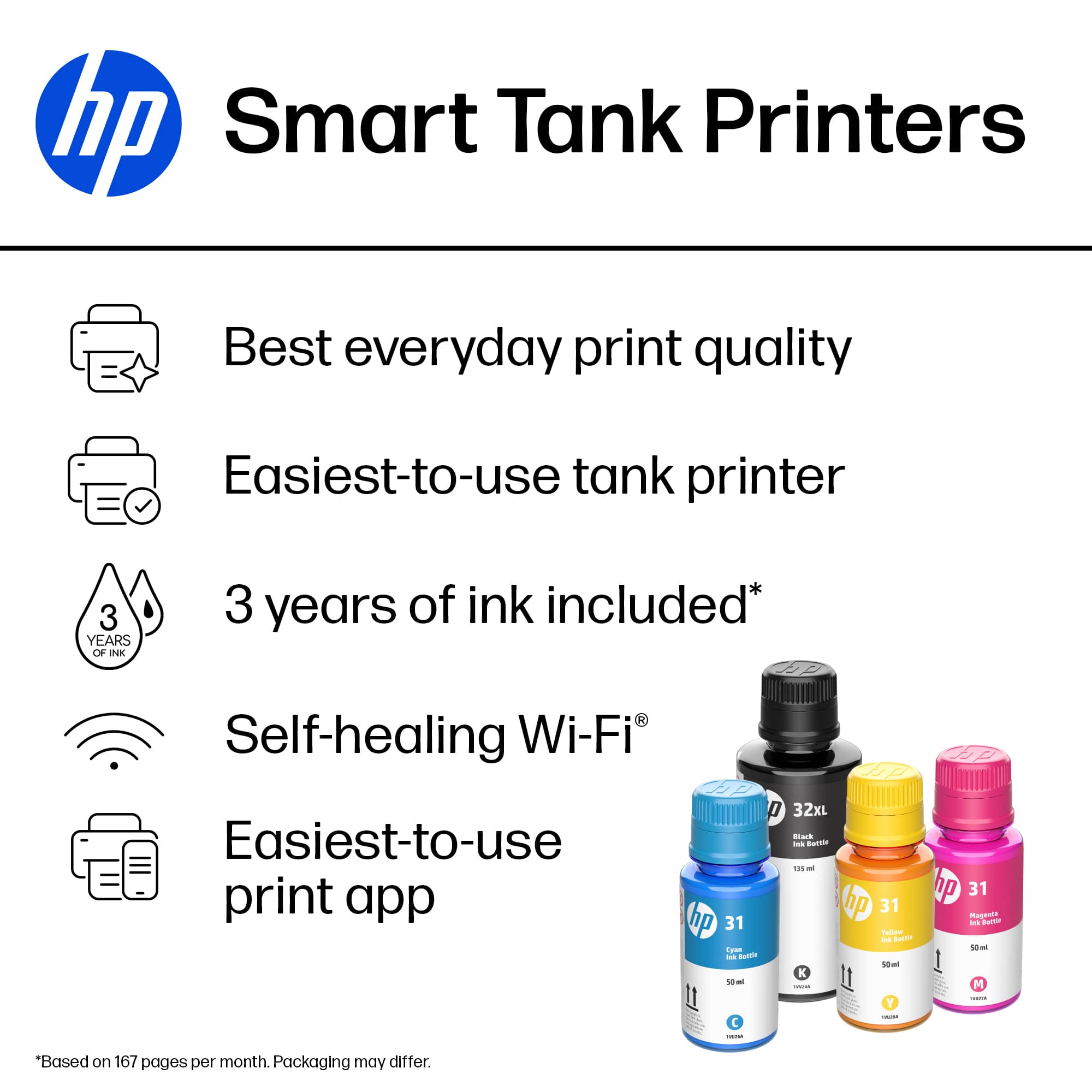
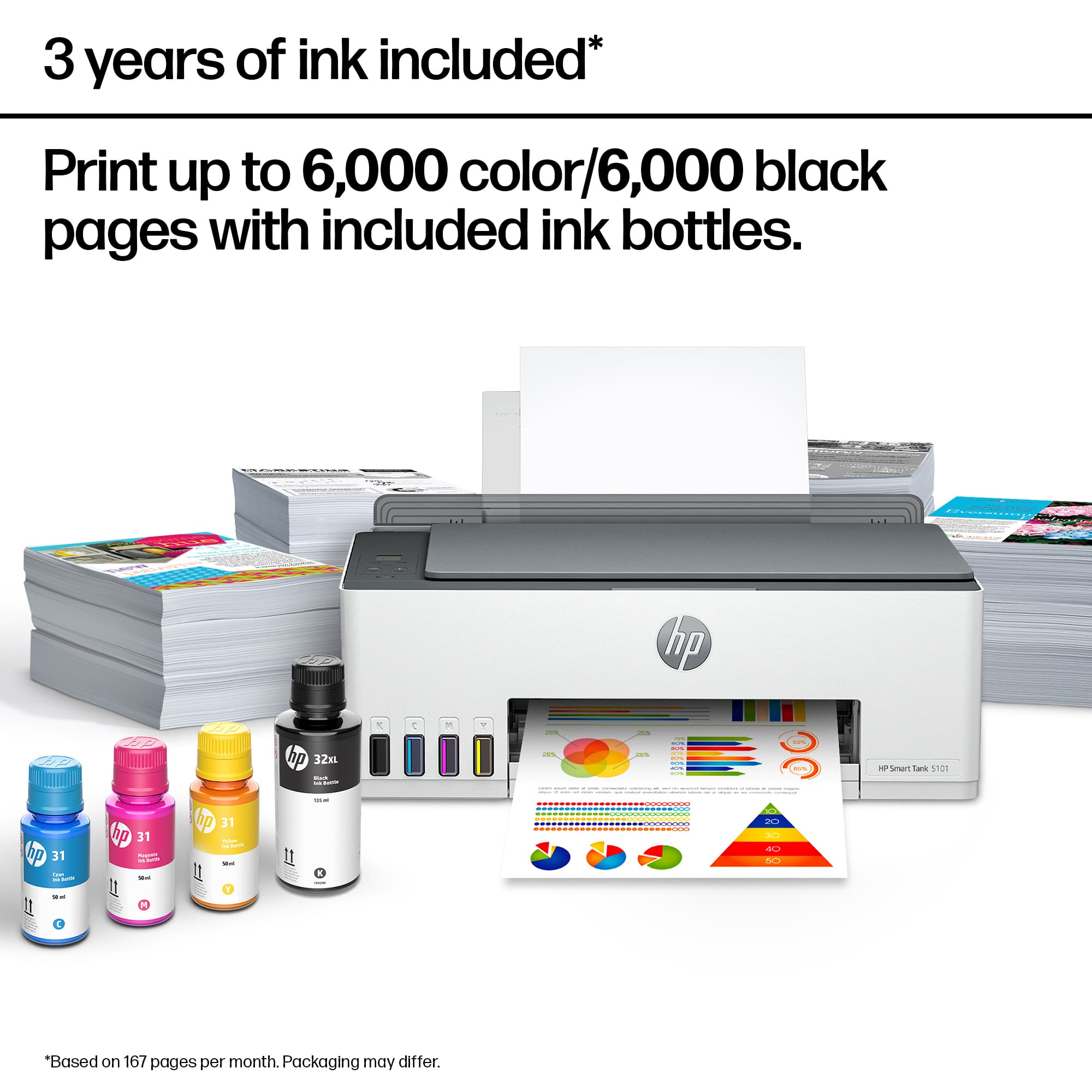
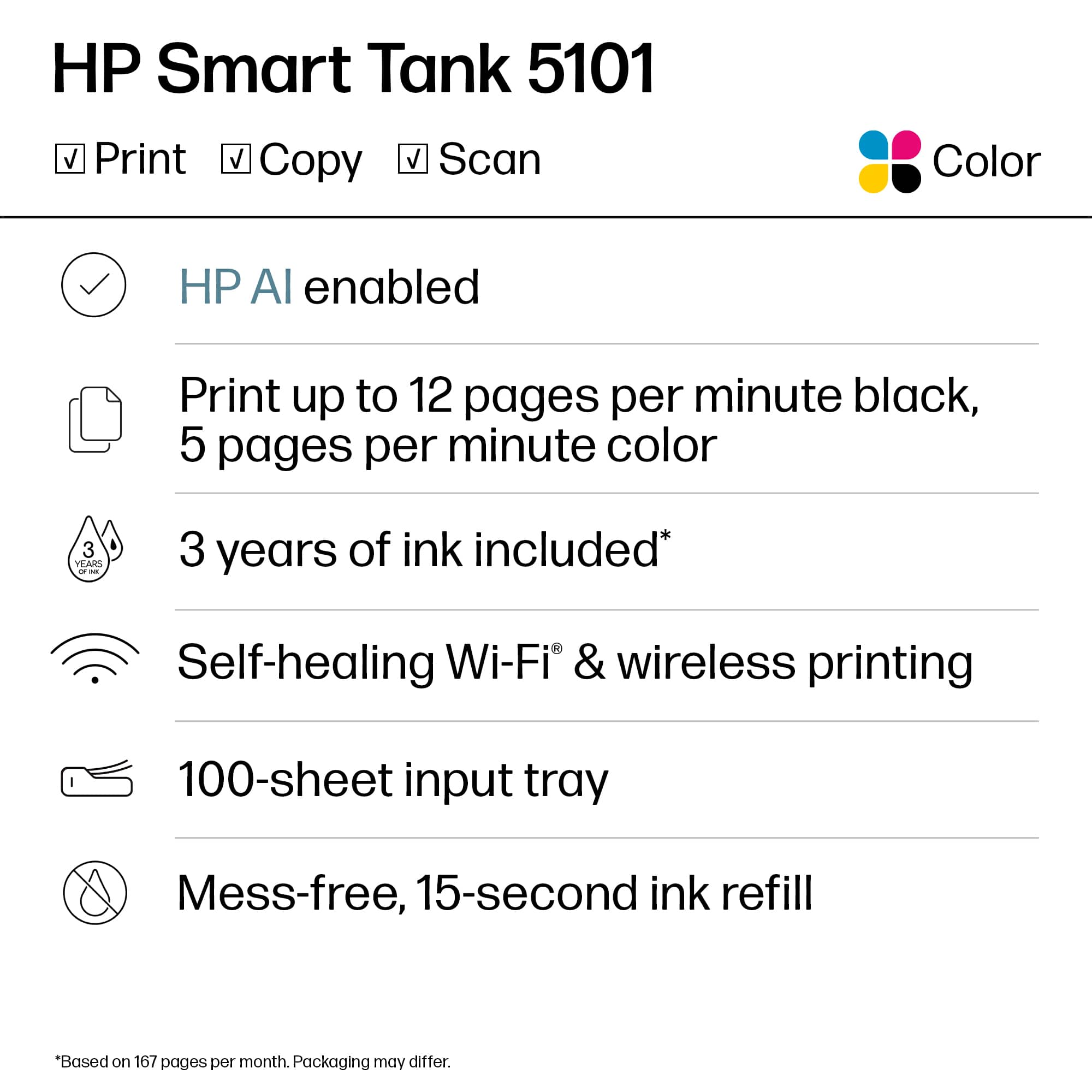
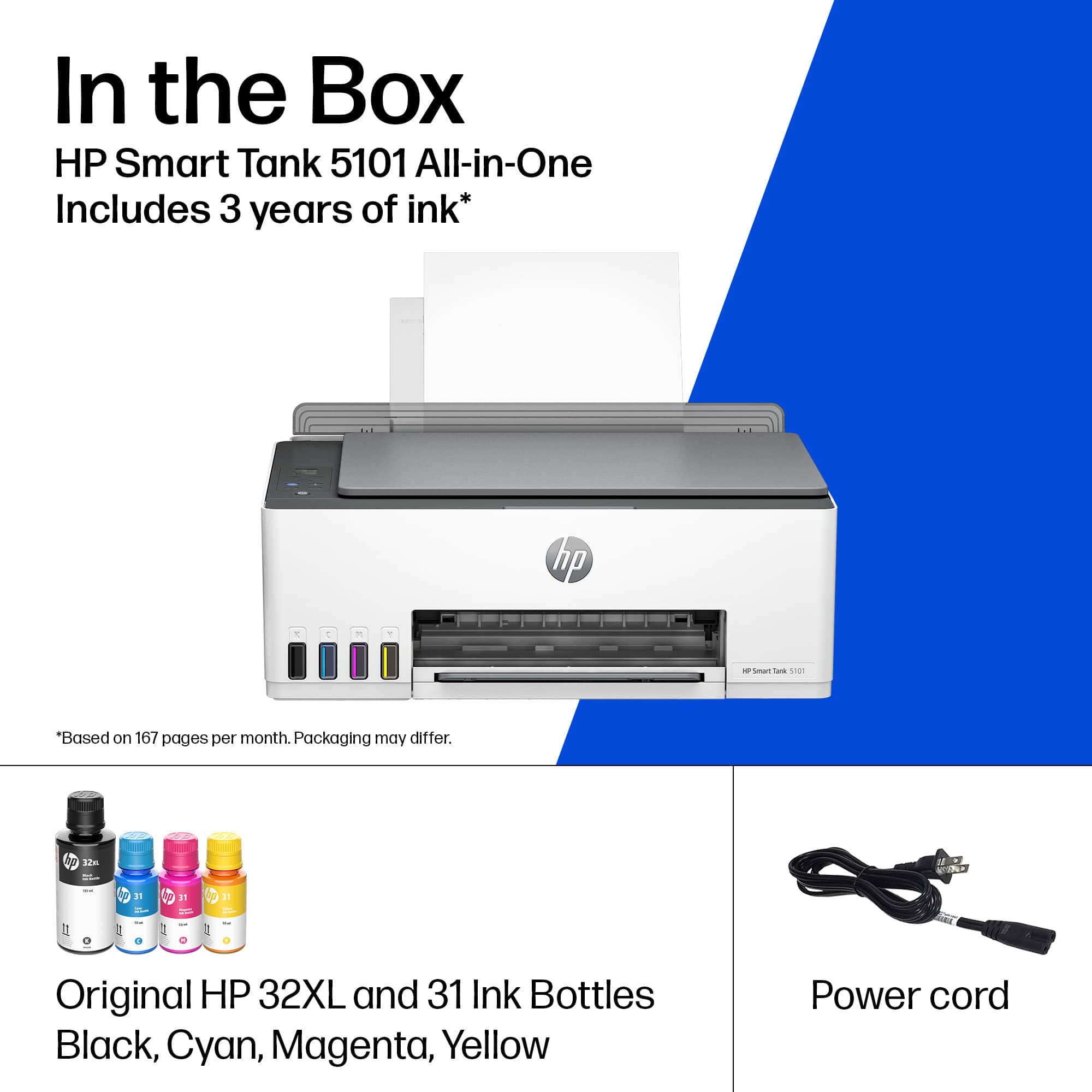
A:AnswerThe HP Smart Tank 5101 comes with enough ink included in the box to print for up to 3 years based on HP's usage estimates. No separate enrollment is required; simply use the included ink bottles to fill the printer when needed.
A:AnswerThat isn't expected behavior. It is usually caused by a paper-size mismatch (Letter vs. A4) or print scaling settings. Check the paper size and scaling settings in the app you're printing from, and make sure they match the paper loaded in the printer.