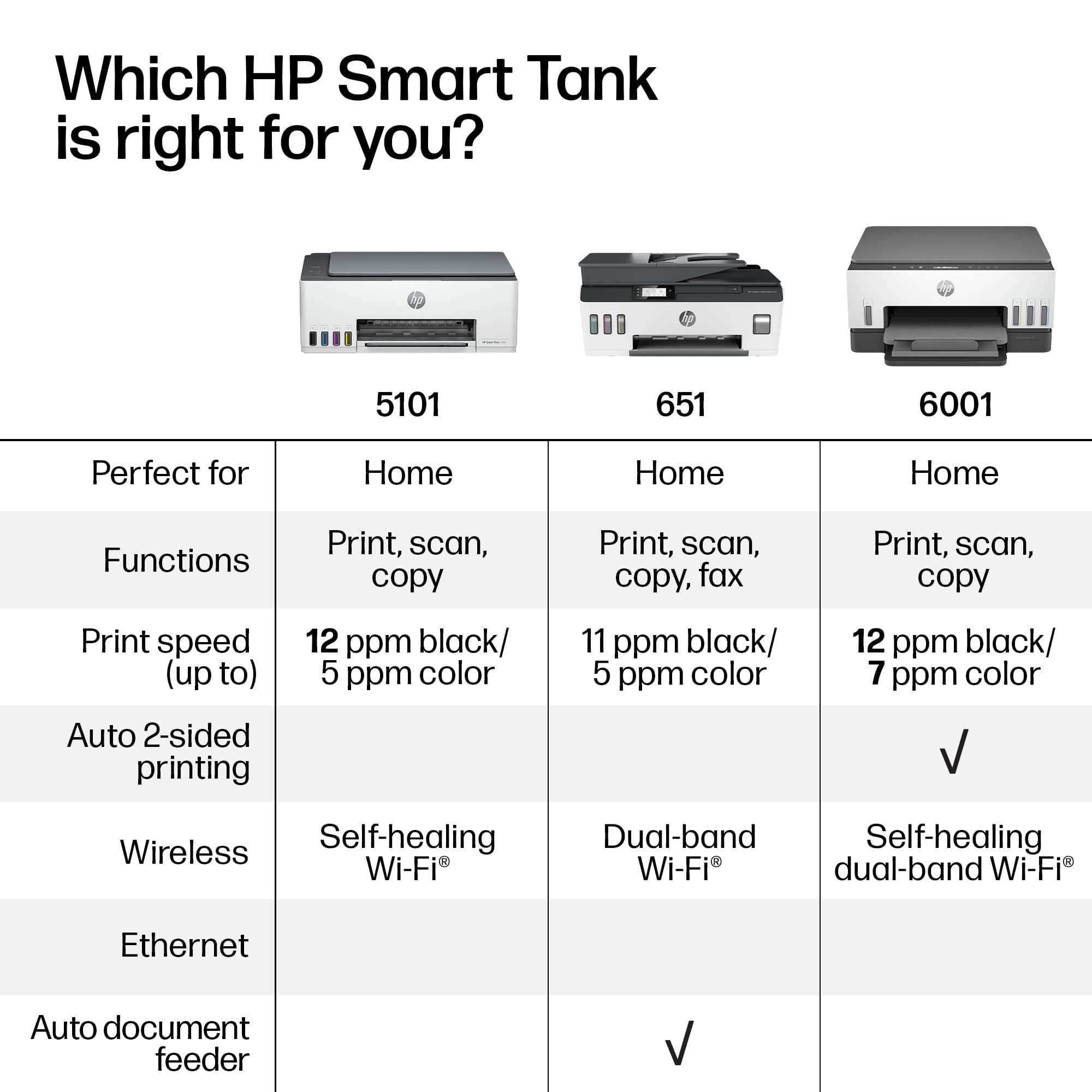
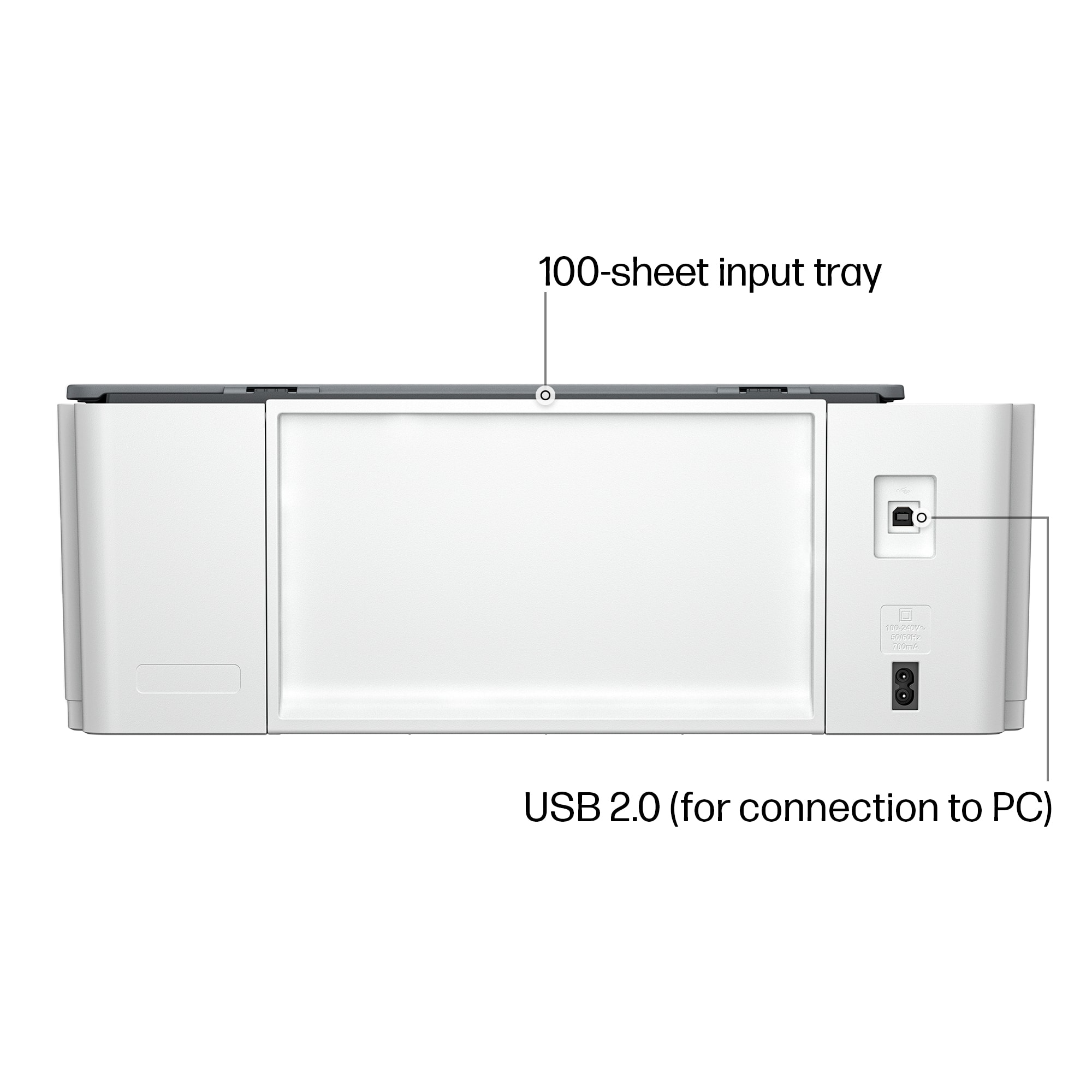
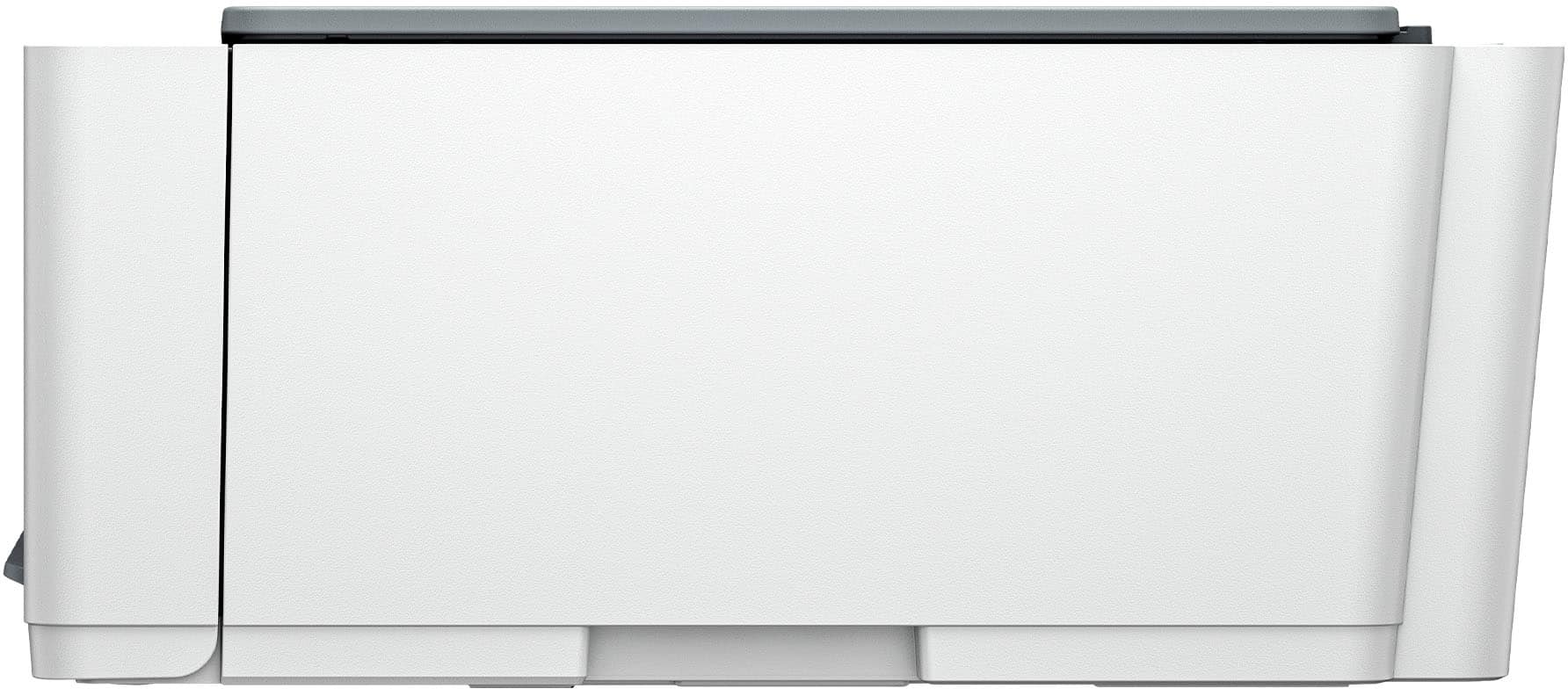
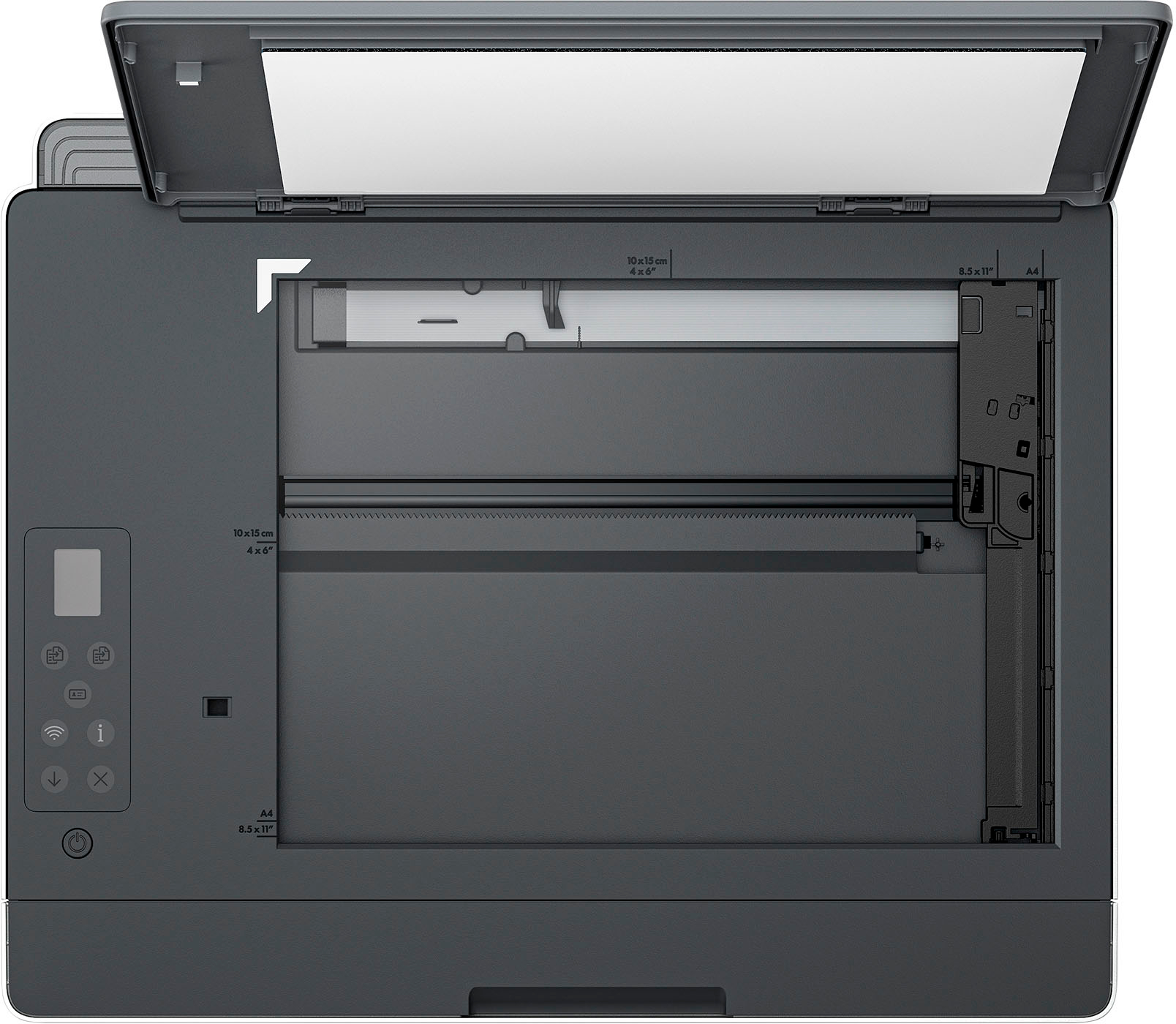
A:AnswerNo, however with the back-loading paper it's easy to pop your sheet of paper back in to be copied onto again - if you don't have multiple pages you want double-sided.
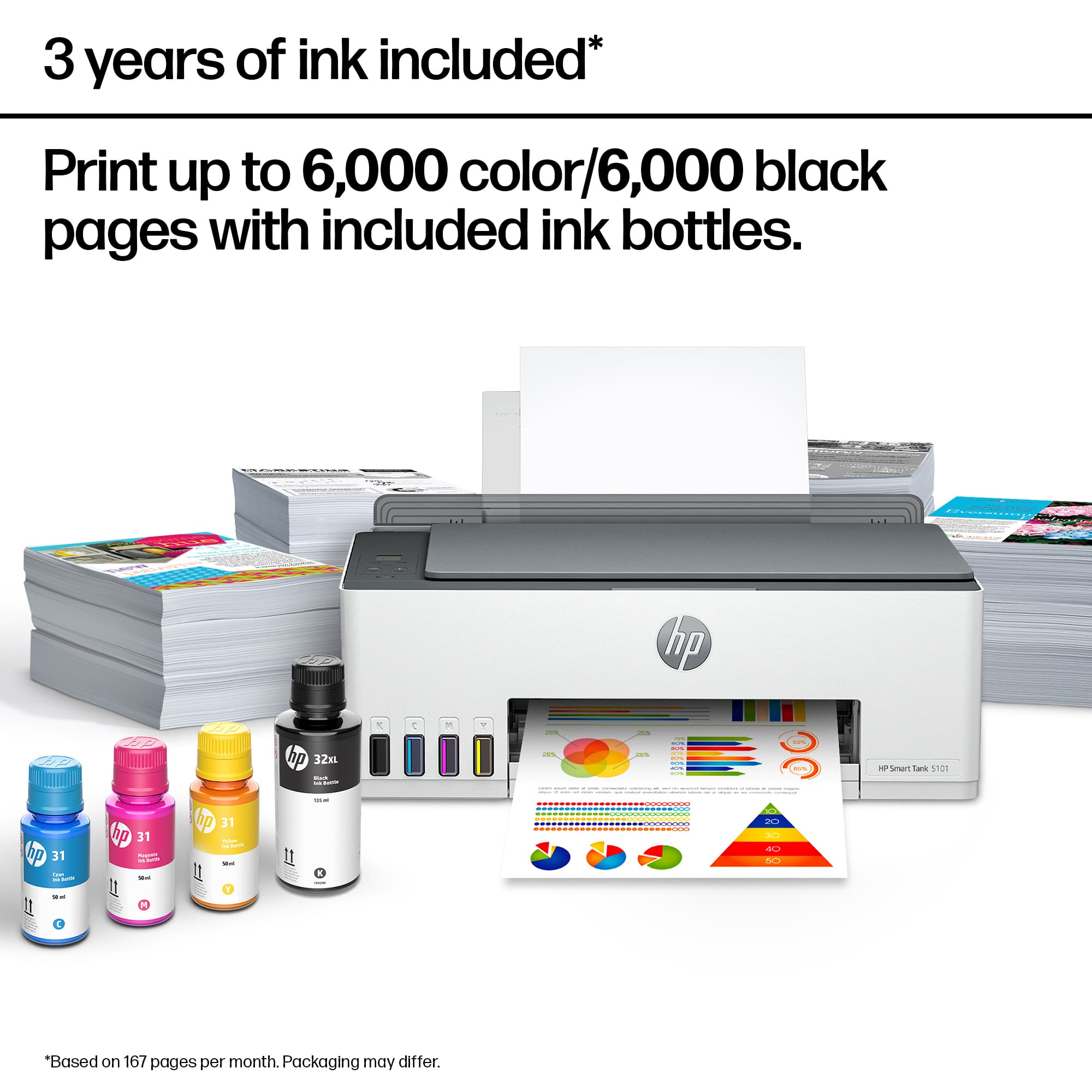
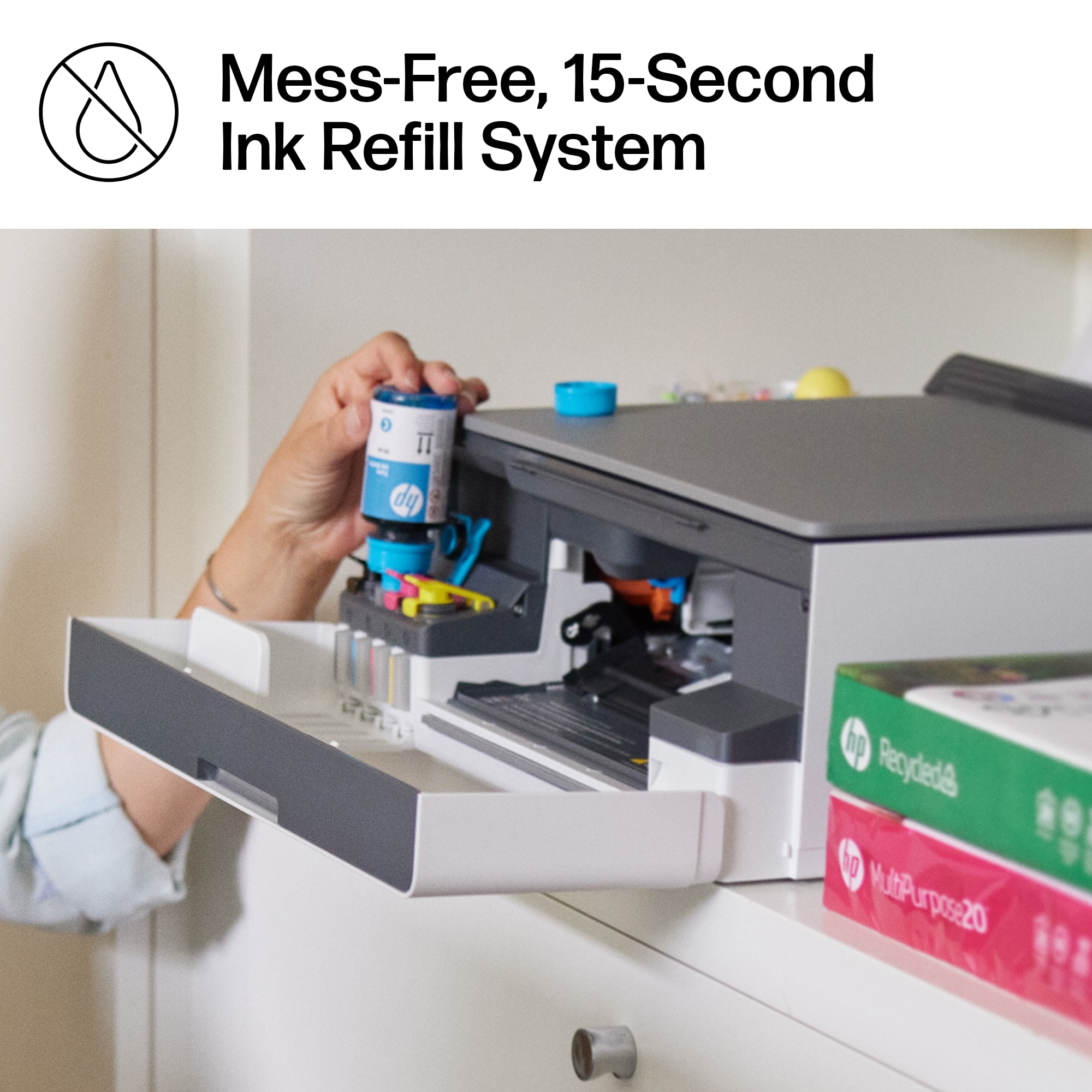
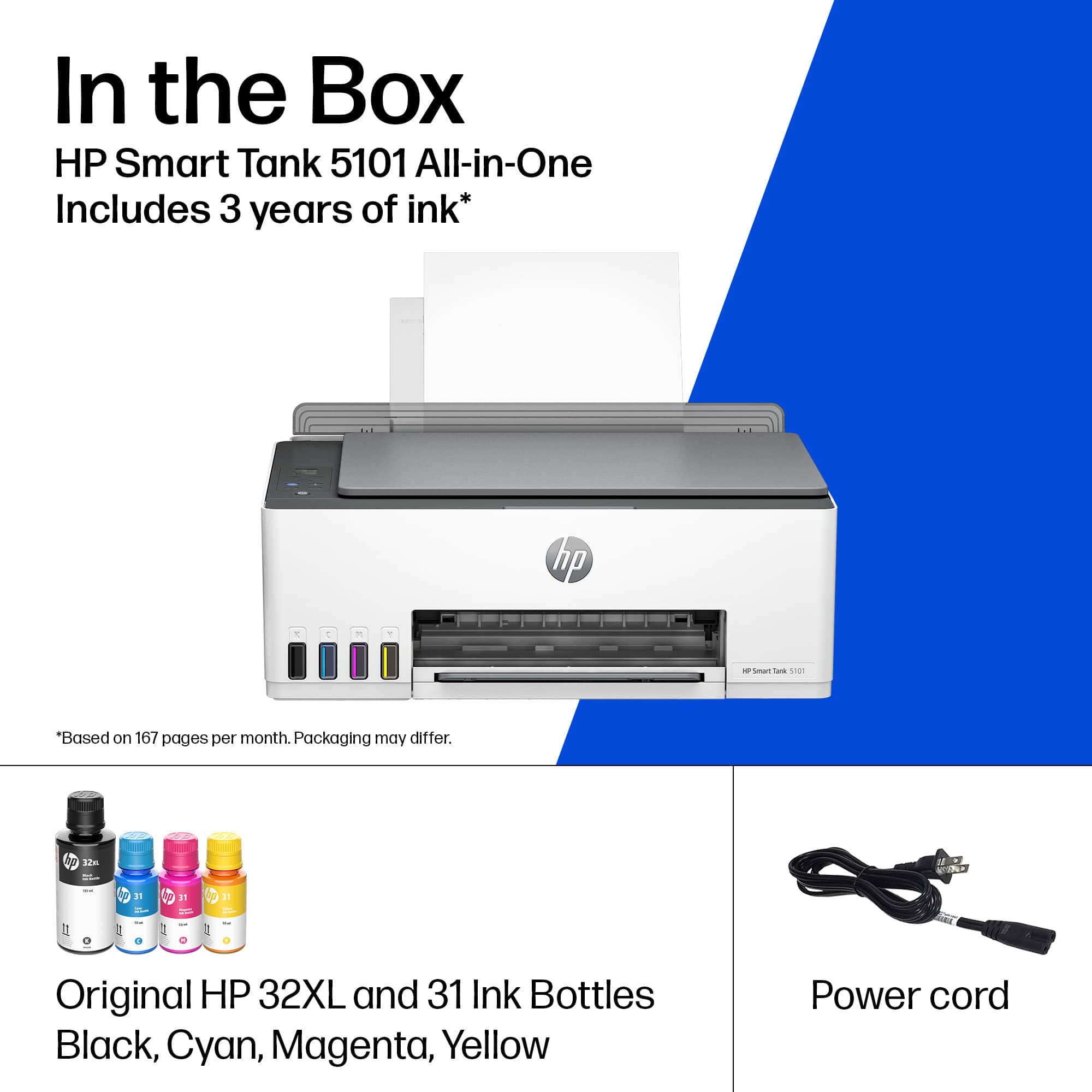
A:AnswerYou can order them from hp's website, or amazon, or see if best buy stocks them if you prefer in store, the ink cartridges have reorder instructions with them so you select the proper color code for them
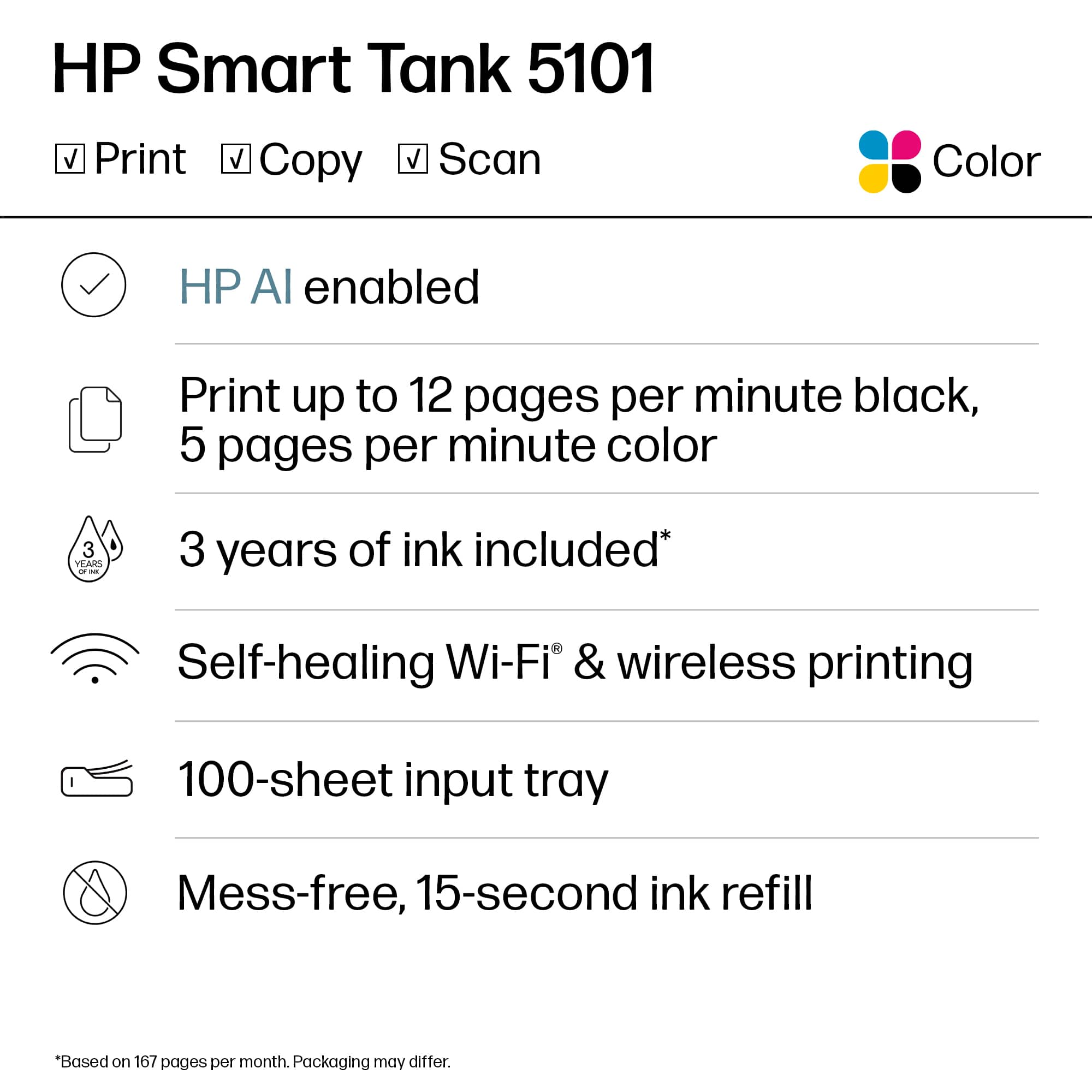
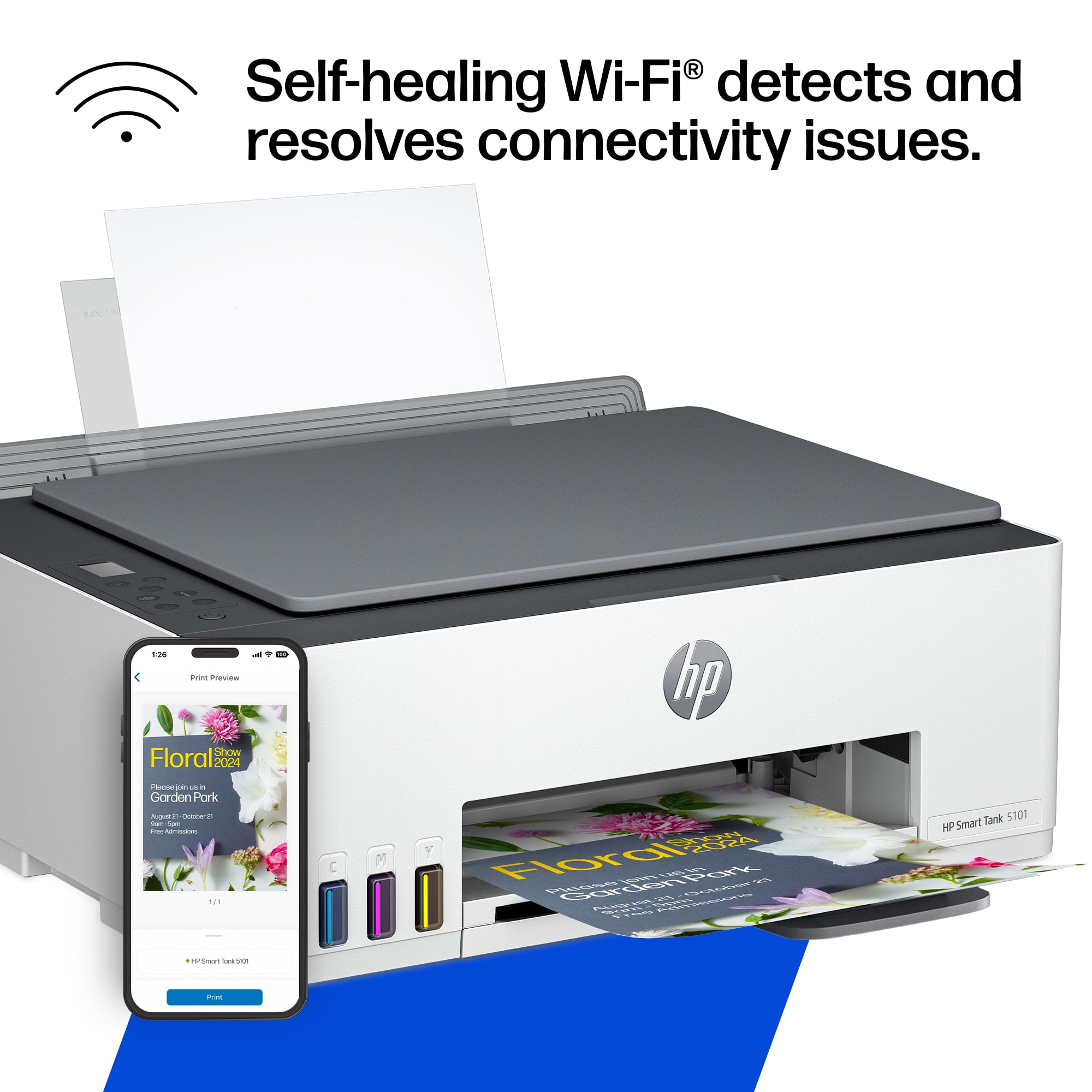
A:AnswerMy print is connected to our network. To our router wifi. I can print from anything connected to my wifi. I didnt have to download anything. I can print from my phone, tablet, computer andthing that is connected to the same network. Hope this helps.
A:AnswerThat sounds like your printer settings - not necessarily the printer itself. See if maybe "black and white" was clicked in settings? Good luck!
A:AnswerYou should be able to setup yourself, just follow the included instructions. It does take a little while though, just be patient, it will be worth it.