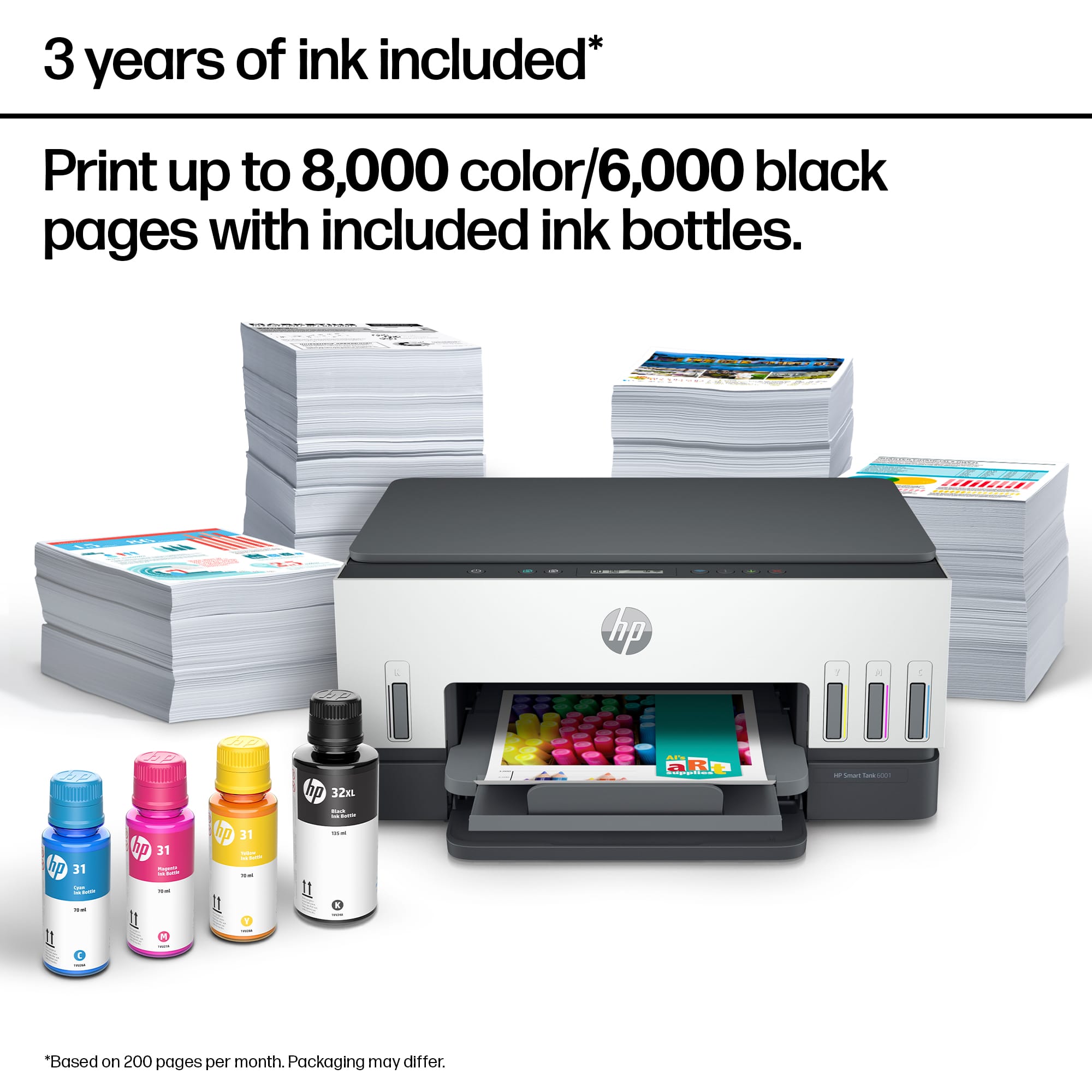
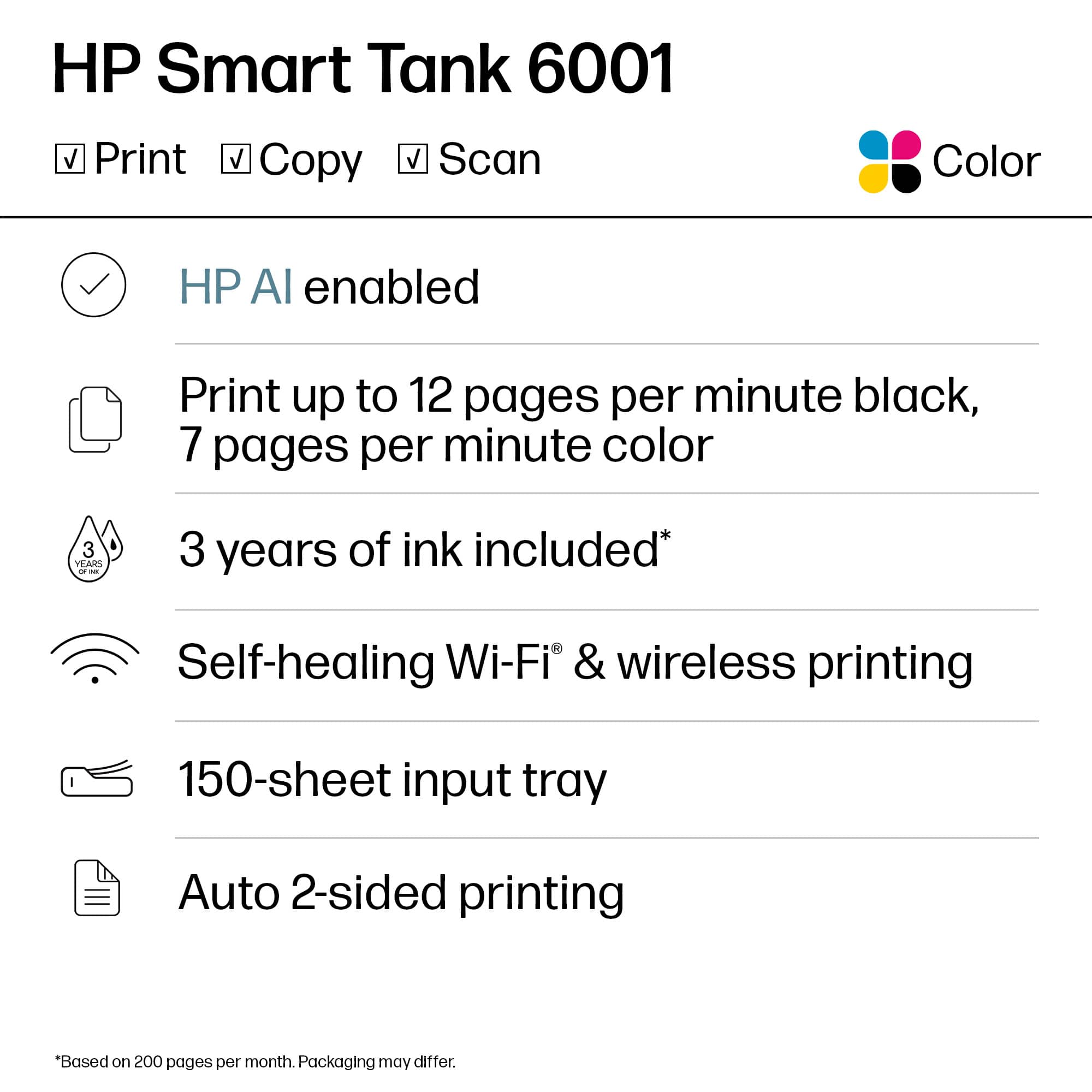
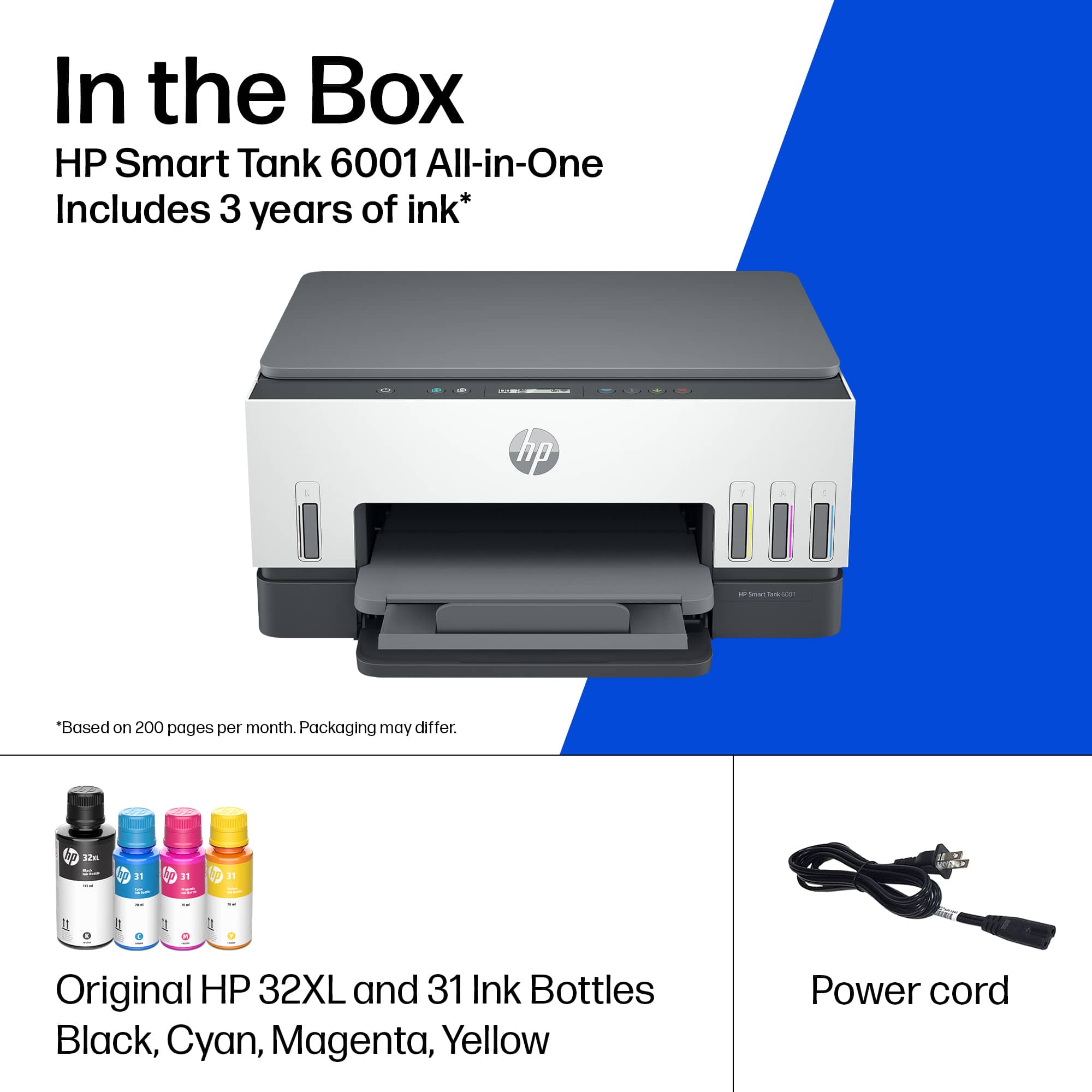
A:AnswerThank you for the question. The amount of pages is not a guarantee. The disclaimer indicates that 2 years of printing is based upon 200 pages per month of HP Smart Tank customers’ usage. Actual yield varies considerably based on content of printed pages and other factors. Average based on ISO/IEC 24711 or HP testing methodology and continuous printing. The HP Global Warranty addresses parts and labor in the unlikely event that the printer fails.
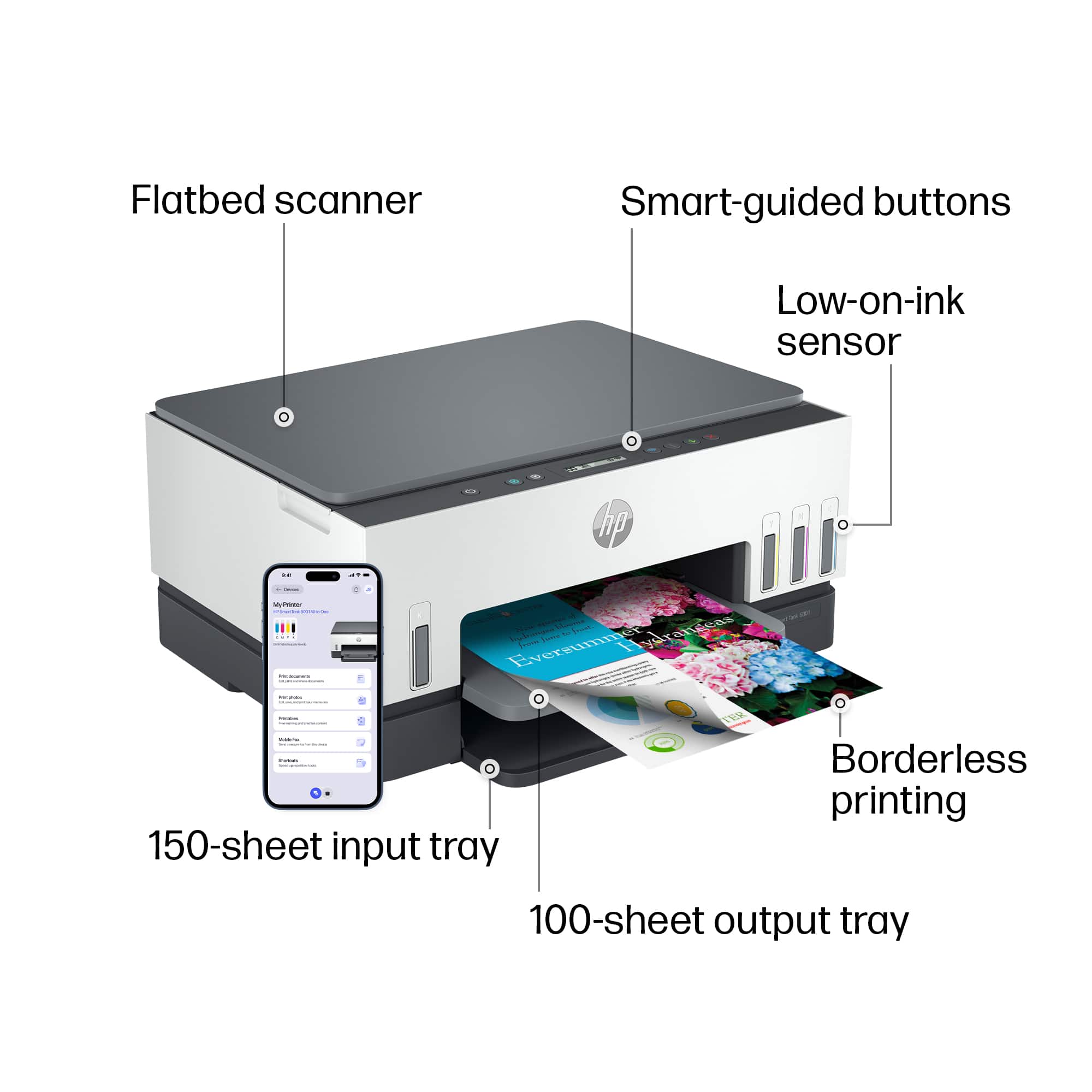
A:AnswerHello and thank you for your question. The HP Smart Tank 6001 all-in-one printer copy/scan function will reduce down to 25% and enlarge up to 400% of the original image size.
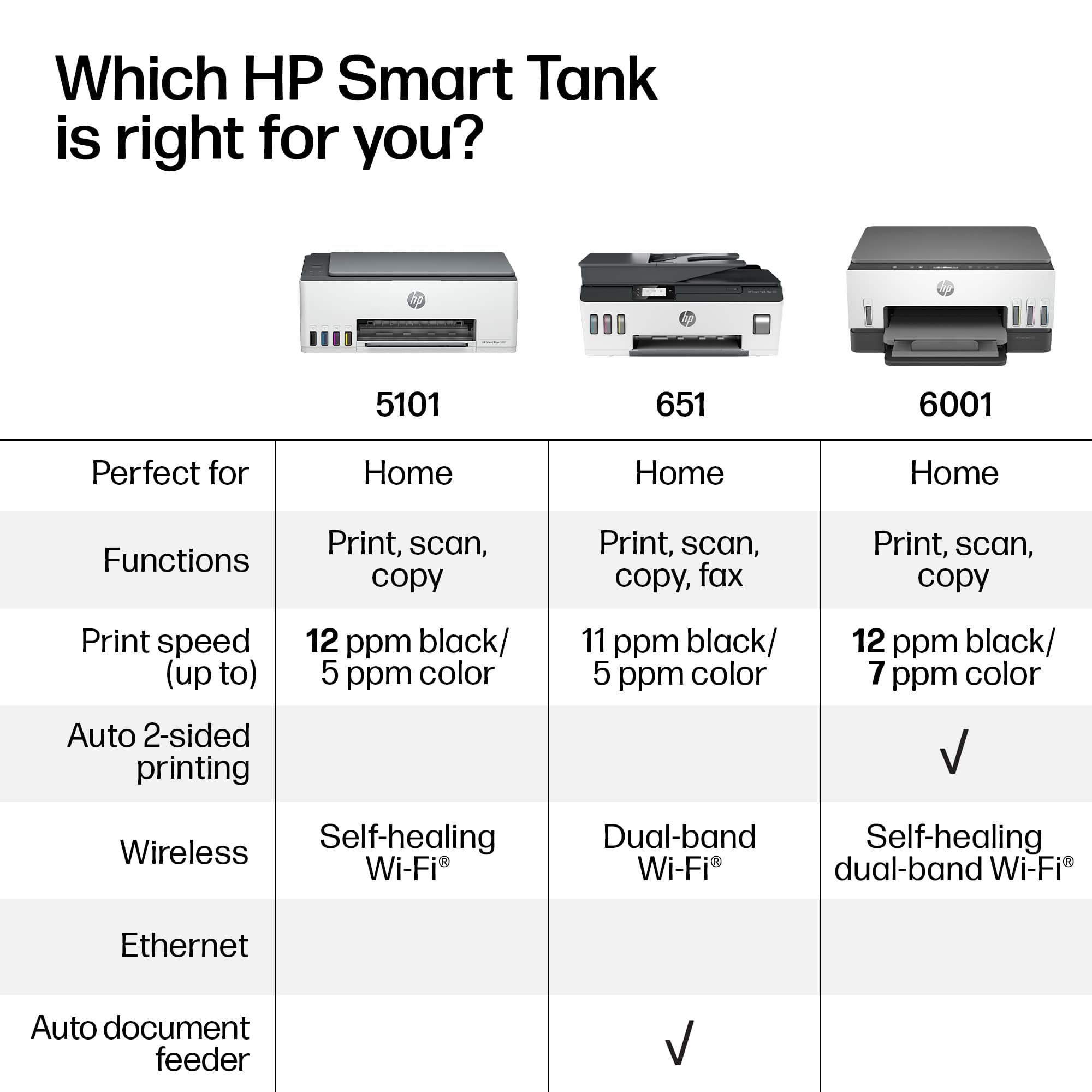
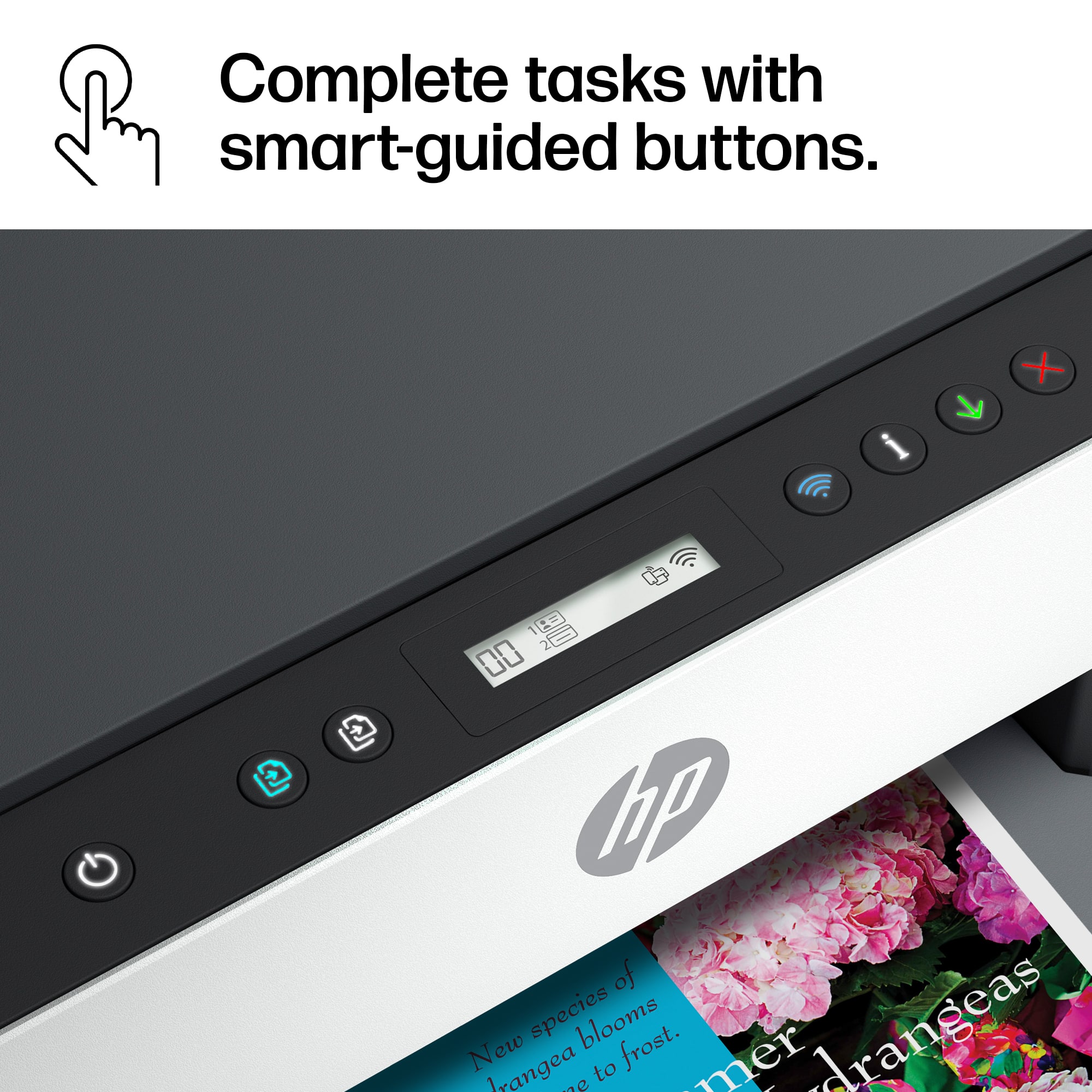
A:AnswerFor double-sided printing, you will want to select the duplex or double-sided option in the print or page settings of the software you are printing from. Here is a link to the user manual for this printer. It has the descriptions and functions of the buttons. http://h10032.www1.hp.com/ctg/Manual/c07762999.pdf
A:AnswerHi there! Thanks for your question on this HP Smart Tank 6001. This model can enlarge up to 400% and reduce down to 25% from the control panel when using the copy or scan features. Alternatively, you can use the HP Smart app to edit your scanned pages as well before printing.
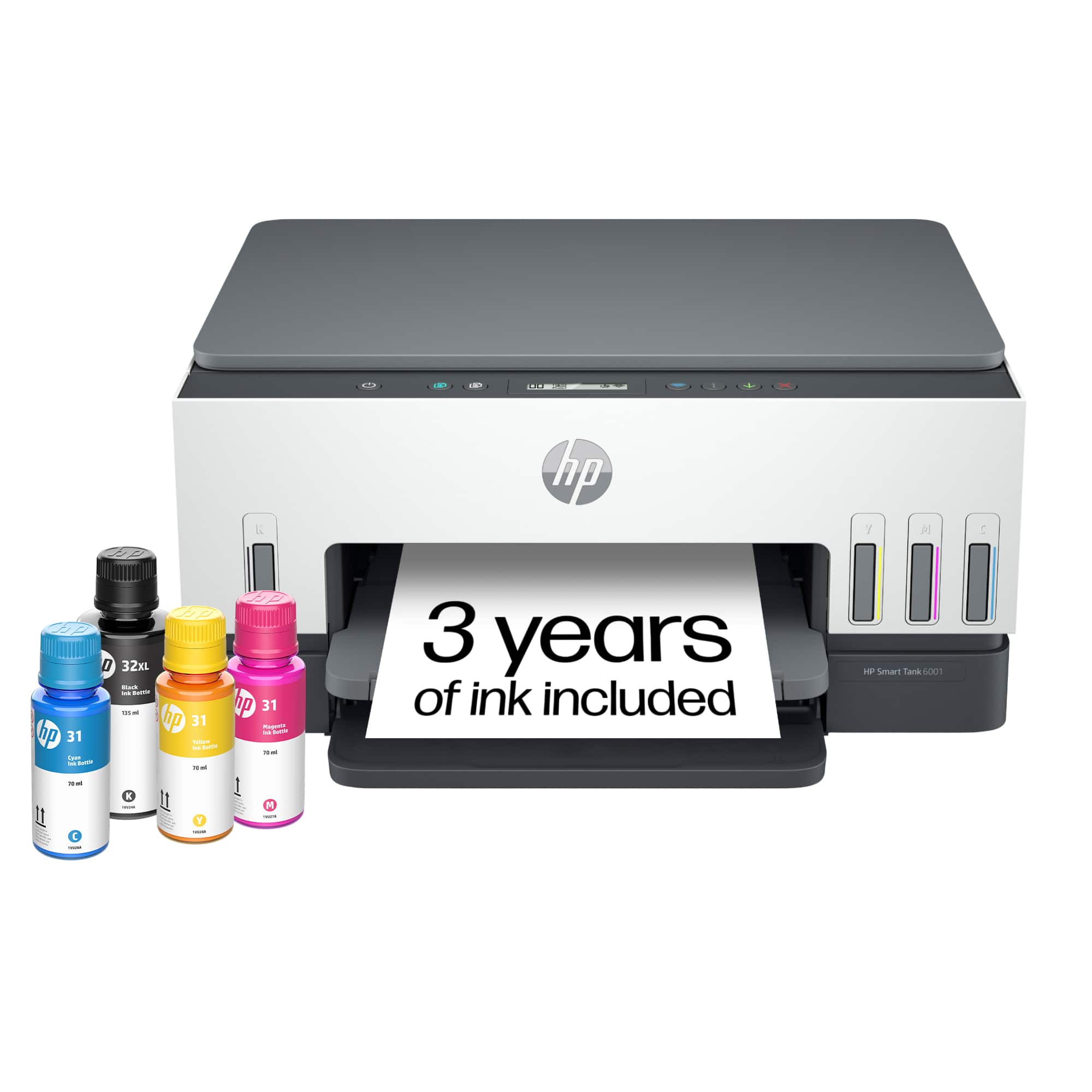
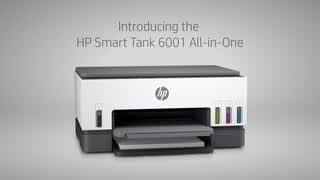
A:AnswerHello. Thanks for your question. This HP Smart Tank 6001 printer comes with up to 2 years of Original HP Ink Bottles included; get up to 8,000 color pages and 6,000 black pages right out of the box.