





Best Buy Tech Fest SaleEnds Sunday. Limited quantities. No rainchecks.Shop now

Skip to contentGo to Product Search
Main Content

Questions & Answers

$469.89
Page Showing 1-20 of 198 questions
  • QuestionWhat is the monthly duty cycle of this HP printer?

    • Answer The monthly duty cycle for this printer is up to 6,000 pages.
    This question and answer was generated by AI based on customer and product data.
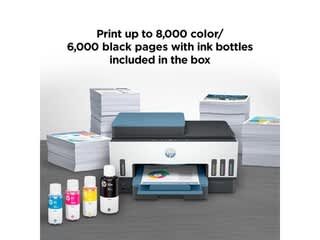
  • QuestionHow many pages can I print with the included ink?

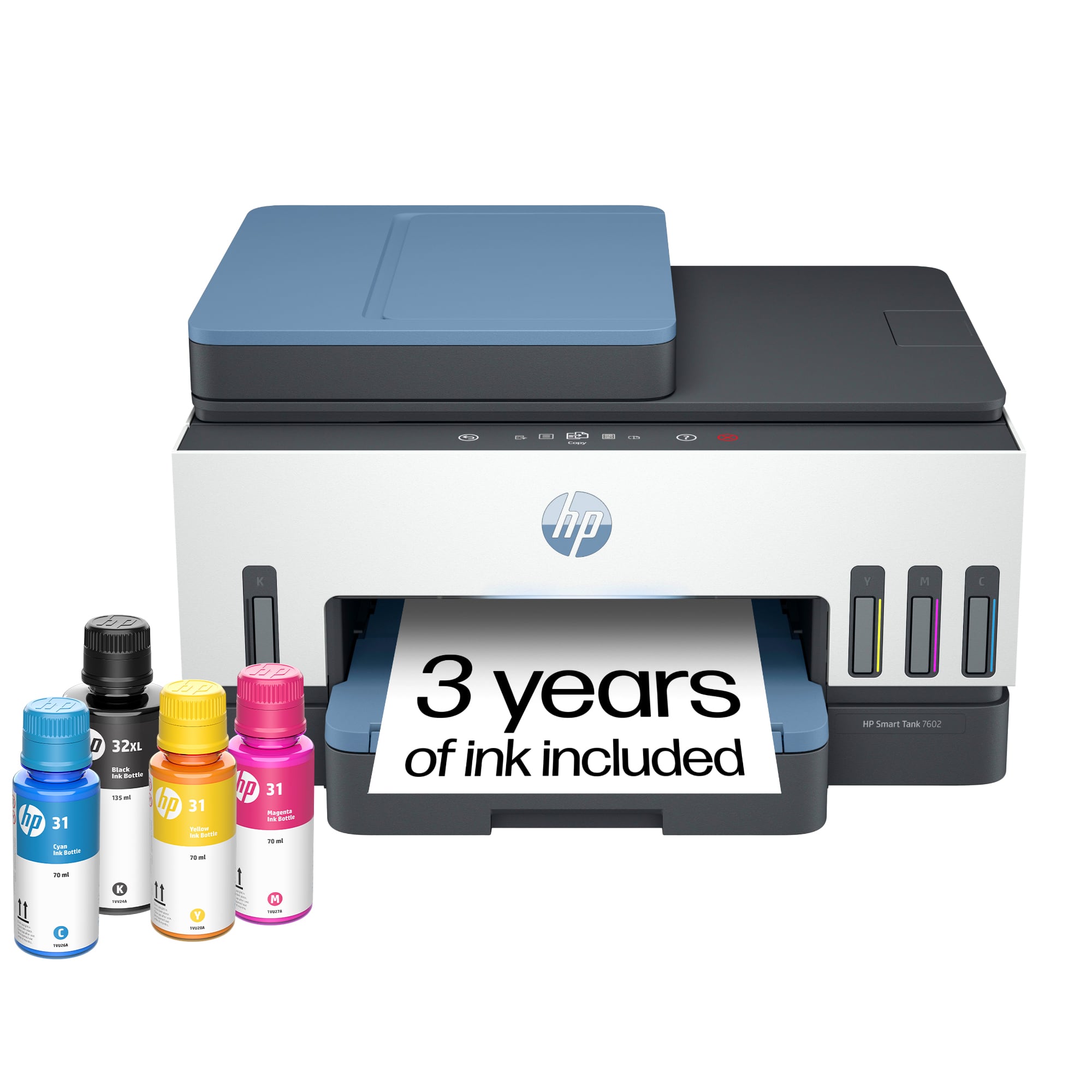
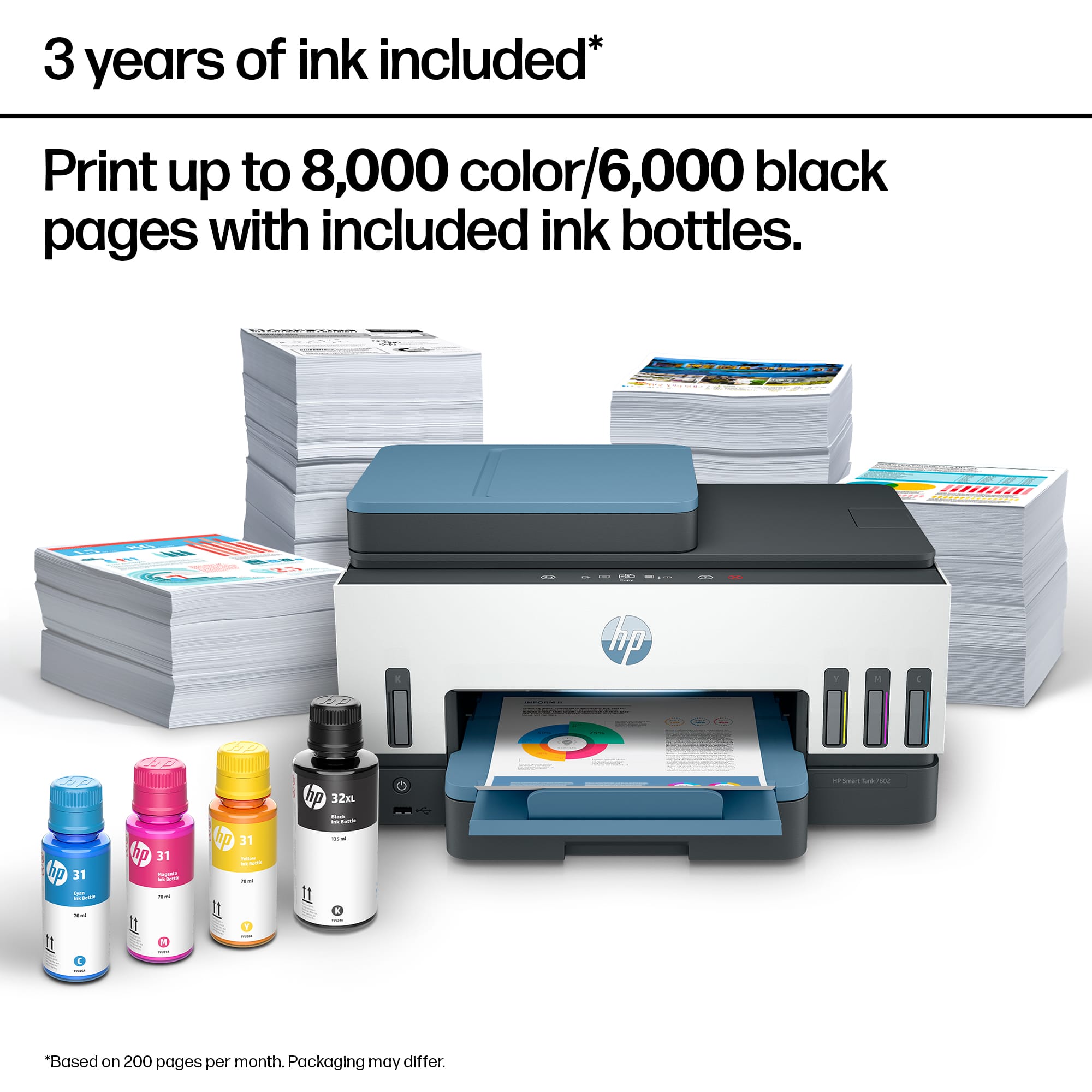
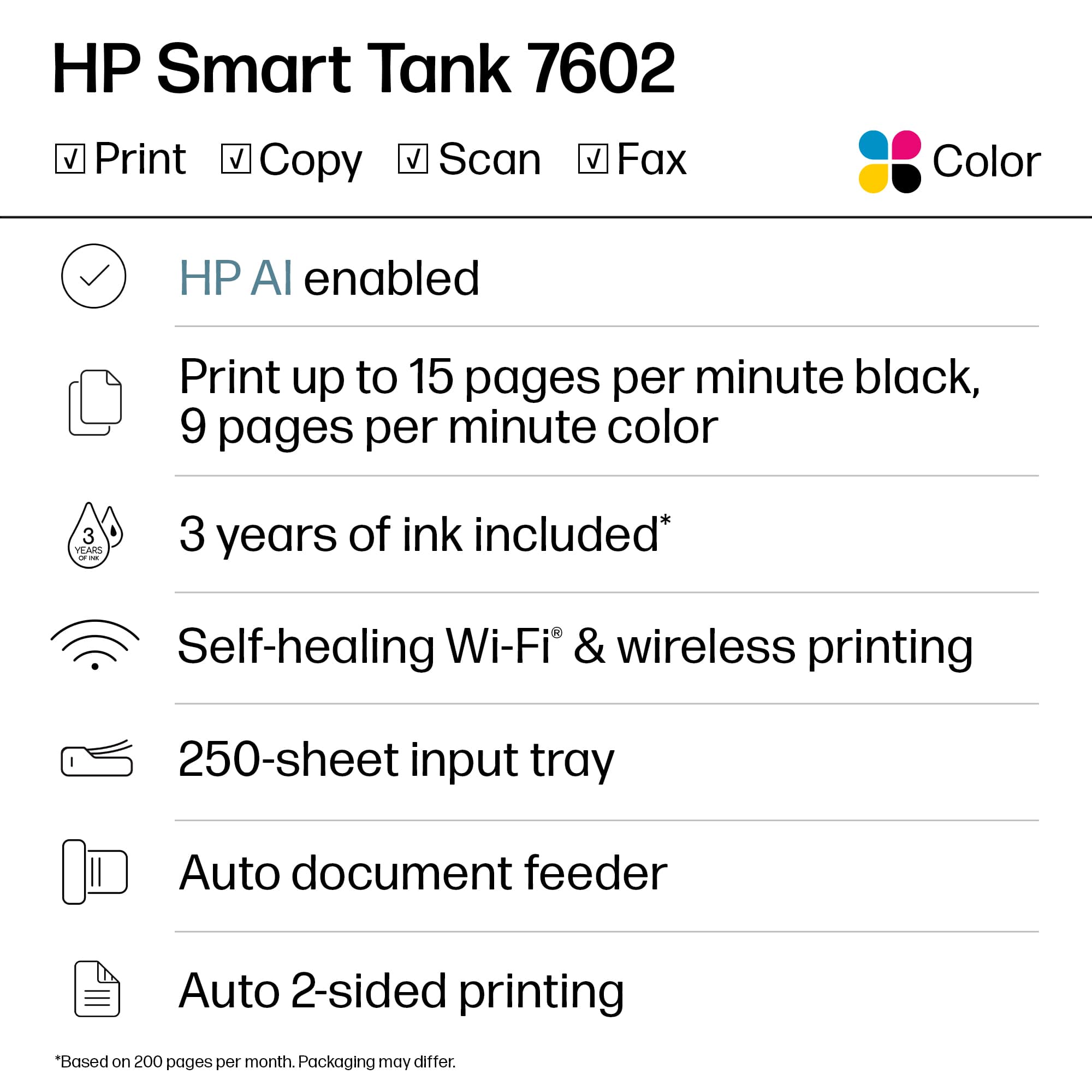
    • Answer This HP printer comes with enough ink to print up to 8,000 color pages or 6,000 black pages.
    This question and answer was generated by AI based on customer and product data.
  • QuestionWhat is the print speed for color prints?

    • Answer This HP printer has a color print speed of 9 pages per minute.
    This question and answer was generated by AI based on customer and product data.
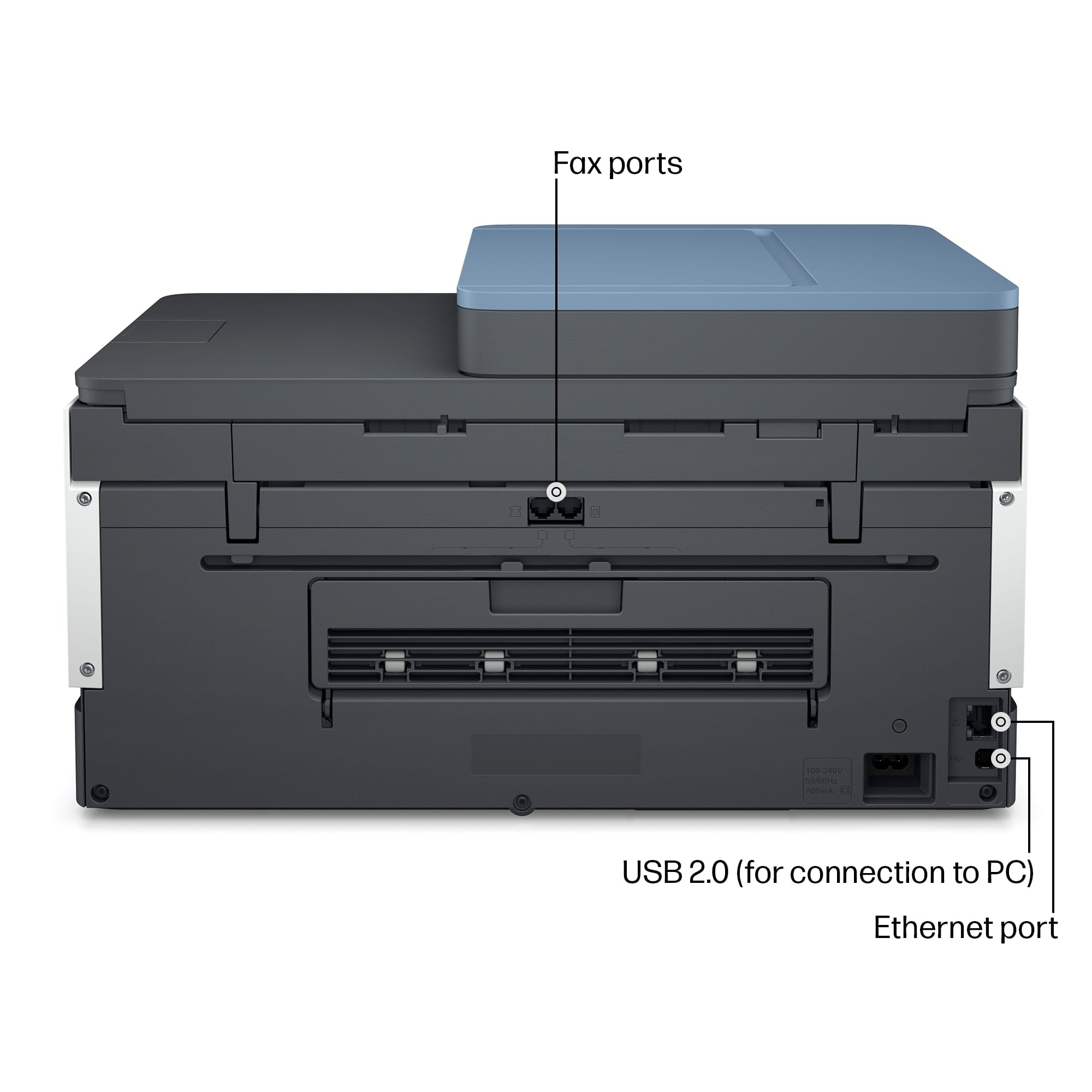
  • QuestionHow do you connect this printer to a network?

    • Answer This HP printer can connect to a network wirelessly or through an ethernet connection.
    This question and answer was generated by AI based on customer and product data.
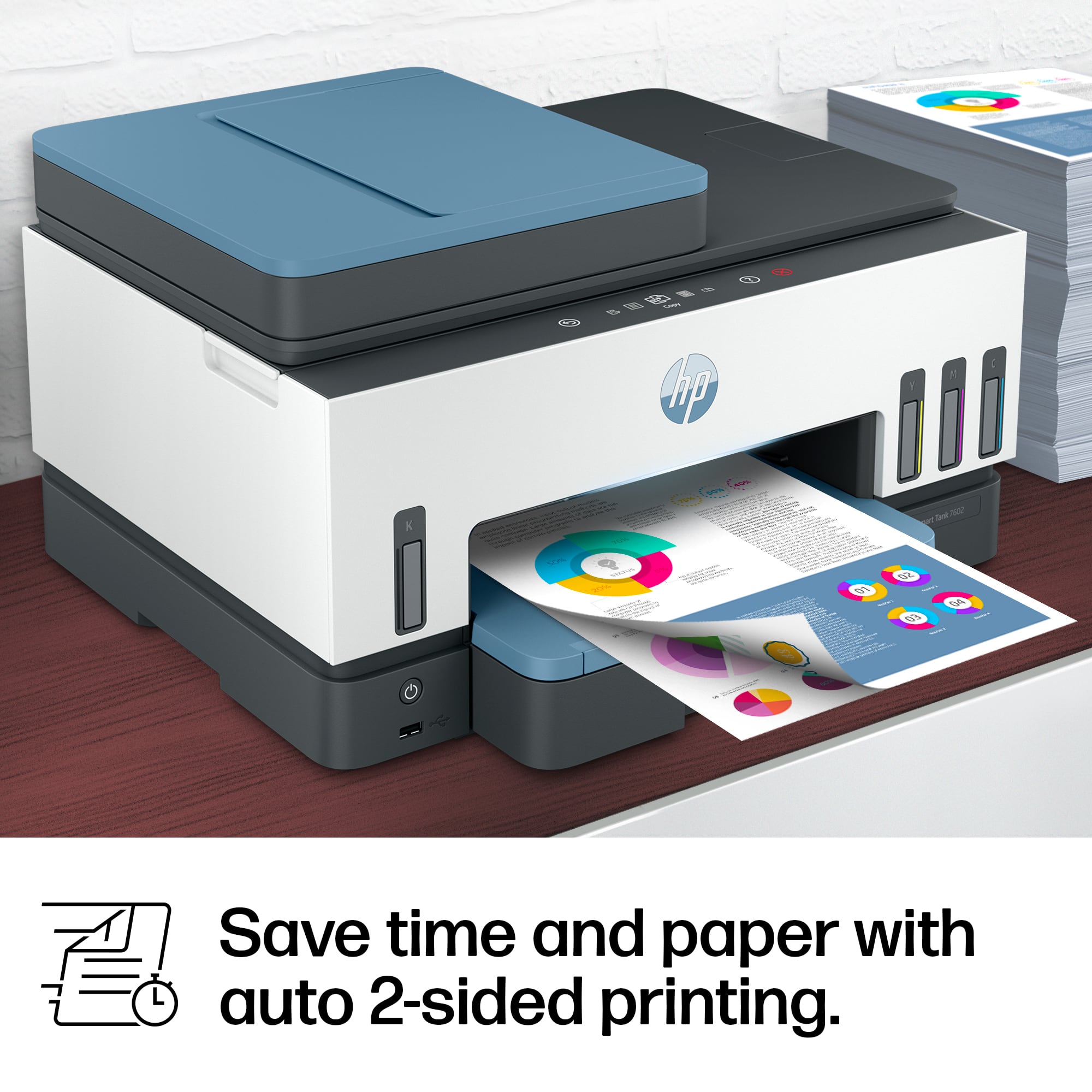
  • QuestionDoes this HP printer offer two-sided printing?

    • Answer Yes, the HP Smart Tank 7602 printer has a two-sided printing feature.
    This question and answer was generated by AI based on customer and product data.
  • QuestionWhat is the print resolution of this HP printer?

    • Answer The print resolution for this printer is up to 1200 x 1200 rendered dpi for black and up to 4800 x 1200 optimized dpi for color printing.
    This question and answer was generated by AI based on customer and product data.
  • QuestionWhat is the HP Smart Tank 7602 best for?

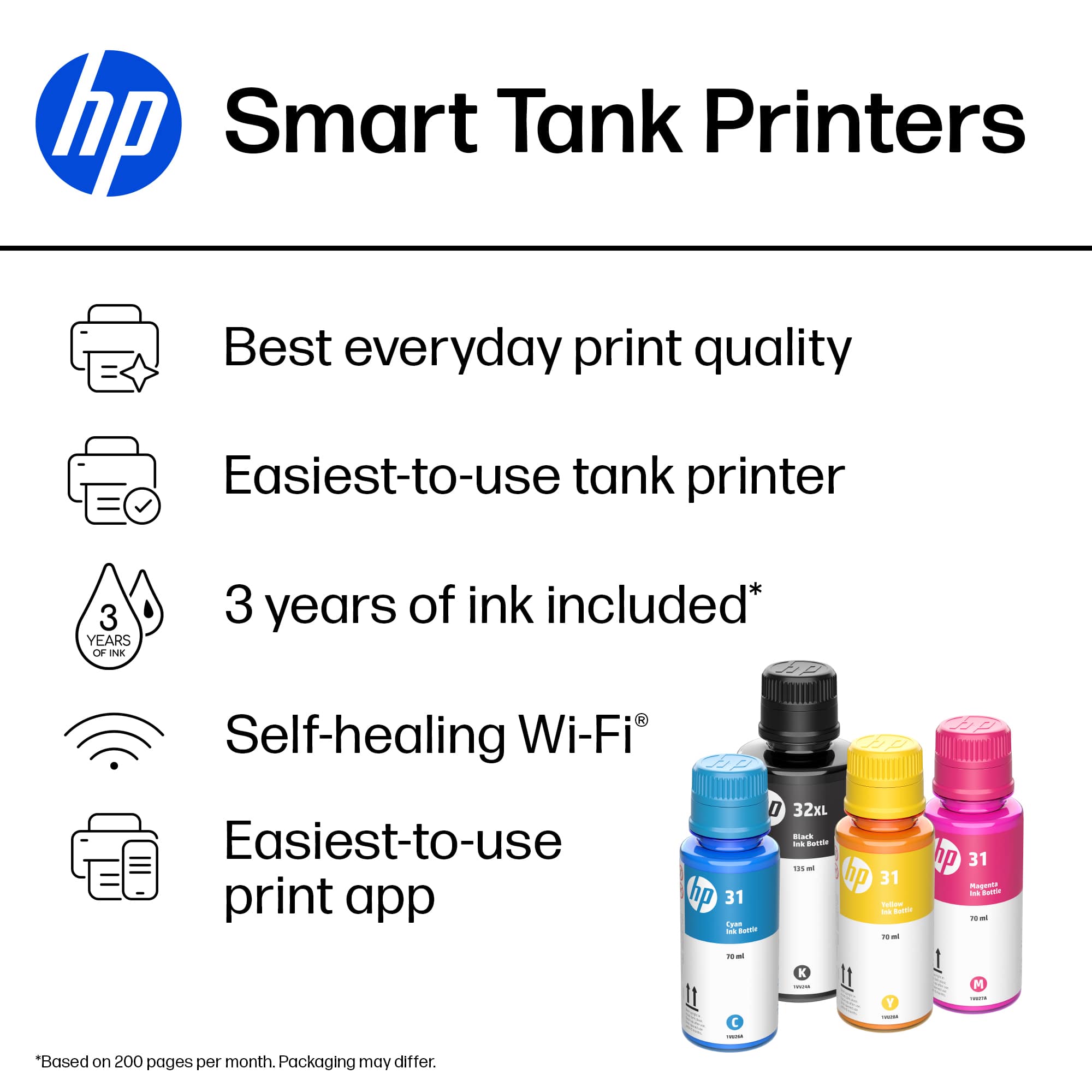
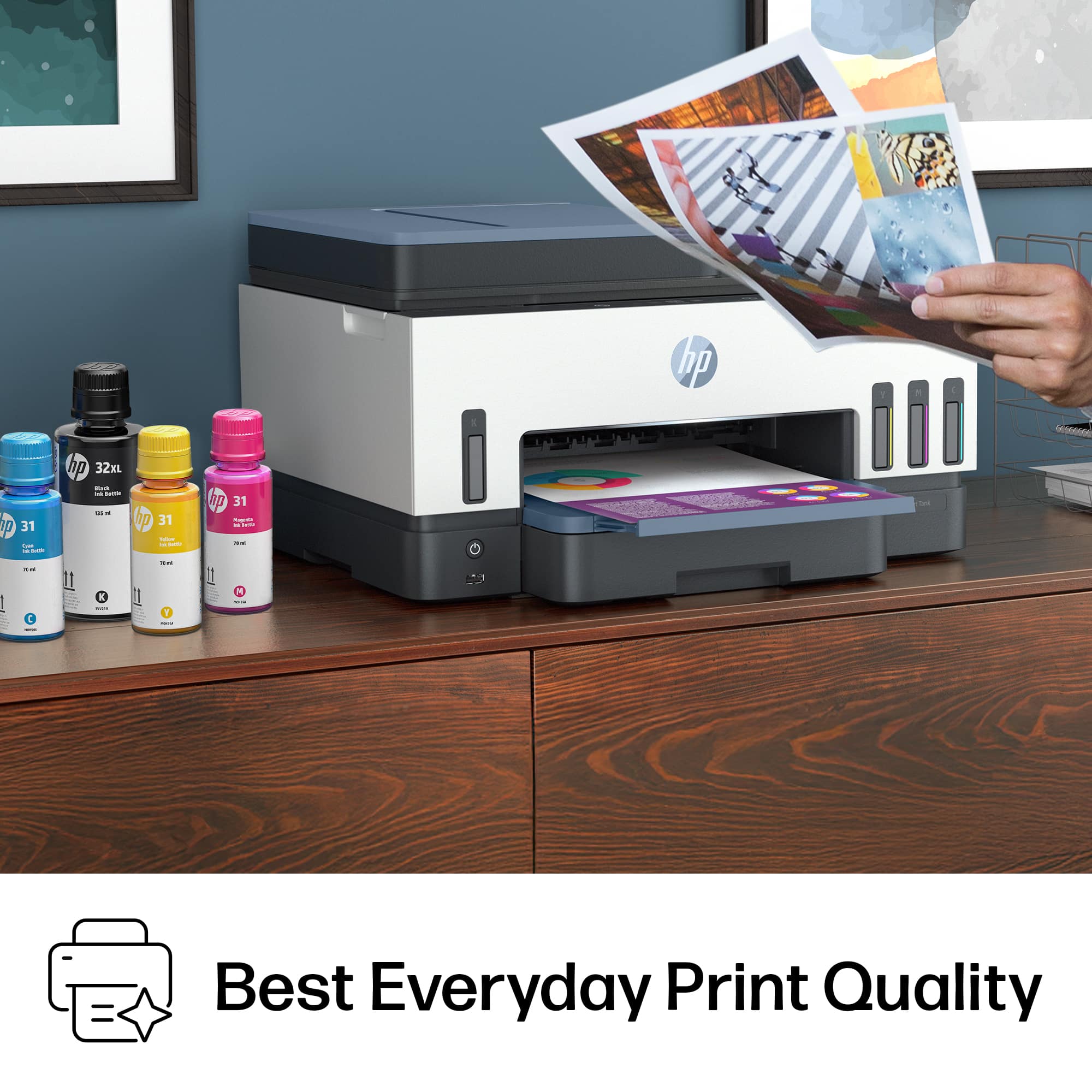
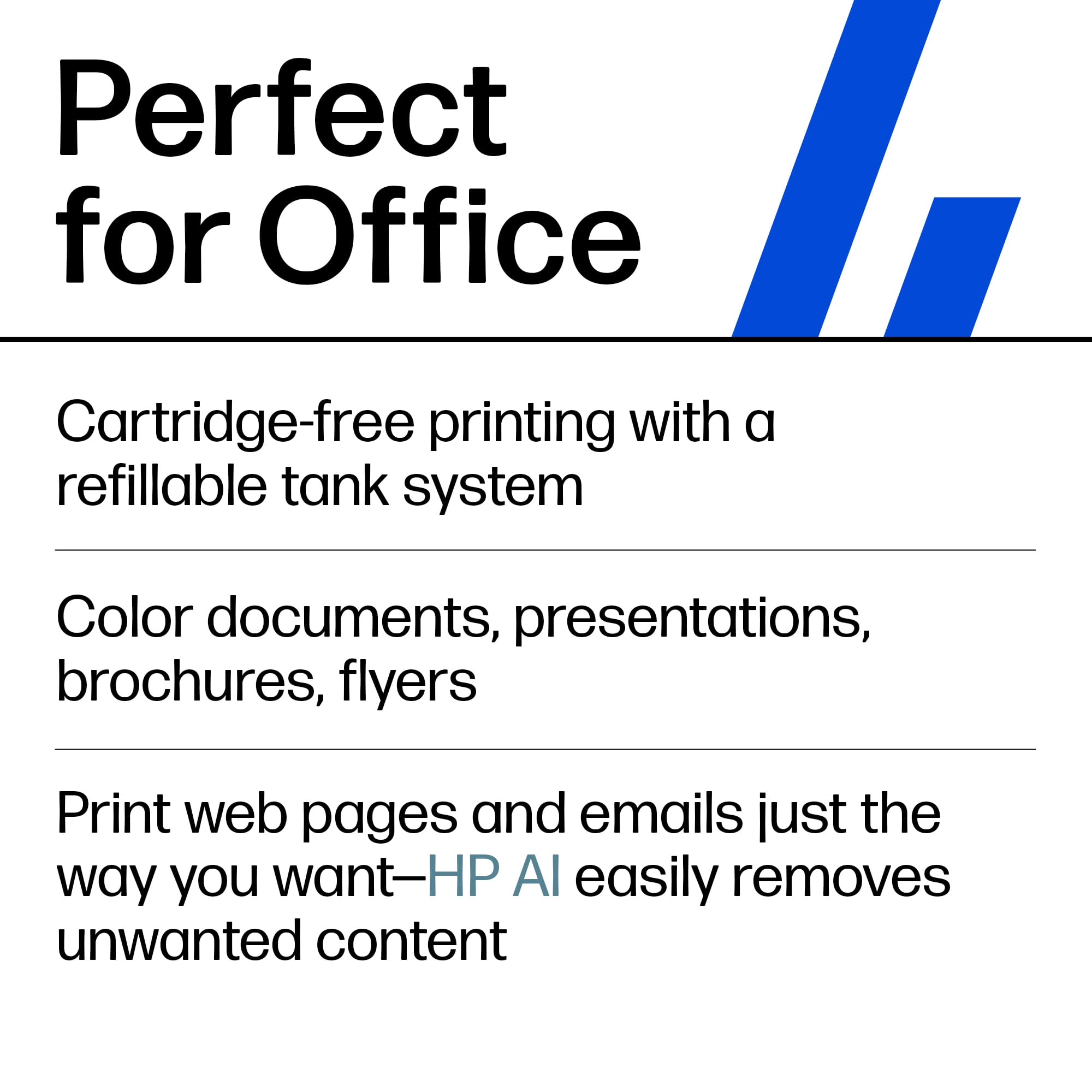
    • Answer The HP Smart Tank 7602 offers the best everyday print quality.
    This question and answer was generated by AI based on customer and product data.
  • QuestionDoes this printer have an automatic document feeder?

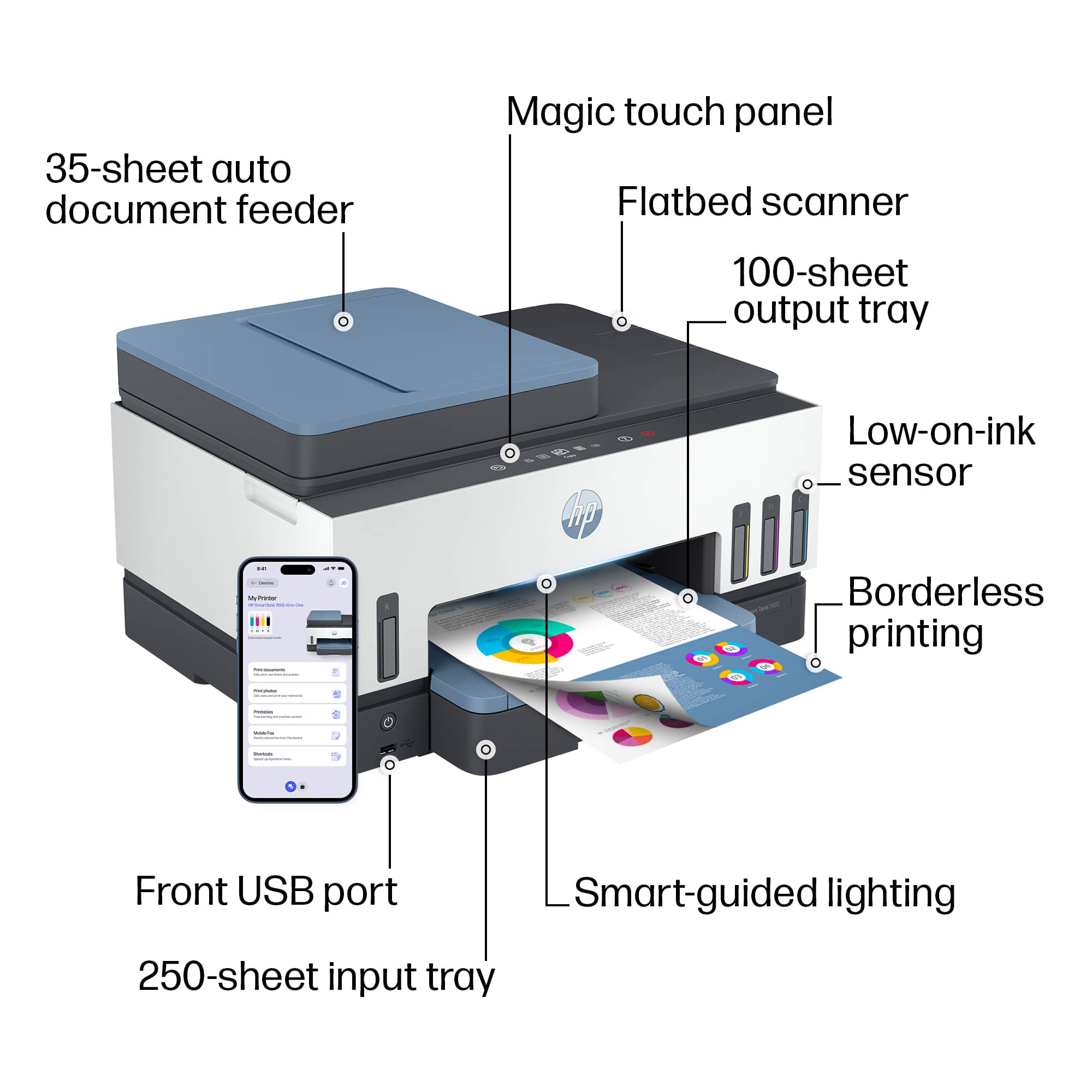
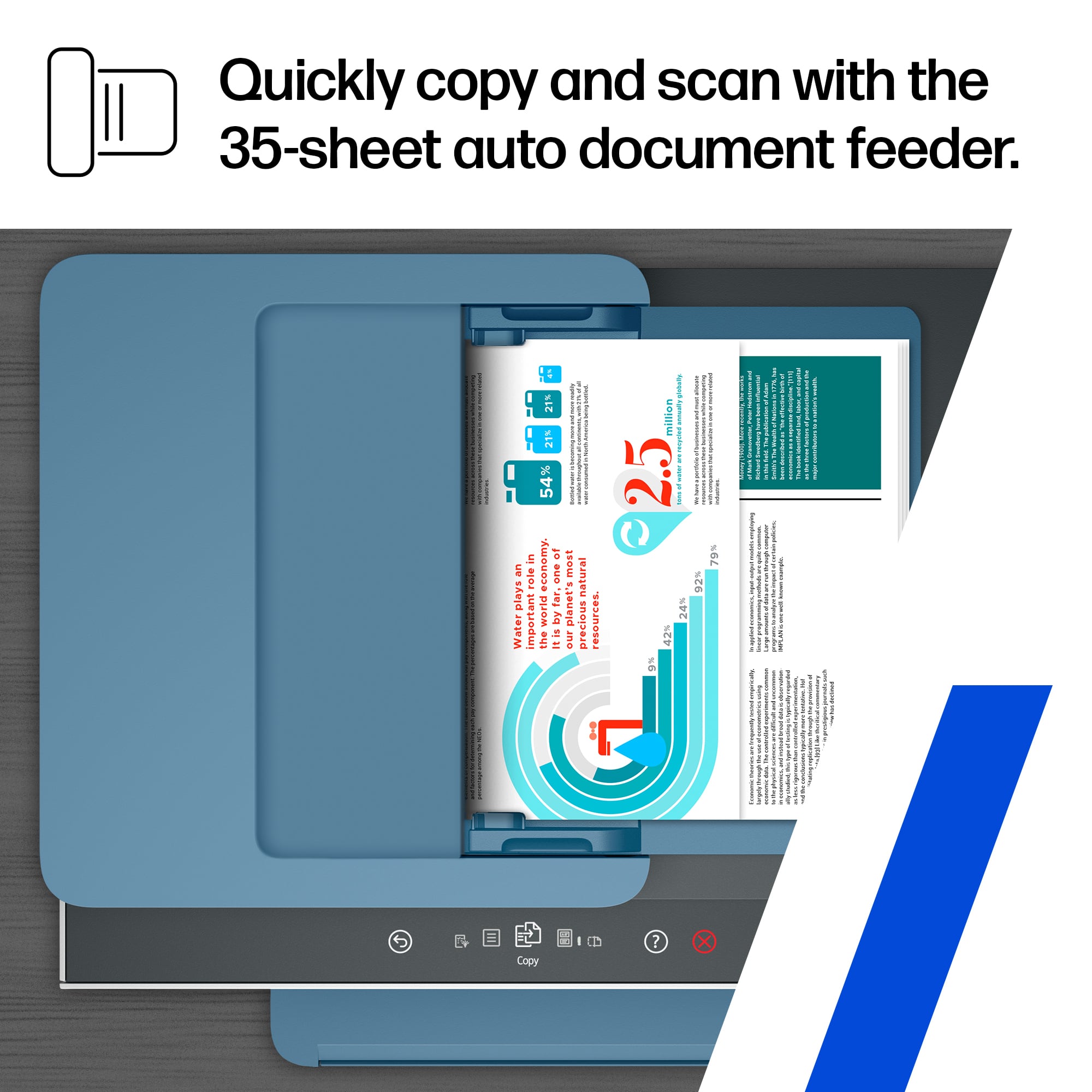
    • Answer Yes, this HP printer has a 35-page automatic document feeder.
    This question and answer was generated by AI based on customer and product data.
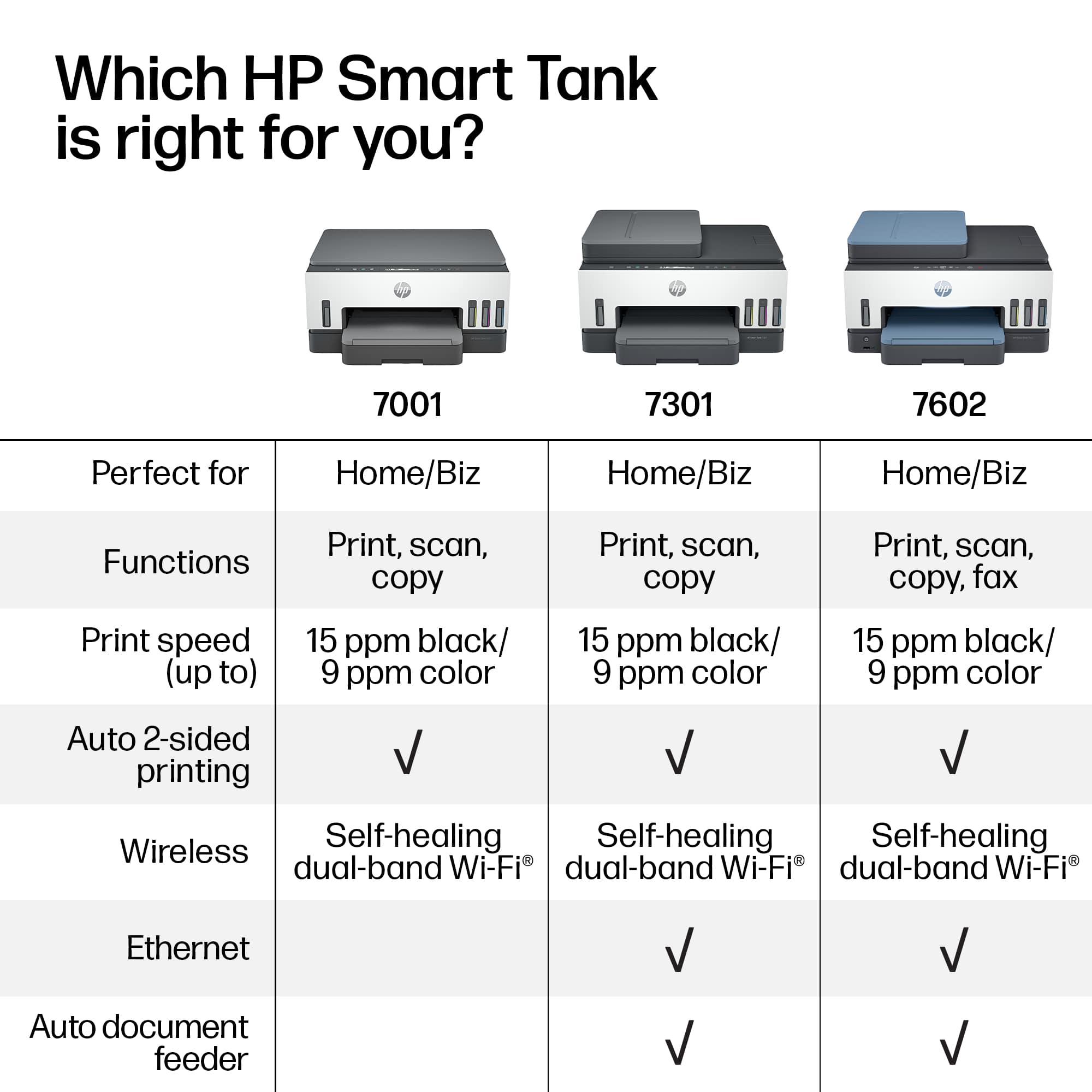
  • QuestionWhat is the difference between the 7602 and the 7301 that makes for the difference in price? I want to switch to tank ink. I do a lot of color printing on card stock, and apparently I've blown out the print heads on my 8028 in less than three years.

    Asked by chrislovesbunky.

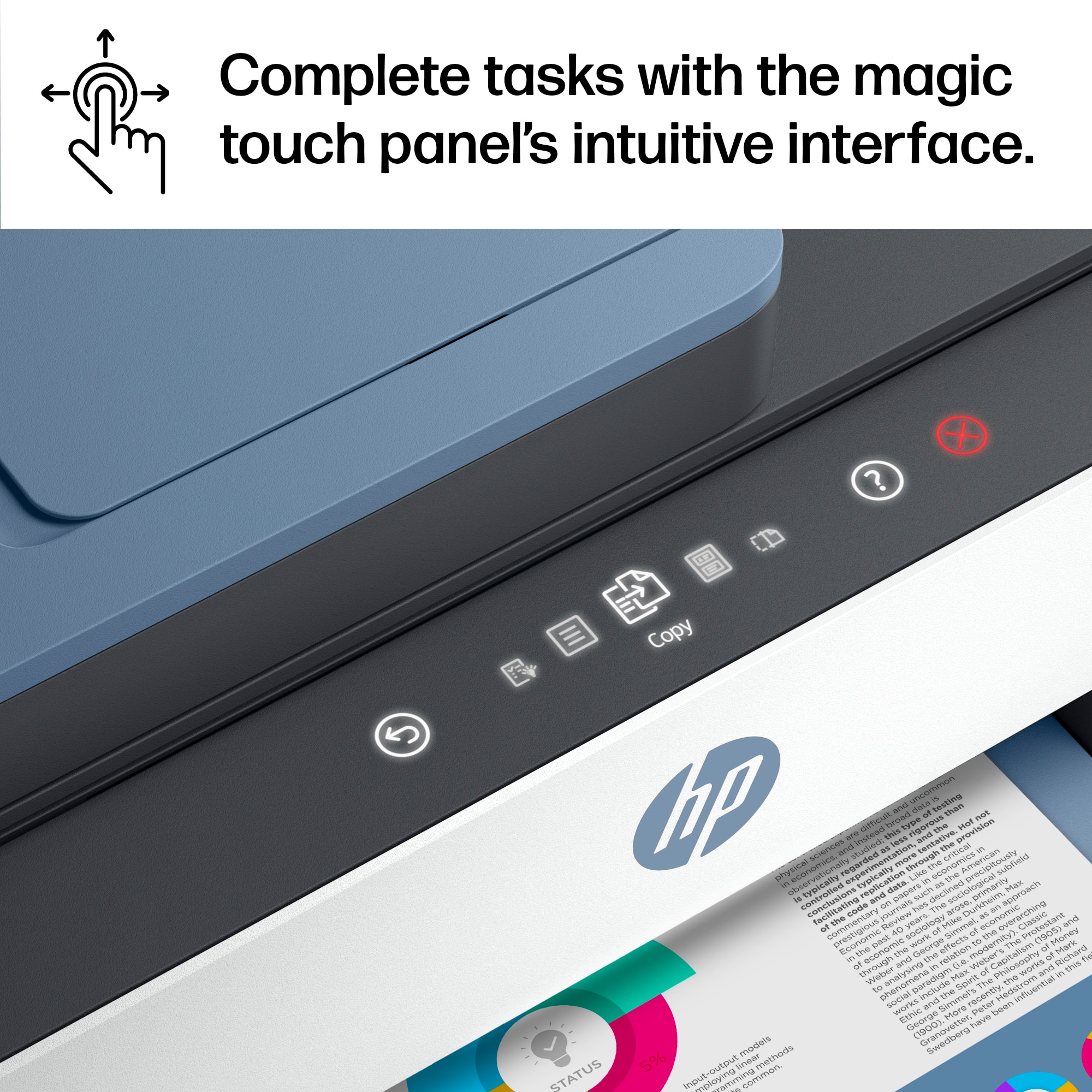
    • Answer Thank you for the question. The major difference is that the Smart Tank 7602 has fax capability when connected to your landline. It also has a touchscreen display, whereas the 7301 has 2-line Smart guided buttons. The 7602 also has a host USB port, for saving scans to or printing documents from a flash drive.

      Answered by HP Team

  • QuestionIt says it comes with 2 years of ink included. Does the ink come with the printer initially (in the box)? how do you get more ink when needed within the first 2 years?

    Asked by Erik.

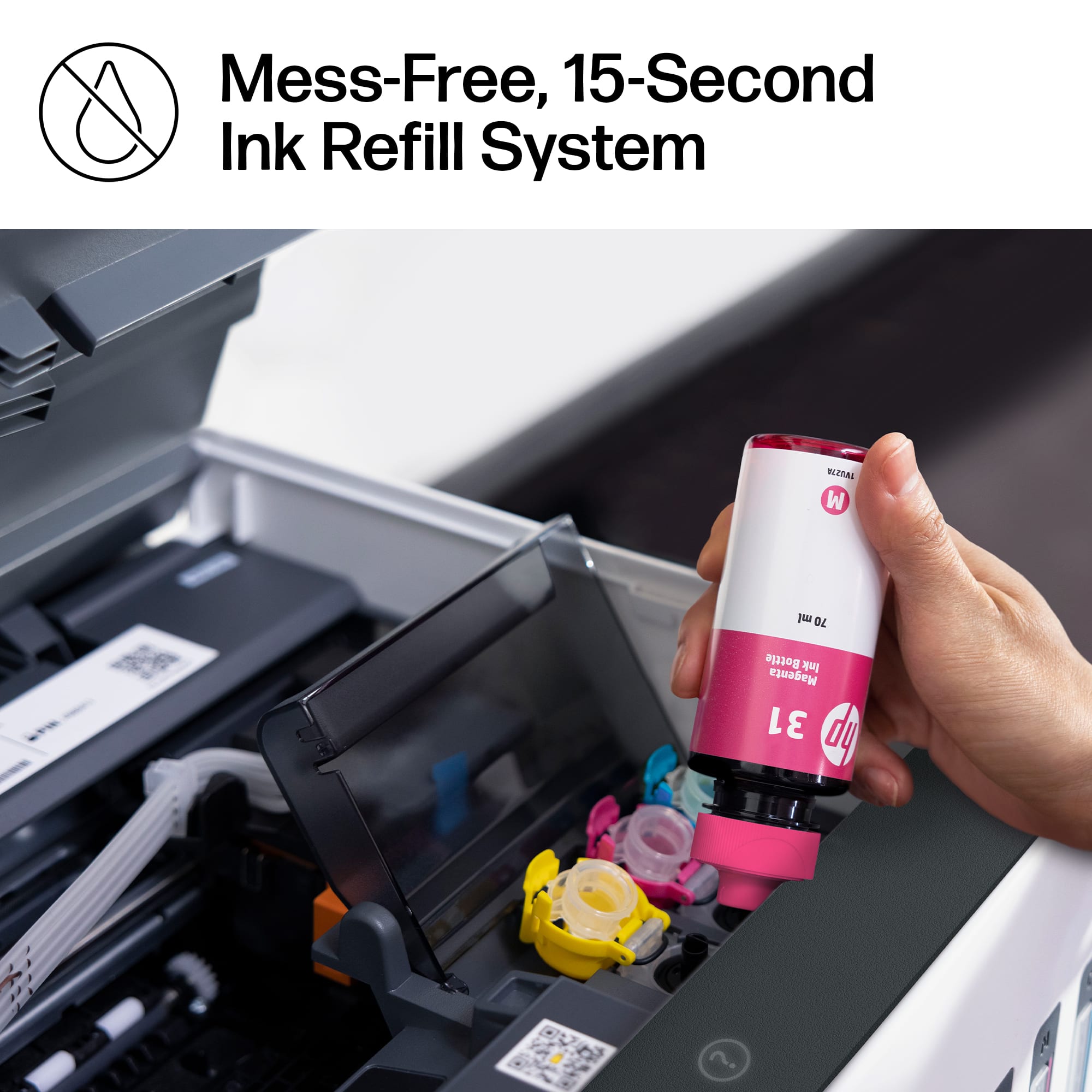
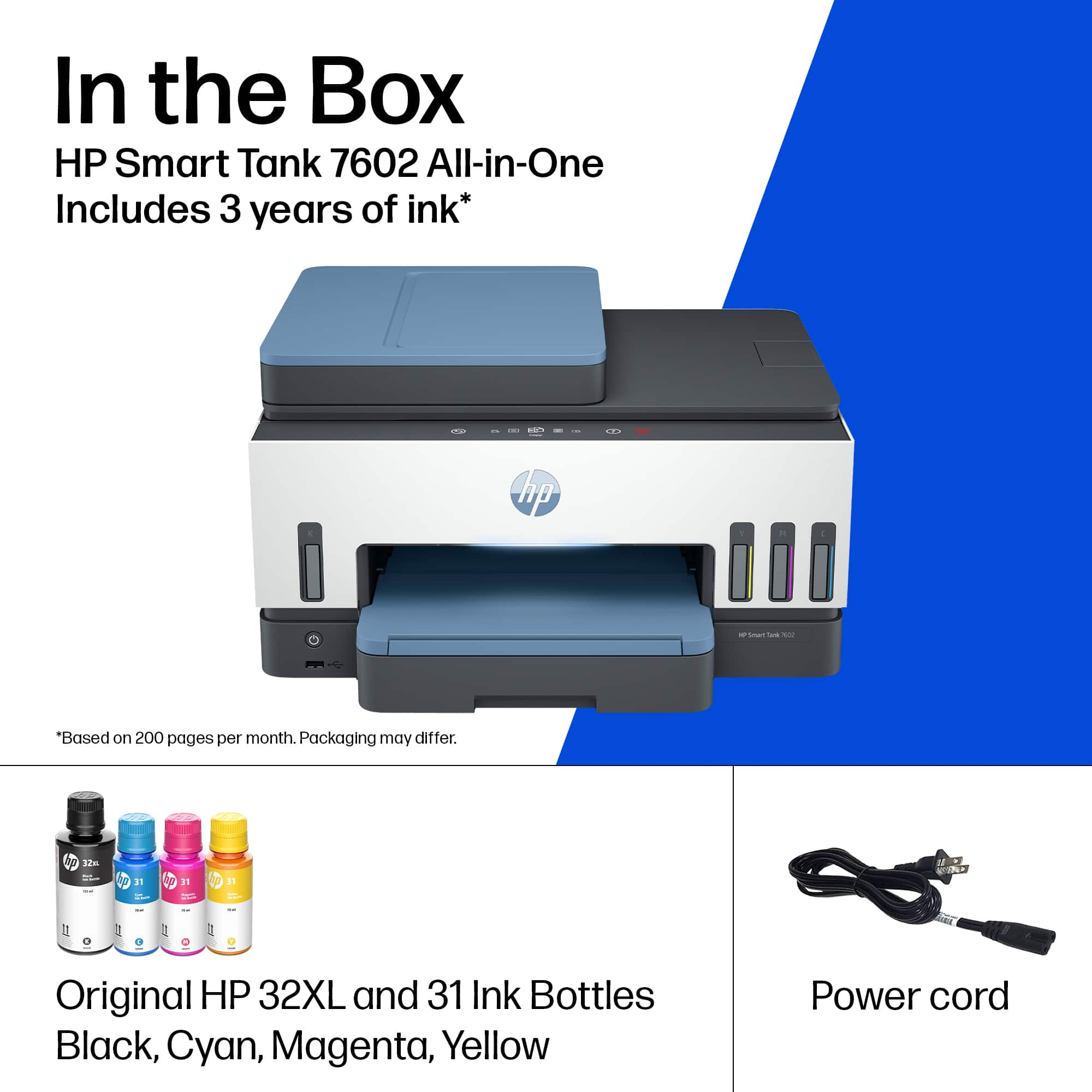
    • Answer This is a Smart TANK printer. It doesn't use cartridges. It uses Bottles of ink to fill the Tank reservoirs. There are 4 bottles of ink that come with the printer and depending on how much you print it is rated to last up to two years. Refill bottles are much cheaper than cartridges since there is no active circuitry in them. They are well designed and if you follow the directions are easy to use and won't spill. You can get refill bottles at any store that sells HP Ink cartridges. Best Buy of course, Amazon, HP Staples etc...

      Answered by Teknologist

  • QuestionHow good is it ,printing photos

    Asked by Anonymous.

    • Answer Reasonable

      Answered by Anonymous

  • QuestionDoes the HP Smart Tank 7602 Wireless All-in-One Cartridge-Free Ink Tank Printer print in legal size paper? Also, what are all the sizes this printer can print in?

    Asked by LegalPaperSize.

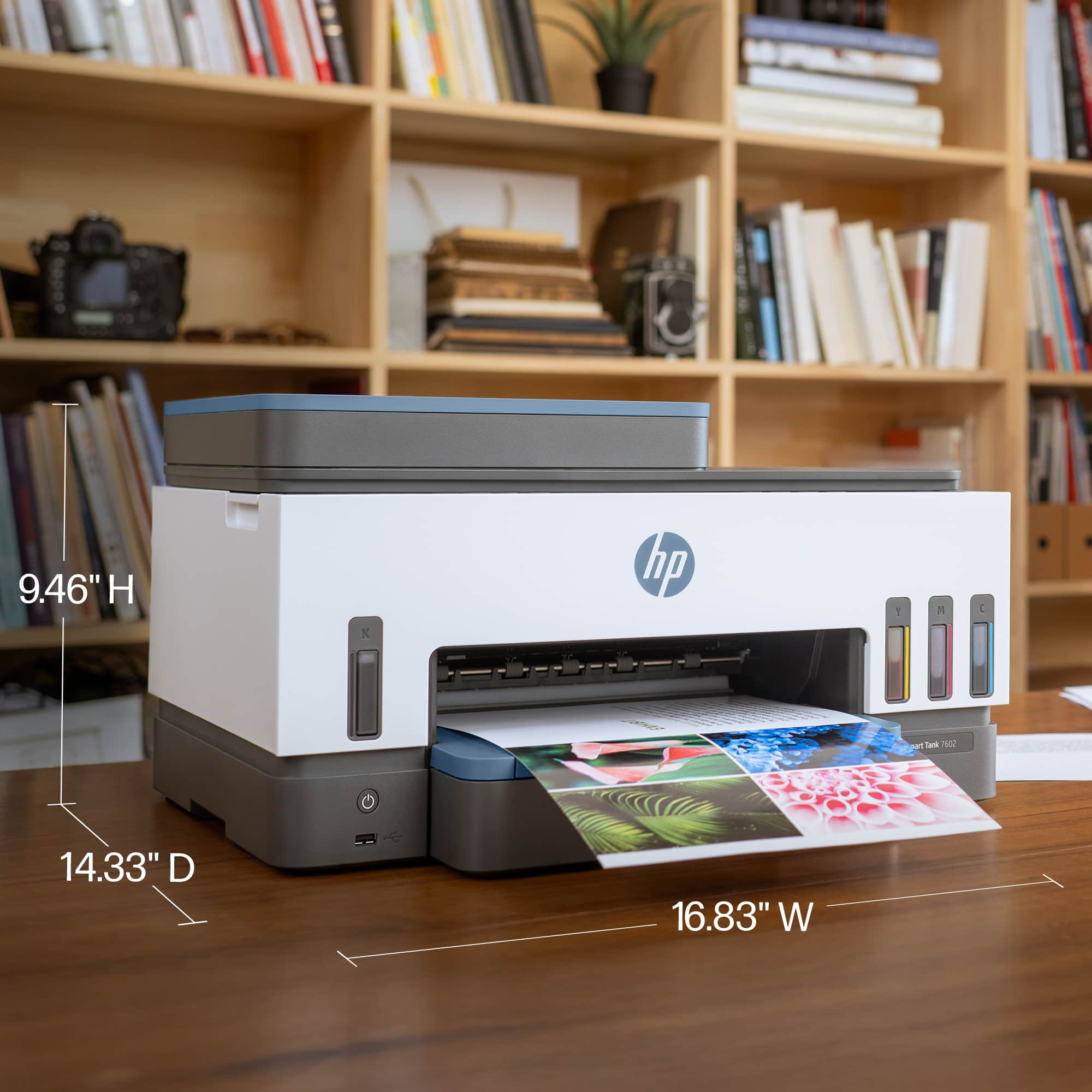
    • Answer Media sizes supported on this Smart Tank printer are: Letter; Legal; Government Legal; Executive; Statement; 4 x 6 in; 5 x 7 in; 8 x 10 in; L; Photo 2L; Envelope( #10, Monarch, 5.5 bar); Card (4 x 6 in, 5 x 8 in).

      Answered by HP Team

  • Questionhas fax

    Asked by Anonymous.

    • Answer Thank you for your question on the HP Smart Tank 7602. This model can use fax with a dedicated phone line - or it can send (but not receive) faxes via the HP Smart app on your smart device, such as an Android smartphone or iPhone.

      Answered by HP Team

  • QuestionDo any of the smart tank printers have fax capability?

    Asked by Anonymous.

    • Answer The 7602 does fax

      Answered by Laura

  • QuestionI'm sure you recommend using HP paper, but it is very rare to find it in stores. Will this printer RELIABLY use common paper such as Staples?

    Asked by f1fanJohn.

    • Answer I have used several types of paper none were HP paper. I buy what ever is on sale and or cheap store brands and never had an issue.

      Answered by PlayAgainRetroVideoGames

  • Questionduplex scanning capable

    Asked by Sonny.

    • Answer Unfortunately, it does not do duplex scanning.

      Answered by HP Team

  • QuestionCan I scan picture photo and save it on my computer as in jpg file?

    Asked by Anonymous.

    • Answer Yes, the Smart Tank 7602 printer can scan to computer in the following formats: BMP, JPEG, TIFF, PDF, PNG.

      Answered by HP Team

  • QuestionHow does this printer handle business card stock?

    Asked by Cards.

    • Answer I used it to print 50 postcards on card stock and it worked great - no jams or problems feeding the card stock.

      Answered by DebraK

  • QuestionDoes the ink dry out if we don't use the printer on a regular basis?

    Asked by Hihispi.

    • Answer The HP Smart Tank 7602 Wireless All-In-One Supertank Inkjet Printer uses a supertank system with liquid ink stored in large, refillable tanks, which is less prone to drying out compared to traditional inkjet cartridges. However, if the printer is left unused for extended periods (e.g., several months), there is still a risk of ink drying in the printhead, potentially causing clogs. Here’s a concise breakdown: Low Risk with Occasional Use: The printer’s design, including sealed ink tanks and automatic maintenance cycles, minimizes drying. If you print even once every few weeks, the built-in cleaning cycles should keep the printhead clear. Long-Term Inactivity: If unused for 3-6 months or more, ink in the printhead may dry, leading to clogs. HP’s maintenance system circulates ink periodically, but this requires the printer to be powered on occasionally. Mitigation Tips: Run a test print or cleaning cycle (via the HP Smart app or touchscreen) every 2-4 weeks to keep ink flowing. Keep the printer powered on to allow automatic maintenance. Store it in a cool, dry environment to reduce evaporation. User Experiences: Some Best Buy reviews note no issues with ink drying after months of light use, but others report clogs after long inactivity, requiring cleaning cycles or, in rare cases, professional servicing. To prevent issues, print a small document or run a maintenance cycle monthly. If clogs occur, the HP Smart app’s cleaning function usually resolves them, though severe cases may need multiple cycles or HP support. 25.1s

      Answered by KennethR

  • QuestionHi This printer will print photos on glossy paper and how’s quality?

    Asked by Noorulldin.

    • Answer Yes I get best results, setting photo paper and on my computer put the setting to photo paper as well. I use glossy sticker paper and photo flyer paper from Amazon I love it if you have questions u can email me cgdesignsandprints@gmail.com I run a small business using these printers

      Answered by CristinaG