A:AnswerThe HP Smart Tank 7602 printer supports the following media types and weights: Plain paper: 16 to 28 lb; Envelopes: 20 to 24 lb; Cards: up to 110 lb; Photo paper: up to 66 lb.
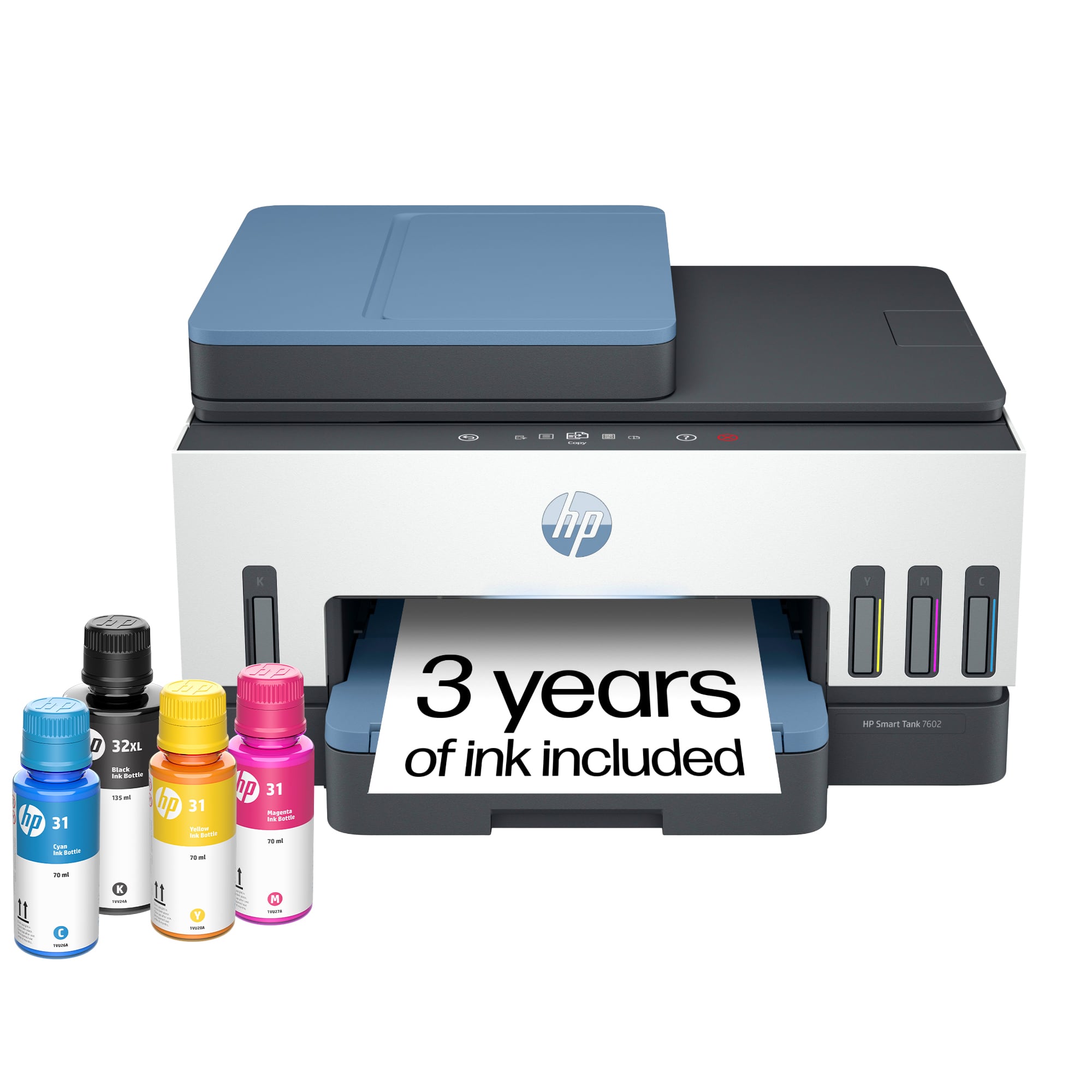
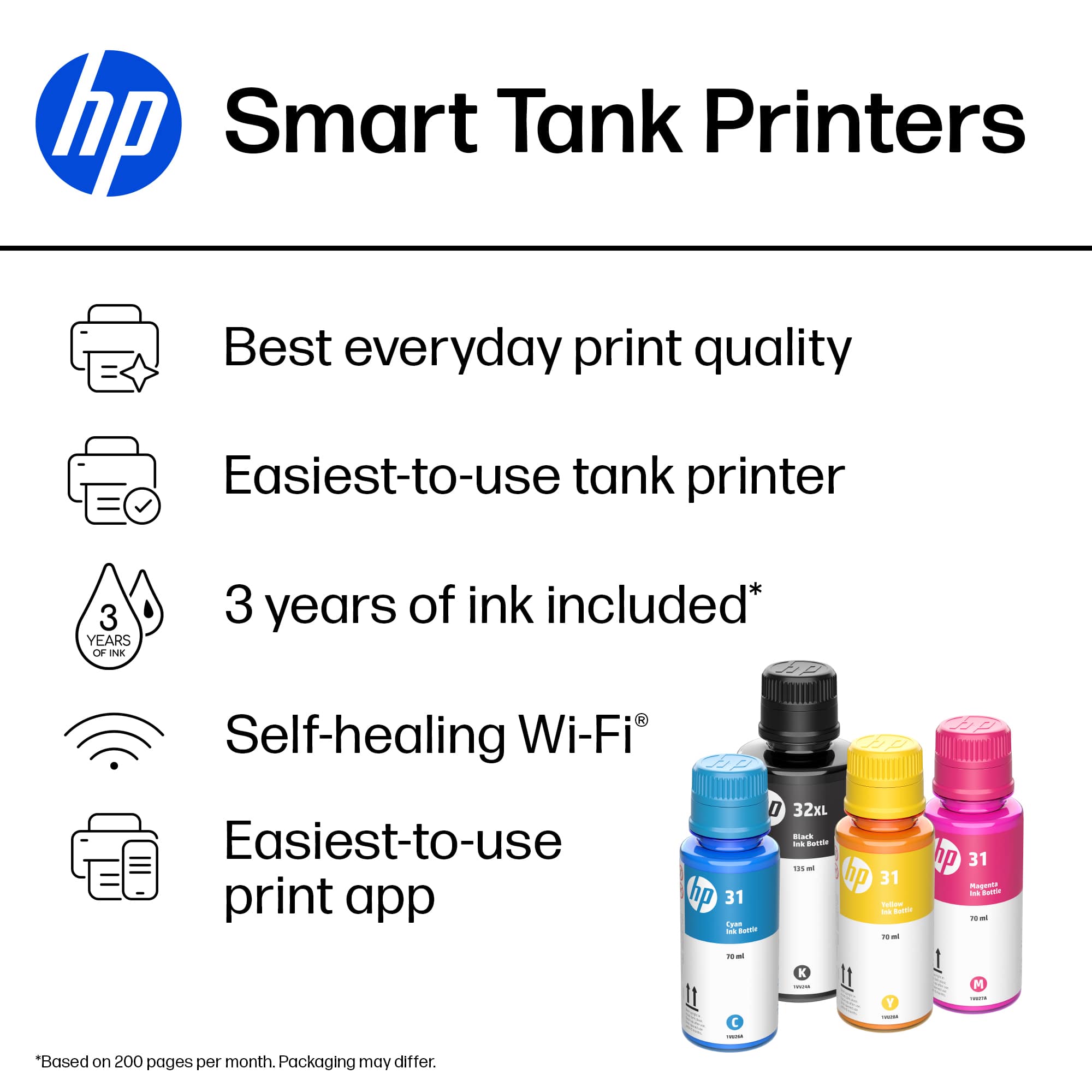
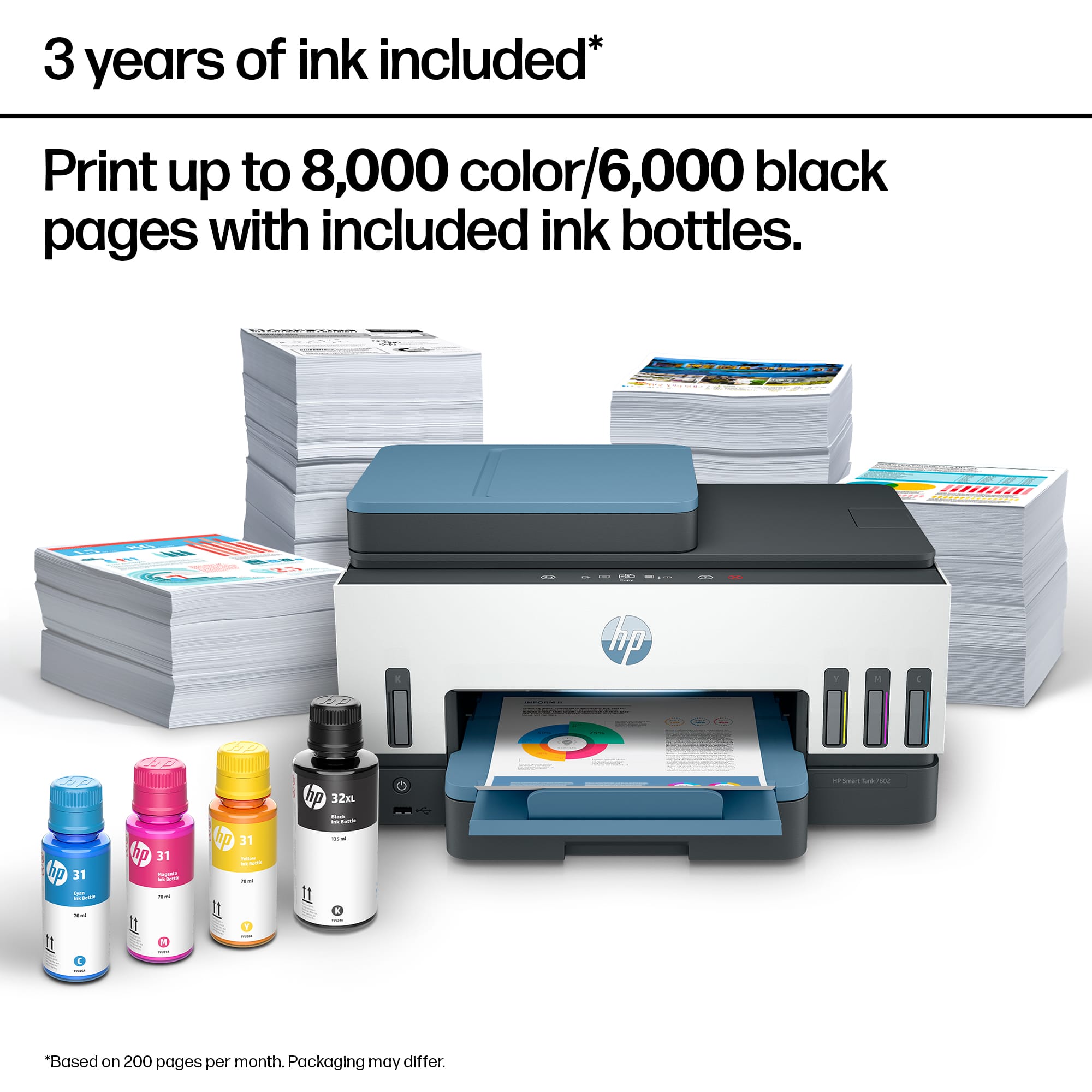
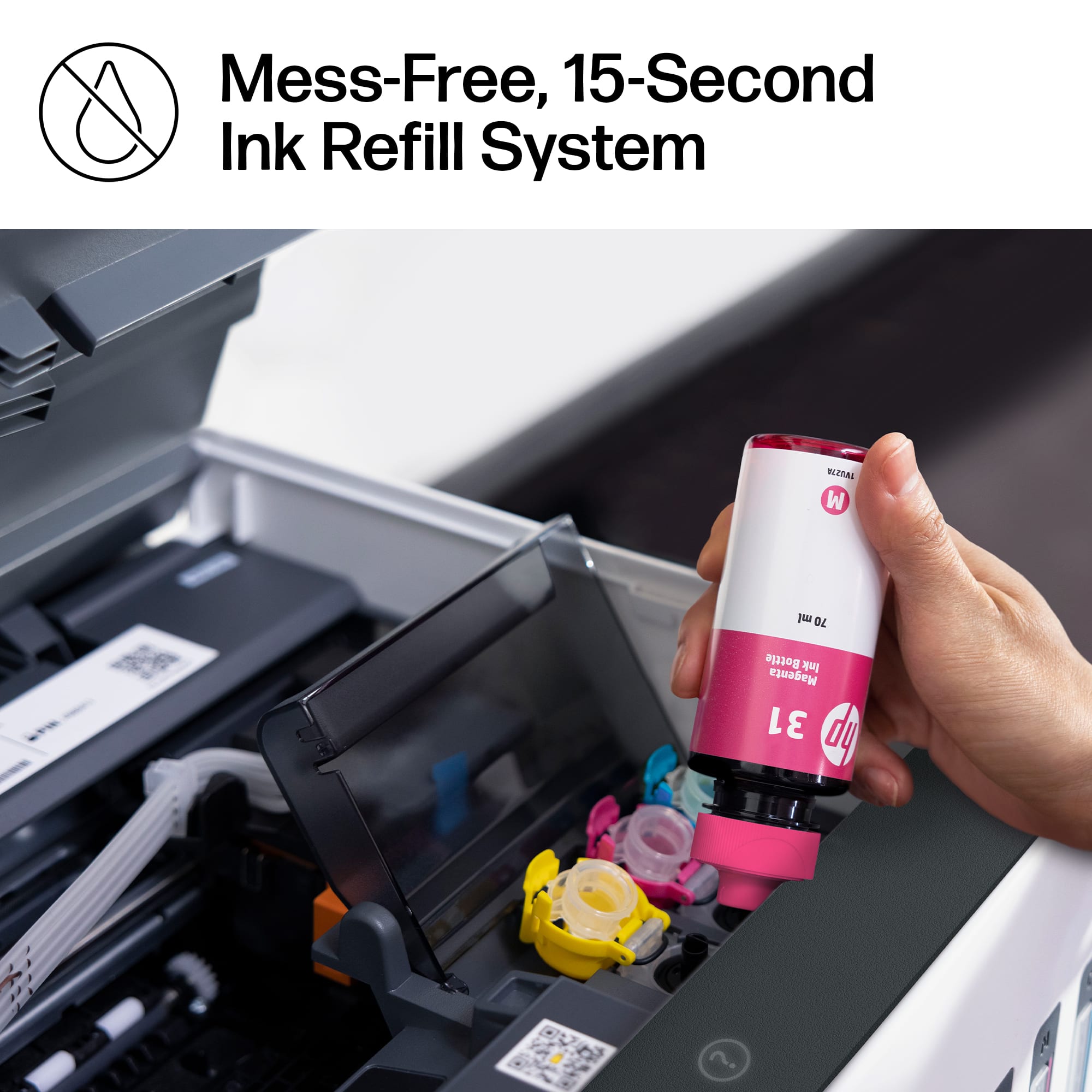
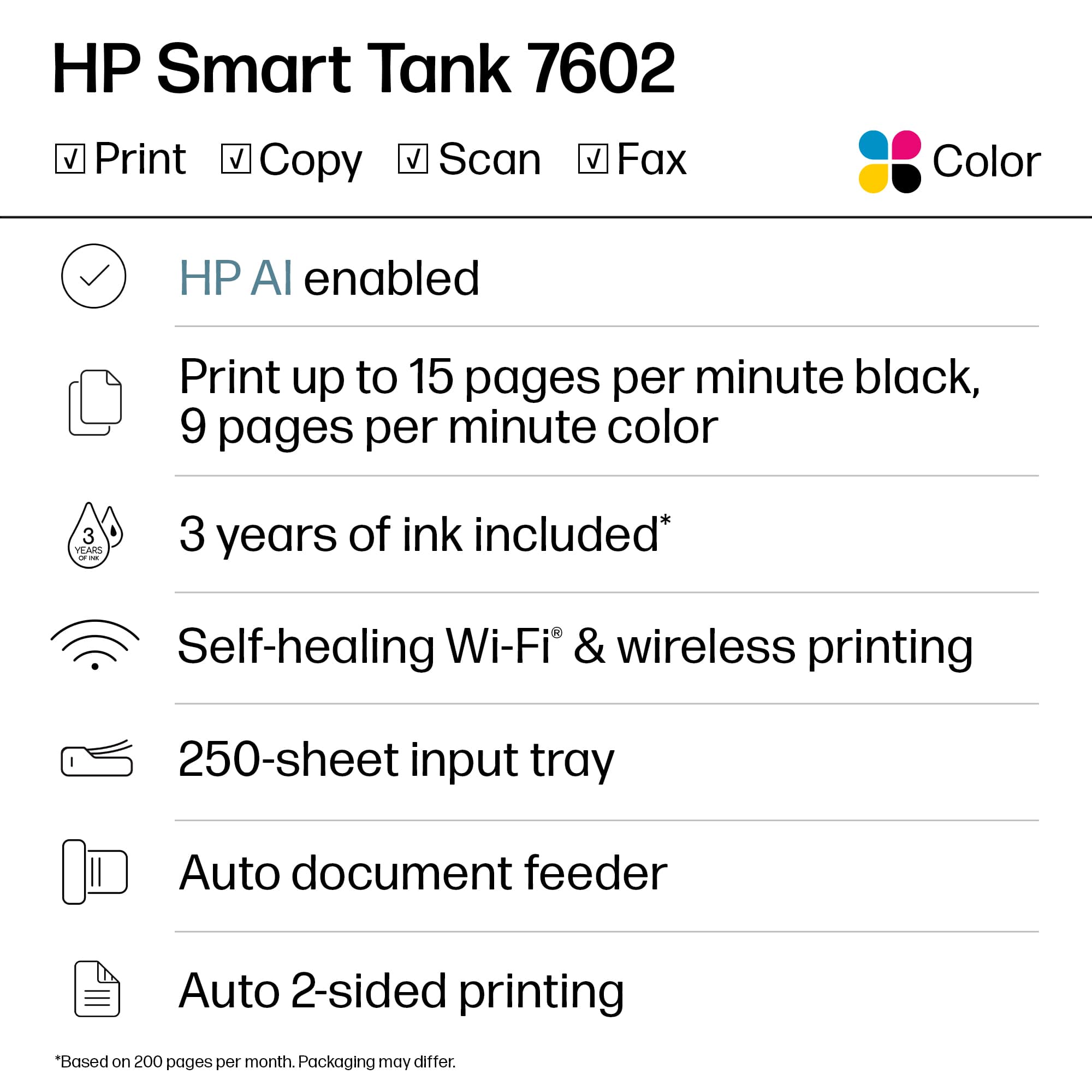
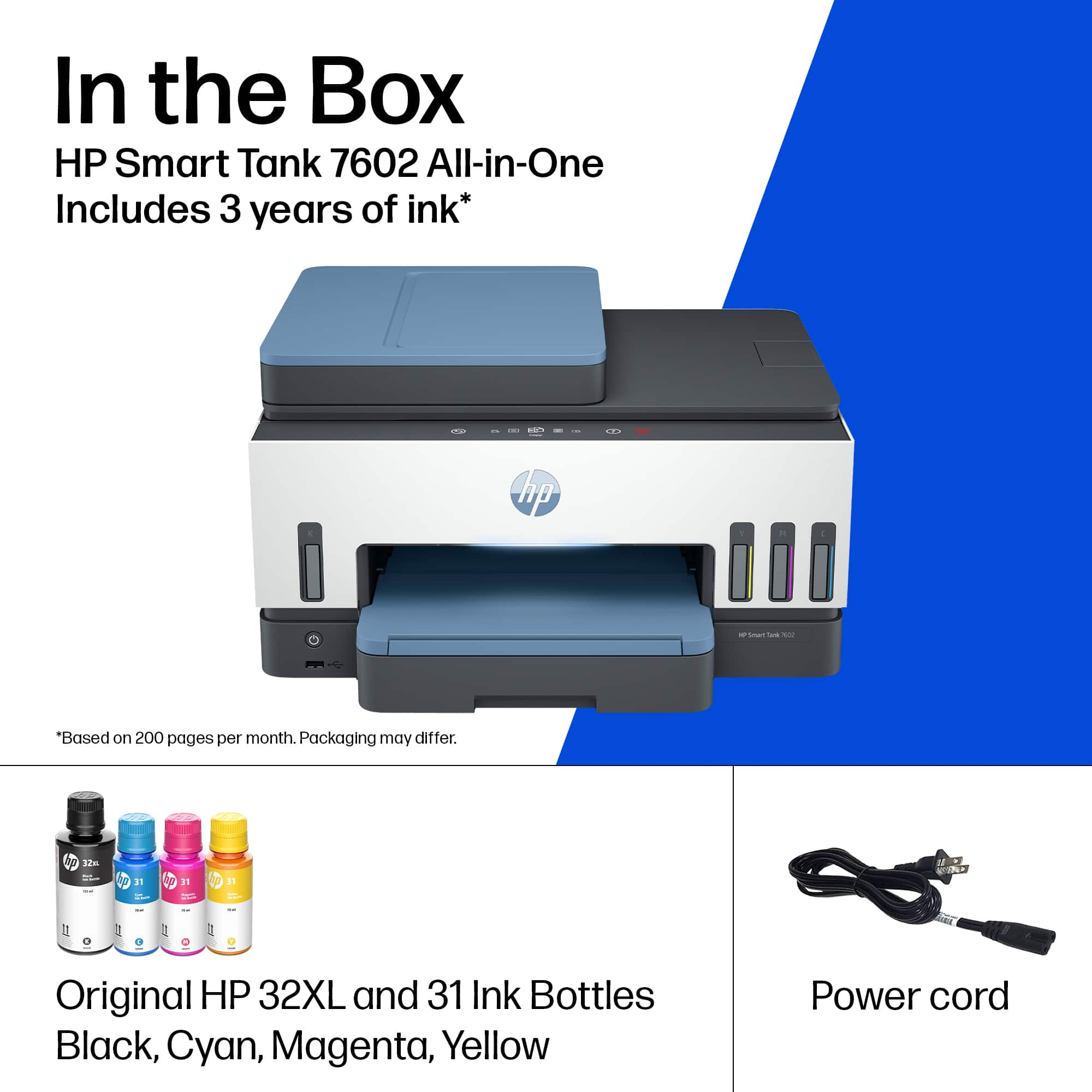
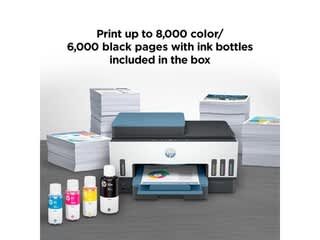
A:AnswerThis model does not use cartridges, but instead uses ink tanks. It comes with a bottle of HP 32XL black (~6,000 pages) in the box, as well as one of each HP 31 color (~8,000 pages each).
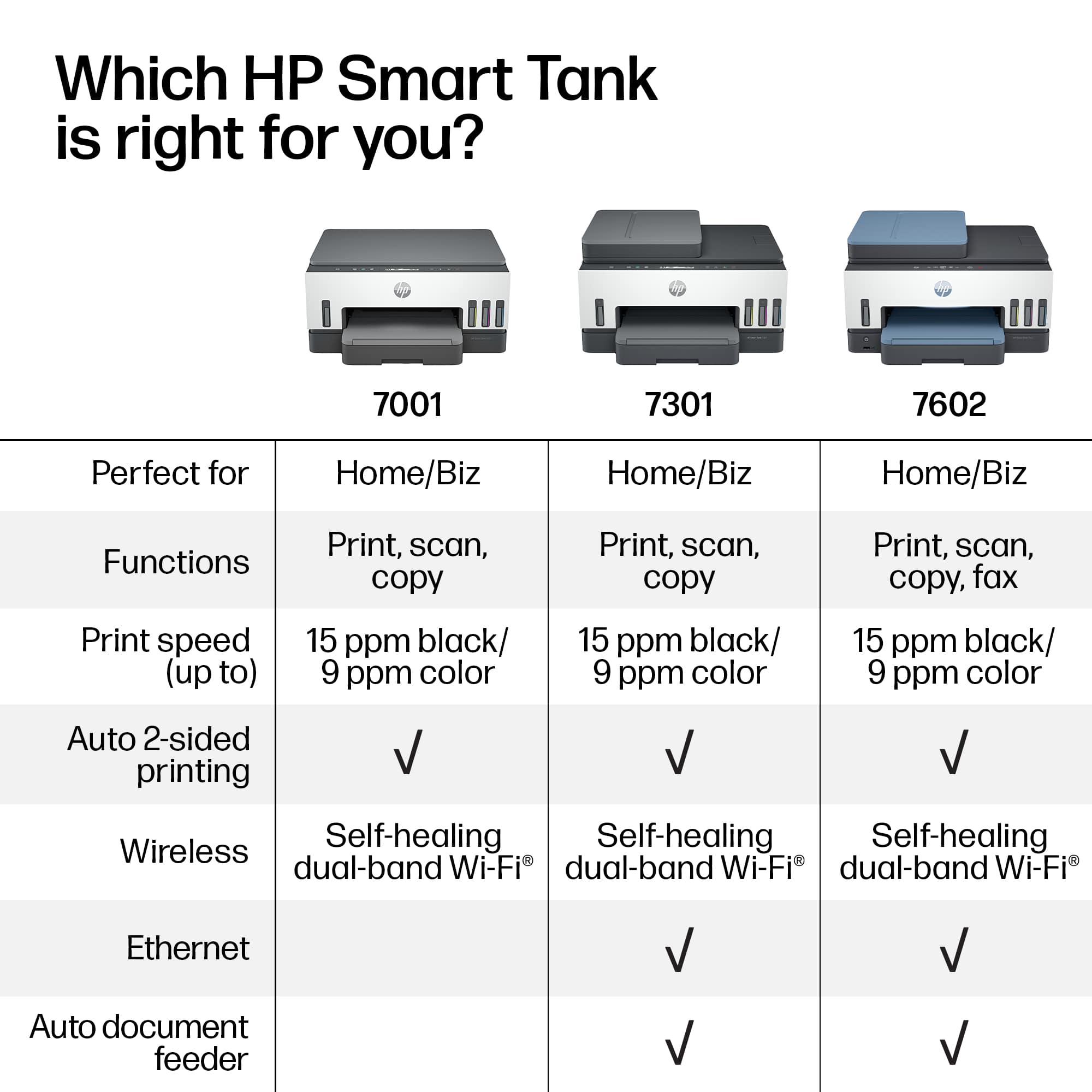
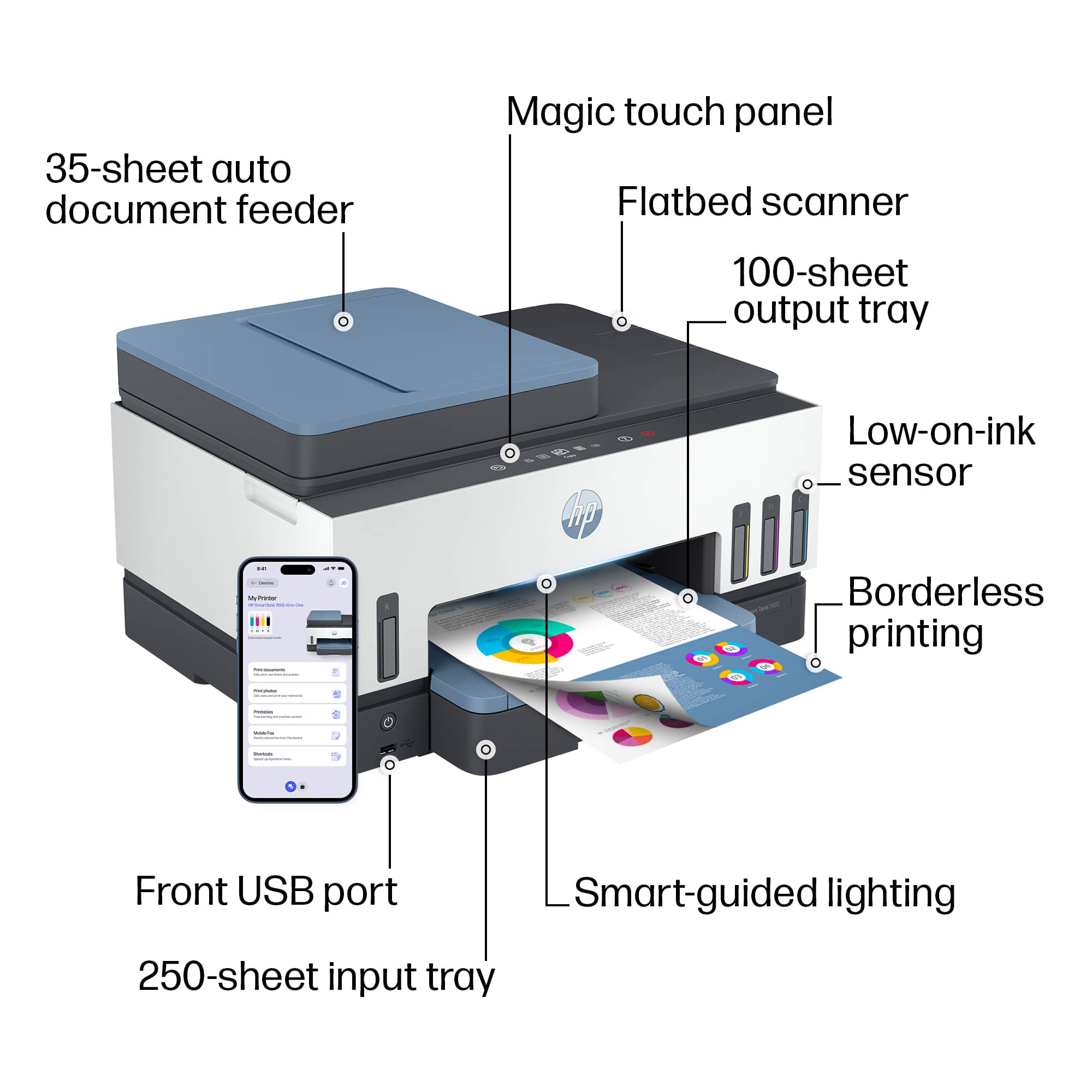
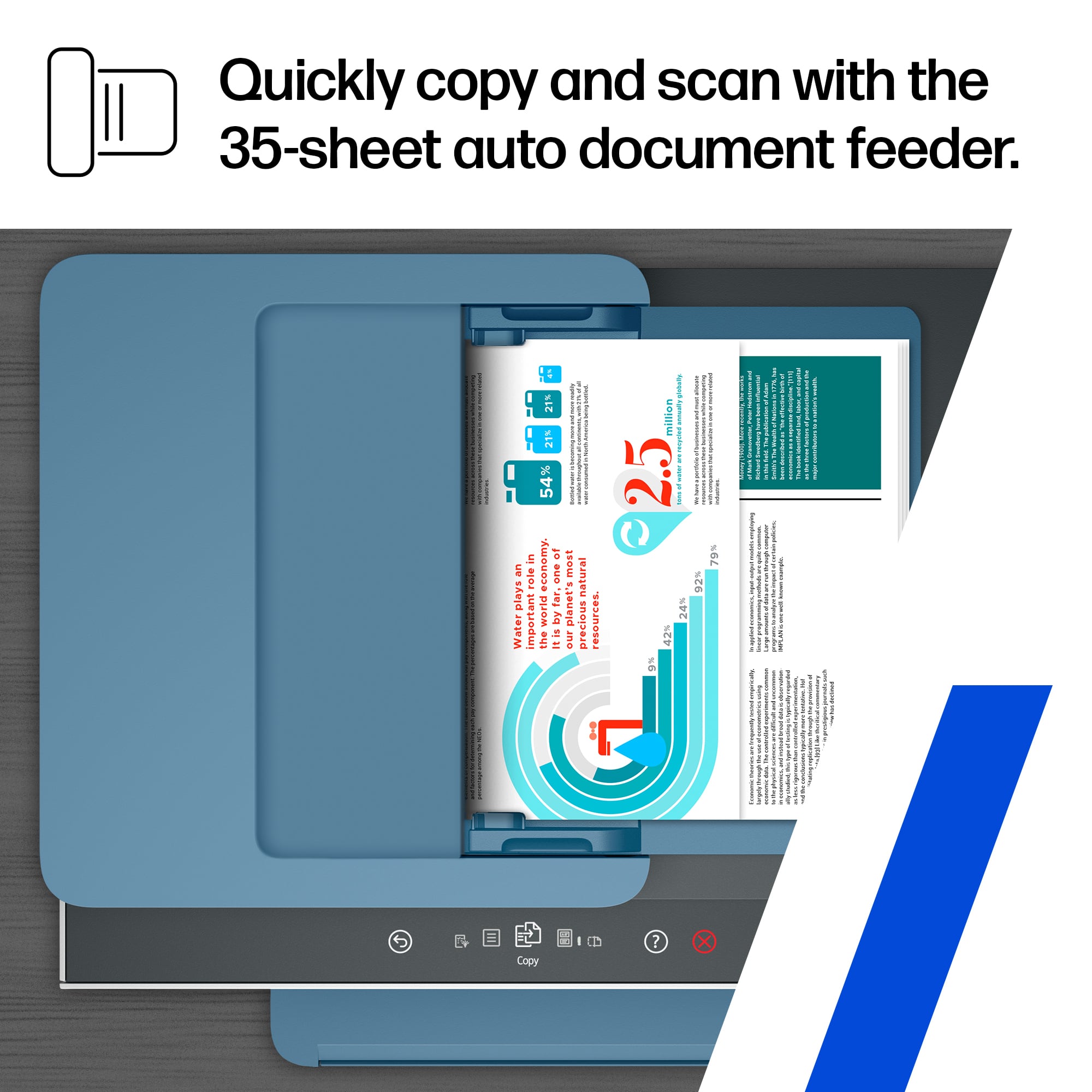
A:AnswerThe Document feeder does not support double sided (Duplex) scanning or copying. It will require you to feed the page in again manually.
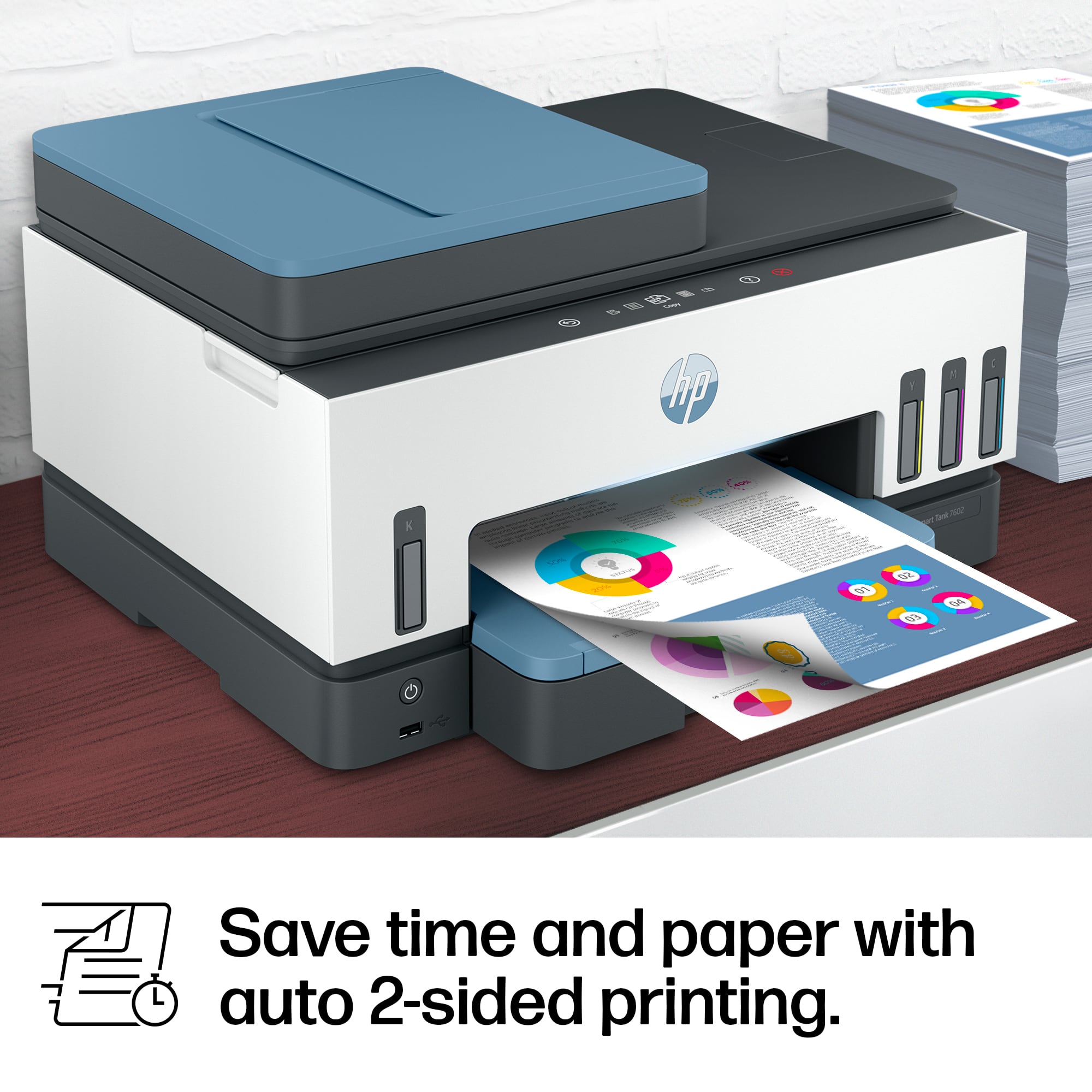
It DOES support printing on both sides (Duplex).
A:AnswerThanks for your question. The HP Smart Tank 7602 supports legal size printing, but only Letter and Executive size duplex printing. You would want to look at the HP OfficeJet Pro 9135e for duplex legal size printing.
A:AnswerThe HP 7602 can enlarge or reduce the size of a document when copying. Just select the resize option under the copy function. Resizing can be between 25 and 400 %.
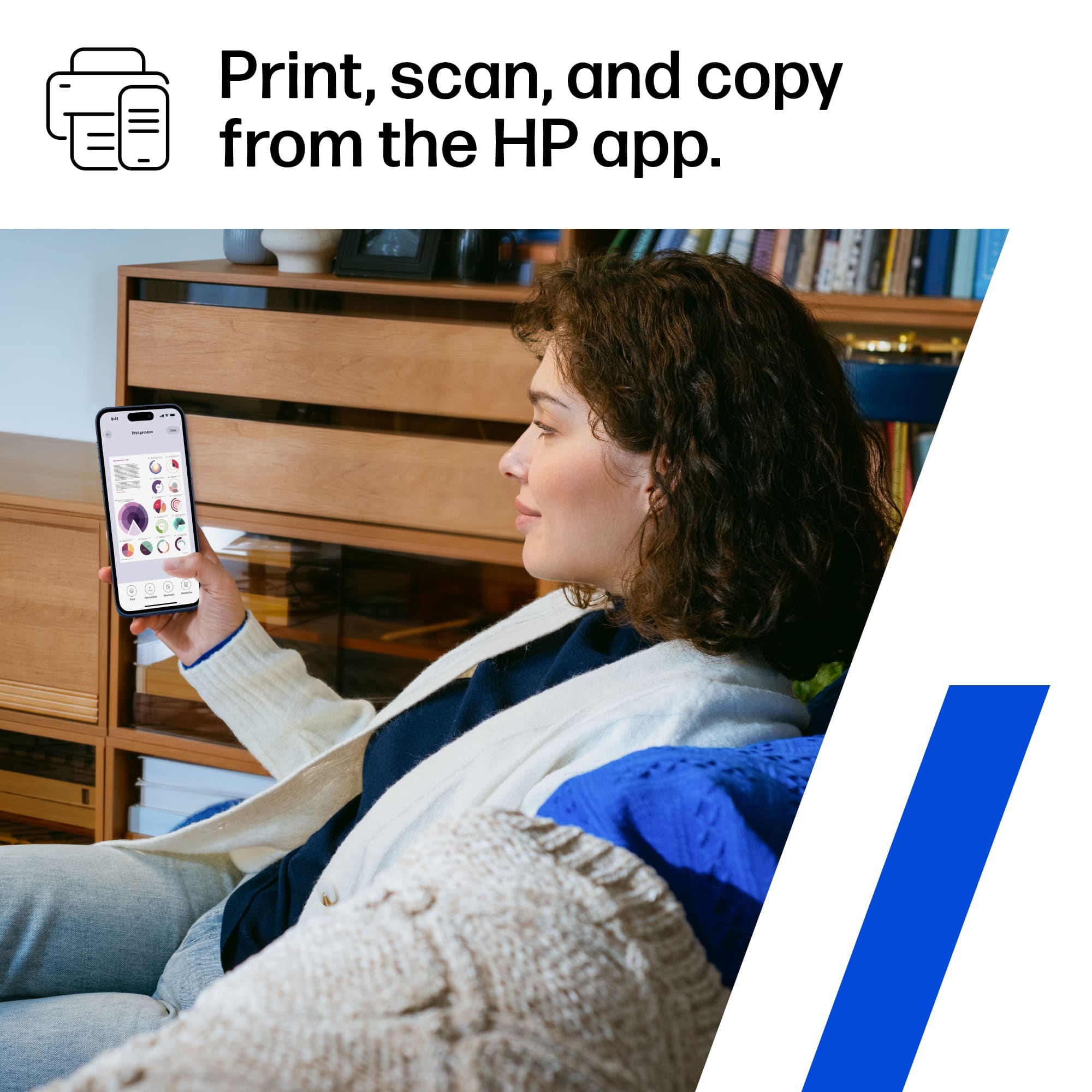
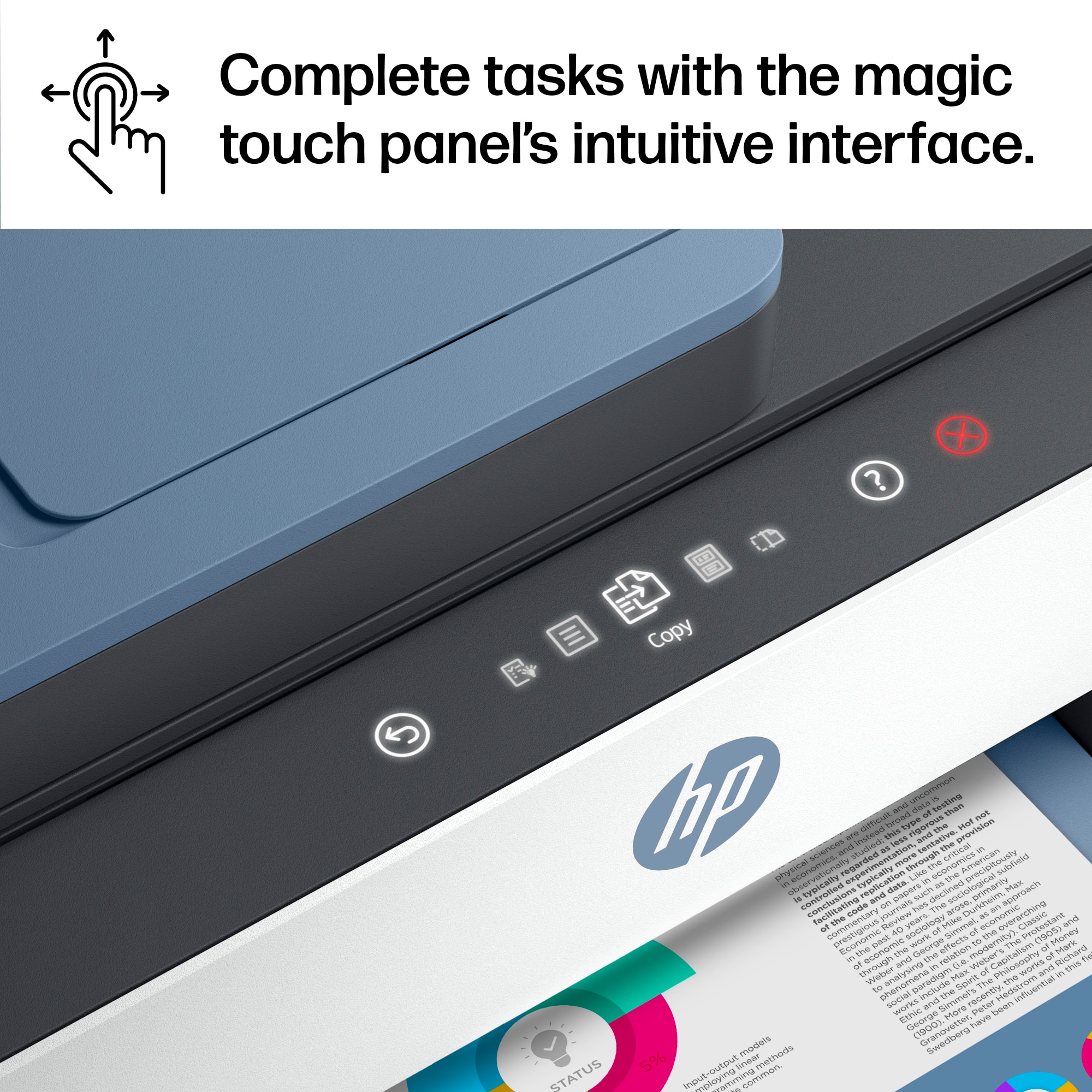
A:AnswerThank you for the question. Place the original face-up in the document feeder, or face-down on the glass. Press the copy button. You can also use advanced options with the HP Smart App on your PC or smartphone.
A:AnswerHello, Chuck. Thanks for your question. We recommend using the HP Smart app to scan to email. You would use the scan option on the HP Smart app to share via email. To make it easier the next time, we recommend using Shortcuts. It allows you to make a Shortcut, i.e. a scanned item to be emailed to this email address.
Here is the info on the HP Smart app: https://support.hp.com/rs-en/document/ish_1716406-1413451-16 and on the HP Shortcuts: https://support.hp.com/us-en/document/ish_4129352-4129404-16
A:AnswerThank you for asking. You can find setup instructions here: https://support.hp.com/us-en/printer-setup/hp-smart-tank-7600-series/2100178738/model/2100178921?sku=28B98A
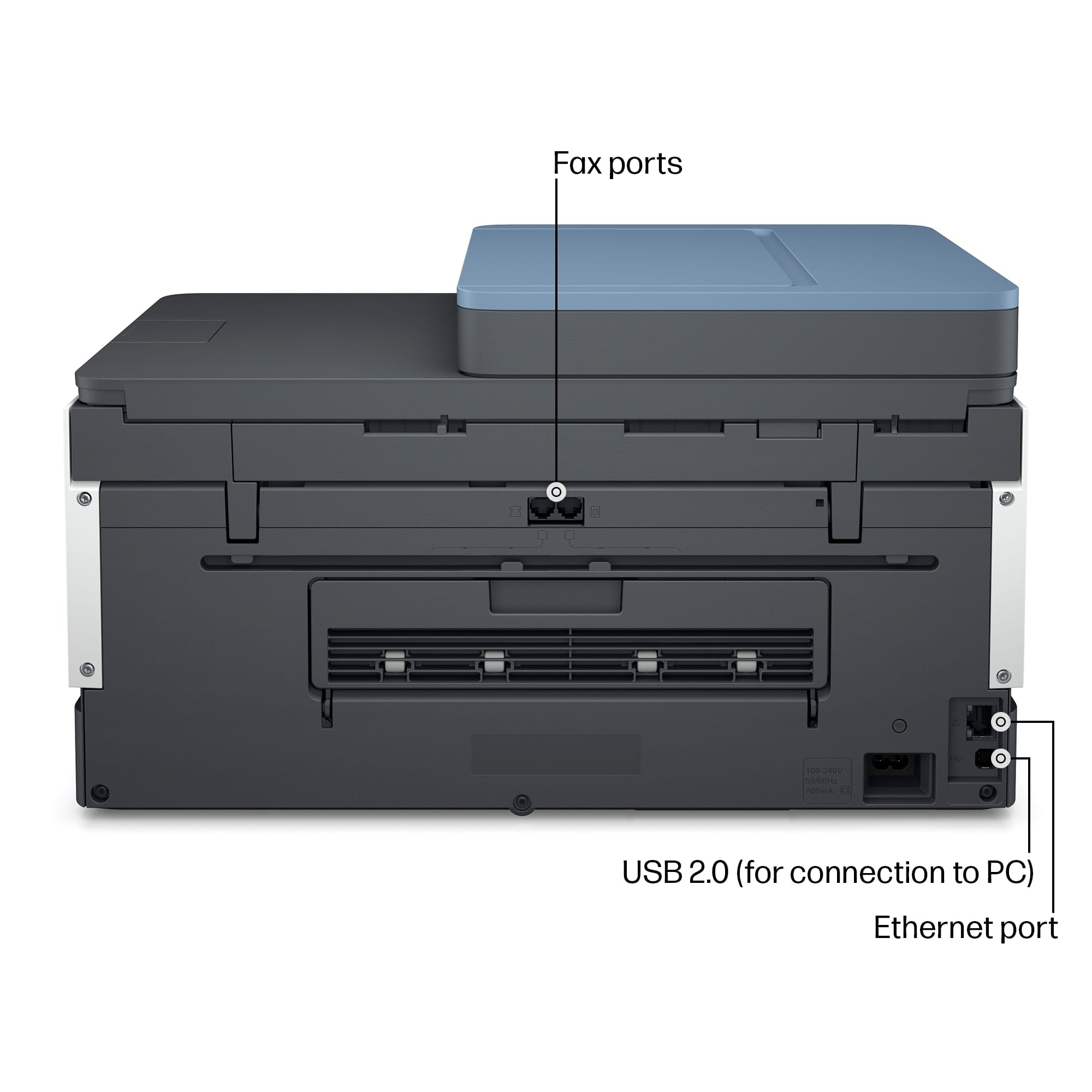
A:AnswerYou can scan to a USB drive and you can also initiate scanning from your computer once configured using the Windows Scanner App or the HP Smart App.
A:AnswerWhile you cannot scan to email directly from the printer itself as a feature, you can scan to email from the HP Smart app in conjunction with this printer.