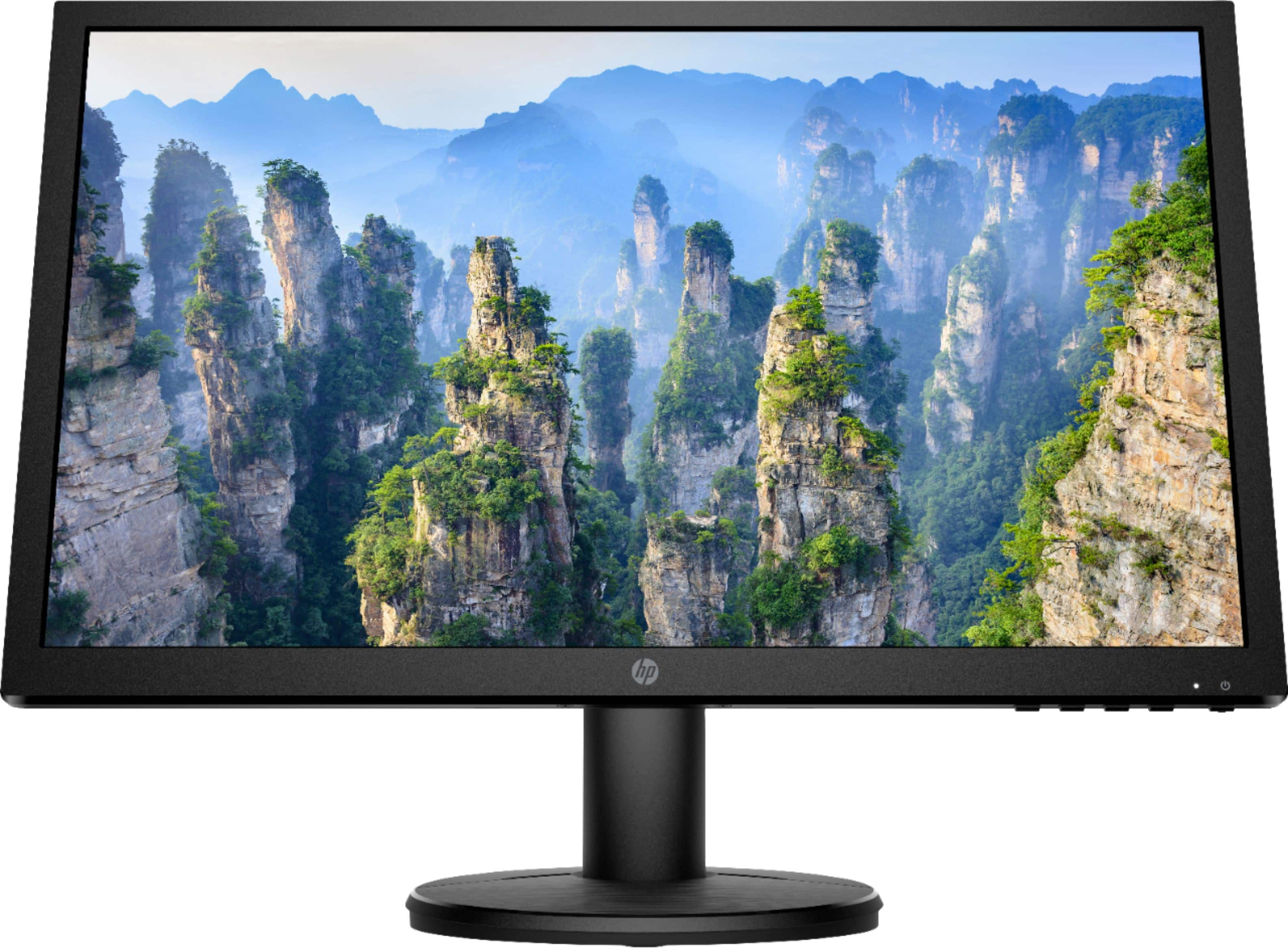
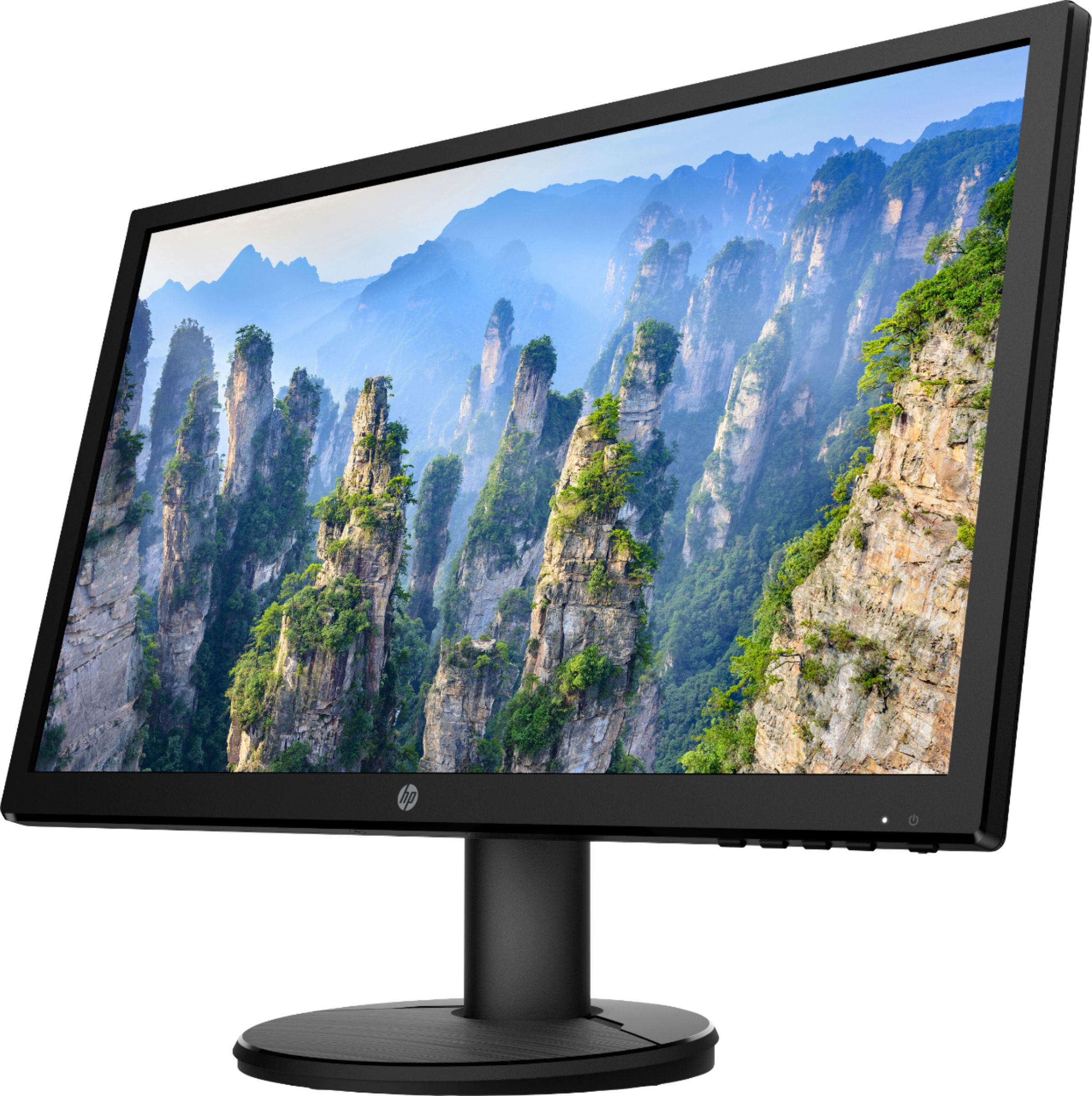
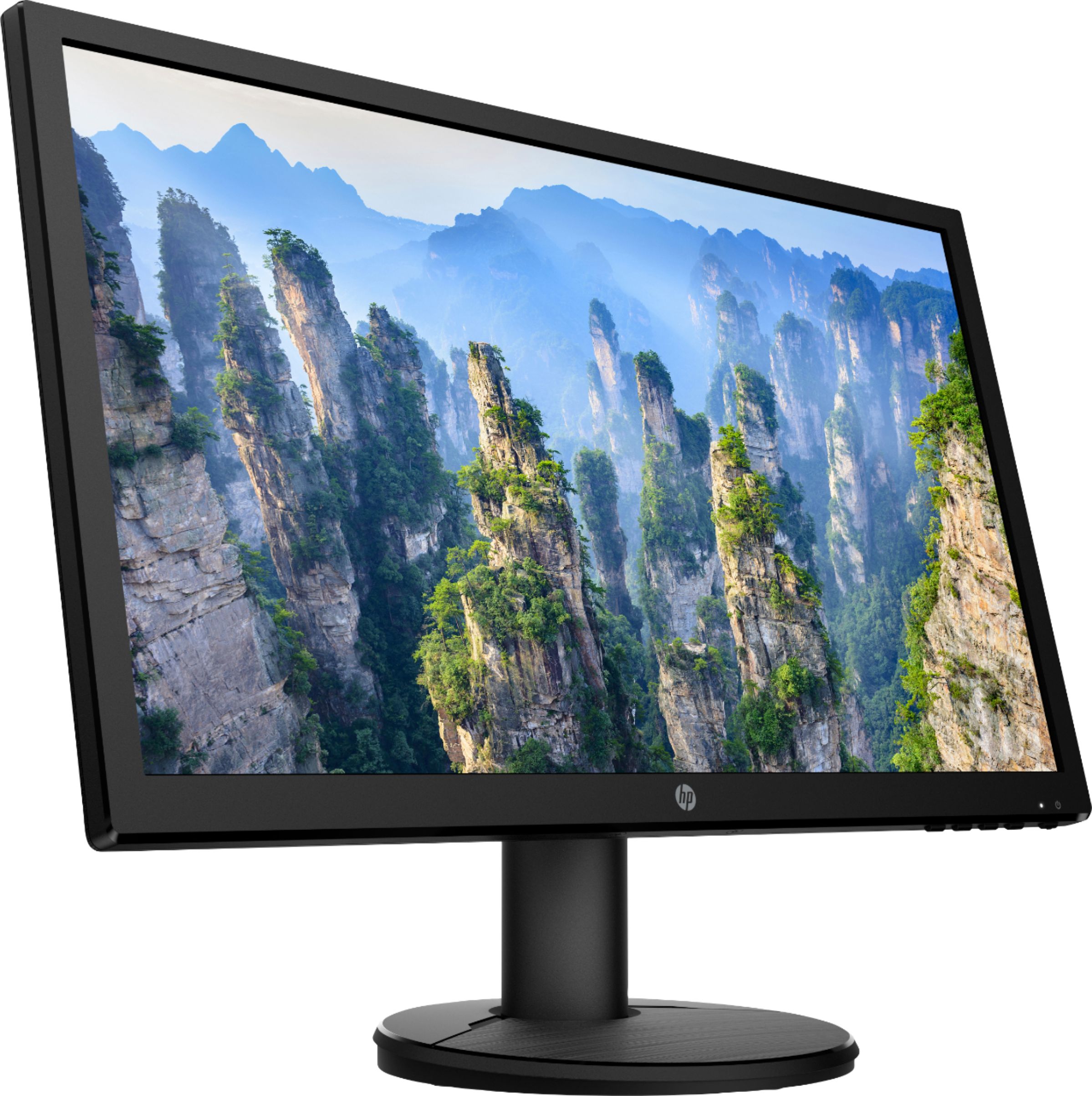
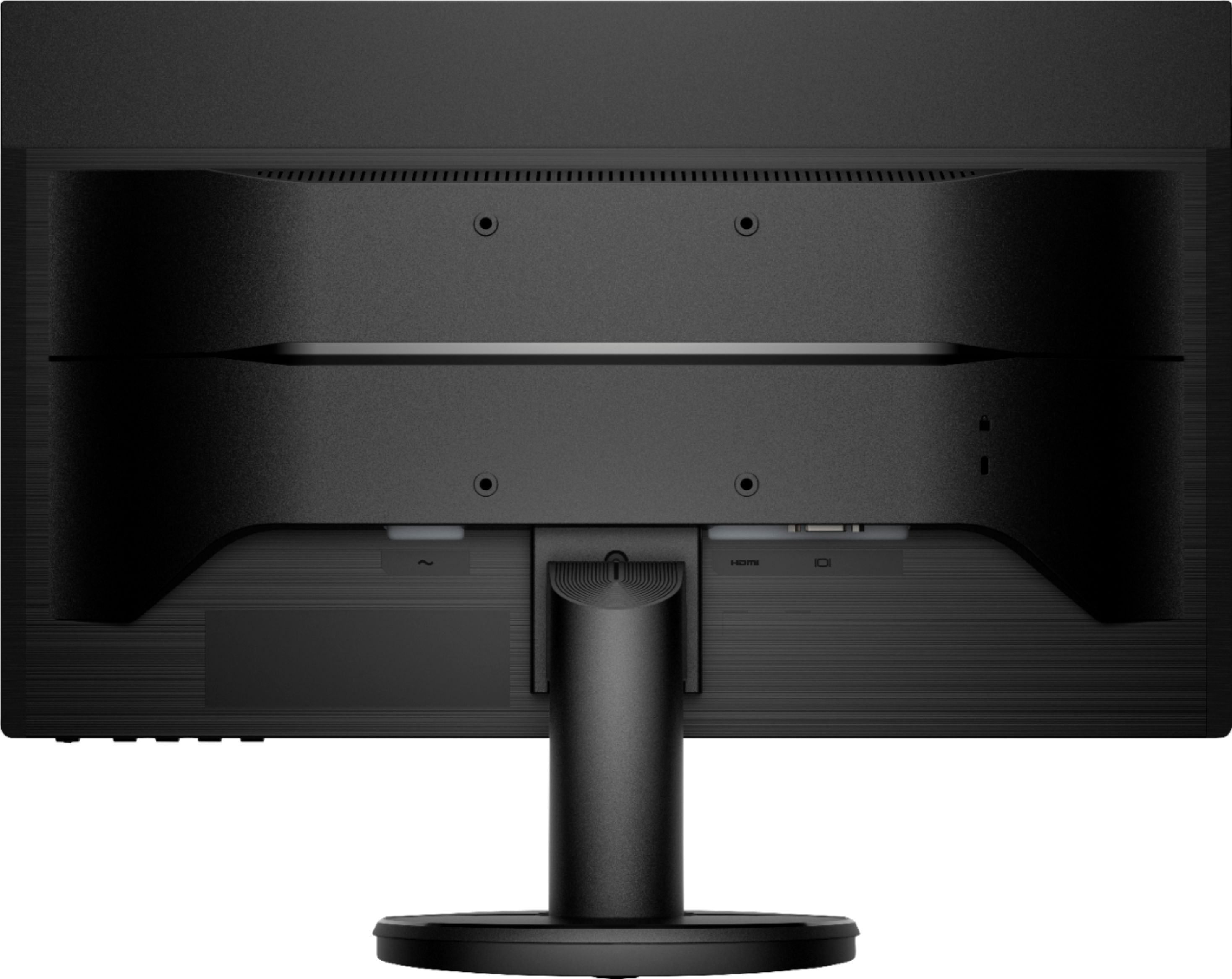
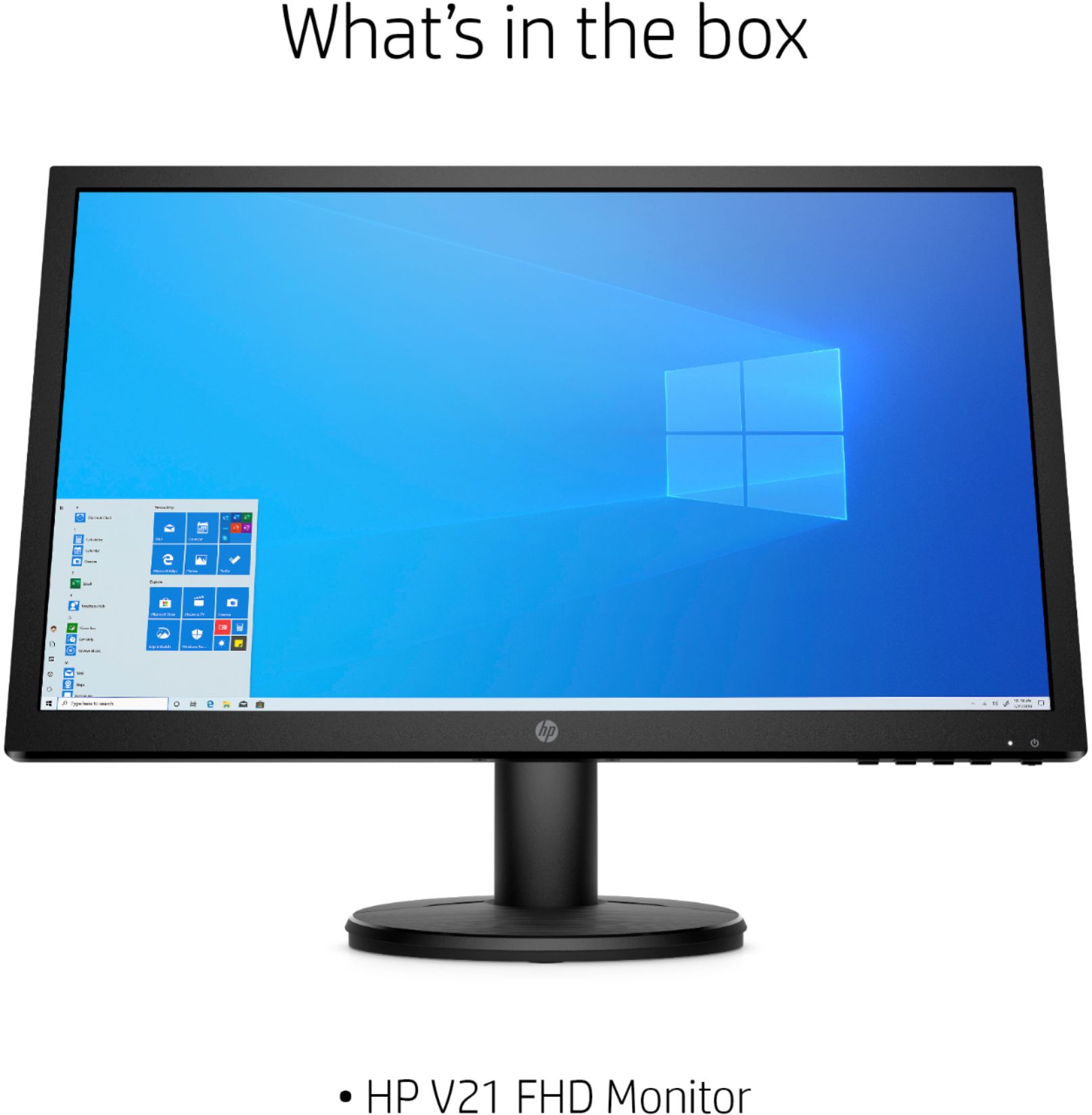
A:AnswerHello, Pete. The HP V22 monitor has a better contrast ratio with 1000:1 vs 600:1. The HDMI cable is included with the HP V22 monitor. The VGA cable is included with the HP V21 monitor. But both monitors do have the HDMI port. The other specifications on the monitors are the same.
A:AnswerIt is probably too late, but I found your question while also trying to find out if this monitor supports HDCP. After doing more digging I found that this monitor does support HDCP (v1.2). I don't know which version the PS3 uses but, going by the PS3 release date (a few months after 1.2 was released), I'm guessing they should be compatible.
A:AnswerThis monitor is not a touchscreen. The mouse will connect to your computer and not the monitor. You can use a mouse with the monitor. It will come with an HDMI cable and the power cable.
A:AnswerLike almost all standalone monitors, it does not have built in speakers. You'll need a set of computer speakers that plug into the audio jack on the computer
A:AnswerI assume you want to move your game to the monitor. Set it up to be an extended desktop, then just take the game out of full screen mode, grab the title bar on top, and drag it to the new monitor.
A:AnswerThe reason you can't hear anything is that this, like almost all standalone monitors, does not have speakers. You'll need a set of computer speakers to plug into the PS4
A:AnswerThis is just a monitor only. It will work with a desktop tower, a laptop and also a PS4. Monitors cannot connect directly to a keyboard and mouse. The keyboard and mouse would need to be connected to the computer or PS4.
A:AnswerThe reason you can't plug in the keyboard or mouse is that this is only a monitor, and you'd need a computer to plug those things (and the monitor) into. And while there are "all in one" computers that have the actual computer in the back of the monitor, this is not one of those.
A:AnswerThanks for your question. The V21 monitor features an HP standard 1 year limited warranty. You would need to check with the Geek Squad about repair costs. Here is a link to them:
https://www.bestbuy.com/site/services/geek-squad/pcmcat138100050018.c?id=pcmcat138100050018
A:AnswerThat will be dependent upon your video card & computer, not the monitor.
If your video card supports multiple monitors, then it should work like that. It's not "monitor" dependent.
Find out if your video-card/computer has multiple monitor support.