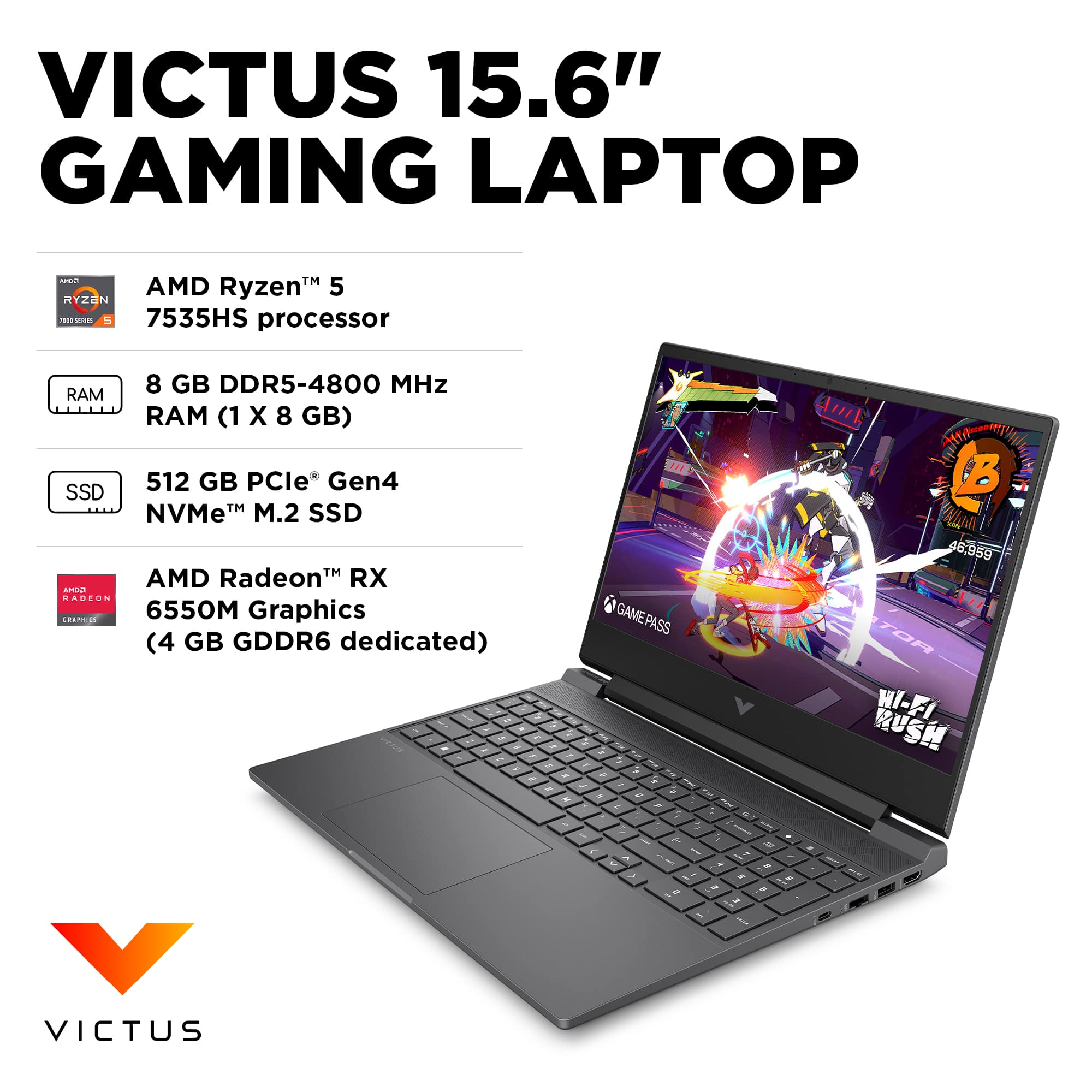
A:AnswerHi Emily, thanks for your question. The GPU in this model is the AMD RX 6550M GPU with 4 GB of GDDR6 memory. You should be able to play all of those games with this model. You can adjust the graphics settings in the game to get the best performance with the hardware on your computer. Wherever you buy your games online, at the bottom of the listing they tell you what the minimum and recommended specs are to run the game.
A:AnswerHP is absolutely correct. Always check the recommended specs at the website of ANY software you need to run, Don't take chances and spend hundreds of dollars on something that may turn to be a frustrating experience. Take some responsibility for how you spend your money.
A:AnswerThank you for your question on this HP Victus gaming laptop! The DisplayPort outputs from the dedicated GPU by default and you can change this setting in the pre-loaded software.
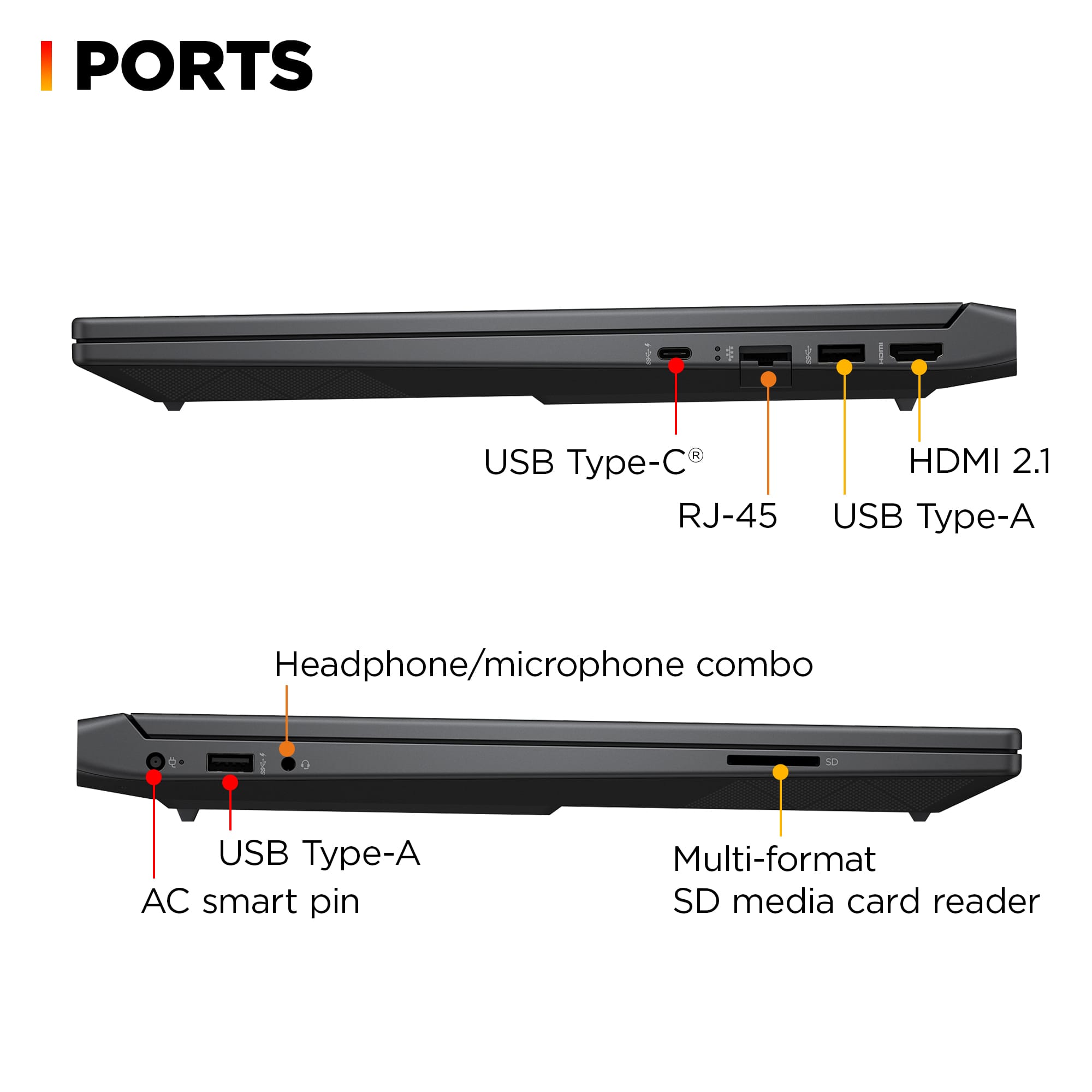
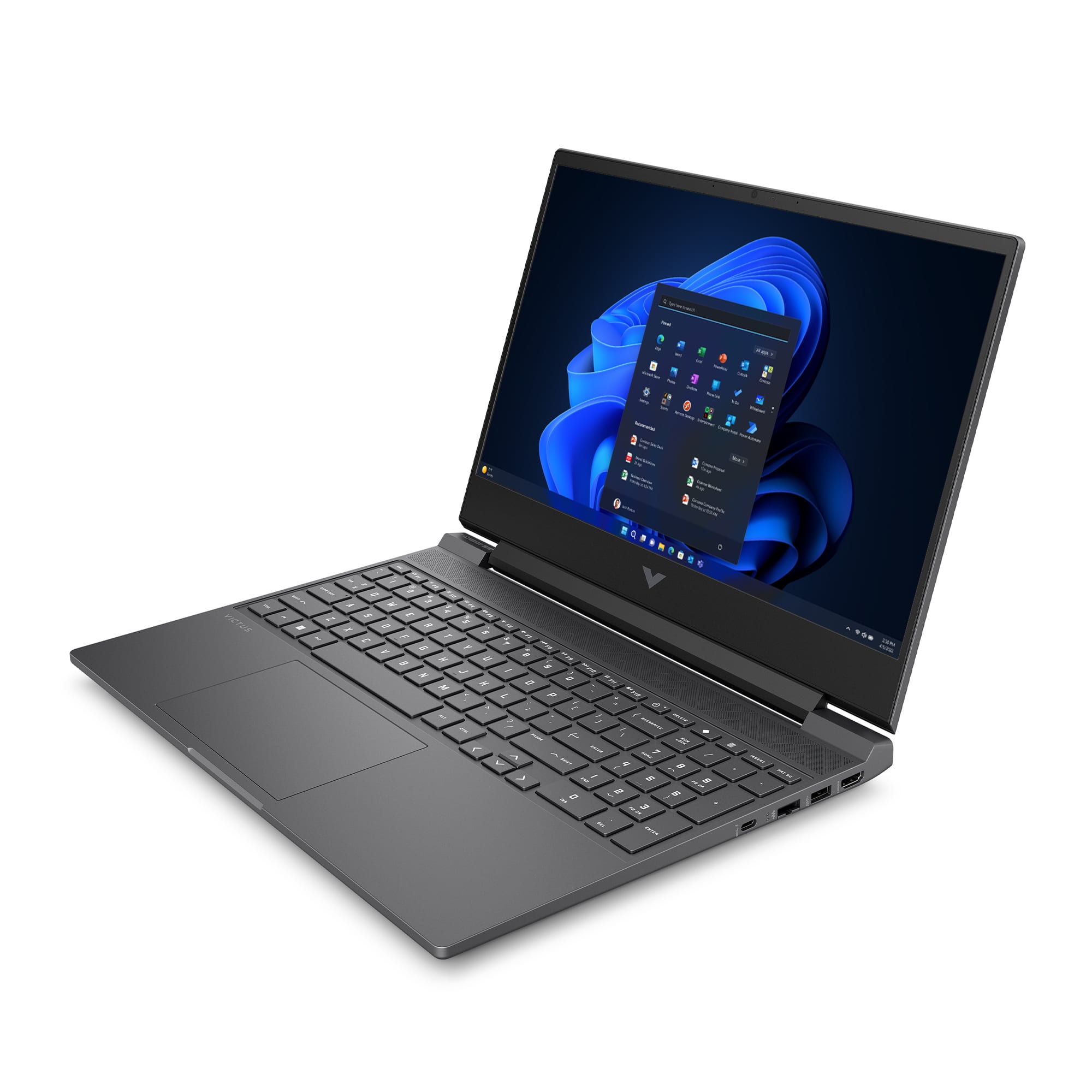
A:AnswerThank you for the question. The Victus 15-fb2063dx features 5Gbps USB-C and USB-A ports. Rather than a docking station, you might find that a USB hub with a single HDMI port will work better and you can connect the other HDMI monitor to the laptop's resident HDMI port. Your local Best Buy associate can help you select the right hub.
A:AnswerThank you for your question on this HP Victus laptop! This is a feature that Microsoft has for Windows. You would need to contact Microsoft Support about your BitLocker key. You can reach them right on their website.
A:AnswerThank you for your question on this HP Victus! The closest nVidia chipset to this is the RTX 2050 mobile. Additionally, this laptop meets the game's minimum system requirements to run.
A:AnswerThe modules do not have to be the same capacity, but there is some disagreement as to the maximum you can load (even among the HP responders), with some saying 32GB and others 64GB. Search "RAM" in the Questions field and read the other opinions.
A:AnswerDon't know where YOU got your answer, but I looked at the Crucial website and found two different types of RAM that will work in this laptop:
1. DDR5-5600 • CL=46 • Non-ECC • SODIMM • 262-pins • 1.1V • 1Rx16 based • PC5-44800
2. DDR5-4800 • CL=40 • Non-ECC • SODIMM • 262-pins • 1.1V • 2Rx8 based • PC5-38400
These can be purchased in any combination of 8, 16, and 32GB that adds up to a maximum of 64GB, though matching pairs will work best.
A:AnswerI'm sure you should have no problem playing rainbow six. I have call of duty which is a pretty good size game and I'm able to play it. But just remember you don't have a whole lot of RAM and a whole lot of memory. So I have an external SD. Also, older games sometimes don't run great, especially when you have Windows 11.
A:AnswerDani, thank you for your question about switching the graphics on this HP Victus! The option to do so is in the Omen Gaming Hub under the Graphics Switcher. Make sure it is up to date first.
A:AnswerHello and thank you for asking. To update the BIOS on the HP Victus 15-fb2063dx gaming laptop, please contact HP Support for expert help with this. The control for the Refresh Graphics Switcher (MSI MUX switch) is in the OMEN Gaming Hub, just look for Graphics Switcher.
A:AnswerThank you for your question! When it comes to specific software or games, it is best to check the publisher's website and check their system requirements to insure the laptop you are interested in meets their requirements for the settings you are looking to use.
A:AnswerThank you for your question about this HP Victus gaming laptop! This laptop does not meet the minimum requirements for VR. For an optimal experience, look for a laptop that has at least an i7 or equivalent processor, 16GB of memory, and a graphics card that has at least 8GB of video memory. HP offers those in the Omen gaming laptops, which are sold in Best Buy stores.
A:AnswerThank you for your question. As system requirements for software constantly change, we cannot answer questions about software compatibility or performance. What is compatible today may not be in a few months. Please check the software manufacturer's website for the most current system recommendations.
A:AnswerRyan, thank you for your question about this HP Victus laptop! You will be able to run those two games on this without any issues, especially at medium settings.