A:AnswerOMG! Why does HP Team make this SO confusing for everyone out there? DDR4??? 3200??? WHAT are you TALKING about???
8GBx1 DDR5 4800 is what it comes with.
Some people are saying you can go ABOVE 4800 for better performance. (?)
Would have loved to know that before I ordered 2x16GB 4800 DDR5's (if it's true?)
(Of course half the HP Team responses will tell me it has a max of 16GB anyway, so I give up) Good luck out there!
A:AnswerSId, thank you for your interest in this HP Victus laptop. This model supports up to 16GB of DDR4-3200 RAM in a 2x8 single-channel configuration. This will not accommodate DDR5 RAM of any kind.
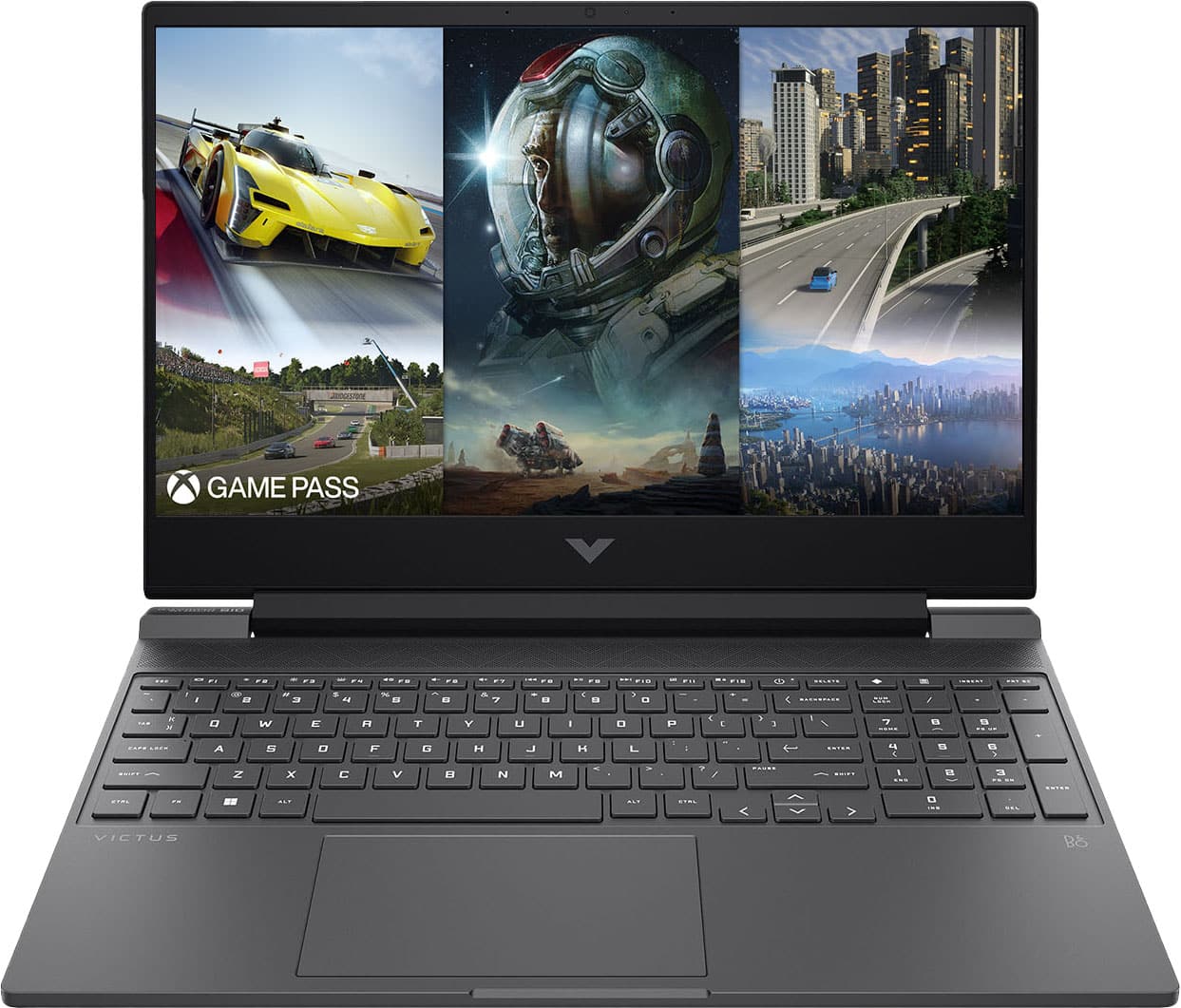
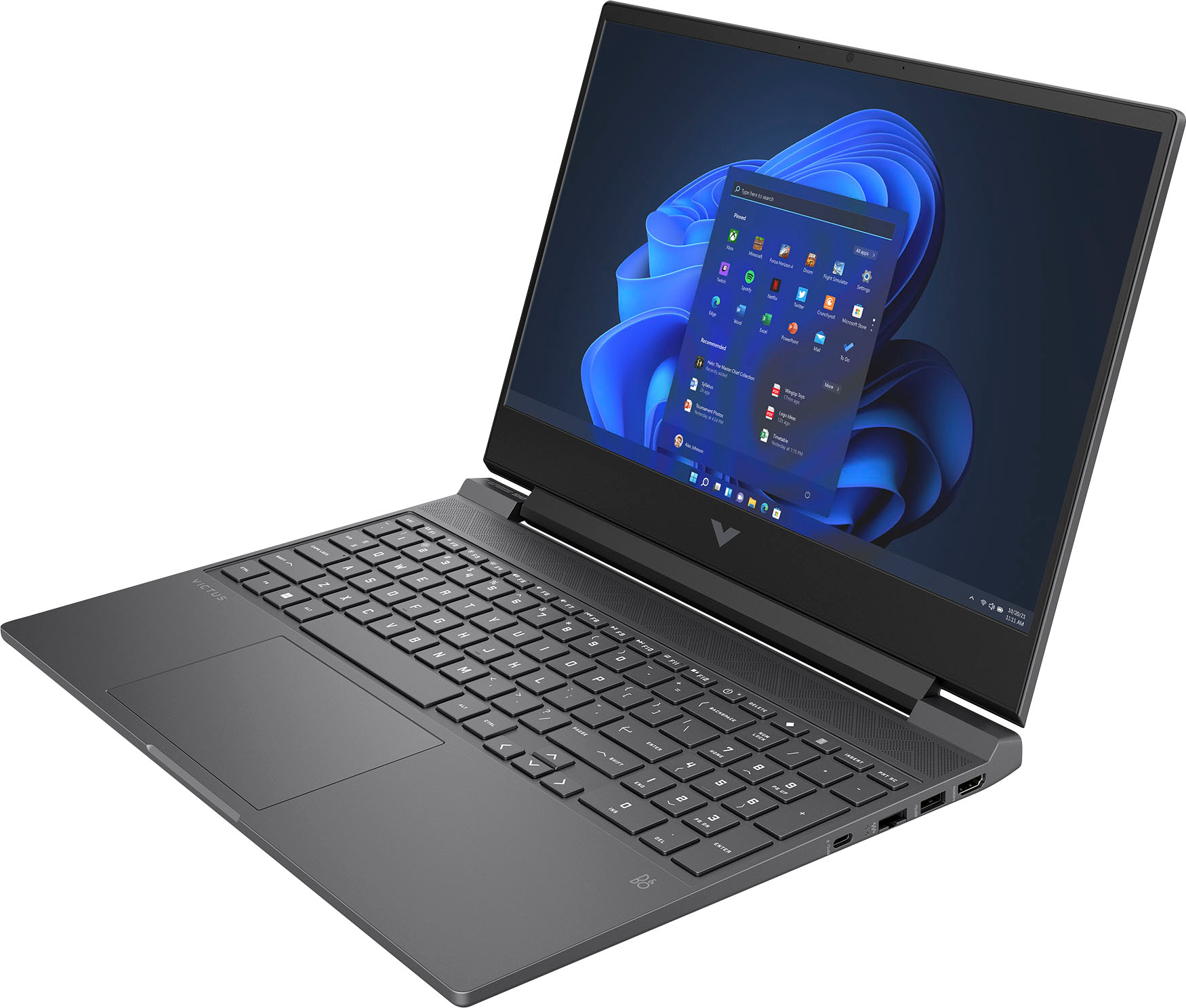
A:AnswerHi Shannon, thanks for your question. This model does have a built-in webcam and microphone that can be used for Zoom and other video chatting programs.
A:AnswerThere are THREE maximums listed for the RAM: 16, 32, and 64GB, so I would check the website for a definite answer.
As to upgrading it yourself, check the warranty. If user upgrades void the warranty, you might want to rethink either the purchase or the activity.
A:AnswerThank you for your question. As system requirements for software constantly change, we are unable to answer questions about software compatibility or performance. What is compatible today may not be in a few months. Please check the software manufacturer's website for the most current system recommendations.
A:AnswerYou'll need to have the SSD replaced with a higher capacity SSD to get more storage. There's only one SSD slot on the motherboard. Unless you've got experience working on the inside of laptops, it will be much safer to have an experienced tech do the replacement.
A:AnswerHello Omar, and thank you for the question. For repair of your HP Victus Laptop, we would suggest contacting your local Best Buy's Geek Squad for their Technical Support.
A:AnswerHello and thank you for the question. This laptop can utilize up to 16 GB DDR5-4800 MHz RAM (2 x 8 GB). While it is possible to upgrade the RAM on a Laptop yourself, we recommend that upgrades be performed by the IT professionals here at Best Buy's Geek Squad to avoid installation complications. To find out the cost of the upgrade, we suggest contacting your local Geek Squad representatives.
A:AnswerHello Noah, and thank you for your question! As system requirements for software constantly change, we are unable to answer questions about software compatibility or performance. What is compatible today may not be in the future. Please check the software manufacturer's website for the most current minimum and recommended requirements. This laptop can be upgraded to 16 GB DDR5-4800 MHz RAM (2 x 8 GB). While it is possible to upgrade the RAM on a Laptop yourself, we recommend that upgrades be performed by the IT professionals at Best Buy's Geek Squad to avoid installation complications.
A:AnswerI wouldn't let drinks around it, usually laptops are pretty good with small spills, but I wouldn't risk it. I've had a laptop become damaged and resulted in having to replace the whole keyboard.