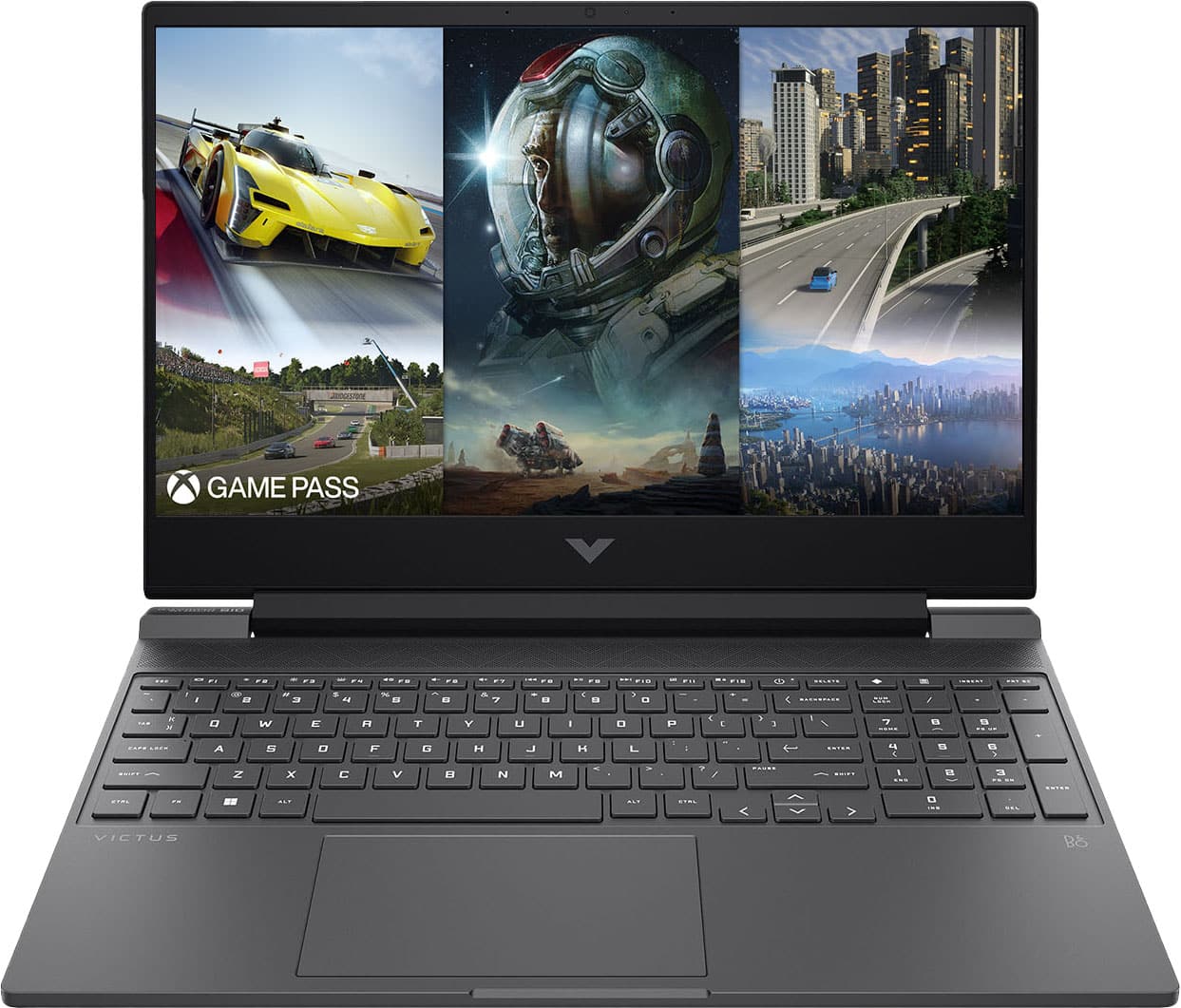
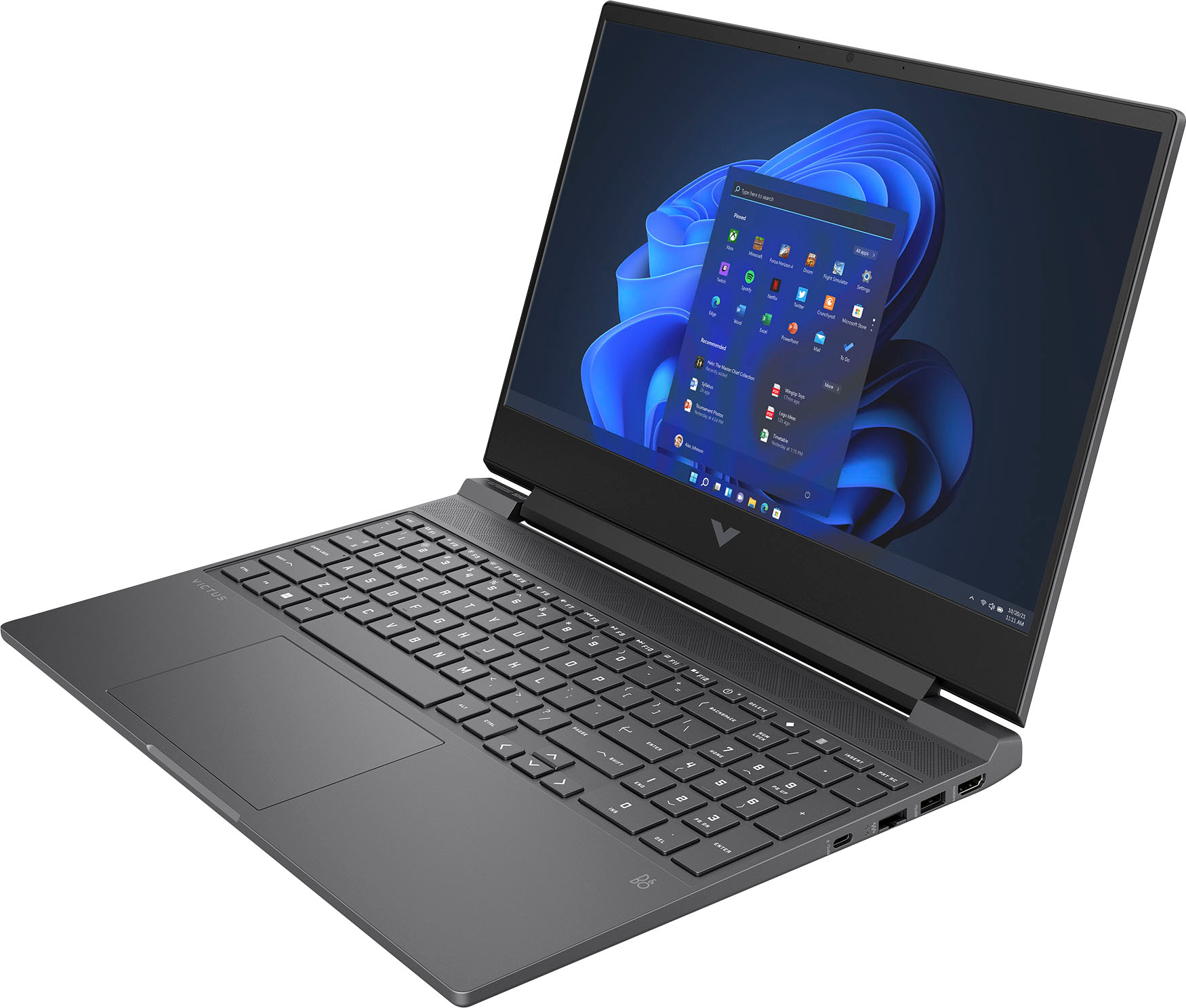
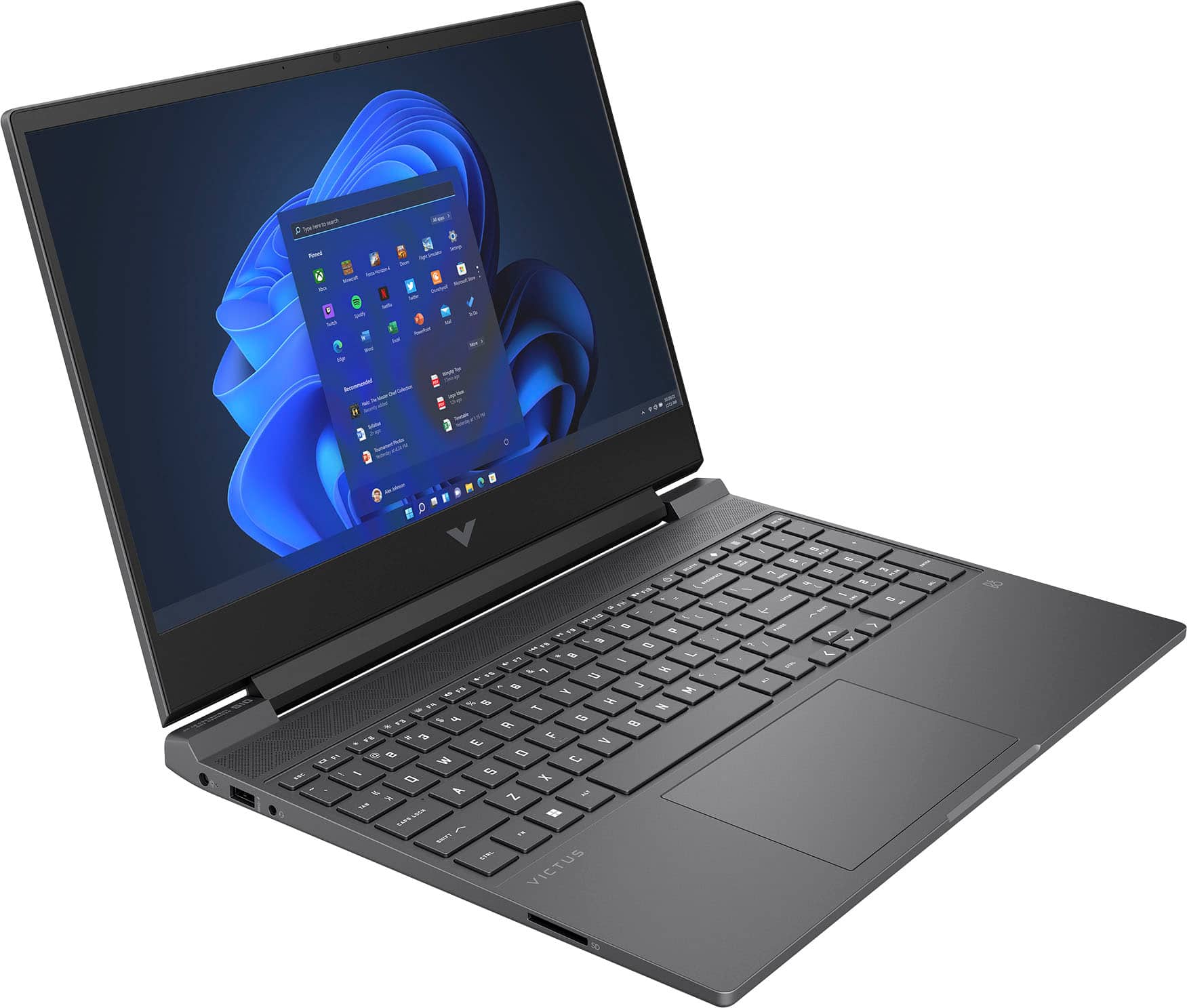
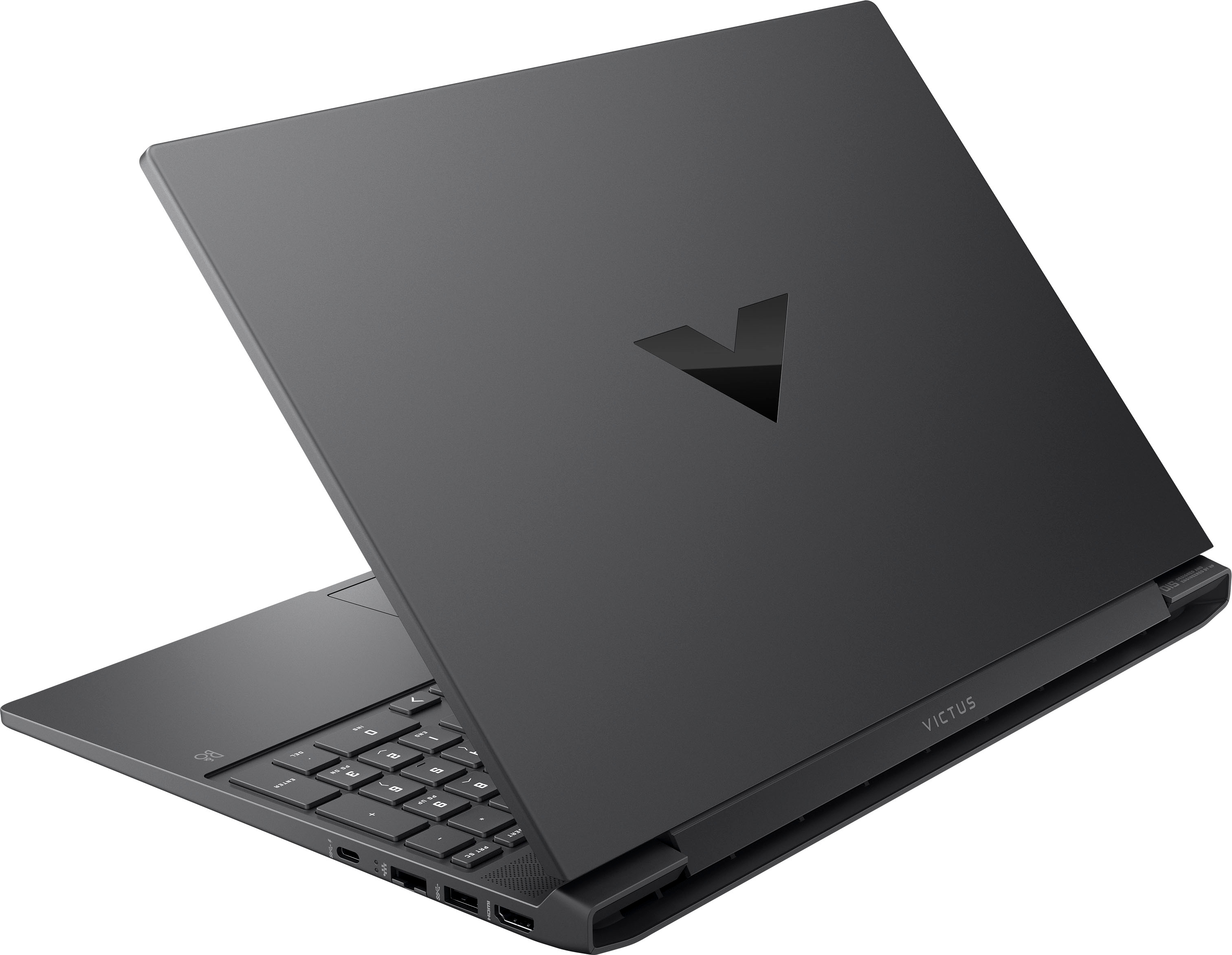
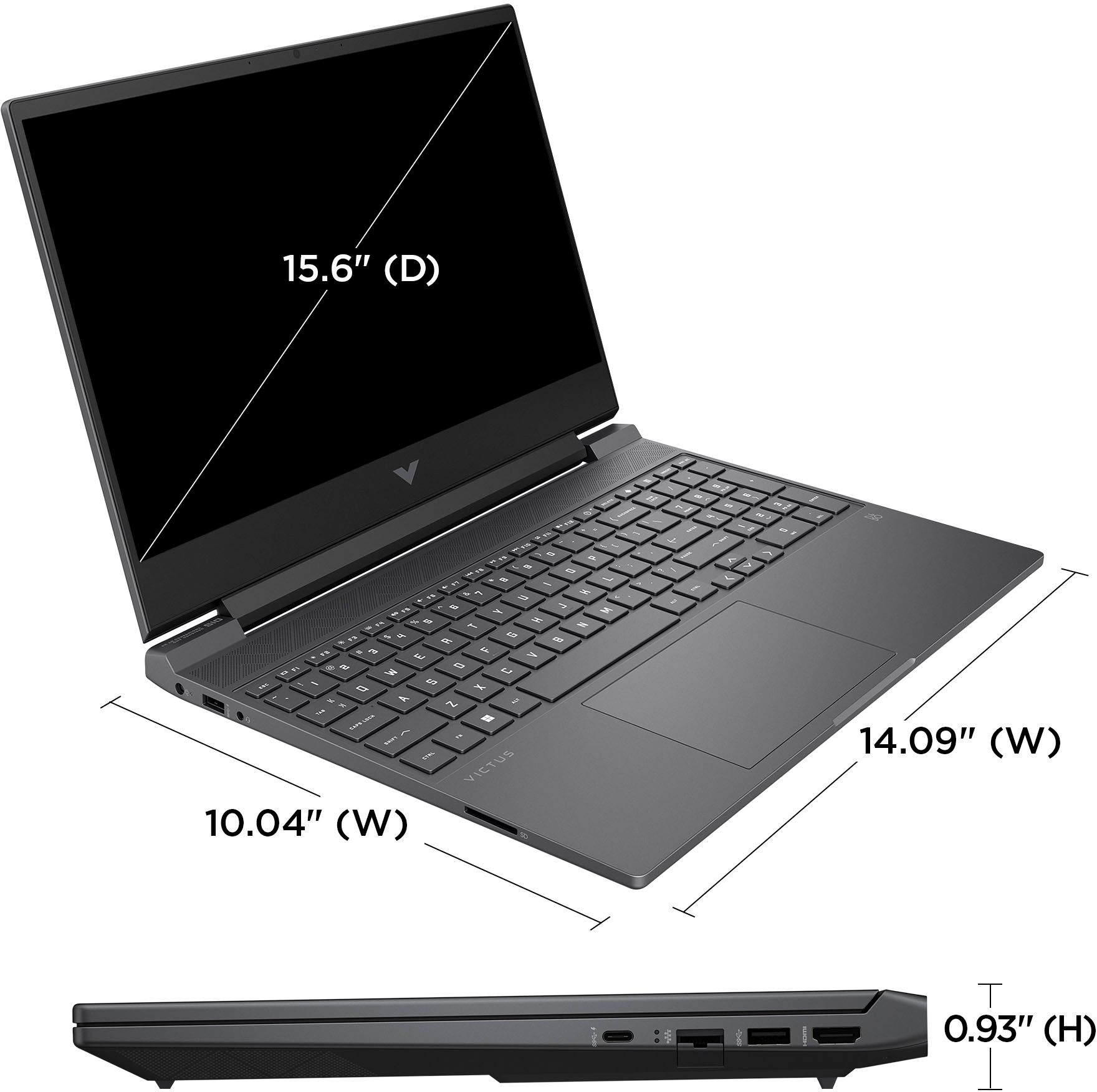
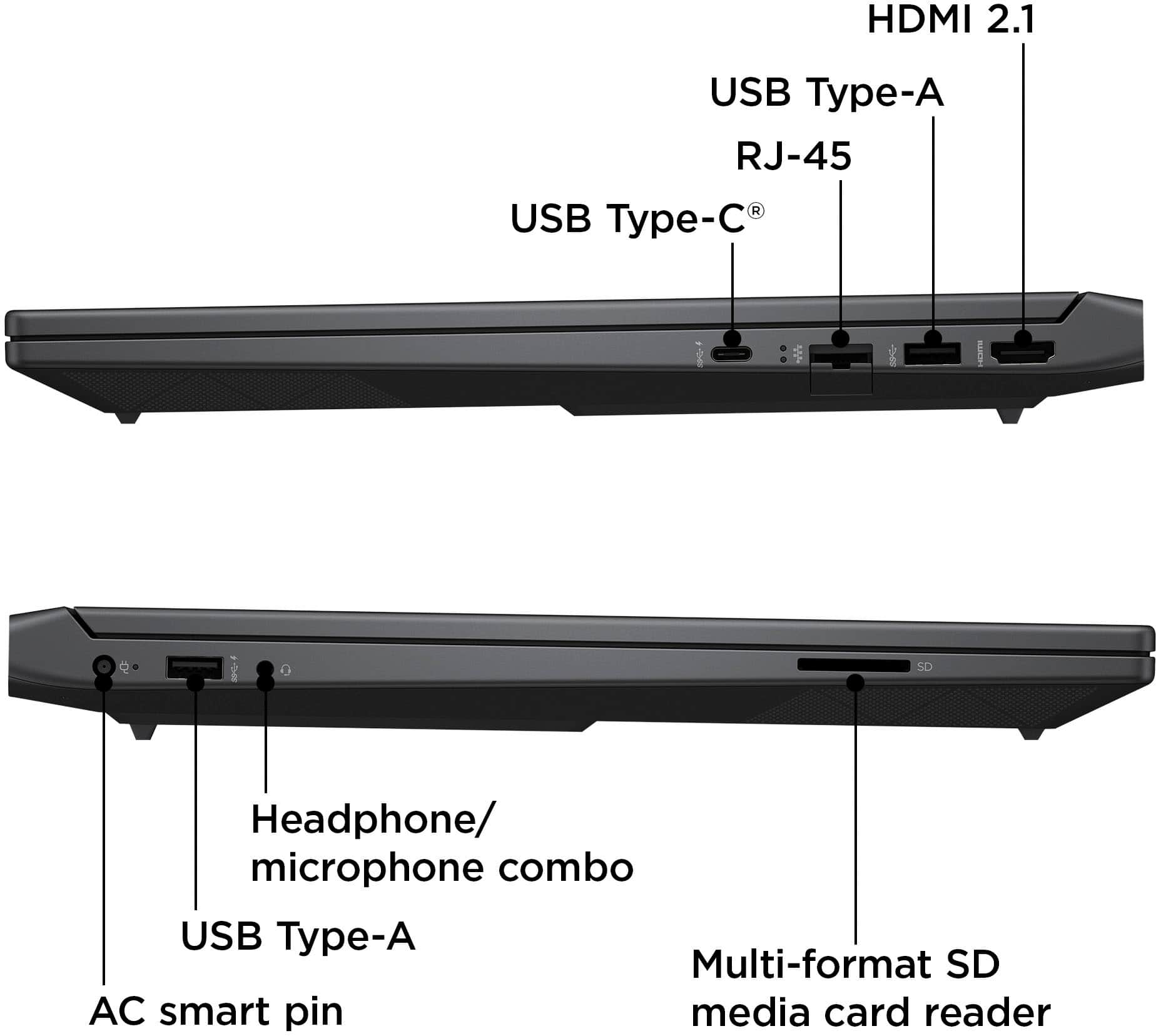
A:AnswerHi Dorjan and thanks for asking. The HP Victus 15-fb1013dx has Nvidia RTX 2050 graphics and an AMD Ryzen 5 7535HS processor, where the HP Victus 15-fa1093dx has Nvidia 3050 graphics and an Intel i5-13420H processor
A:AnswerWhile unable to run beamNG drive in its stock configuration, this laptop does come with an extra RAM slot. Ram for this computer is readily available. It is DDR5 and 4800MHz. I would consult the other top questions if you chose to go this route
A:AnswerThank you for your question. You can check the requirements for the software you would like to use by looking up the system requirements for it from the publisher's website. You will want to make sure that the device you want to use it on meets the minimum requirements. Updates and modifications can impact what settings you can run the software on or if you can use the software at all.
A:AnswerThe one i got apparently doesn't have the option for automatic turn off.
According to this page the BIOS should have an Advanced Tab which I do not have.
I am on the latest BIOS at the time of this.
https://support.hp.com/ph-en/document/ish_7021443-7021521-16
A:AnswerThe GPU can not be upgraded on the laptops. You would need to check the recommended specs of the software you are trying to use and compare it to the specs of the laptop.
A:AnswerThank you for the question. The specifications of this model indicate that you would be able to run the games you've mentioned, at high settings. We recommend that you review the game developers' hardware specifications to verify. Battery life is indicated as 6 hours using mobile settings - dimmed screen, no Wi-Fi, and few active apps. "Heavy use" is subjective and we aren't able to quantify that. The Victus 15-fb1013dx will work dual channel, it accepts DDR5, 4800MHz, DIMM RAM. See it here: https://www.bestbuy.com/site/adata-xpg-premier-16gb-4800mhz-ddr5-u-dimm-desktop-memory-black/6496045.p?skuId=6496045