A:AnswerThe RTX 2050 has 4GB of video memory, which makes it better for 1080 gaming. You would need at least an RTX 3070 or equivalent to be playable at 2160 (4K) resolution. That model has 8GB of video memory. The best option is to look at laptops with RTX 30 or 40 series cards that have least 8GB of video memory.
A:AnswerHello Alyssa, thank you for your question. If your 11-year-old has ever utilized a non-gaming computer, the experience should be intuitive. A gaming laptop uses the same operating system, with more powerful components. There are multiple Game Service Clients your 11-year-old can use to download and play games, such as Xbox Game Pass and Steam. The PC Associates at your local Best Buy are a great resource for information and knowledge on the use and navigation of Gaming Laptops. In regards to the performance of this laptop: as system requirements for software constantly change, we are unable to answer questions about software compatibility or performance. What is compatible today may not be in the future. Please check the software manufacturer's website for the most current minimum and recommended requirements.
A:AnswerHello Dereck, and thank you for your question! Due to the nature of a Questions and Answers forum, we are unable to provide information on Seller Stock expectations. We suggest speaking with your local Best Buy computer representative on local availability or similar options that will fit your needs.
A:AnswerThank you for your question! As system requirements for software constantly change, we are unable to answer questions about software compatibility or performance. What is compatible today may not be in the future. Please check the software manufacturer's website for the most current minimum and recommended requirements.
A:AnswerNo, you cannot upgrade the CPU. I'm unaware of any laptop that has an upgradable CPU. They are soldered to the motherboards in laptops. You would have to be quite savvy to pull that off. Even then, the bios likely wouldn't support a different CPU and you'd certainly void your warranty just in the attempt. You can, however, upgrade the RAM with DDR5 sticks to 32GB (2x 16GB) at the maximum speed supported by the CPU and chipset, and you can upgrade the m.2 nvme SSD. Those are both upgrades I would suggest.
A:AnswerHello, thank you for your question! As system requirements for software constantly change, we are unable to answer questions about software compatibility or performance. What is compatible today may not be in the future. Please check the software manufacturer's website for the most current minimum and recommended requirements.
A:AnswerThank you for the question. Yes, you can change the SSD in the Victus Gaming Laptop if you wish to replace it with one of more capacity. We recommend that a professional technician perform upgrades.
A:AnswerThank you for your question! As system requirements for software constantly change, we are unable to answer questions about software compatibility or performance. What is compatible today may not be in the future. Please check the software manufacturer's website for the most current minimum and recommended requirements.
A:AnswerThank you for your question! As system requirements for VR headsets constantly change and vary per manufacturer, we are unable to answer questions about VR headset compatibility or performance. What is compatible today may not be in a few months. Please check the VR headset manufacturer's website for the most current system recommendations!
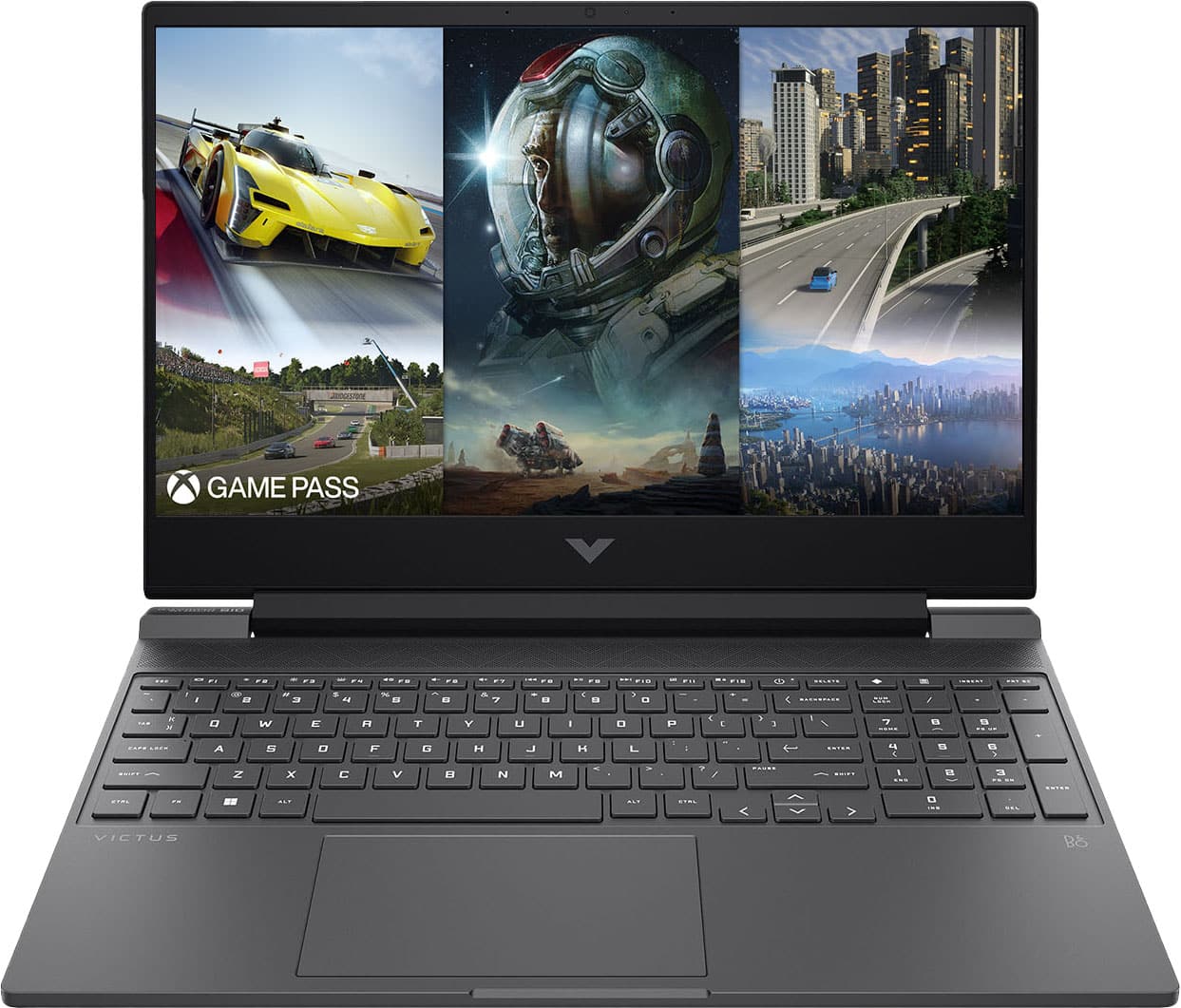
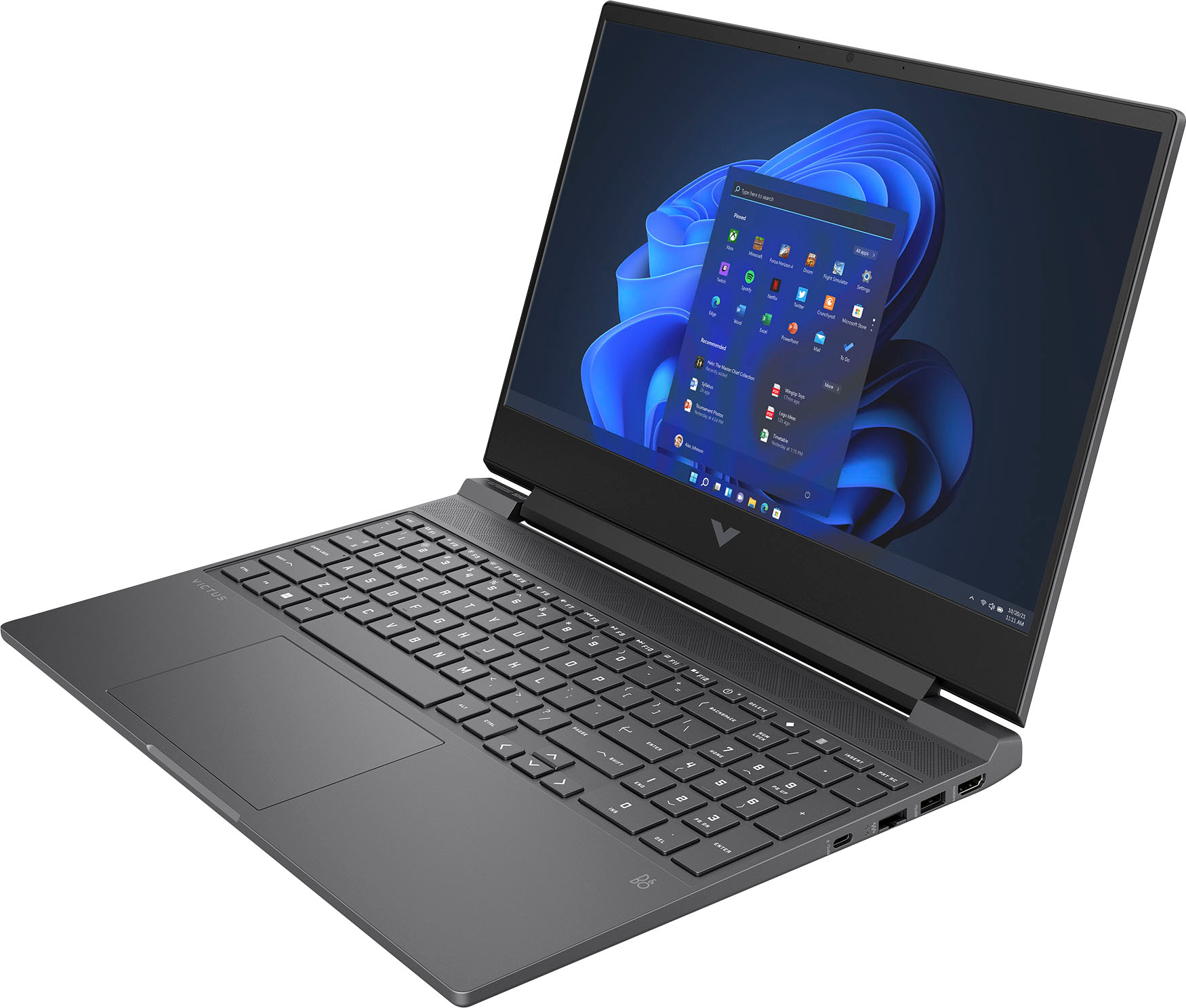
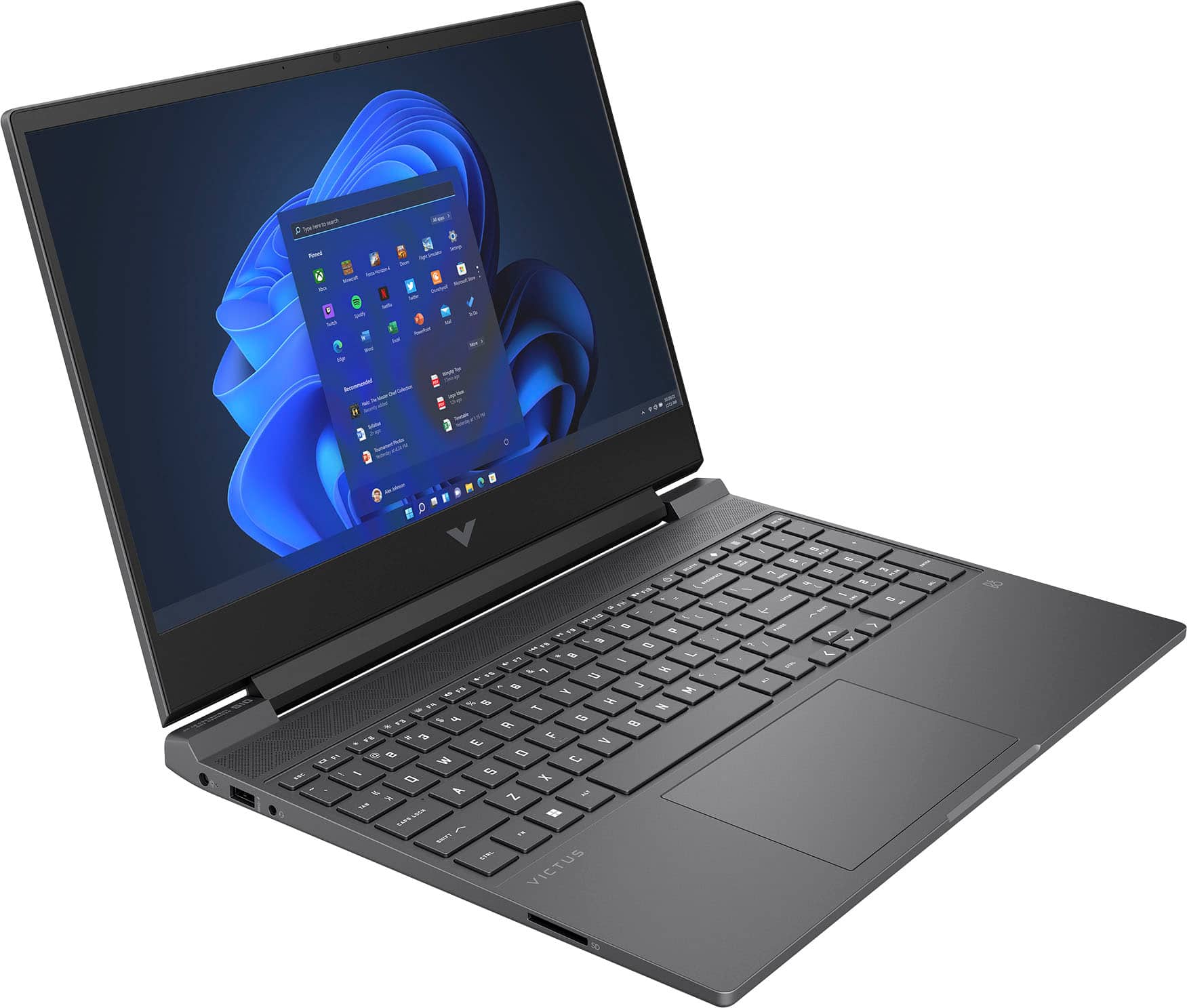
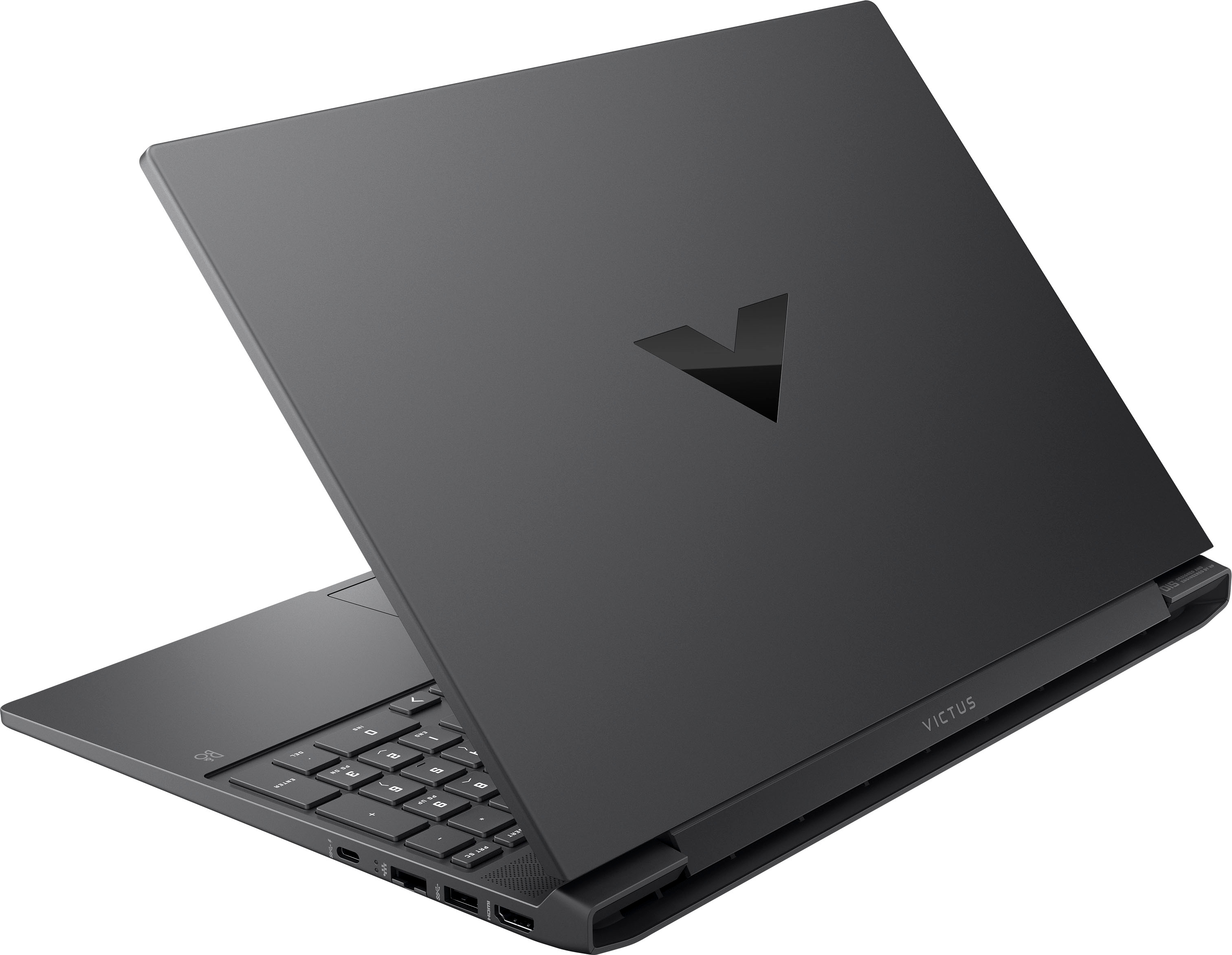
A:AnswerThank you for your question regarding the HP - Victus 15.6" Gaming Laptop 15-fb1013dx. For any software, you would want to check the system requirements from the publisher's website and make sure the device you want to run it on meets the requirements for the setting you would like to use. Updates can change the requirements which can impact what settings you run it on or if you can run it at all. For software that always require online or for sections that are online, your connection type and speed can also affect how well it runs.
A:AnswerThank you for the question. Apologies, the Victus 15-fb1013dx Gaming Laptop has neither a fingerprint reader nor an IR camera (required for facial recognition).