A:AnswerCheck your function output settings with a different monitor, to know if it's the monitor or your computer. If that doesn’t work, return the monitor for a full refund.
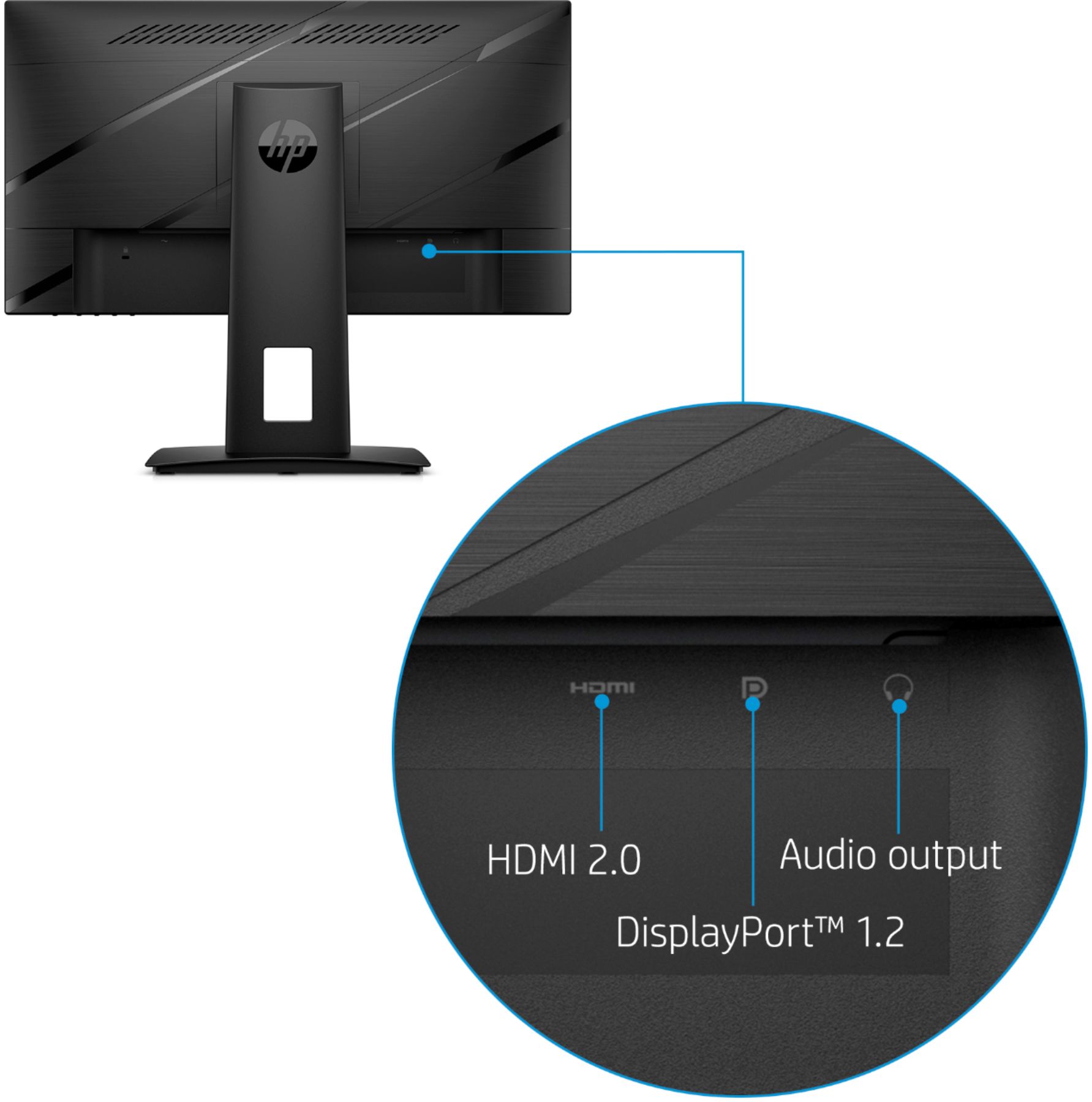
A:AnswerI think the optimal mode refers to power consumption and nothing more. Your attached image is extremely small but I think I can see that the current mode is 120Hz. That's what XBOX should be able to push. You will get 144Hz when connecting it to laptop or PC. I connected mine to HP Envy x360 laptop with HDMI cable and it works at 144Hz. This refresh rates needs to be set manually in display settings.. By default it connects at 60Hz.
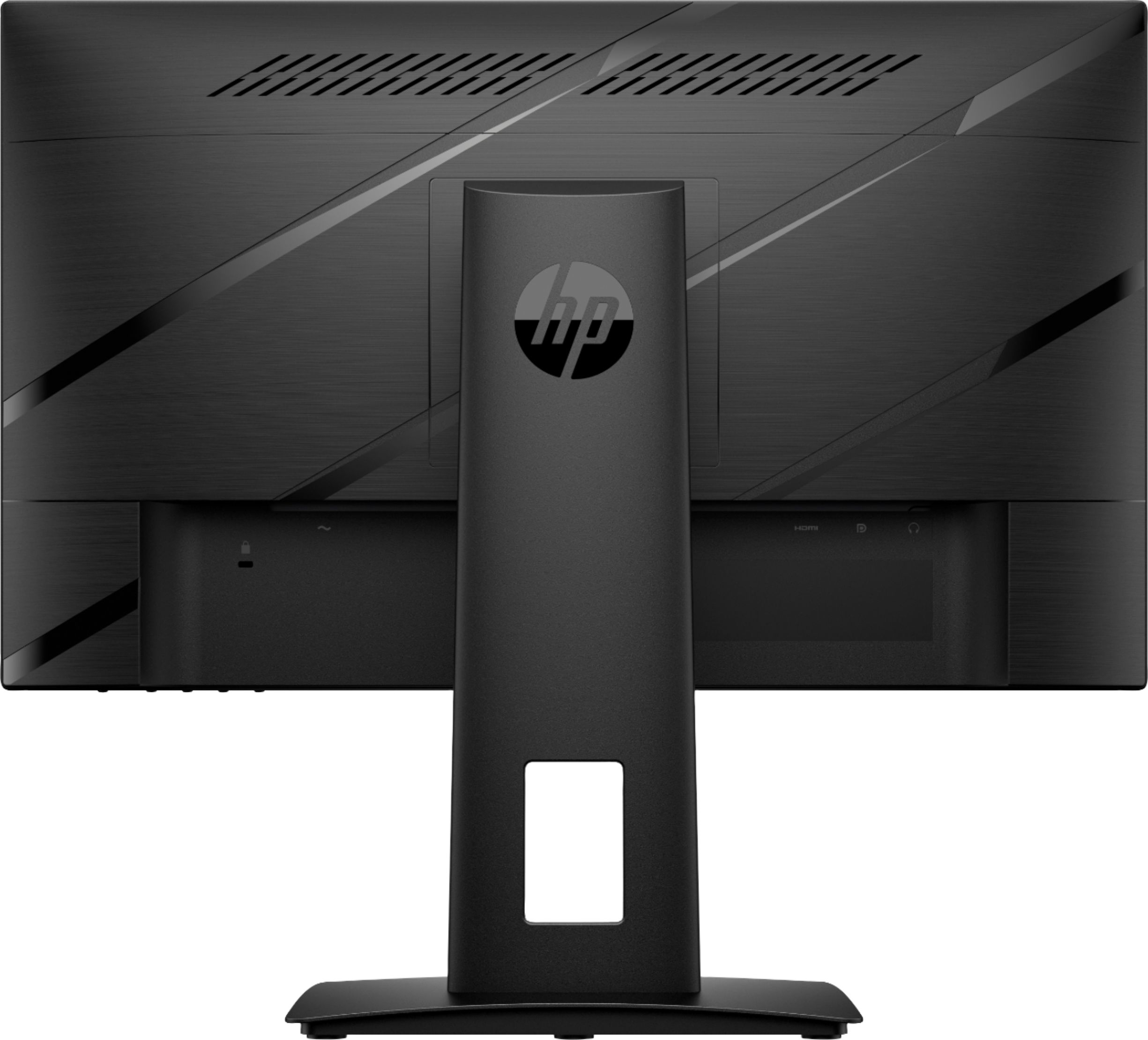
A:AnswerThank you for the question. Yes, this monitor is compatible with an Envy All-in-One desktop. You don't indicate the model, but we assume it has an HDMI port. This gaming monitor comes with the necessary HDMI cable; you need nothing else to set it up.