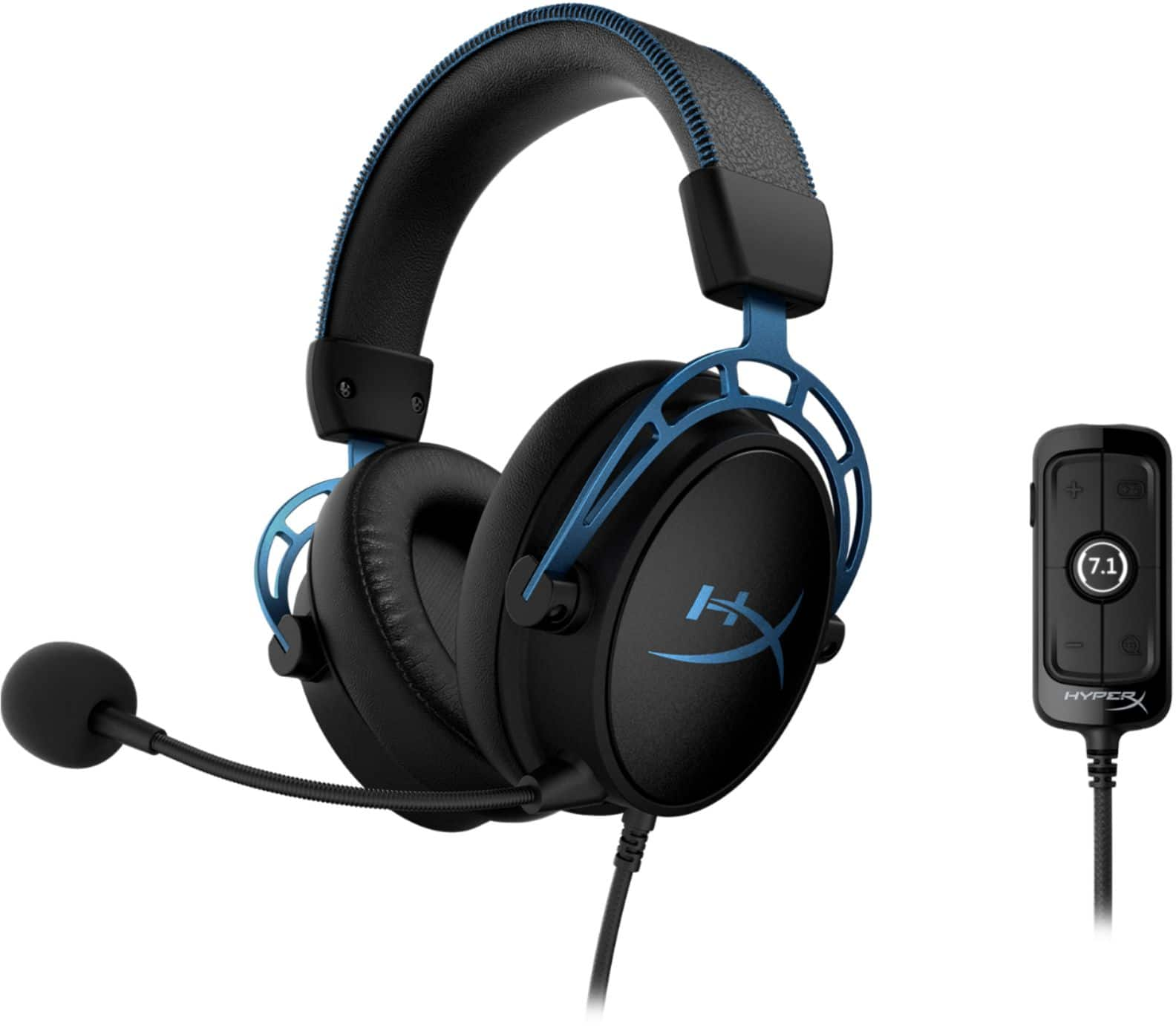
A:AnswerHello, Chris! The Cloud Alpha S originally designed for the PC however, with high demand from the community, we released an update for PS4 and Switch compatibility! You won't be able to use the Game/Chat feature but everything else is accessible. Please visit our support page and under "Cloud Alpha S" you can find the firmware download on your Windows PC.
If you have any questions or just want to chat, shoot us a DM on Facebook, Twitter, or Reddit, Thank you!
Sidney | HyperX
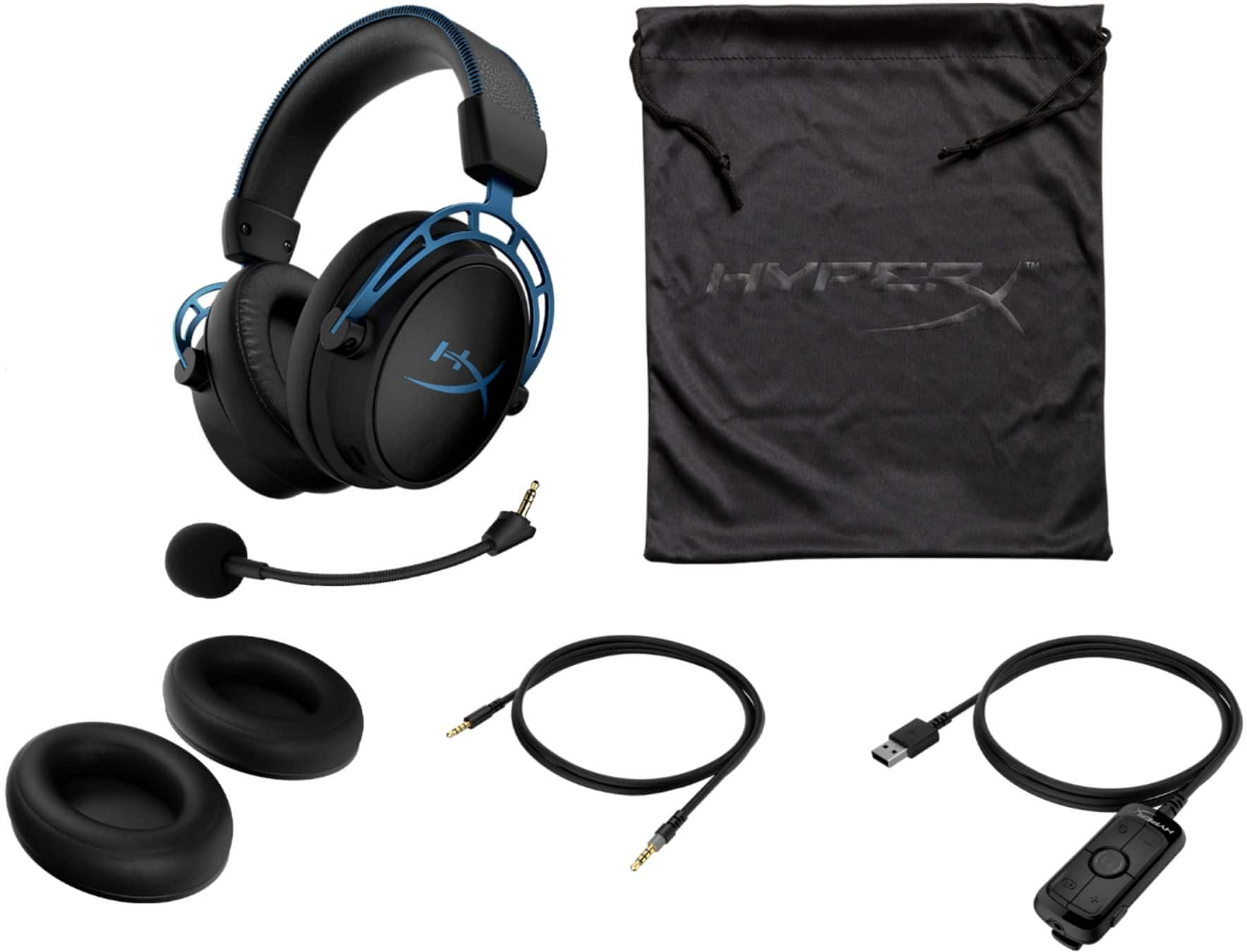
A:AnswerThe headset will, but the 7.1 controller requires a USB port, so you'd be better of getting this headset without the 7.1 surround sound, or a different headset.
A:AnswerBecause this feature is on the controller, and that is connected to the USB part of it and not the 3.5mm part of it. So while playing PS4 I dont even have the remote part connected, i connect directly to the controller.
A:AnswerIf you use the aux cord on the ps4 it should work. If you want to use the audio card for the controls and 7.1 it won't work with PS4 straight out the box. You have to do a firmware update on the audio card first by following the steps Hyperx provides
here: https://www.hyperxgaming.com/sweden/us/support/technical/downloads?product=hx-hscas&filename=4104
Other than that it is great for twitch and overall good headset.
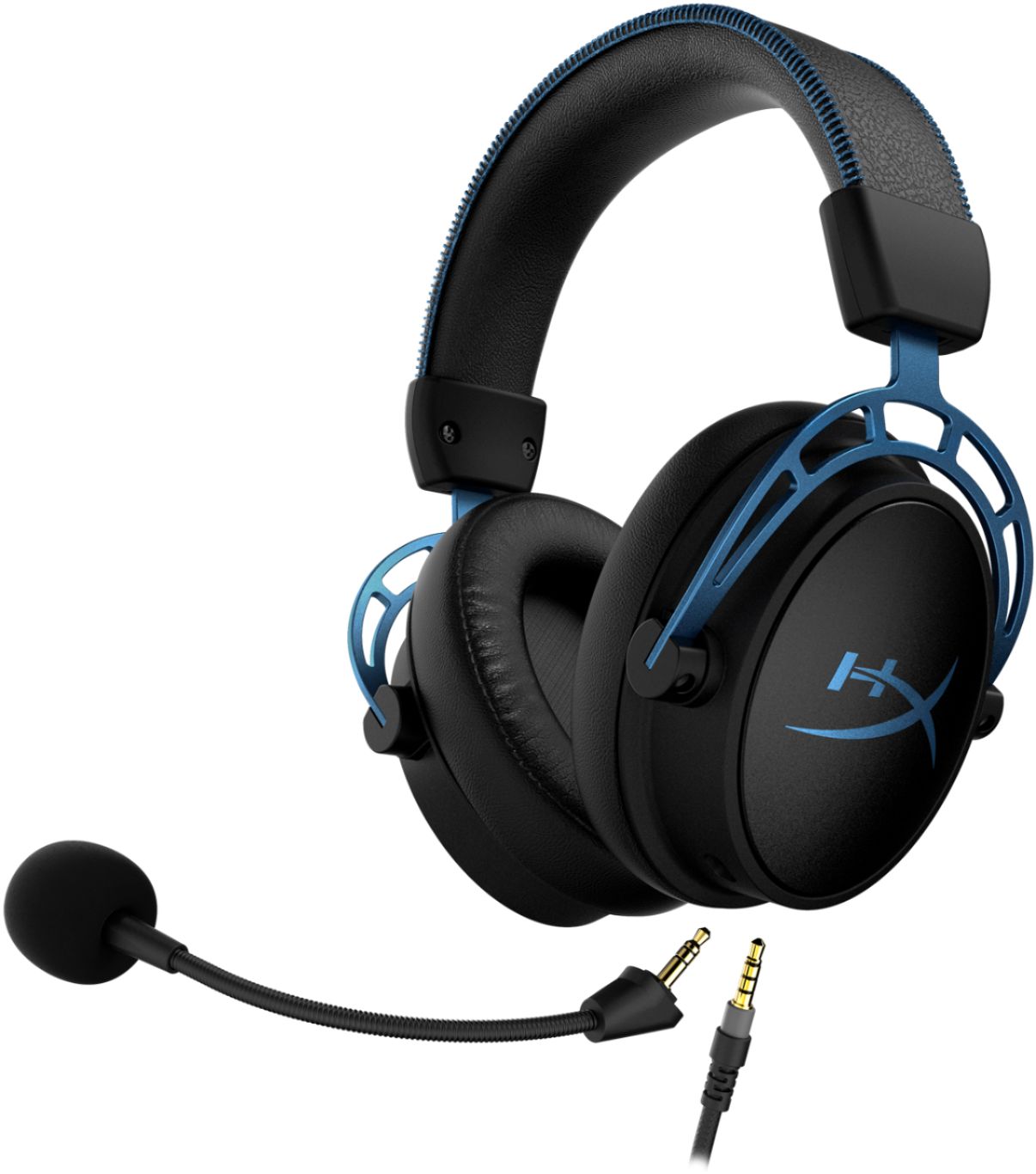
A:AnswerYou can plug the 4 pole stereo plug into the Xbox One X controller port and get it to work that way, but you wouldn't get the mock 7.1 surround sound and the adjustable volume that the usb hub gives, so yes and no.
A:AnswerThe headset has a 4 pole stereo plug that plugs into the USB hub for volume control. You can instead plug the stereo plug into a controller for the Xbox or the switch directly and it should work just fine. You won't get the mock 7.1 surround sound or the volume control, however, that comes from the USB hub.