A:AnswerHey, so it seems like a lot of people are still having trouble with this, I myself wasn't able to adjust it when I first got it.
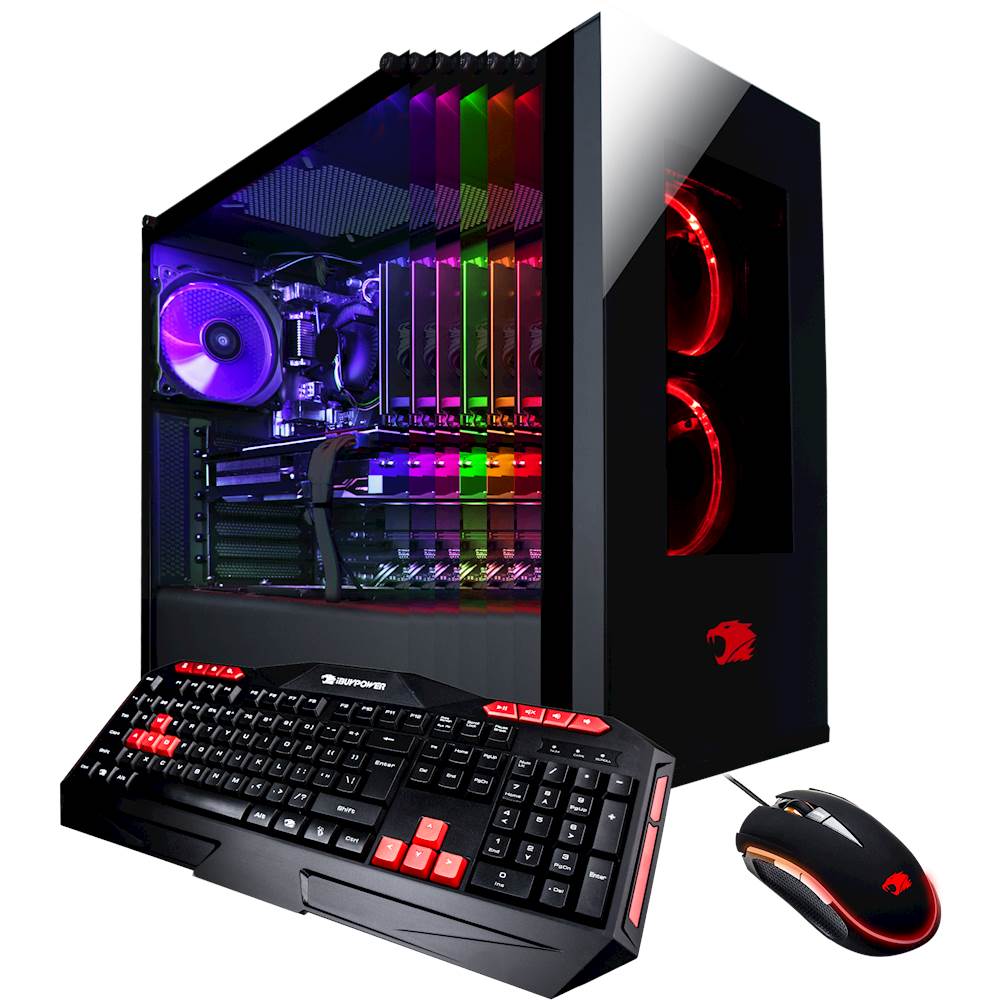
My PC is part of the iBuyPower "Pro Gaming Computer" series, but as I'm aware, other models run the same way with their RGB, but if this doesn't work, I'd try looking for your specifics or calling iBuyPower if you have the time... Otherwise, let's get on with it :D
So yours may be part of the 1% that came with a controller to adjust the RGB, if so, of course you use the remote to change it, I think a lot of people in the comments don't understand that many models didn't come with the remote, so they just think we're stupid or something......
If it didn't come with a remote go to this website: https://www.ibuypower.com/Support/driver then click on the "Polychrome RGB" hyperlink. It'll auto-download and from there, you install it like most applications, after it installs it'll give you the ability to adjust all RGB devices connected to you motherboard (should, most are compatible).
If you have any other questions about it (I've been messing around with this computer a lot since I've gotten it) or just want someone to talk to because you're bored feel free to hmu on twitter @pro_sakaitama <3 have fun and I hope it worked for you too!