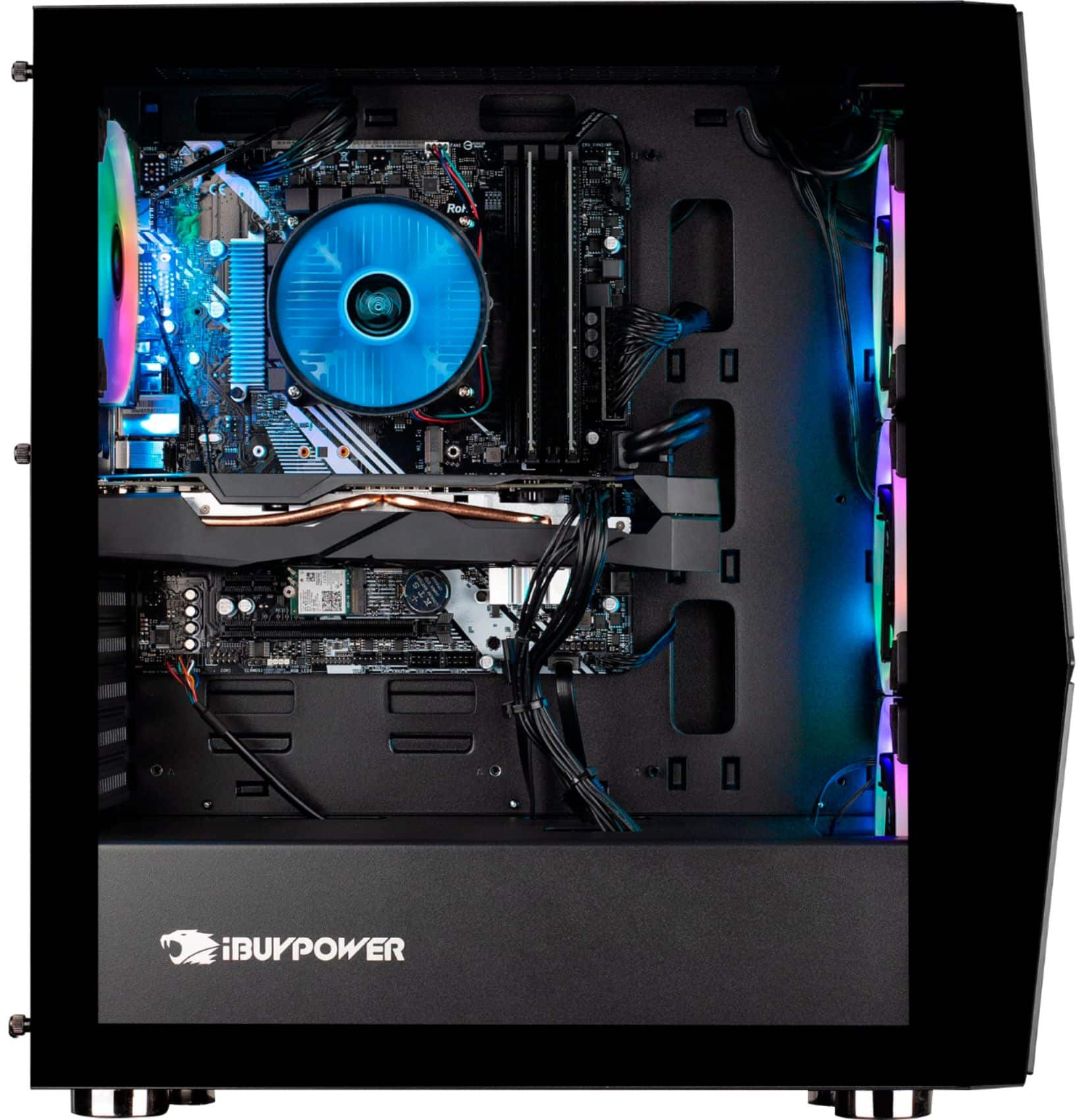
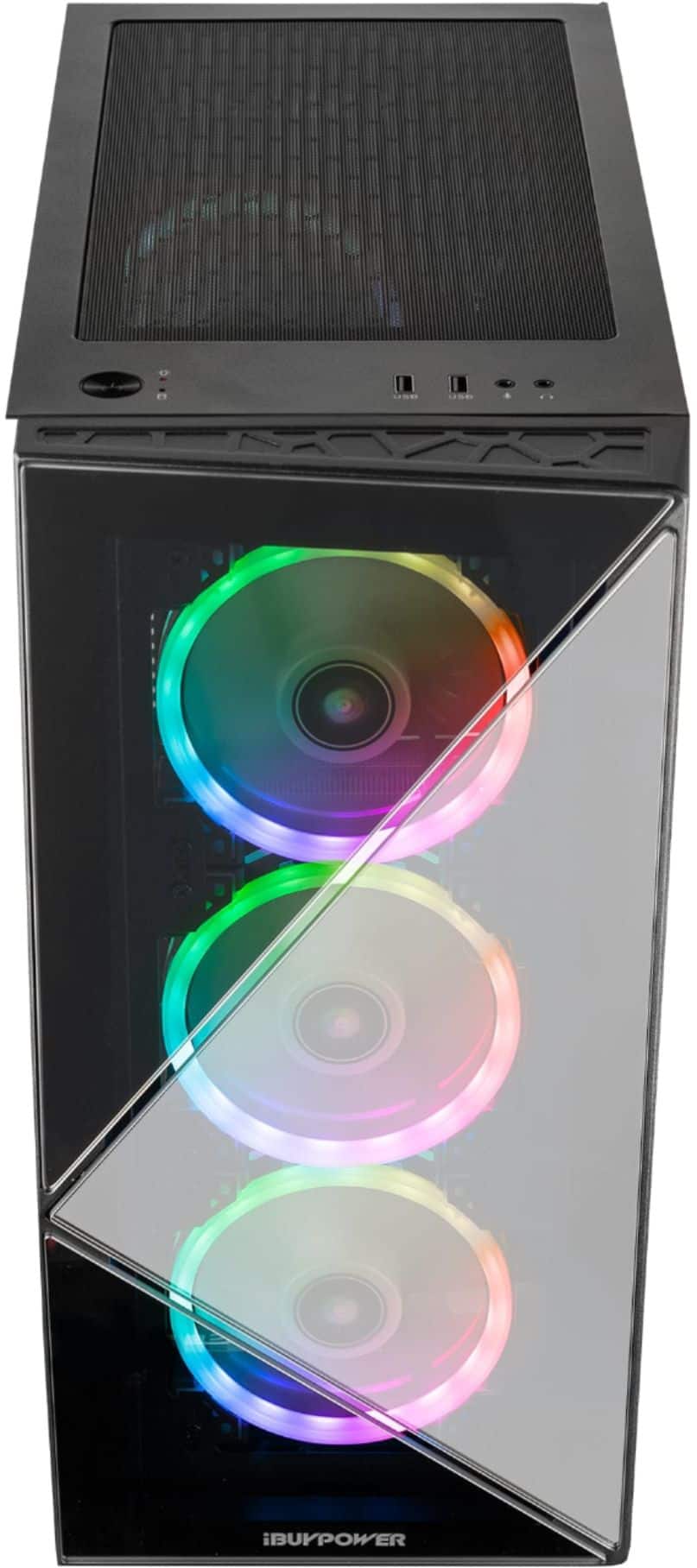
A:AnswerThe blue interior USB ports on the back of the machine are 3.0 the blue on top are not. Graphics card fans will only turn on when it’s hot enough for them to need to. You can also check wire connections inside your tower to be sure they’re plugged in but the fans don’t run 24/7 like they used to in an effort to reduce noise.
A:AnswerI know, it may be a little confusing. So, this computer has 2 hard drives. One that boots up, and the other is for storage.. The boot hard drive is a faster connection and therefore you boot time is really fast, and the other is for the storage which is a slower access time, but it holds a lot. So the boot drive is 1/2 TB (aka 500GB) and the storage is 1 TB (aka 1,000GB)
So, if you parcel out the big programs to the 1TB, and all the boot programs to the 1/2Tb, you get a Chrome book boot-up, and a huge van as your storage
A:AnswerHello! We are sorry to hear about your experience and thank you for expressing your concern. Please give us a call at (888)-618-6040 and our technical support will be able to assist you further in resolving this. Our Technical Support hours are Mon - Fri from 8:30 am - 5:00 pm PST. Thank you for your question!
A:AnswerHello,
Unfortunately we cannot provide FPS information as that is dependent on your in game settings. This computer comes with a 2070 Super which is a high end card, so you should be able to hit well over 200 frames if you aren't playing on high graphics. Thank you for your question!
A:AnswerNo, you’ll need to download a program called AURA. I had to do some googling/YouTube to find it because the included instructions were not very well written or accurate in my experience.
But this AURA program does it all, do you want lights to be on even if the PC is off? You can do that. One solid color that breaths? That to.