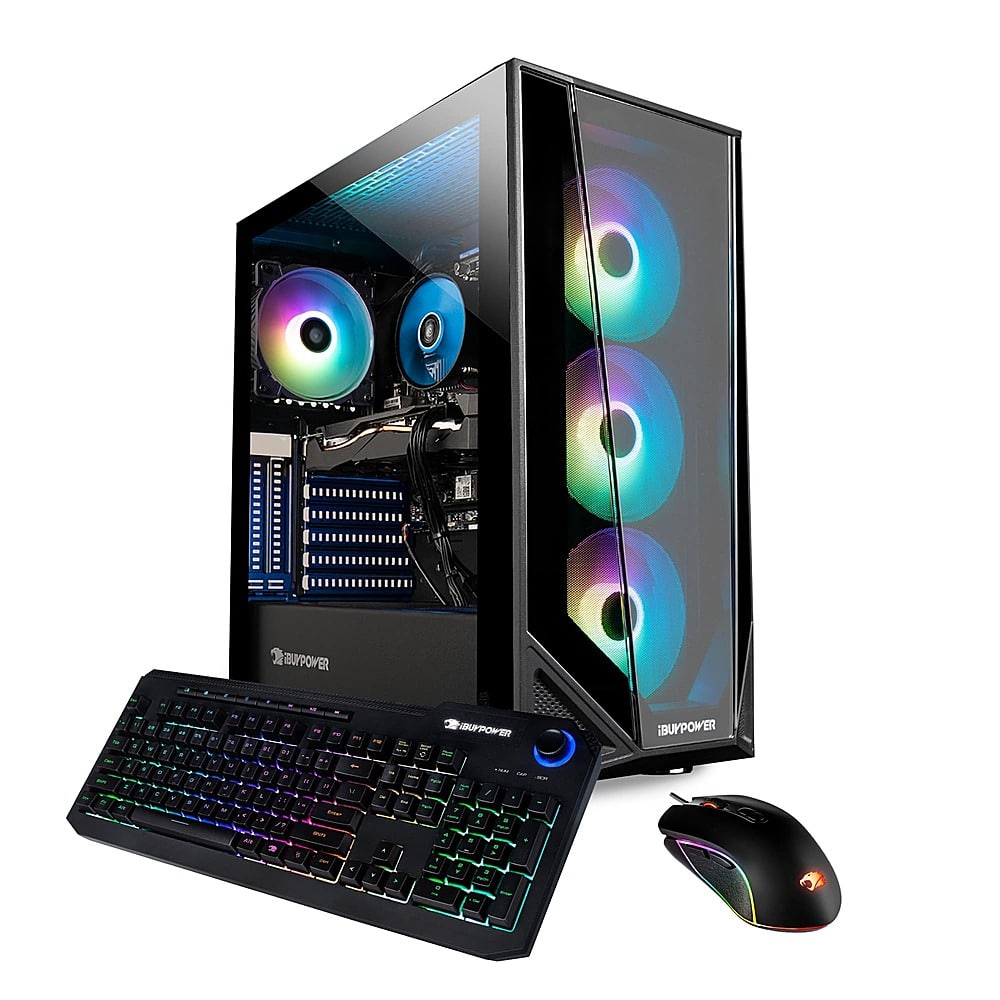
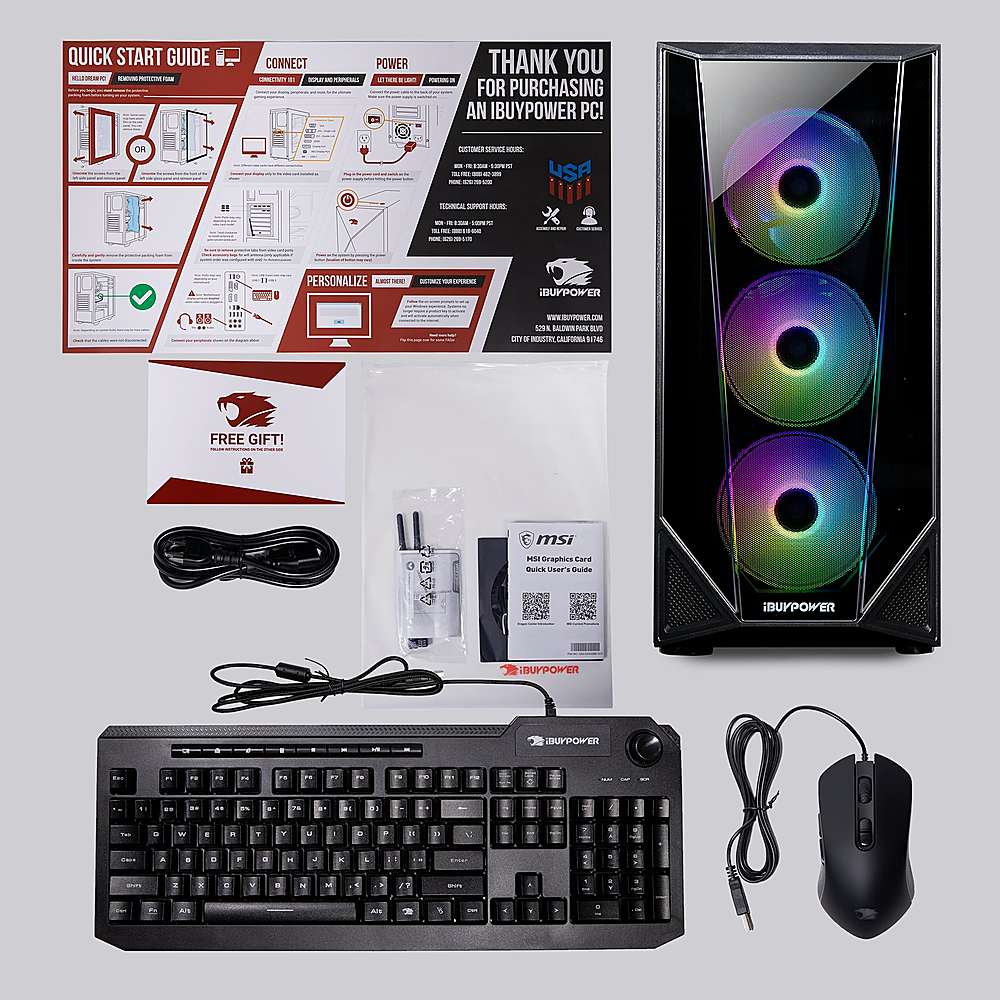
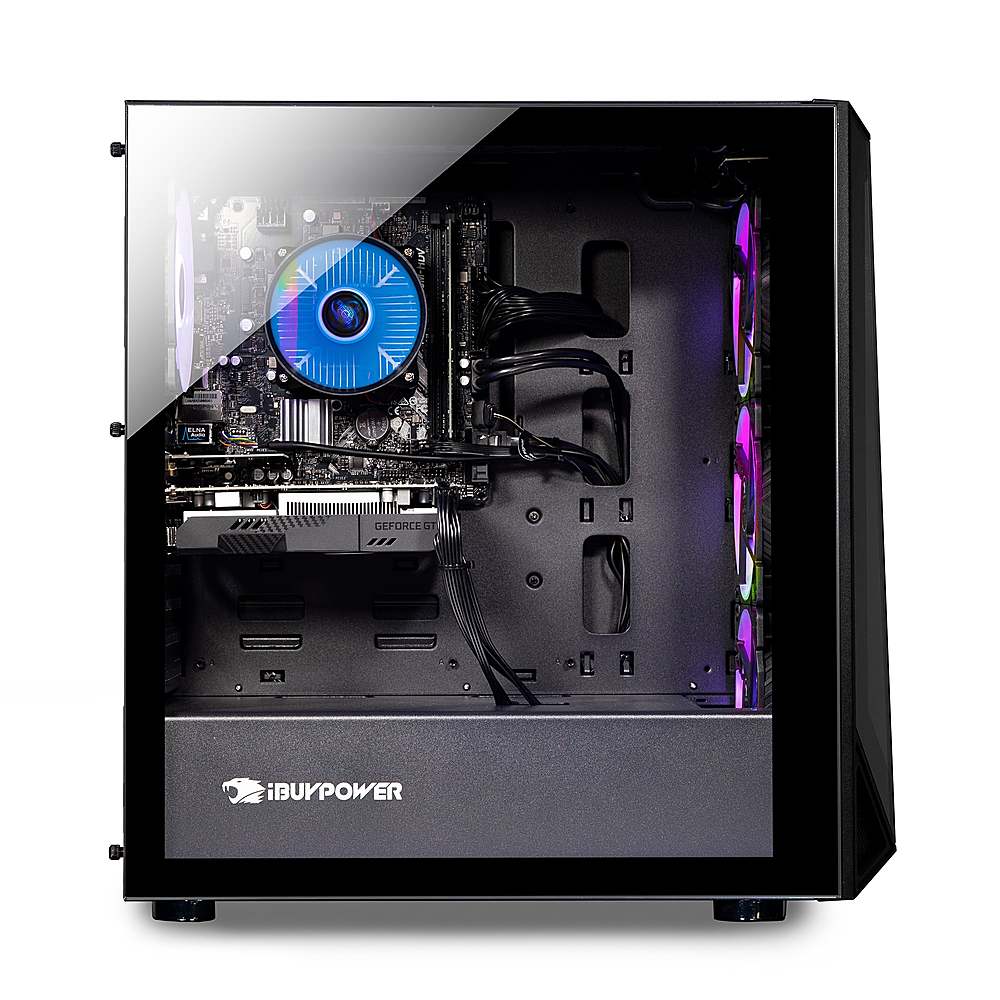
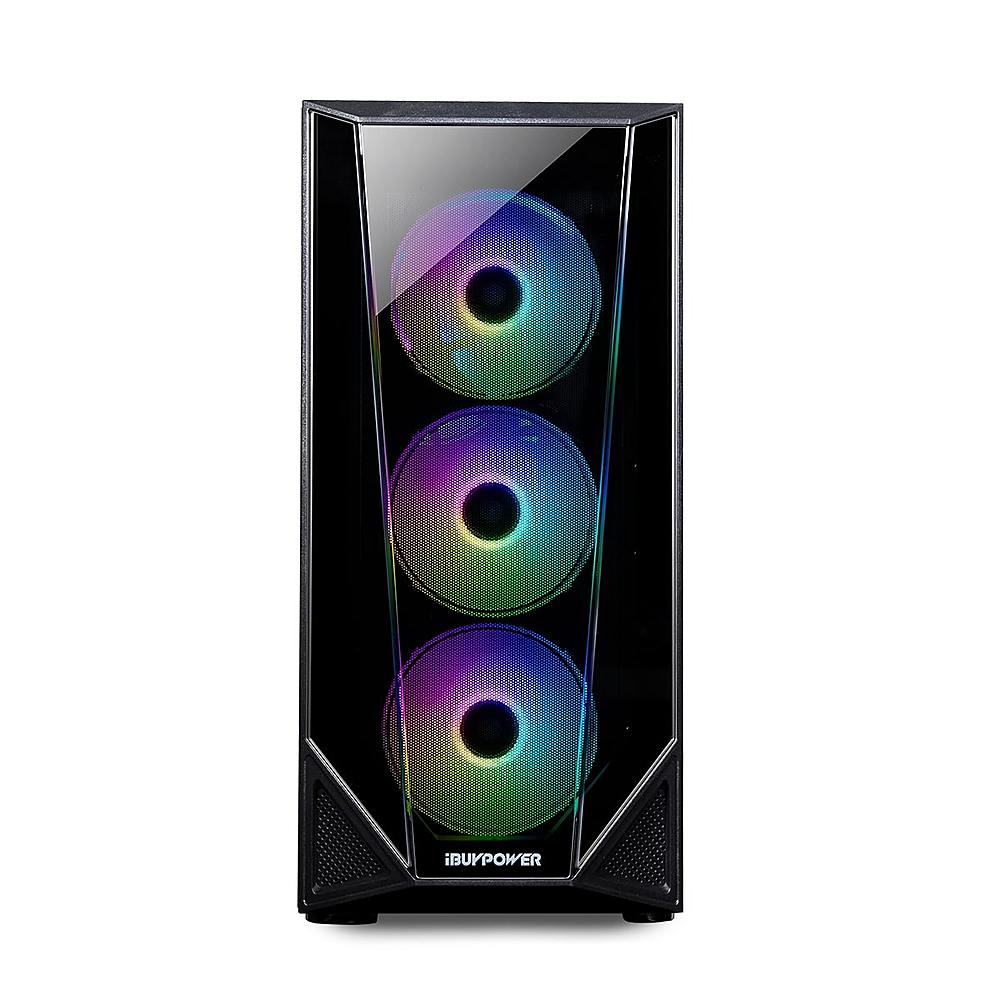
A:AnswerIt does not unless you have the computer upgraded or have performance mode on and if you have performance mode on you would need to buy another 8gb stick of ram
A:AnswerHello,
This PC can stream virtual reality, but it is not compatible with all VR systems, so we first recommend you check that your VR set is compatible. Also please note that the more tasks you are doing at once on your PC, the more intensive it will be. If you plan on running all these programs at the same time, you may need to upgrade your RAM to 16 or 32 GB.
A:AnswerHello,
Yes you can upgrade the SSD. You can replace it with a better one. You cannot switch a hard drive to be an SSD, as they are two different types of drives.
A:AnswerHello,
Unfortunately we are unable to specify the RAM model inside the system because we use a variety of brands in our PCs depending on what we have in stock.
A:AnswerIt should be FN and above the arrow keys you should see keys the hat a little lightbulbs and you just press that. You can’t change the color of the mouse though