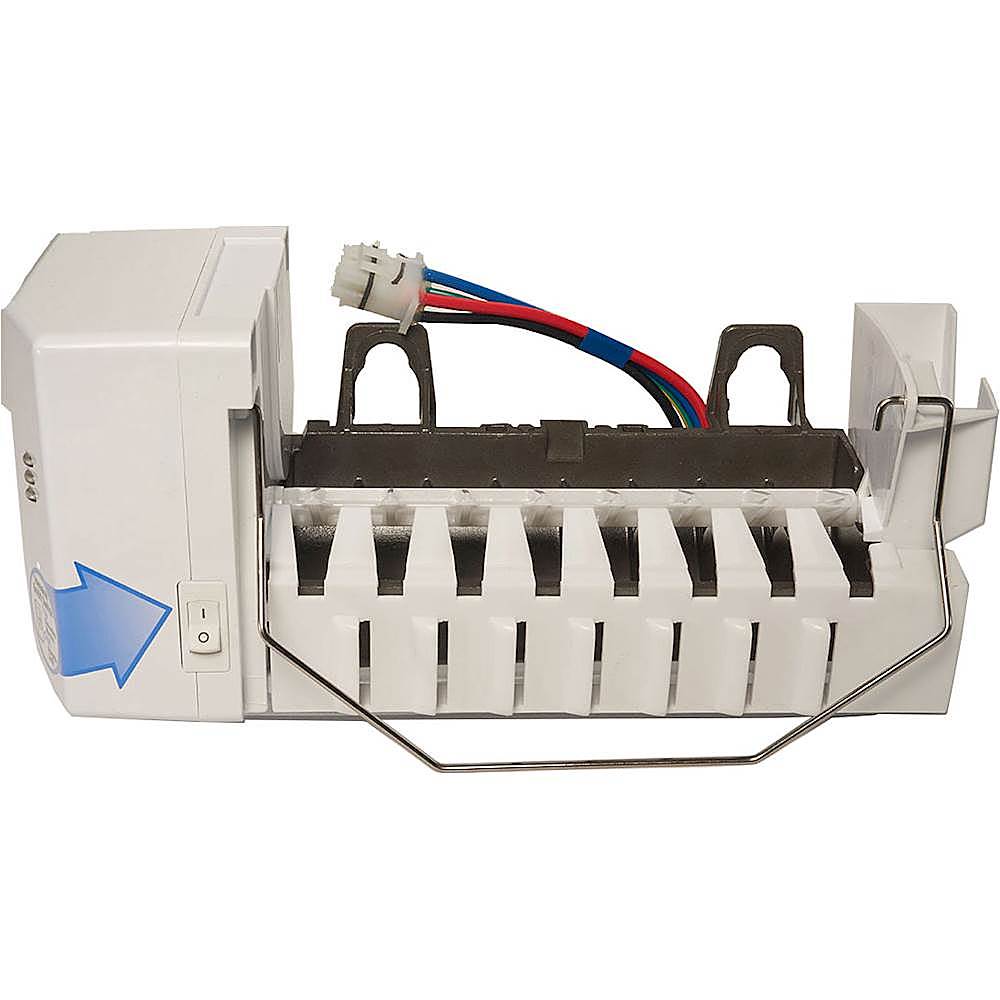
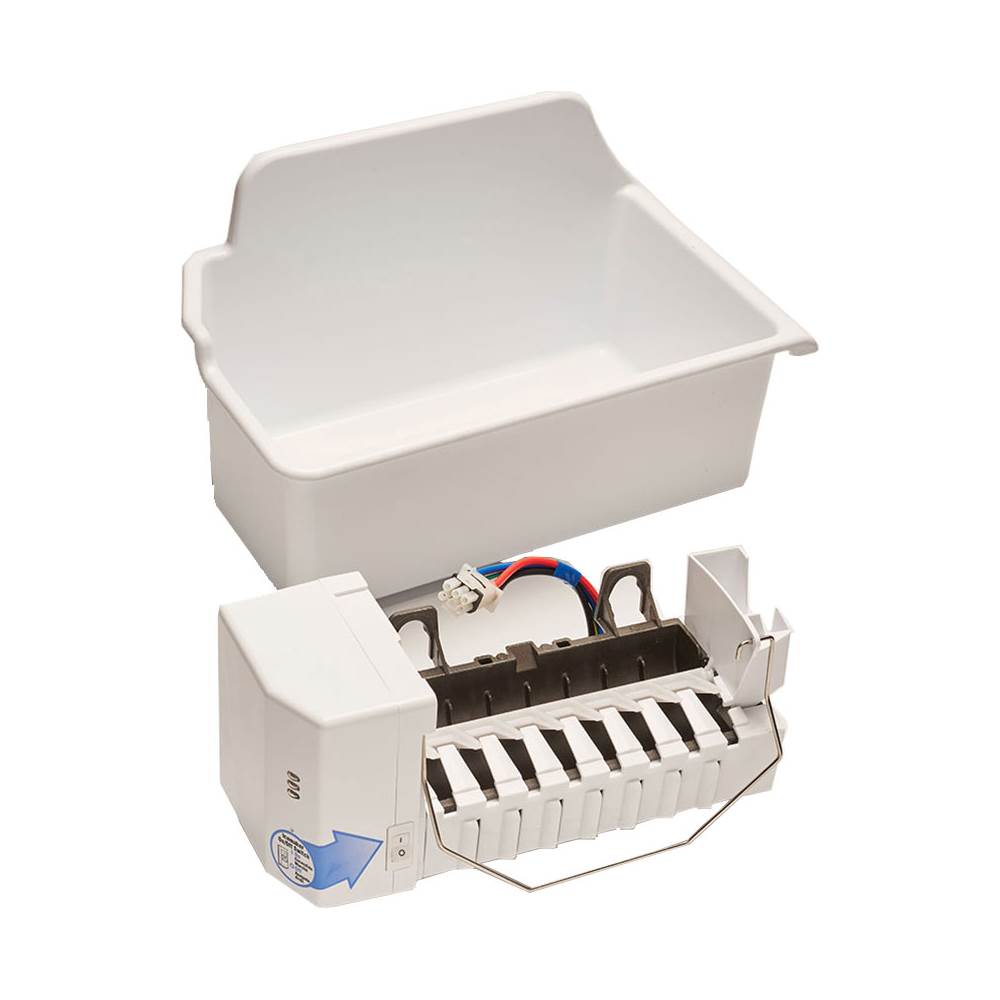
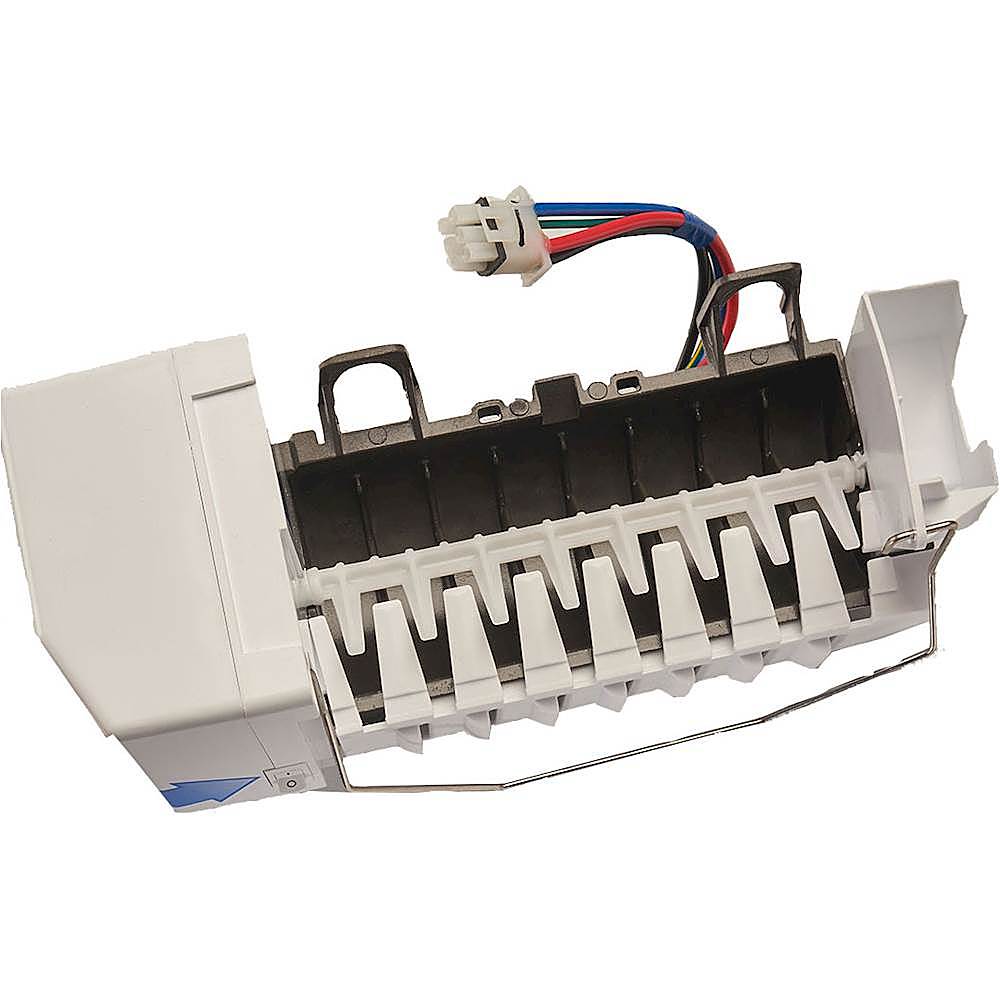
A:AnswerThe optional icemaker for refrigerator LTCS20020S is LK65C, https://www.lg.com/us/kitchen-accessories/lg-LK65C-automatic-ice-maker-kit. ^Daphane
A:AnswerPlease contact LG Customer Service at 1-800-243-0000, direct message via Twitter (@LGUSSupport) or Facebook Messenger (https://www.facebook.com/LGUSA/) for any accessories are missing within 30 days. Please be sure to provide your contact information model/serial numbers and date of purchase and we will be happy to assist you. We apologize for any inconvenience this has caused. ^Daphane
A:AnswerPlease reach out to our support team via private message on Facebook @LGUSSupport and use #VOC in your first message to our social media support team or call at 800-243-0000. Also, be sure to provide your contact information, model/serial numbers and date of purchase. ^Daphane
A:AnswerA replacement icemaker for model LDC22720ST is part number 5989JA0002U. It can be ordered through Encompass Supply online at https://lgparts.com/products/5989JA0002Y?op=5989JA0002U. ^Daphane
A:AnswerI do not know that the water level can be adjusted. You can adjust the size of this ice. Please reach out to our support team via private message on Facebook @LGUSSupport and use #VOC in your first message to our social media support team or call at 800-243-0000 to verify. Also, be sure to provide your contact information, model/serial numbers and date of purchase. ^Daphane
A:AnswerI’ve been looking for an ice maker also and the model LK65C ice maker does not work with the 20020 models. This ice maker is square 6 prong and the one in the freezer is 2 prong round.
A:AnswerDaphne
I spent 2 hours with lg support and parts and they don’t know why the lk65c wiring harness ice maker doesn’t fit the 20020 fridge
This needs to be elevated to an engineer who can see the problem
A:AnswerThe Ice Maker Assembly Kit for model LFXC24796D is part number AEQ73130004. It can be purchased from Encompass online at https://lgparts.com/item/10217079/LG/AEQ73130004/. ^Daphane
A:AnswerPart AEQ57518209 appears to be the same as part LK65C. The price on AEQ57518209 is much more expensive. If you are needing to replace your icemaker, it would be best to verify if the part is compatible with your specific model. If you are in need of further assistance, please reach out to our support team on Twitter via @LGUSSupport or on Facebook at https://www.facebook.com/LGUSA or call at 800-243-0000. ^Daphane
A:AnswerThe LG Automatic Ice Maker Kit, Model # LK65C is only compatible with the ENERGY STAR® Qualified LG 20 cu. ft. Top-Freezer Refrigerator, Model # LTCS2010* (*S-Stainless Steel, or W- White)...^IFV
A:AnswerHi there Carl. Thanks for reaching out. For the LG Icemaker Kit for Select LG Top-Mount Refrigerators. To hook the Ice Maker up, before you begin. Unplug the Refrigerator power cord from the outlet. Turn the icemaker switch to O (off). Leave the icemaker off until the refrigerator is connected to the water supply to prevent premature operation. Before installing icemaker, remove the freezer shelf. To mount the icemaker, insert the two icemaker screws provided through the holes at the base of the icemaker and into the slots located in the freezer left wall. Remove the cover to connect the icemaker to the refrigerator. Press to release the tab on the left. Next. Press to release the right tab and remove the cover. Plug the icemaker wire harness into the connector located in the freezer wall until you hear a click sound. NOTE: Secure the icemaker to the freezer using one(1) screw. Before you install the bucket, install the freezer shelf. Put the ice bucket directly under the icemaker(to the left and all the way to the rear of the shelf under the icemaker) Make sure that the icemaker switch is set to O(off) position. For the *Water Valve Installation Unplug the refrigerator power cord from the outlet. Then Remove the back cover of the refrigerator using a Phillip screwdriver. Facing the back of the refrigerator, locate the wiring harness for the water valve at the lower right side. Plug the connector of the water valve harness onto the refrigerator terminals. Fasten the water valve to the back of the refrigerator using one Phillips screw. NOTE: Make sure the fill tube connection on water valve is secure. Remove and discard the icemaker fill tube opening cover located on the upper right side of the refrigerator; insert the icemaker fill tube all the way into the opening until it stops. Locate the marks on the back of the cabinet where the fill tube will be installed. Place the screwdriver to make a small hole. Fasten the fill tube using the band and the Phillips screws. Fasten the back cover with the previously removed screws. To connect to the home water supply, refer to the Water Line Installation Instructions within the refrigerator’s Owner’s Manual. Once the home water supply line is connected and turned on, be sure to turn the icemaker switch to the I (on) position. The icemaker will require 12 to 24 hours for ice to be produced.
It is recommended to discard the first few batches of ice prior to using a batch for consumption. ^Jai.
A:AnswerHi, this model is compatible with the icemaker, on the manual Plug the Icemaker wire harness into the
connector (that is visible when the cover is removed) located in the freezer wall until you hear a click sound. Facing the back of the refrigerator, locate the wiring harness for the water valve at the lower
right side. Plug the connector of the water valve harness onto the refrigerator terminals.Here's the manual for installation https://www.lg.com/us/support/product/lg-LK75C.ASWCNA0. ^Vanessa
A:AnswerPlease reach out to our technical support team via private message on Facebook @LGUSSupport and use #VOC in your first message to our social media support team or call at 800-243-0000. Also, be sure to provide your contact information, model/serial numbers and date of purchase. ^Daphane
A:AnswerPlease reach out to our support team via private message on Facebook @LGUSSupport and use #VOC in your first message to our social media support team or call at 800-243-0000 to verify. Also, be sure to provide your contact information, model/serial numbers and date of purchase. ^Daphane