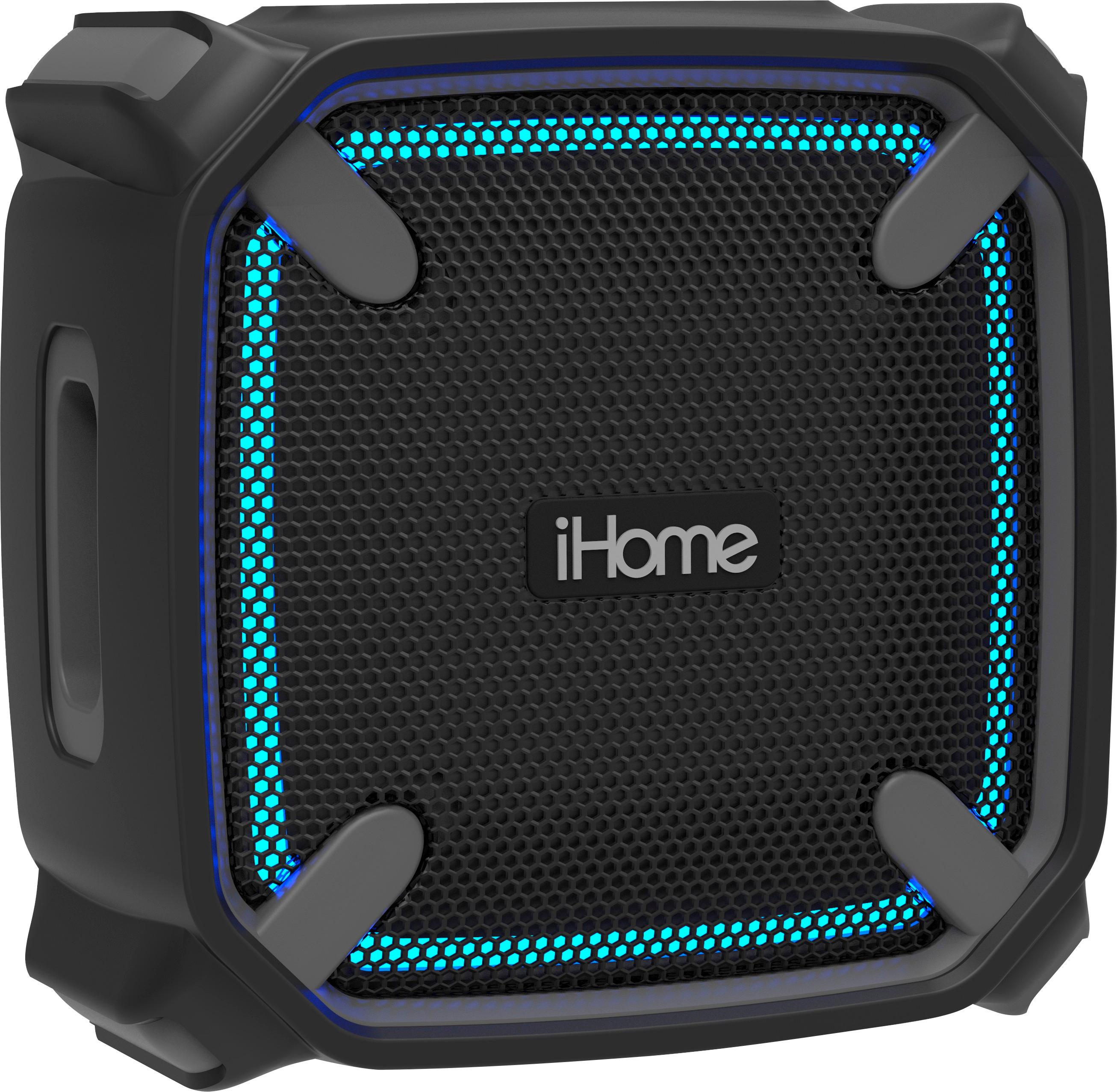
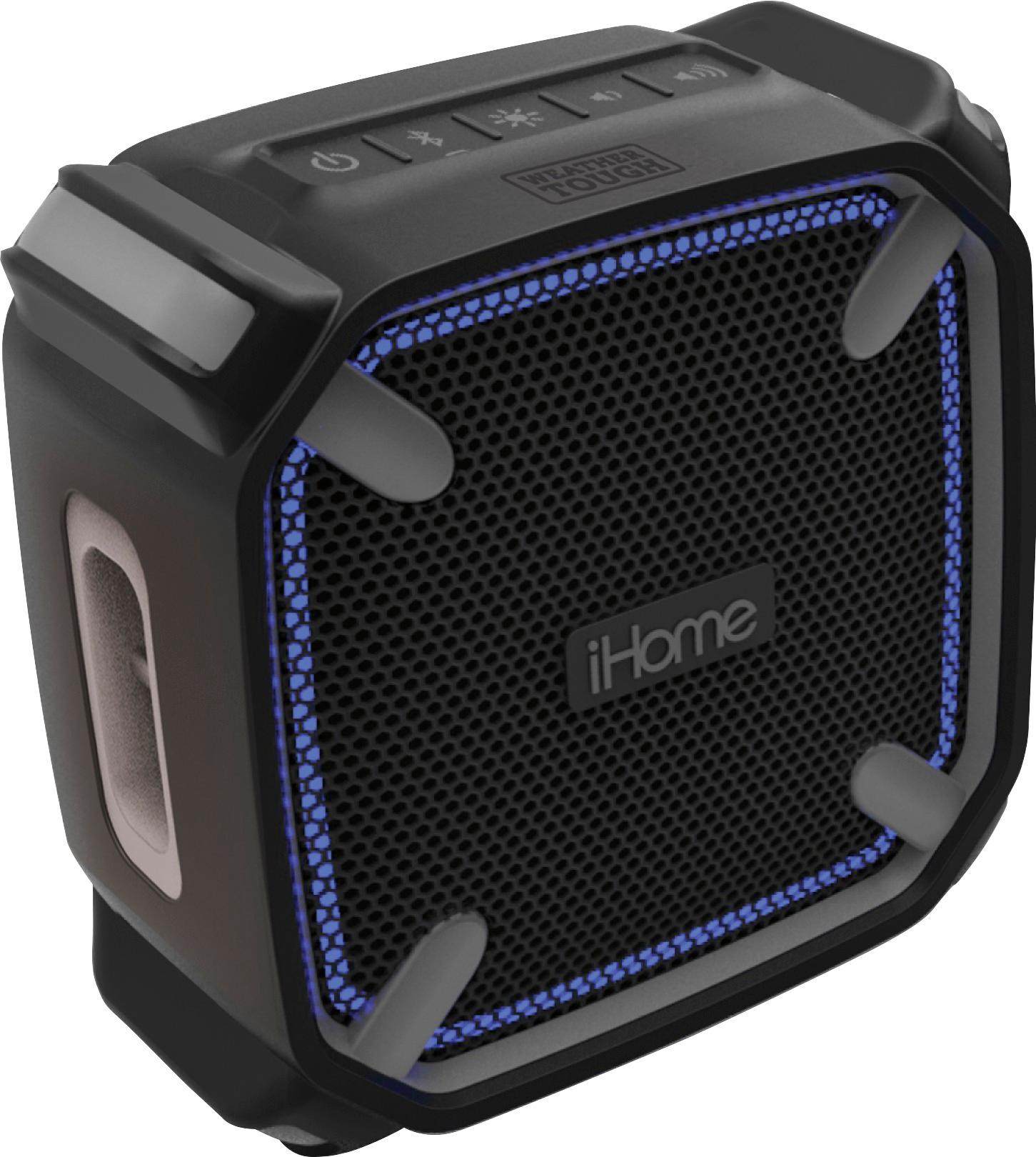
A:AnswerThe iBT371 cannot be linked to another, but the upgrade model # iBT374 can link to another iBT374.
Both provide 20 watts of audio output power.
A:AnswerThis unit comes with a one year manufacturer warranty with proof of purchase (Ask Best Buy to email the receipt to your for your records).
Our Support Team is available at 1-800-288-2792. Mon - Fri from 8am - 4pm EST.
A:AnswerDo you have your Bluetooth on the phone and hold the on /button until they pair .find the device in your WiFi on your phone it should find ihome device. Make sure you hold on /off button. On ihome speaker . They should connect
A:AnswerThe speaker must be charged for 4-6 hours prior to initial use to optimize battery life. Connect the larger USB plug to a powered USB port, such as that on a USB 5 Volt 2 Amp AC adapter connected to a wall outlet. The light on the speaker will turn to solid red while charging and turn off when fully charged.
• If the LED flashes red, or you notice sound distortion at higher volumes, or there is no sound at all, it's time to recharge the battery.
Best Regards,
iHome Support
1-800-288-2792
A:AnswerGood sound for a single speaker if you are using it for voice. Clarity, and volume is better than some mobile devices, which have speakers that are mounted on the side. Music lacks only in the area of having a single speaker, there is a limitation in depth of sound and definition.
A:AnswerYou go to your EQ setting in a phone but if it a samsung its easier.
lowering down or bringing up usually remove distorted sound but make it sound better
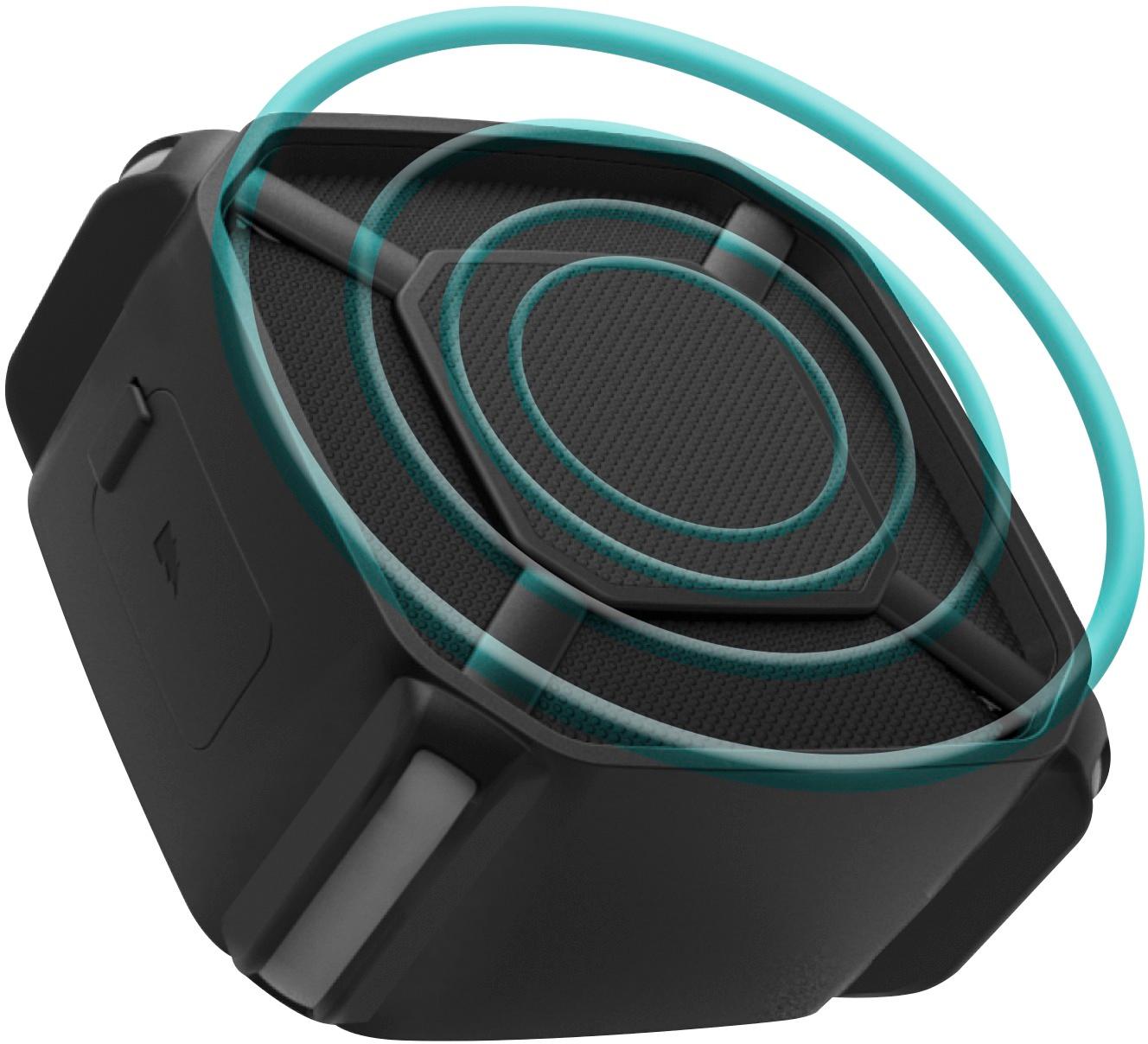
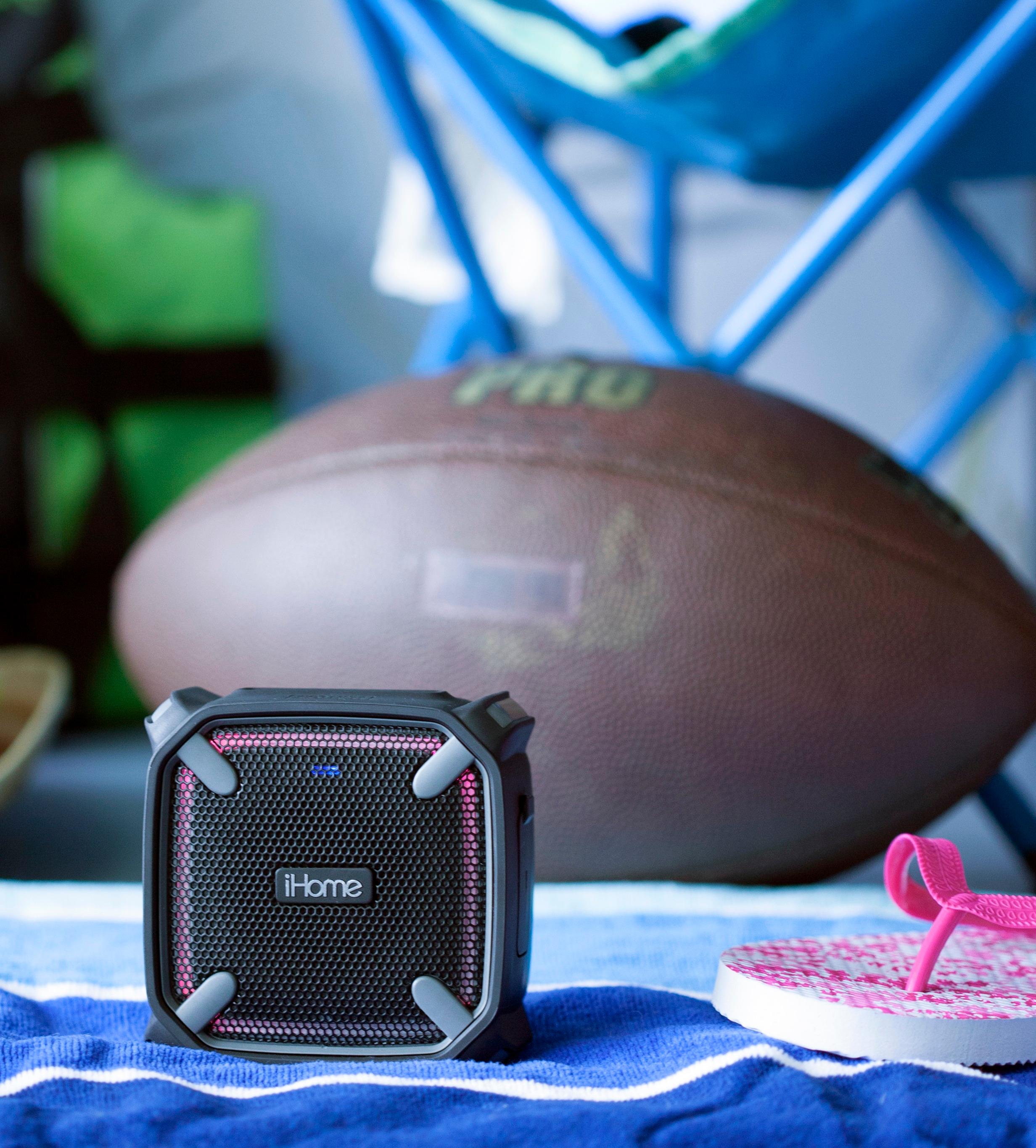
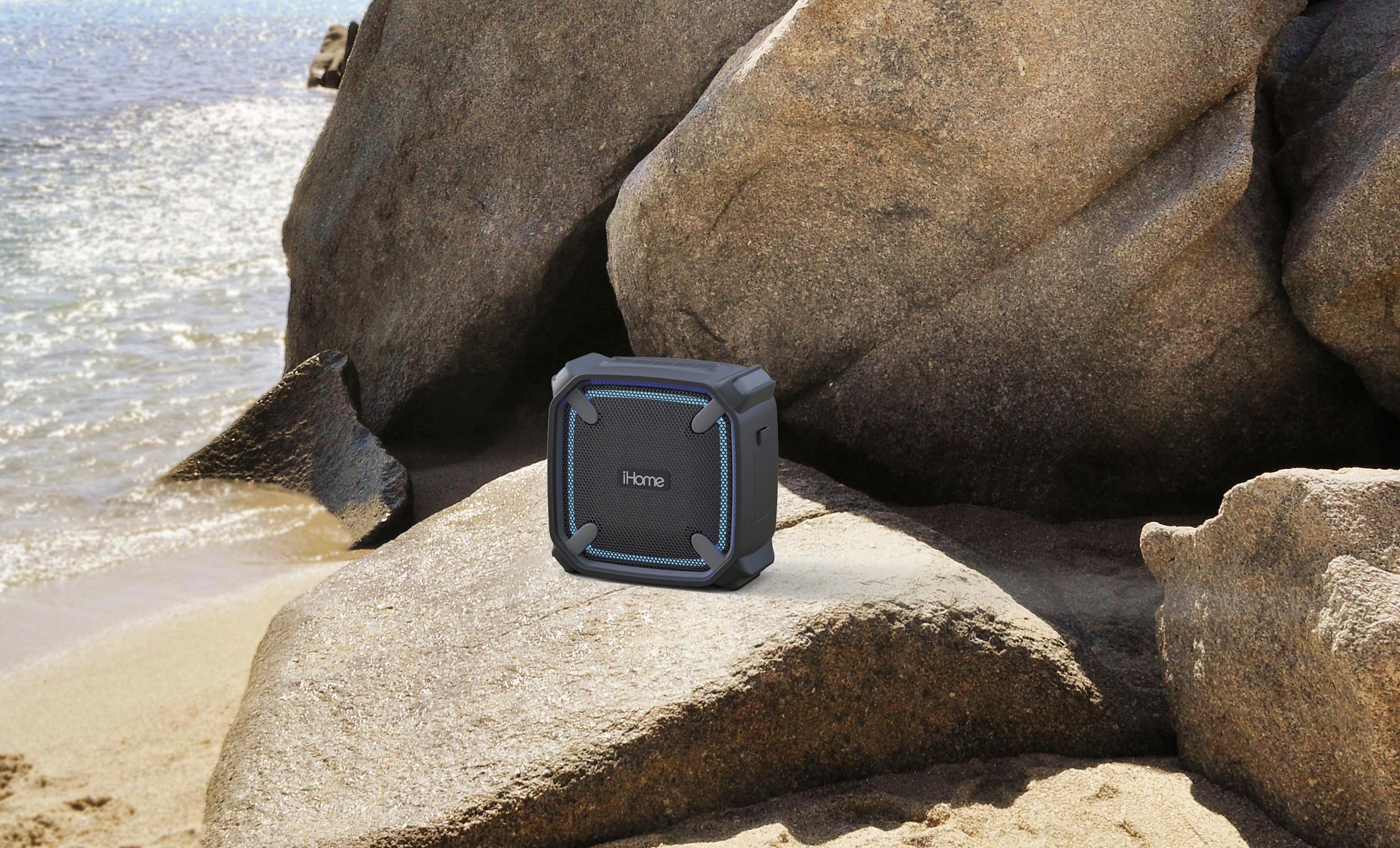
A:AnswerThe iBT371 has a buoyant cabinet floats if placed in water, and its accent lighting has five color-changing modes to suit the party's mood. This speaker does not have a microphone port. The connection is through Bluetooth.
Best Regards,
iHome Support
1-800-288-2792
A:AnswerThere is no app required to use the iBT371. Simply connect the speaker to your device via Bluetooth.
Best Regards,
iHome Support
1-800-288-2792
A:AnswerYes you are able to play music and charge the speaker at the same time. We do not suggest doing so as it slows down the charging process and depletes the rechargeable battery life.
A:AnswerMake sure that you have selected this unit as your “playback” device on your PC or Mac.
• Windows 7, 8 and 10: a. Right click on the speaker icon located on the bottom right of your screen b. Select playback devices c. Select the device you want to play and click OK.
• Mac: a. Click on System preferences icon b. Click on Sound c. Select Output d. Select “iHome unit stereo” for the output source, and adjust the output volume if necessary.