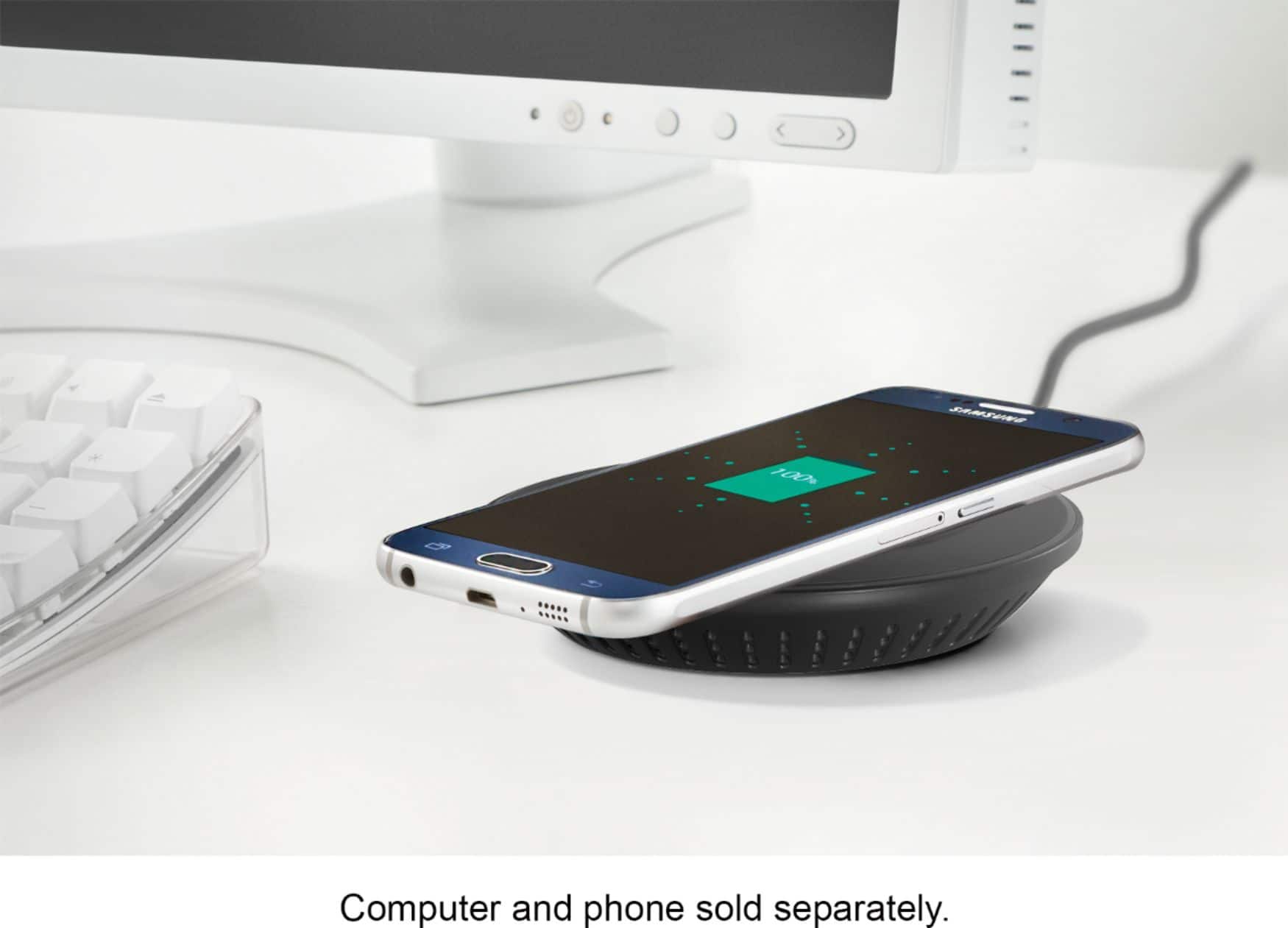
A:AnswerI'm using this charger with my Samsung Galaxy S8, and -- as an example -- it takes about 1-2 hours to charge from 50% to 100%. (When I set the phone on the pad, my Galaxy S8 actually predicts an expected time to charge fully.) I'm guessing that the charge time depends on the specific phone you have... some phones may limit charge rate to prevent overcharging or overheating. Also, make sure you place the phone on the pad correctly and the blue LED lights up -- sometimes I've misplaced the phone on the pad, and the blue LED doesn't come on, indicating that the pad doesn't "see" the phone, and isn't charging. Good luck!
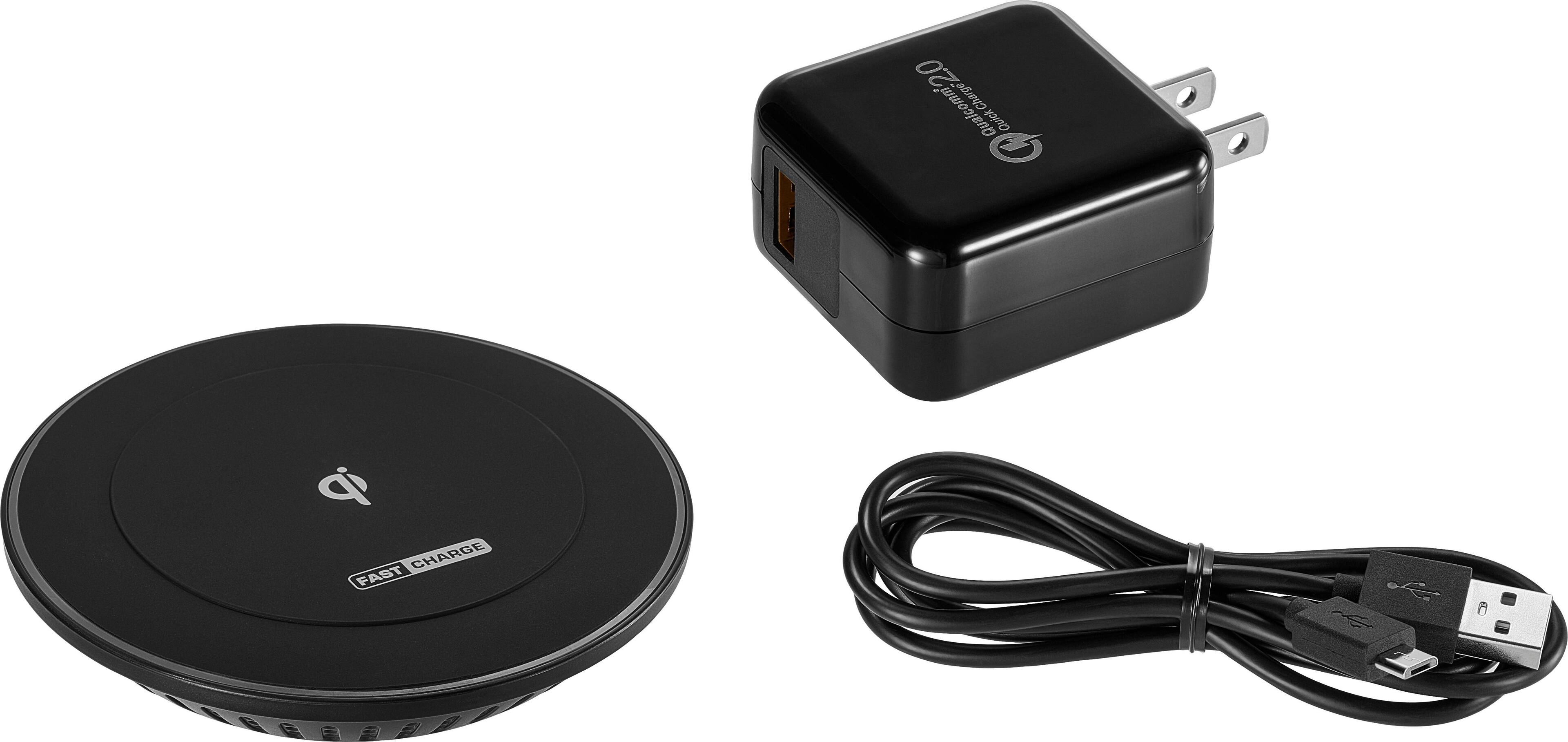
A:AnswerThe charger base has to be connected to some kind of power source. The charger itself has a type of USB cable that comes with a usb wall adapter. However, that source does not need to be a wall outlet. As long as the USB port produces enough power it may be plugged into a car cigarette lighter, computer USB port, or some other source. I assume it would work even with a power bank (if the bank outputted enough power), but I haven't tried it. I've only tried plugged into a wall outlet, in a car (which only works while not driving because the motion moves the phone off center), and a computer port.
A:AnswerI have iPhone 8 and so does my wife we both have cases on them and it works great on both of them. If you want to make sure it works with your phone go to best buy and they are more then happy to test your phone on one.
A:AnswerThere are several products that this wont charge, i.e. Smart Watches, but if your Mophie case is rated as a QI charging case (which most now are) it should be working fine. If the light on the front is solid and not blinking (or turned red) than yes it should be charging your case, which in turn should be charging your phone.
A:Answeri actually DO use it with a popsocket. your results may vary based on how your popsocket is positioned on the phone. mine is right over the apple logo on the back, AND it's in a case but it still works if i scoot it around a little