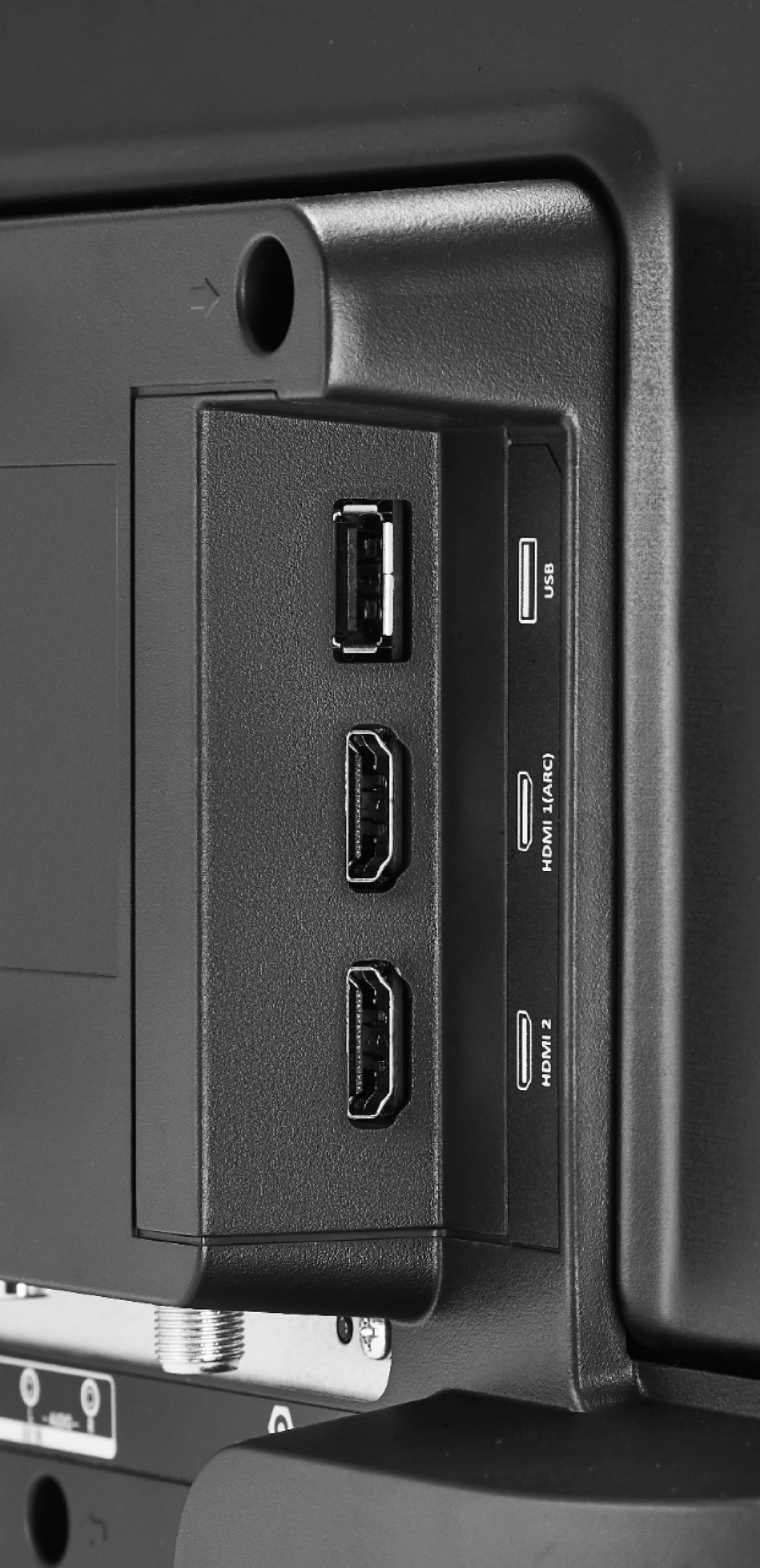
A:AnswerYou can connect a USB flash drive to your TV to view compatible JPEG pictures. Select Start Slideshow to display the photos. There are no controls for cycling.
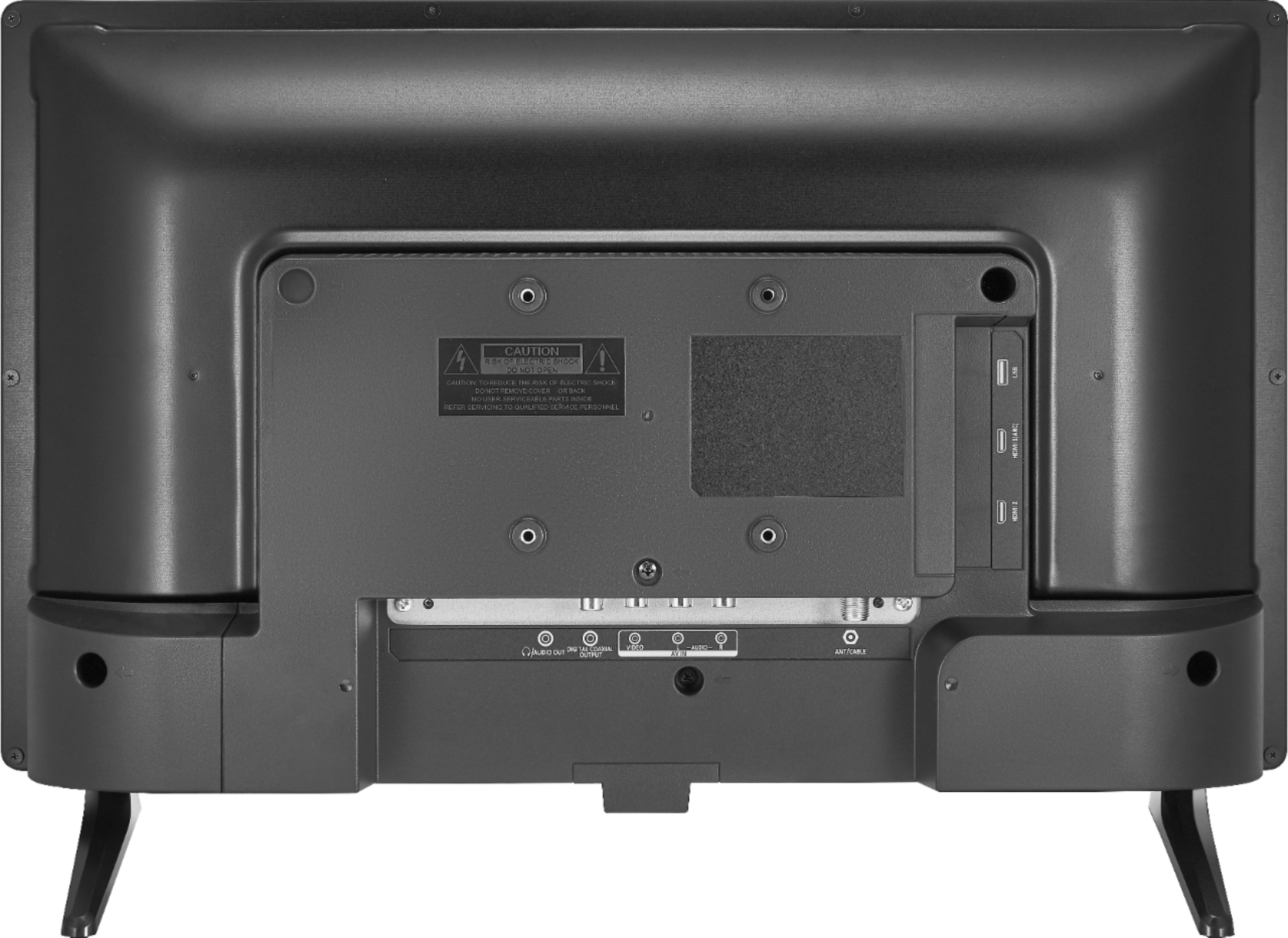
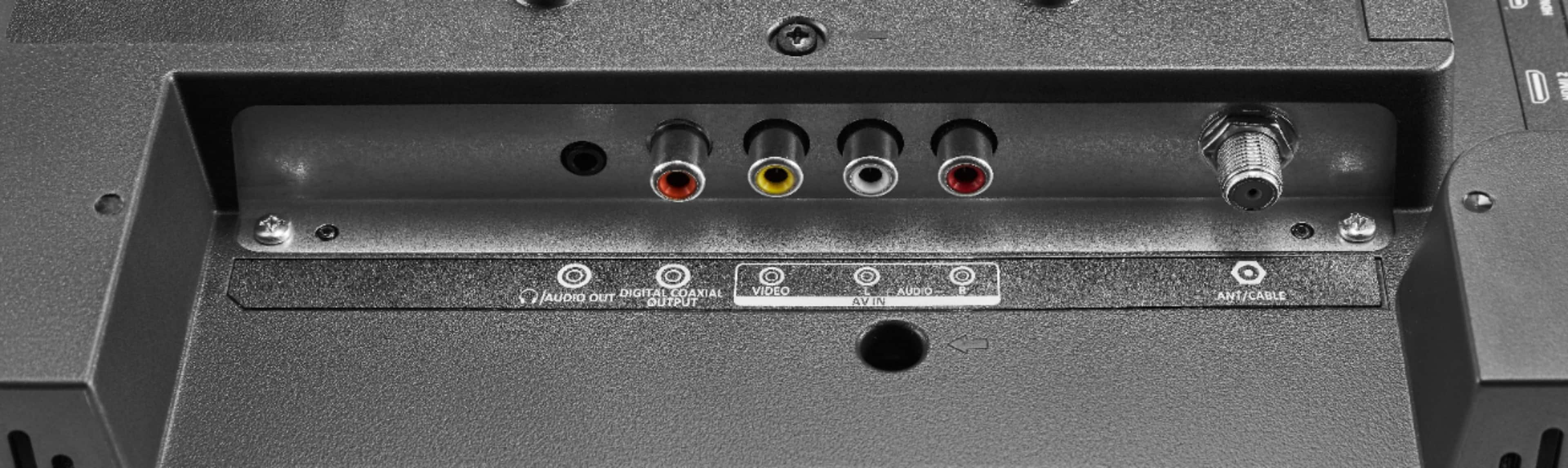
A:AnswerIt does not have roku nor can you download any apps. It does have an antenna input so you can receive local channels. It does have 2 hdmi inputs so you can connect a roku box to it.
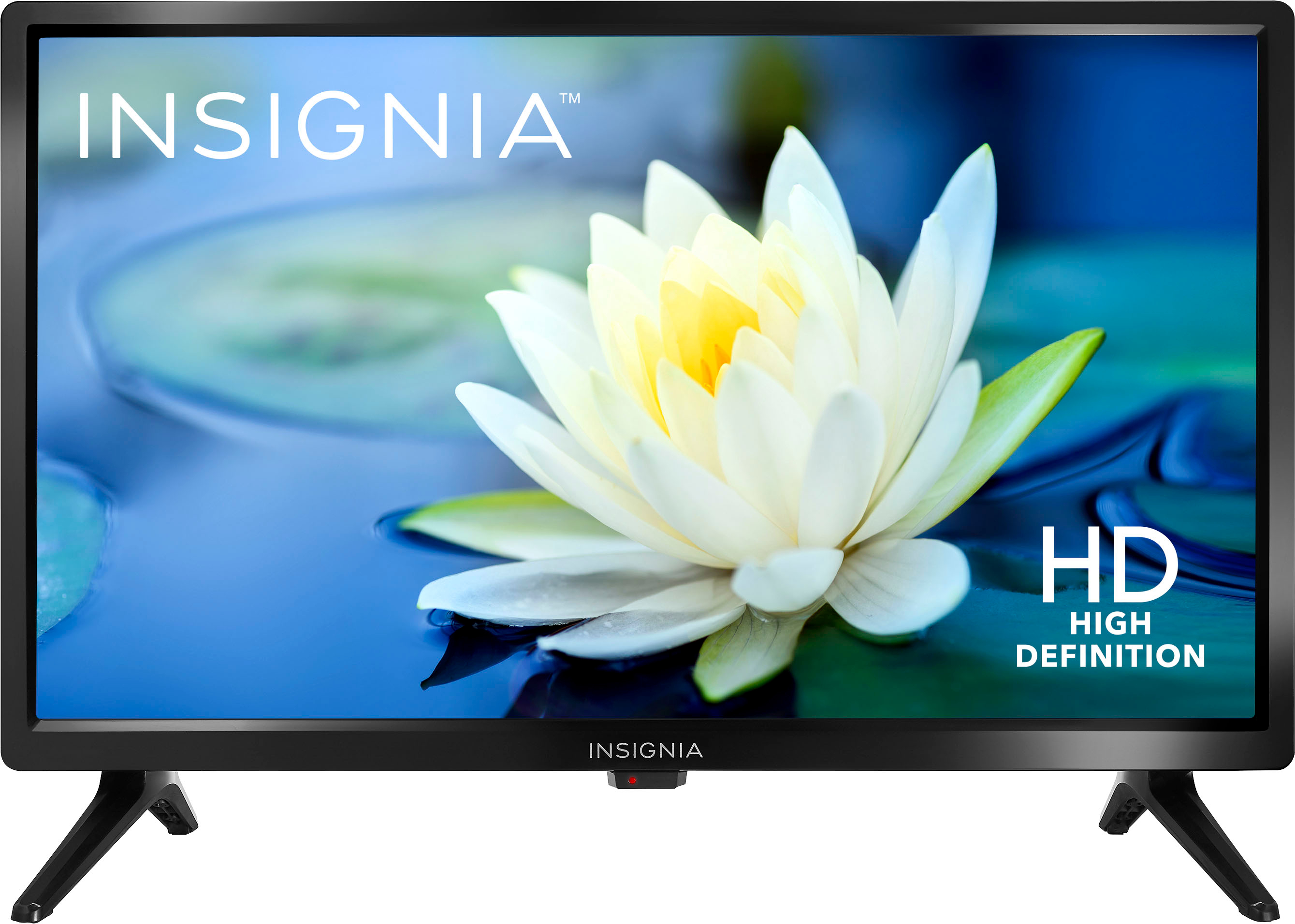
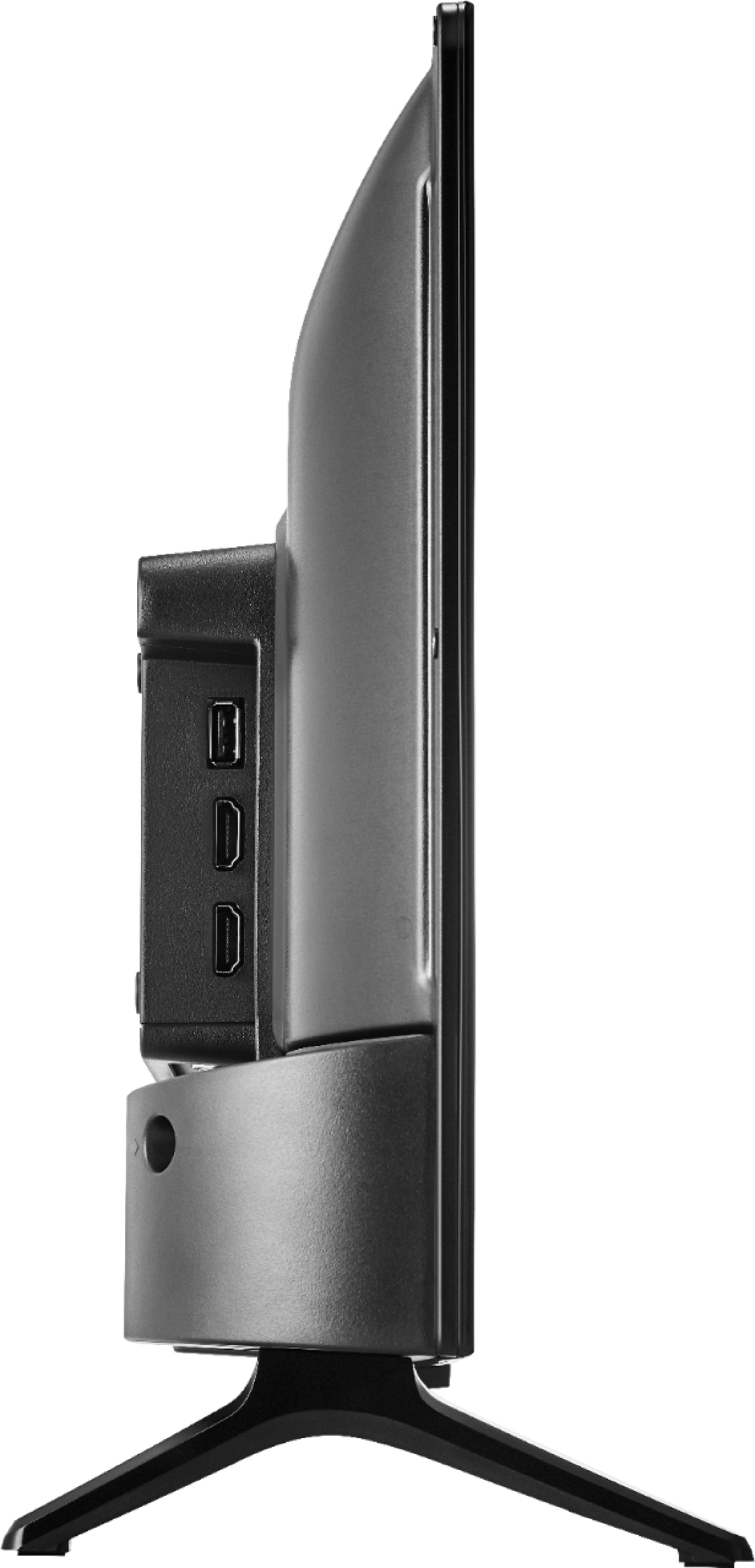
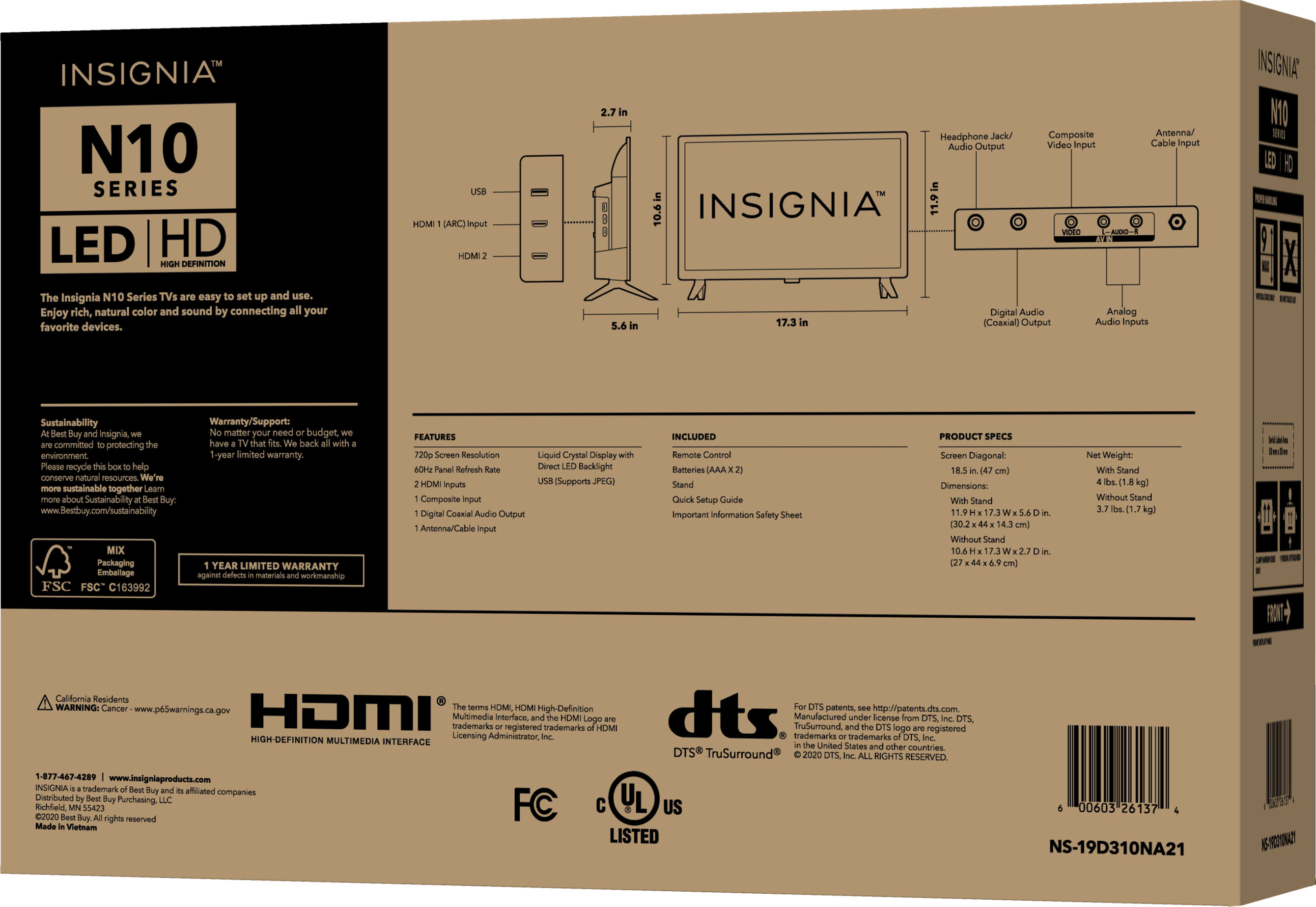
A:AnswerProduct Height With Stand 11.9 inches
Product Width 17.3 inches
Product Depth With Stand 5.6 inches
Product Height Without Stand 10.6 inches
Product Depth Without Stand 2.7 inches
Product Weight With Stand 4 pounds
Product Weight Without Stand 3.8 pounds
A:AnswerIf you read the section "Specifications-->Connectivity," you will see that there is no direct VGA connection. However, adapters are available for DisplayPort, HDMI, DVI, USB or whatever other (presumably PC) connector you have.
A:Answer1. If you read the page, you will see a part titled "Highlights" that mentions that this is NOT a Smart TV. However, you could add Smart TV functionality by the separate purchase of a Fire TV Stick, Chromecast, Roku, etc.
2. Search the Best Buy website for wall mounts to suit your needs. Don't ask other people to do basic work you should do yourself.
3. Unless there is a limit mentioned, I am sure Best Buy will be happy to sell you as many of this or any other TV as you could want or need. 2-3 would be no problem. A company I worked for recently had to buy 30 laptops at one go, retail (from another dealer) and we had no difficulties.
A:AnswerNo, this is not a Smart TV, it does not have apps. You can connect an external Roku device or external Fire TV device to one of the HDMI inputs on the TV.