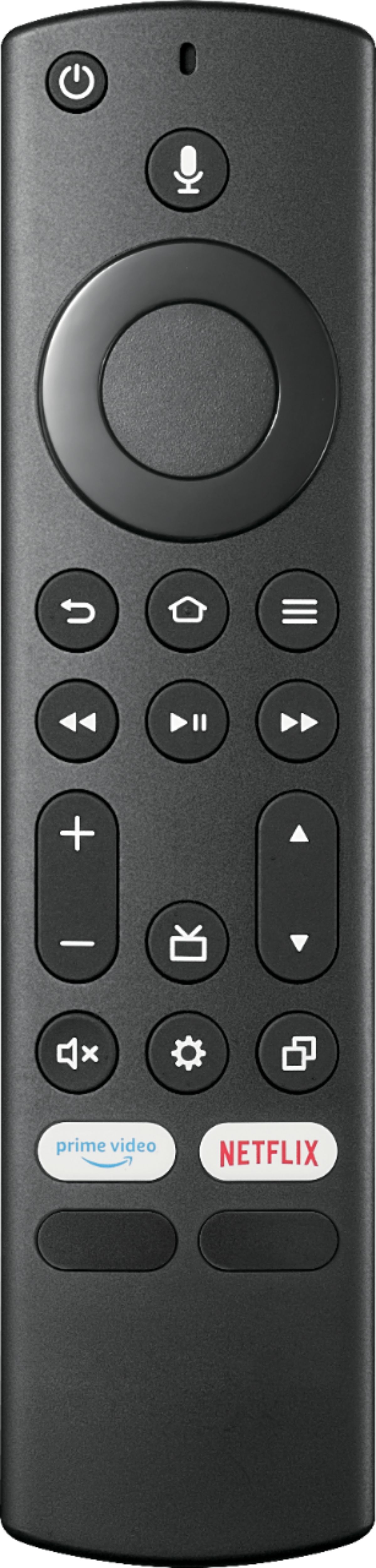
A:AnswerThe remote does not have a dedicated button for the Sleep Timer.
To set the sleep timer long press the Home Button and select Sleep Timer.
You can select between 5, 10, 15, 30, 60, 90, 120, 150, 180 and 240 minutes.
A:AnswerYes you can connect wireless headphones to the tv via Bluetooth. My wife and I have our apple wireless earbuds and wireless beats connected to ours. Setup was simple and fast!
A:AnswerThe included remote has Alexa built-in, press and hold the Mic button while speaking a command to Alexa and release the Mic button when you finish.
You can link an Echo device for hands-free control, you need to use the Alexa app on your smartphone, tap Menu > Settings > Video and TV > Fire TV and follow the on-screen instructions.
To see a list of Alexa commands to control your Fire TV Edition TVs, please visit:
https://www.amazon.com/gp/help/customer/display.html?nodeId=202174250