A:Answer Hello Mish,
• Try another channel. The station may be experiencing problems.
• Adjust the picture settings. Press and hold Home until the Quick Settings menu opens. Select Picture, then adjust the Contrast, Brightness, or Color settings.
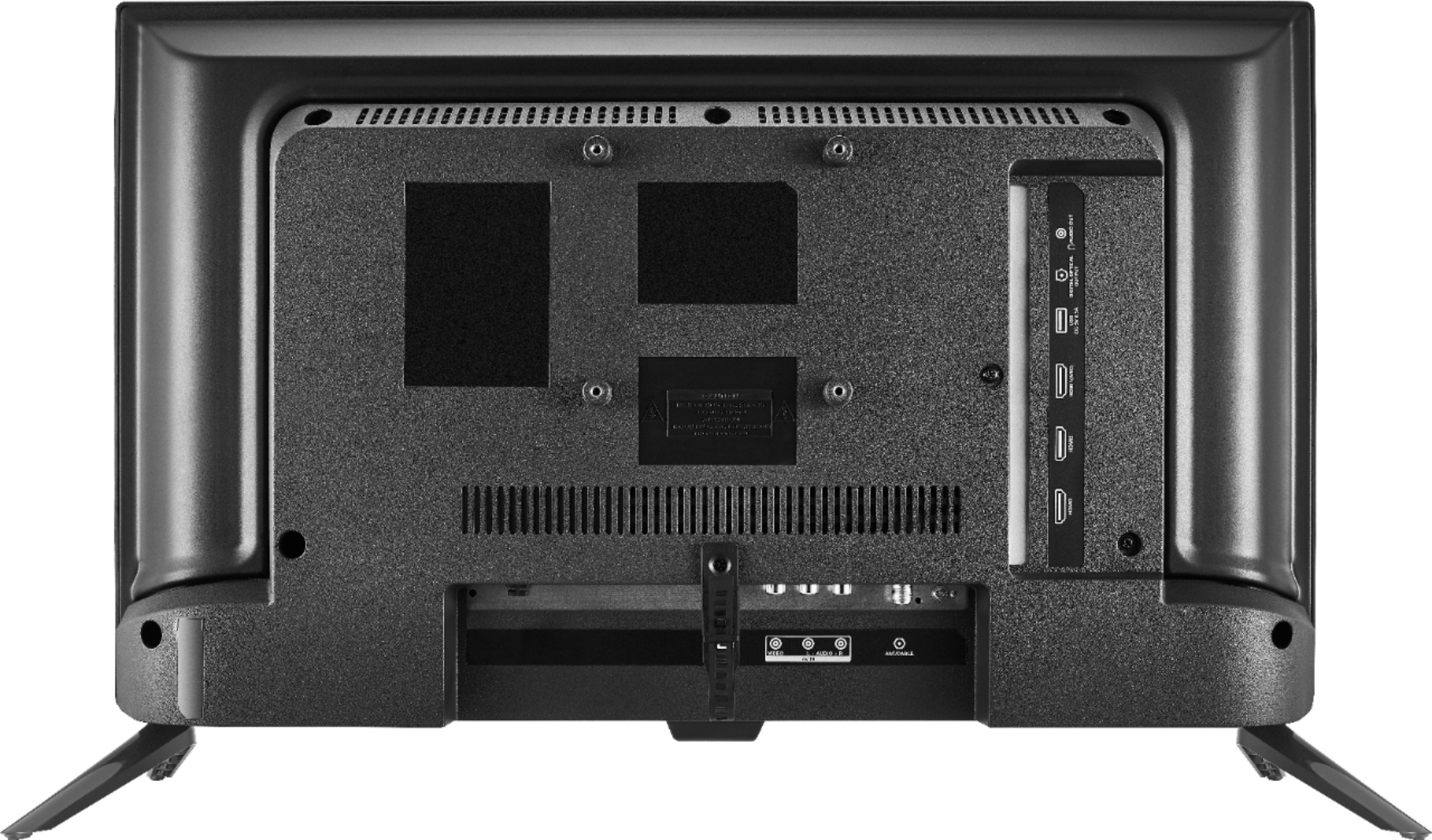
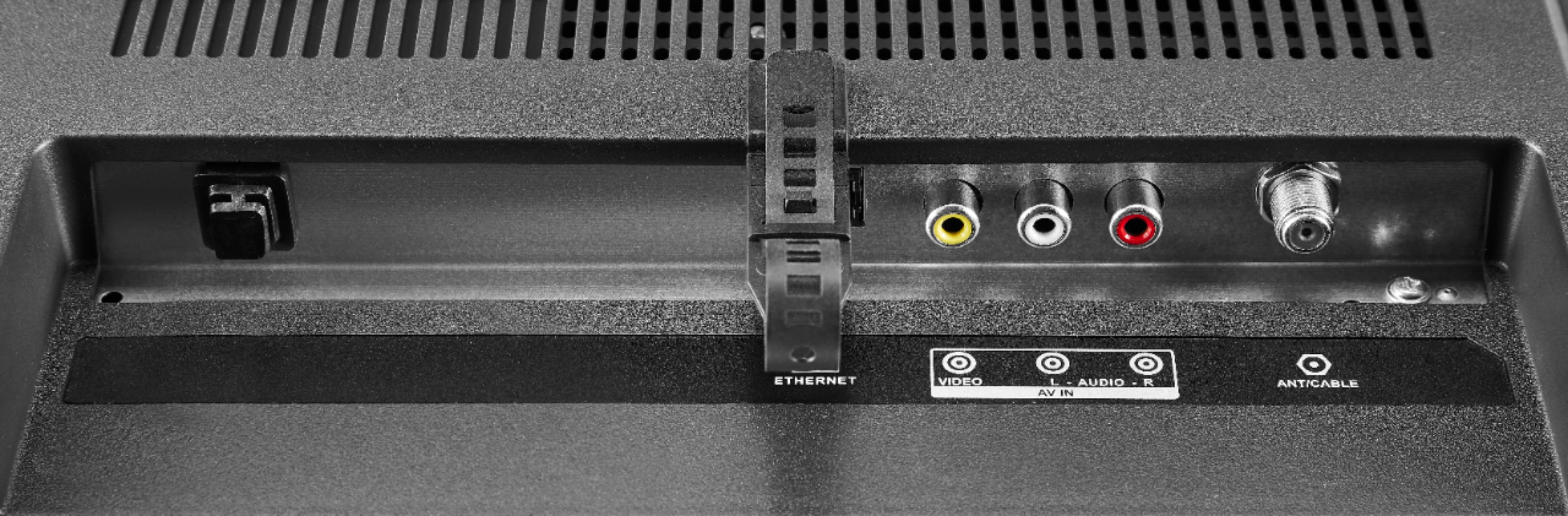
• Make sure that the video cables are connected correctly and securely to your TV.
• Make sure that the antenna or cable TV is connected correctly and securely. See
Connecting a cable or satellite box on page 11 or Connecting an antenna or
cable TV (no box) on page 12.
• If you are using an antenna and the signal strength is low, adjust the antenna or use a highly directional outdoor antenna or set-top antenna with a built-in amplifier.
Insignia Support,
Merjorie
www.insigniaproducts.com/support