A:AnswerThe Insignia 24" Class F20 Series LED HD Smart Fire TV includes a sleep timer feature, which is common in many smart TVs. This allows you to set the TV to turn off after a certain period of time. To access the sleep timer, go to "Home" > "Settings" > Sleep Timer". Patricia | Insignia Support https://www.bestbuy.com/site/insignia-24-class-f20-series-led-hd-smart-fire-tv/6491295.p?skuId=6491295
A:AnswerHi there! To connect your Roku box to your Insignia™ 24" Class F20 Series LED HD Smart Fire TV, follow these steps:
~Power Off: Ensure both your TV and Roku box are turned off and unplugged.
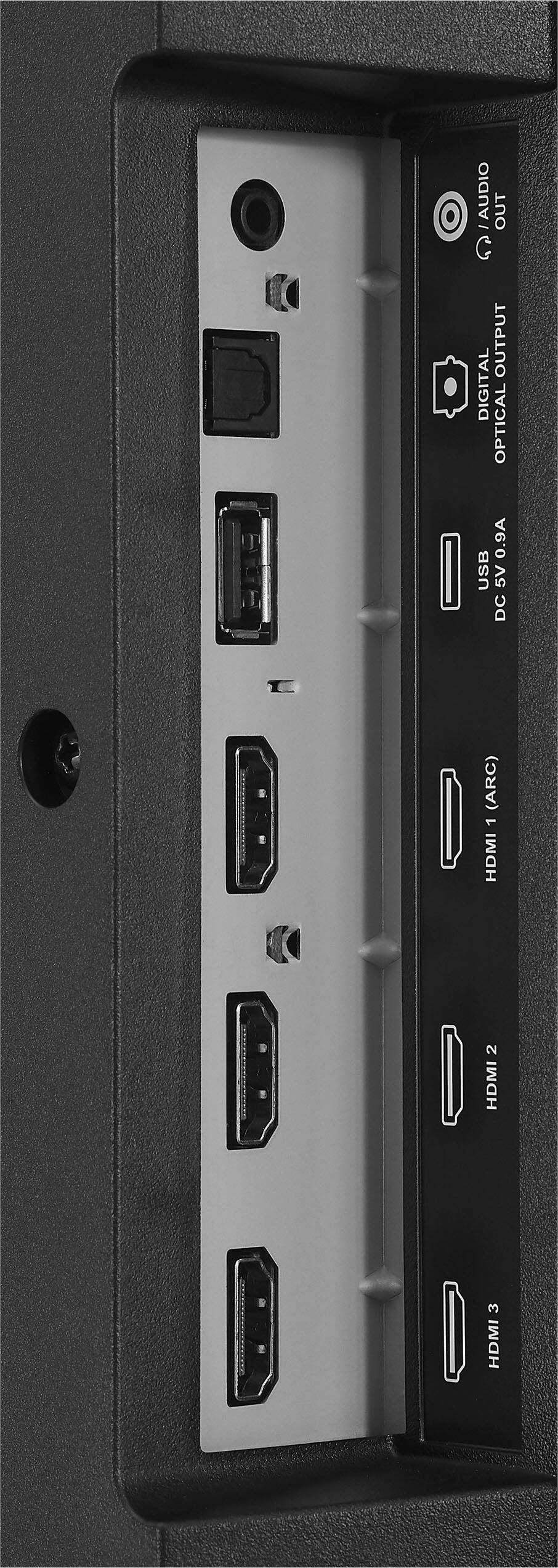
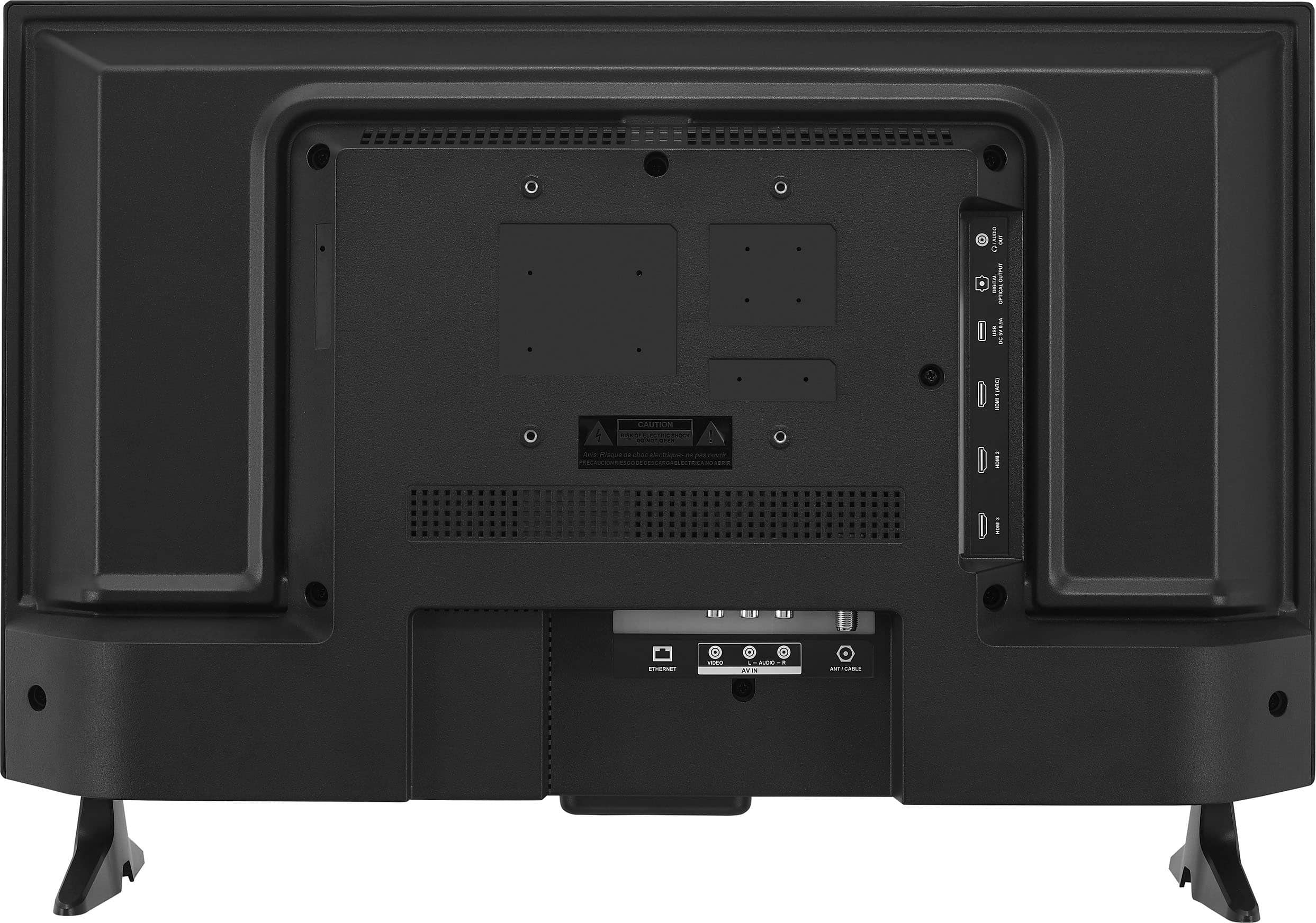
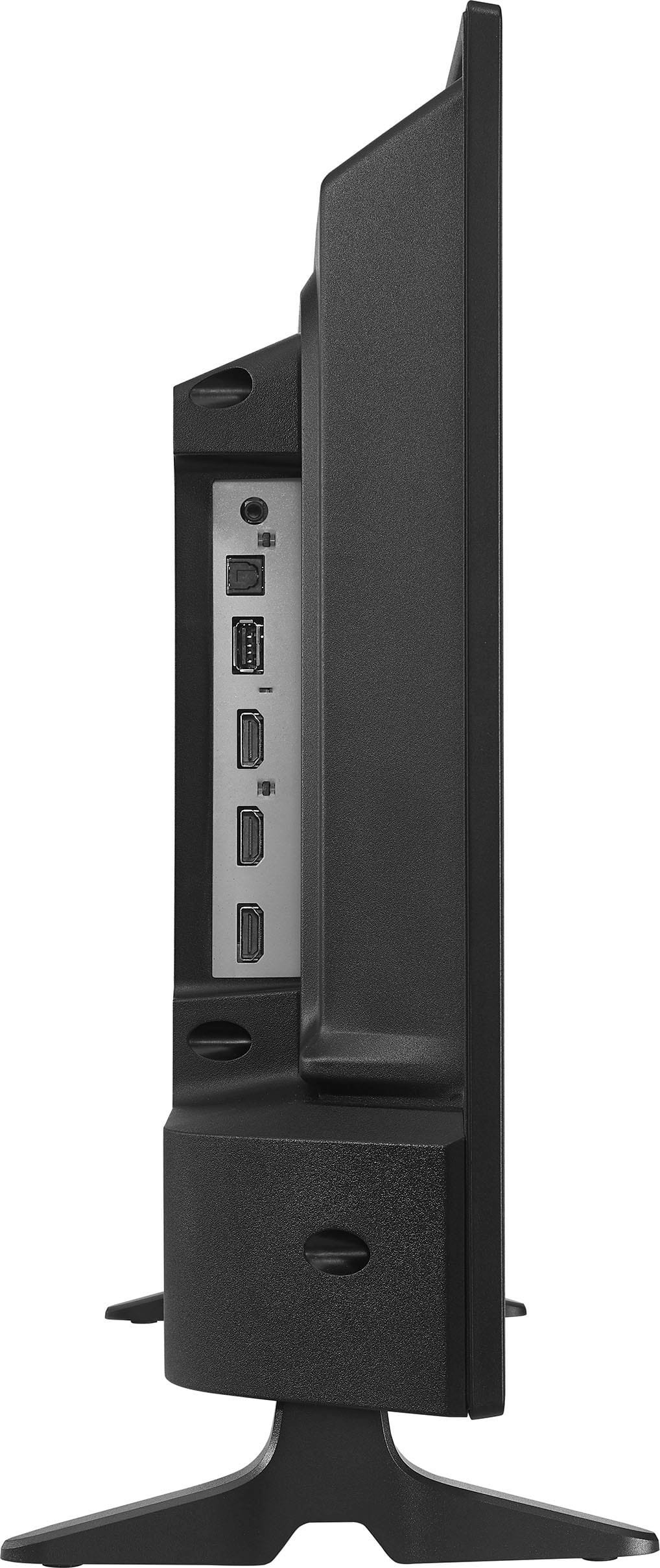
~Connect HDMI Cable: Plug one end of an HDMI cable into the HDMI port on your Roku box and the other end into one of the HDMI ports on your TV.
~Power On: Plug in and turn on your TV and Roku box.
~Select Input: Using your TV remote, navigate to the input/source menu and select the HDMI port you connected the Roku box to.
~Follow On-Screen Instructions: Once the Roku screen appears, follow the on-screen instructions to complete the setup, including connecting to your Wi-Fi network and signing in to your Roku account.
If you need further assistance, please access the link below. |Angelica| Insignia Products| https://www.bestbuy.com/site/best-buy-brands/support/pcmcat1693515381920.c?id=pcmcat1693515381920
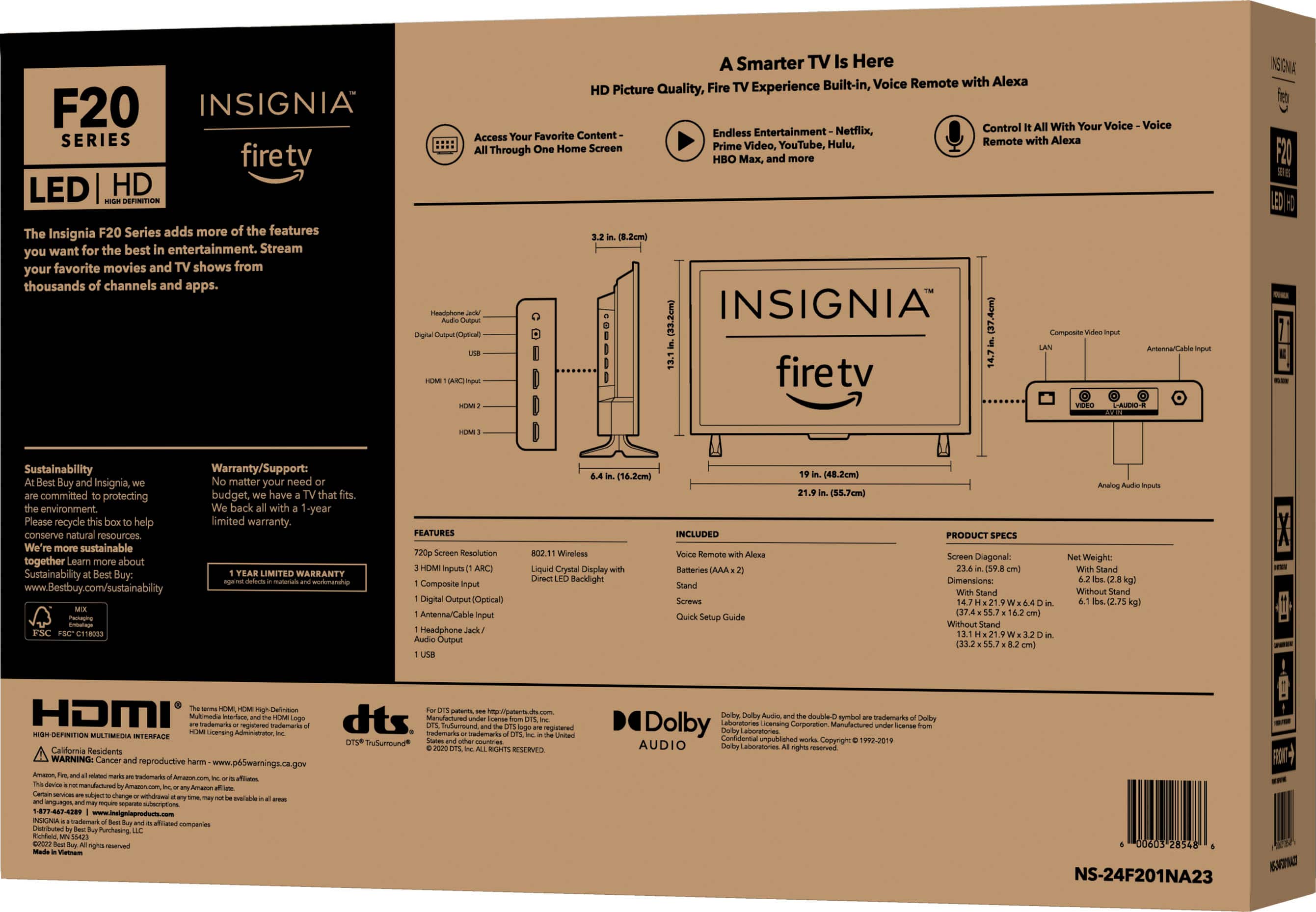
A:AnswerHi Bill, thank you for your interest in our product! The Insignia 24" Class F20 Series LED HD Smart Fire TV typically has a built-in storage capacity of approximately 8 GB. To check the storage on your television, simply press the "Home" button, go to Settings, then Device & Software, and select About. From there, you can view the storage information. Patricia | Insignia Support https://www.bestbuy.com/site/insignia-24-class-f20-series-led-hd-smart-fire-tv/6491295.p?skuId=6491295
A:AnswerHi there! Thank you for reaching out. The reason why the TV only got 15 channels during the setup is that those are the only available channels it can detect within your area. I hope this answers your question. If you have further questions, feel free to reach out. - Carl | Insignia Support
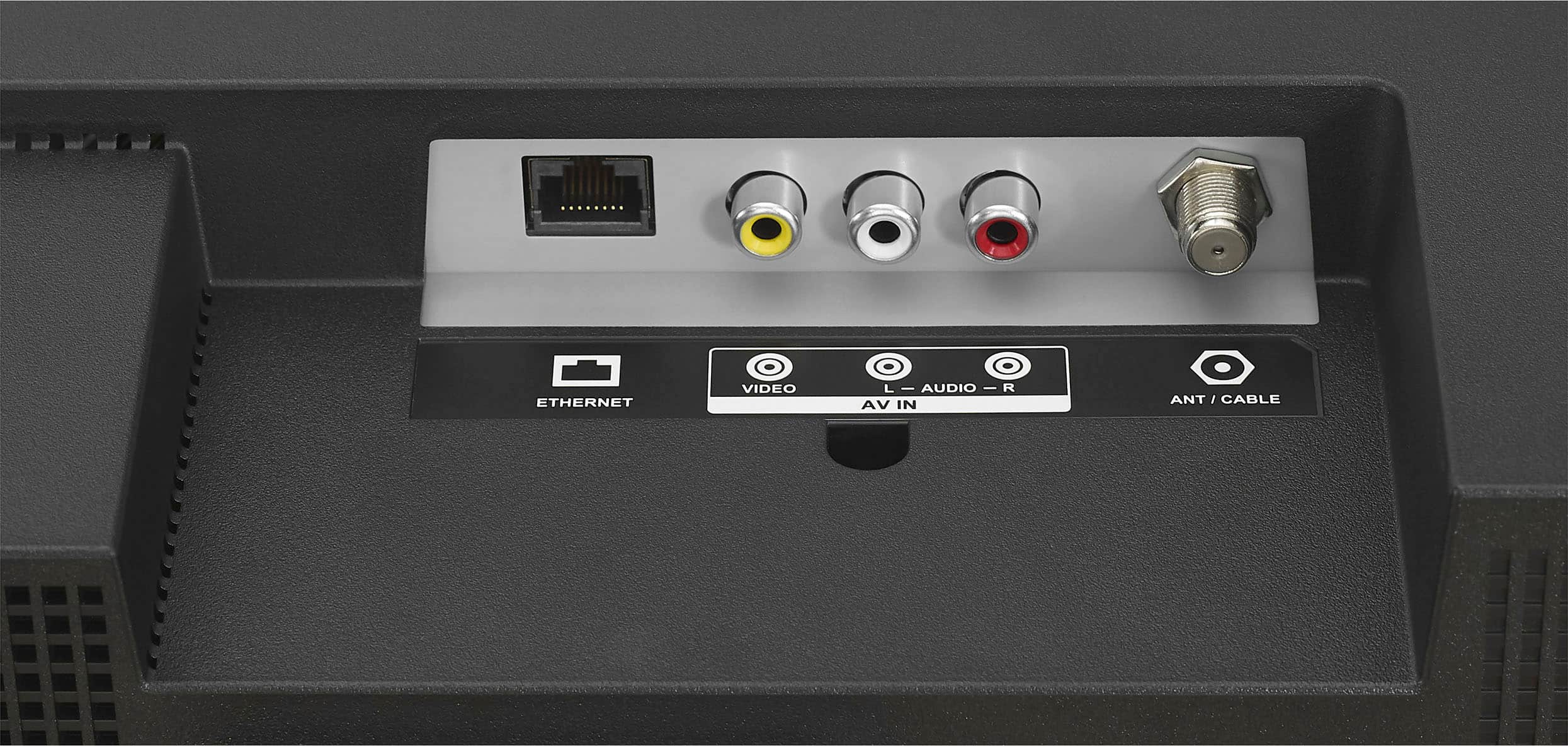
A:AnswerThe Insignia 24 inch TV should be able to work with a cable connection without a cable box.. It would be best to check with your cable provider to see channels are available without a box or if there are any specific requirements for accessing them on the TV. --Ed | Insignia Support | https://www.bestbuy.com/site/brands/best-buy-brands/pcmcat1596746025285.c?id=pcmcat1596746025285
A:AnswerHi Anonymous, you can only choose either of the two options to output your sound: either through your TV speaker or to your Bluetooth headphones. You can only select one audio output on your TV.
Feel free to let me know if you need further assistance! - Carl | Insignia Products
A:AnswerHi Jeff, thank you for your inquiry! Yes, the Insignia - 24" Class F20 Series LED HD Smart Fire TV (Model: NS-24F201NA23) does support Apple AirPlay. For more information about this product, you may click this link: https://www.bestbuy.com/site/insignia-24-class-f20-series-led-hd-smart-fire-tv/6491295.p?skuId=6491295. Carlo | Insignia Products
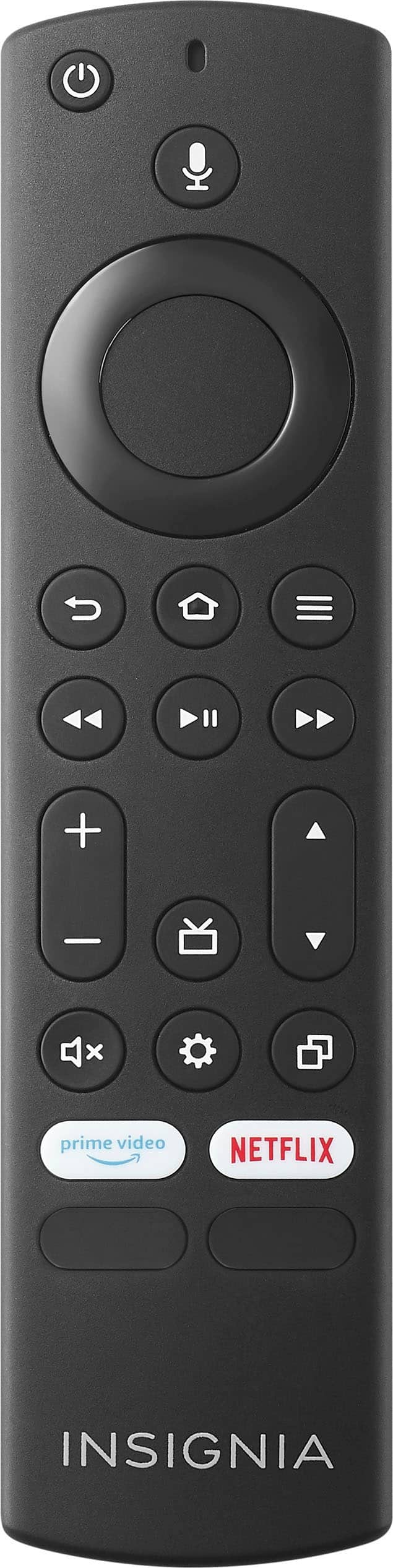
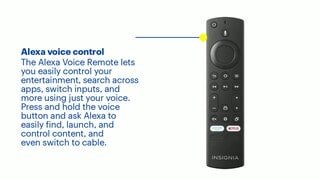
A:AnswerI ordered a new remote from Amazon as they are over Fire TV. The new remote worked right off the bat. Might want to check that out. It actually powers both of the Insignia TV's.