A:AnswerI believe it’s bc they are smart tvs, if you’d like the tvs to play the same thing they must be connected to the main tv. If that doesn’t help you I’d suggest you look up something on YouTube..good luck.
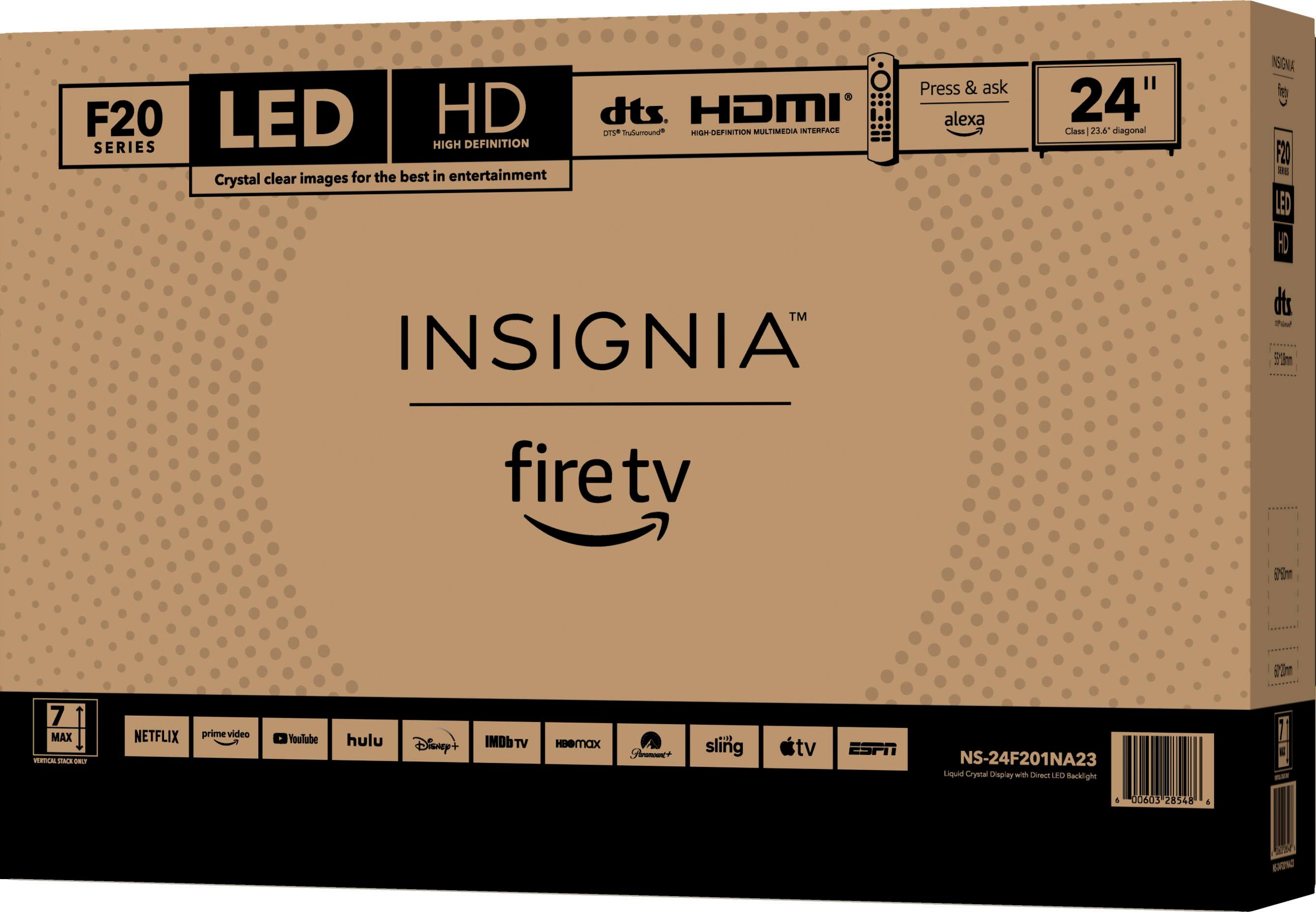
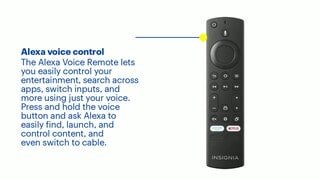
A:AnswerI think it’s just a fire tv meaning you can download apps and streaming channels, some free others not
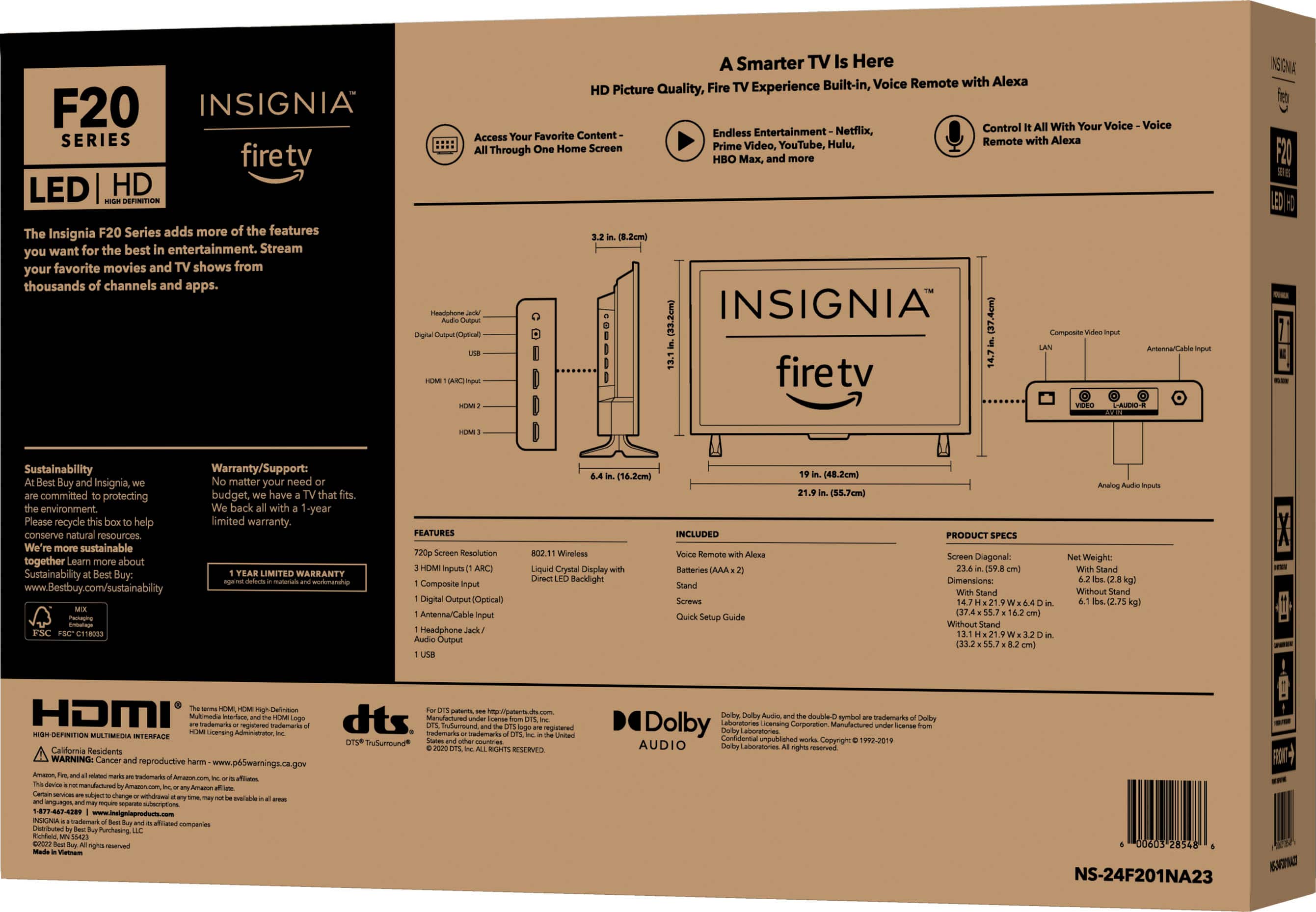
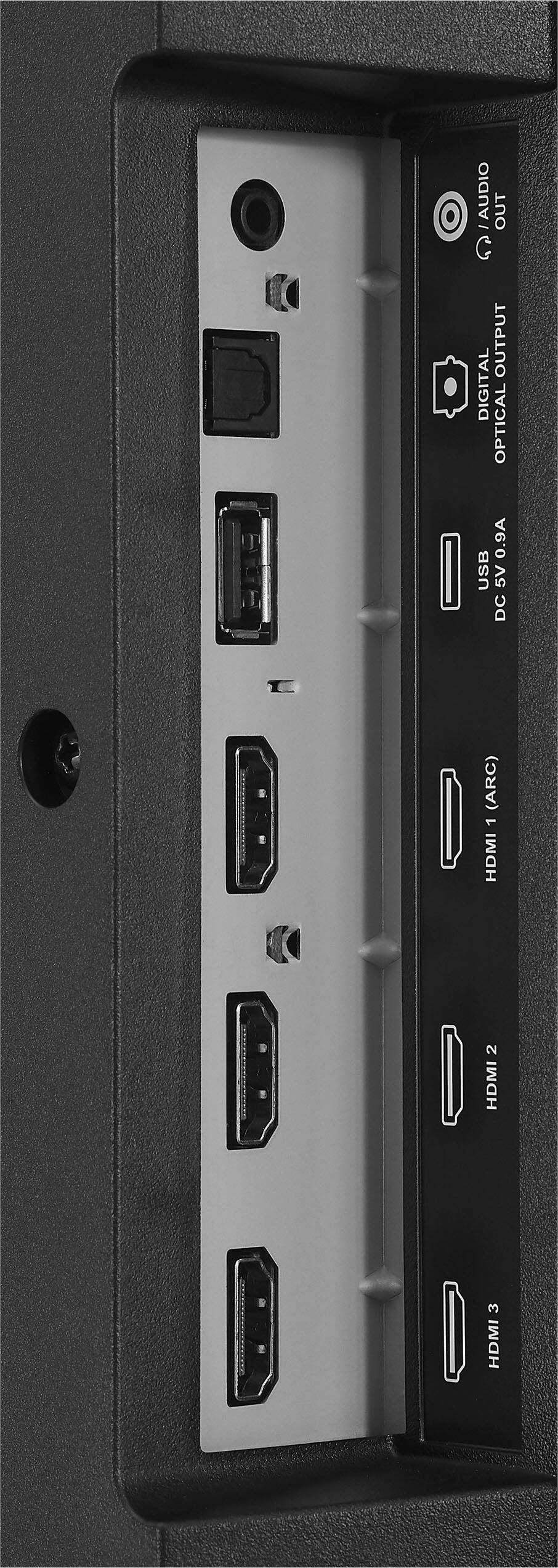
Yes you can hook up your cable to it or only watch using wifi
A:AnswerYes but you need to download the app if one exists for your cctv system. I have a blink camera system and can view my cameras on my television.
A:AnswerIt seems to be that the TVs have a setting automatically programmed that makes them shut off..this can be very annoying. I think it’s a power saving mode type of thing. You could try setting the sleep timer to the longest setting. I hope it helps but I truly don’t think it will. I’d contact the manufacturer and try to get some answer. Good luck
A:AnswerHi there,
Yes it is a smart tv.
Renee,
Insignia Support
https://www.bestbuy.com/site/brands/best-buy-brands/pcmcat1596746025285.c?id=pcmcat1596746025285
A:AnswerWe have xfinity app a nice feature with firetv you can access limited xfinity channels out of your home as long as you have wifi. We bought 3 for ouf camper for this reason.
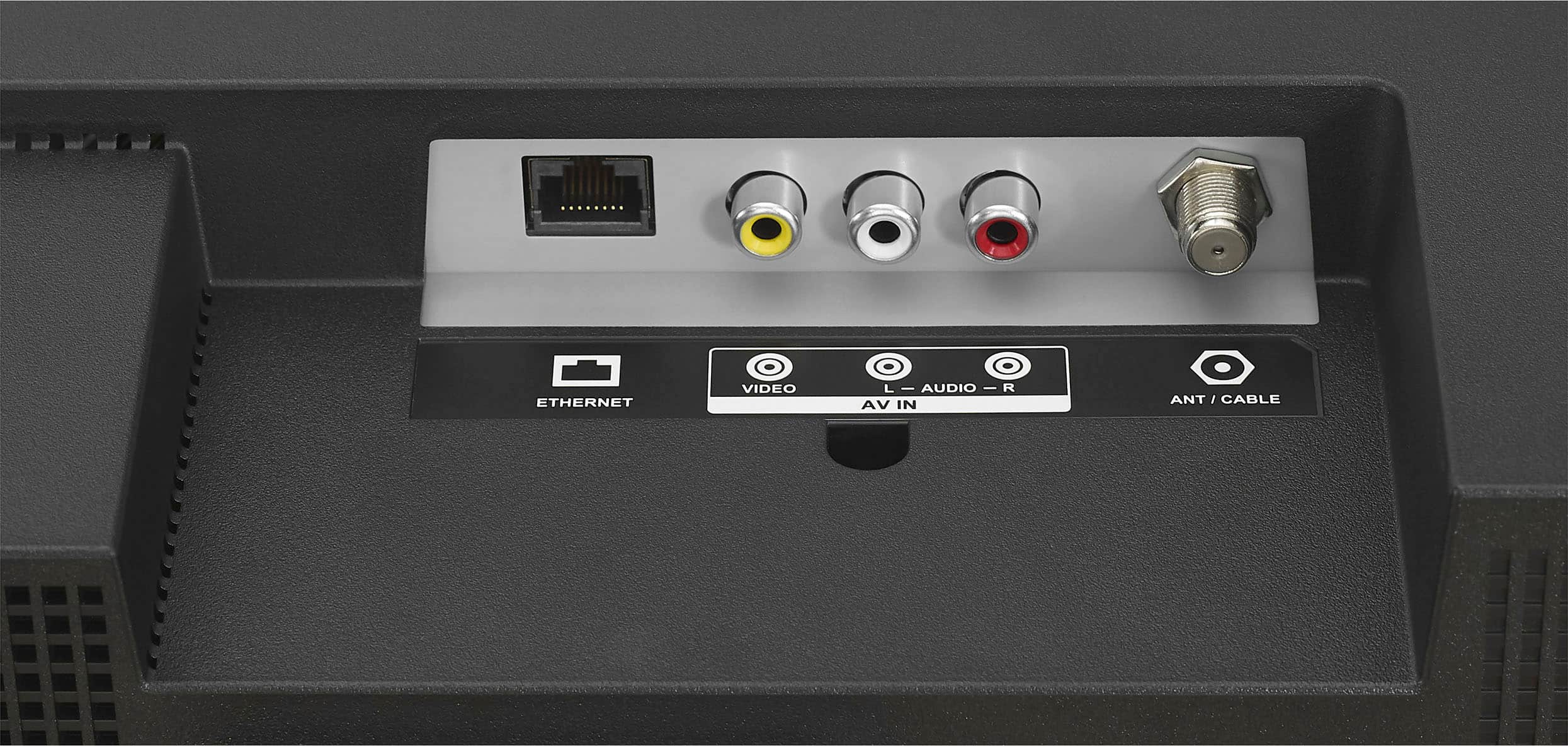
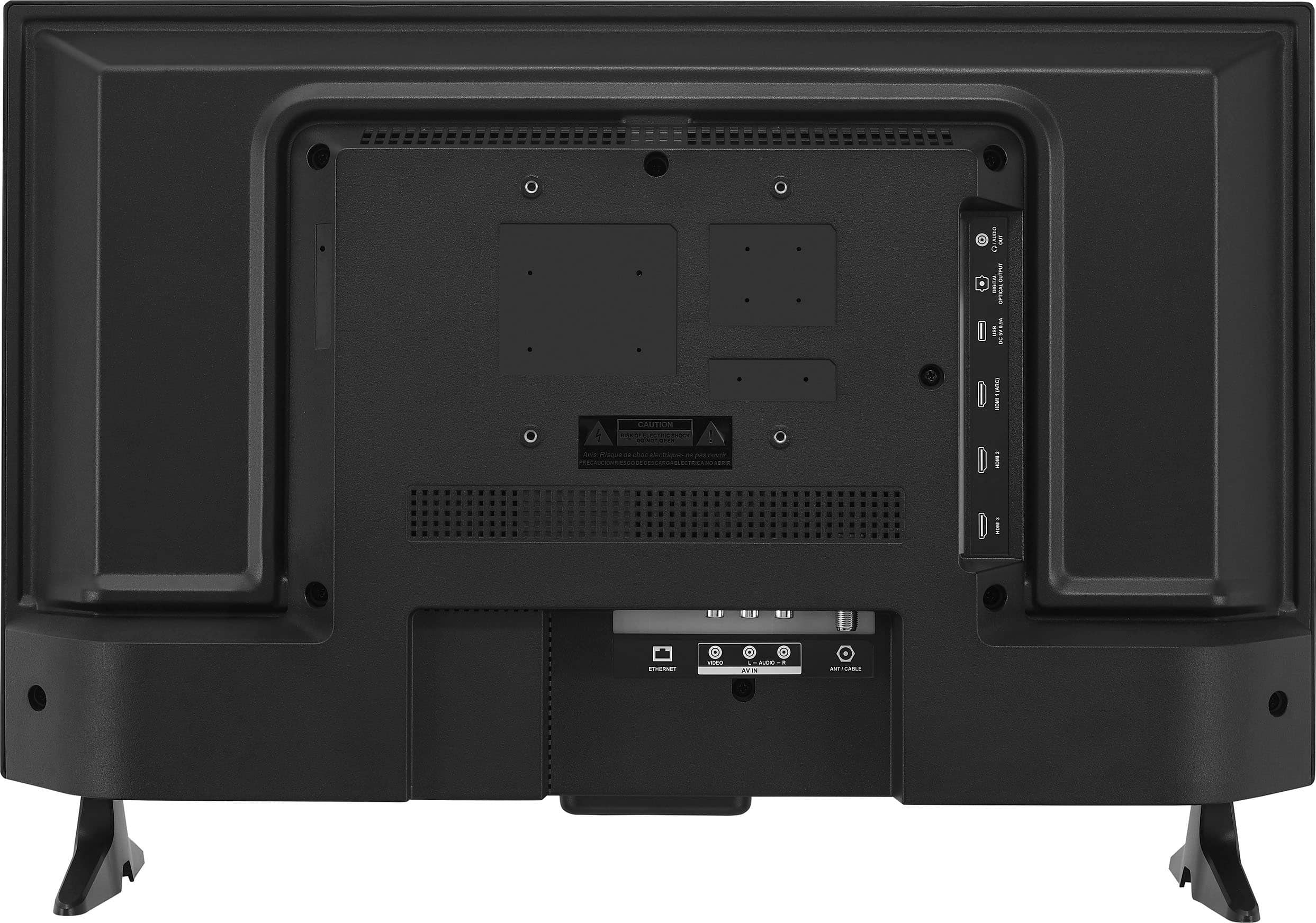
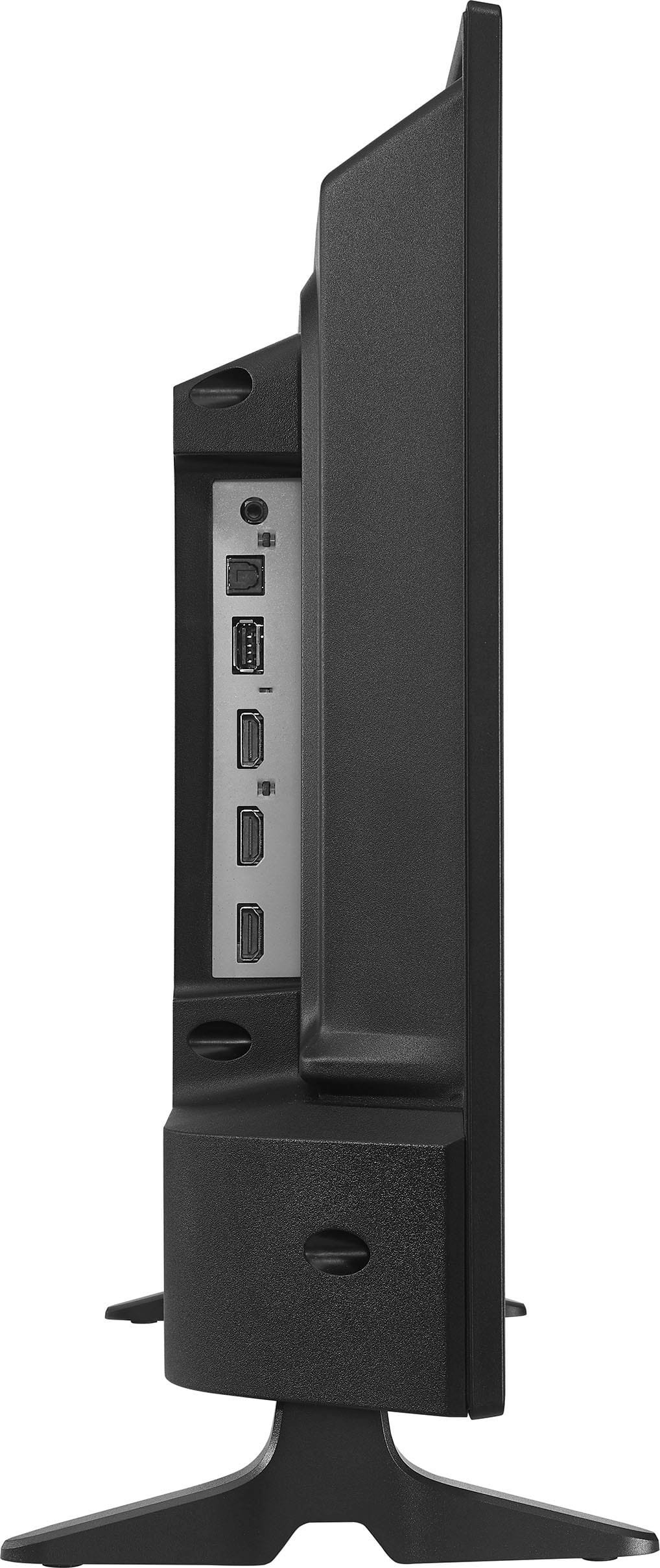
A:AnswerHi there, yes this TV has an ethernet port.
Mariepel C.| Insignia Products
https://www.bestbuy.com/site/brands/best-buy-brands/pcmcat1596746025285.c?id=pcmcat1596746025285
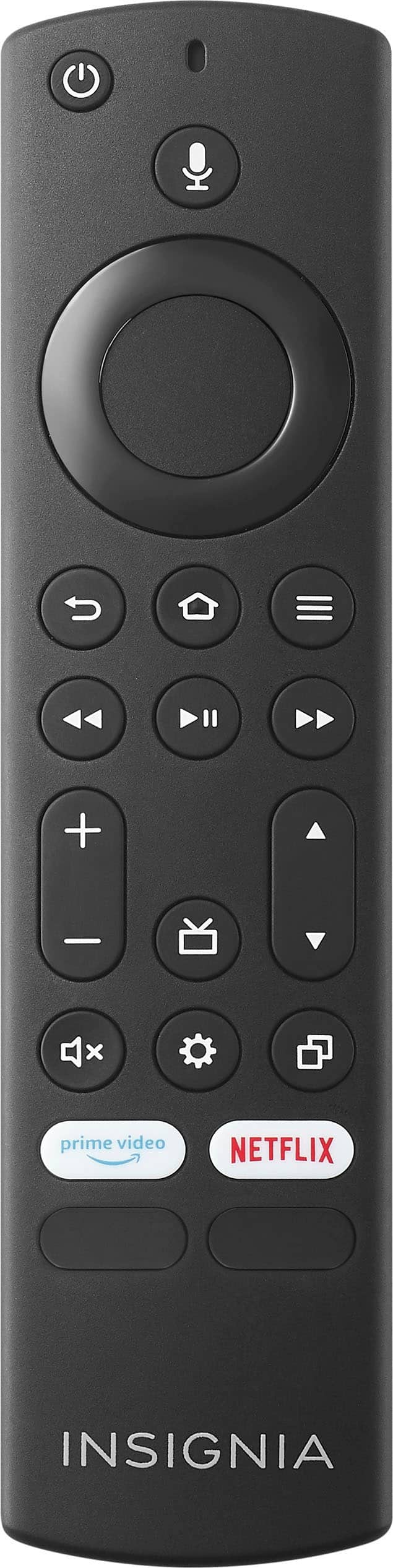
A:AnswerI don't know about changing frequencies; however, you might try increasing the distance between the two devices.
Another thought, the photo sensors for the two devices may be in the same "photo/light" reception area (overlap). Changing the orientation of one device in relation to the other may work.