A:AnswerTo clear all discovered channels from the Insignia™ 24” Class F20 Series LED HD Smart Fire TV before performing a new channel scan, the process involves resetting the channel list, typically through the TV’s settings menu. While the TV’s Fire TV interface doesn’t explicitly offer a “clear channels” button, rescanning for channels effectively overwrites the existing list, which achieves the same result. Here’s how you can do it:
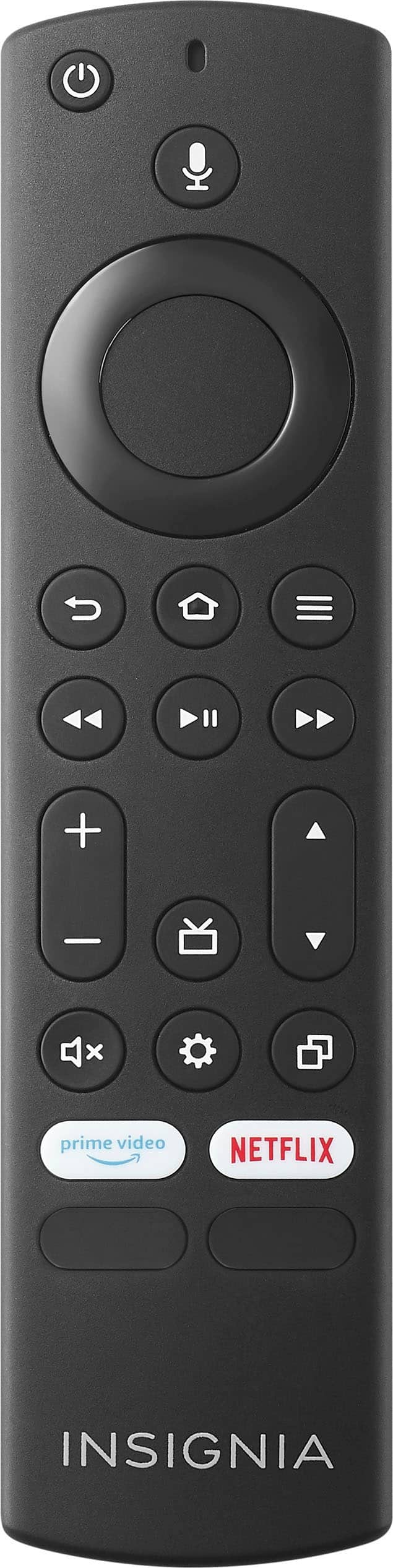
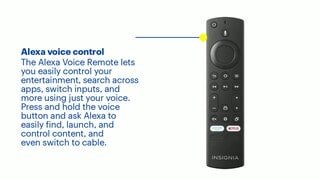
1 Access the Home Screen: Press the Home button on your Alexa Voice Remote to bring up the Fire TV main menu.
2 Go to Settings: Scroll right across the top menu bar and select “Settings” (the gear icon).
3 Navigate to Live TV: In the Settings menu, scroll down and select “Live TV.” This section manages over-the-air channels if you’re using an antenna or cable input.
4 Select Channel Scan: Choose “Channel Scan” or “Scan for Channels” (the exact wording may vary slightly depending on the firmware version). This option is designed to search for available channels.
5 Start a New Scan: Follow the on-screen prompts to begin the scan. The TV will search for channels anew, replacing the previously stored channel list with the results of the new scan. There’s no need to manually delete the old channels first, as the new scan automatically clears and updates the list.
If you want to ensure the slate is truly clean (e.g., if the TV retains some channel data despite a rescan), you can perform a factory reset, though this wipes all settings, not just channels:
• From the Home screen, go to Settings > Device & Software > Reset to Factory Defaults. Confirm the reset, and after the TV restarts, set it up again and run a fresh channel scan.
The simpler method—running a new channel scan—should suffice for most cases, as it’s the standard way to refresh the channel list on Fire TV Edition devices like this Insignia model. Users on forums and support pages have noted that rescanning reliably updates the channel lineup without requiring a full reset, especially useful if you’ve moved your antenna or changed your cable setup. This aligns with the TV’s design as of February 21, 2025, based on its typical functionality. I hope this helps.
A:AnswerThe answer about cable or other physical inputs are correct. However, the Insignia TV does not go to the last app used as explained in this answer. Answers on the internet also say that it will go to the last app, but customer service for Insignia confirmed that it does not do this for apps. It just goes to the Home Screen.
A:AnswerWhen we lose power it’s for a while or multiple days, we watch all our normal sling tv etc off our phones hotspot because internet is using out too. Hope that helps
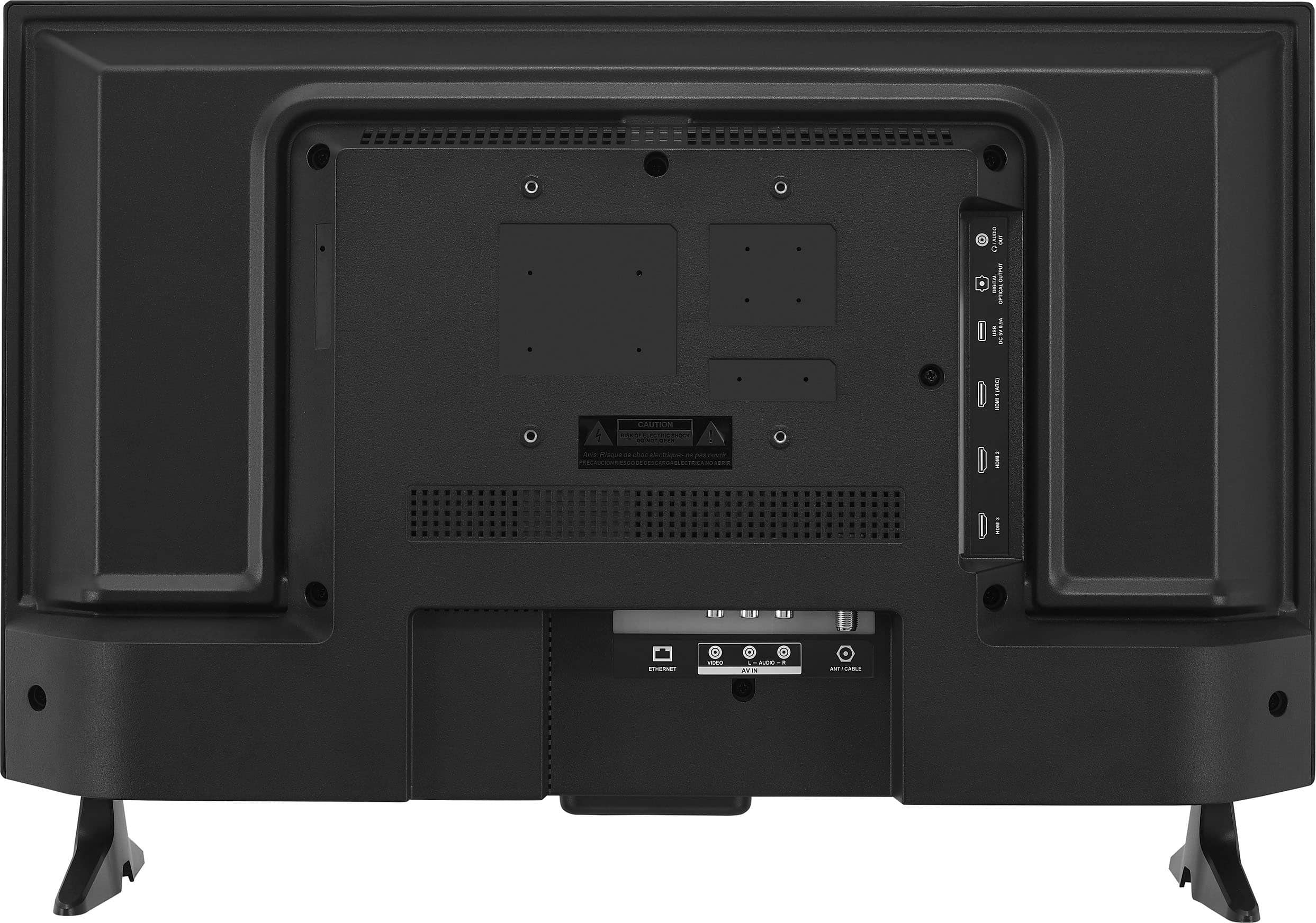
A:AnswerYes, definitely. Amazon sells universal TV stands that use the 100x100 VESA mount on the back of this TV. They typically have a single rectangular base.
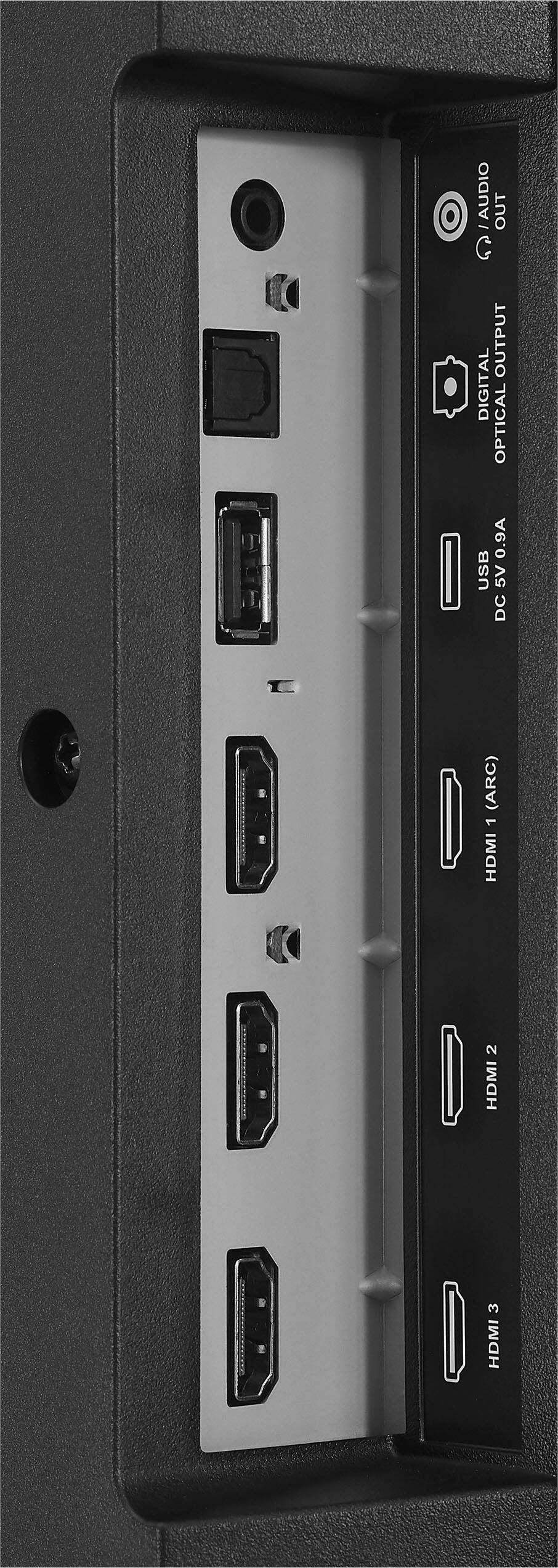
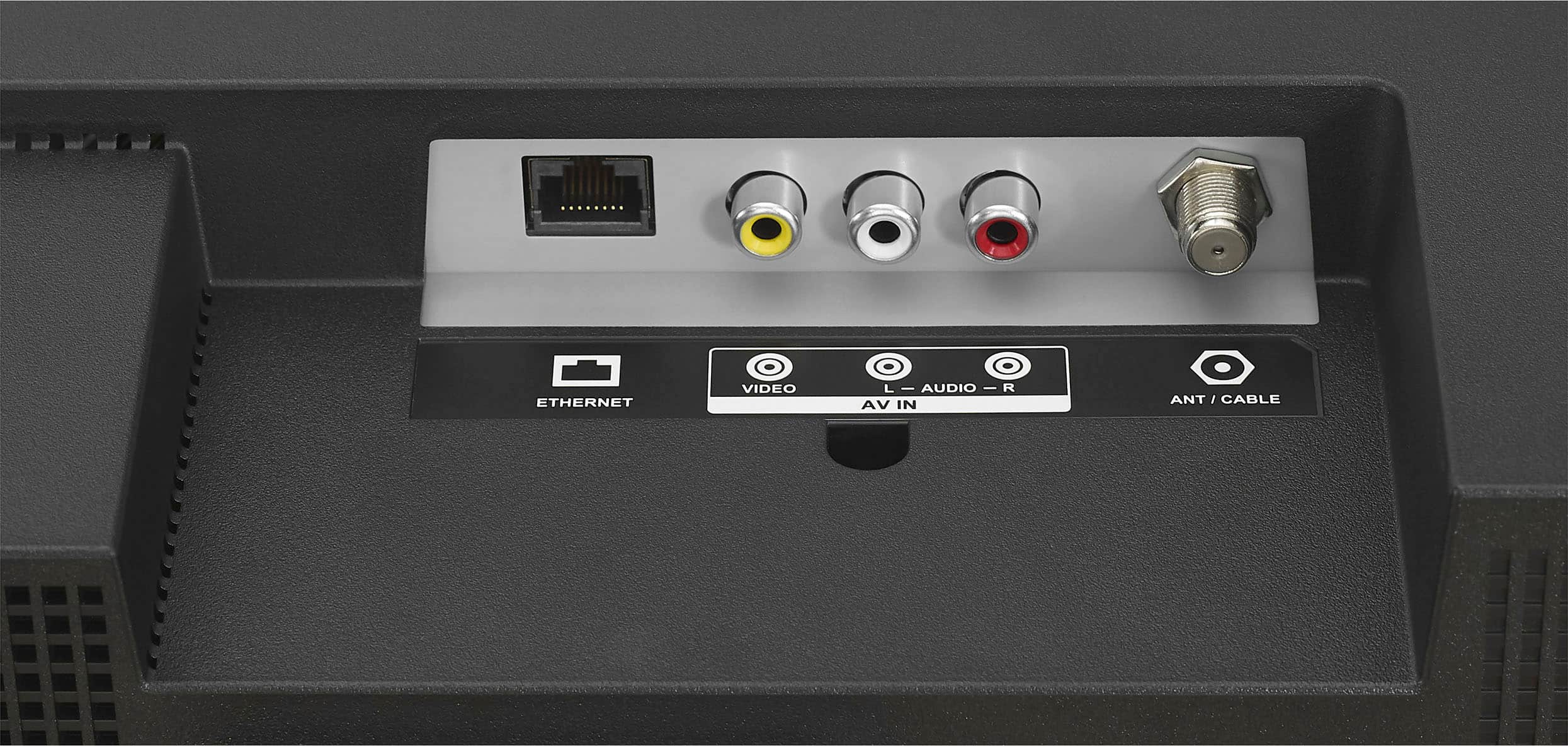
A:AnswerThe one word answer did not completely answer my questions. Can I connect my VHS-DVD player and get results? Can I connect to an eero to get the internet?
Thank you.
julia