A:AnswerHello, thank you for your question. Yes, this Insignia 24" F40 Series Fire TV does support HDCP. This ensures compatibility with streaming services and protected content that require HDCP for playback. Sudeep | Insignia
A:AnswerDear Customer, thank you for your question. The Insignia™ 24" Class F40 Series LED Full HD Smart Fire TV (Model NS‑24F401NA26) does not include HDMI 2.1 ports. This model features standard HDMI inputs designed for 1080p viewing at a 60Hz refresh rate, making it ideal for everyday streaming and general use.
Rafay | Insignia Products
A:AnswerHello Mike! Thank you for your question. The Insignia 24" F40 Series Fire TV supports Bluetooth audio, so you can pair Bluetooth headphones for silent listening.
Darshan | Insignia
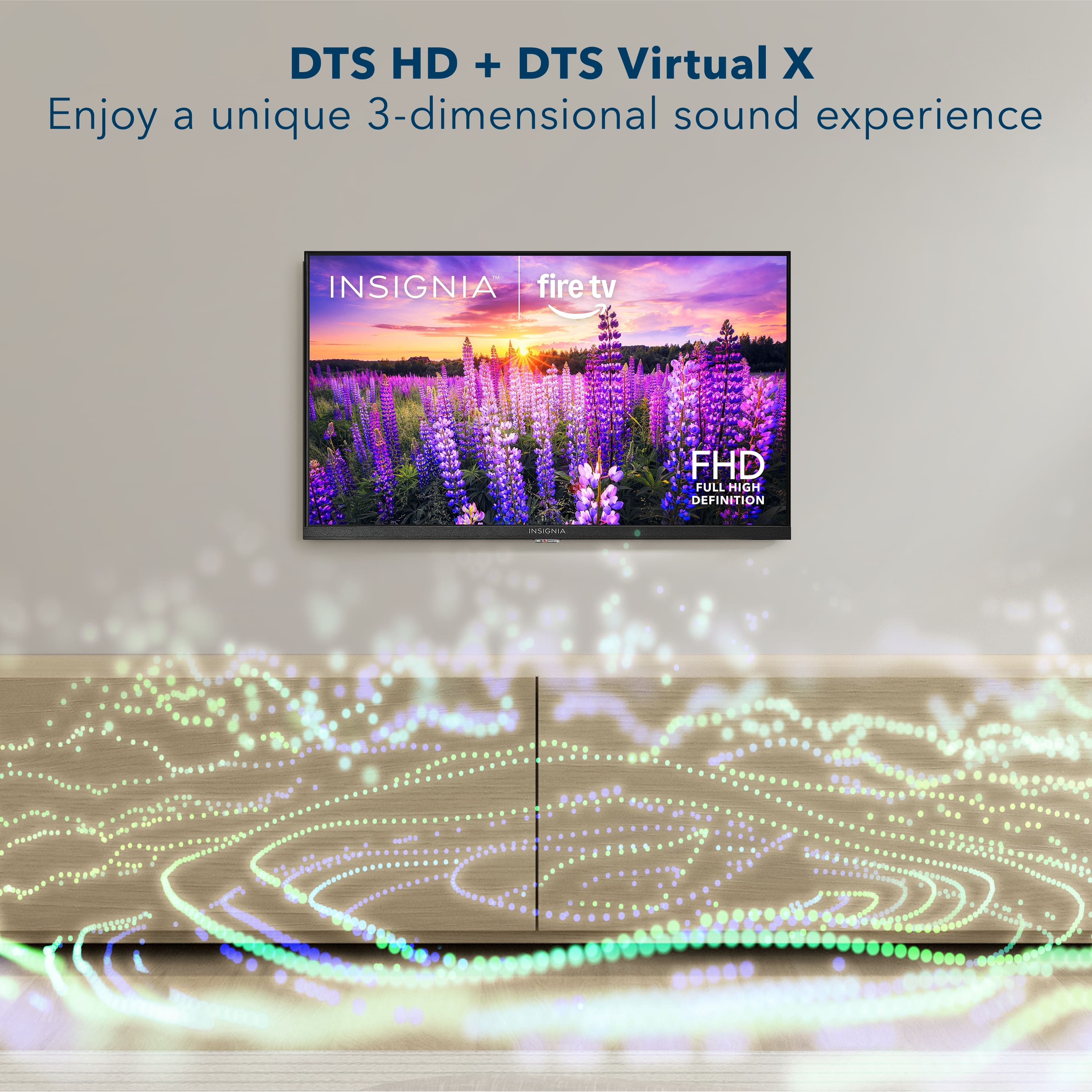
A:AnswerDear Customer, Thank you for your question. The Insignia™ 24" F40 Series TV delivers solid sound quality, especially when streaming music. It includes DTS Virtual‑X audio enhancement, which helps create a more immersive and spacious sound experience.
Rafay | Insignia Products
A:AnswerHello, thank you for your question. To add Channel 2 on the Insignia 24" Class F40 Series LED Full HD (1080p) Smart Fire TV (Model: NS‑24F401NA26), you can simply run a channel scan on the TV, and it should pick up any available local channels in your area. If you need any extra help, feel free to reach out to us at 877‑467‑4289 or insigniasupport@bestbuy.com. Sidhartha | Insignia
A:AnswerHello Brian and thank you for the question.
Yes, you can absolutely use a Roku box with the Insignia 24" F40 Series Fire TV (Model NS‑24F401NA26). Just plug the Roku into one of the TV’s HDMI ports, switch the input, and it will work like it does on any other TV.
Sidhartha | Insignia
A:AnswerHello Insignia Customer! Thank you for your question. This TV uses the 100 x 100 mm VESA pattern, so any VESA‑compatible locking wall mount that supports this size will work. We also recommend checking out Insignia wall mounts, as they are designed to fit our TVs and offer secure mounting options. You can also visit your local Best Buy store or check online, where the team can help recommend the best locking mount for your setup. We appreciate you reaching out.
Poojitha | Insignia
A:AnswerThe Insignia 24-inch Class F40 Series LED Full HD Smart Fire TV (NS-24F401NA26, 2025 model) typically operates with a low power consumption, likely in the range of 25W to 35W, similar to other 24-inch LED models, including the 25W rating for the similar NS-24DF310NA19. It is a highly energy-efficient 1080p television suitable for small spaces.
A:AnswerHello! Thank you for your question. Yes! The Insignia 24" F40 Series Full HD Smart Fire TV does connect to Wi‑Fi, allowing you to stream your favorite apps, use Alexa features, and access all Fire TV smart functions once connected to your network.
Darshan | Insignia
A:AnswerI am using this one myself for just the local channels, and it works great. You will need an antenna, but I have a $10.00 one on it, and it works great.
A:AnswerThe TV can be programmed to start up using the last input it used. Start from the main screen, go to Settings, then Input and select Power On using Last input. Setting is in an unusual spot, but there's a gear icon that helps identify it. After this is done, go all the way back to the main screen and change the input over to HDMI. That should do it.
A:AnswerThis television has the xfinity stream app,spectrum app and the direct tv app available if you have cable with a particular service just download that app and put in your account information.
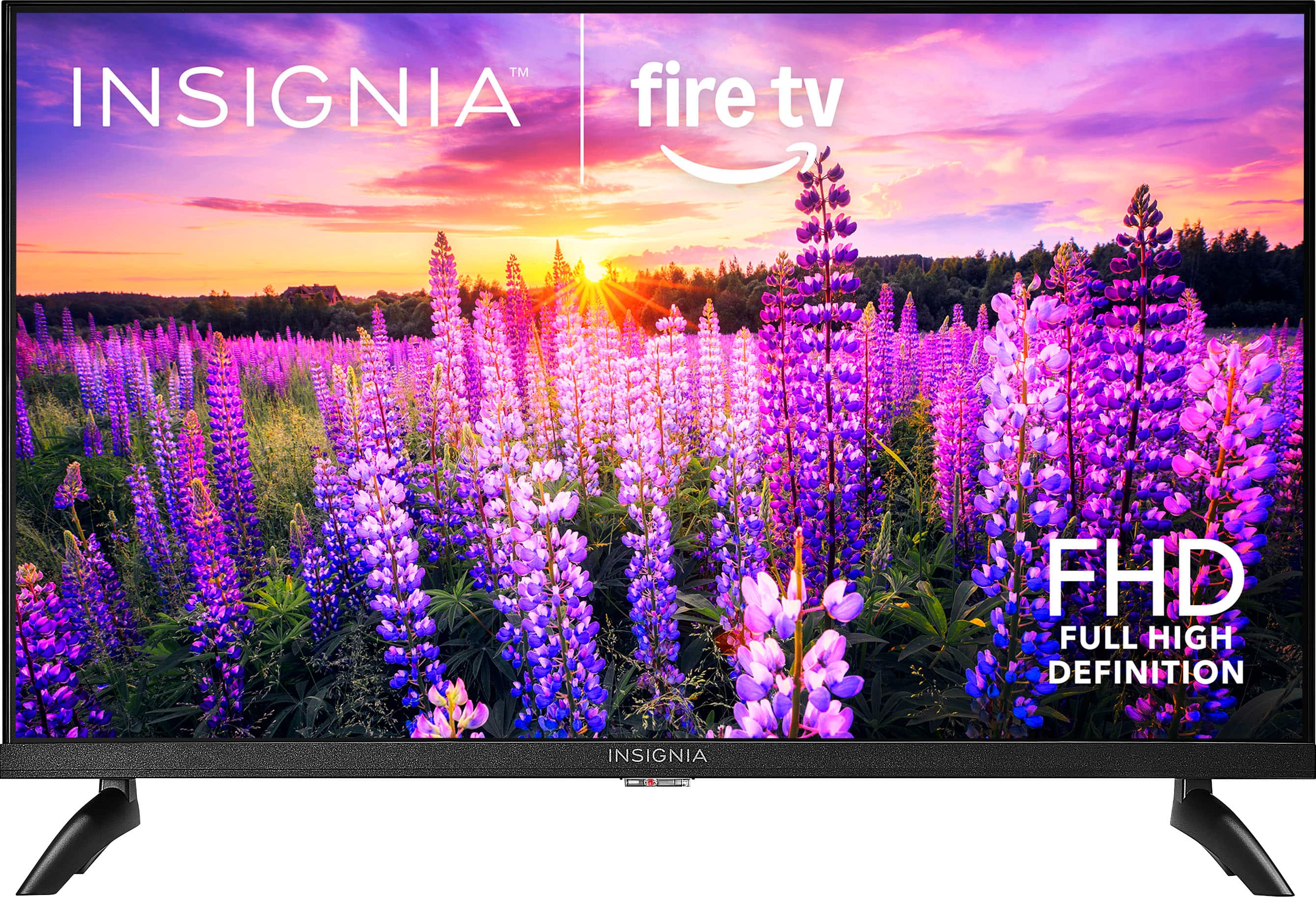
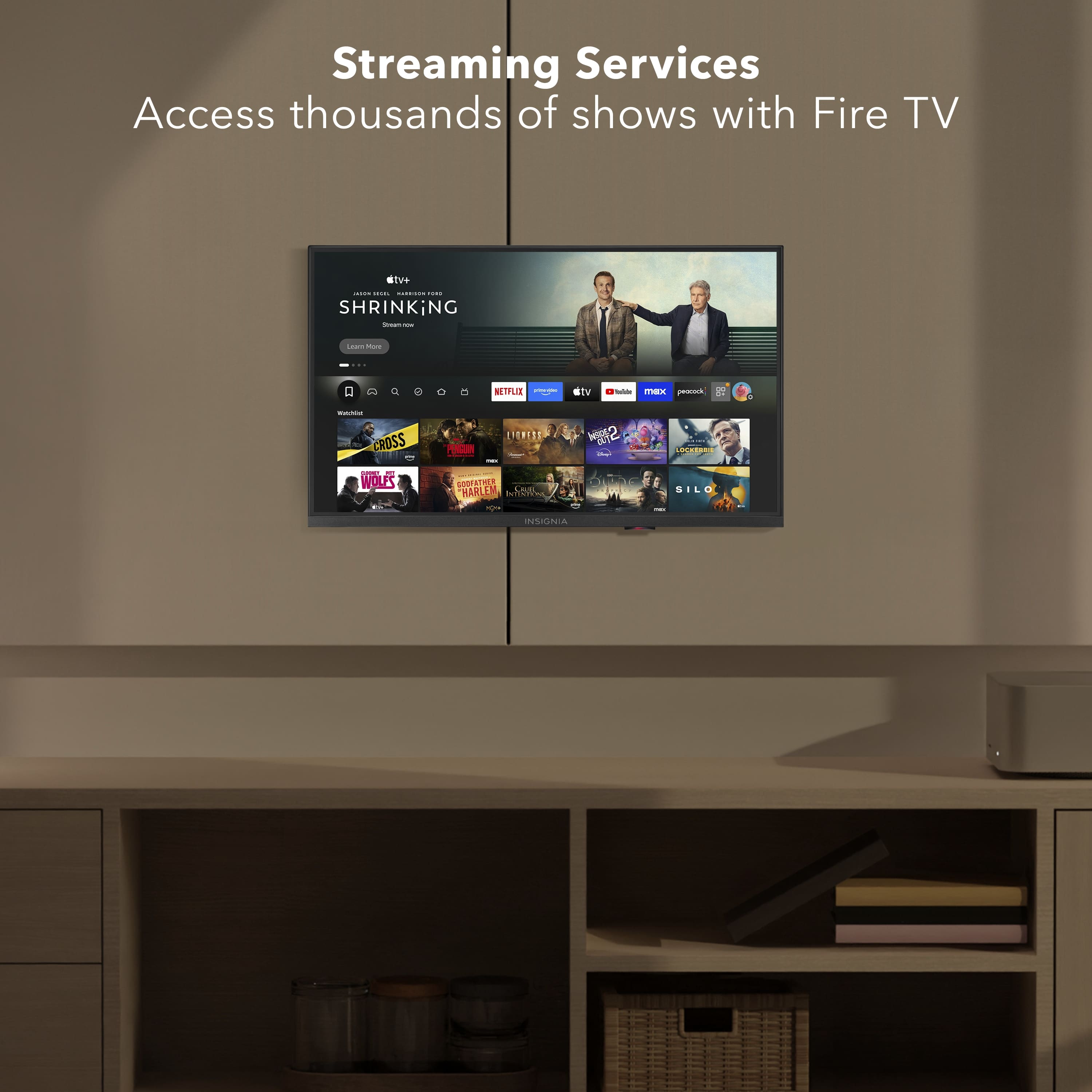
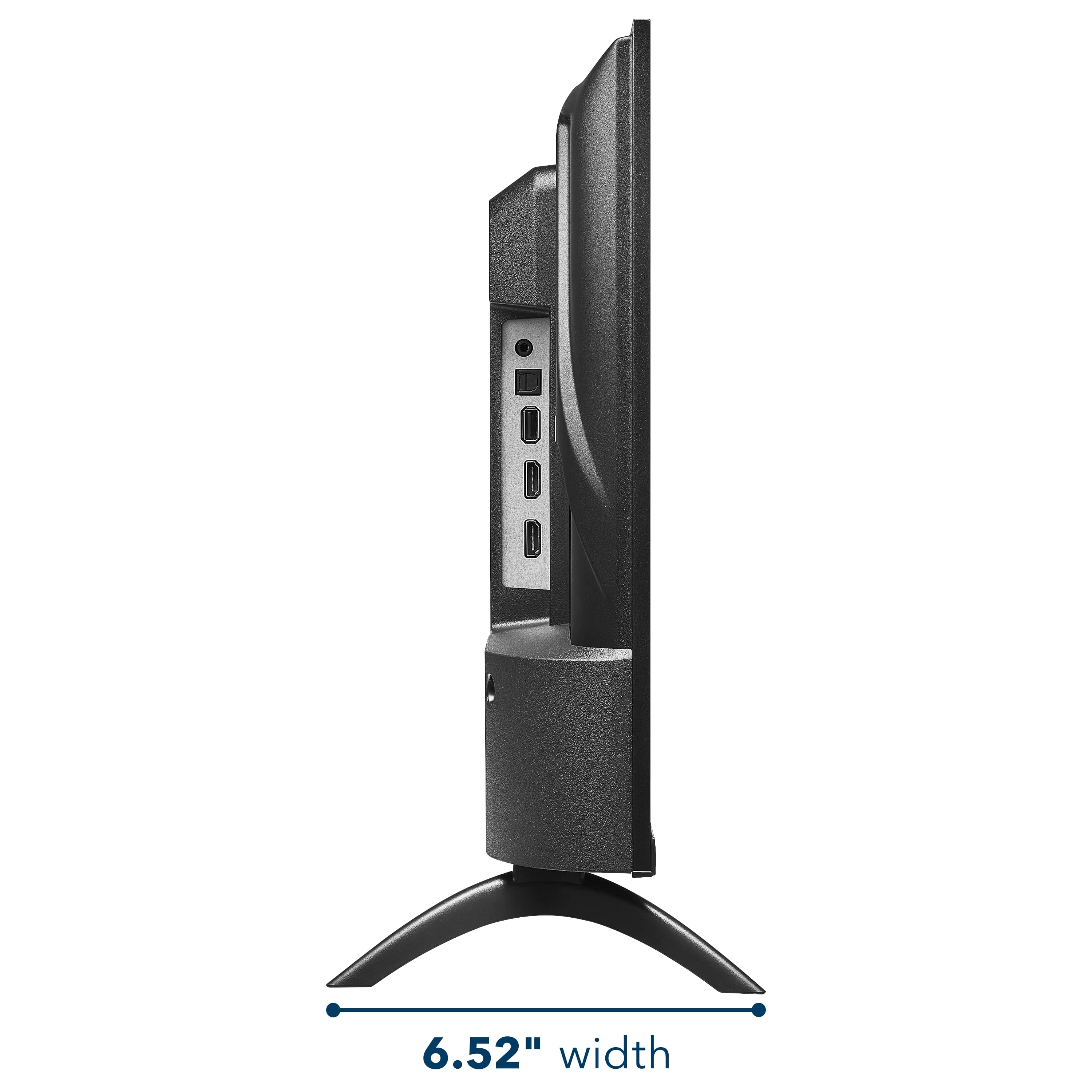
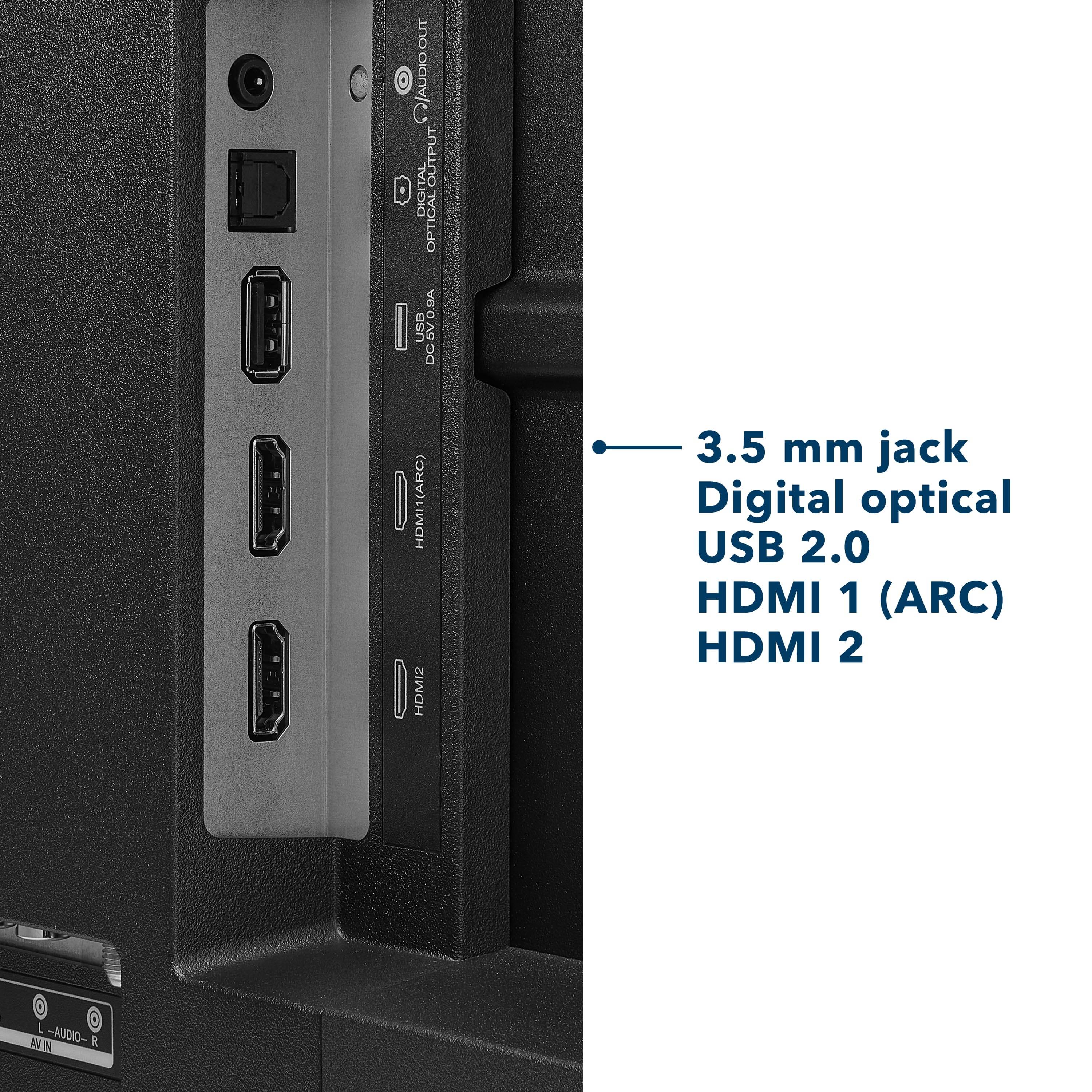
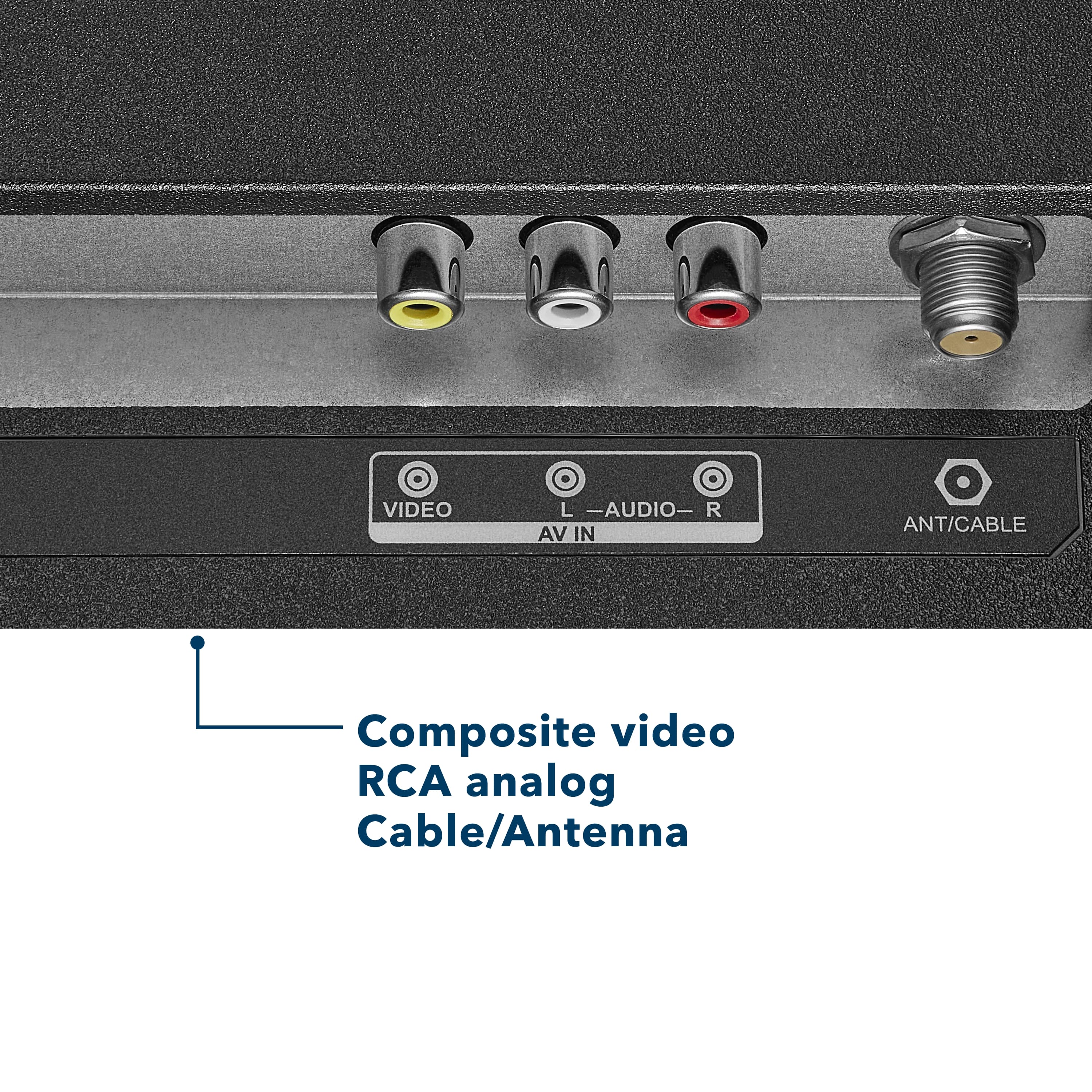
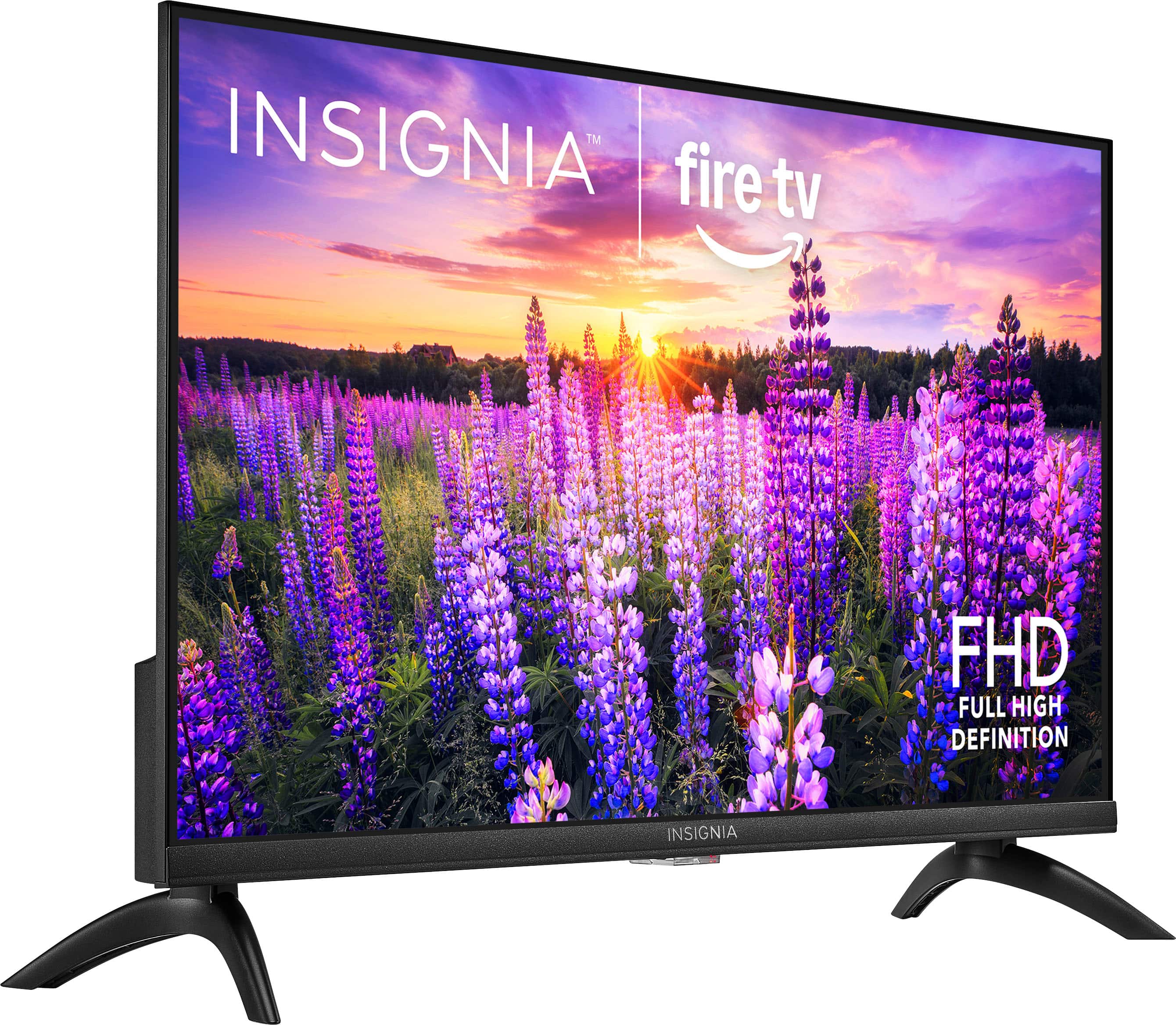
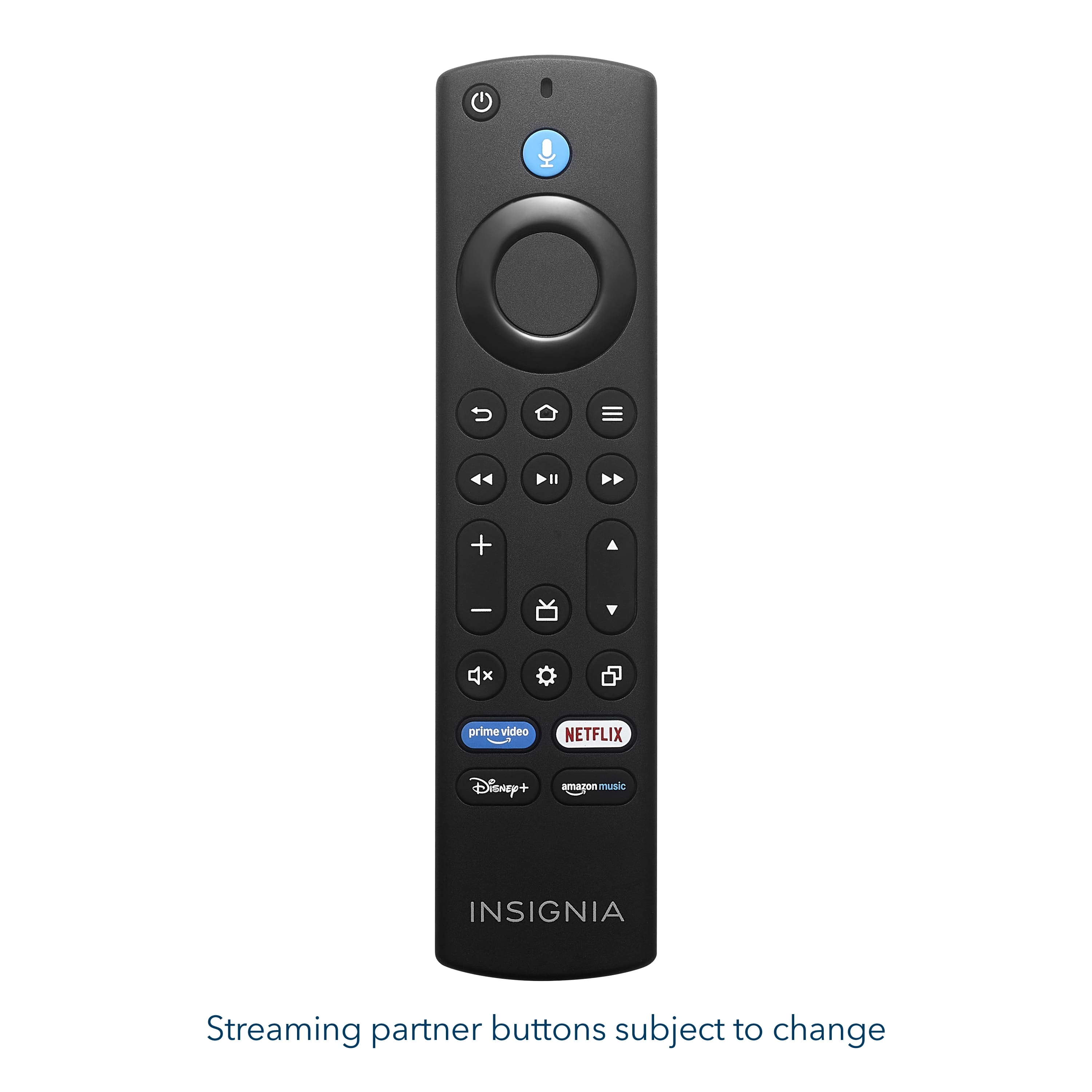
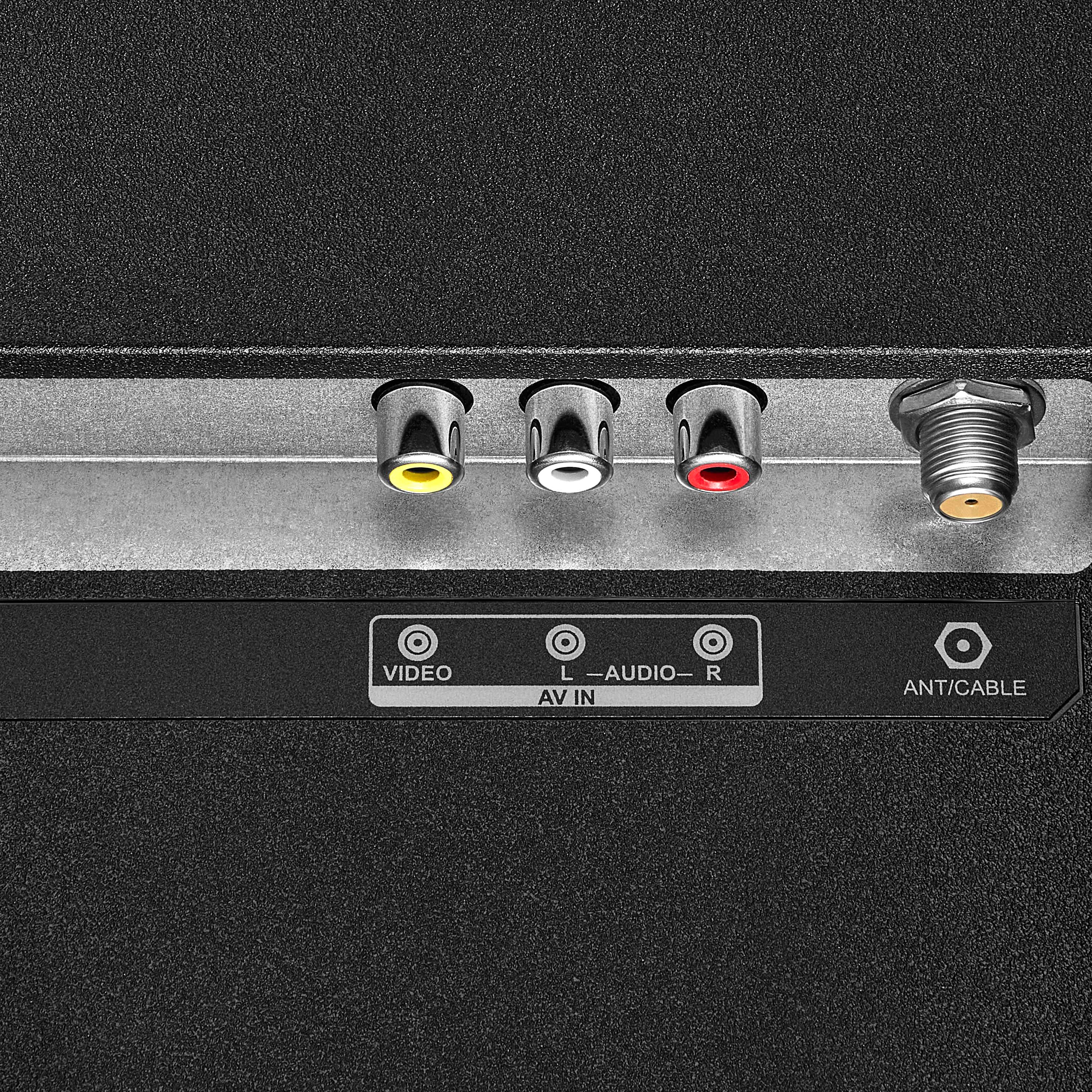
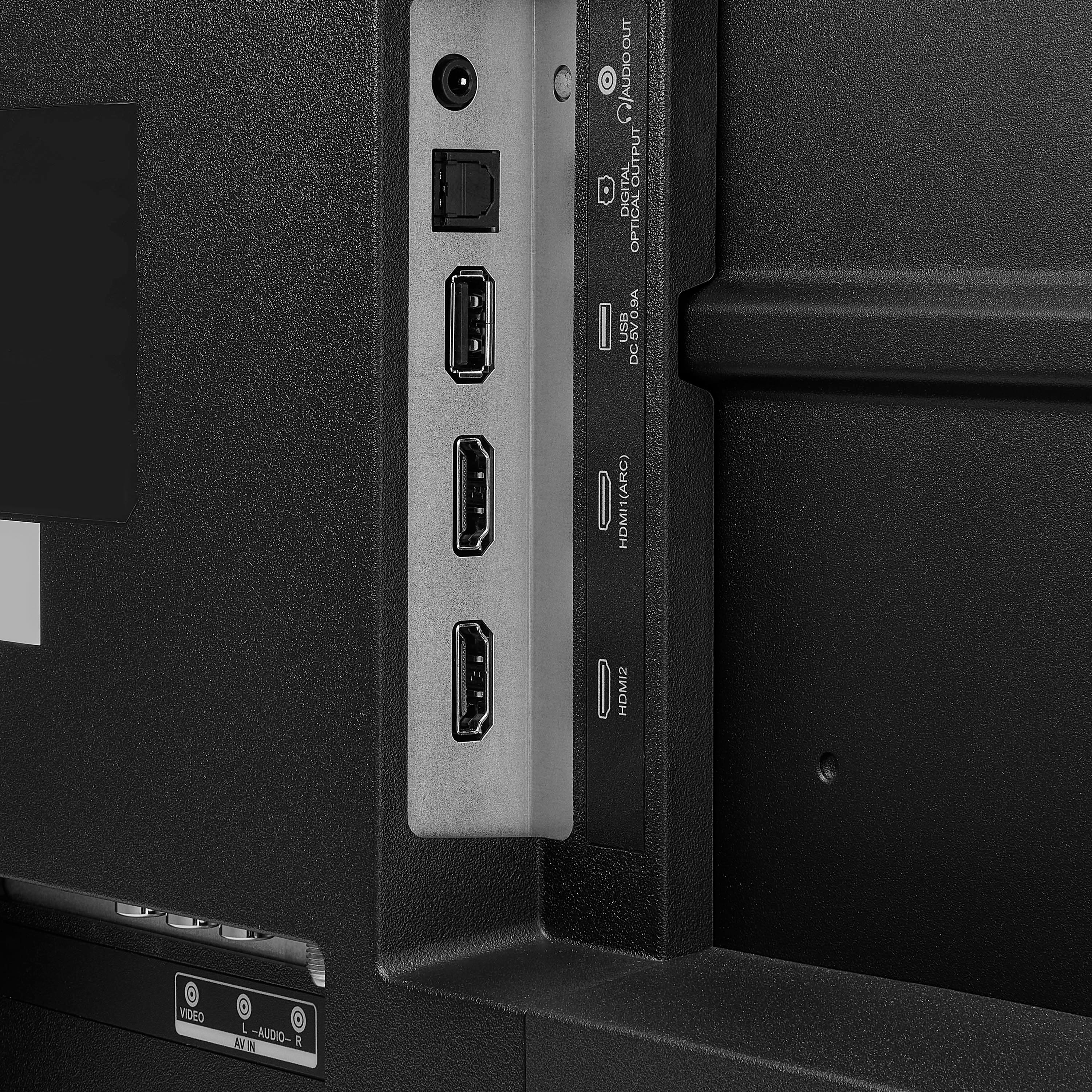
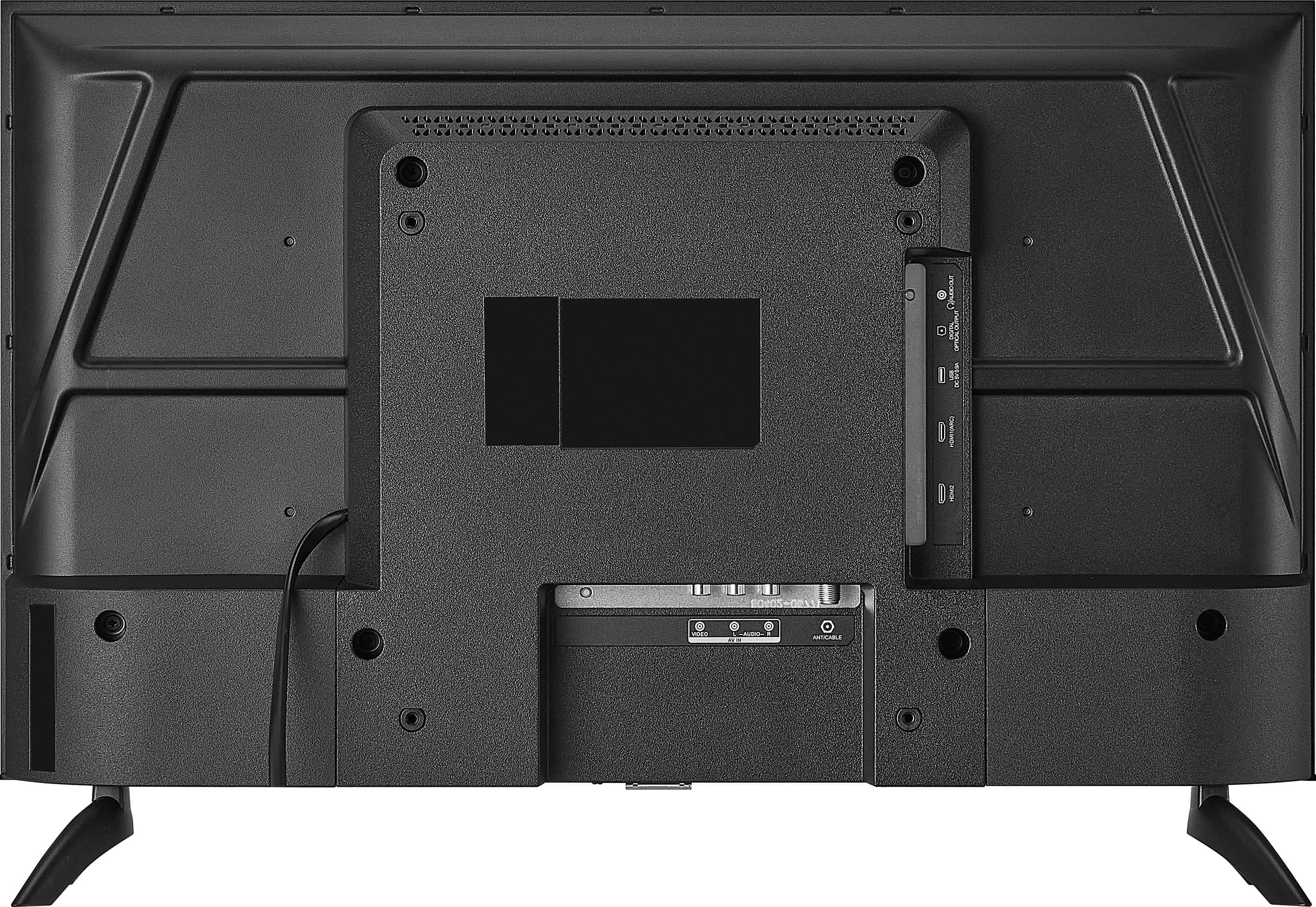
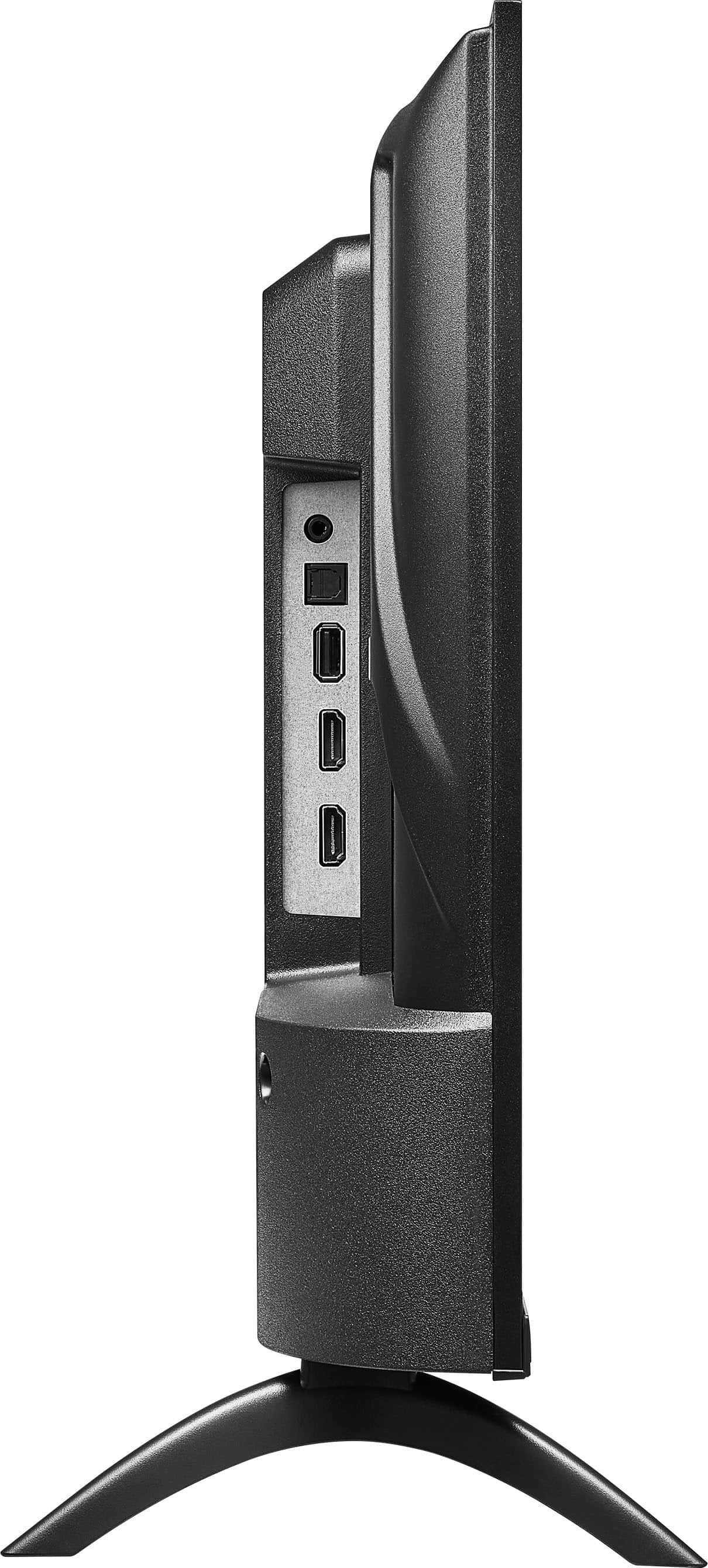
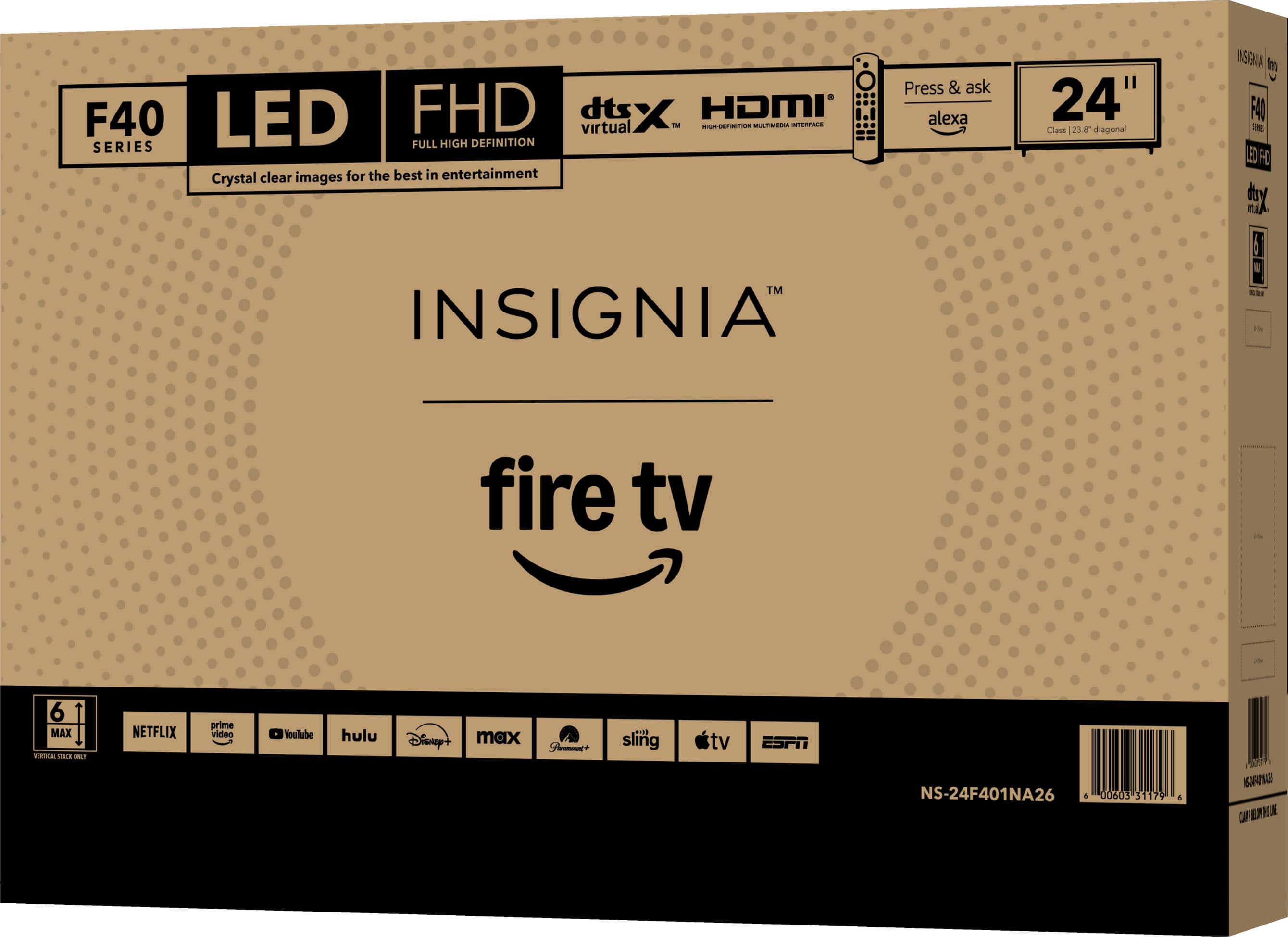
. LIMITED WARRANTY. Features: 1080p screen resolution, Inputs: ARC (Audio Return Channel) Composite digital audio (optical), Antenna/Cable Headphone output, Wireless (802.11 Wi-Fi) INCLUDED: Monitor, Batteries, Stand, Screws, Quick Setup Guide.](https://pisces.bbystatic.com/image2/BestBuy_US/images/products/9a25e35c-971f-49cf-ad41-892d6ec7ec59.jpg)