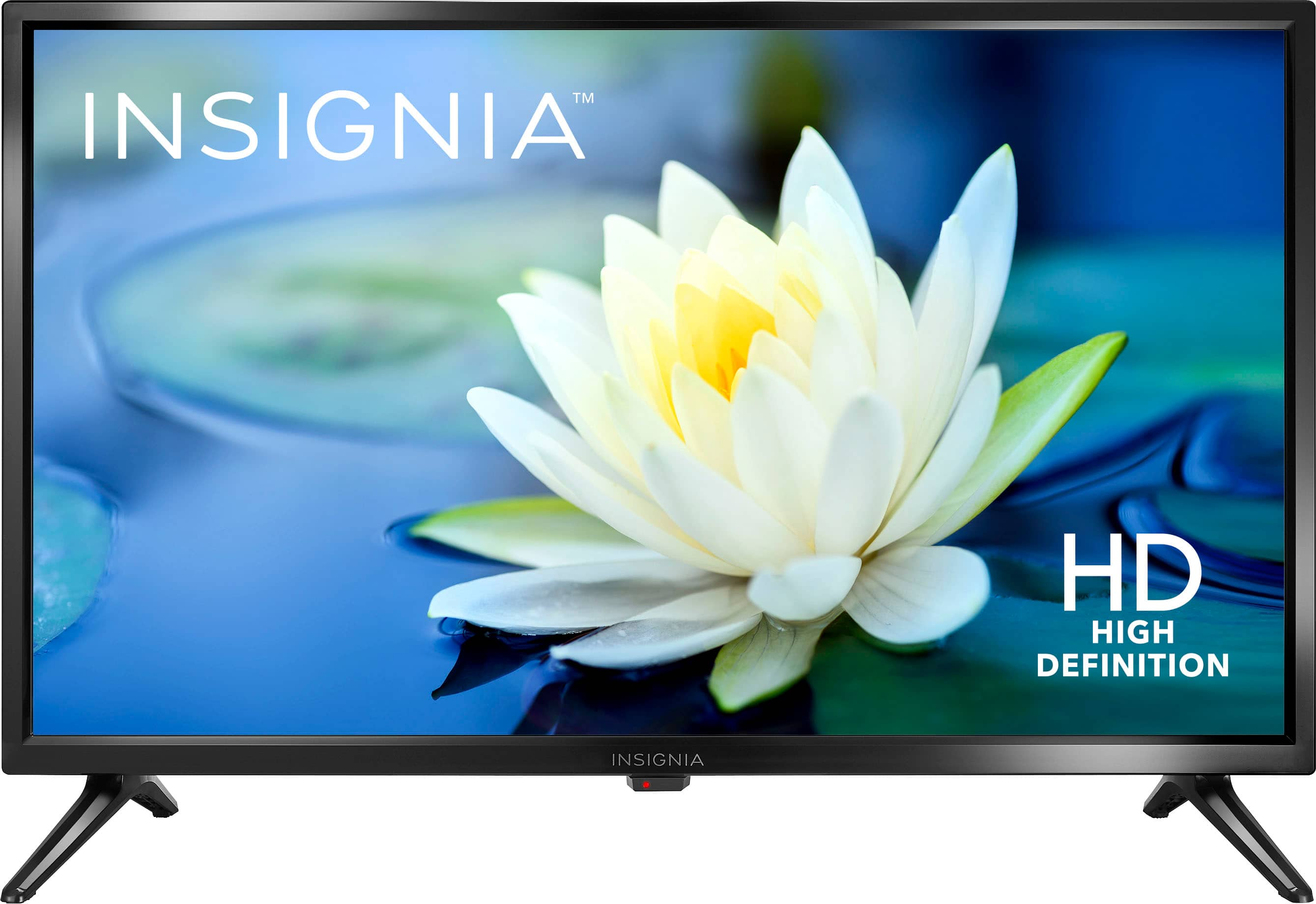
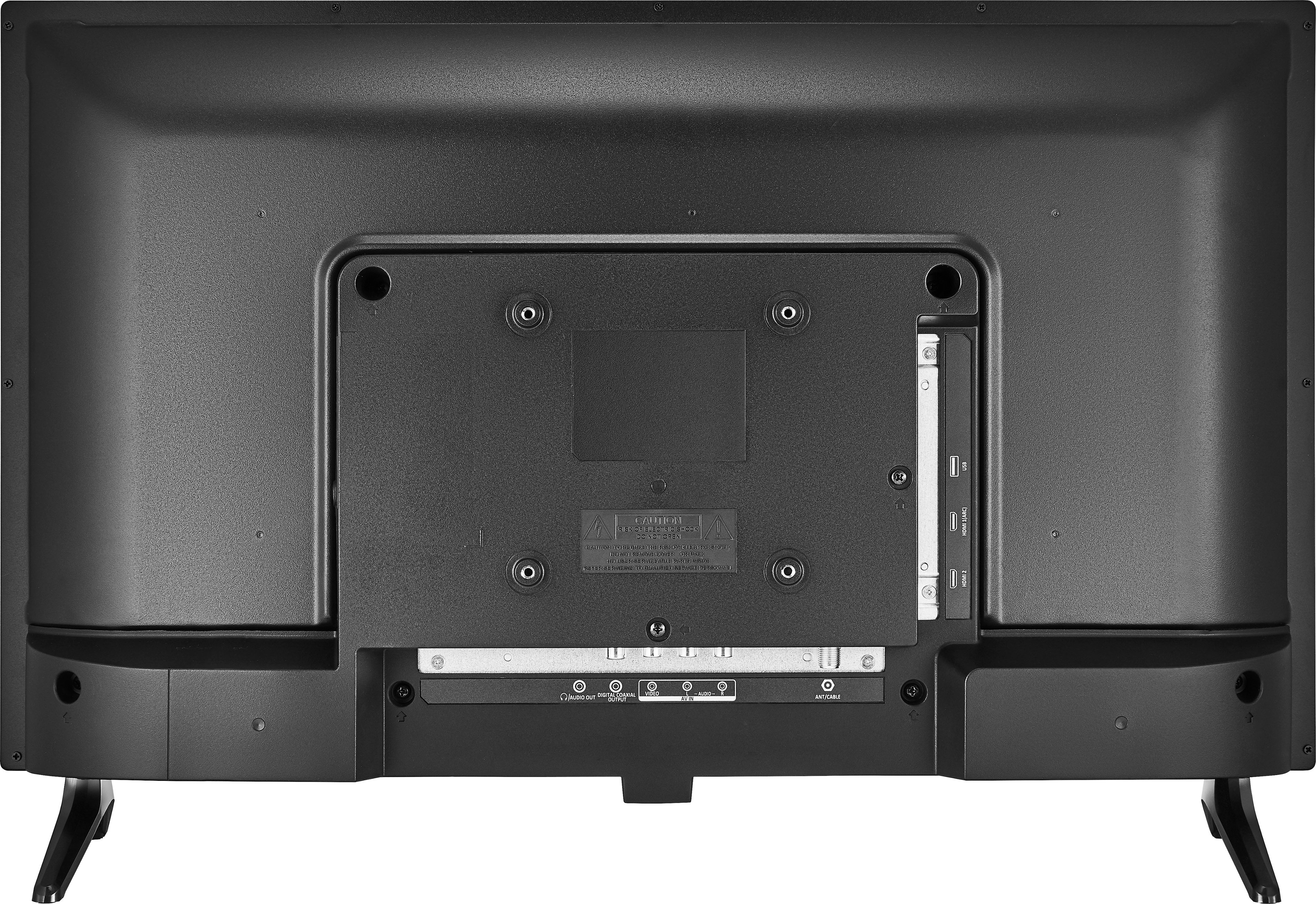
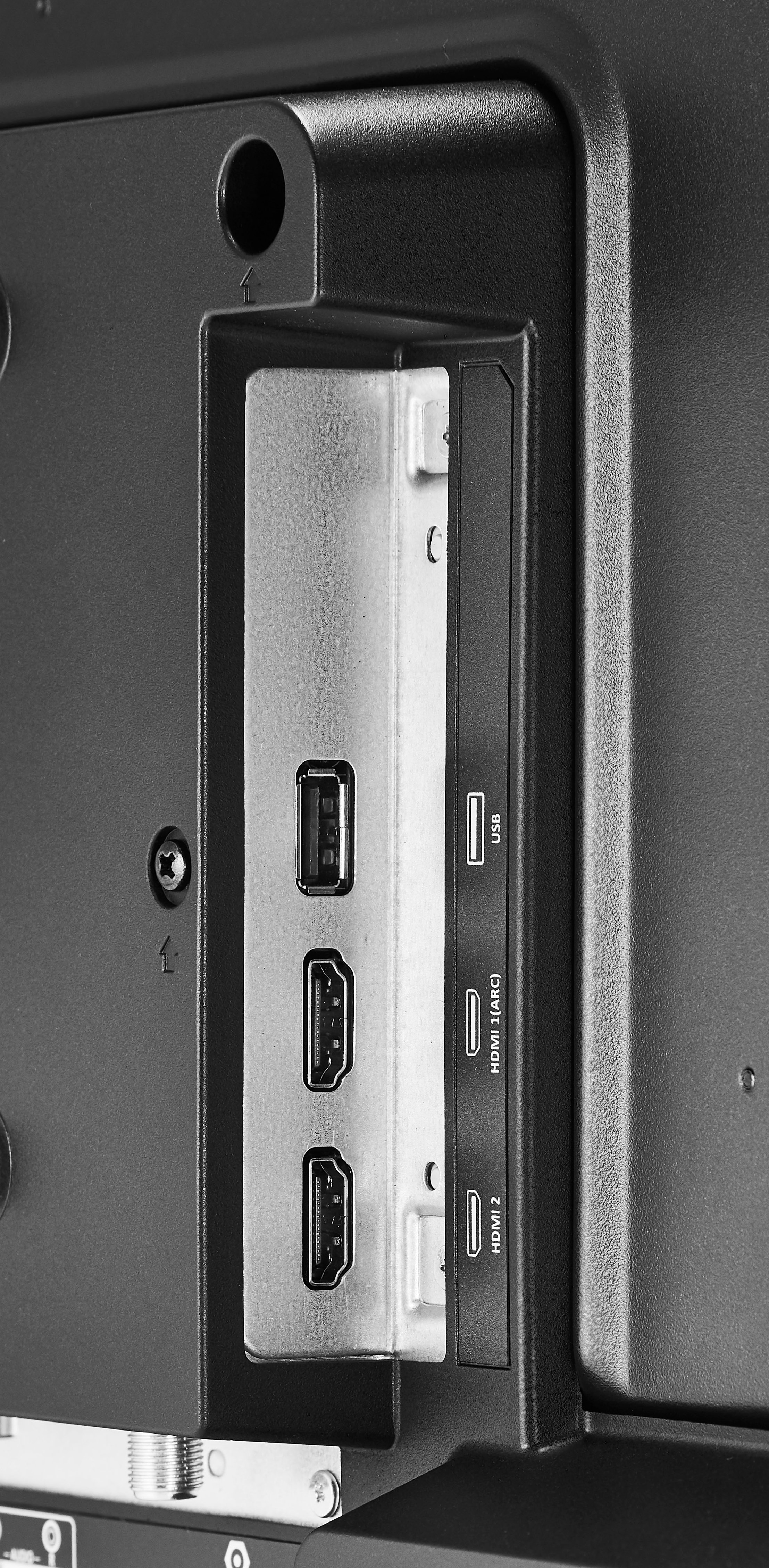
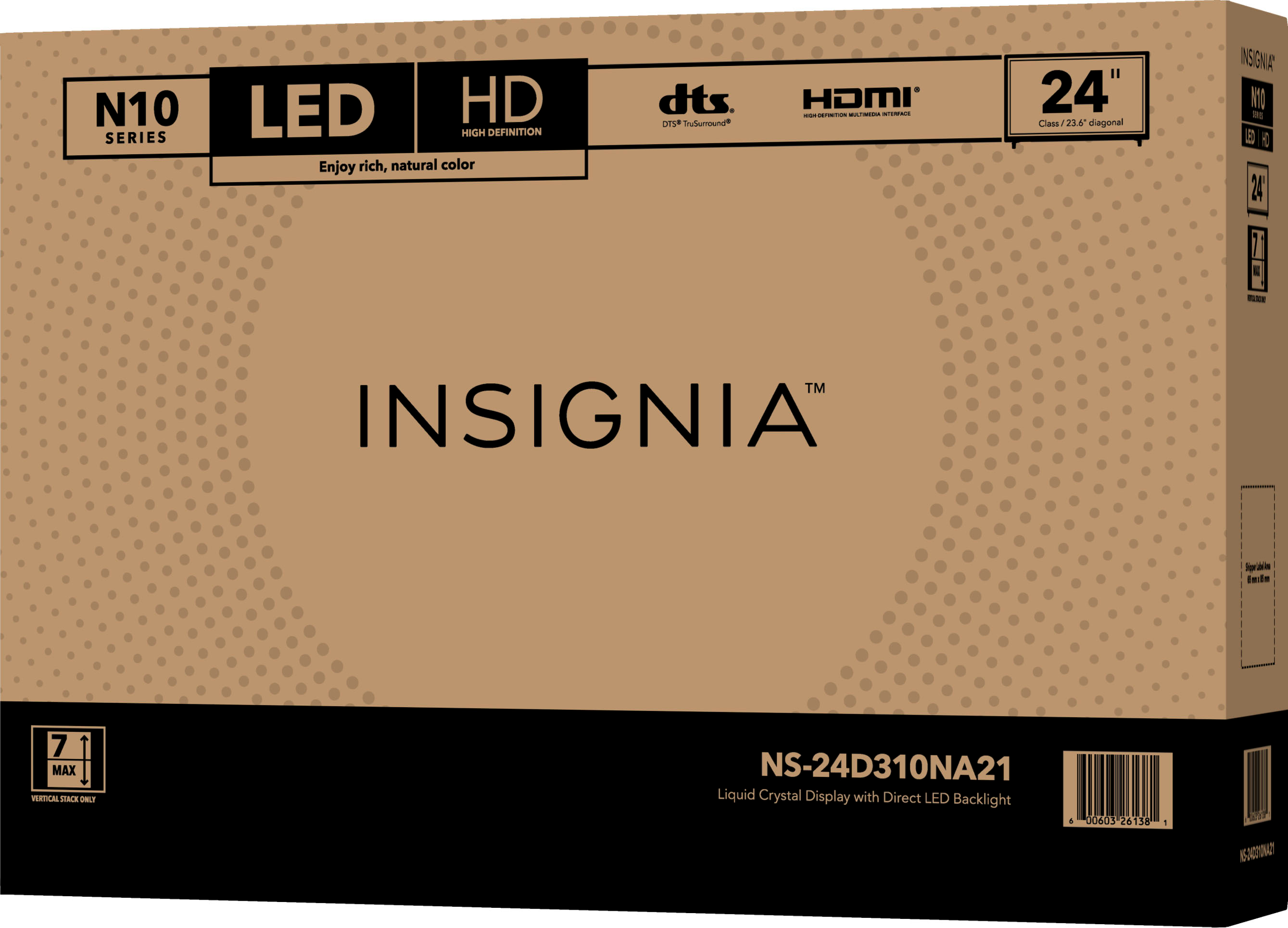
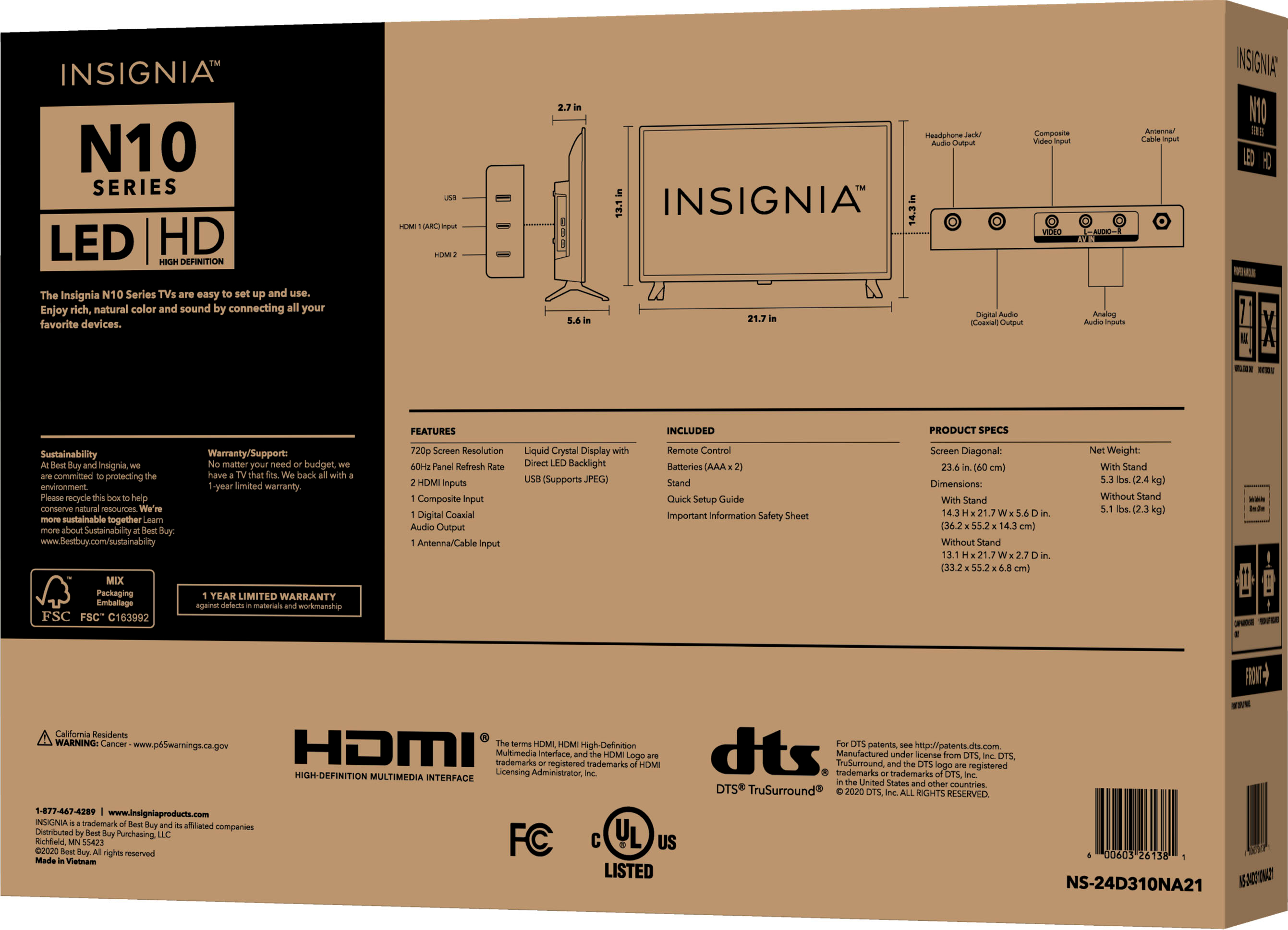
A:AnswerNO! this model NS-24D310NA21 does NOT support MP4 or any other videos via the USB port. I wish I'd read the specs on the box where it says "USB (Supports JPEG)". I need to return it and reconsider.
A:AnswerHello LEBOZO. You may turn off the video description by accessing Settings, then select Accessibility menu, then highlight video description and turn it off.
Mary II Insignia Products Customer Support II https://www.insigniaproducts.com/
A:AnswerHi,
No, this tv is a non smart tv. If you have any questions or concerns, please use the link below to reach us and also you can contact this phone number 877-467-4289 for further assistance.
Insignia Products
Nikki
https://insigniaproducts.com
A:AnswerIt only has a Power Button on the TV. In the event that you lose the remote control, you can purchase a replacement remote like the model NS-RMTEXB17.
Dina | Insignia Support | https://www.insigniaproducts.com/contact-us
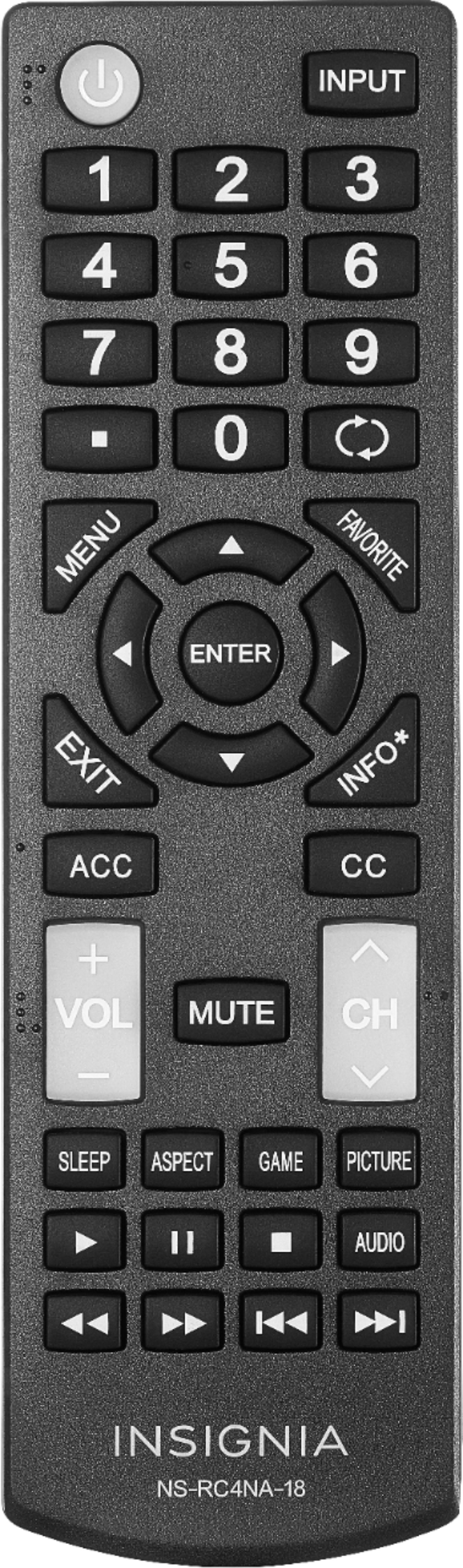
A:AnswerYes it has a timer, press the button directly underneath the volume button on the remote and the timer will pop up. Continue pressing it until the time you want comes up, when it does that is the time tv will turn off.
A:AnswerI needed to run this on an AC inverter battery pack off grid so I measured it. At setting of 20 for backlight and fairly high brightness/contrast plus pretty high volume, it only draws 14 watts. Backlight is the only setting that seems to meaningfully move the needle on power consumption - speaker/brightness/contrast only moved watt usage by 1-2 at most for very high vs. very low. At backlight 50, it's closer to 20-25 watts of draw. Setting of 20 is more than enough for a dim room or nighttime viewing. I'm not aiming for crazy quality, just efficiency.
A:AnswerHi there!
To turn on Auto Aspect Ratio, please follow the steps:
1. Press MENU button on the remote.
2. Select CHANNELS menu.
3. Select Auto Aspect Ratio, then select On (automatically adjust the aspect ratio) or Off (does not automatically adjust the aspect ratio).
4. Press MENU button to return to the previous menu, or press EXIT to close the menu.
To adjust the TV picture setting, please follow the steps:
1. Press MENU button on the remote.
2. Select PICTURE menu.
3. Select Advanced Settings.
4. Select Aspect Ratio, then choose the option (Normal, Zoom, Wide, Cinema and Auto).
Insignia Support
Angela
www.insigniaproducts.com/support