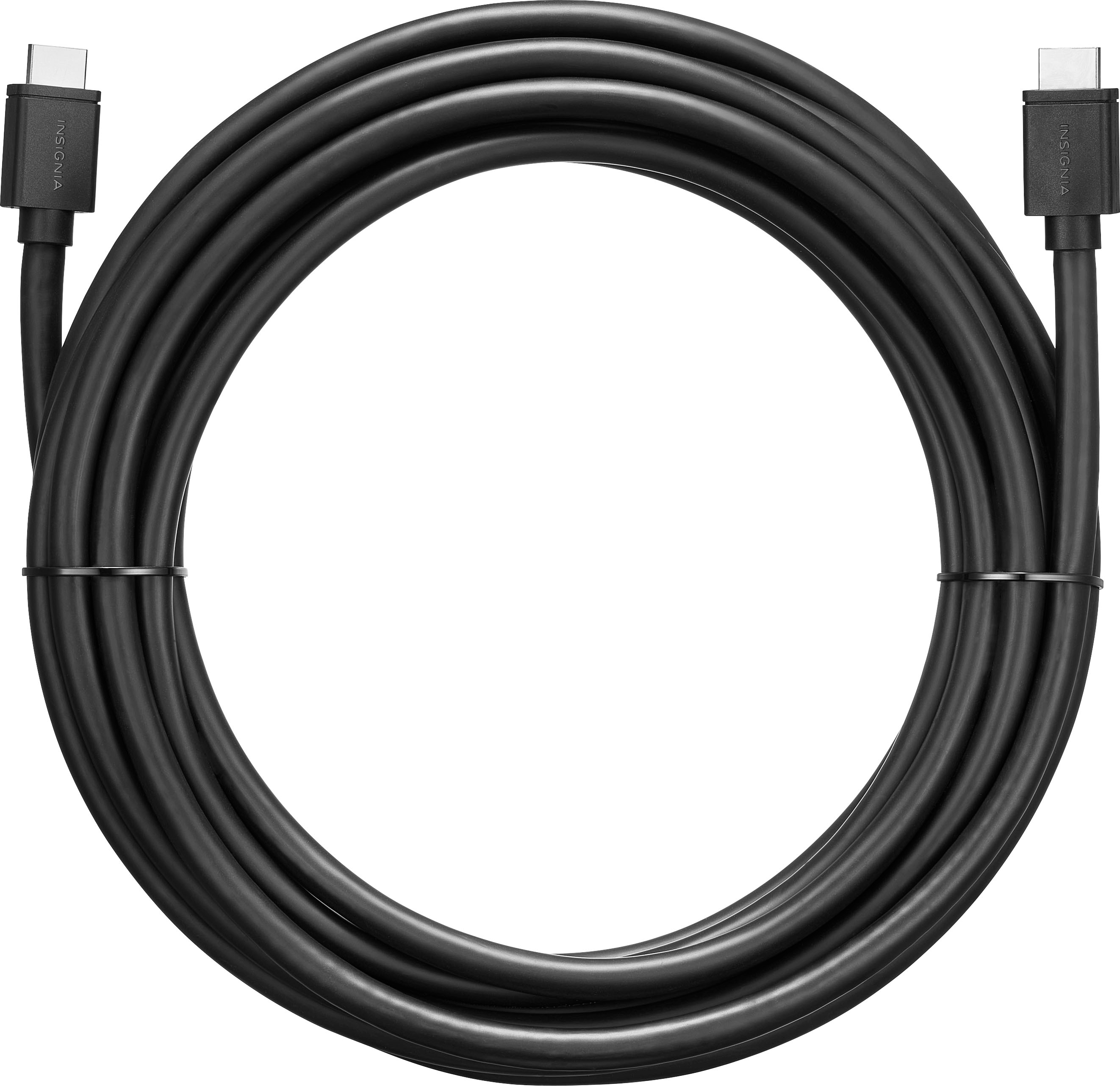
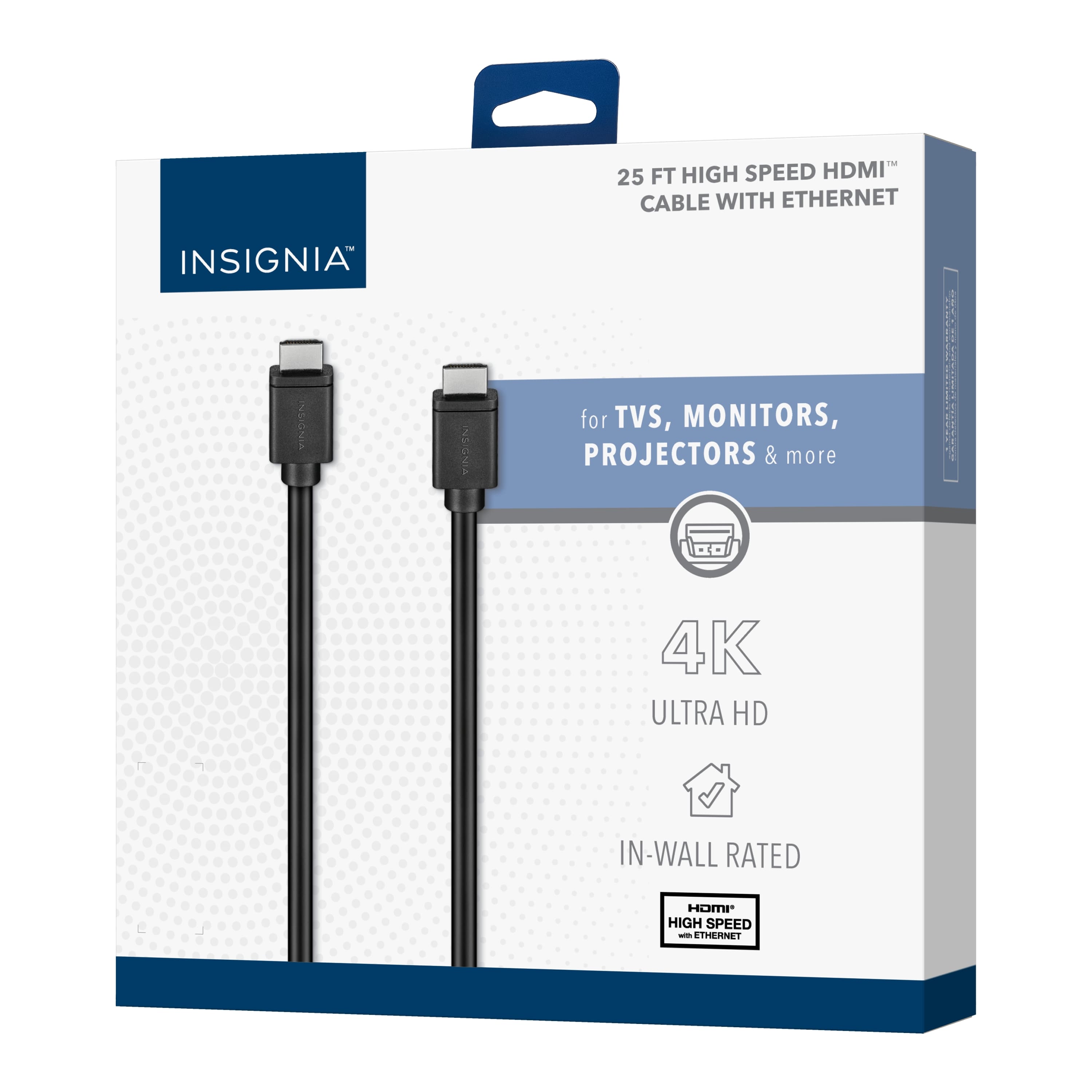
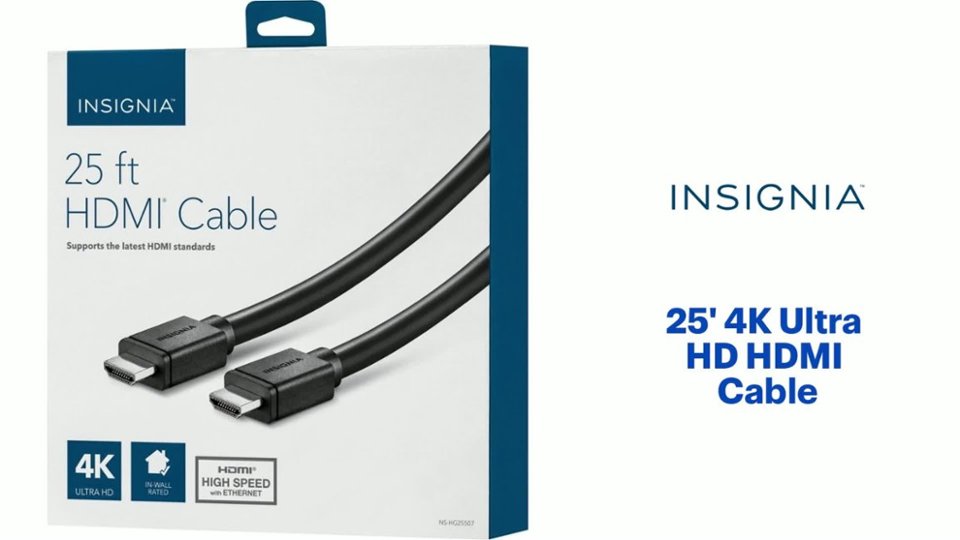
A:AnswerYes, you can use this cable to hook up a Tivo DVR to your TV, as long as your TV has a HDMI input, you should be just fine. Good luck my friend.
A:AnswerWHOAAA! You have a 19' (19 foot!!) TV, my friend?? Now THAT is a BIG TV!!!!! I'm just playing with you, bud. For your question, The HDMI cable should plug into the HDMI inputs fairly easy (they should have the same shape.....you may have to put your "old man" glasses on too, to see it). It should be fairly easy to hook up and I hope you find it my friend. Good luck!
A:AnswerIt worked on my MacBook Pro, but you need an adaptor. Apple gets you, that way. I bought one with a dongle, but took it back because I didn’t like the fact that it swung and was not tight to the computer, so I’ll go back and purchase the kind of adaptor that plugs in and doesn’t have a dongle.
A:AnswerDepends on your laptop/pc and monitor. If the respective items say they are able to, then yes. I was able to reach 165hz with this hdmi cable on a gaming monitor.
A:AnswerI think so. I was able to reach 165hz, and my monitor only goes up to 165hz, and I have a lower graphics card than yours. You should be able to Google your monitor as well for more info because sometimes displayport can do it better than hdmi. In my case, this did the trick.
A:AnswerThere's really not a lot out there that's not 3.0, but certainly something to look out for. Definitely 2.o is inferior, and it will slow transfer speeds. Good Luck
A:AnswerHave you checked the input source to the TV itself. That's a common mistake, not selecting the correct input on the TV to be viewed. And while this is very basic, you might want to be sure the HDMI inputs are fully connected. Best of luck with it!