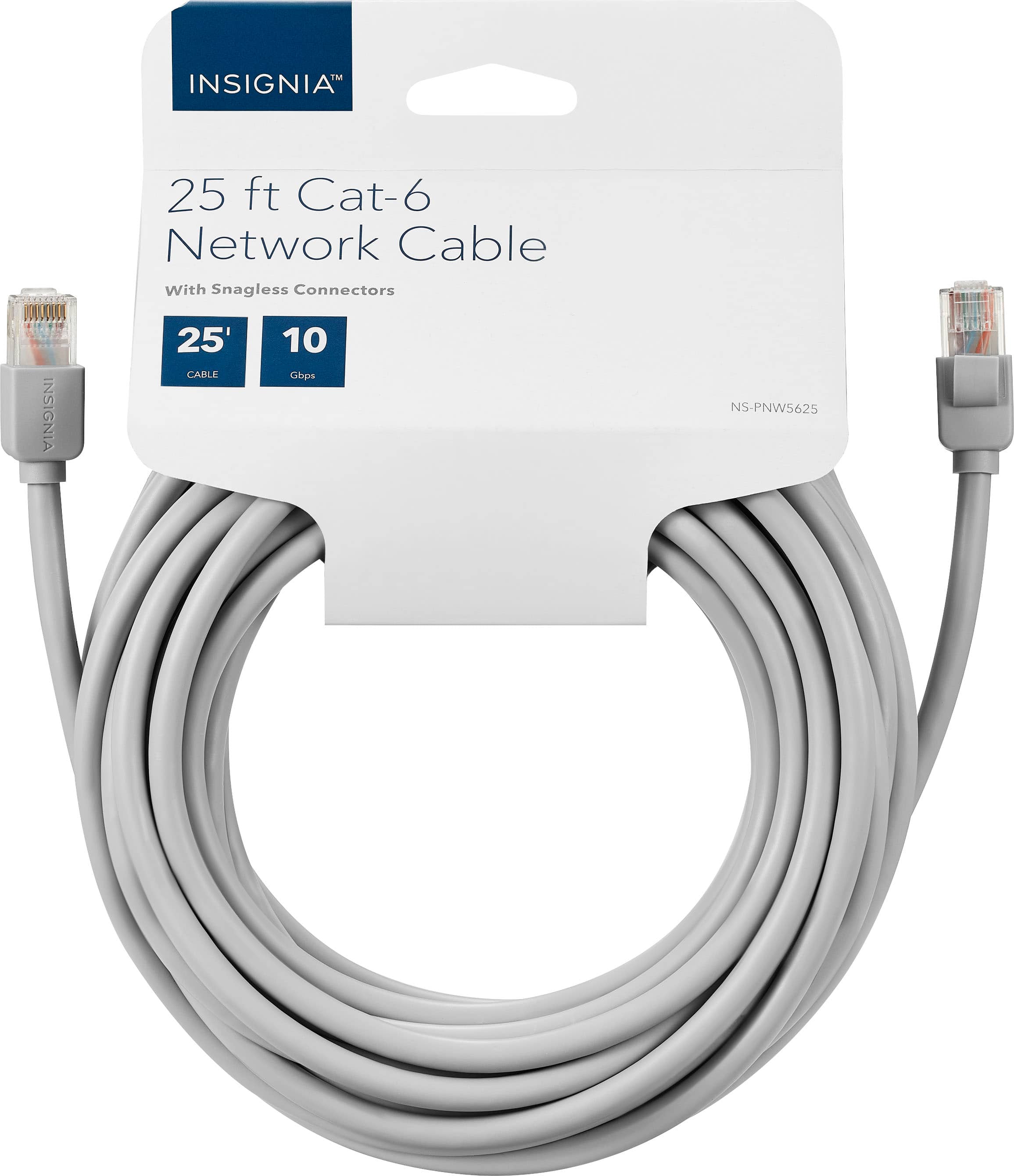
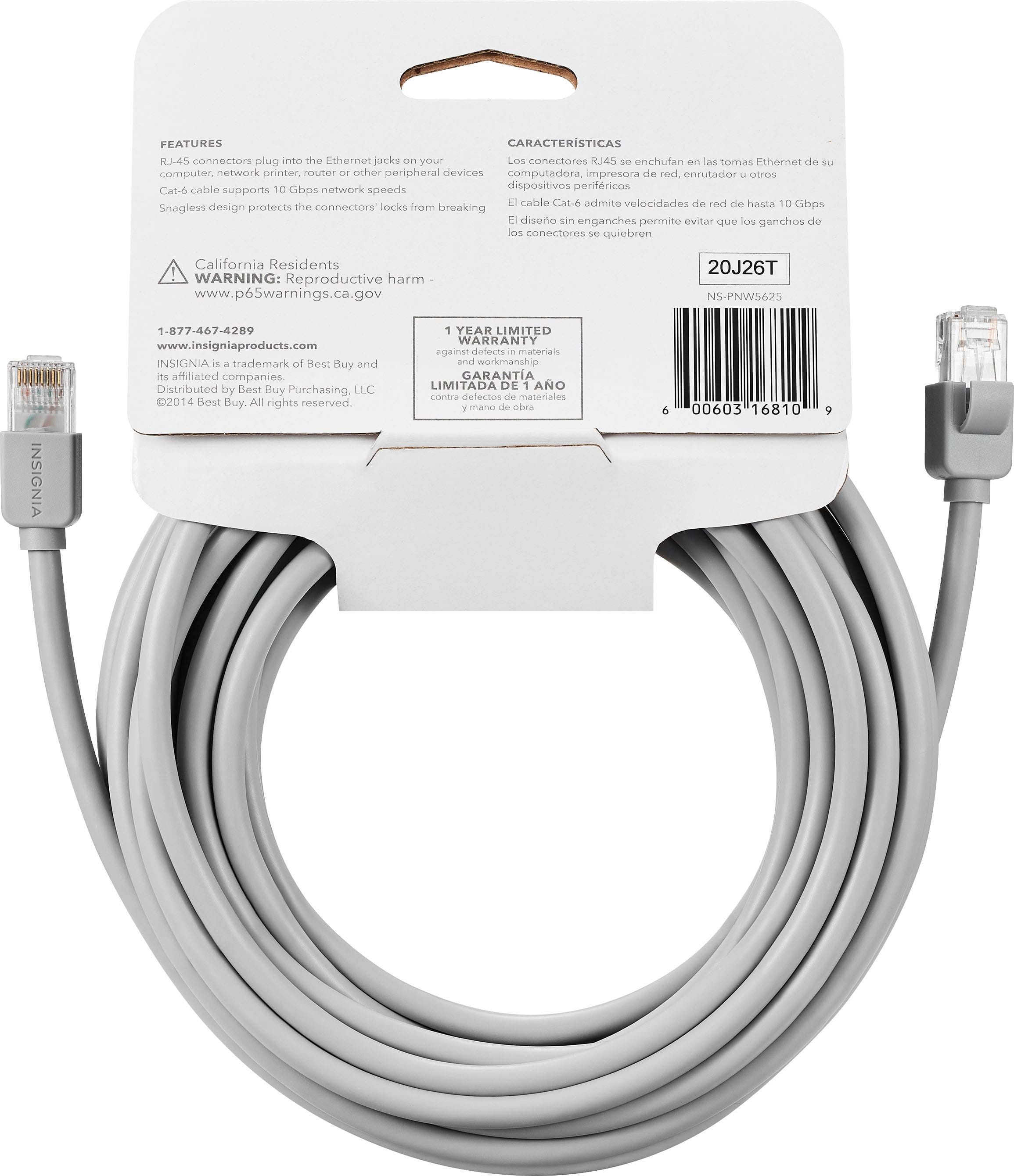
A:AnswerI certainly hope so. I'm running it through my attic, and where I live, the temperature up there can reach up to 125 degrees Fahrenheit. I'm using it to replace a similar cable that didn't fail up above, but got the plugs themselves beat-up. The connectors (plugs) on this cable look to be ones to last for the long haul.
A:AnswerDear Anonymous,
As long as you see an ethernet connection on the back of your smart TV. Then the answer is a resounding "YES." Keep in mind that an ethernet connection provides a more stable connection to the Internet than wireless does. Most smart TVs are built with Wi-Fi abilities, but some models do have an ethernet plug.
Best of luck,
Consultant Brian
A:AnswerAs long as you have a cable long enough it should work without a problem. Also you should connect to the router not the modem unless you have a 2 in 1 product.
A:AnswerCat 5 cat 5e and cat 6 cables all use the same connectors. So anything you can use cat 5 for you can use cat 6. Cat 6 is rated for higher bandwidth due to slightly superior construction. If your installing cable in walls, your required to use cat 6. Hooking up power over ethernet cameras, youd be best served using at least cat 6 cable. You can run it over longer distances without as much signal degradation as compared to cat5.
A:AnswerYou would get a similar speed if you run both as wired. If you’re using both at the same time you may see some speed loss, but your speed would be closer to 50 than the 8 you are getting wirelessly.
A:AnswerDon’t know if it will necessarily “solve” the issue entirely but it certainly makes a difference having a direct connection to router instead of (unstable) WiFi. Especially as it pertains to gaming because you’re using the upload capabilities to stream not download (like watching Netflix). Do a network test and see what your upload speeds are, for streaming at 4K on the video servers I use the minimum is 20mbps I have ATT fiber 100mbps down/upload and stream beautifully in 4K @ 30fps or 1080p @ 60fps.
A:AnswerDear Chipsgalore;
Nope, not going to work. As an alternative, you could plug the ethernet cable from your Brother MFC-295CN into your wireless router. Now that would work. But trying to get it to plug in as a printer cable will not do it.
Hope that helps.
Consultant Brian
A:AnswerIf the cable does NOT say it is good for outdoors I would not use it in that manner. When you make your purchase look for that in the description!
I did NOT see that in the description of this product... but I do use this type when going under the house... although you should check your local water table.
Have had no problems with this type under the house... YMMV?
A:AnswerThe Insignia™ 50-foot Cat-6 Ethernet Cable is not made from solid copper. Additionally, this cable is not designed for outdoor use—it lacks UV protection and is not weather-resistant. It has a standard PVC jacket, which can degrade when exposed to sunlight or harsh environmental conditions. If you have any questions or need further assistance, please don't hesitate to reach out. Ivy | Insignia Support