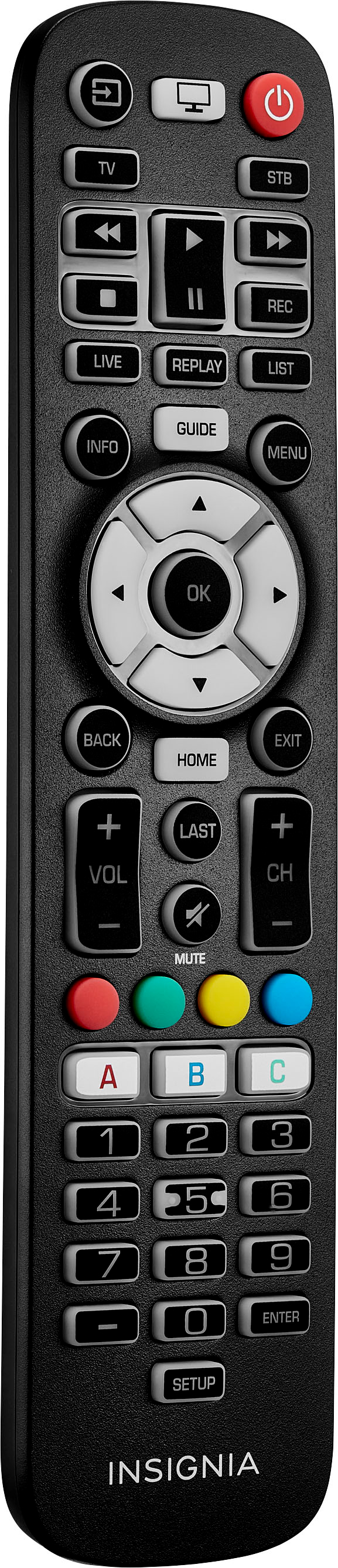
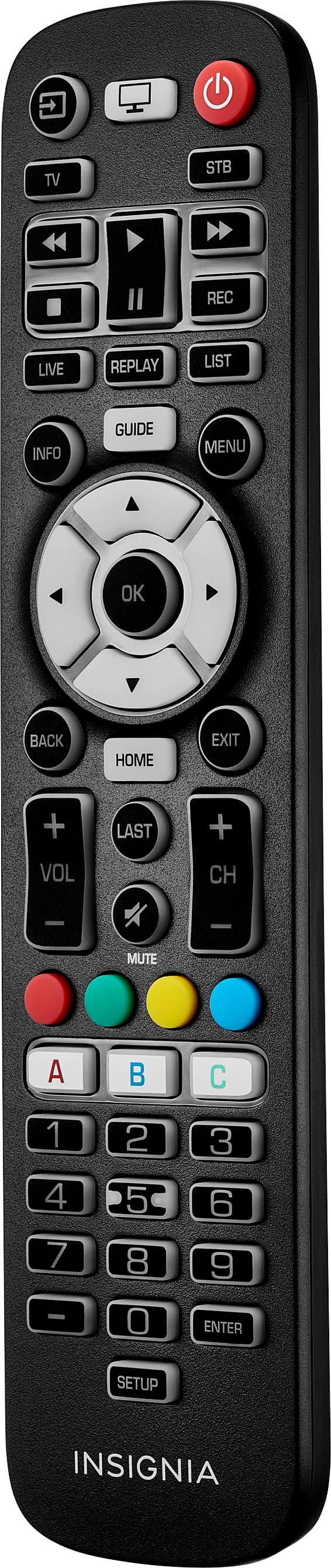
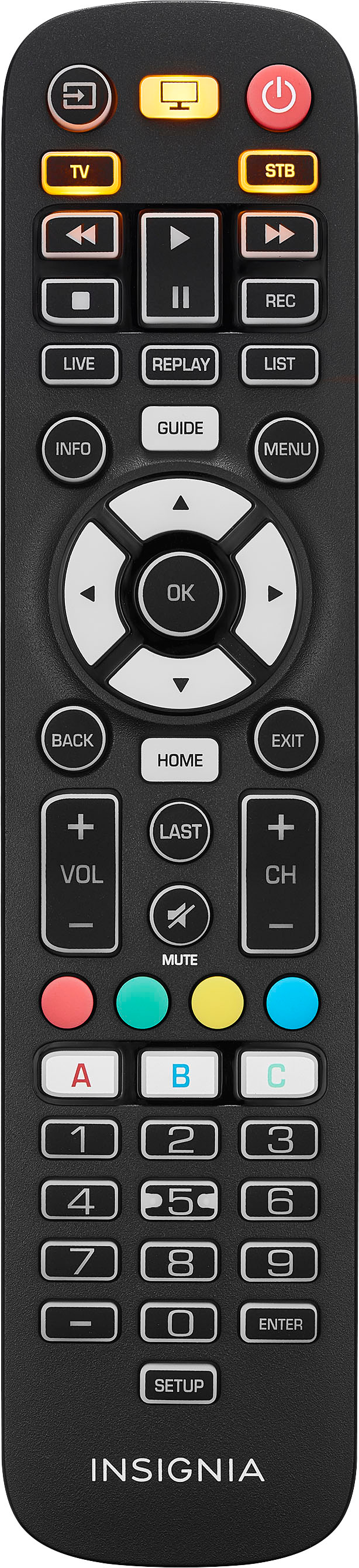
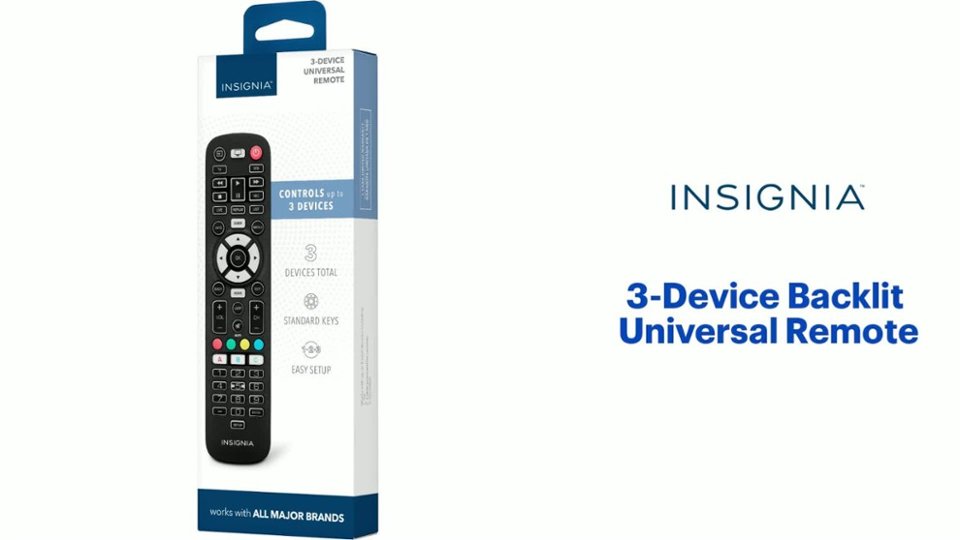
A:AnswerMy ZVOX sound bar will itself learn the attached TV's control codes for on/off/vol+/vol-/mute (see ZVOX doc). I am able to control it with my TCL remote control because I had the ZVOX learn this remote . So I did not have to do anything special with the ZVOX for this to work with the Insignia. I set up the Insignia TV with the code for TCL Roku. So the Insignia remove controls the ZVOX without any extra action.
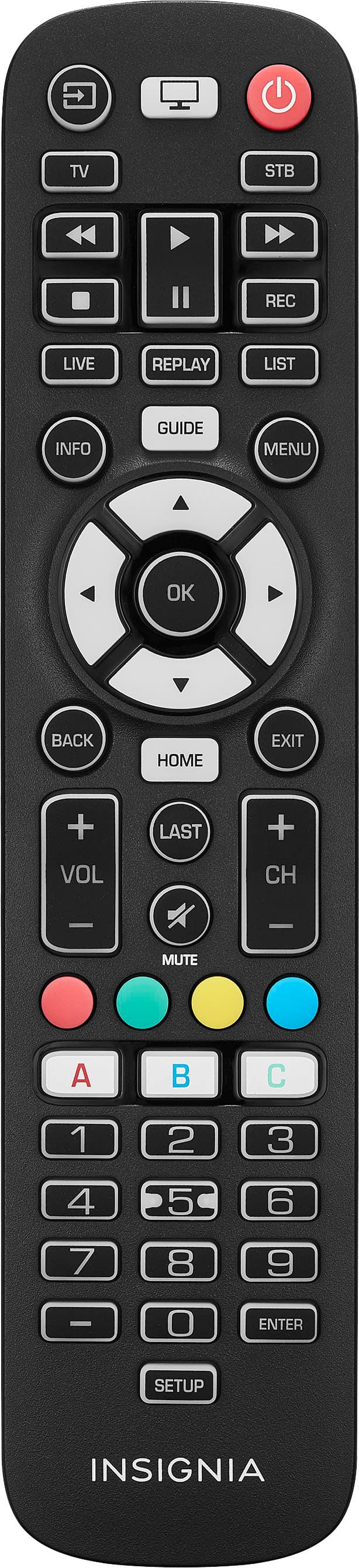
A:AnswerThe Insignia™ Adjustable Standing Desk with Electronic Controls (55.1" wide, Black) is priced at $299.99 at Best Buy. This desk features:
1. Electronic Controls: Easily adjust the height with the push of a button.
2. Memory Function: Save up to 4 different height positions.
3. Sturdy Design: Steel frame with a particleboard tabletop, supporting up to 110 lbs.
4. Spacious Workspace: The tabletop measures 55.1" x 27.6".
5. Anti-Collision Technology: Automatically reverses if it encounters an obstacle.
If you have any questions or need further assistance, please don't hesitate to reach out. Thank you for choosing Insignia! - Emman | Insignia Support | https://www.bestbuy.com/site/brands/best-buy-brands/pcmcat1596746025285.c?id=pcmcat1596746025285
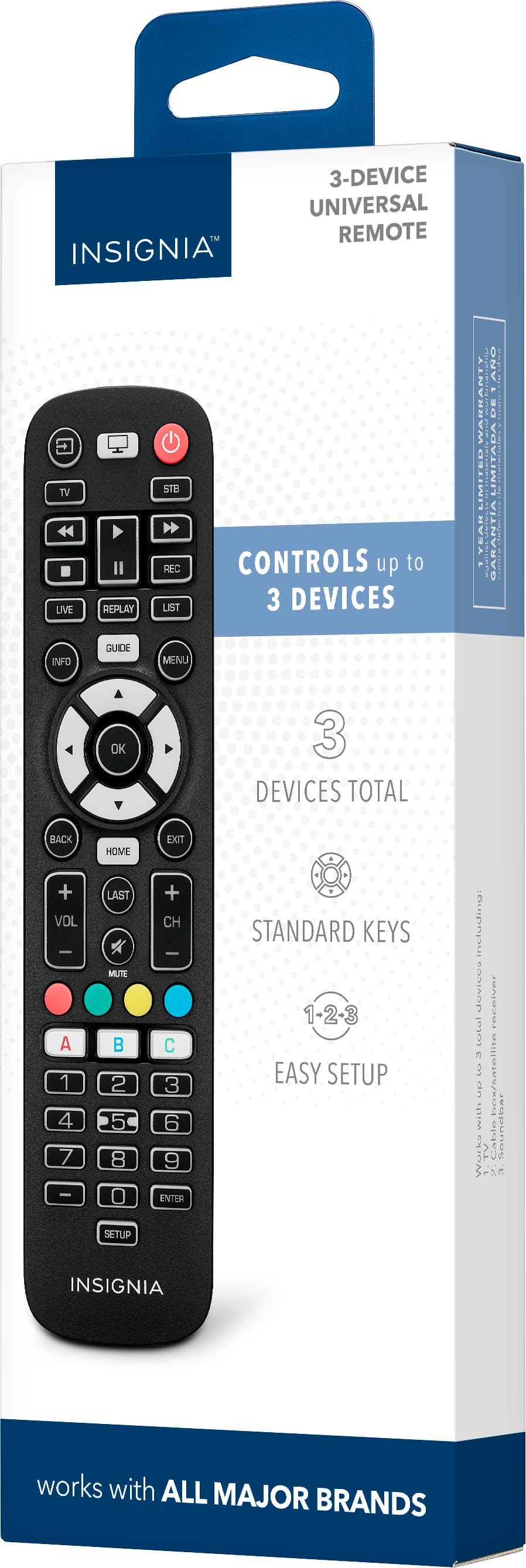
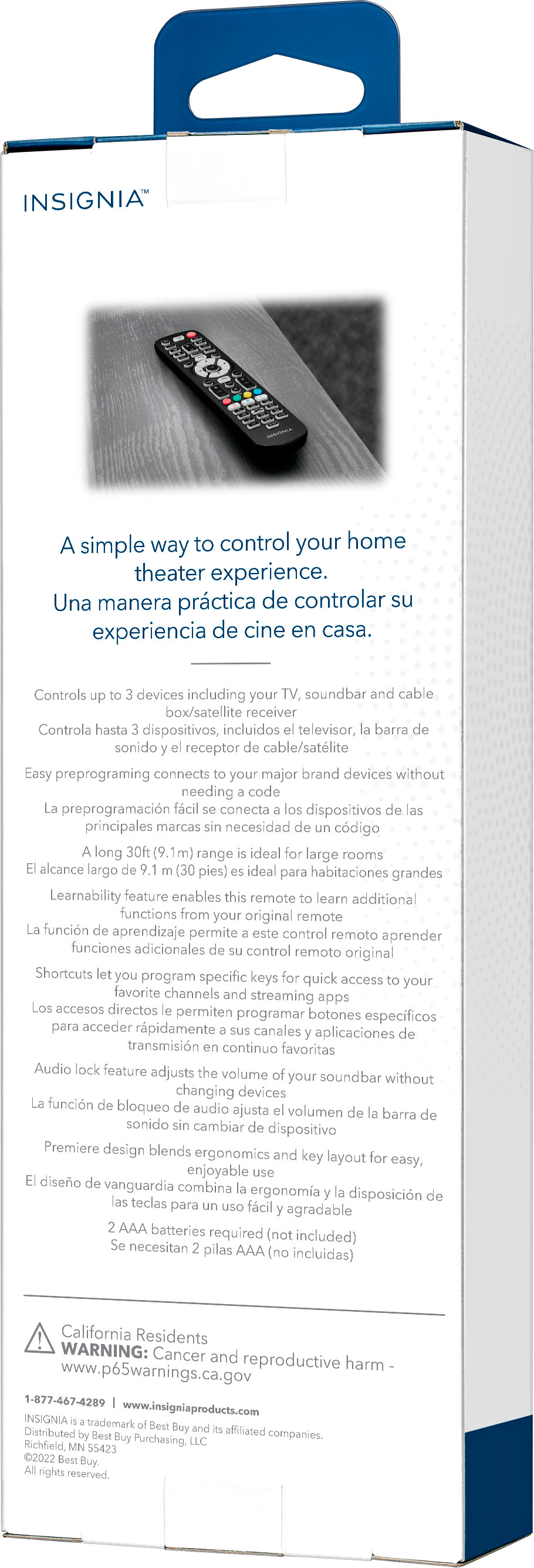
A:AnswerHi Patty! Yes, the Insignia™ 3-Device Universal Remote should work with your Sony VCR+DVD model RDR-VX560. This remote is designed to be compatible with a wide range of devices, including various Sony models.
To set it up, you can follow these steps:
1. Turn on your Sony VCR+DVD.
2. Press and hold the Setup button on the remote until the red indicator light stays on.
3. Press the device button (e.g., DVD) on the remote.
4. Enter the code for Sony devices. You can find the code in the remote’s manual or try common Sony codes like 0000 or 0810.
5. Test the remote by pressing the power button. If the device turns off, the setup is complete.
If you encounter any issues, you can try different codes or use the auto-search function described in the manual.
If you have any questions or need further assistance, please don't hesitate to reach out. Thank you for choosing Insignia! - Emman | Insignia Support | https://www.bestbuy.com/site/brands/best-buy-brands/pcmcat1596746025285.c?id=pcmcat1596746025285
A:AnswerHi Insignia Customer! Thank you for your interest in our Insignia™ - 3-Device Universal Remote - Black. Yes, it is compatible with Insignia Tv's. For more information for product, you can check the link below, go to features and download the user's manual. |Angelica| Insignia Support| https://www.bestbuy.com/site/insignia-3-device-universal-remote-black/6495829.p?skuId=6495829
A:AnswerThere is no Hitachi code listed in the manual. Can you please clarify?
Hi Kelly, yes this remote will work with Hitachi TV. Just follow the manual on how to set it up and enter the code that also found on user's manual. Mariepel C.| Insignia Products https://www.bestbuy.com/site/brands/best-buy-brands/pcmcat1596746025285.c?id=pcmcat1596746025285