A:AnswerNo. Nothing uses cd media any longer
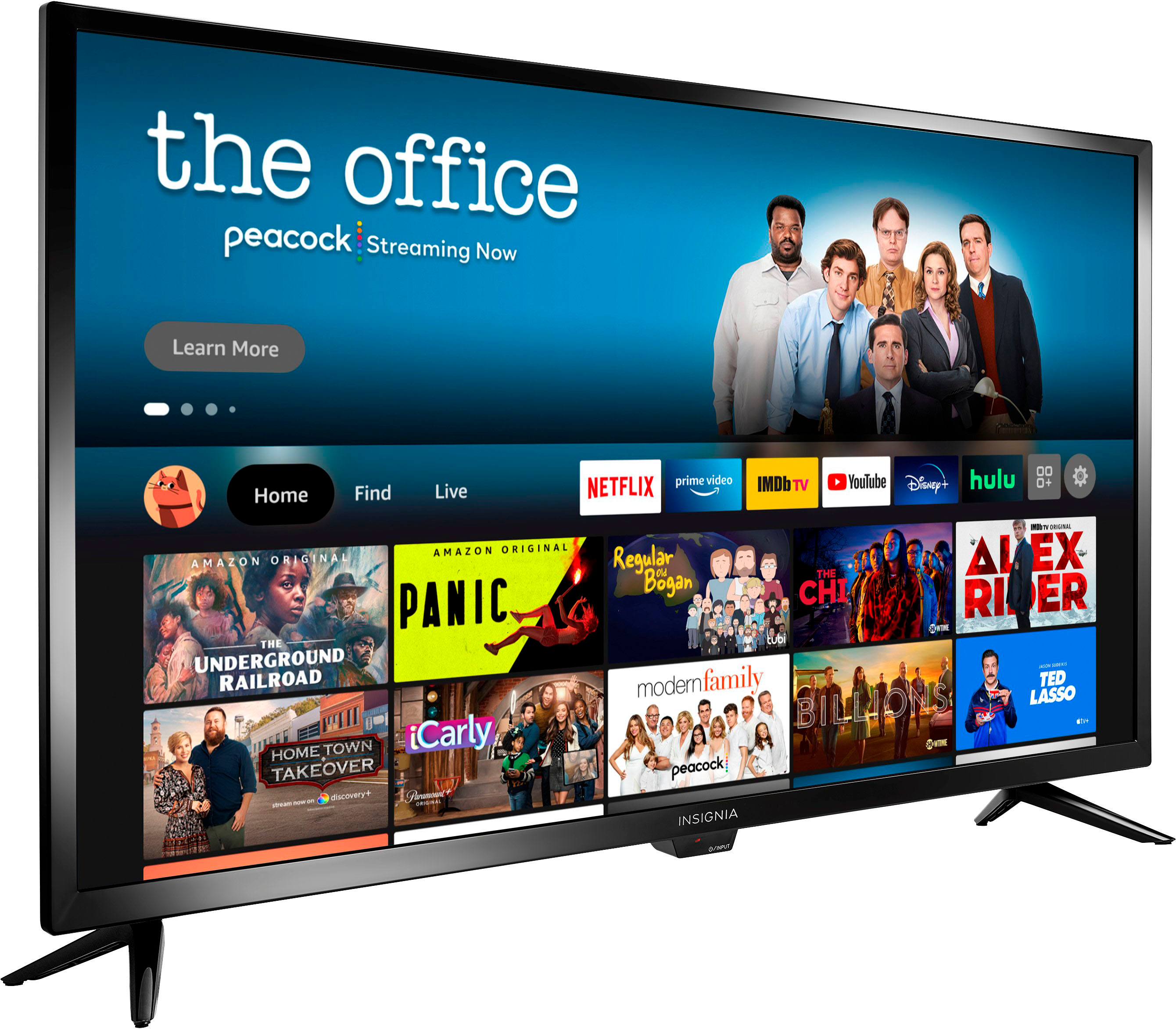
It does have music streaming apps available, but this is an inexpensive Tv and not overly high sound quality. Any 20$ speaker would be better for music.
A:AnswerI bought two of these TVs and each has a separate remote which don't interfere with each other. However after several months both TVs, at exactly the same time, had audio but no video on some channels but not others. I seriously doubt that both TVs at same time had exactly the same problem. A little research showed many other had exactly the same problem and received no help from Amazon or BestBuy..
A:AnswerUnfortunately, the Verizon Fios app is not available for download on this TV.
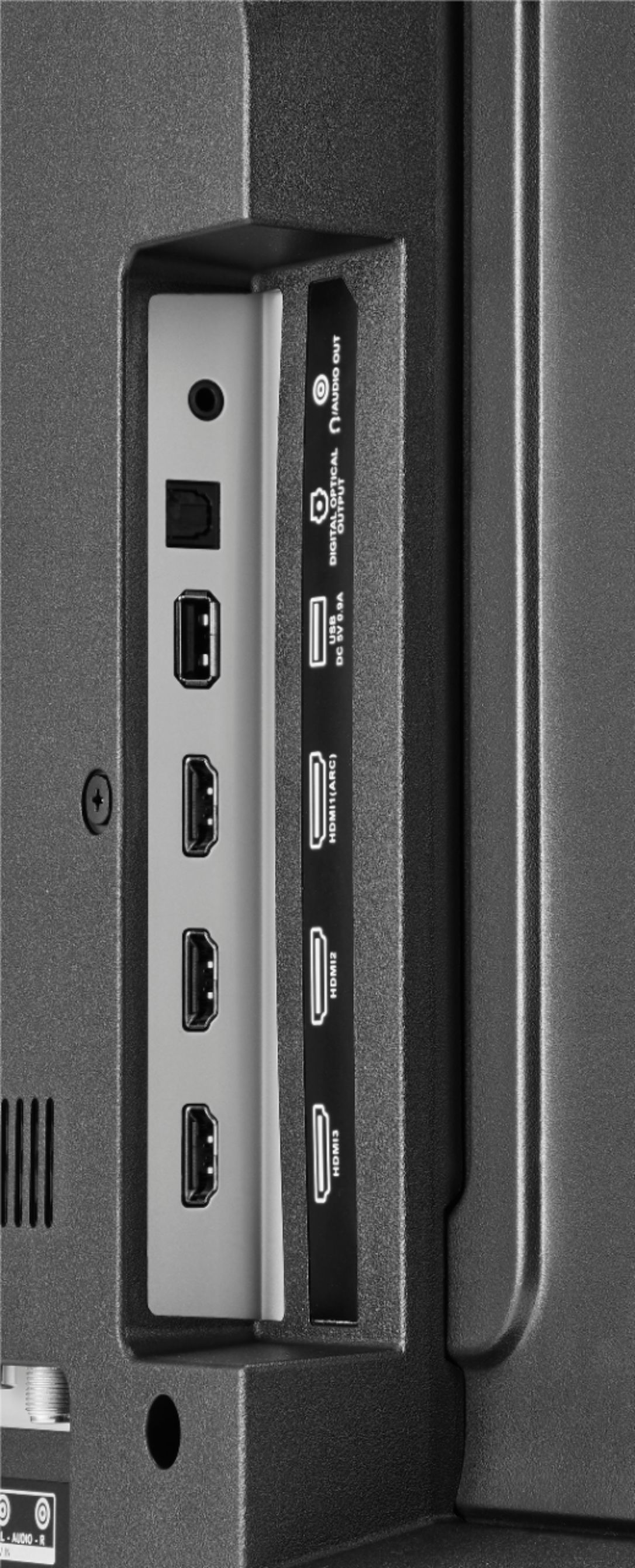
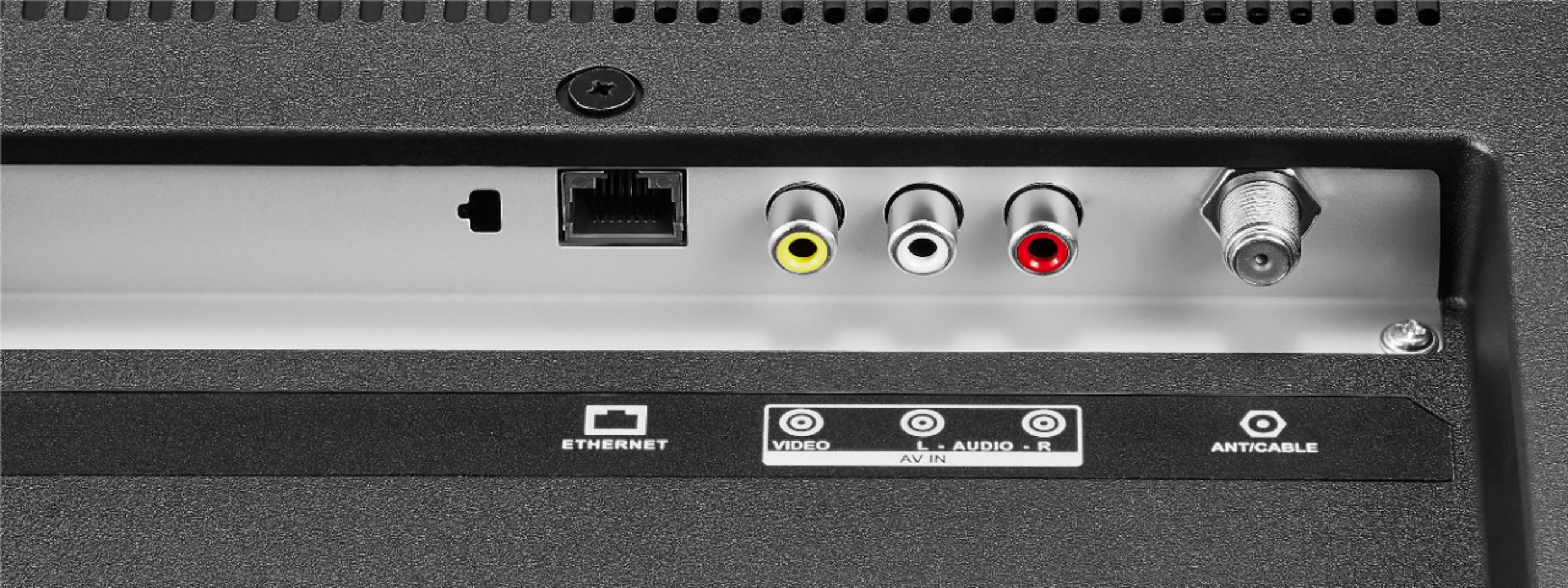
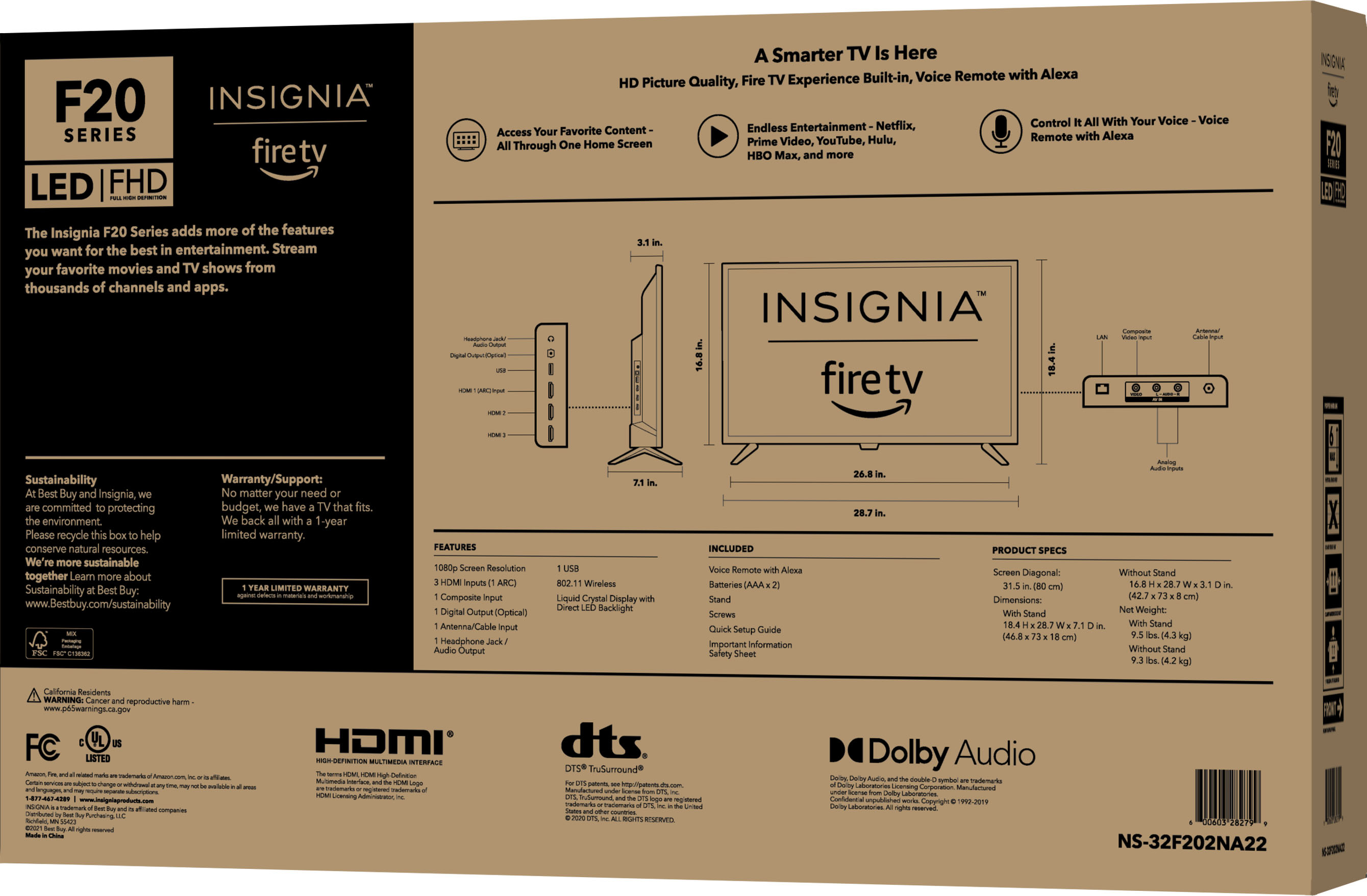
You can hook up a Cable Box into one of the HDMI inputs on the TV.
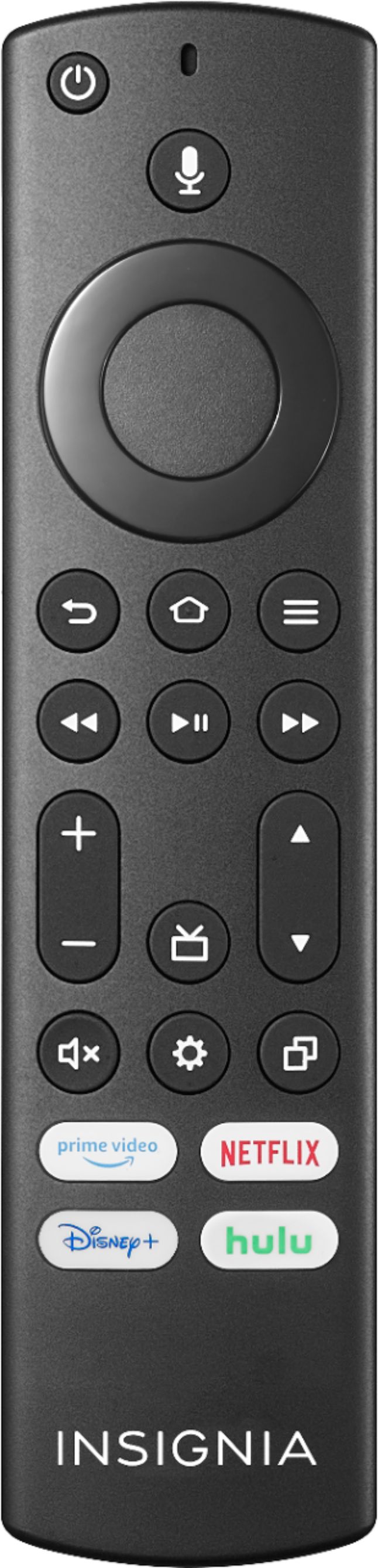
A:AnswerThere is no input button so you have to go into the settings side bar and do it or you can use the voice control button on the remote and say what input you want to use.
A:AnswerI placed an object in front of the red light and the tv did not respond to the remote; however I placed my finger over the red light and the remote worked. Therefore, my best “assumption” would be that you could cover the red light with non-transparent/colored tape (like covering the camera on a laptop) and the tv would work. Not to be a buzzkill, but having the red light on indicates the tv is plugged in (one thing to eliminate when having problems). Also, in the dark it is a target to aim for if you want to watch tv but not turn on any lights.Ultimately I don’t know if, or how, the light can be turned off (maybe an electrician or tv aficionado could answer your question)