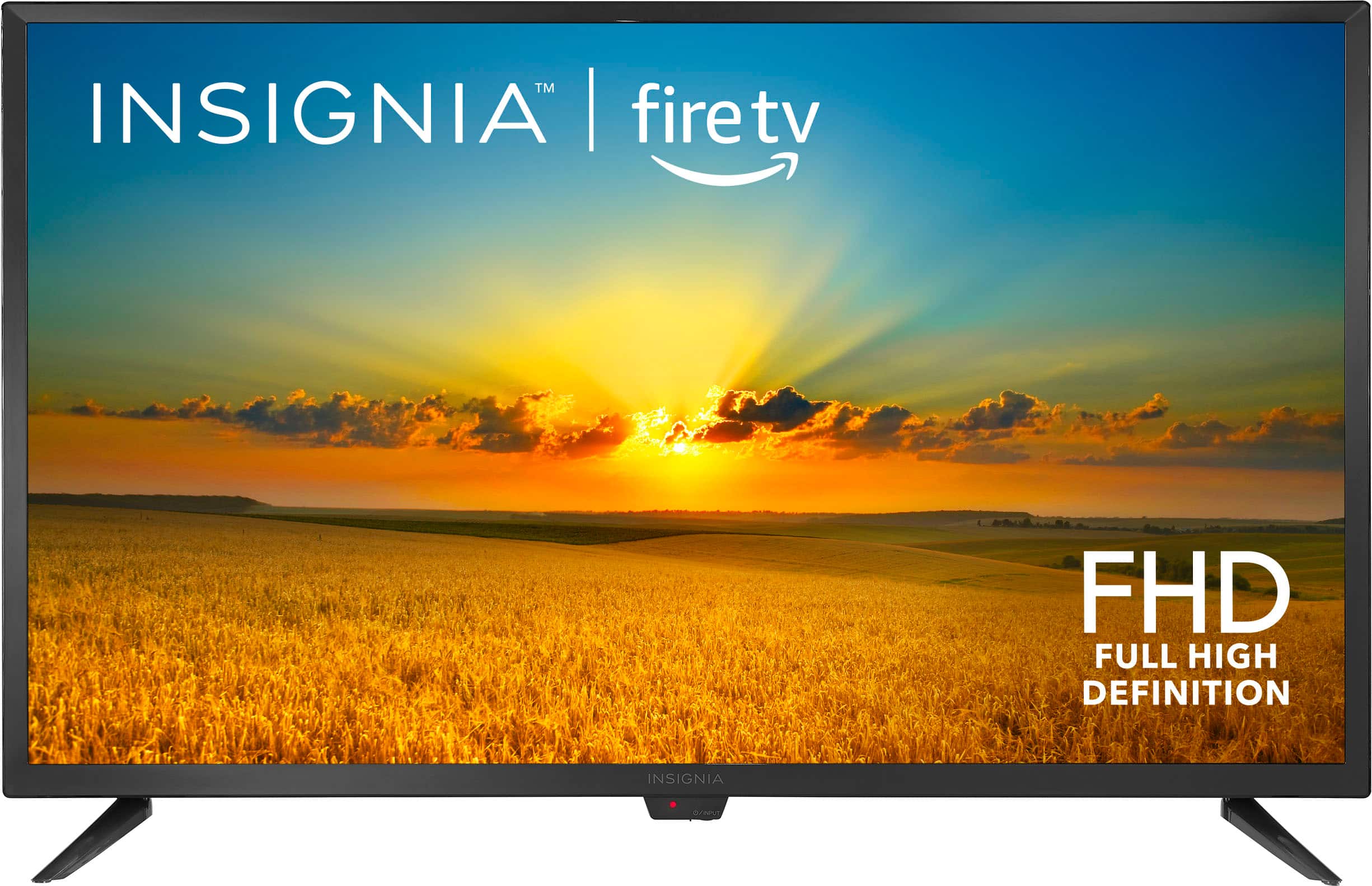
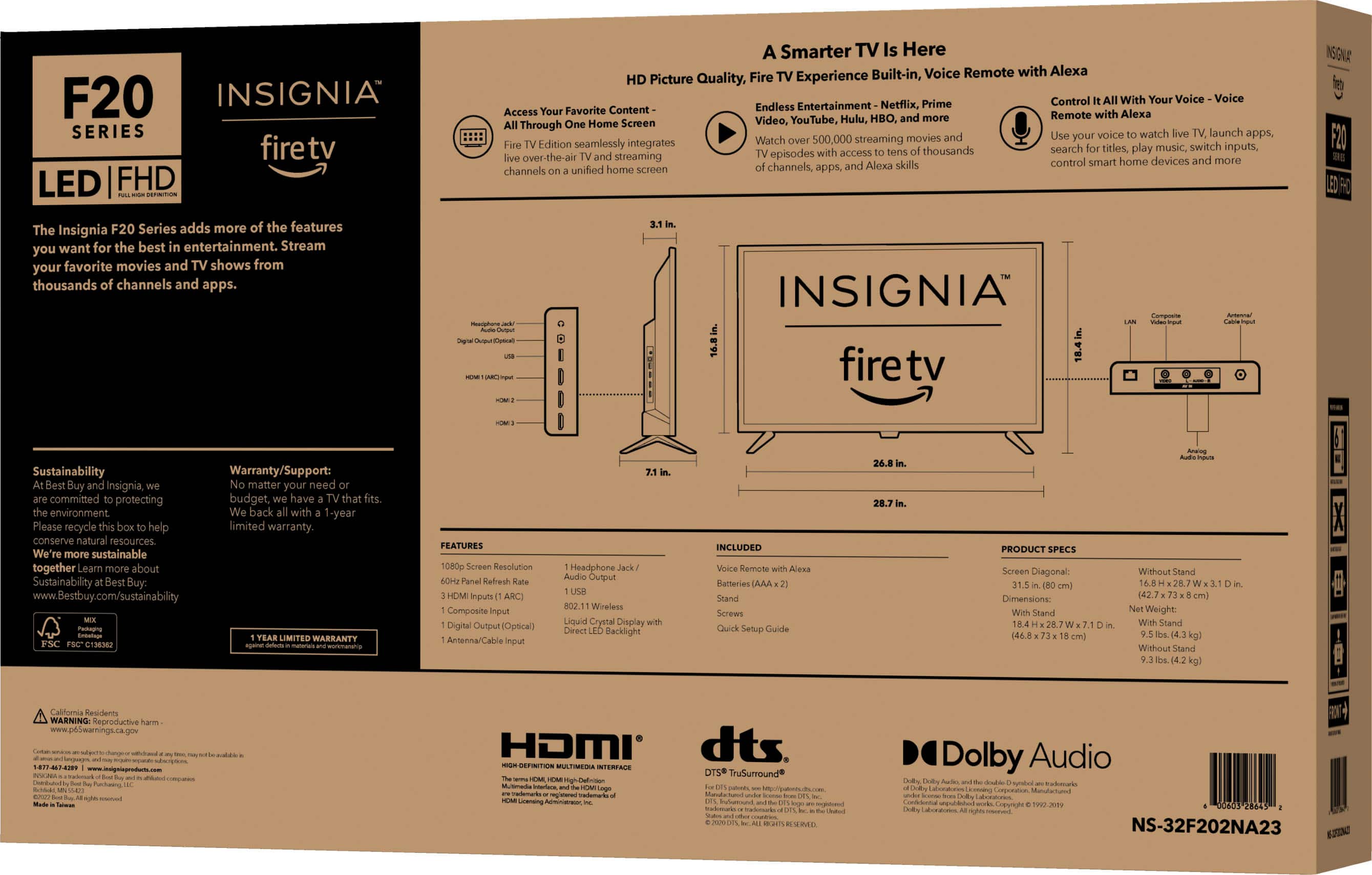
A:AnswerYes. The TV only weighs about 9 pounds so a base stand that will allow the “feet” of the unit to sit level should be fine. It’s also so light that it’s easy to hang on a wall.
A:AnswerThis Insignia TV has Vivid Mode. Which you can either turn on or off. This is used, based on whether or not your TV is located inside a dark room or a lighted room. There is no adjustment, just on or off. Every TV Brand has their specific name for a feature, that is the same feature on another TV Brand. Some TV do not have certain features at all.
A:AnswerHi there,
Please follow these basic troubleshoooting steps:Once you register your Amazon Fire TV and connect it to the internet, add the DIRECTV App.
ADDING THE APP IS SIMPLE
1.Please search for DIRECTV STREAM in the Amazon App Store.
2.Please select Get to install the DIRECTV App.
3.Please select Open to start the app.
Please make sure you have your DIRECTV STREAM credentials ready so you can sign in.
Renee,
Insignia Support
A:AnswerYou can disable Alexa only in an Echo or Echo Dot device (that's not Firestick). There are no settings or ways to disable Alexa on an Amazon Firestick.
A:AnswerHi there!
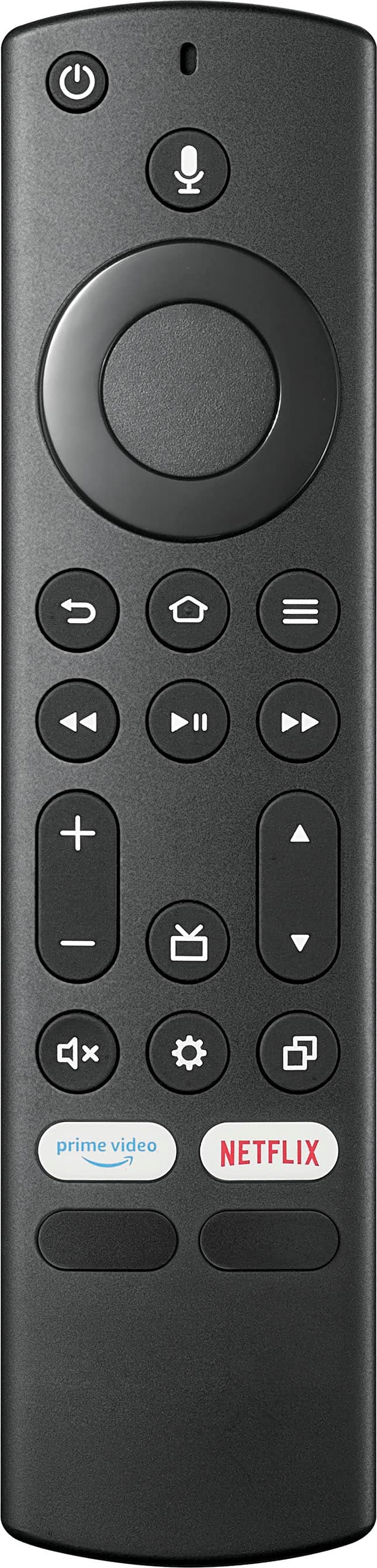
This Fire TV doesn't have a volume lock feature, you will have to manually adjust the volume by using the remote.
Insignia Support
Angela