A:AnswerHi there,
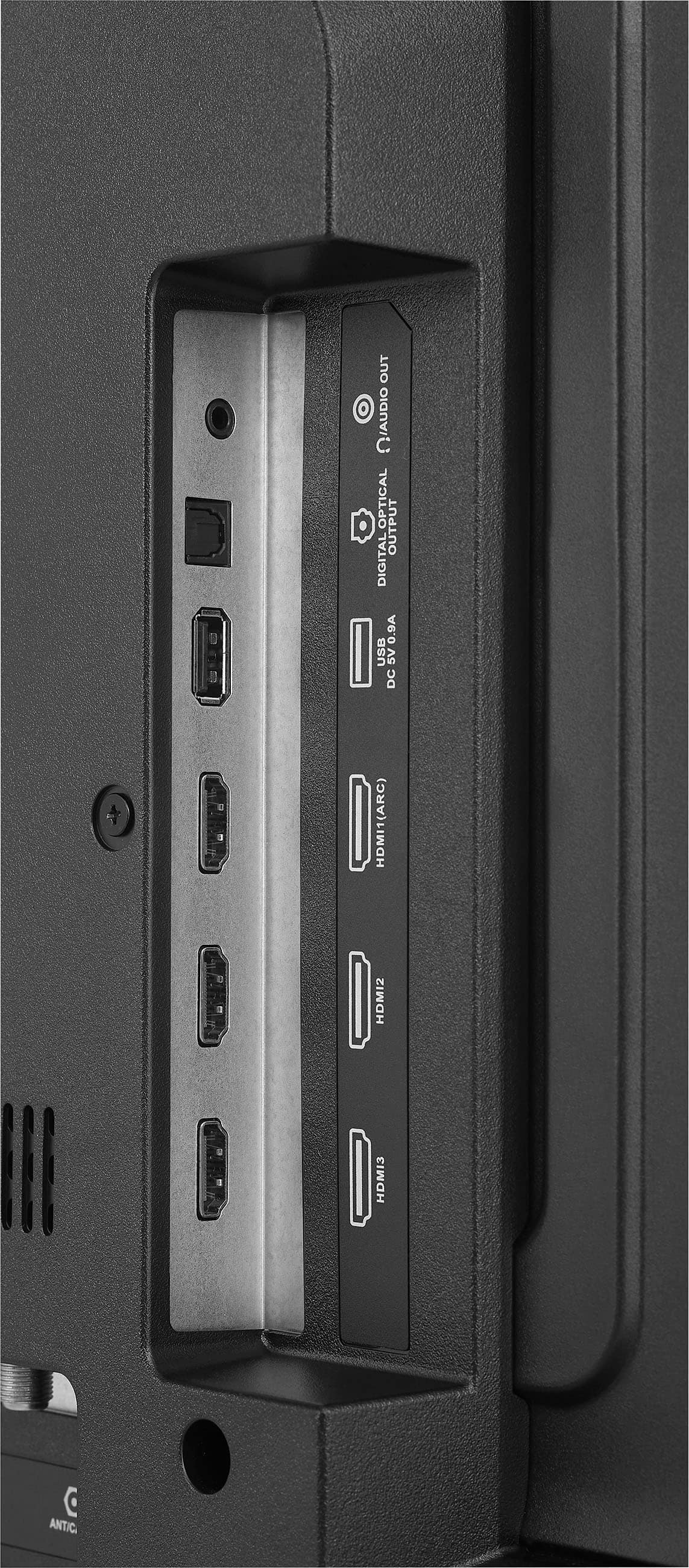
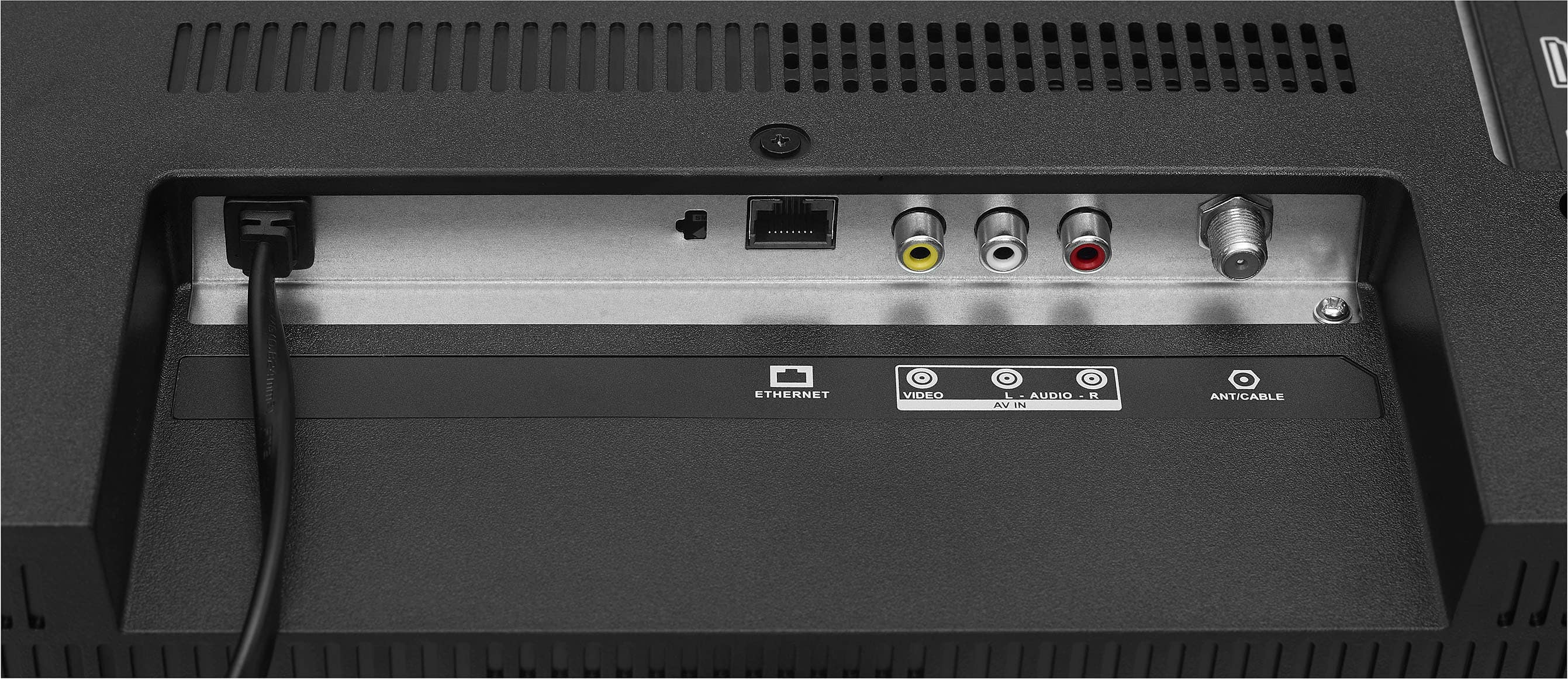
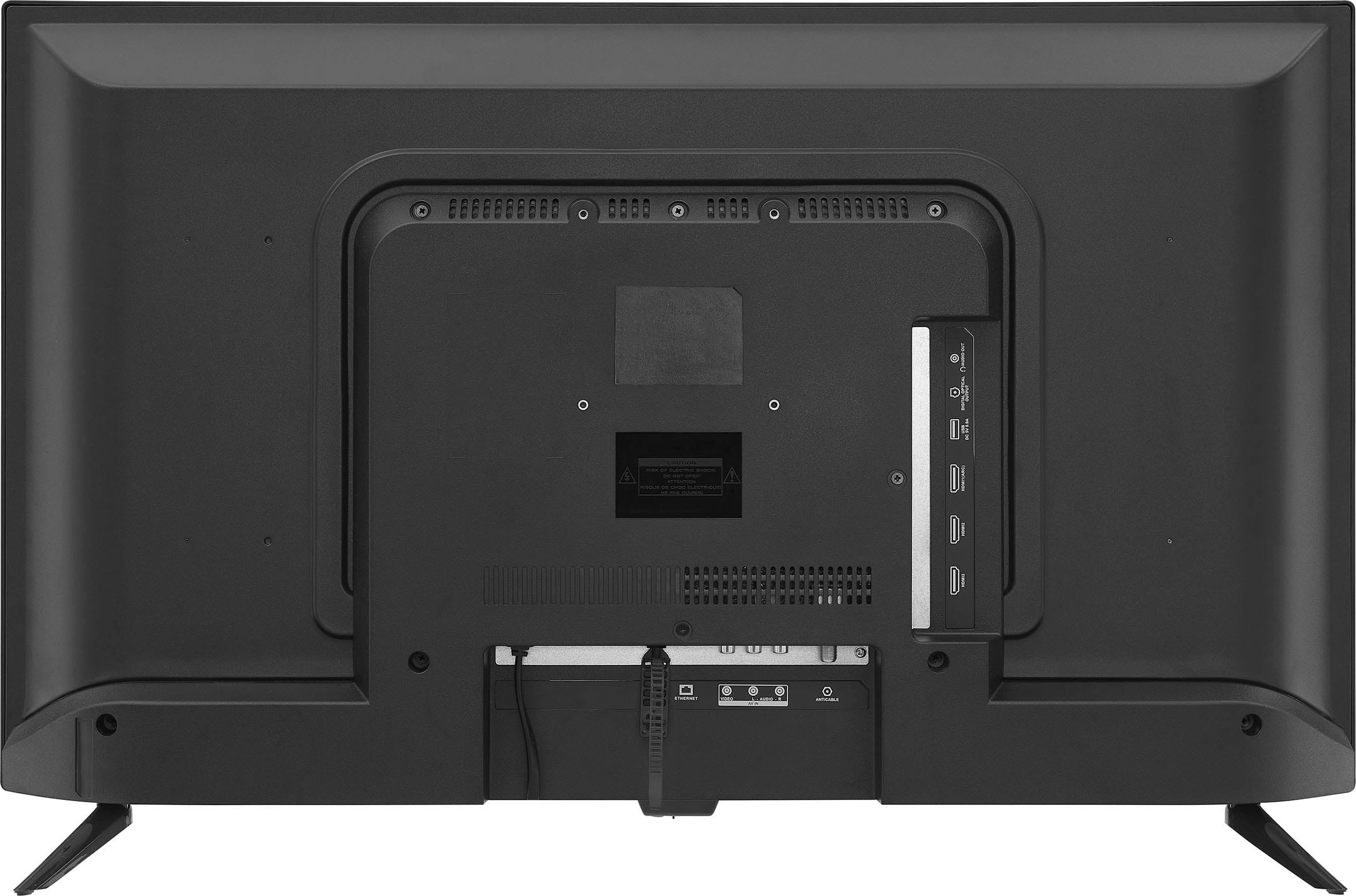
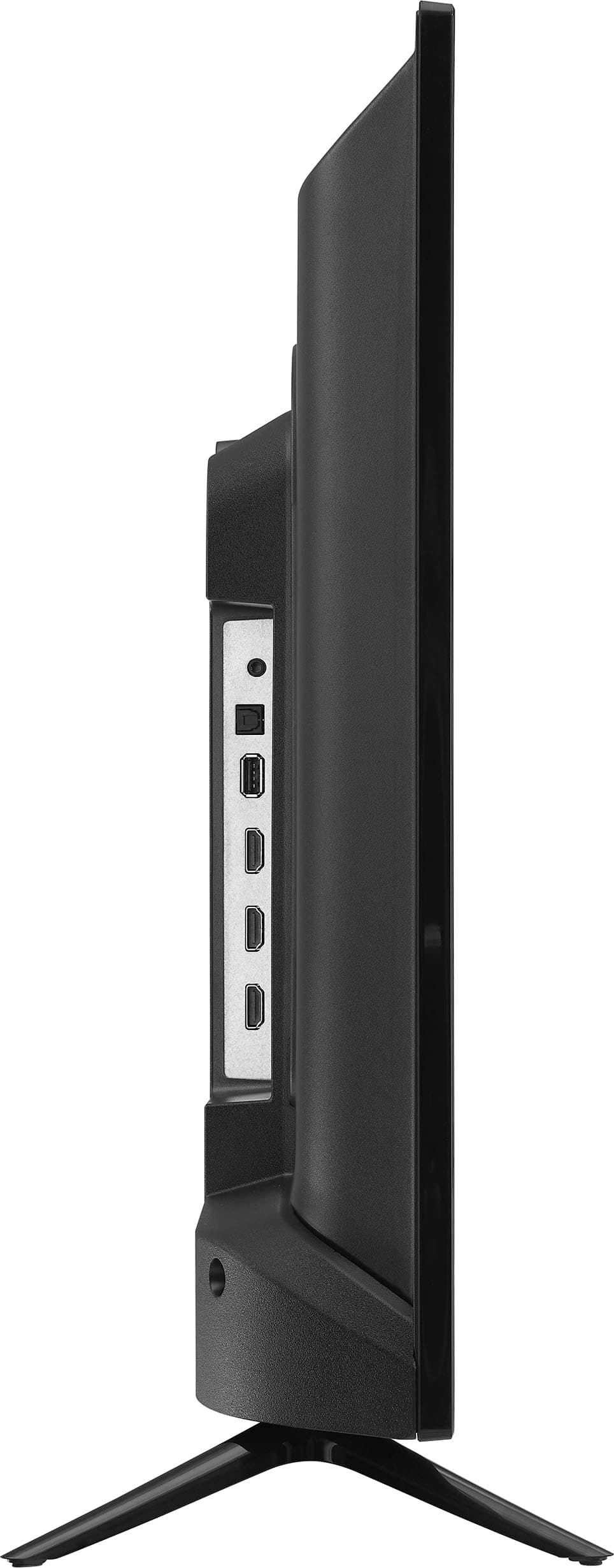
In order for you to download and access ROKU apps on this TV, you must connect a ROKU device or a ROKU stick to the HDMI port.
Shai | Insignia Support
https://www.bestbuy.com/insignia
A:AnswerIt may be totally unrelated, but I had some trouble getting sound on new tv with my directv. I had to unplug, then replug the hdmi, and that worked! Good luck!
A:AnswerHello Nicky,
This Insignia Smart Fire TV has a sleep timer feature. You can set up the timer in minutes and it will turn off automatically. For more questions and product support you may contact our customer service at 1 (877) 467-4289 Daily 8am - 9pm CT.
Chelsea
Insignia Support
http://www.insigniaproducts.com/
A:AnswerNo. And the Spectrum App was the reason why I bought this TV. It’s not available in the Apps section. Neither is Airplay. BestBuy has this same device on Amazon, for the same price, etc but I’m so disappointed that it doesn’t have the Spectrum App.
A:AnswerI went thru the settings 3 times and there is no box with "My fire TV". I have a Fire TV Cube on another TV and that setting shows. It will also show on the Fire Sticks, but it is not in this TV.
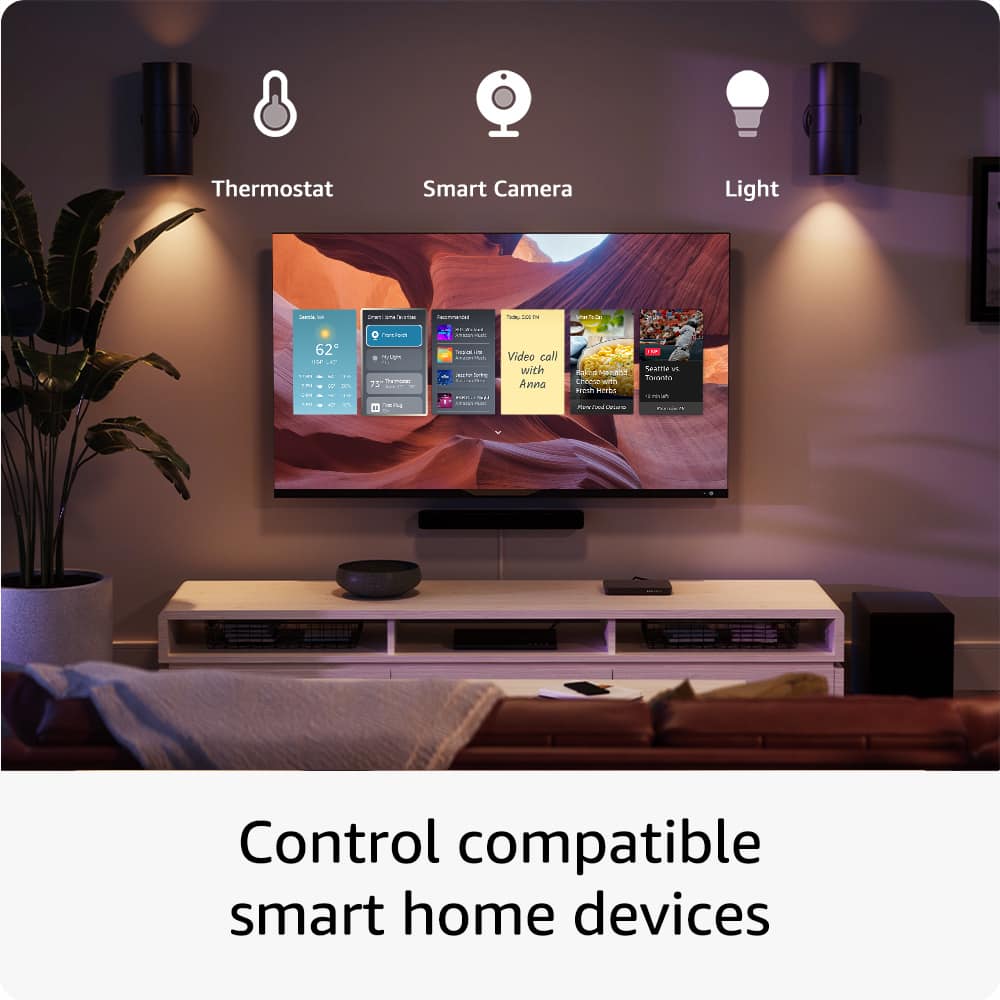
A:AnswerYes, I actually have my Amazon echo connected to mine to run voice control. It works great. I got the 32” for my son so he can use a little echo dot on his.
A:AnswerBest Buy has broken their site and it is a huge pile of bunk these days.
2 different laptops I’ve purchased, 100% verifiable purchases, do not give me the option to review them at all. Not even a link to start a review and it honestly seems shady.
A:AnswerI had the same problem, and bought a new antenna, with no difference. Reboot your TV (manually with the power or via the remote). Then you can rescan, but I chose advanced at some point to get to picking both digital and analog. I went from 0 channels to 158! Note: I'll have to delete some of the weaker channels, but it worked! Make sure your software is up to date on the TV too. Rebooting has solved many problems for me including this one.
A:AnswerHello 1975,
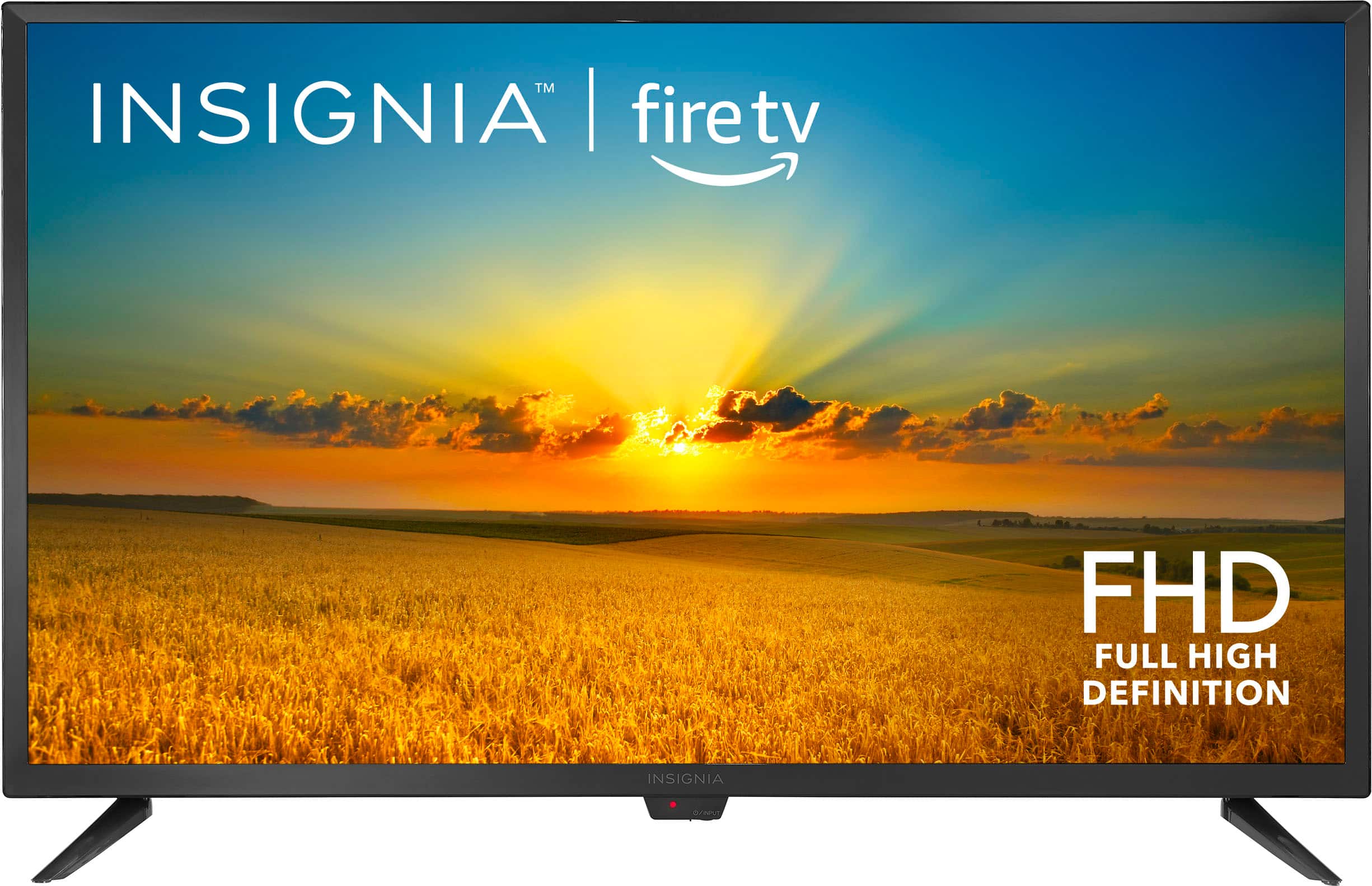
Thank you for your question about the Insignia™ 32" Class F20 Series LED Full HD Smart Fire TV. We're here to help you get connected to your WiFi!
To reset your TV's WiFi connection, follow these steps:
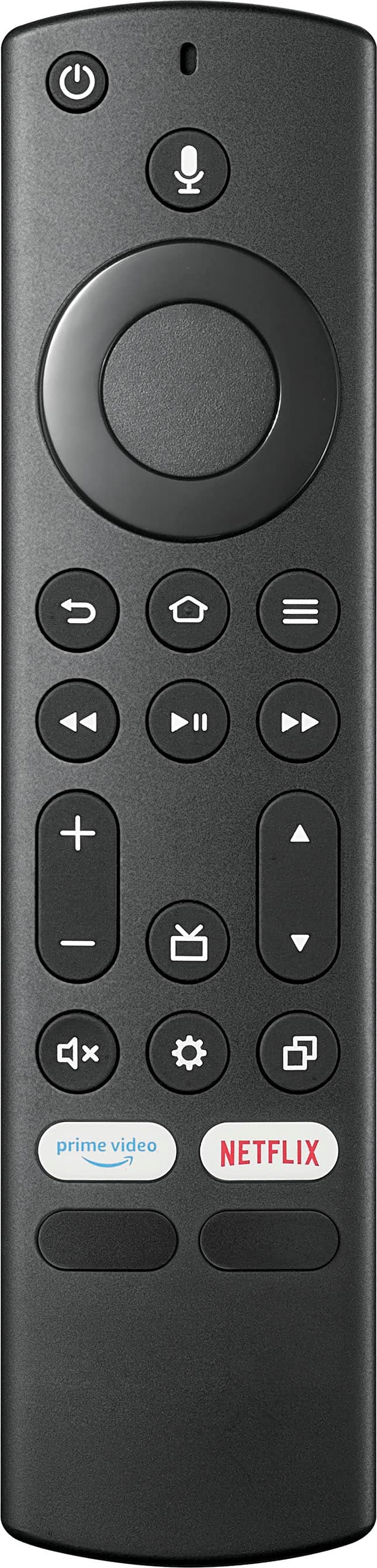
1. Press the Home button on your remote to open the main menu.
2. Navigate to Settings and select it.
3. Go to Network and choose WiFi.
4. Select your WiFi network from the list and enter your password if prompted.
If you're still having trouble, you can try performing a factory reset:
1. Press the Home button on your remote.
2. Navigate to Settings and select it.
3. Go to Device & Software.
4. Select Reset to Factory Defaults and confirm the reset.
This should help you reconnect to your WiFi. If you need further assistance, feel free to reach out. We're here to support you! - Emman | Insignia Products